Design Studio: DIY Craft Space
Applux Private Limited
4.3 ★
473 ratings
100,000+
downloads
Free
+ in-app
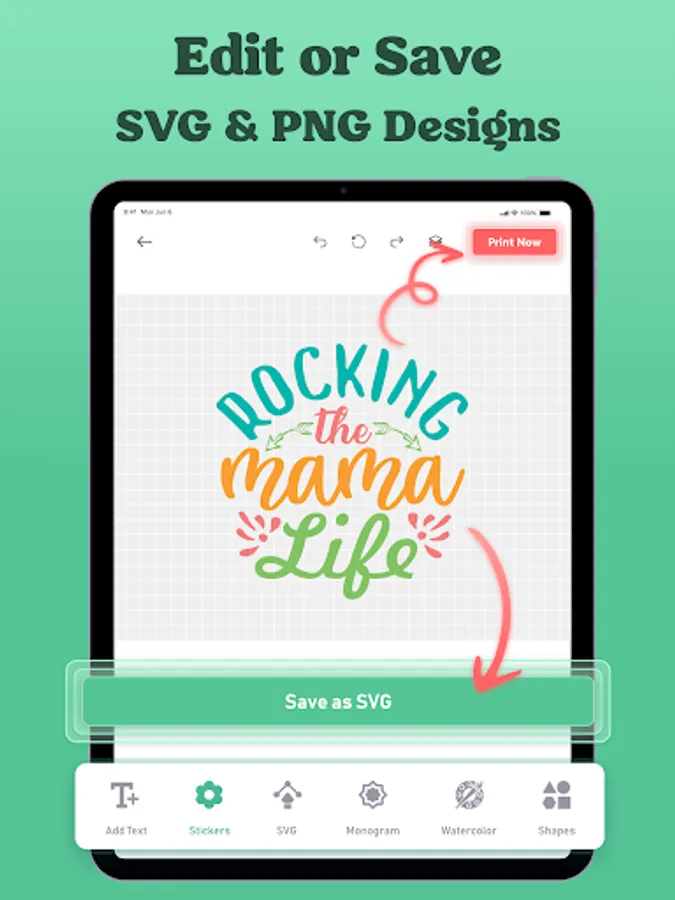
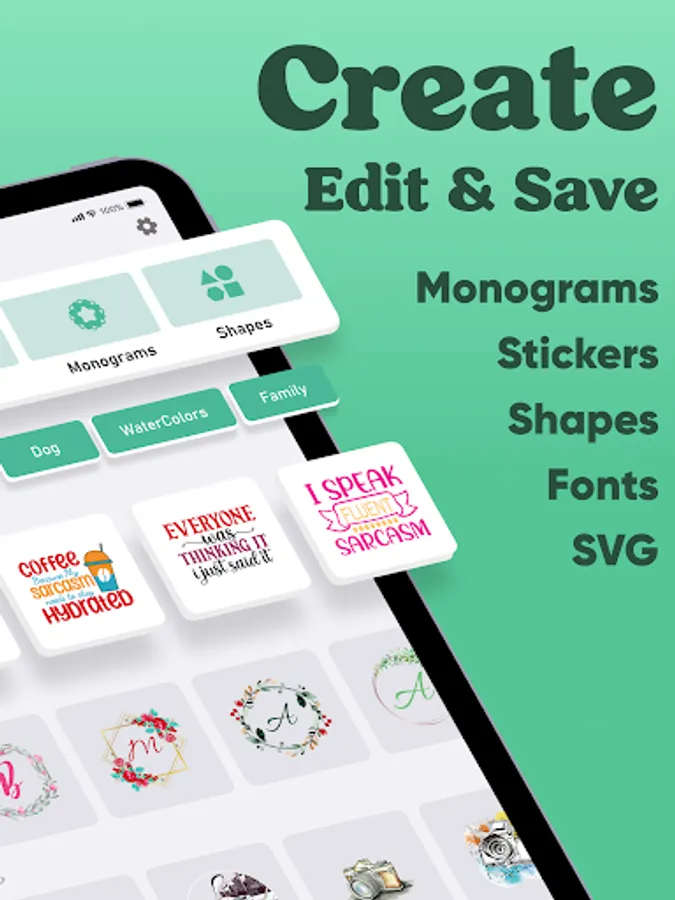
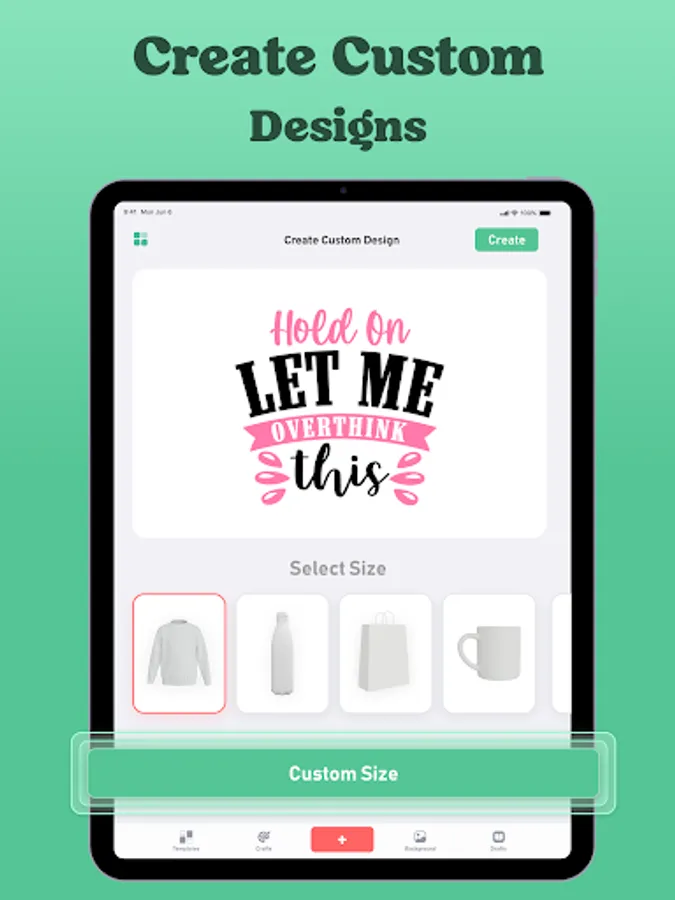
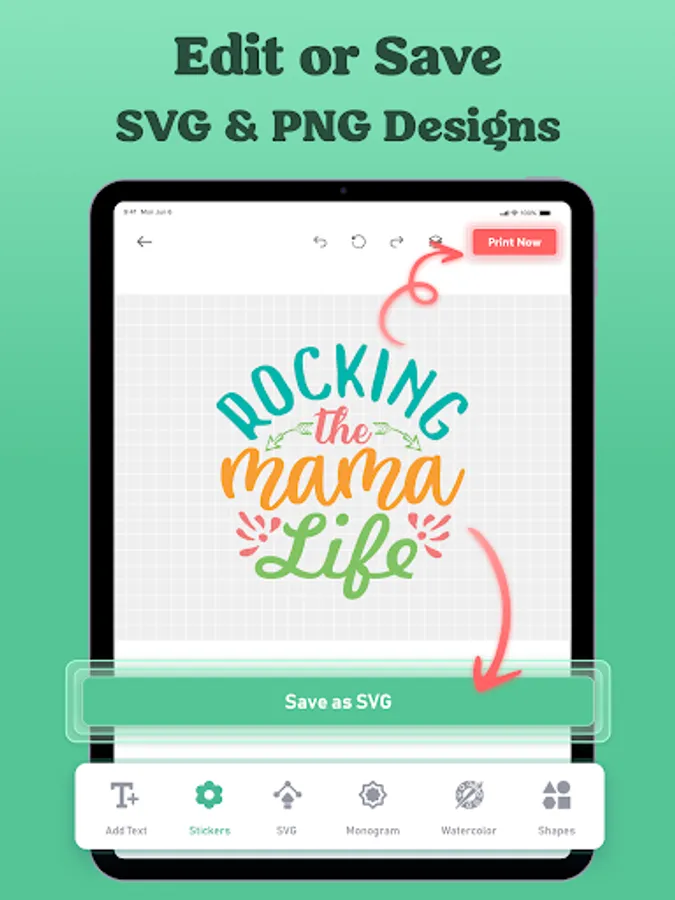
In this design app, you can create and customize craft projects using various shapes, SVGs, and fonts. Includes options for editing, resizing, and applying designs to different materials.
AppRecs review analysis
AppRecs rating 4.4. Trustworthiness 78 out of 100. Review manipulation risk 25 out of 100. Based on a review sample analyzed.
★★★★☆
4.4
AppRecs Rating
Ratings breakdown
5 star
68%
4 star
13%
3 star
12%
2 star
3%
1 star
5%
What to know
✓
Low review manipulation risk
25% review manipulation risk
✓
Credible reviews
78% trustworthiness score from analyzed reviews
✓
High user satisfaction
81% of sampled ratings are 4+ stars (4.3★ average)
About Design Studio: DIY Craft Space
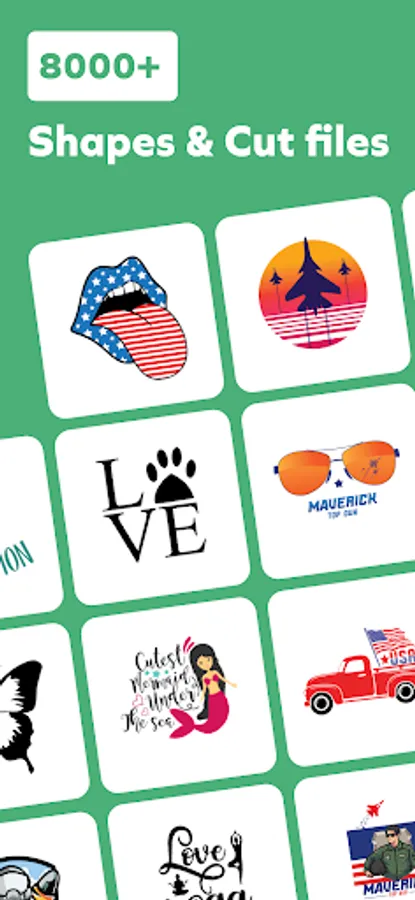
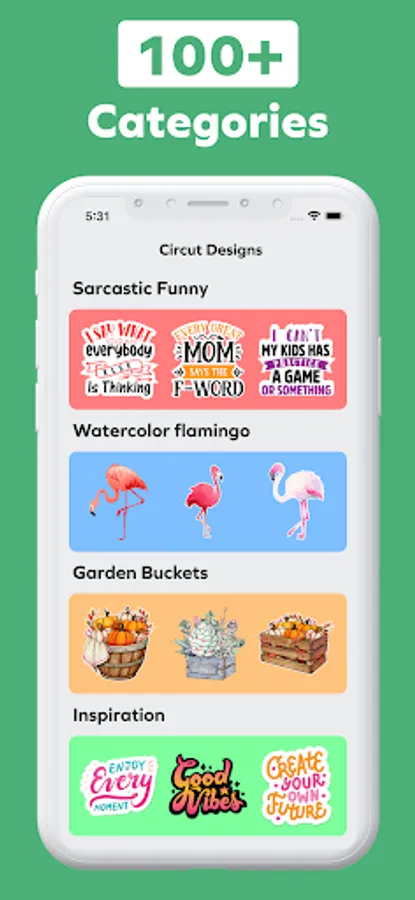
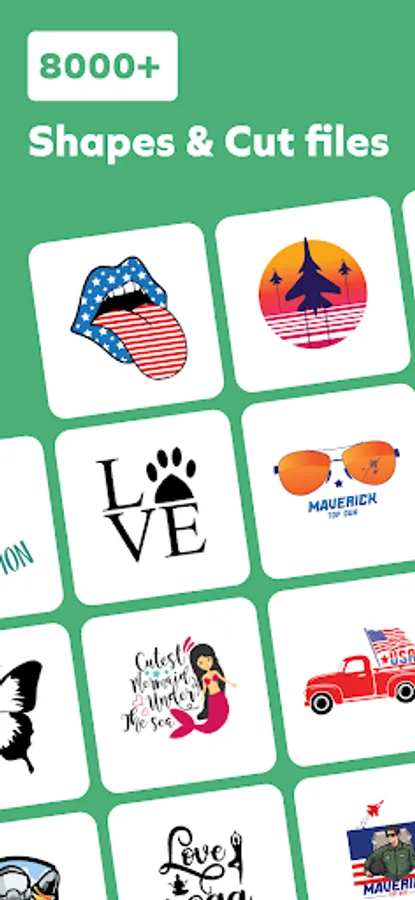
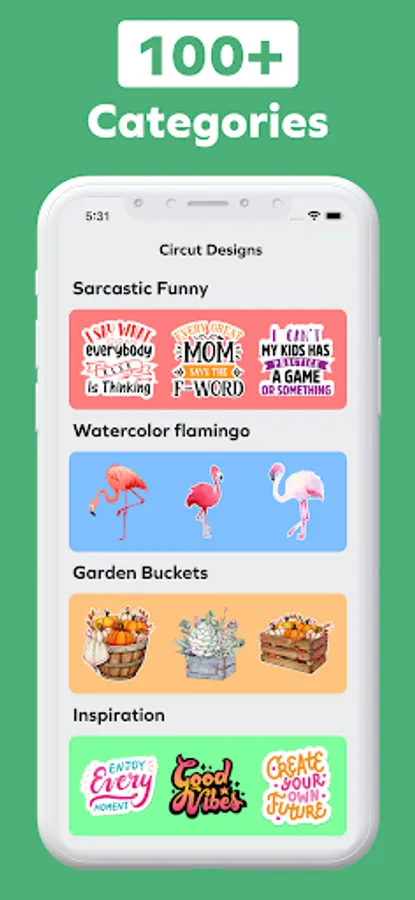
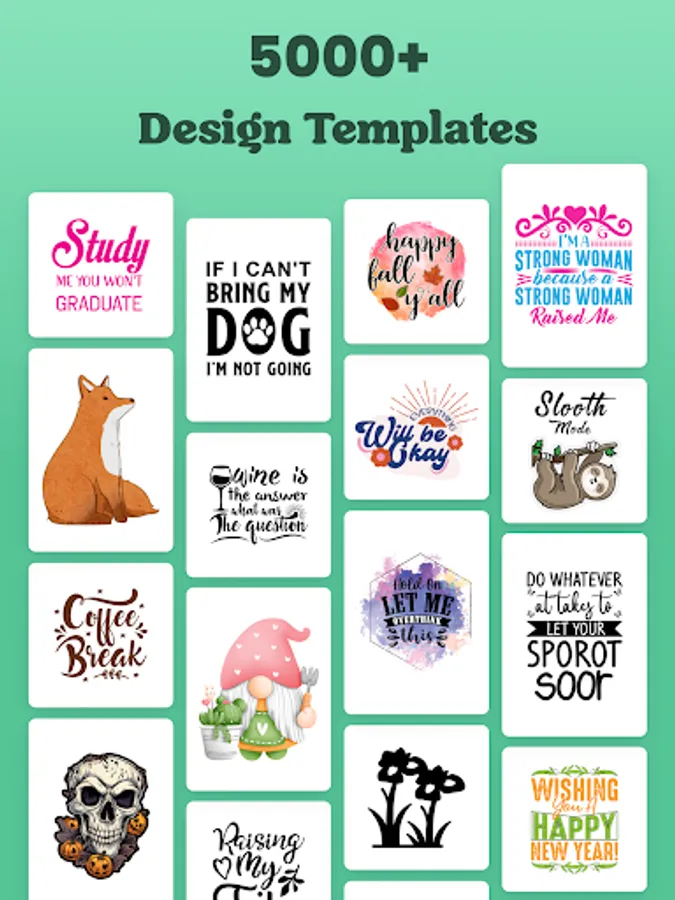
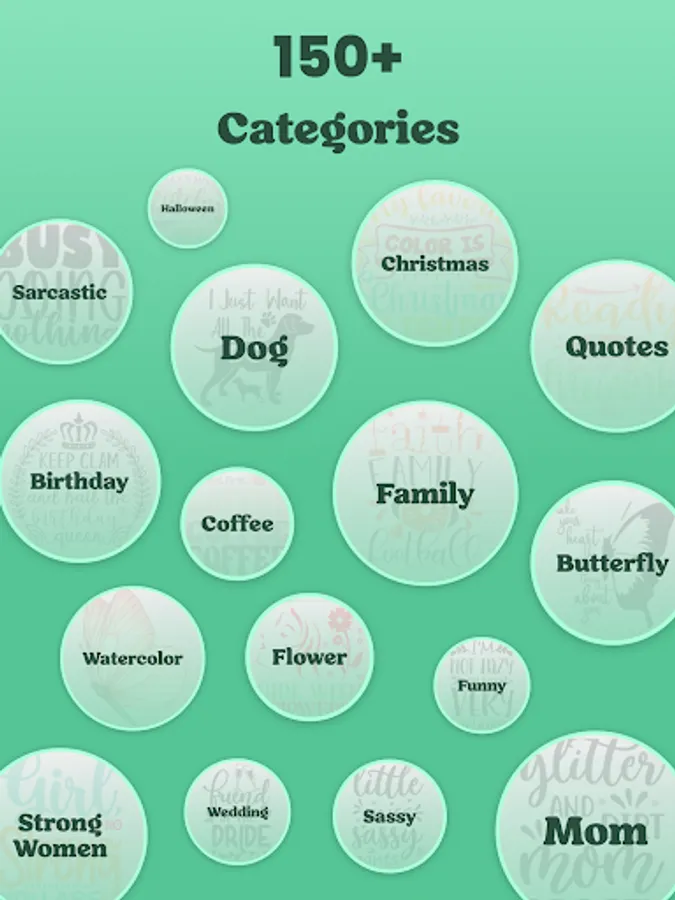
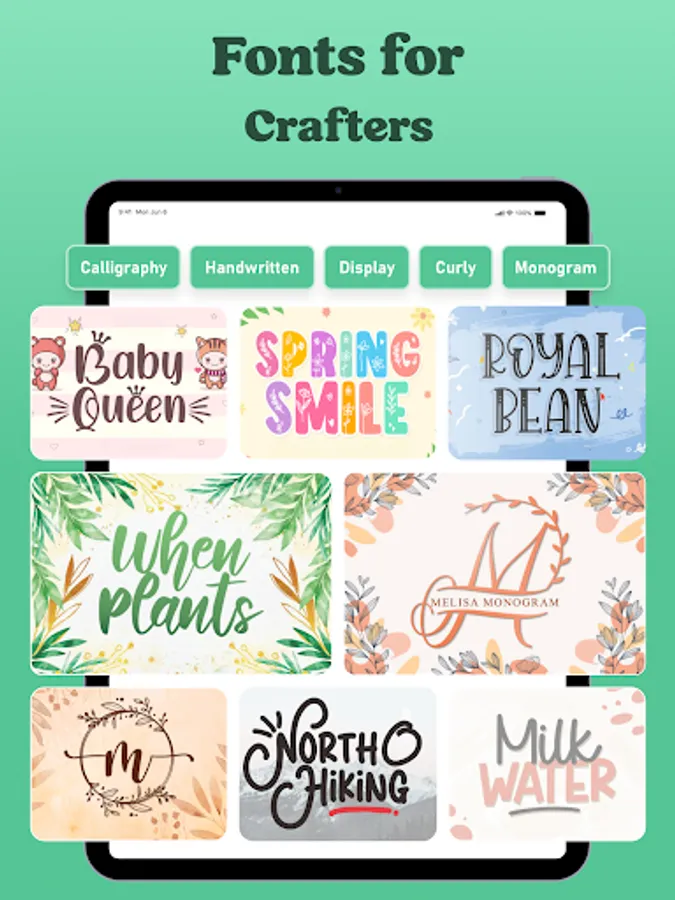
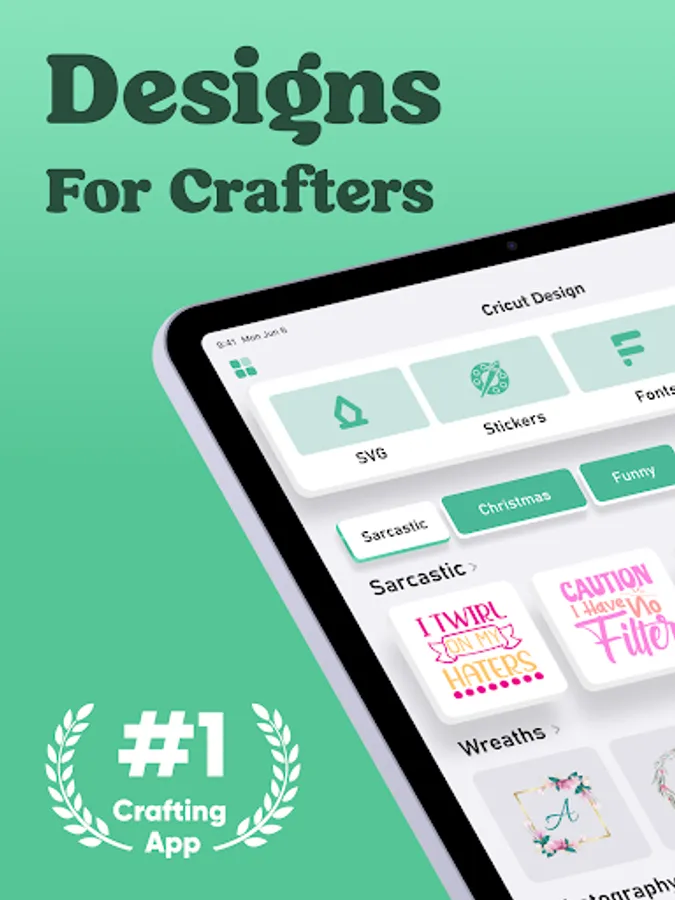
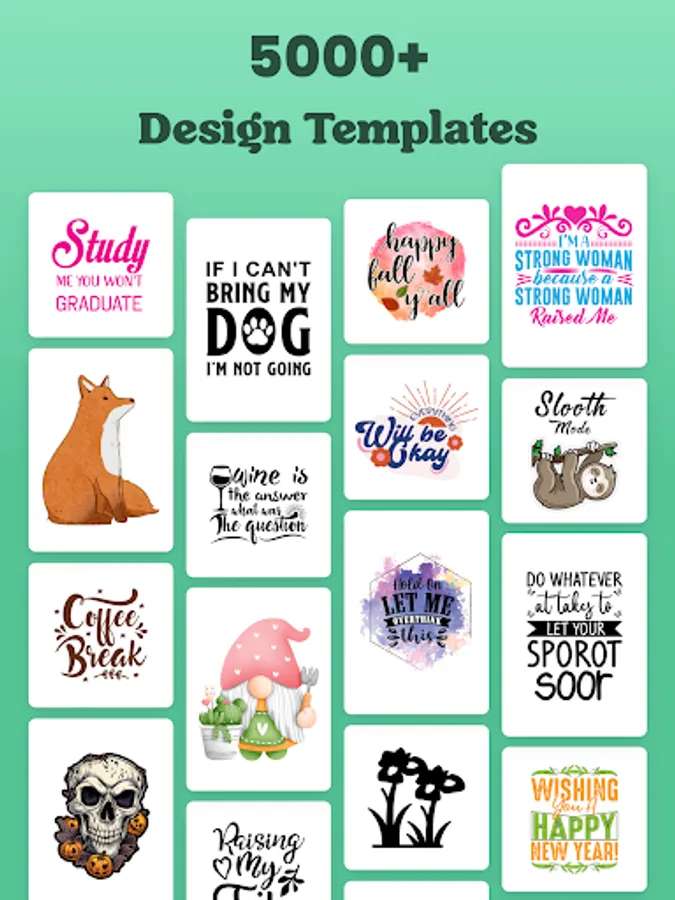
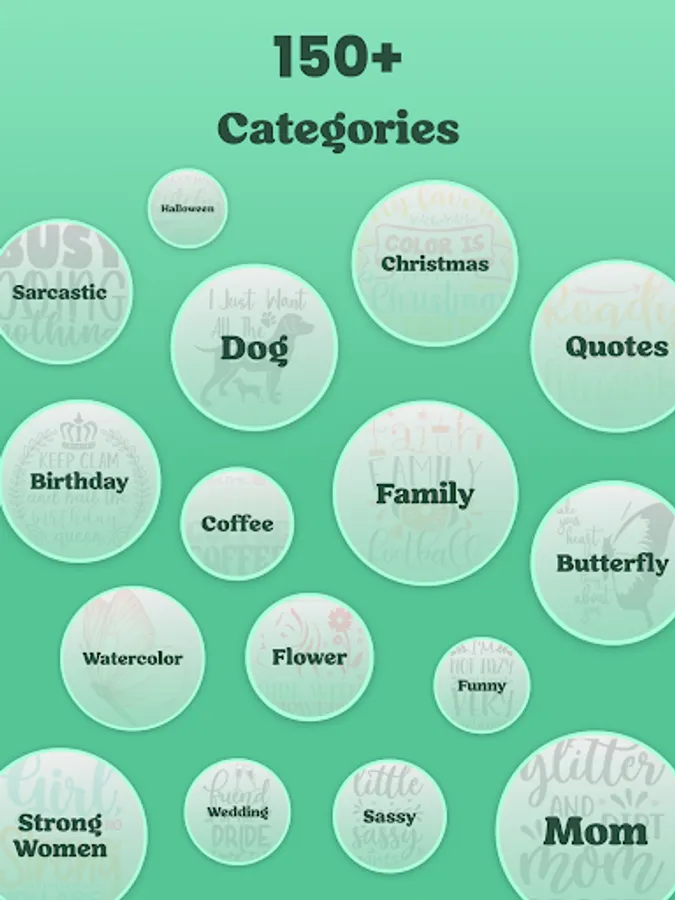
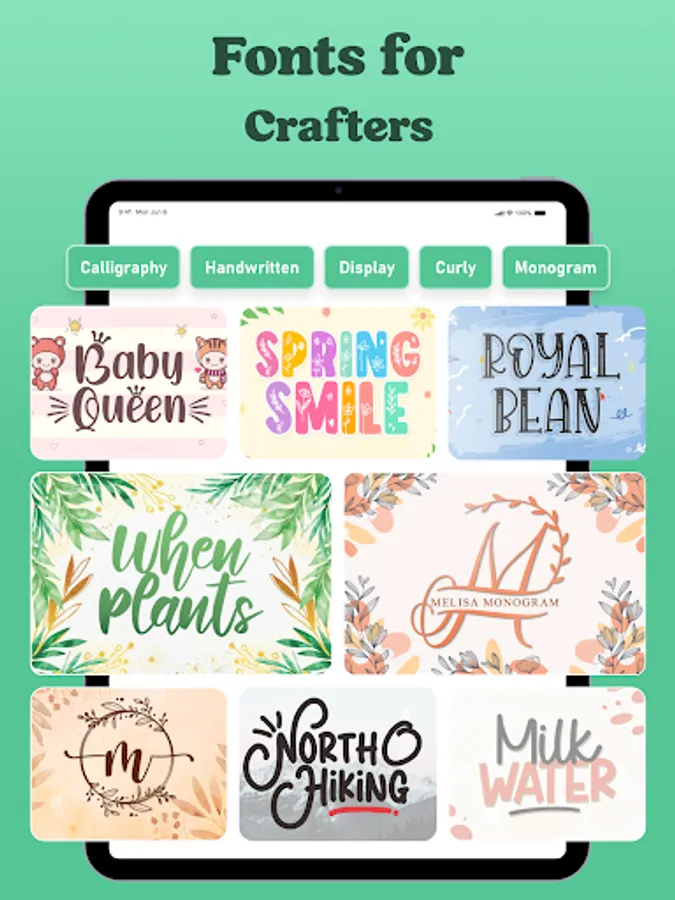
Make something great with designs for Craft space. A well-crafted shapes, SVGs, Cut files, Fonts, Sublimations, Shapes, Backgrounds, Labels, monograms, Stickers, Watercolor Designs and Logos for your unique design artworks as well as T-shirt Designer.
Designs for Craft space can be used as elements for decorations, advertisements, and flyers. Wedding events, birthday greetings, postcards, or party invitations can be adorned and made more impressive. Designs can be simply uploaded to Craft space to Craft Design and cut or printed using Craft space machines.
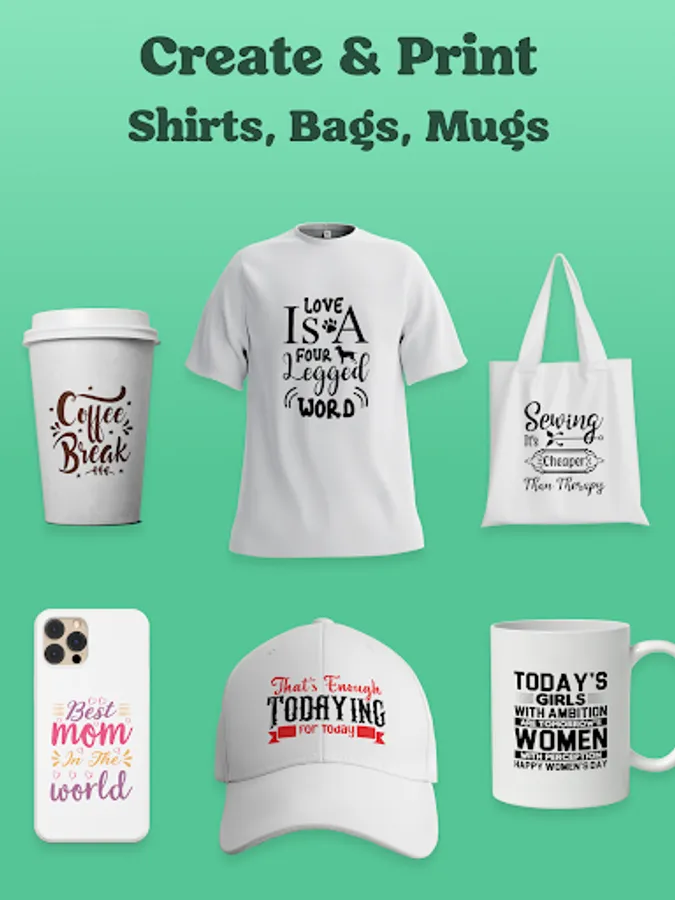
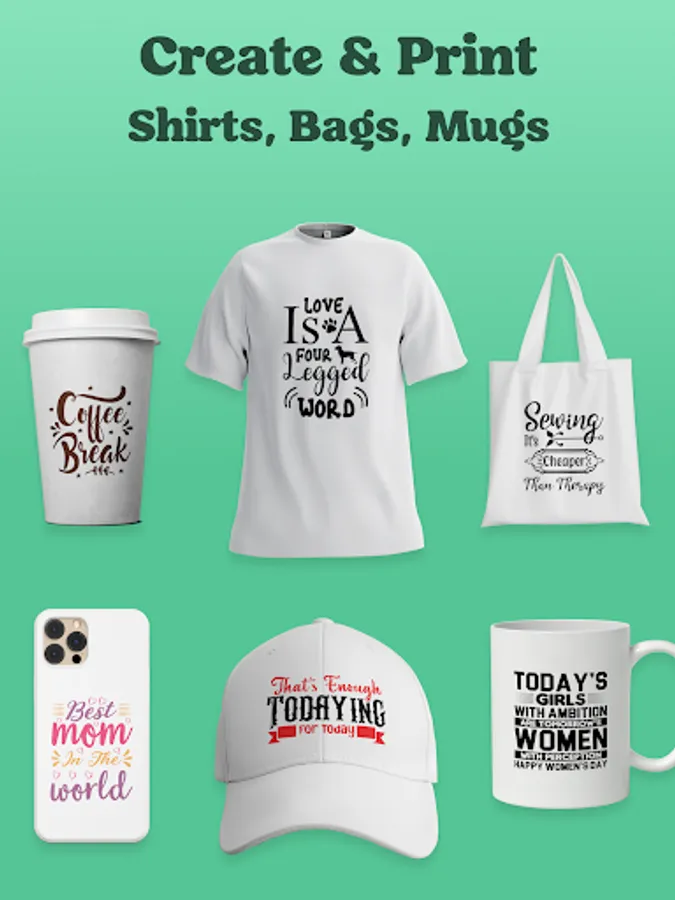
SVGs, Cut files, Fonts, Sublimations, Shapes, Backgrounds, Labels, monograms, Stickers, Watercolor Designs and Logos are for everyone. They could be great assistants for adding your own touch to T-Shirts, cups, and many other things. Adding the design for printing on the sticker or cutting a shape for some decoration is simple by using the Craft space app and plotter machines.
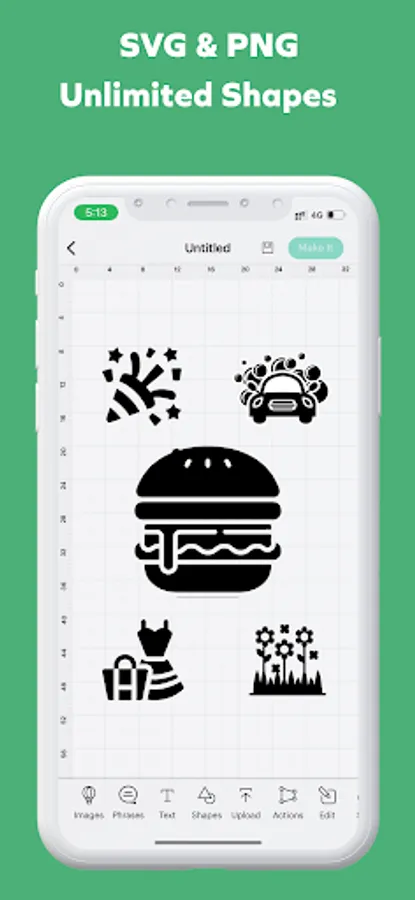
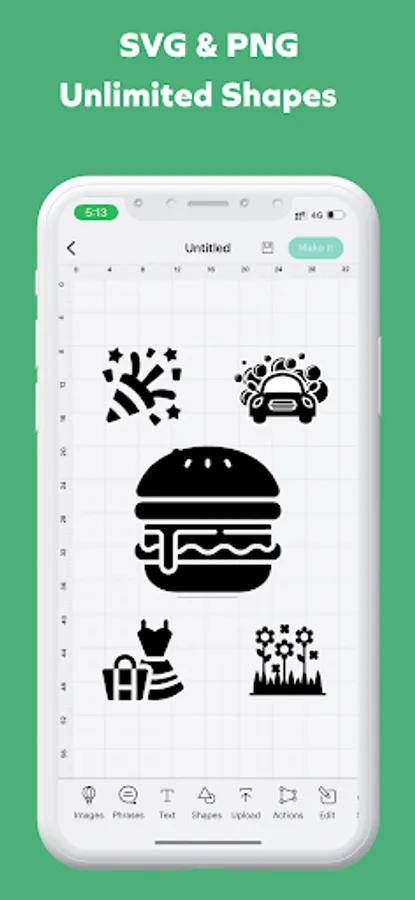
Vectors of SVGs, Cut files, Fonts, Sublimations, Shapes, Backgrounds, Labels, monograms, Stickers, Watercolor Designs and Logos format can be resized easily without losing the quality. Use the shape on your social media pictures, banners, and covers. Use them for Sublimation Designer, T-Shirt Designer on business cards, envelopes, letters, emails, flyers, or even on huge screens and billboards.
The one-time purchase gives the opportunity to use hundreds of shapes without limitations and without additional fees. All future updates will be free.
Key features of the designs:
- Designs can be used as final images for fast cutting or printing.
- SVG images can be used as a part of some bigger projects.
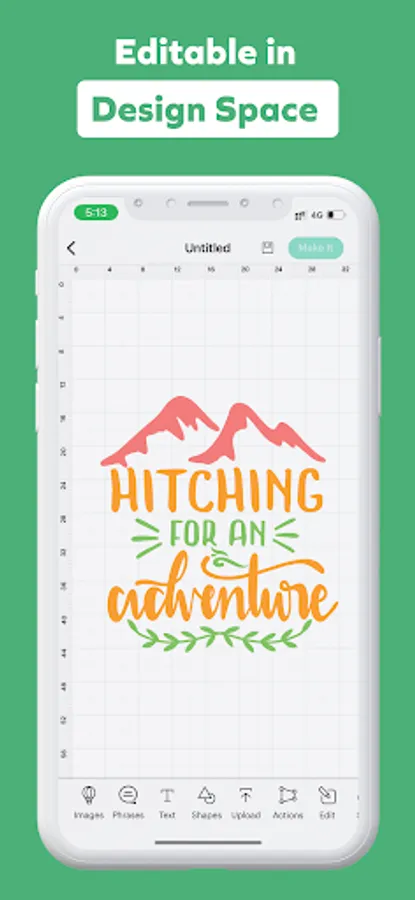
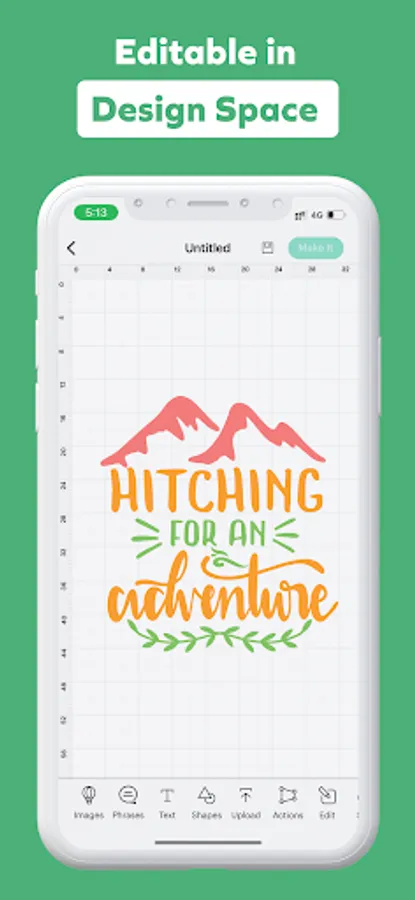
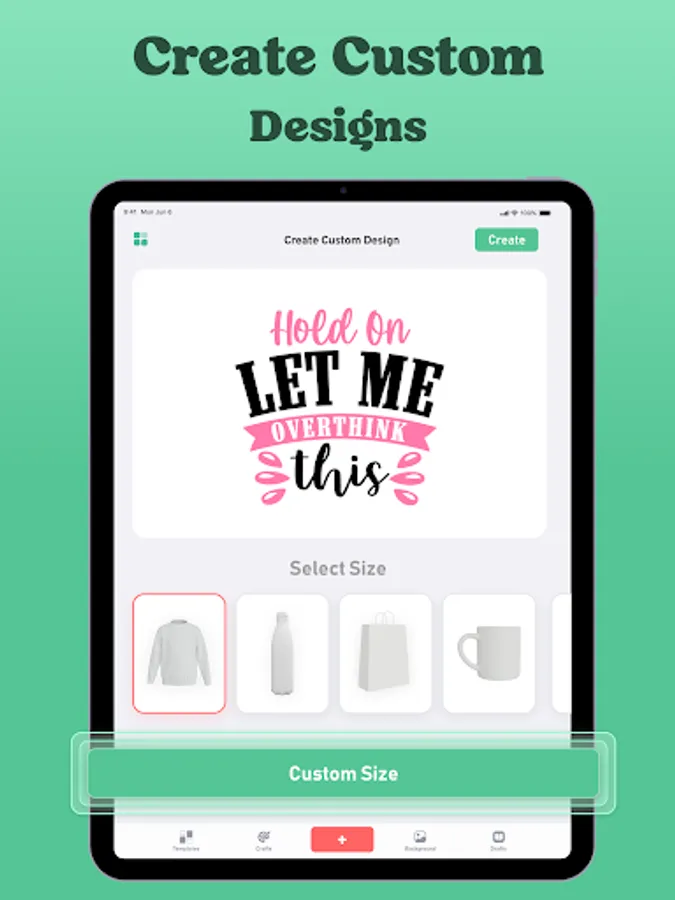
- Shape image size, rotation, and color can be edited easily.
The Craft space Craft Design app is necessary for using shape designs.
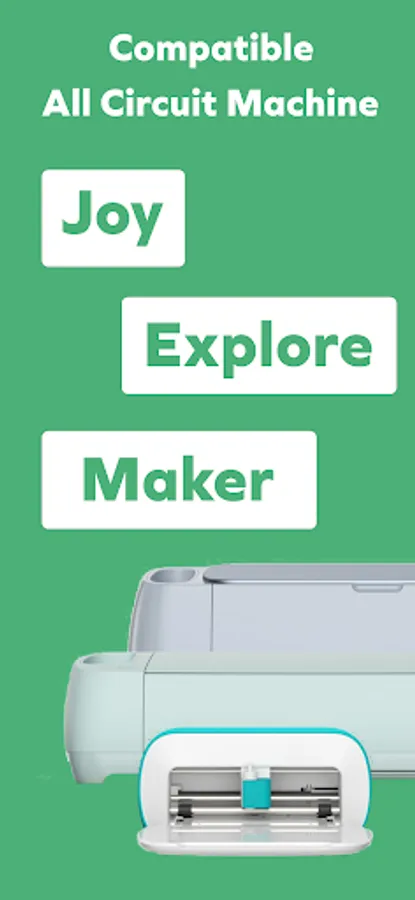
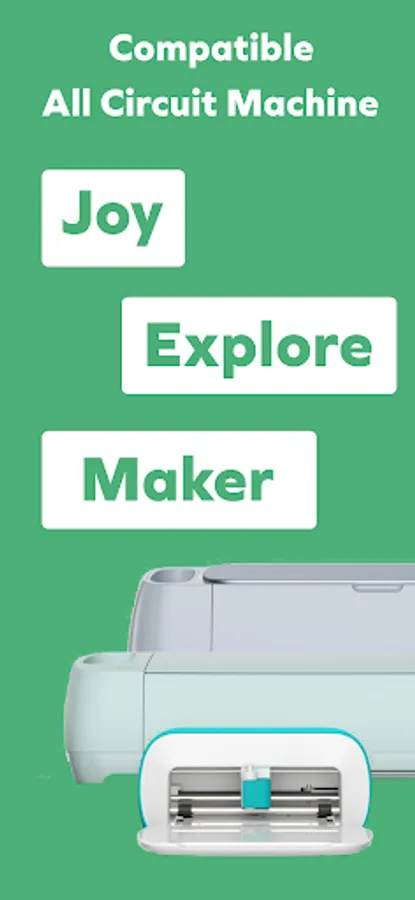
Craft space Craft Design is a creative small cutting and writing device that makes it simple to organize, personalize, and customize your daily life. precisely cuts typical materials. The perfect material for crafting cards, vinyl decals, iron-on transfers, and more. Also cuts construction paper and other materials you already have.
EVERY Design is available that works with Craft space craft space! Attention all people who enjoy crafting: this should be your go-to app! Obtain it right away.
Designs for Craft space can be used as elements for decorations, advertisements, and flyers. Wedding events, birthday greetings, postcards, or party invitations can be adorned and made more impressive. Designs can be simply uploaded to Craft space to Craft Design and cut or printed using Craft space machines.
SVGs, Cut files, Fonts, Sublimations, Shapes, Backgrounds, Labels, monograms, Stickers, Watercolor Designs and Logos are for everyone. They could be great assistants for adding your own touch to T-Shirts, cups, and many other things. Adding the design for printing on the sticker or cutting a shape for some decoration is simple by using the Craft space app and plotter machines.
Vectors of SVGs, Cut files, Fonts, Sublimations, Shapes, Backgrounds, Labels, monograms, Stickers, Watercolor Designs and Logos format can be resized easily without losing the quality. Use the shape on your social media pictures, banners, and covers. Use them for Sublimation Designer, T-Shirt Designer on business cards, envelopes, letters, emails, flyers, or even on huge screens and billboards.
The one-time purchase gives the opportunity to use hundreds of shapes without limitations and without additional fees. All future updates will be free.
Key features of the designs:
- Designs can be used as final images for fast cutting or printing.
- SVG images can be used as a part of some bigger projects.
- Shape image size, rotation, and color can be edited easily.
The Craft space Craft Design app is necessary for using shape designs.
Craft space Craft Design is a creative small cutting and writing device that makes it simple to organize, personalize, and customize your daily life. precisely cuts typical materials. The perfect material for crafting cards, vinyl decals, iron-on transfers, and more. Also cuts construction paper and other materials you already have.
EVERY Design is available that works with Craft space craft space! Attention all people who enjoy crafting: this should be your go-to app! Obtain it right away.
Design Studio: DIY Craft Space Screenshots
Tap to Rate:
Reviews for Design Studio: DIY Craft Space
Chhaya Gavali
12/10/2025
this app is poor 💩💩
ADRIENNE SMITH
11/21/2025
Having a terrible time with this app, I tried to subscribe to Free 3 Day Trial, it charged me for a full year anyways, now it isn't even giving me access to Pro! Fix it.