Norton Password Manager
NortonMobile
4.4 ★
89K ratings
1,000,000+
downloads
Free
AppRecs review analysis
AppRecs rating 4.2. Trustworthiness 71 out of 100. Review manipulation risk 29 out of 100. Based on a review sample analyzed.
★★★★☆
4.2
AppRecs Rating
Ratings breakdown
5 star
73%
4 star
13%
3 star
4%
2 star
4%
1 star
6%
What to know
✓
Low review manipulation risk
29% review manipulation risk
✓
Credible reviews
71% trustworthiness score from analyzed reviews
✓
High user satisfaction
86% of sampled ratings are 4+ stars (4.4★ average)
About Norton Password Manager
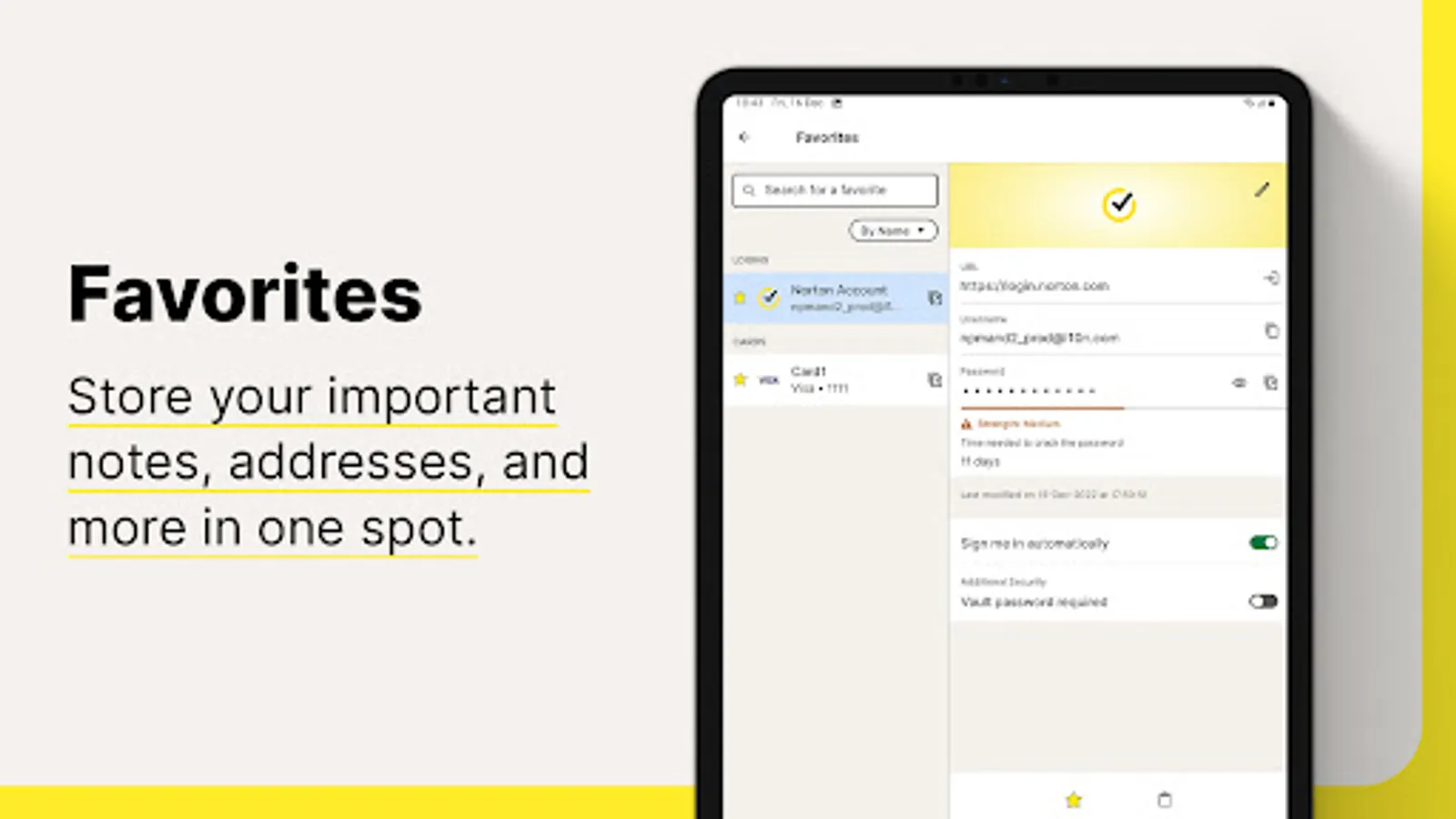
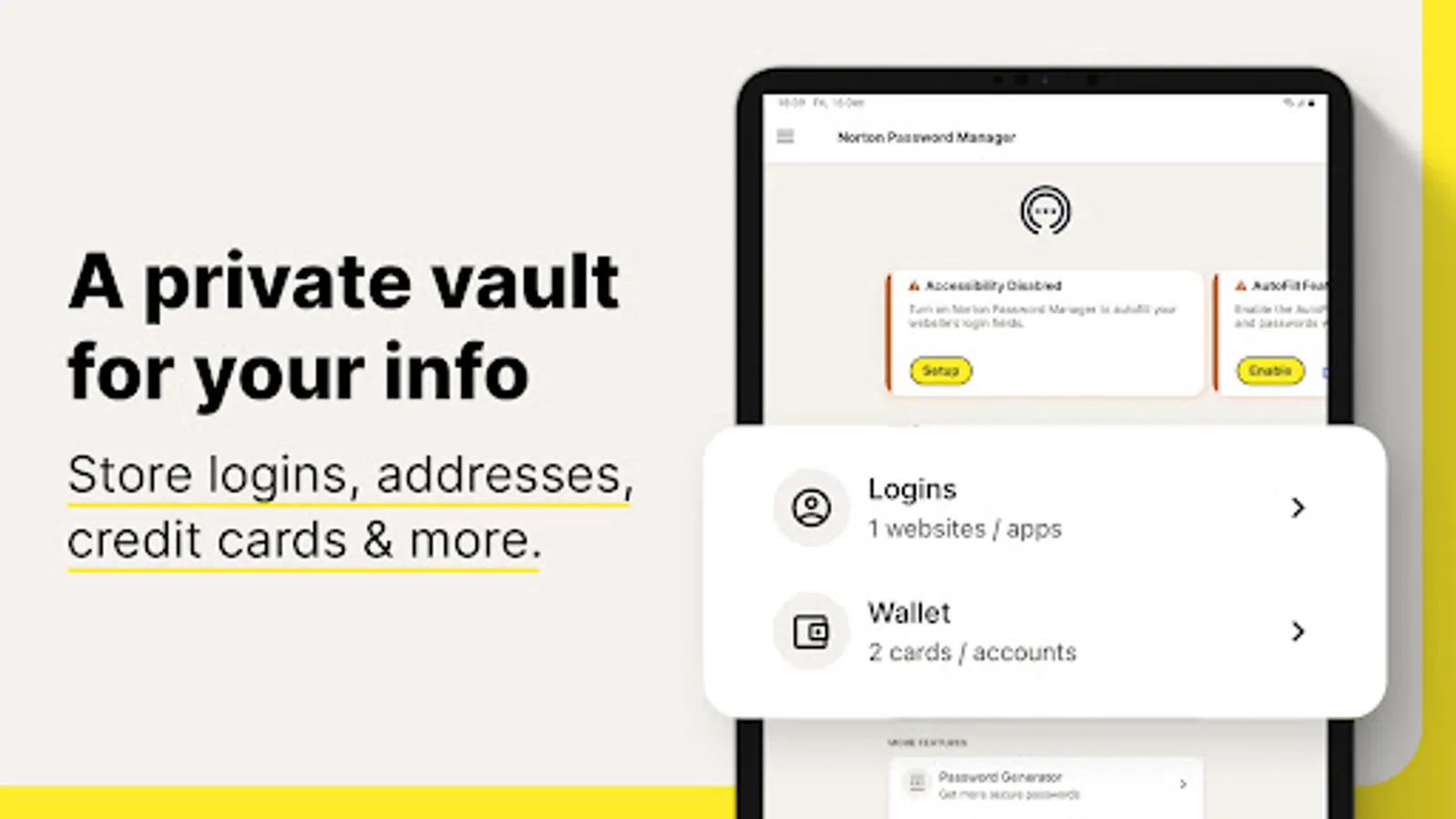
Why Norton Password Manager
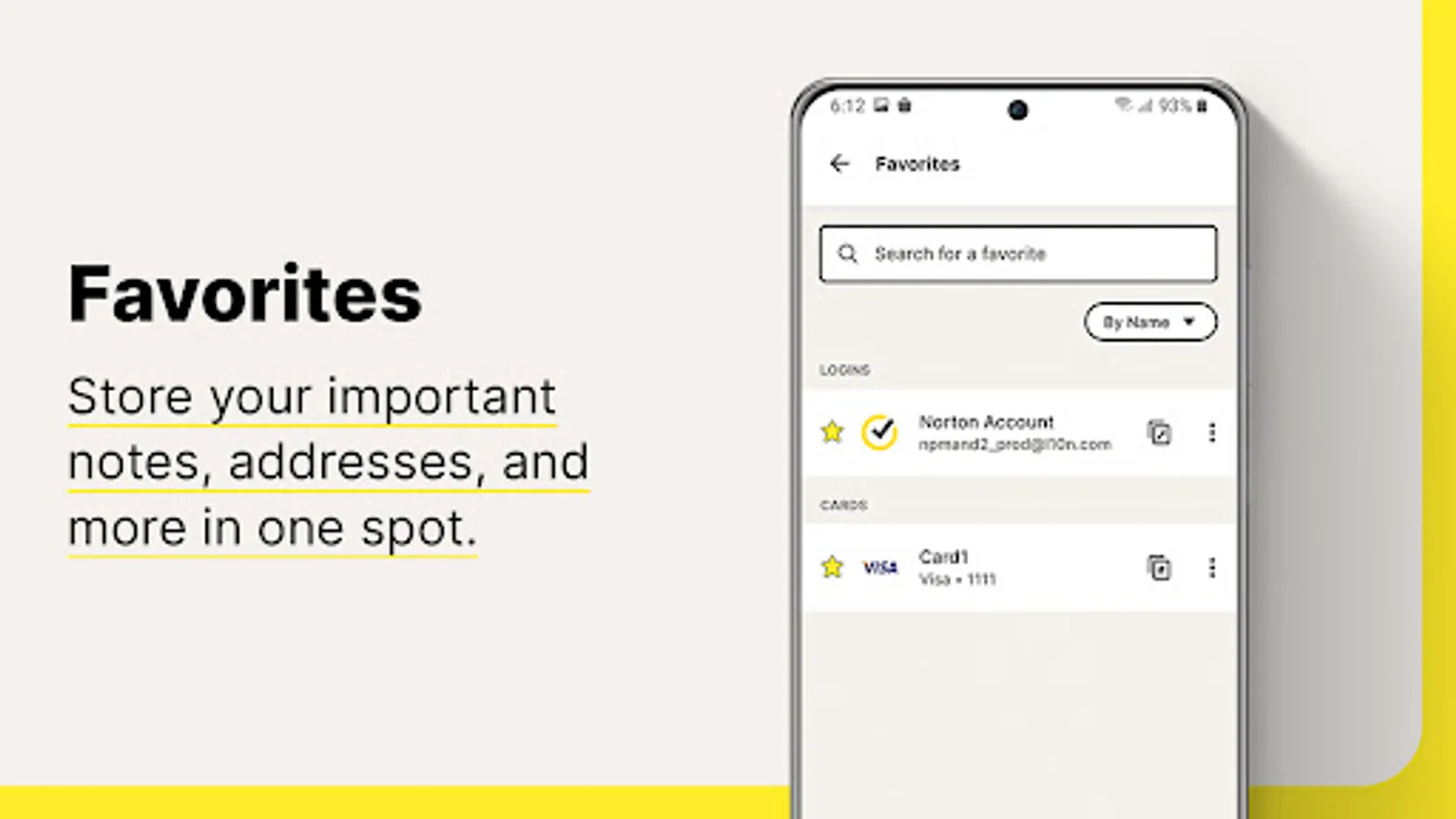
• Passwords filled in a single tap
When you log in to websites and apps, it’s a smoother, quicker, and more convenient experience. Your passwords are stored in an online vault, which can be used to auto fill online login information with a single tap.¹
• Encrypted
With zero knowledge encryption and two-factor authentication, only you control access to your password vault–not even Norton can access it. These security measures help keep your data safer from cybercriminals and hacking attempts.
• Free*
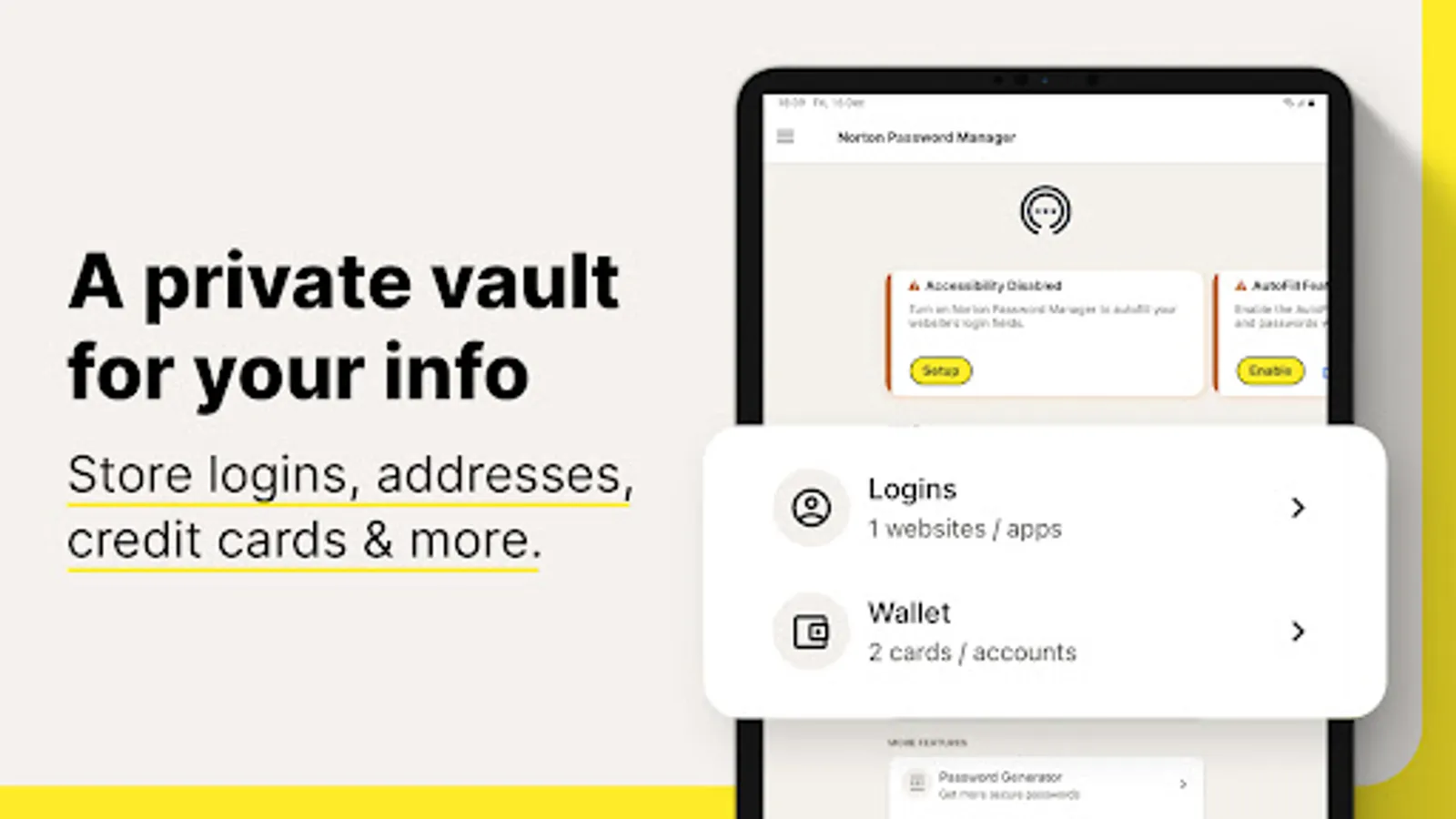
Norton Password Manager is free and accessible to anyone and works on devices including computers, tablets, and phones
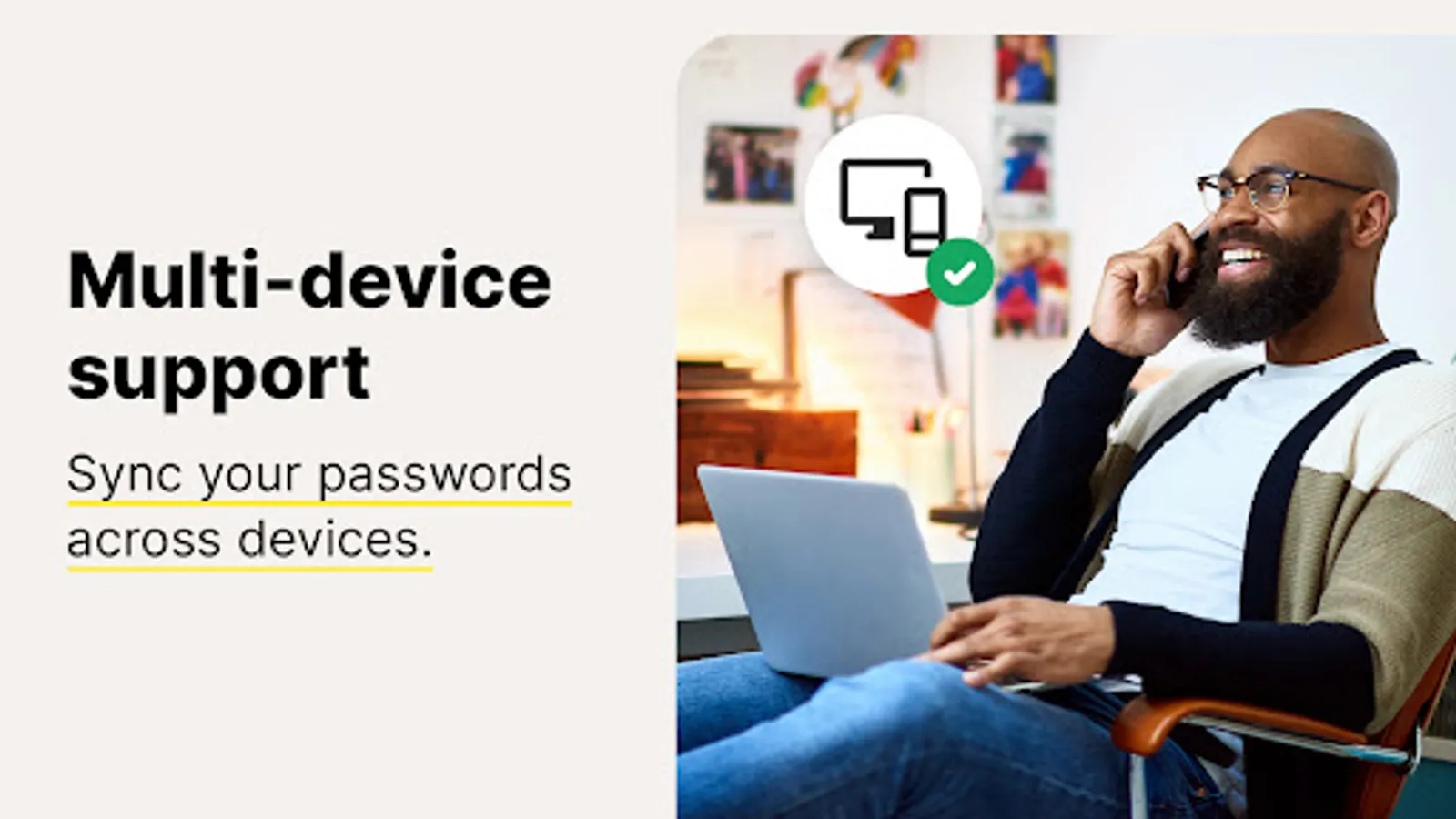
• Sync passwords¹
Your entire password vault can be synced and accessible across your devices.
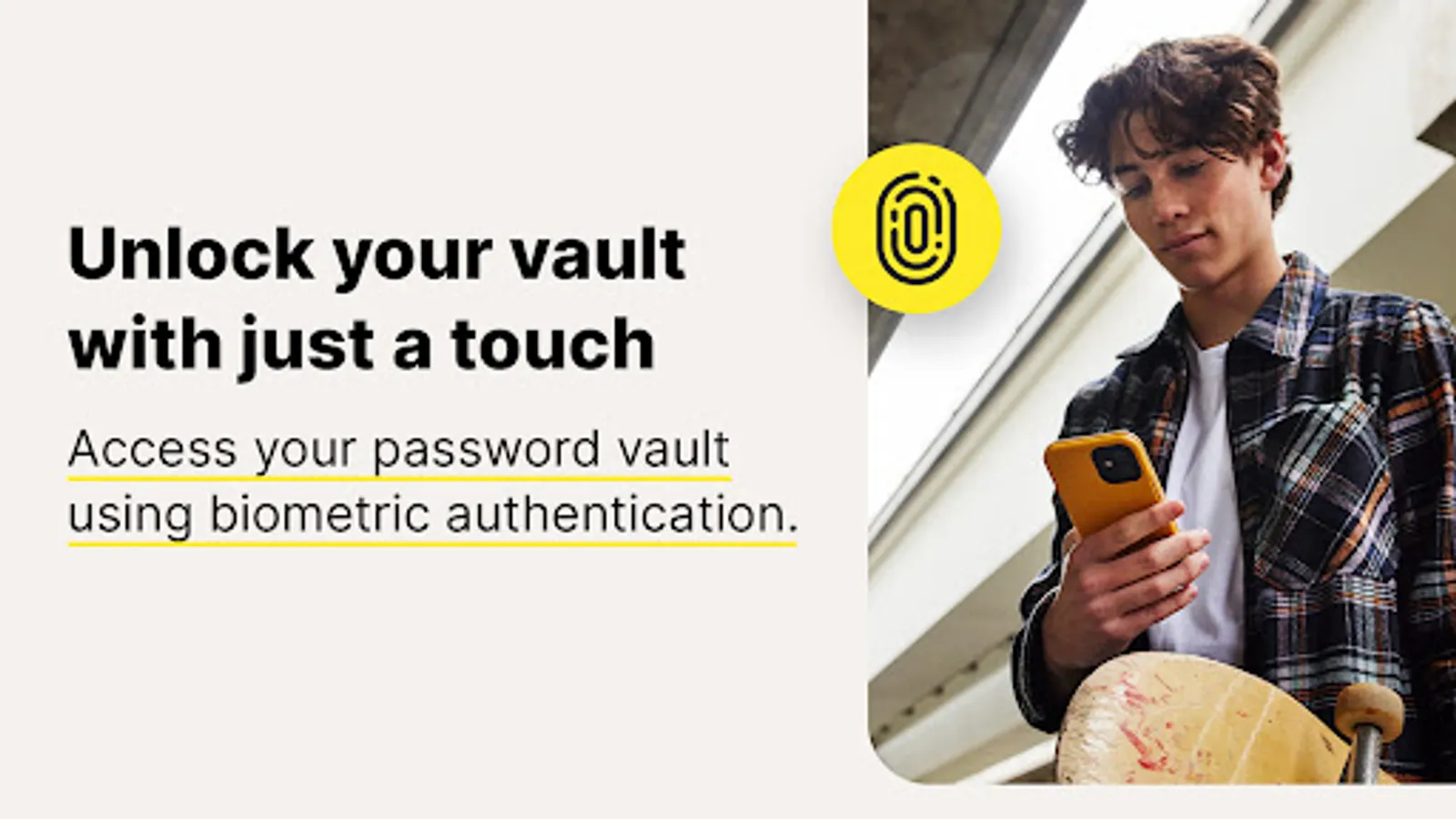
• Biometric unlock²
Access your vault faster or recover your vault password³ using the fingerprint reader on Android™ devices.
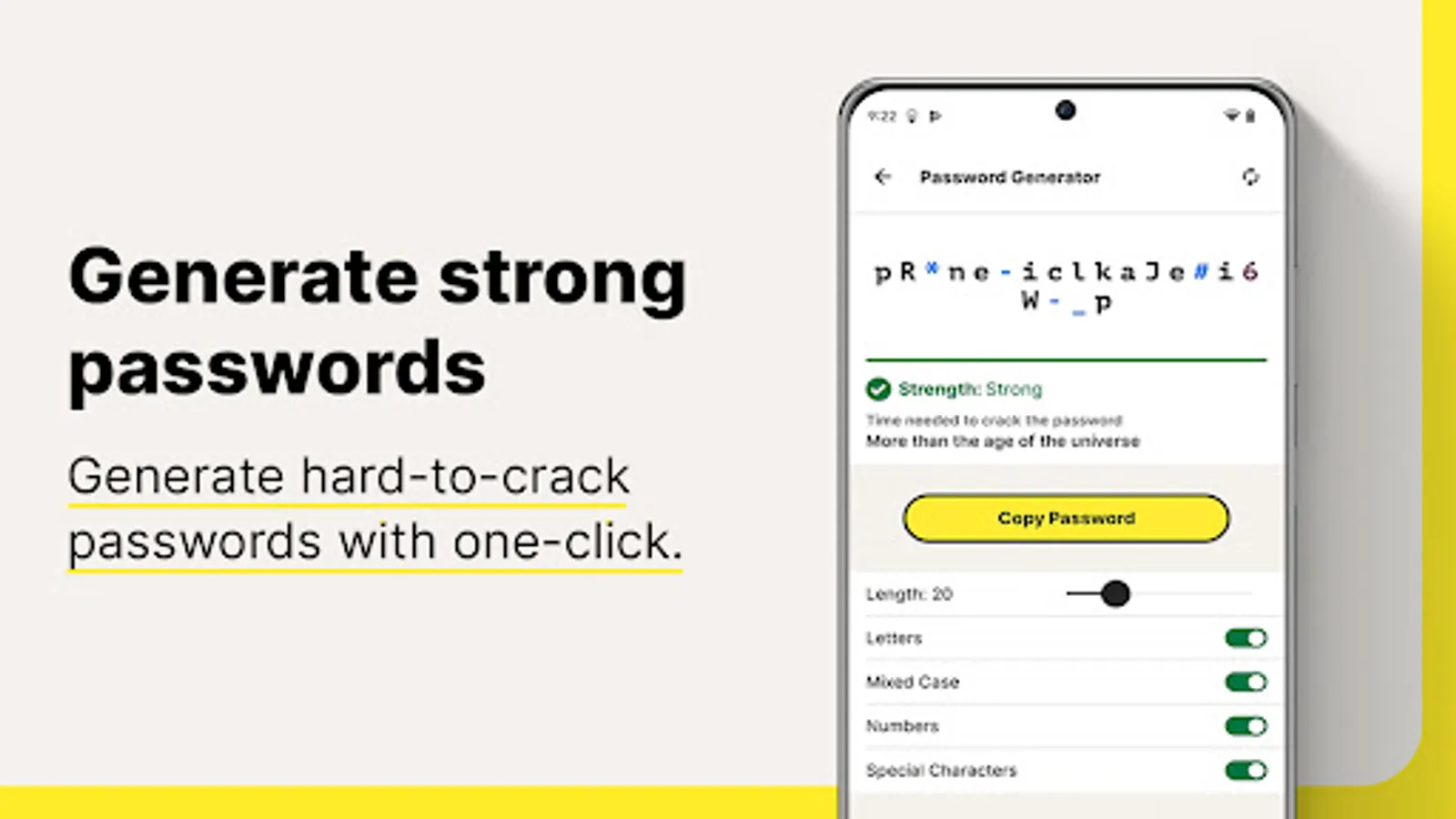
• Password Assessment
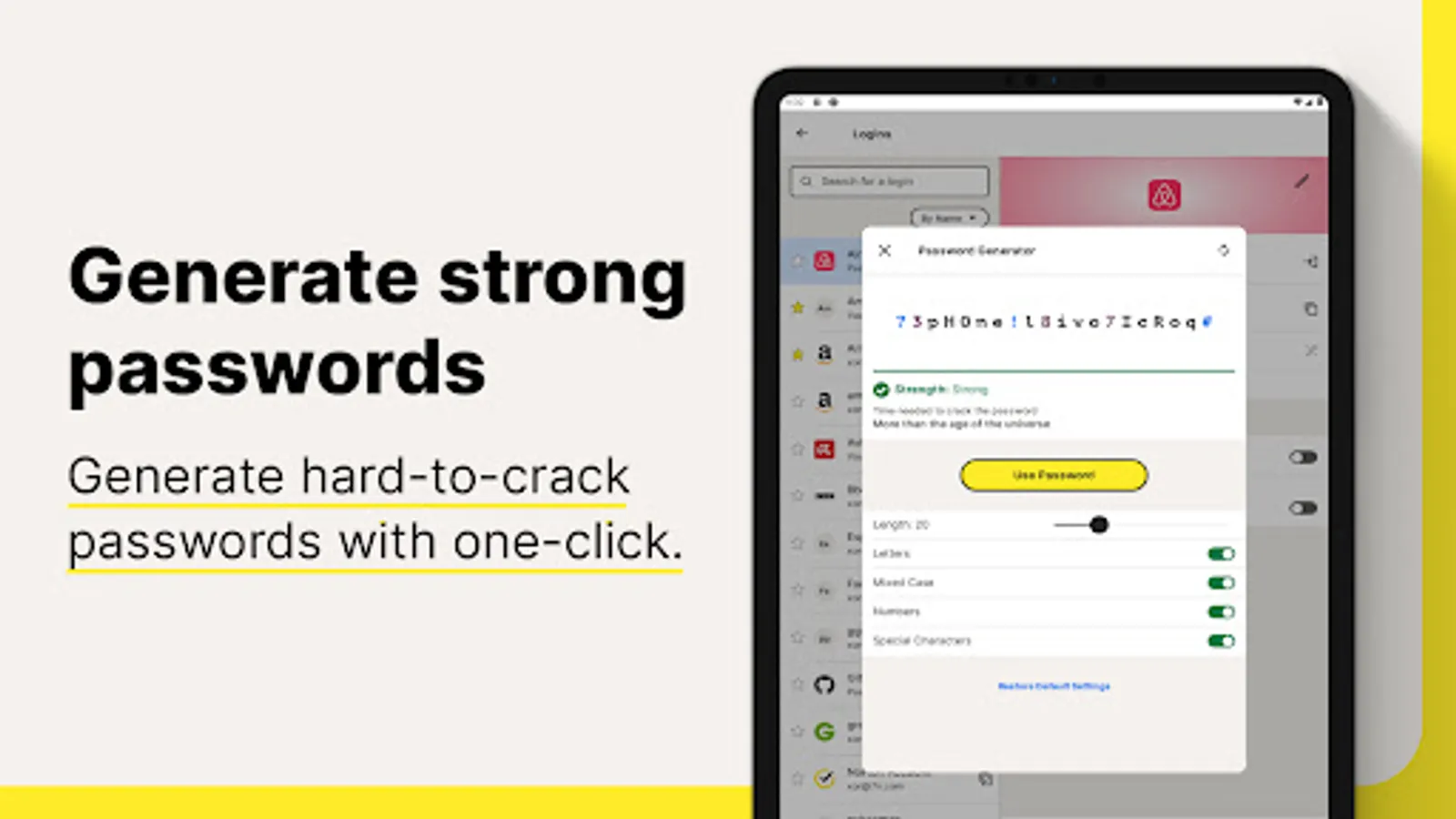
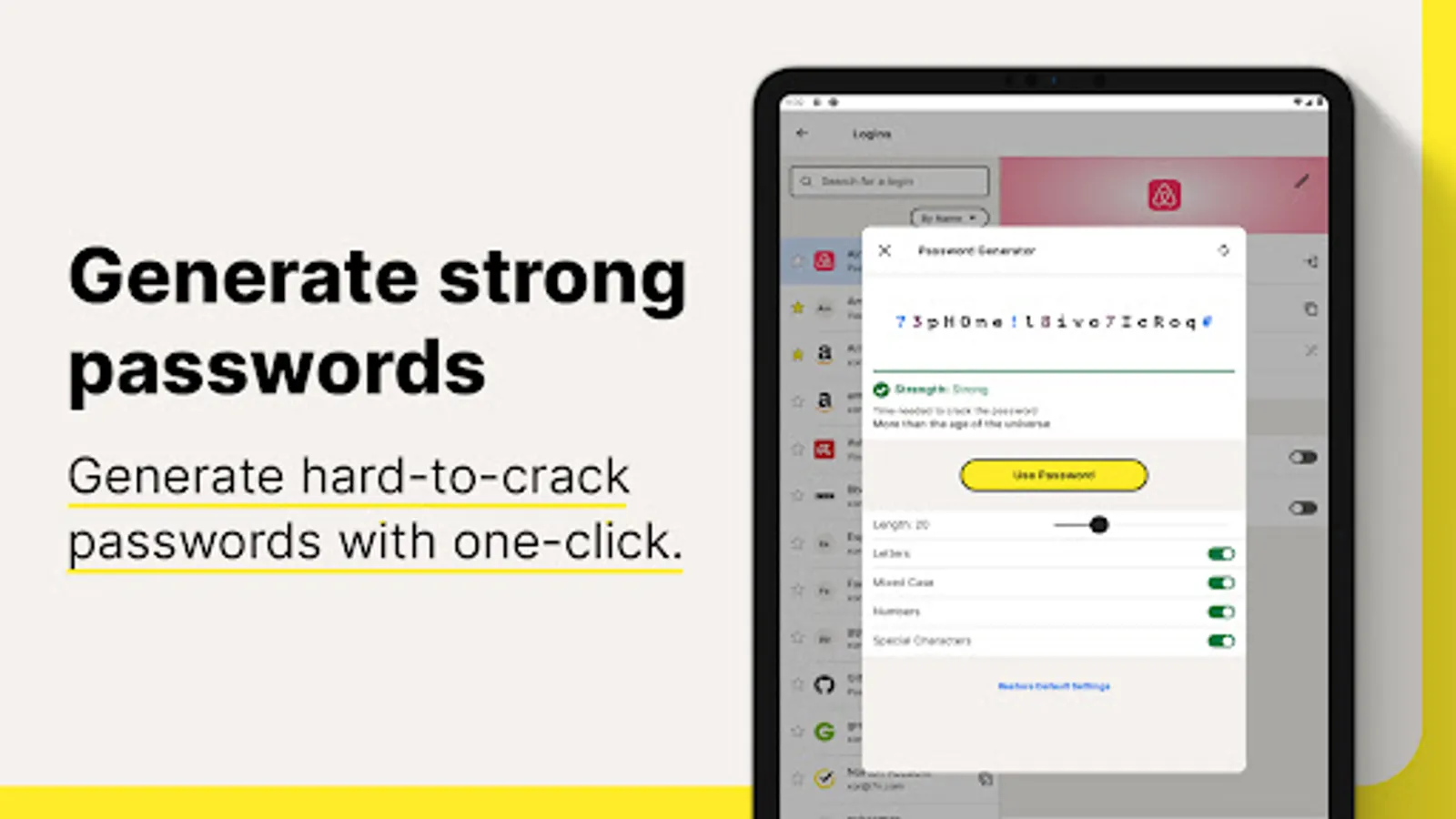
Check if your passwords are strong and easily create new passwords or change weak to stronger passwords that are more difficult to crack
Your information stays private even from us because it’s encrypted using zero-knowledge encryption before being stored in your cloud-based vault. Your passwords and other personal information can be even more secure by enabling two-factor authentication, plus you can use the fingerprint reader on Android™ devices so you can access your vault even faster.
Creating and remembering complex passwords doesn’t have to be difficult. Norton Password Manager helps you safeguard your personal information by making recommendations to strengthen passwords, adding more security to your online, digital life.
* With the free version of Norton Password Manager, we reserve the right to limit the number of entries (like passwords) at any time. This limitation won’t affect any existing entries in your vault.
¹ Requires your device to have an Internet/data plan and be turned on.
² Only available on Android and iOS devices with Fingerprint Authentication or Touch ID/Face ID activated.
³ Vault Password Reset can only be initiated on an Android or iOS smartphone. To work, your smartphone must have the Norton Password Manager mobile app installed, set up, and connected to your Norton account, plus the Biometric Authentication (fingerprint, or Touch ID/Face ID) activated, beforehand.
USE OF ACCESSIBILITY SERVICE
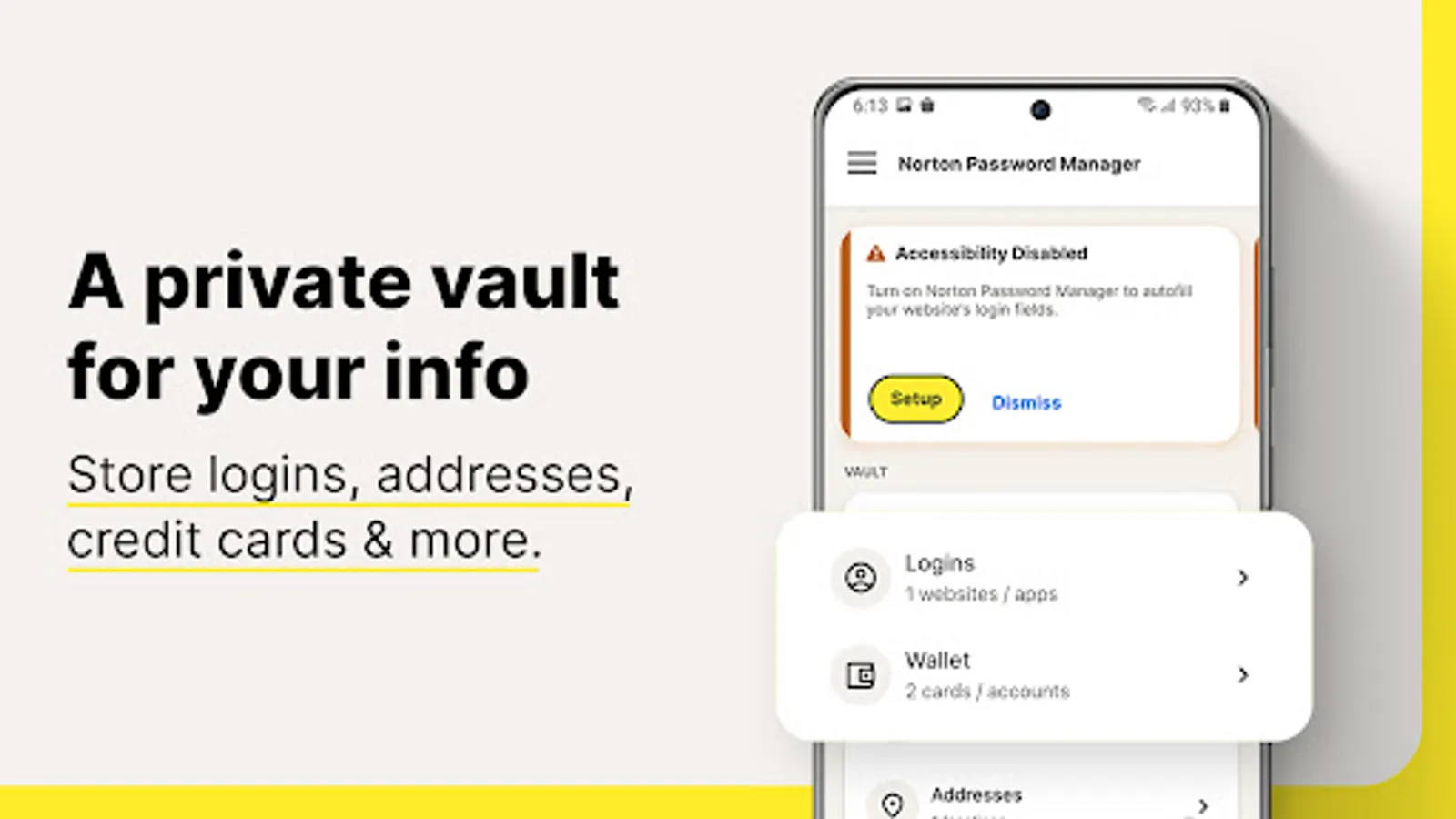
Norton Password Manager uses Accessibility features provided by Android to fill credentials stored in your vault.
PRIVACY POLICY
NortonLifeLock respects the privacy of our users and carefully safeguards personal data.
For more information: https://www.nortonlifelock.com/privacy
Norton Password Manager Screenshots
Tap to Rate:
Reviews for Norton Password Manager
Ronnell Richardson
12/28/2025
always working for me.
JD
12/28/2025
All in all, this app is pretty darn good. BTW, the 90's called. They want their design back 😊There is no doubt that the Norton Password Manager could use some DESPERATELY needed updating. You have updated all your other apps, Why not this one? NPM runs flawlessly on both Android 15, and Windows 11 and 10. I found the app to be a bit "clunky" to browse through. Saying that, what NPM desperately needs is a built in authenticator and/or a security key.