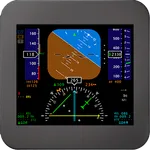
With this flight mapping app, you can view nearby traffic, create navigation marks, and import flight plans from compatible sources. Includes features for aircraft tracking, track coloring, and session-based markers.
AppRecs review analysis
AppRecs rating 3.8. Trustworthiness 72 out of 100. Review manipulation risk 25 out of 100. Based on a review sample analyzed.
★★★☆☆
3.8
AppRecs Rating
Ratings breakdown
5 star
60%
4 star
0%
3 star
20%
2 star
0%
1 star
20%
What to know
✓
Low review manipulation risk
25% review manipulation risk
✓
Credible reviews
72% trustworthiness score from analyzed reviews
✓
Good user ratings
60% positive sampled reviews
About FsVfrMap Pro
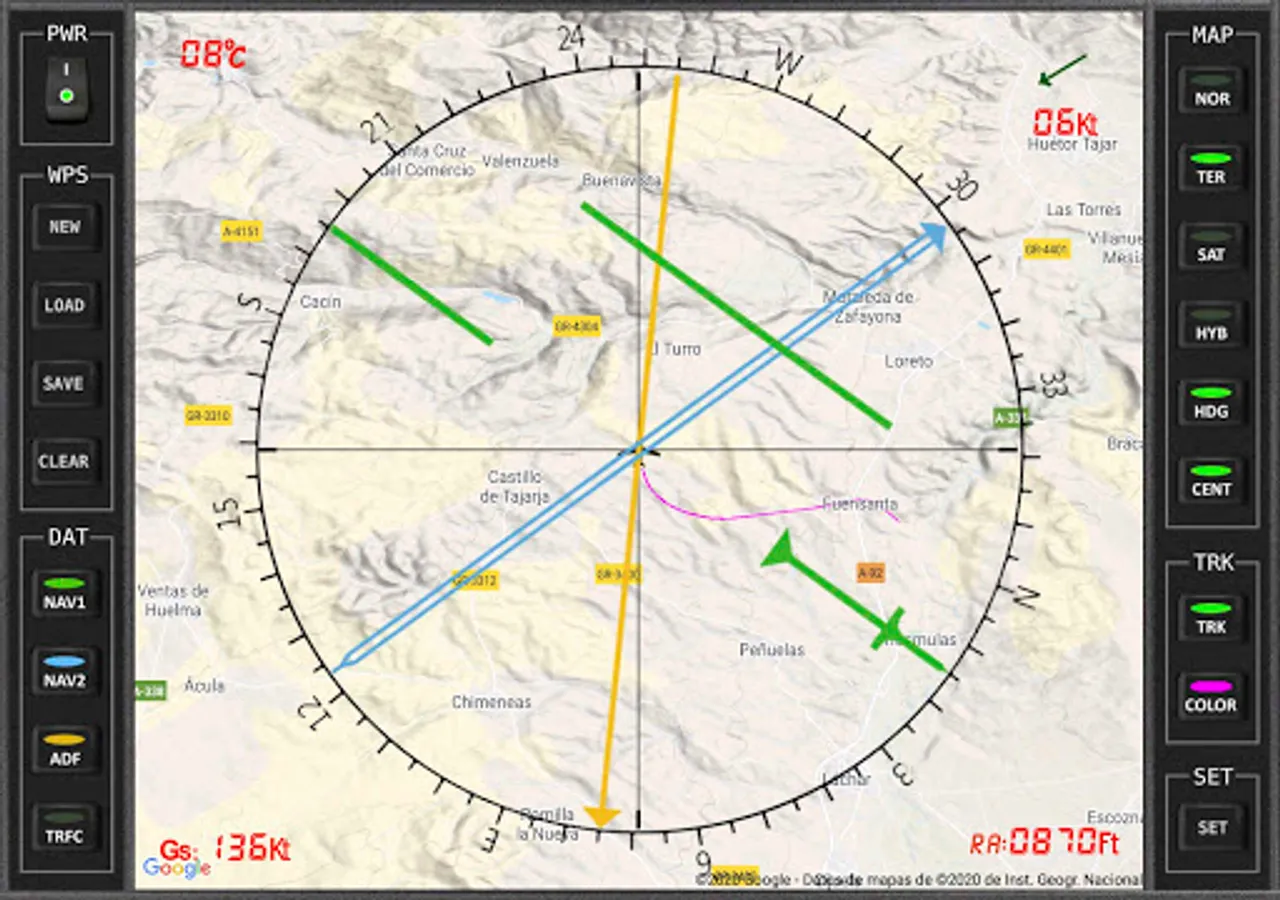
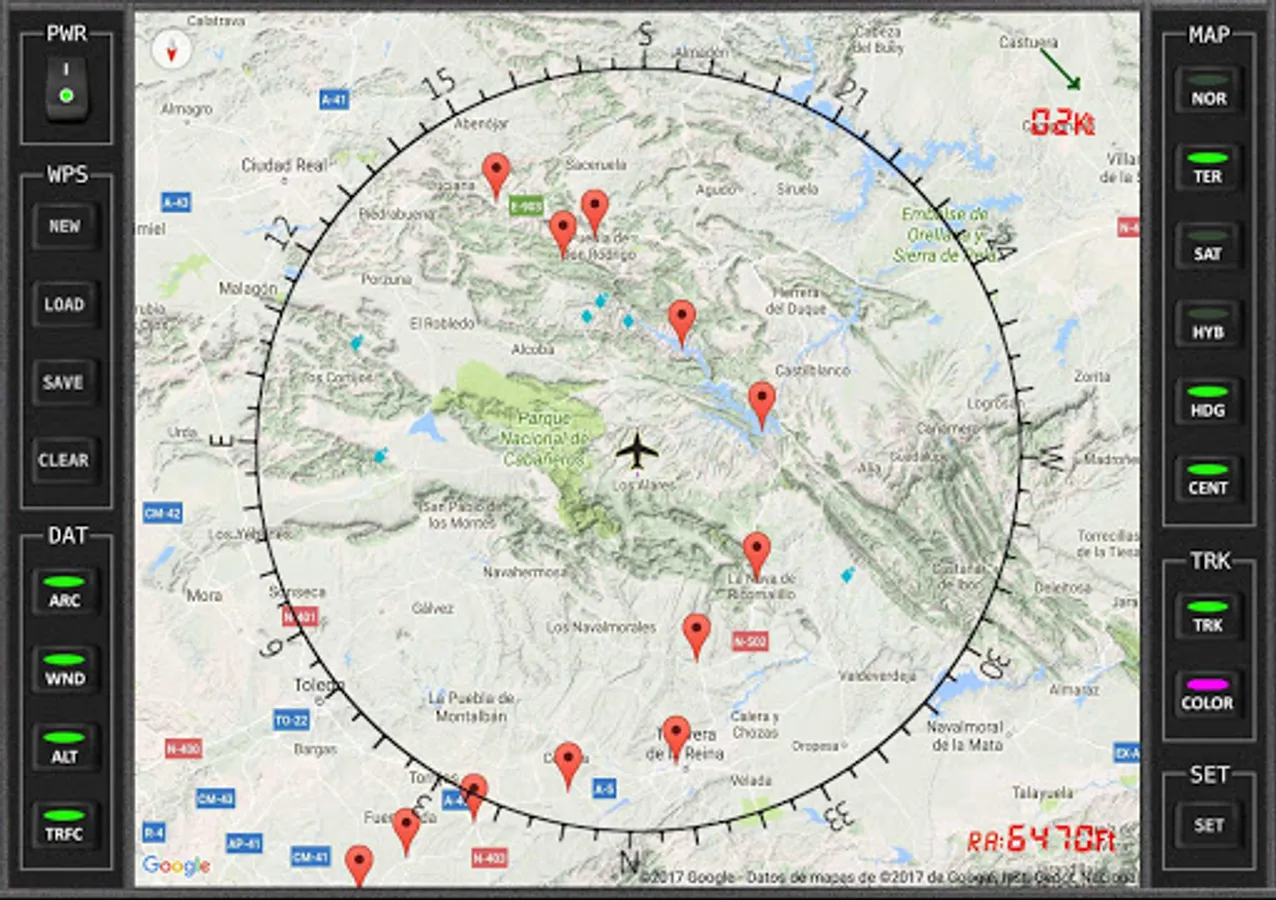
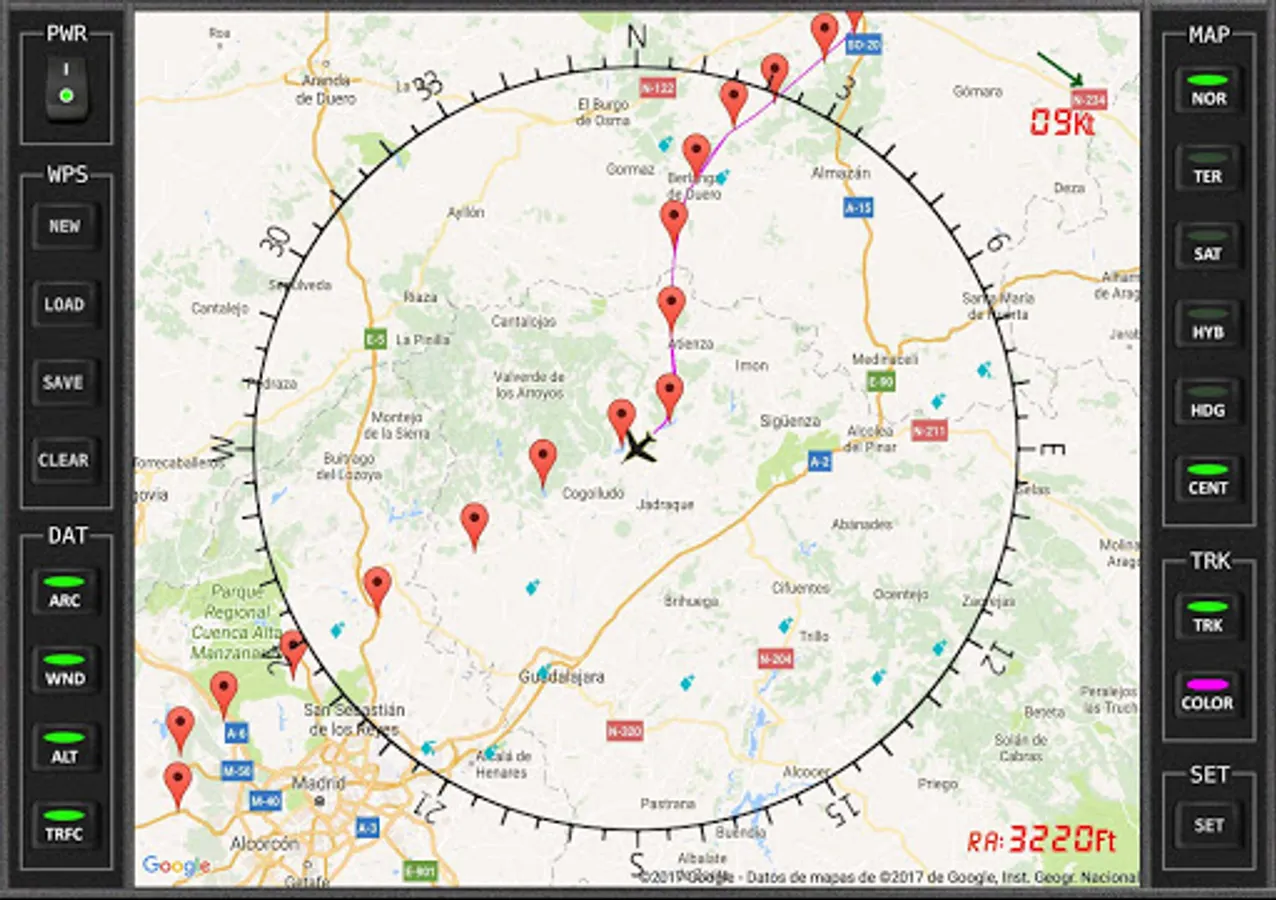
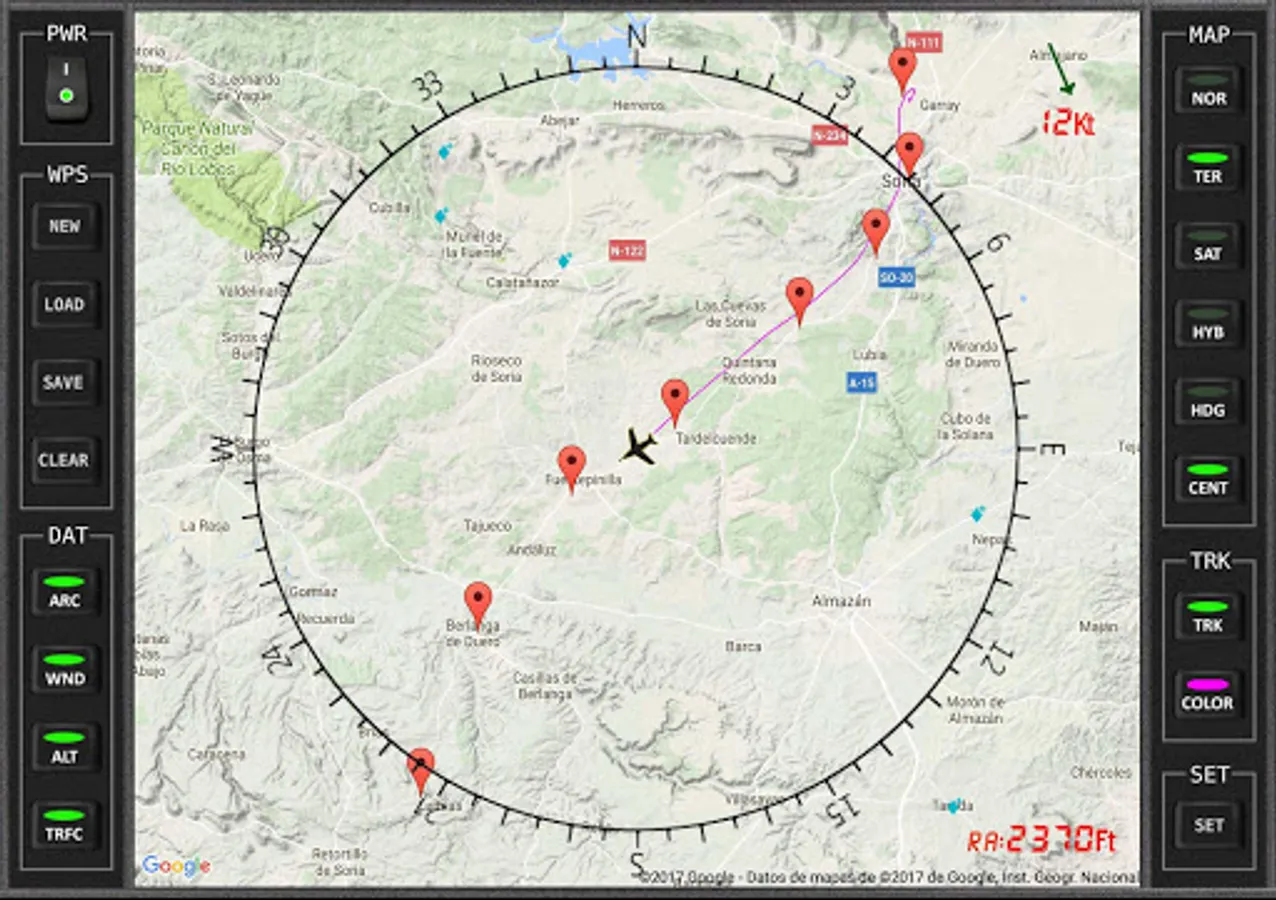
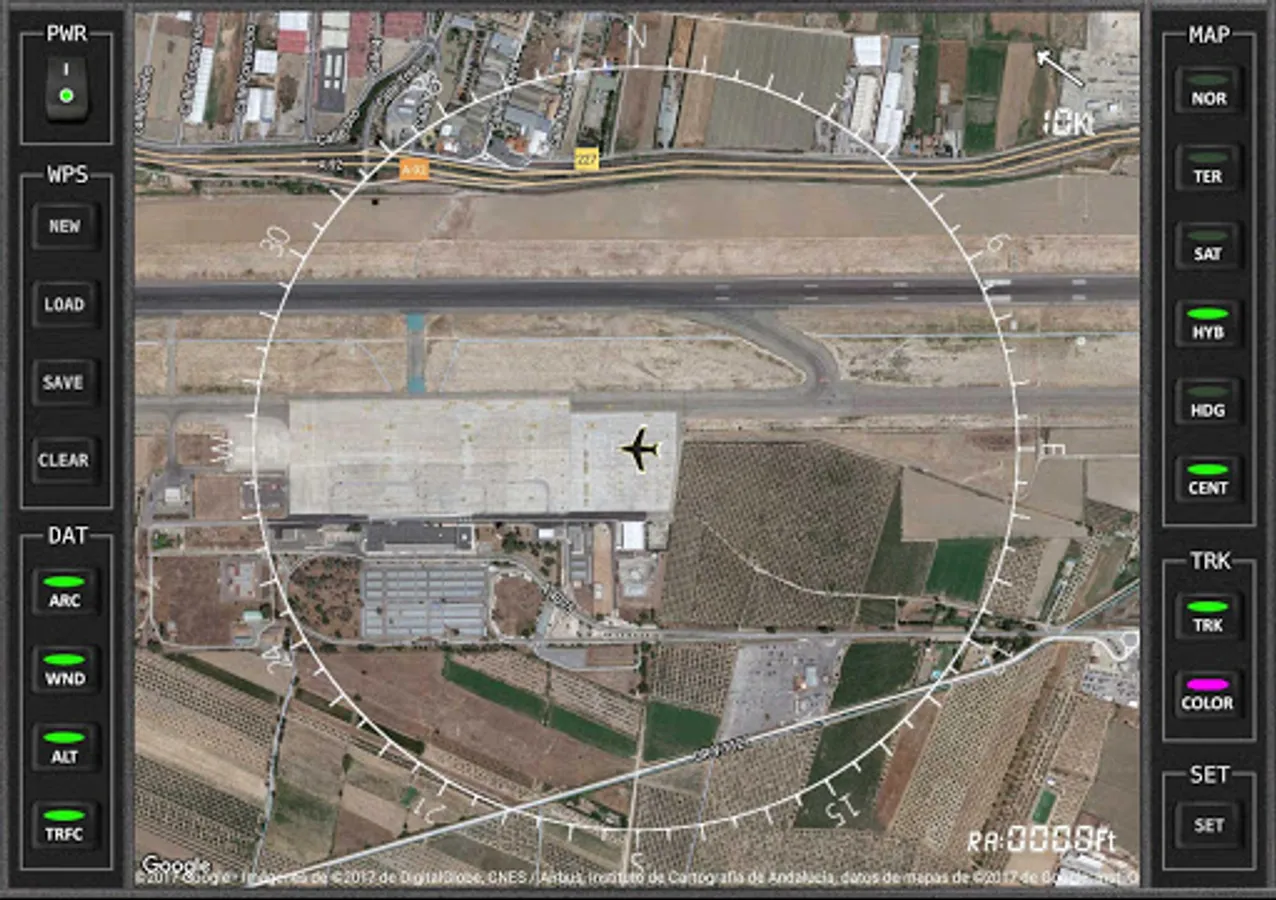
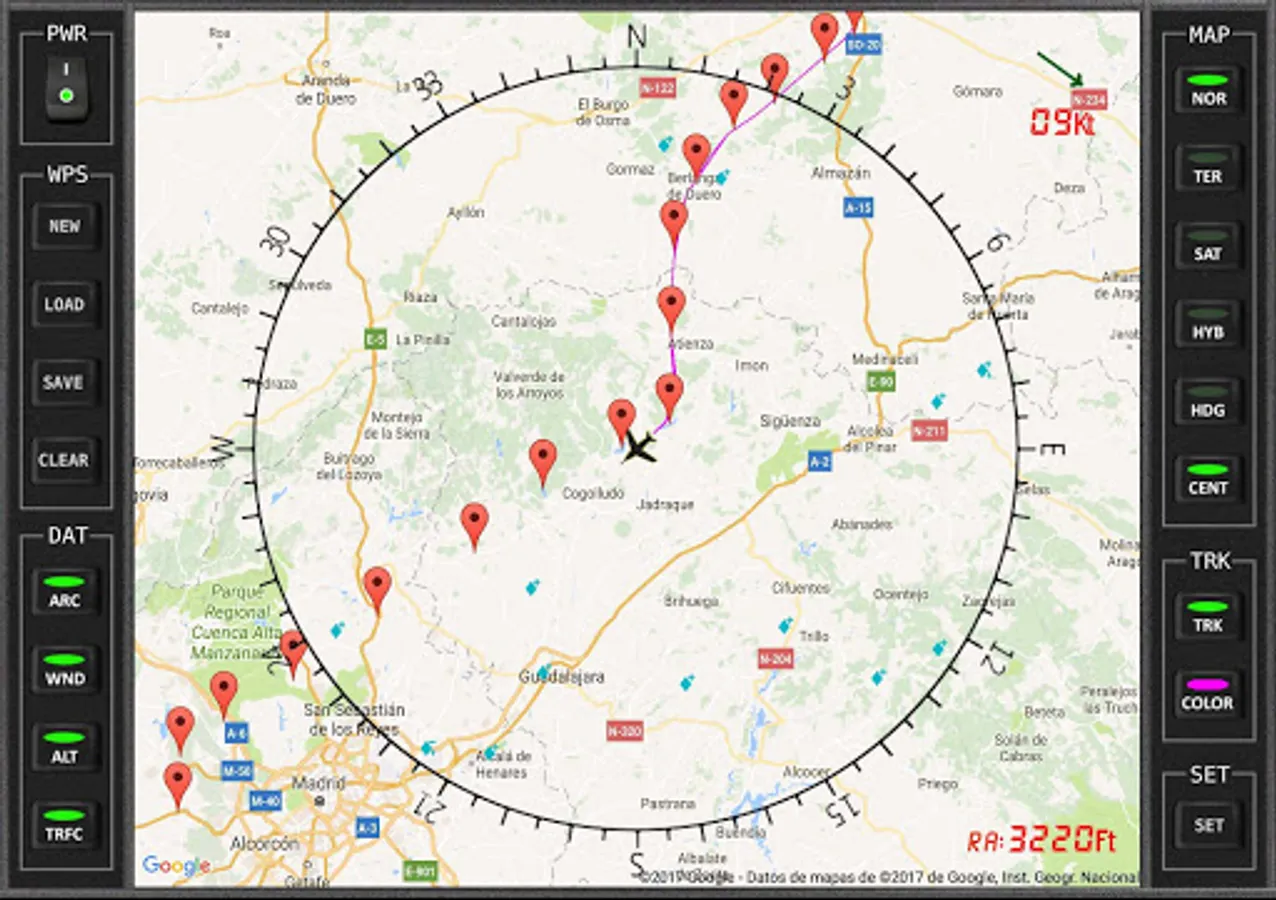
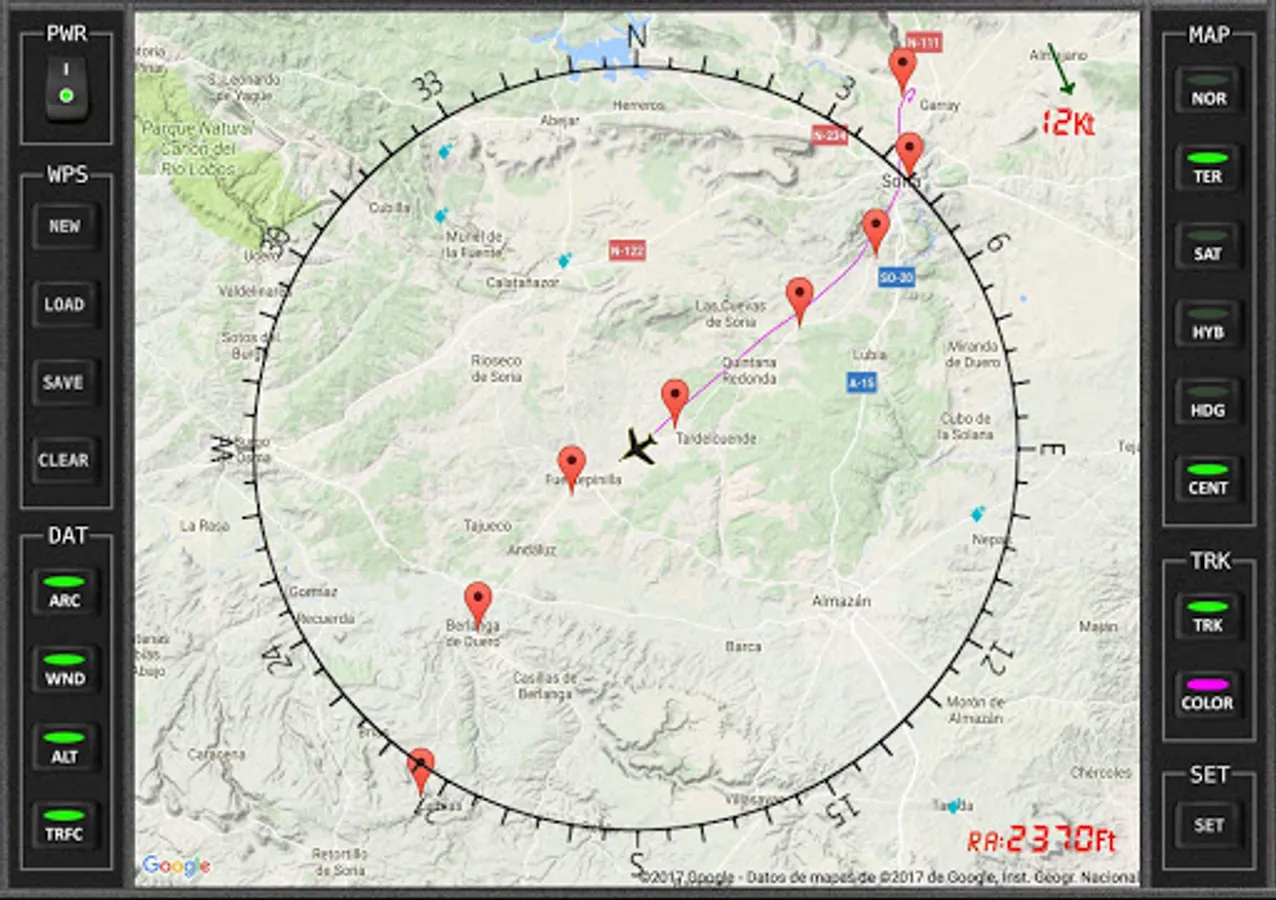
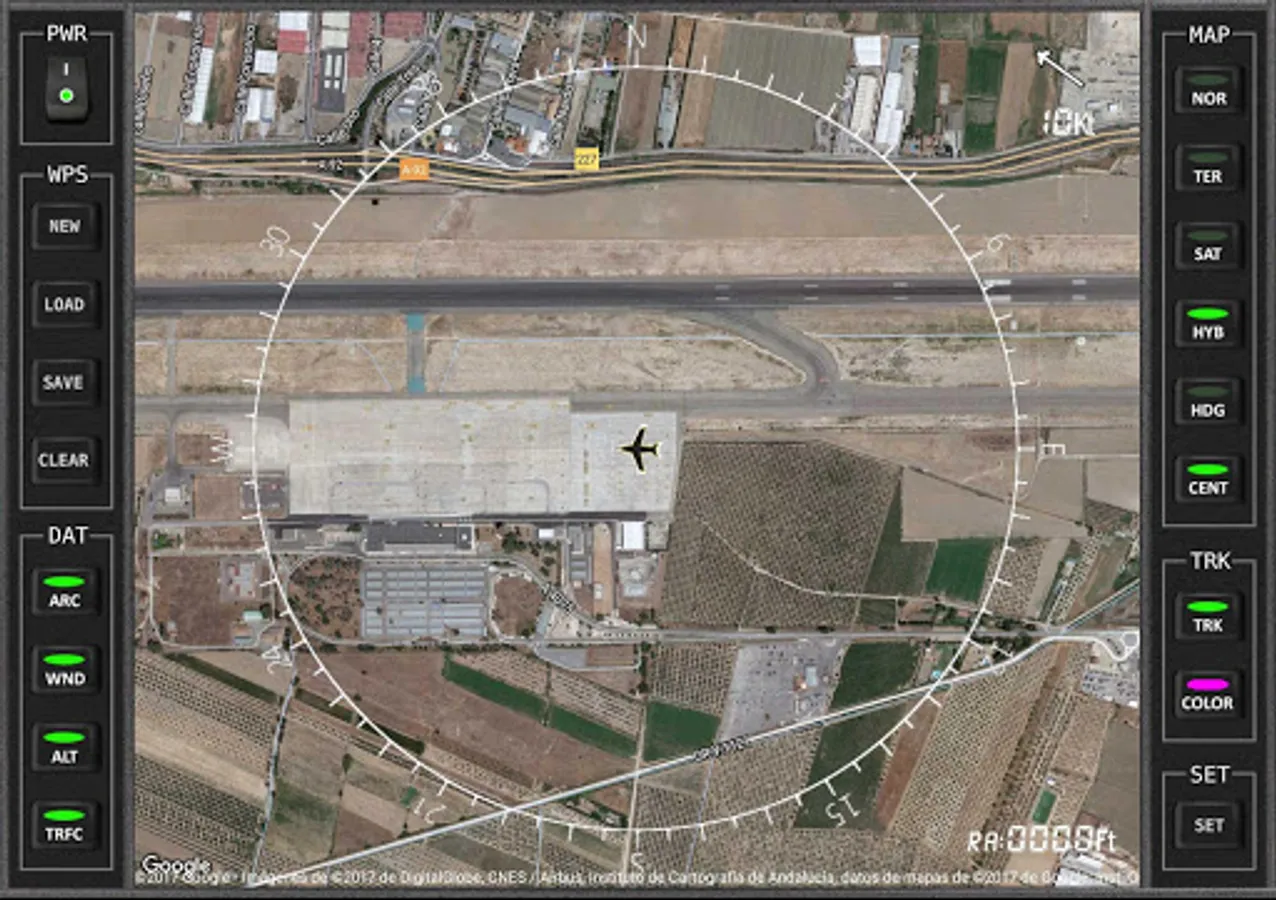
VFR Moving MAP for Flight simulator (FS9/FSX/FSX-SE/P3D/MFS2020)
·
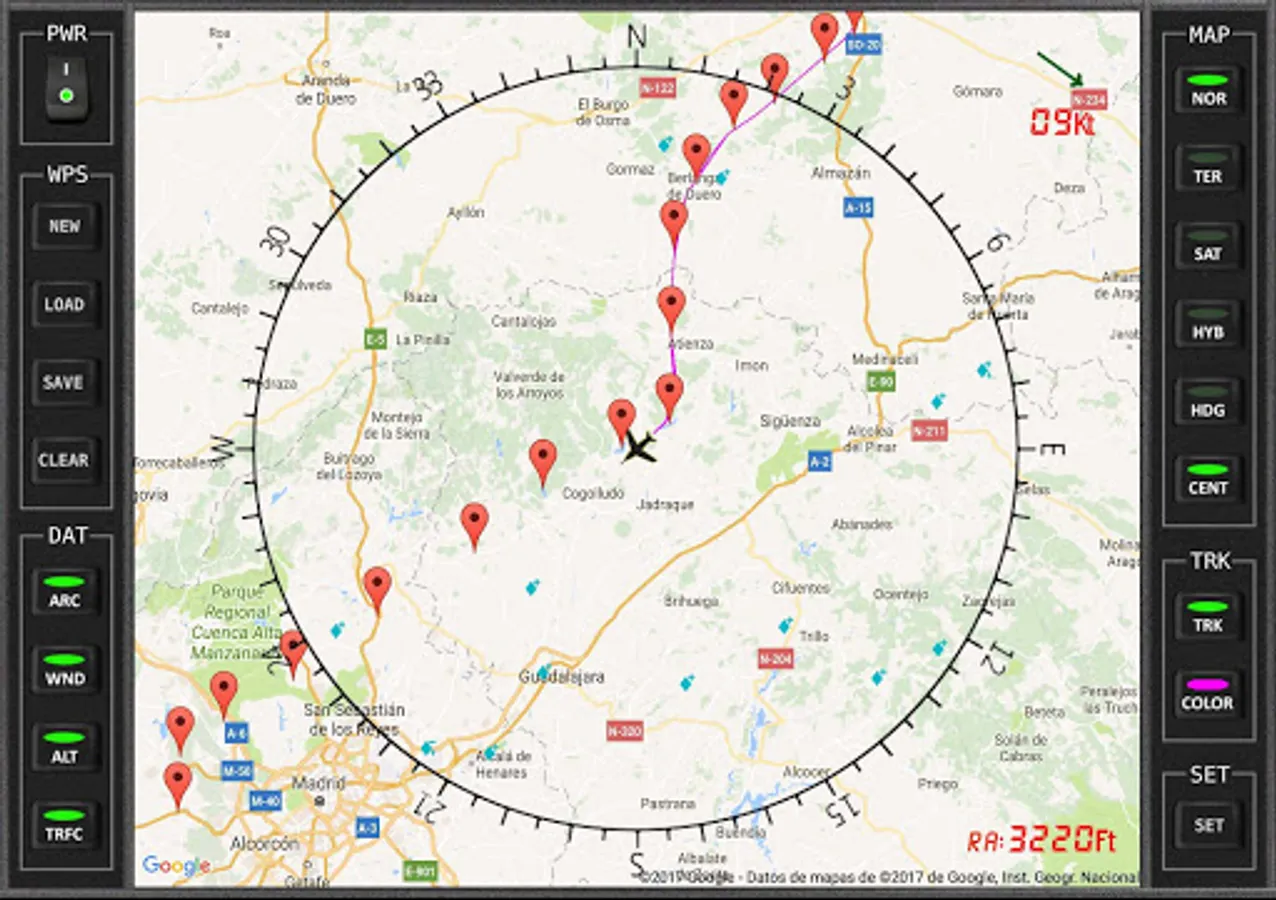
You can see other traffic that are in their vicinity.
·
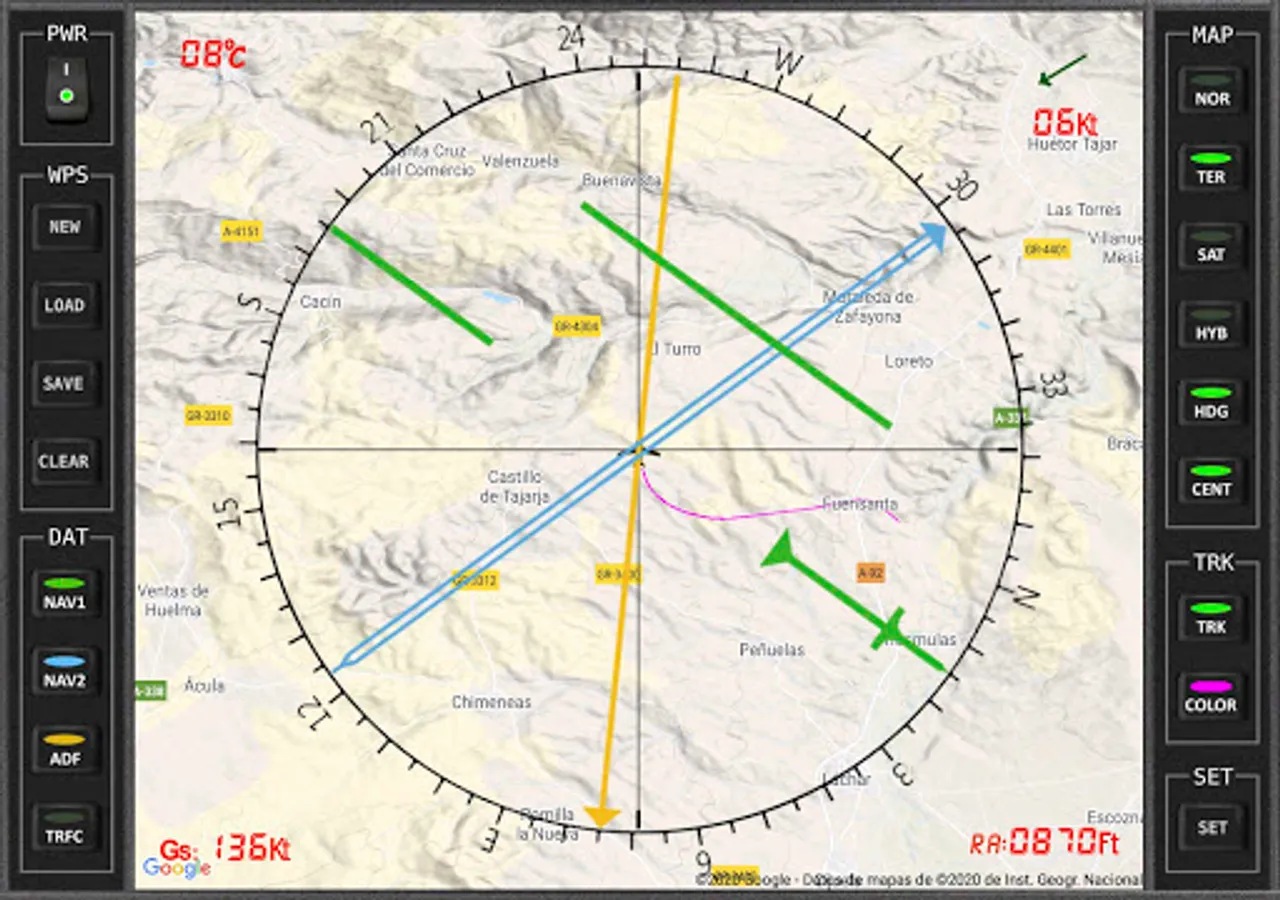
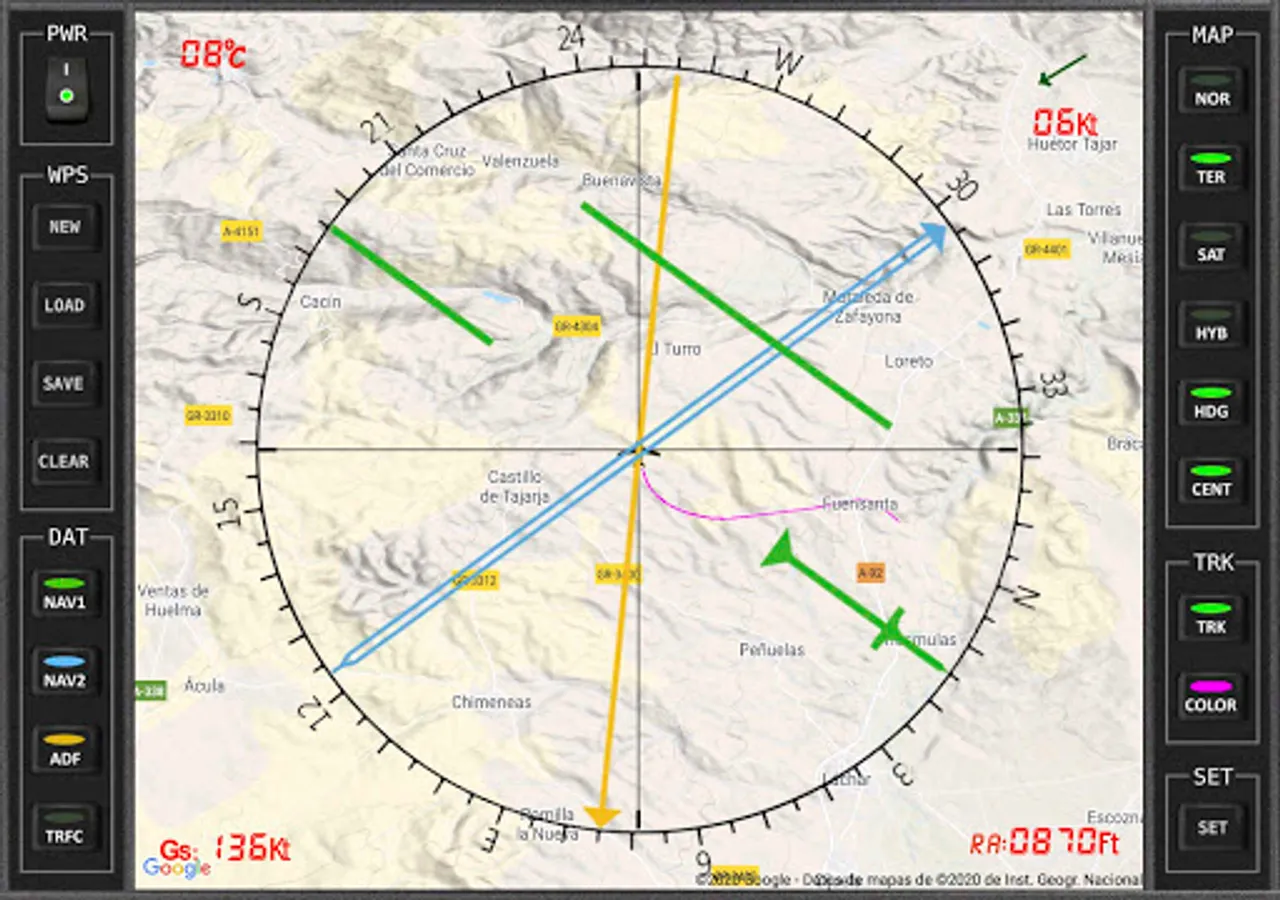
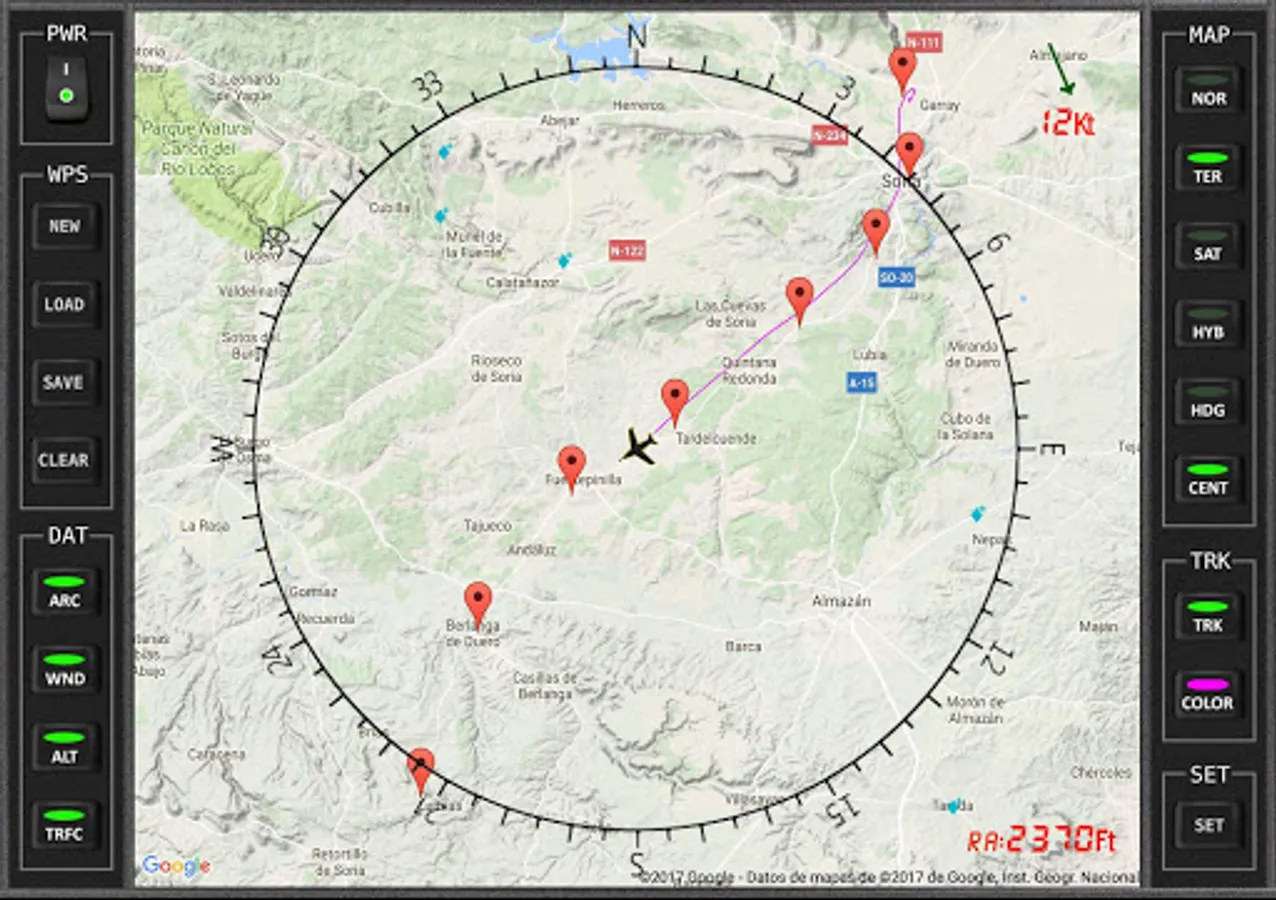
You can activate the Aircraft Track and Track color.
·
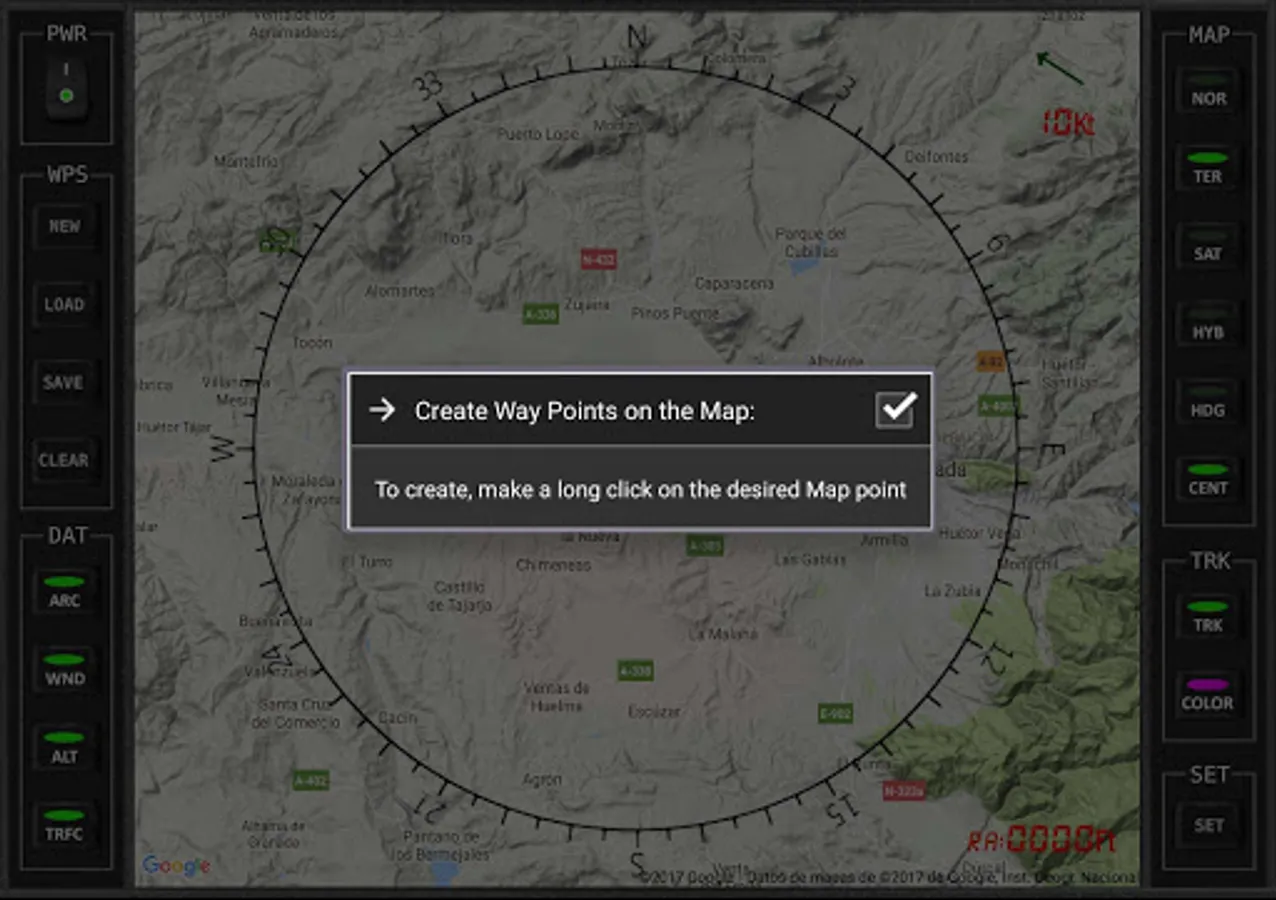
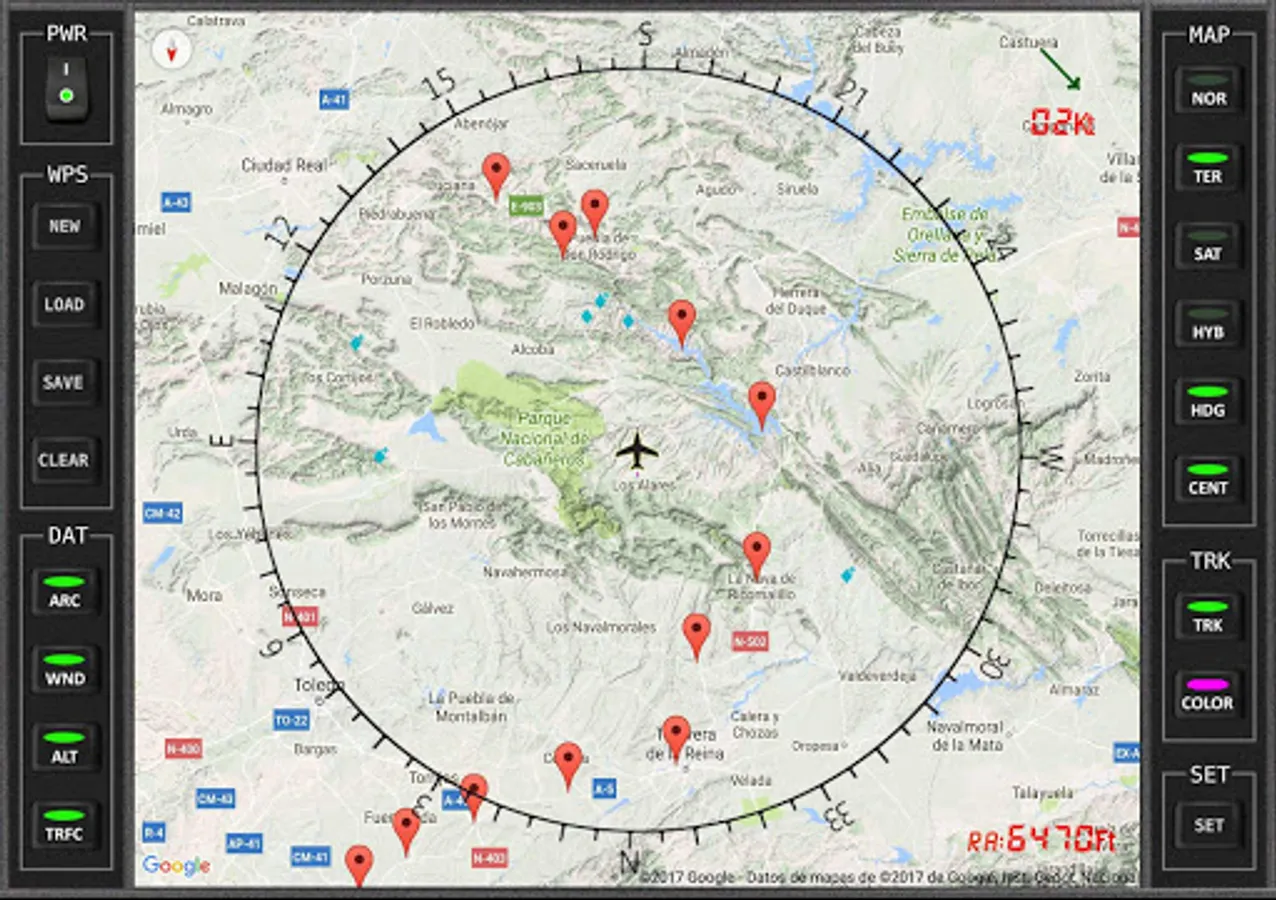
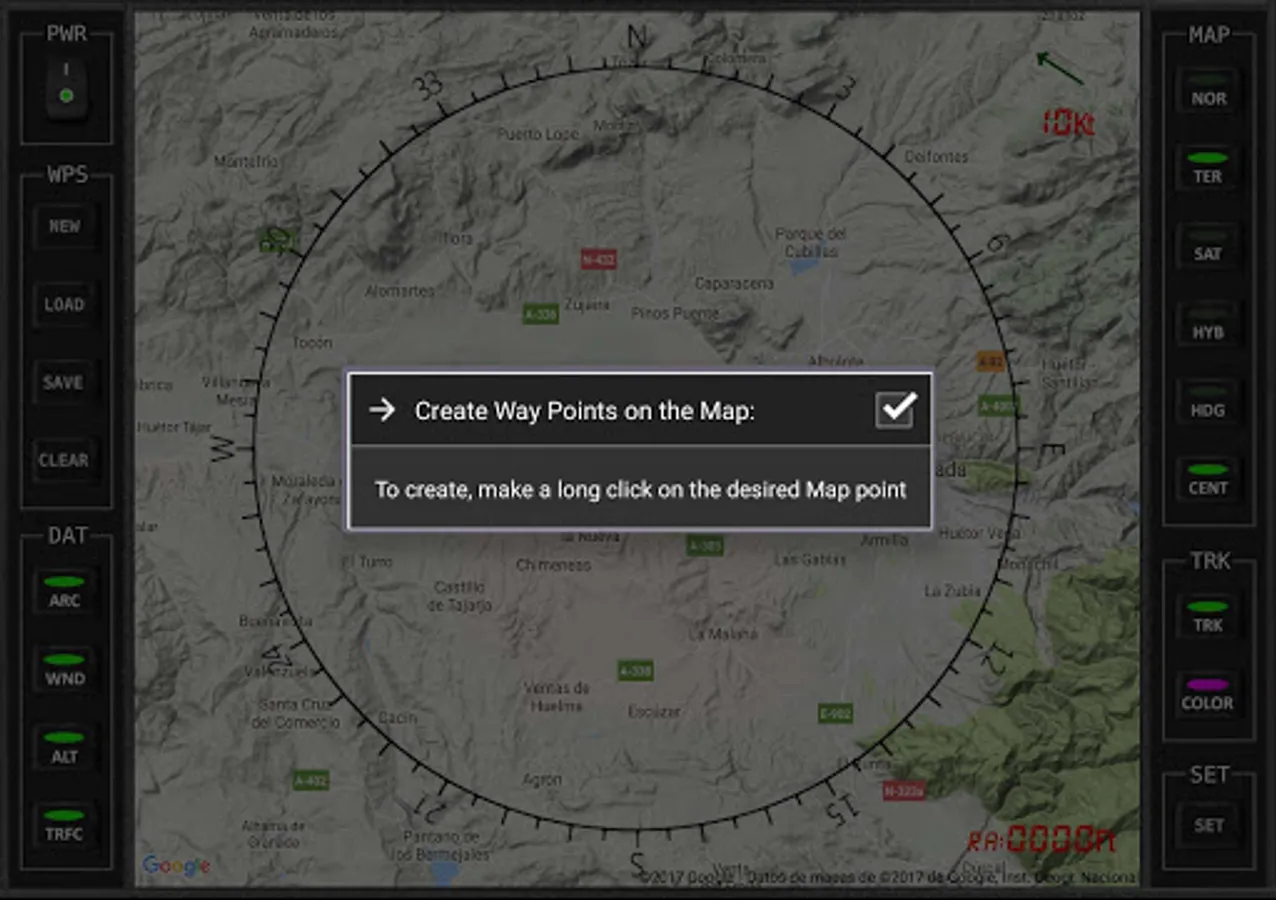
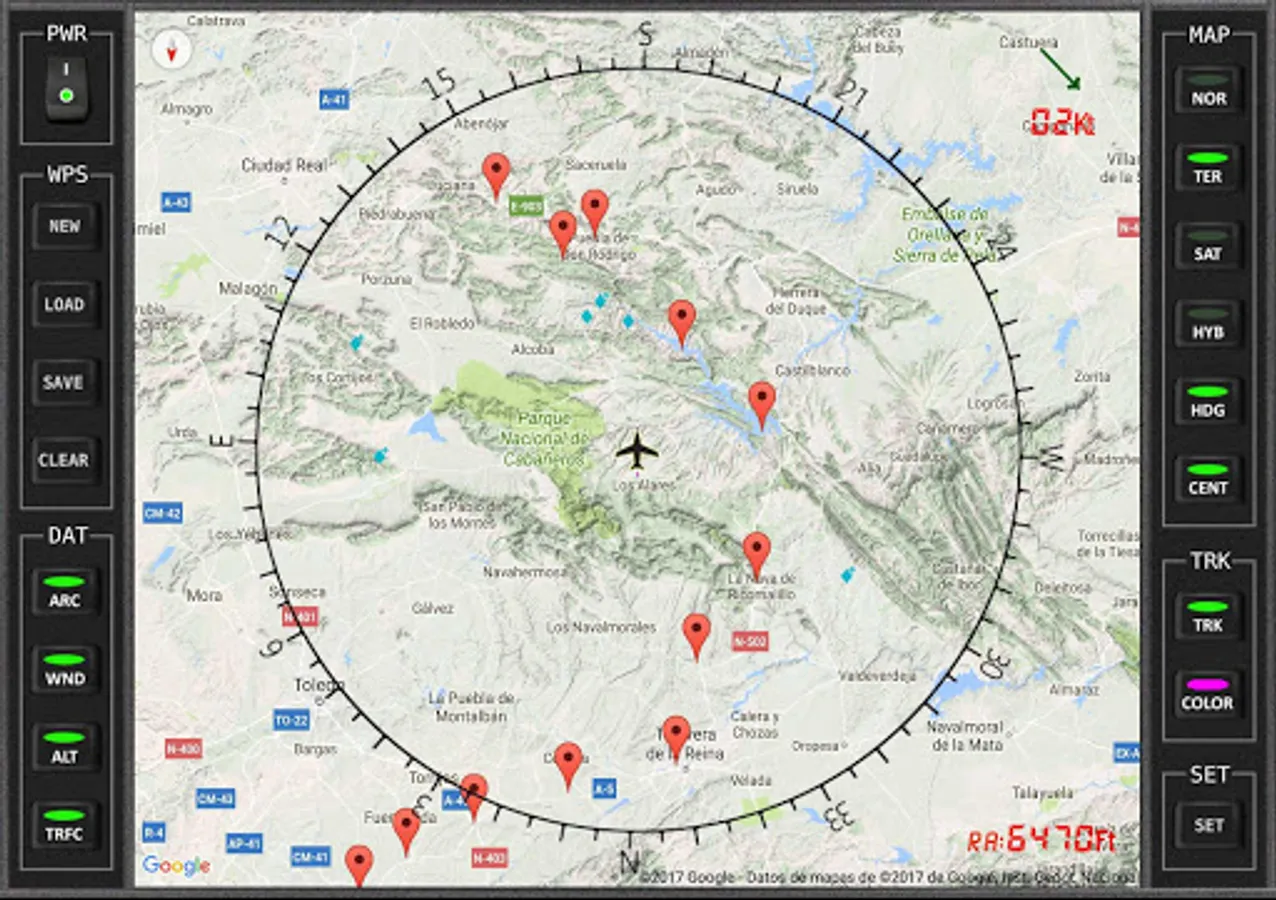
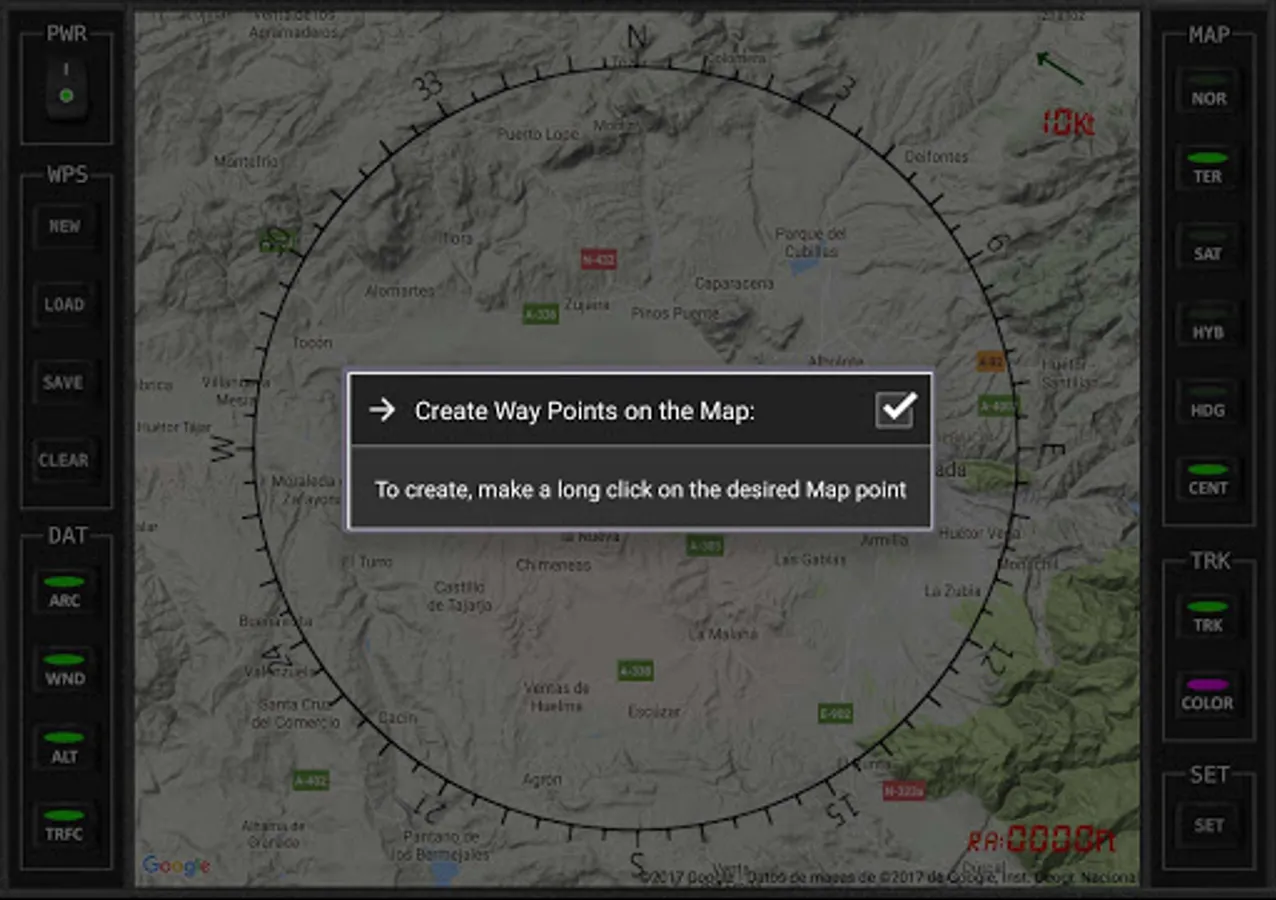
You can create Marks for better VFR navigation. Make a long click on the desired map point.These marks will only remain during the current flight session.
·
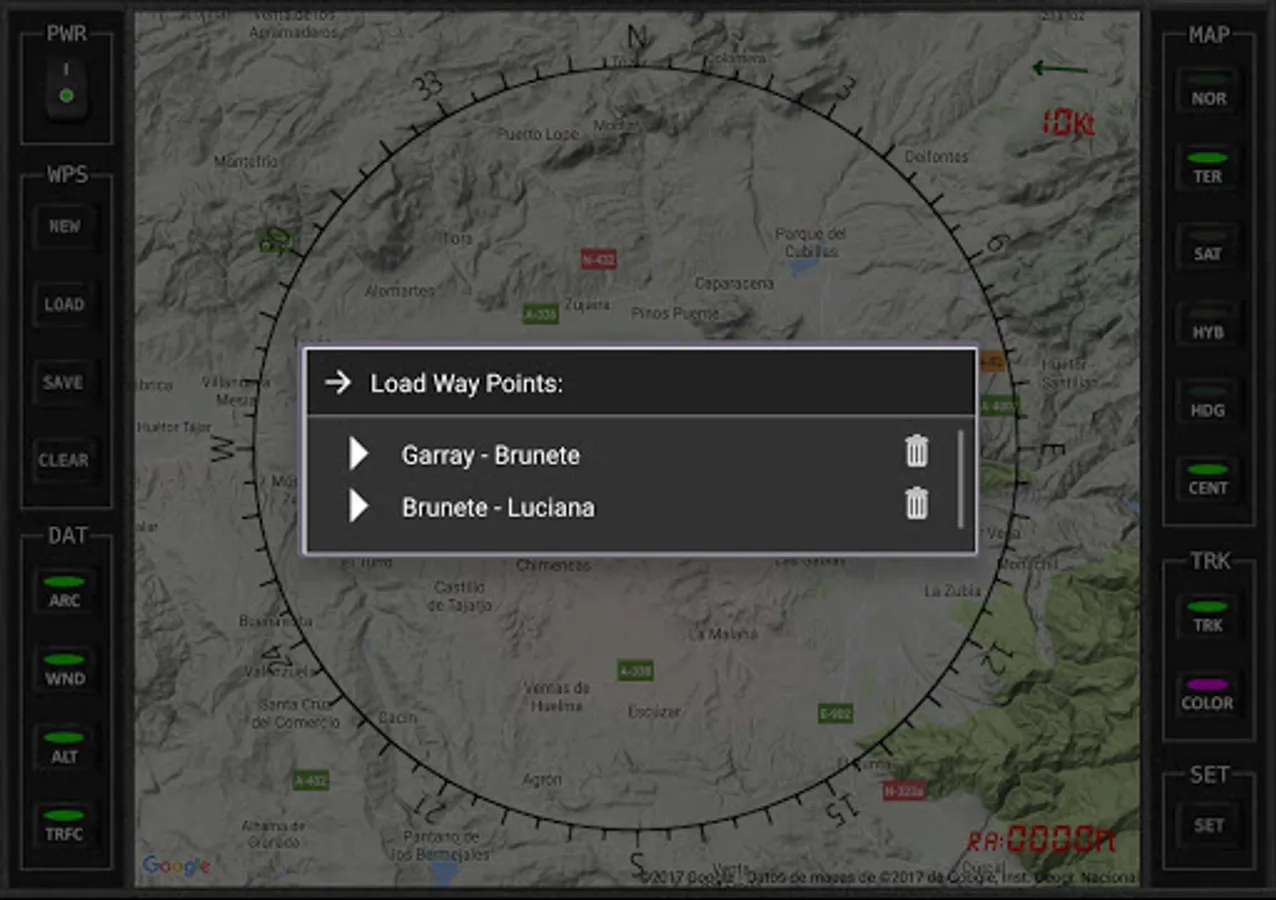
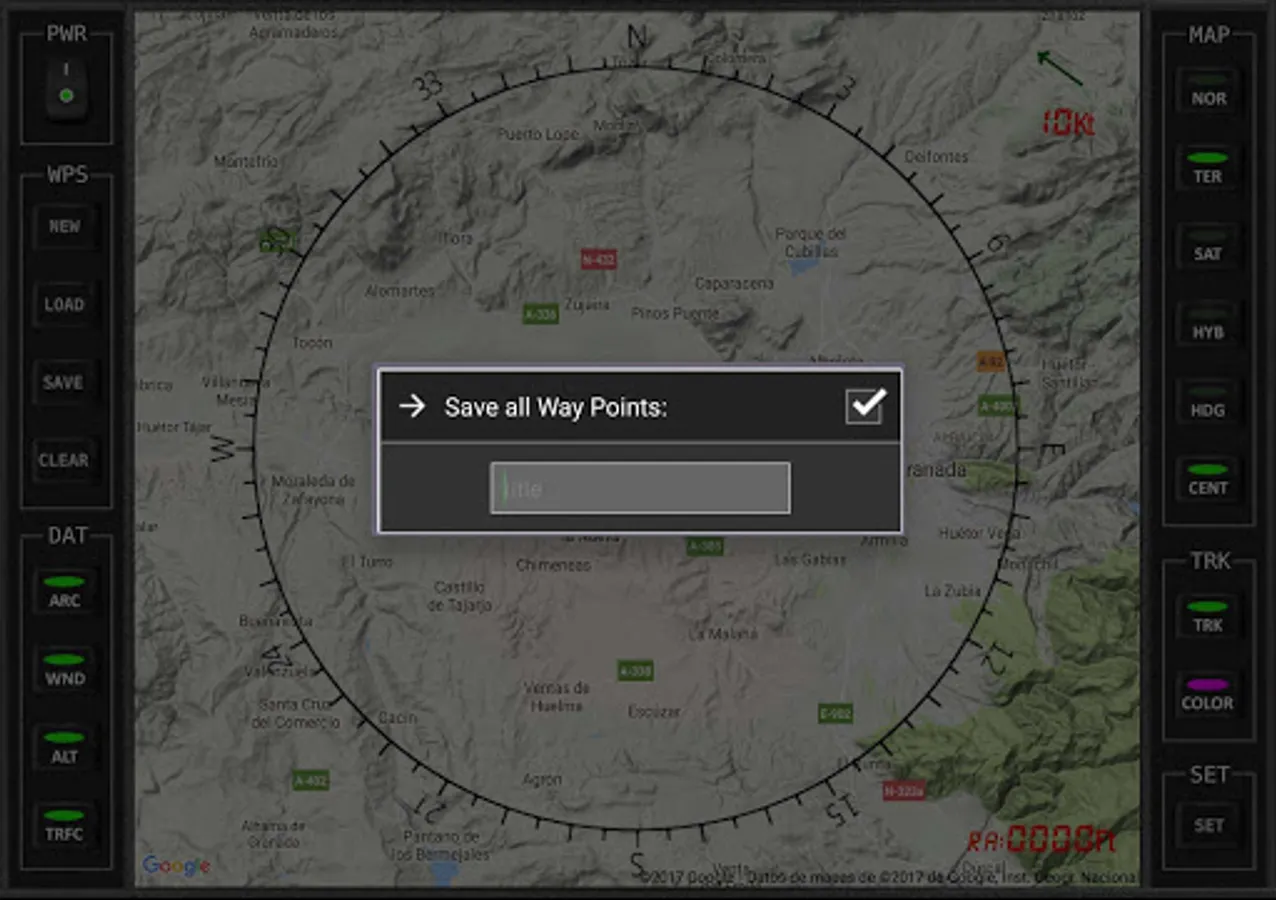
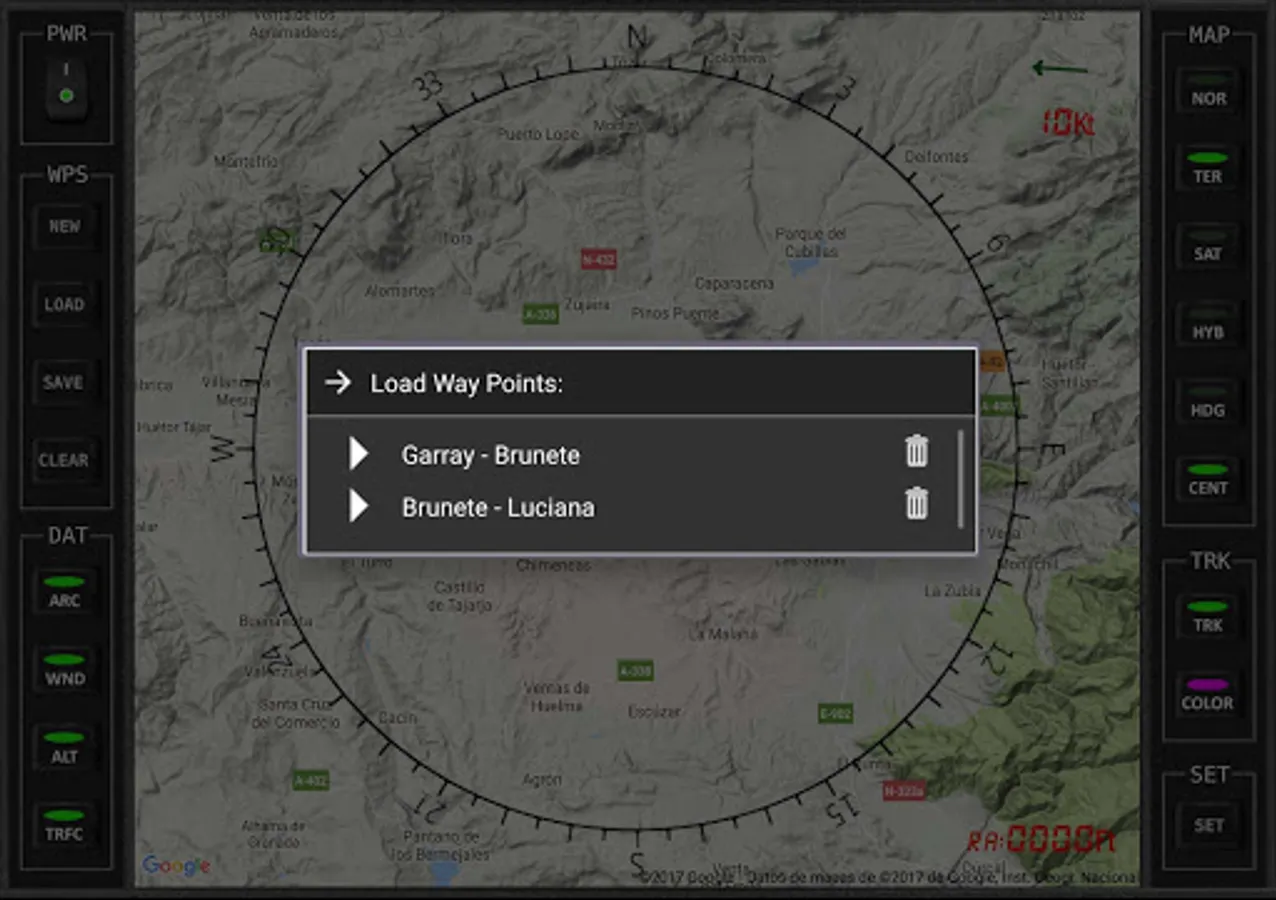
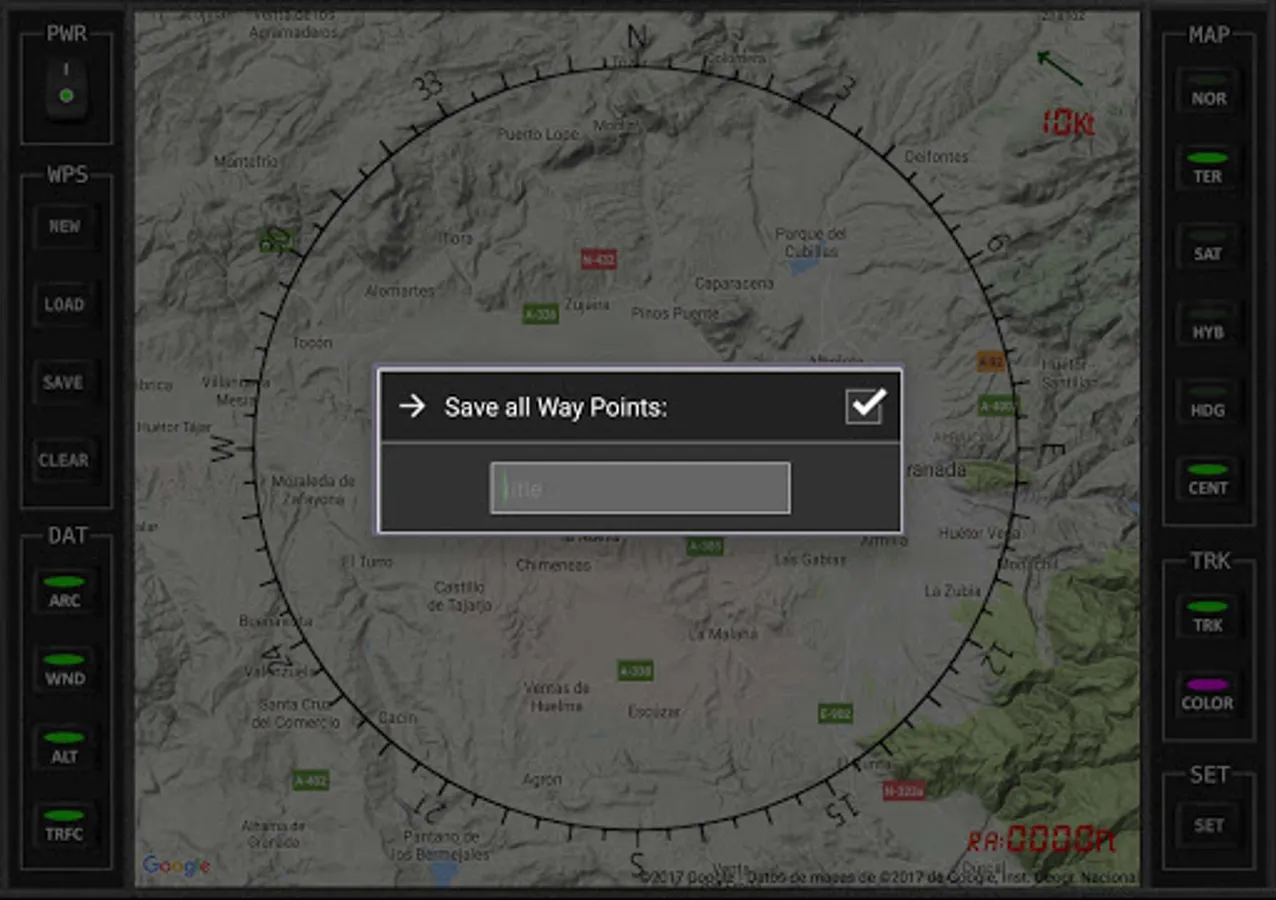
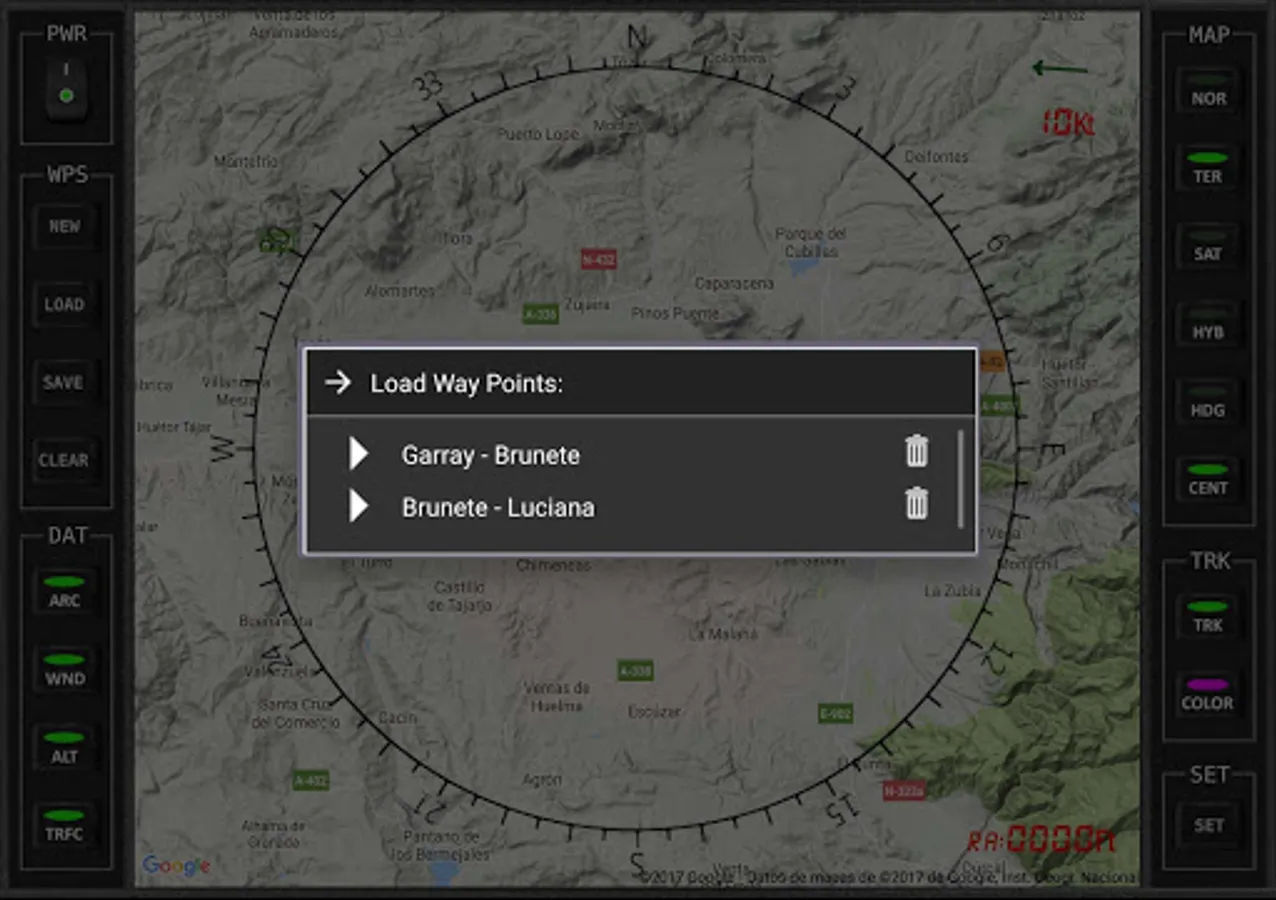
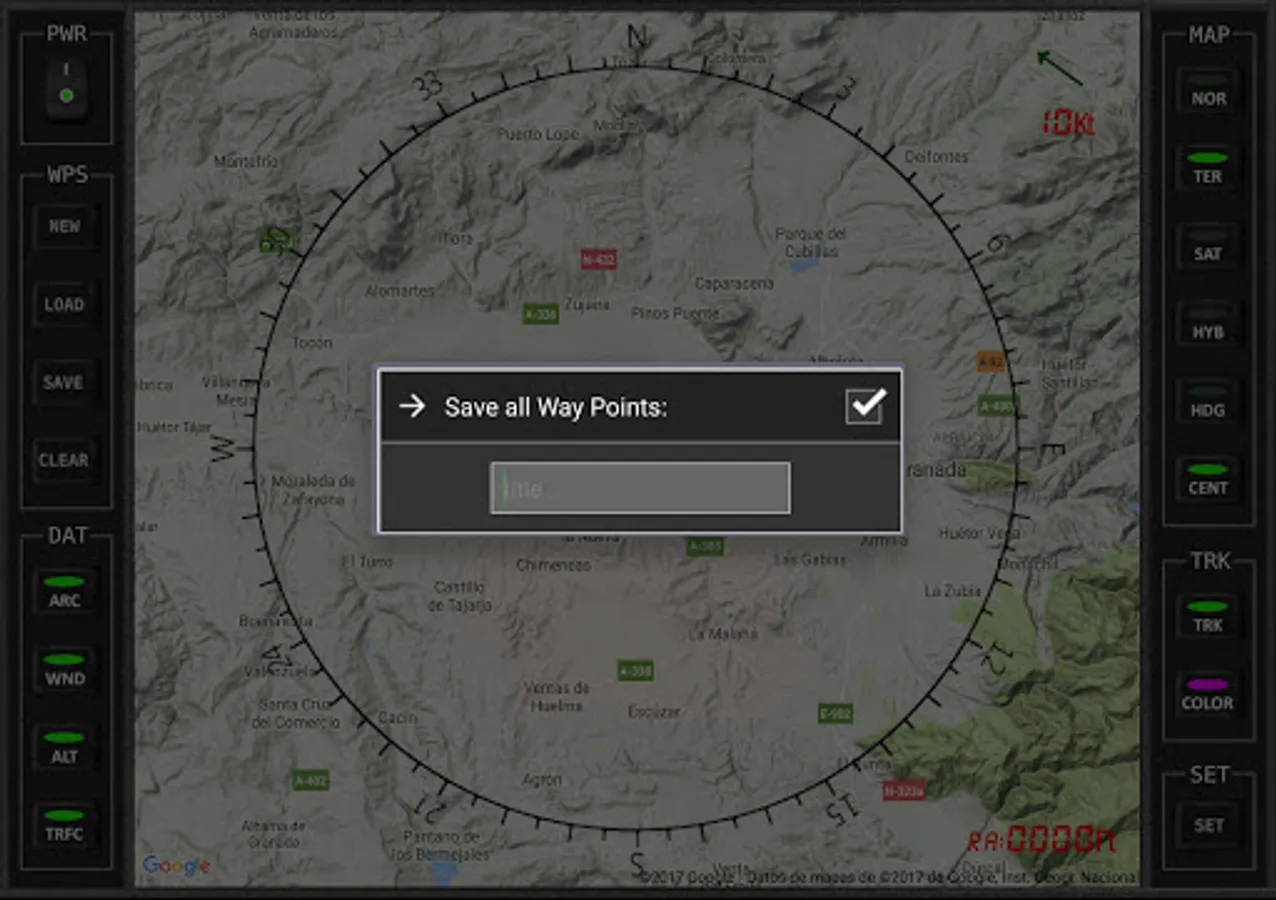
You can create your flight plans by tapping on the map, or import them from MSFS, Plan-G or Little Nav Map.
·
ATTENTION: You need to download the server program four your pc to connect to the simulator: http://www.tambucho.es/android/fic/FsPanelServer.zip
·
There is also a demo version that you can test to verify proper operation before purchase.
·
Compatible with:
- FsRadioPanel https://play.google.com/store/apps/details?id=com.tambucho.fsradiopanel
- FsVFRMap https://play.google.com/store/apps/details?id=com.tambucho.fsVfrMap
- FsPfdPanel https://play.google.com/store/apps/details?id=com.tambucho.FsPfdPanel
- FsC172Panel https://play.google.com/store/apps/details?d=com.tambucho.fsc172panel
- FsC177Panel https://play.google.com/store/apps/details?d=com.tambucho.fsc177panel
·
You can see other traffic that are in their vicinity.
·
You can activate the Aircraft Track and Track color.
·
You can create Marks for better VFR navigation. Make a long click on the desired map point.These marks will only remain during the current flight session.
·
You can create your flight plans by tapping on the map, or import them from MSFS, Plan-G or Little Nav Map.
·
ATTENTION: You need to download the server program four your pc to connect to the simulator: http://www.tambucho.es/android/fic/FsPanelServer.zip
·
There is also a demo version that you can test to verify proper operation before purchase.
·
Compatible with:
- FsRadioPanel https://play.google.com/store/apps/details?id=com.tambucho.fsradiopanel
- FsVFRMap https://play.google.com/store/apps/details?id=com.tambucho.fsVfrMap
- FsPfdPanel https://play.google.com/store/apps/details?id=com.tambucho.FsPfdPanel
- FsC172Panel https://play.google.com/store/apps/details?d=com.tambucho.fsc172panel
- FsC177Panel https://play.google.com/store/apps/details?d=com.tambucho.fsc177panel
FsVfrMap Pro Screenshots
Tap to Rate:
Reviews for FsVfrMap Pro
Acer Email
10/24/2022
Where is the instructions on using flight plans ?
Glenn Flansburg
5/22/2021
Absolutely love this app. So easy to "cheat" my bush trips. Can I ask for one feature? The ability to toggle the temperature scale between Celsius and Fahrenheit? At my age I am never going to adjust to Celsius. Plus I'm lazy.