In this app, you can connect your Android device to MS flight simulator to monitor and control radios, navigation instruments, and flight guidance panels. Includes support for multiple devices, server connection setup, and access to a Navigraph database.
AppRecs review analysis
AppRecs rating 3.1. Trustworthiness 84 out of 100. Review manipulation risk 18 out of 100. Based on a review sample analyzed.
★★★☆☆
3.1
AppRecs Rating
Ratings breakdown
5 star
46%
4 star
13%
3 star
9%
2 star
4%
1 star
28%
What to know
✓
Low review manipulation risk
18% review manipulation risk
⚠
Ad complaints
Many low ratings mention excessive ads
⚠
High negative review ratio
32% of sampled ratings are 1–2 stars
About FsRadioPanel
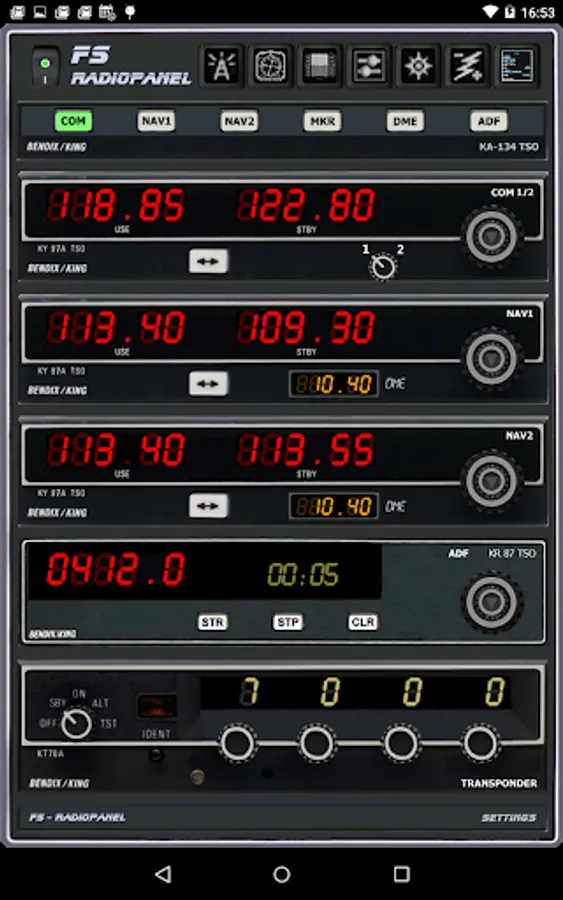
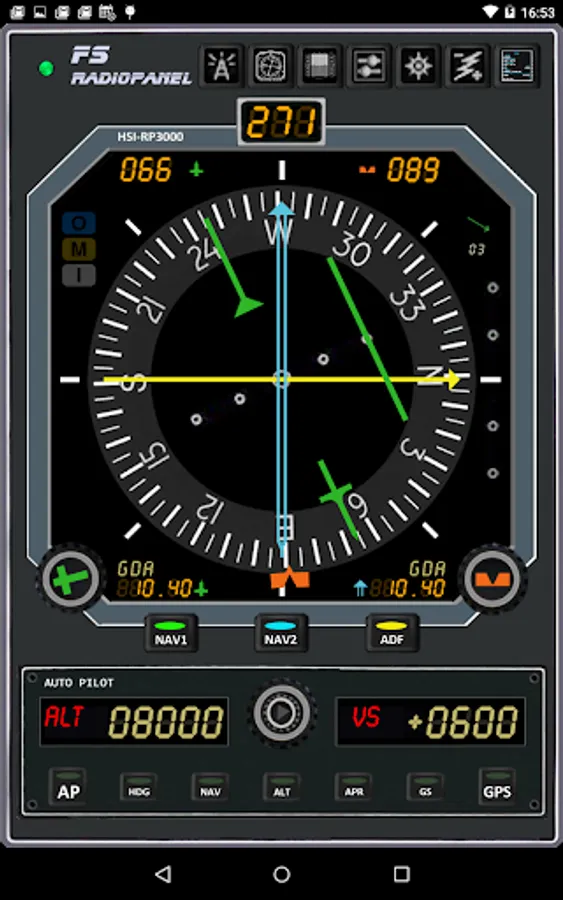
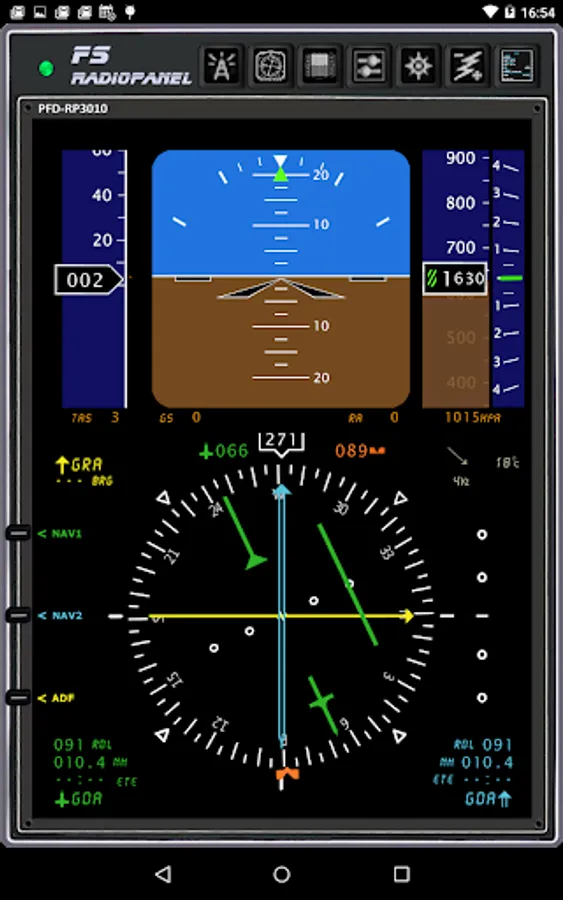
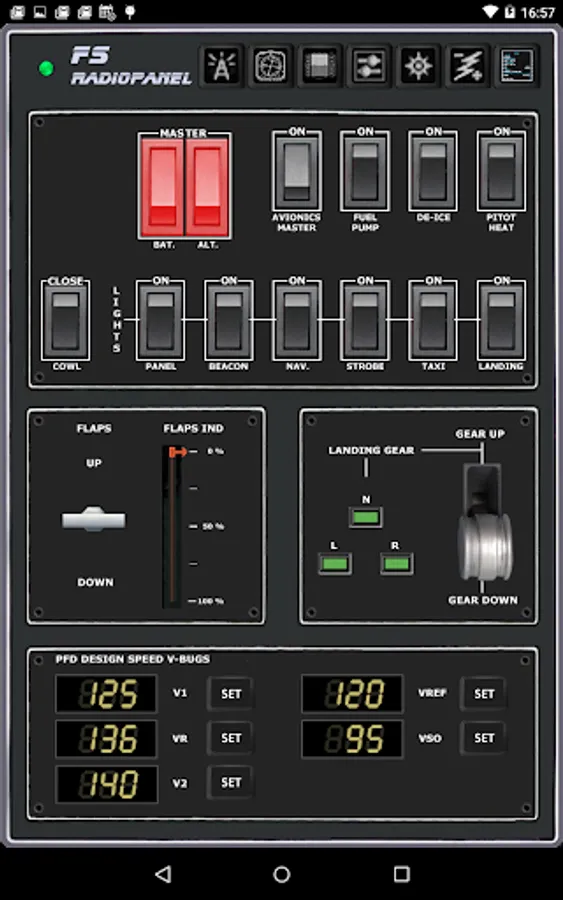
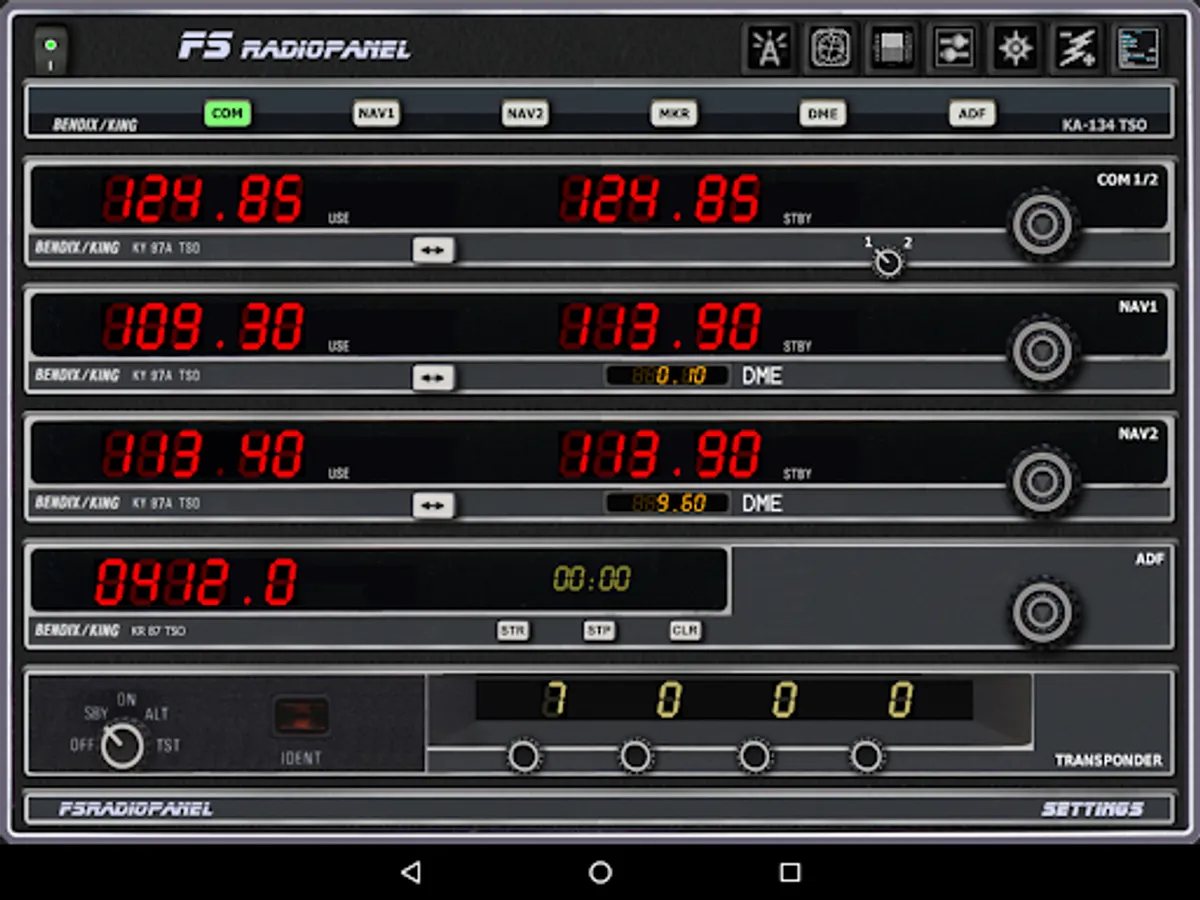
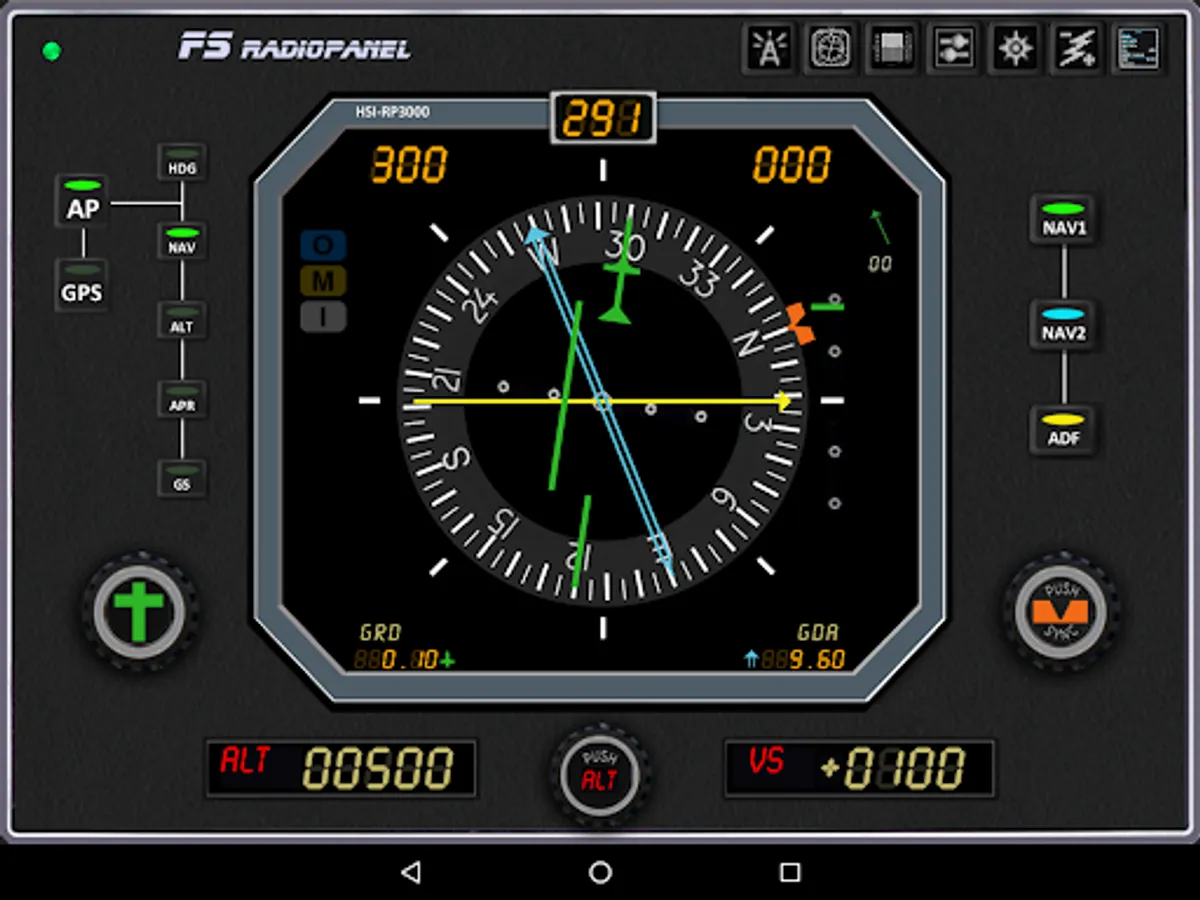
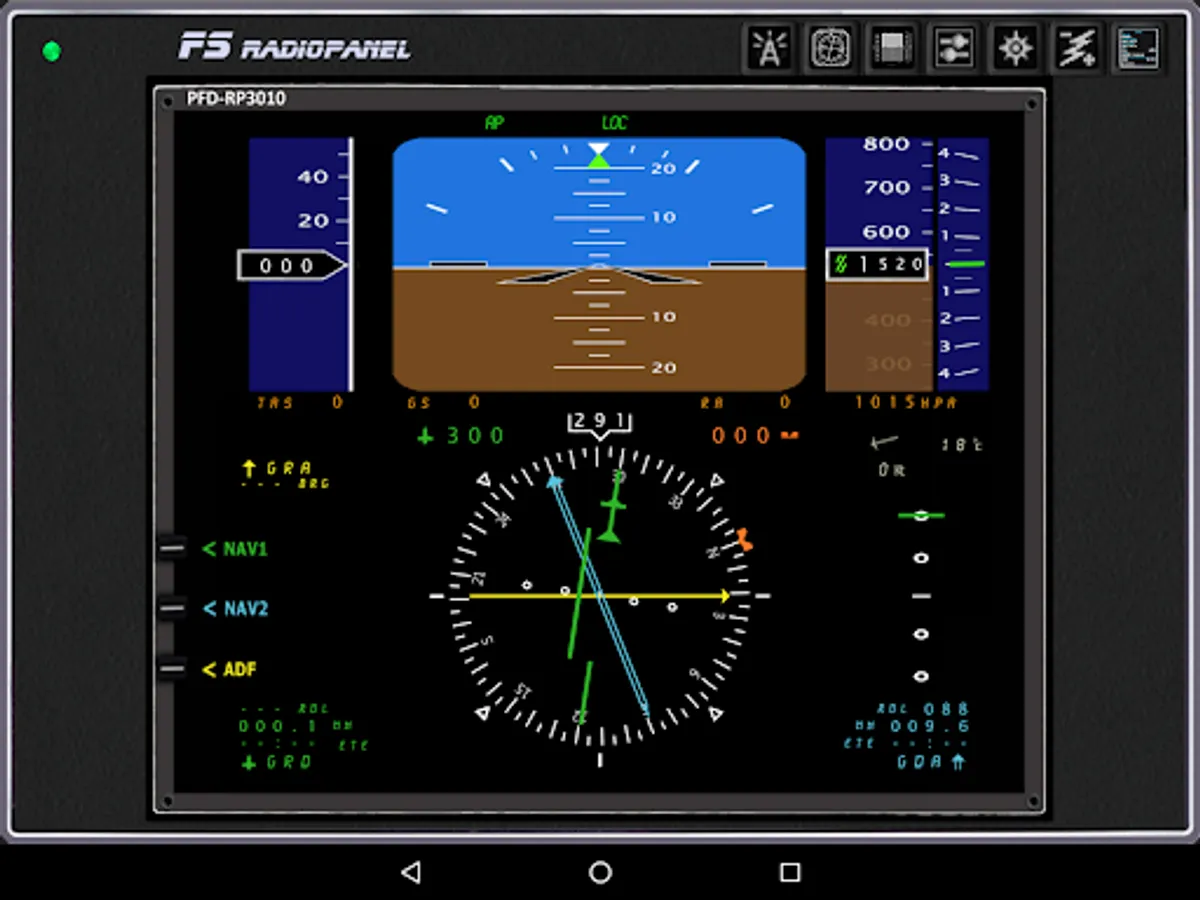
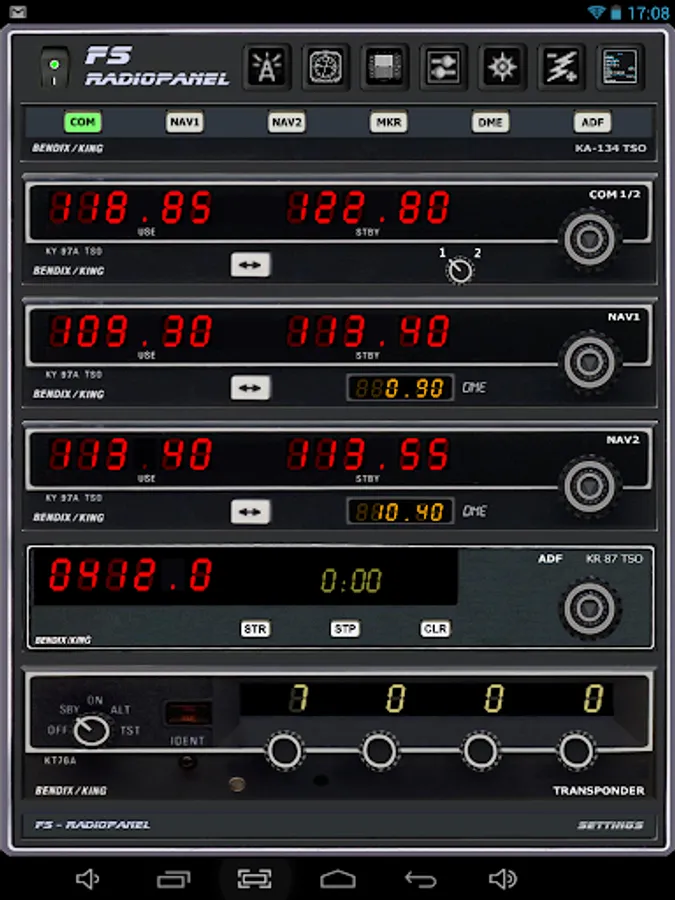
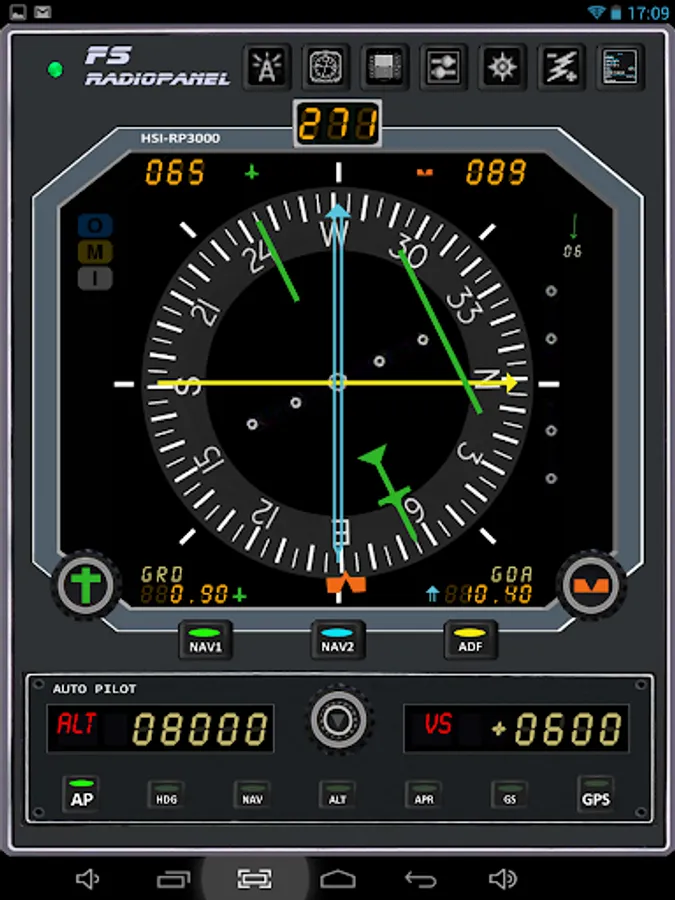
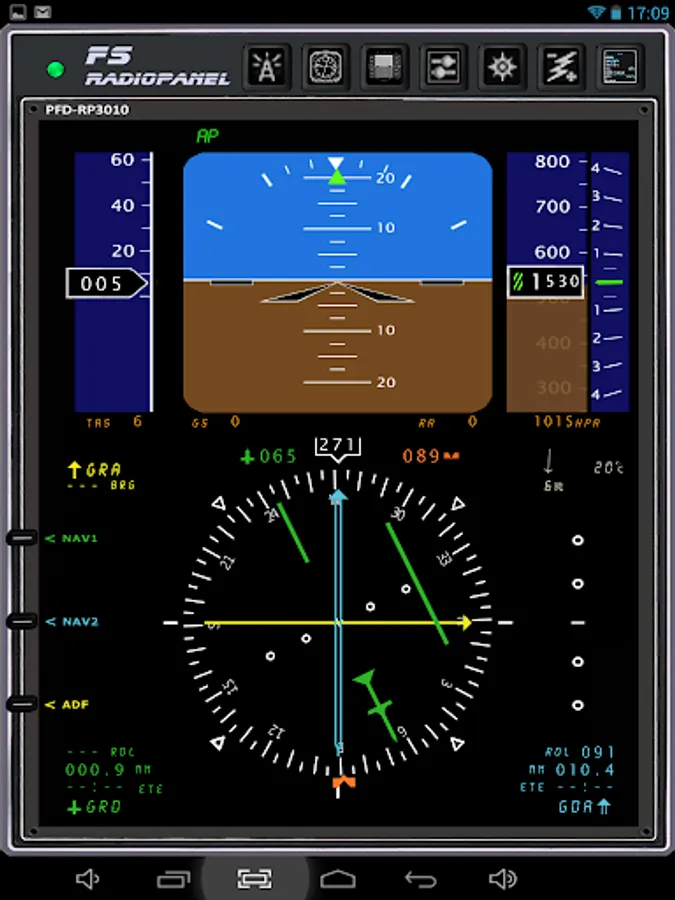
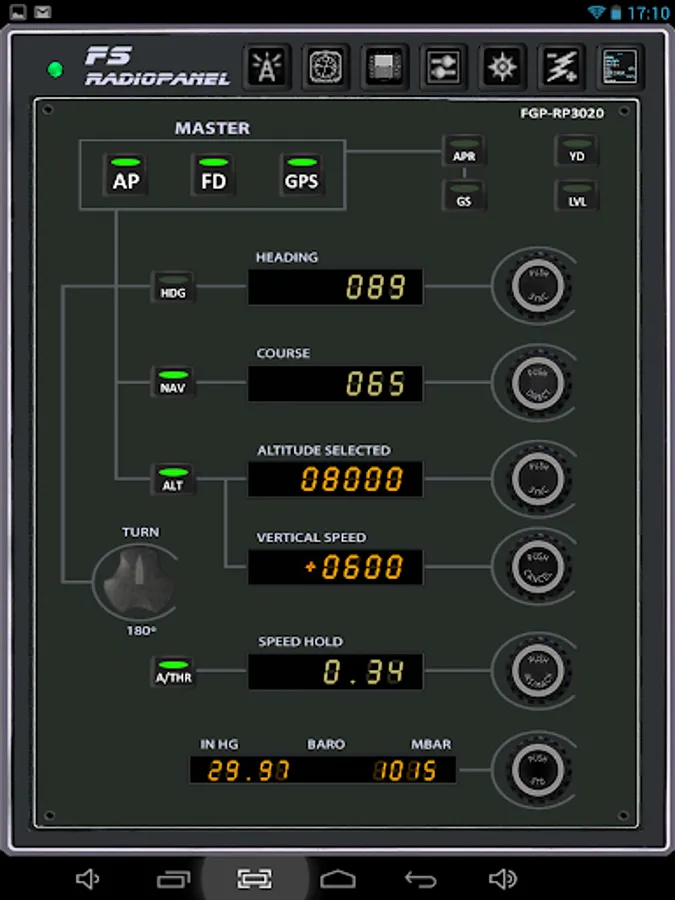
FsRadioPanel allows you to connect your Android device with MS flight simulator (FS9/FSX/FSX-SE/P3D/MFS2020).
·
Include the following devices:
·
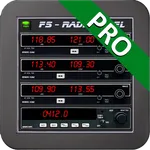
- RADIOS: Com1/Com2, Nav1/Nav2, Adf, Transponder, Timer.
- HSI: Horizontal situation indicator
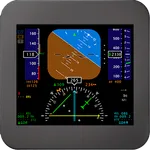
- PFD: Primary Flight Display.
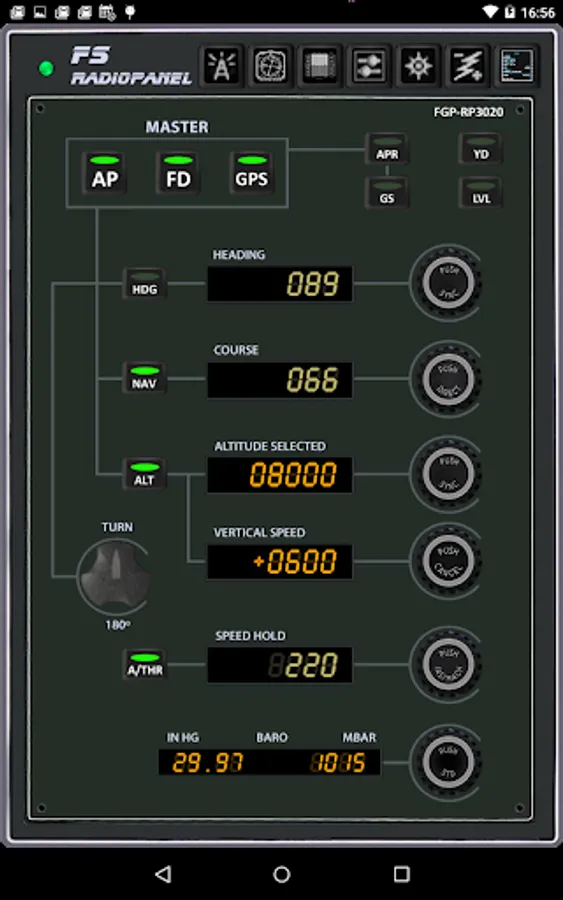
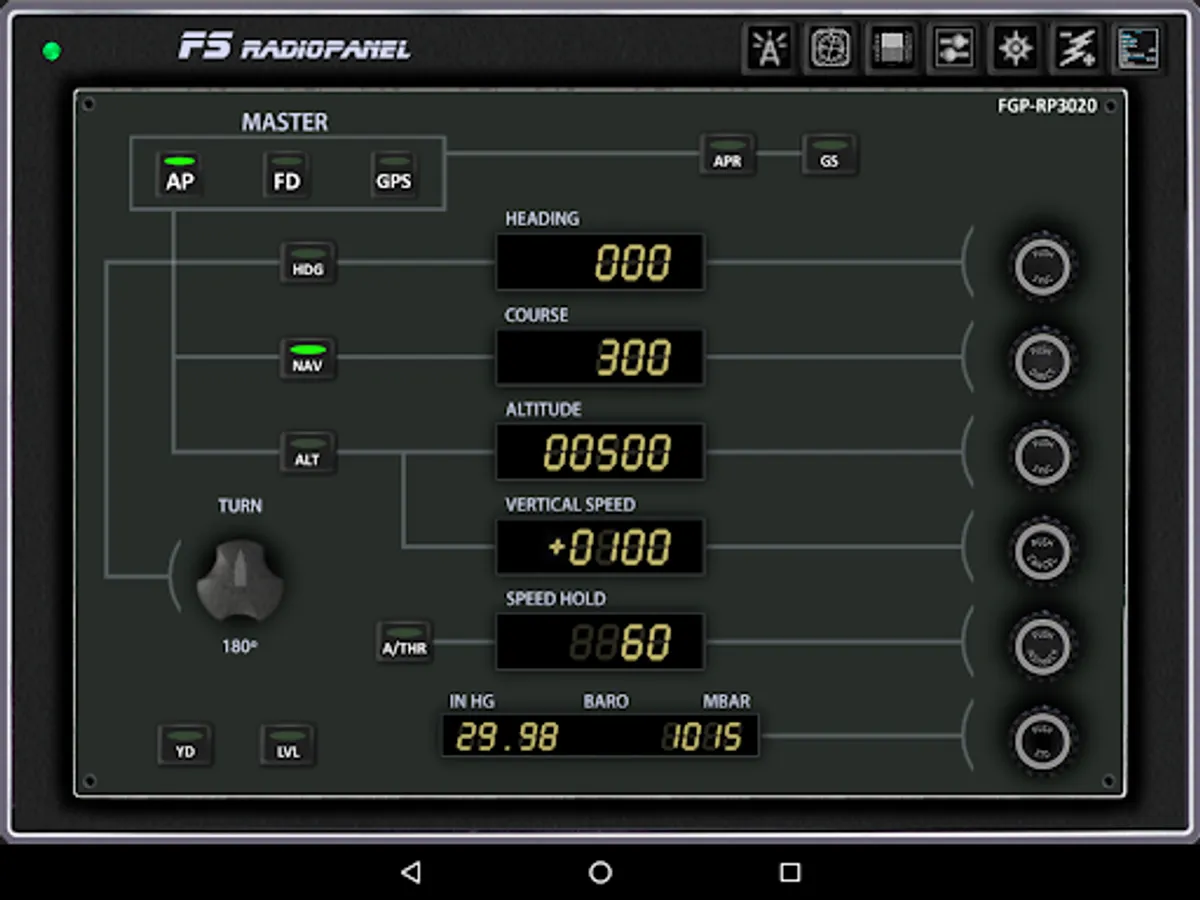
- FGP: Flight Guidance Panel.
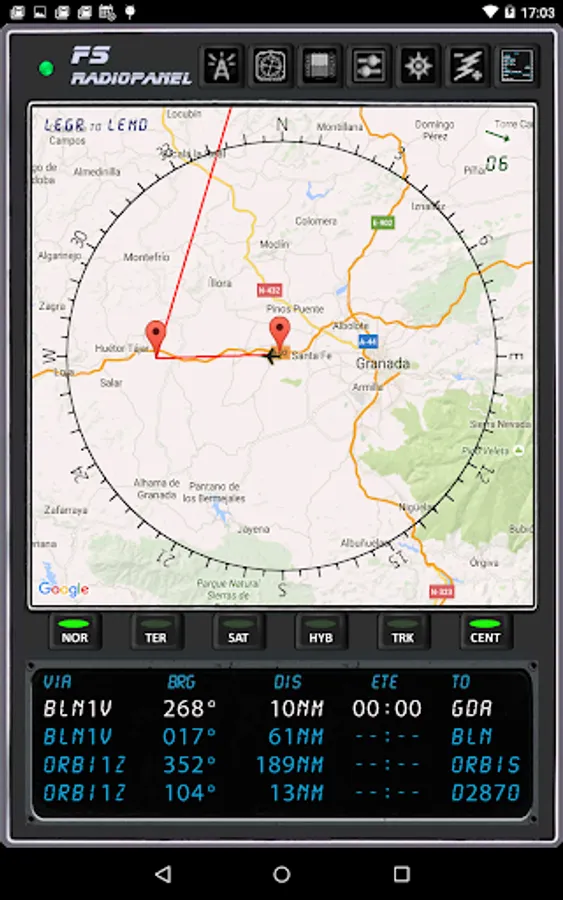
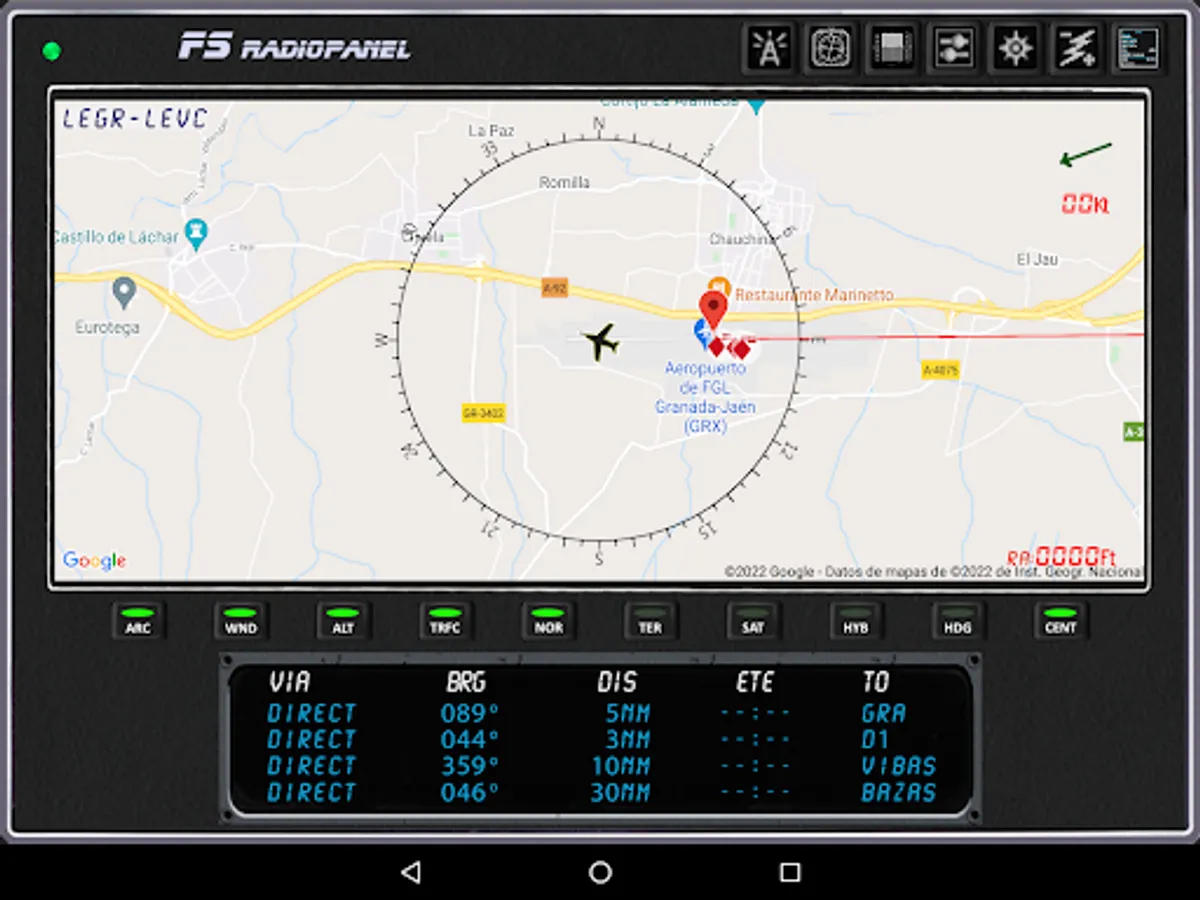
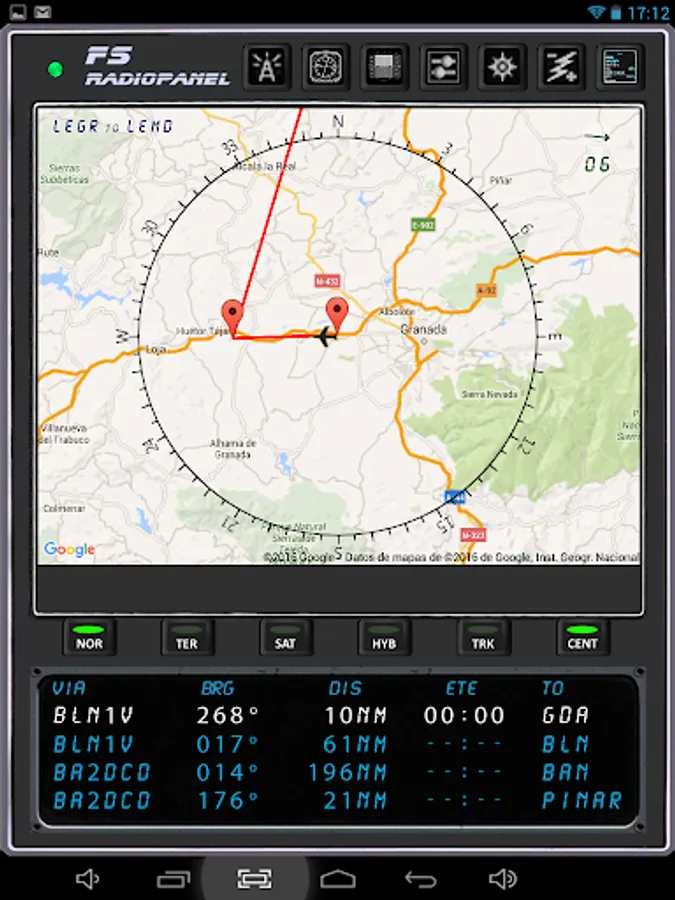
- MAP: Moving Map with flight plan.
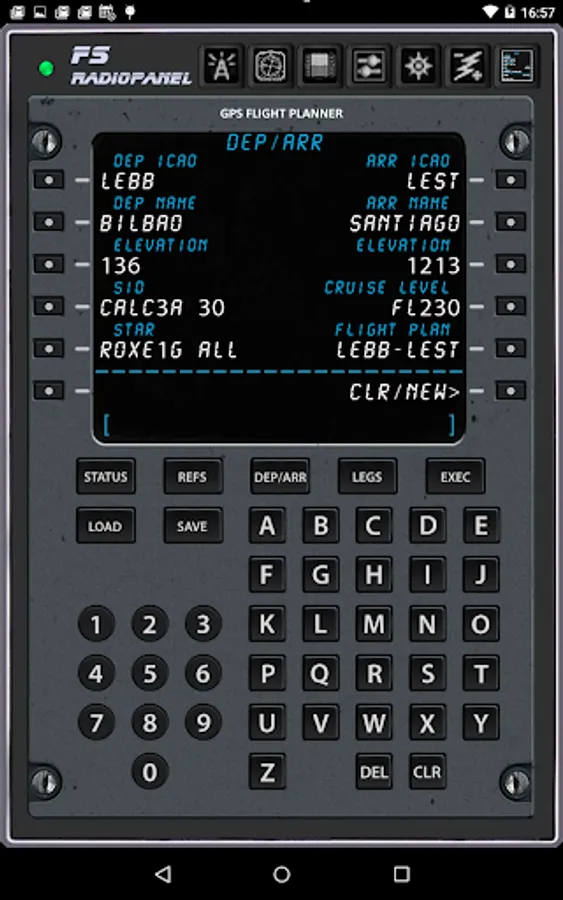
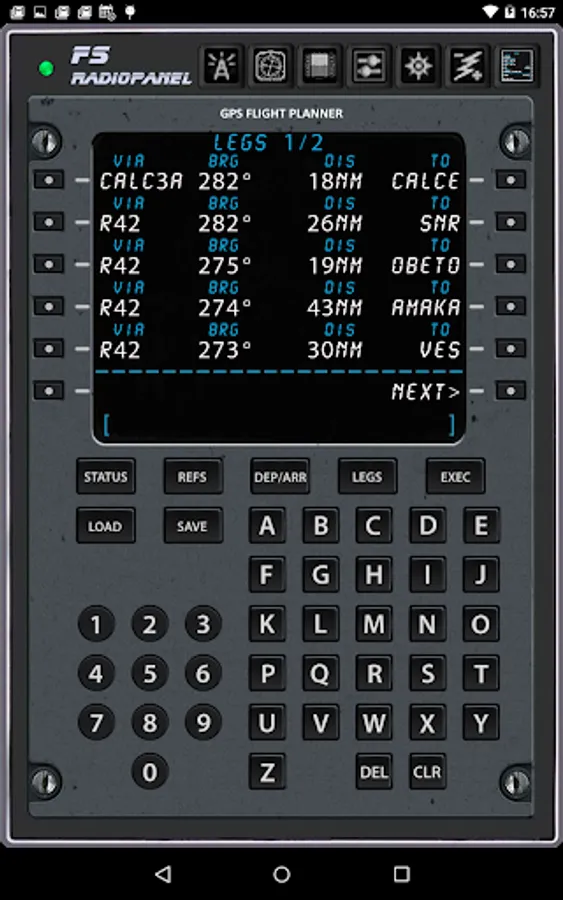
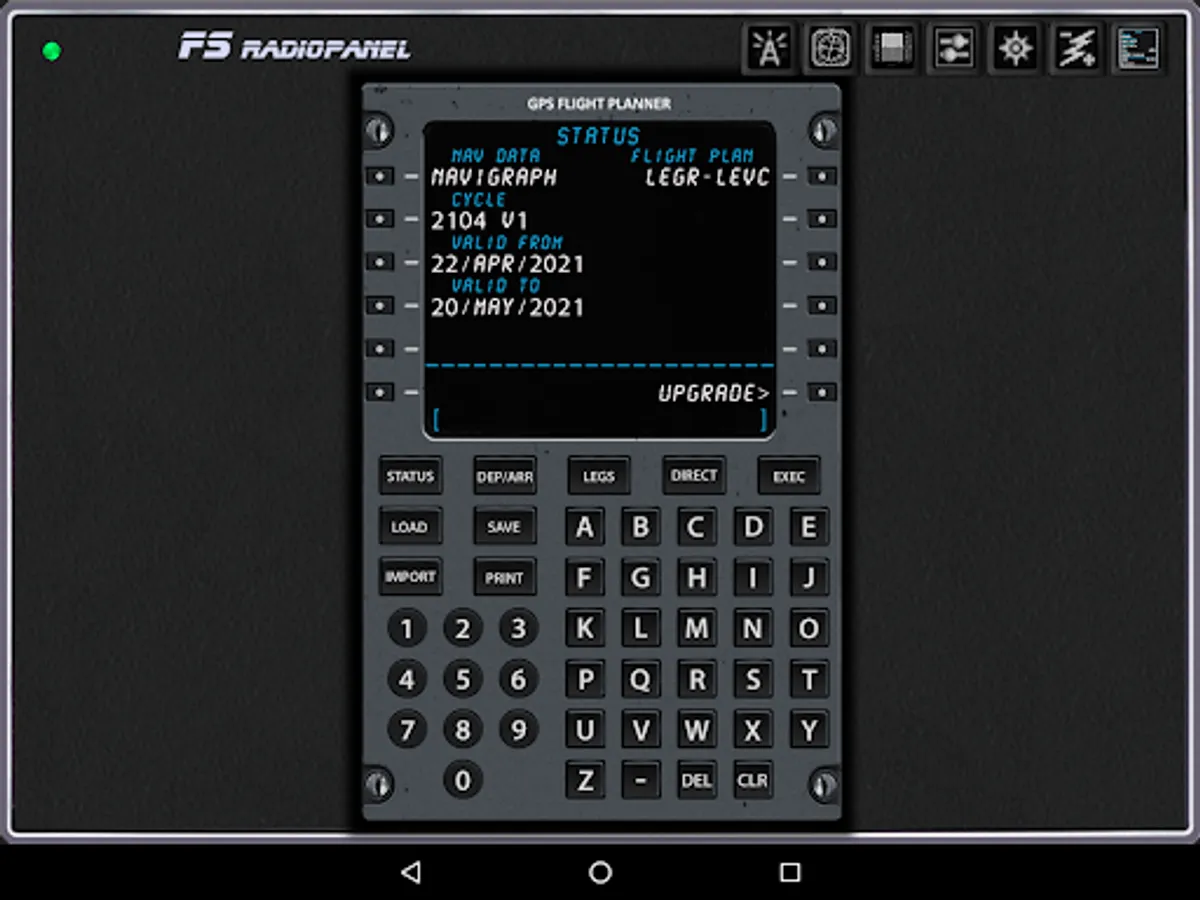
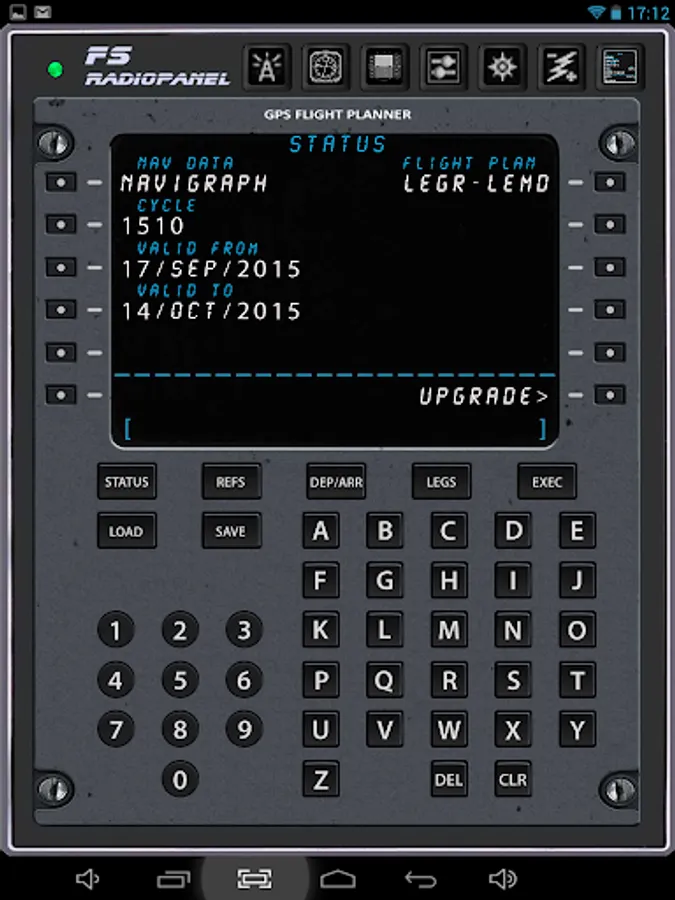
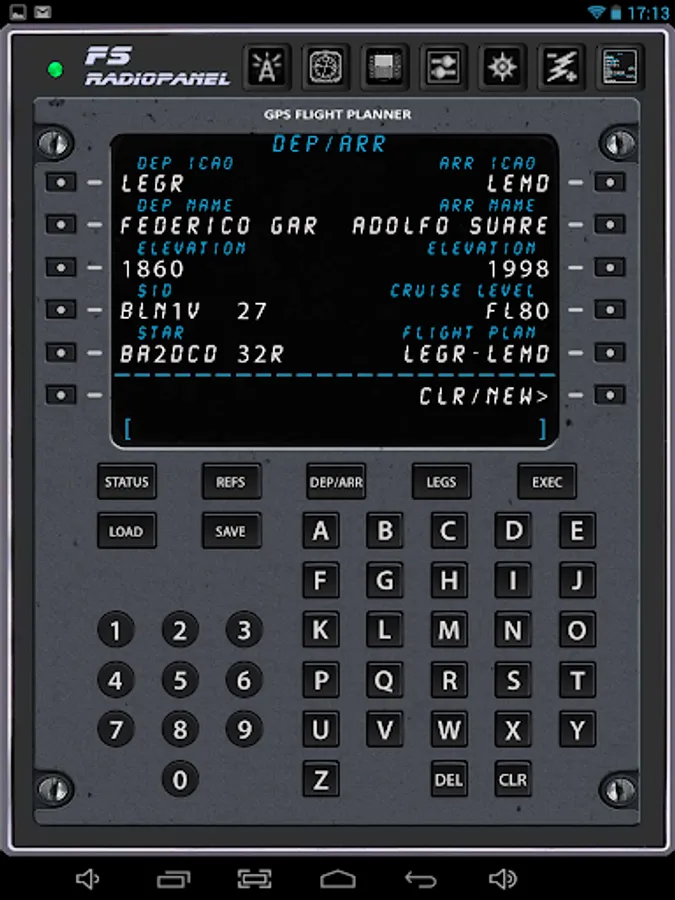
- GFP: Gps Flight Planner.
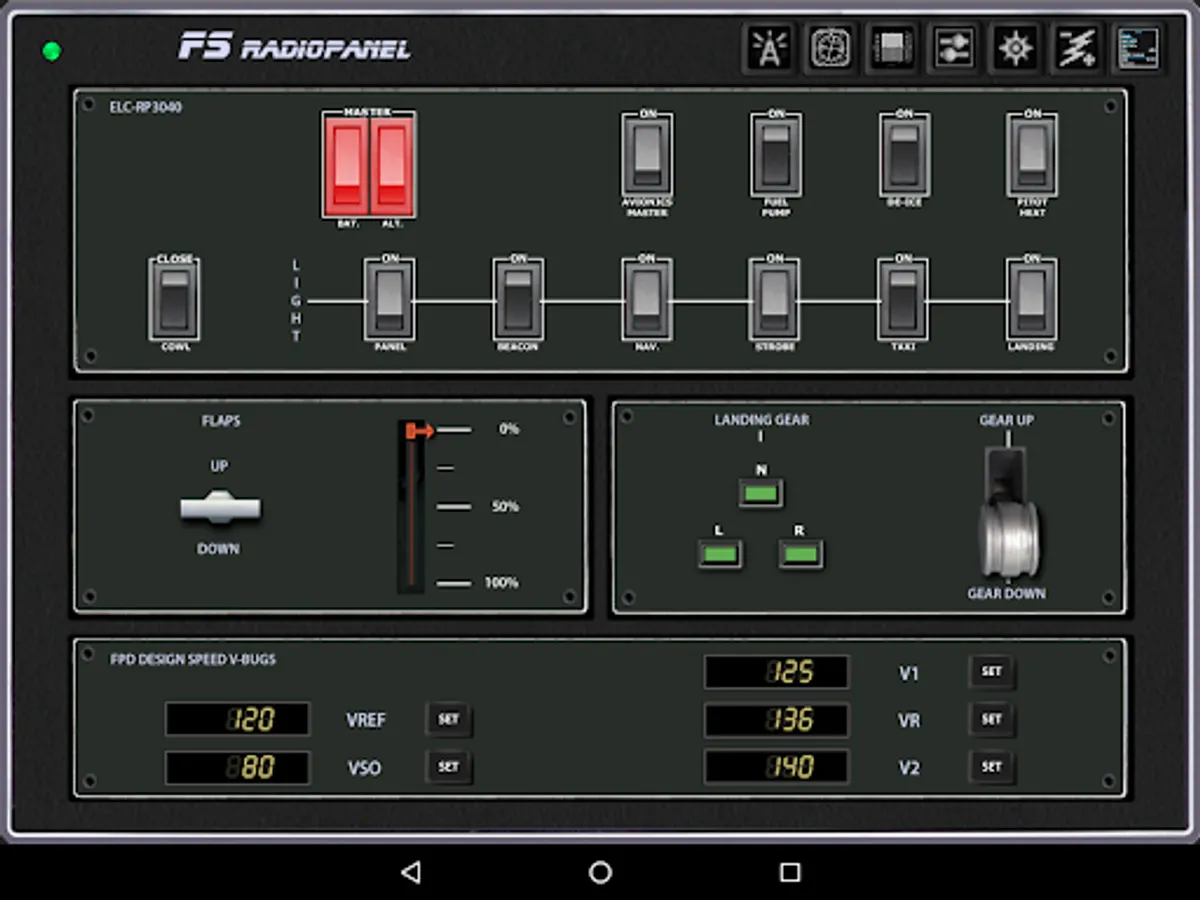
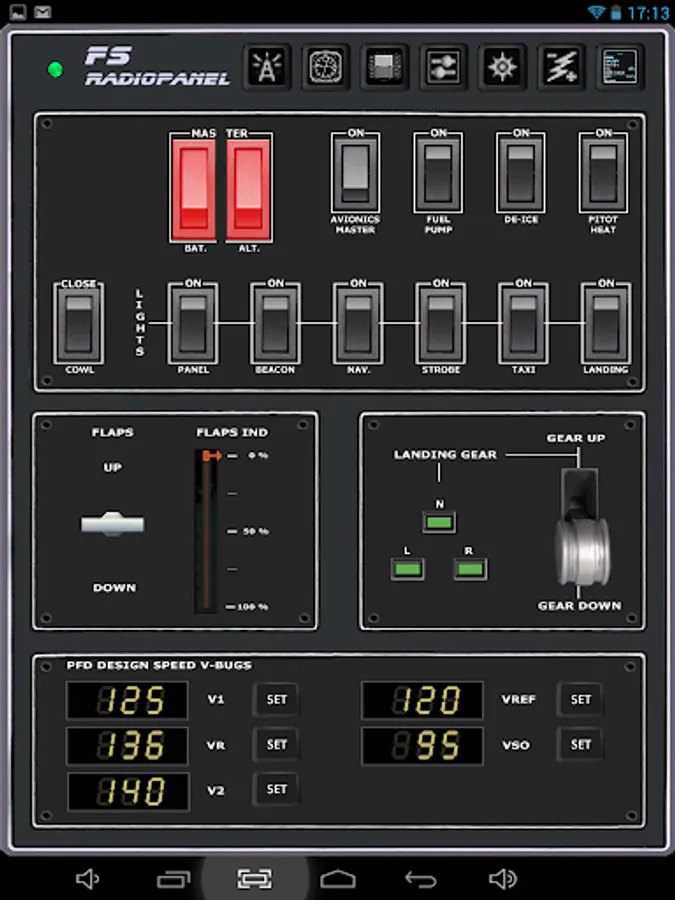
- ELC: Electric Panel.
·
This products comes with an AIRAC cycle 1513 v2 Navigraph database which has all the information you need to create a flight plan. But if you want to keep your database up to date you will need a subscription from Navigraph. (http://www.navigraph.com/FmsDataManualInstall.aspx)
·
ATTENTION: You need to download the server program four your pc to connect to the simulator.
http://www.tambucho.es/android/fic/FsPanelServer.zip
·
DETAILED MANUAL: http://www.tambucho.es/android/fic/FsRadioPanel.pdf
·
Compatible with:
- FsVFRMap https://play.google.com/store/apps/details?id=com.tambucho.fsVfrMap
- FsPfdPanel https://play.google.com/store/apps/details?id=com.tambucho.FsPfdPanel
- FsC172Panel https://play.google.com/store/apps/details?d=com.tambucho.fsc172panel
- FsC177Panel https://play.google.com/store/apps/details?d=com.tambucho.fsc177panel
·
Demo Version: This trial version will allow you to check if it works properly with your configuration.
·
Include the following devices:
·
- RADIOS: Com1/Com2, Nav1/Nav2, Adf, Transponder, Timer.
- HSI: Horizontal situation indicator
- PFD: Primary Flight Display.
- FGP: Flight Guidance Panel.
- MAP: Moving Map with flight plan.
- GFP: Gps Flight Planner.
- ELC: Electric Panel.
·
This products comes with an AIRAC cycle 1513 v2 Navigraph database which has all the information you need to create a flight plan. But if you want to keep your database up to date you will need a subscription from Navigraph. (http://www.navigraph.com/FmsDataManualInstall.aspx)
·
ATTENTION: You need to download the server program four your pc to connect to the simulator.
http://www.tambucho.es/android/fic/FsPanelServer.zip
·
DETAILED MANUAL: http://www.tambucho.es/android/fic/FsRadioPanel.pdf
·
Compatible with:
- FsVFRMap https://play.google.com/store/apps/details?id=com.tambucho.fsVfrMap
- FsPfdPanel https://play.google.com/store/apps/details?id=com.tambucho.FsPfdPanel
- FsC172Panel https://play.google.com/store/apps/details?d=com.tambucho.fsc172panel
- FsC177Panel https://play.google.com/store/apps/details?d=com.tambucho.fsc177panel
·
Demo Version: This trial version will allow you to check if it works properly with your configuration.
FsRadioPanel Screenshots
Tap to Rate:
Reviews for FsRadioPanel
Eric O'Hara
9/26/2025
very good, will get pro. ideal in a home cockpit. I understand the need for adverts so happy to accept on the free version
Aman Singhal
9/15/2025
best