
Compress Video - Resize Video
TAPUNIVERSE
4.1 ★
2K ratings
50,000+
downloads
$2.99
In this video compression app, you can reduce video size and customize compression levels for efficient sharing and storage. Includes batch processing, advanced settings, and options to adjust bitrate and resolution.
AppRecs review analysis
AppRecs rating 4.1. Trustworthiness 77 out of 100. Review manipulation risk 29 out of 100. Based on a review sample analyzed.
★★★★☆
4.1
AppRecs Rating
Ratings breakdown
5 star
63%
4 star
12%
3 star
7%
2 star
4%
1 star
13%
What to know
✓
Low review manipulation risk
29% review manipulation risk
✓
Credible reviews
77% trustworthiness score from analyzed reviews
✓
High user satisfaction
75% of sampled ratings are 4+ stars (4.1★ average)
About Compress Video - Resize Video
Features:
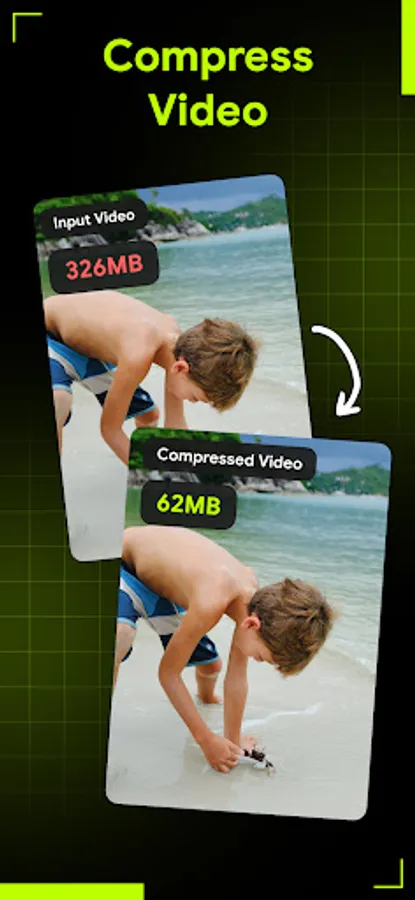
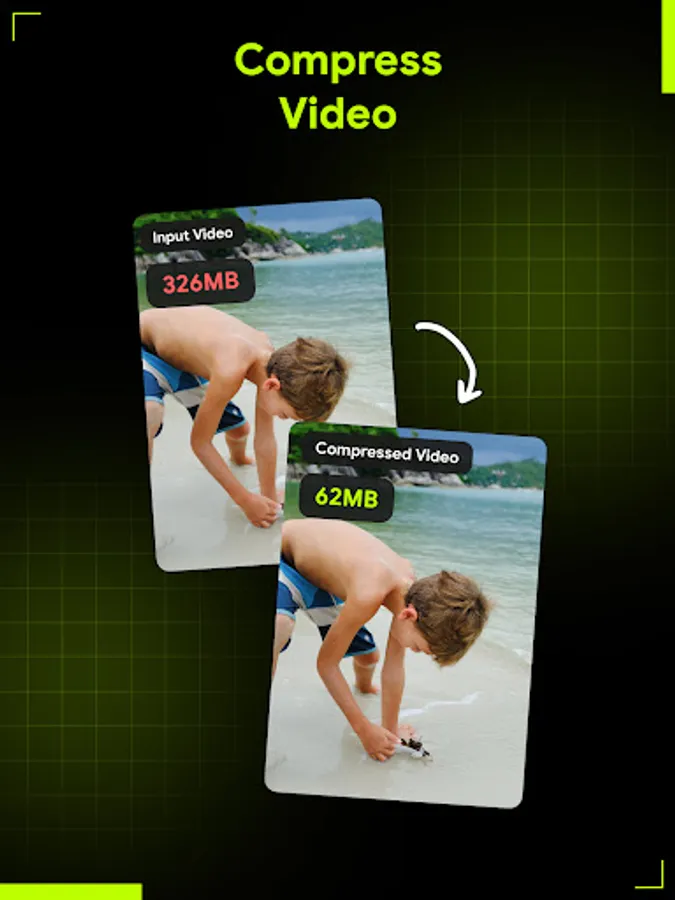
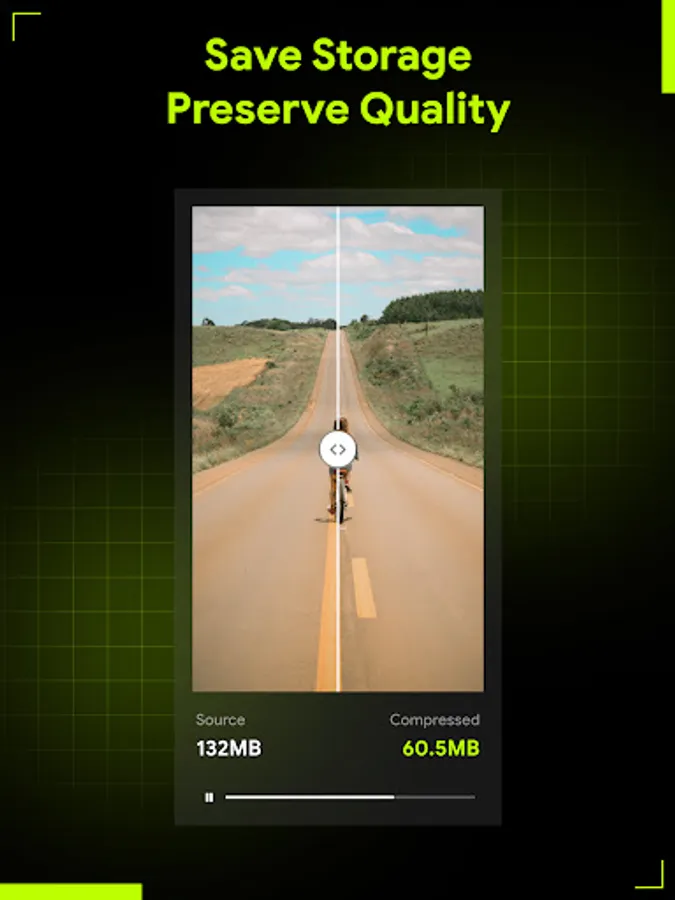
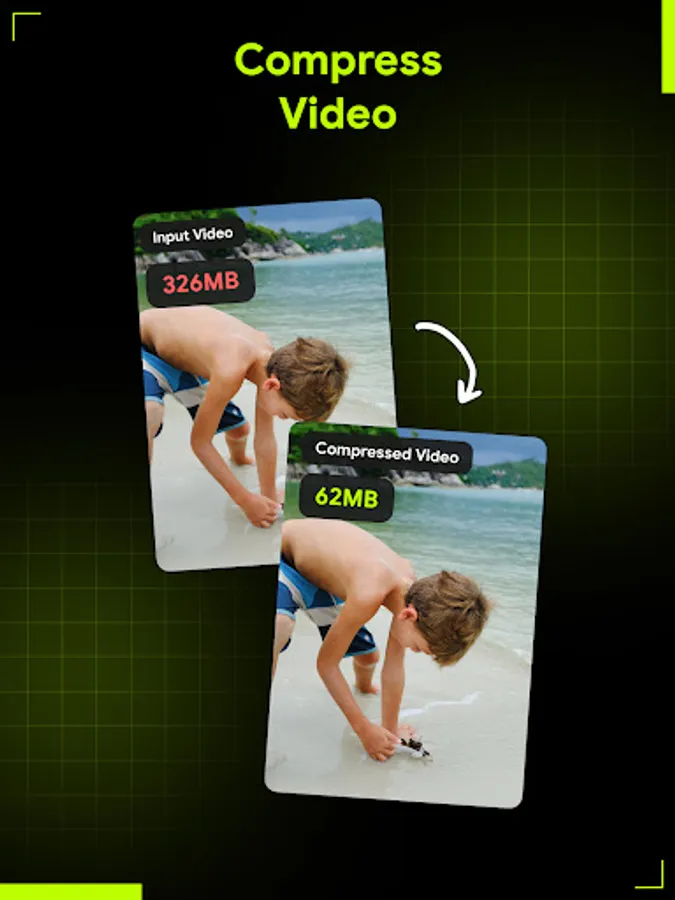
- Compress video of any size: Tired of bulky video files gobbling up your storage space? Our app allows you to reduce video size with just a few taps, ensuring smooth playback and seamless sharing across all your devices and platforms.
- Resize video by levels: Offering customizable resizing options, choose from three convenient levels - Low, Medium or High - to tailor the video compression to your specific needs. Whether you're aiming for maximum savings in video size or striking the perfect balance between size and video resolution, our app puts the power in your hands.
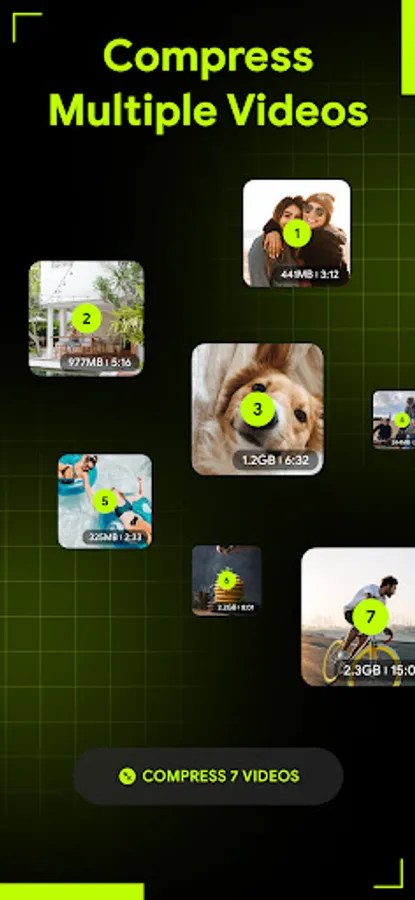
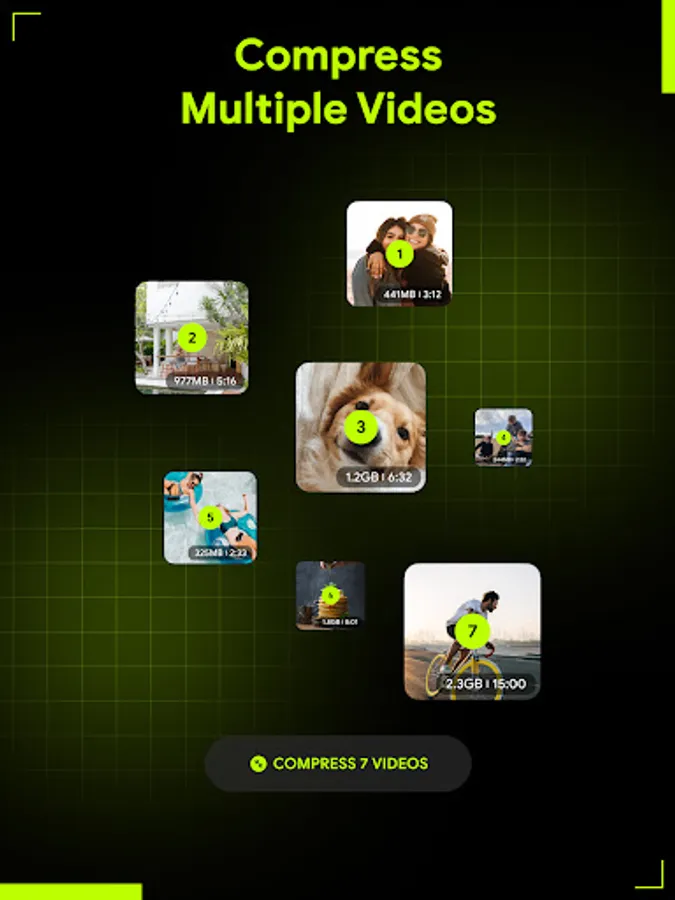
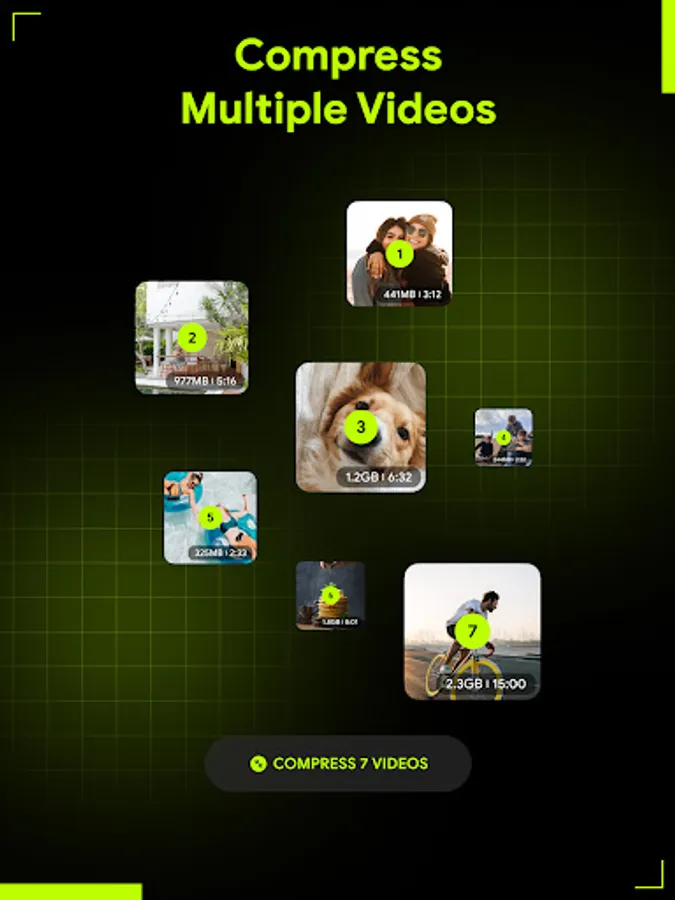
- Batch video compressor: This video resizer allowing you to compress multiple videos simultaneously, saving you time and effort, whether you're organizing your video library or preparing content for a project, Compress Video will speed up the process for you.
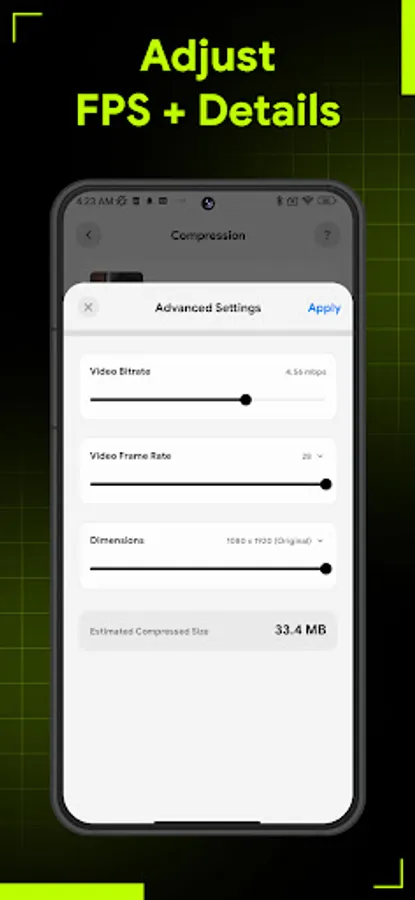
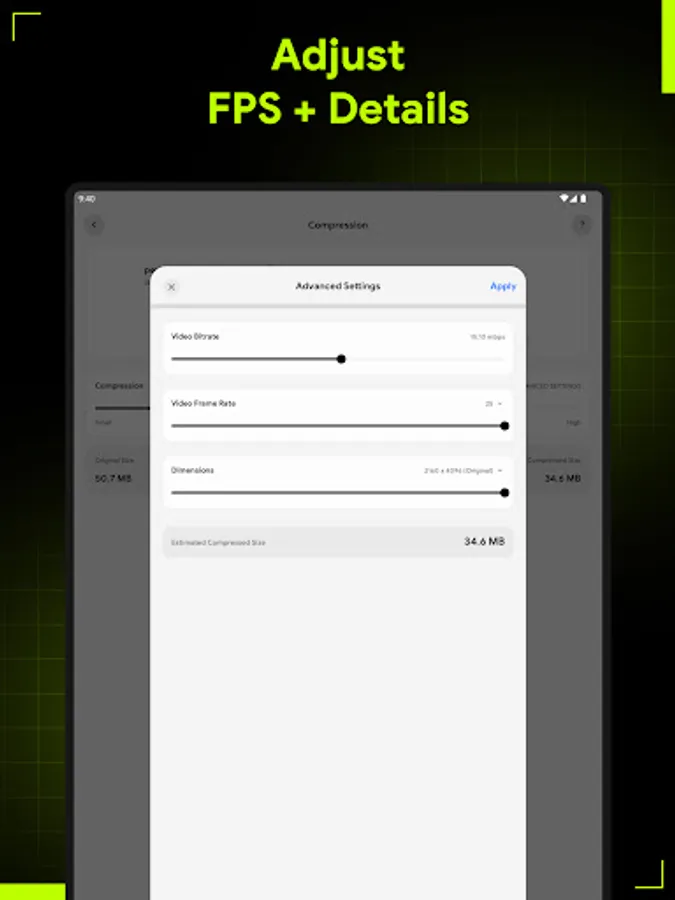
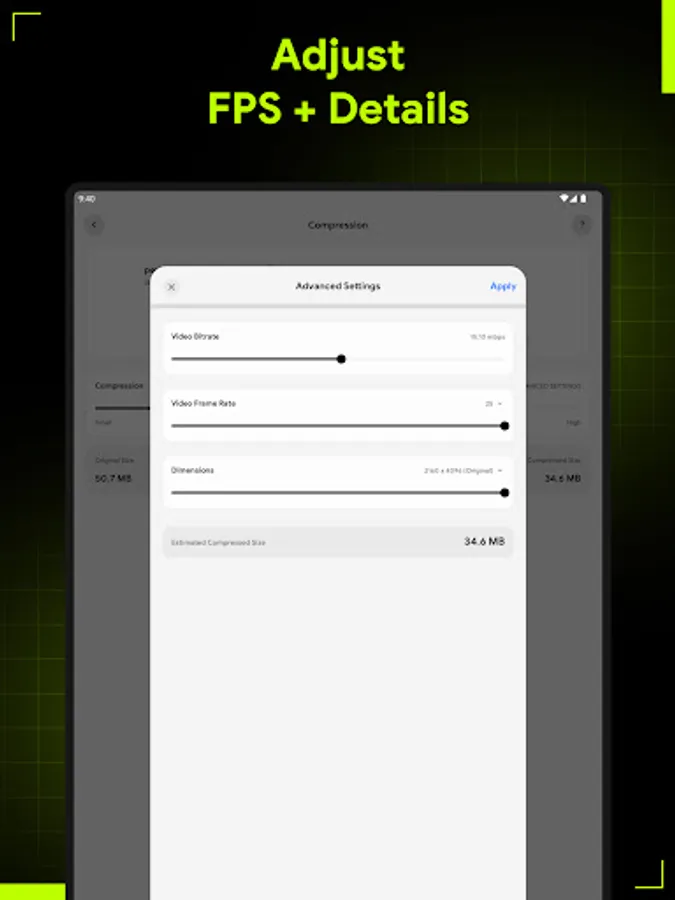
- Advanced settings: Based on video size, Compress Video will also suggest best video compression setting for you. However, you can take full control of your compression process with advanced settings for bitrate, video resolution and frame rate.
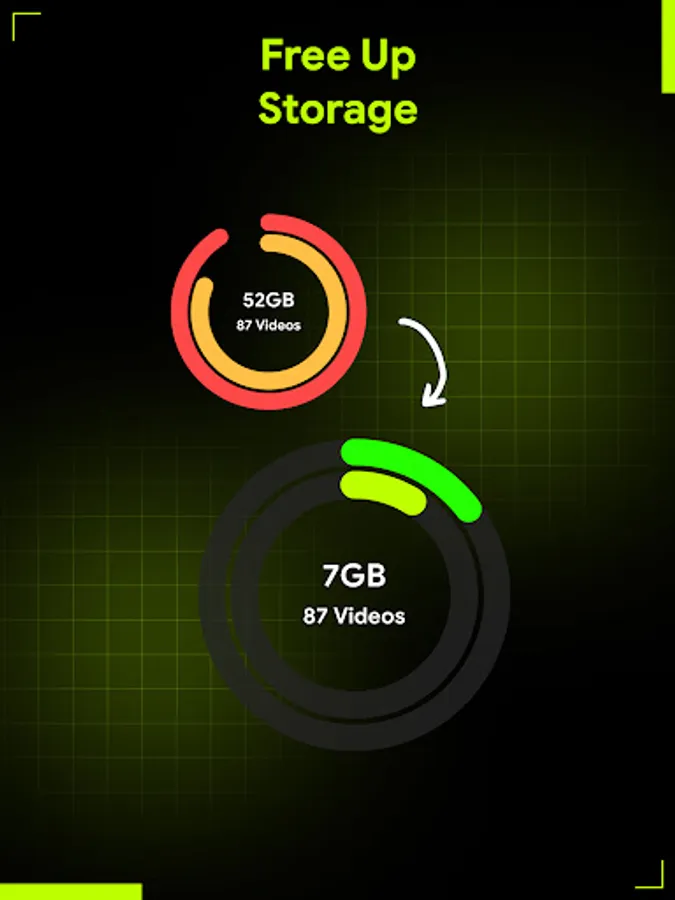
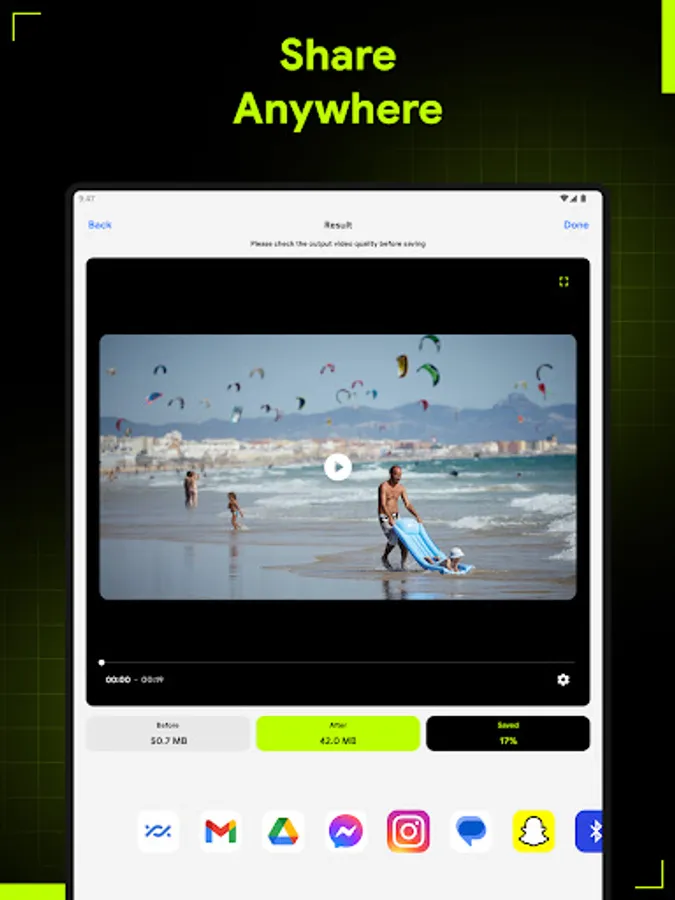
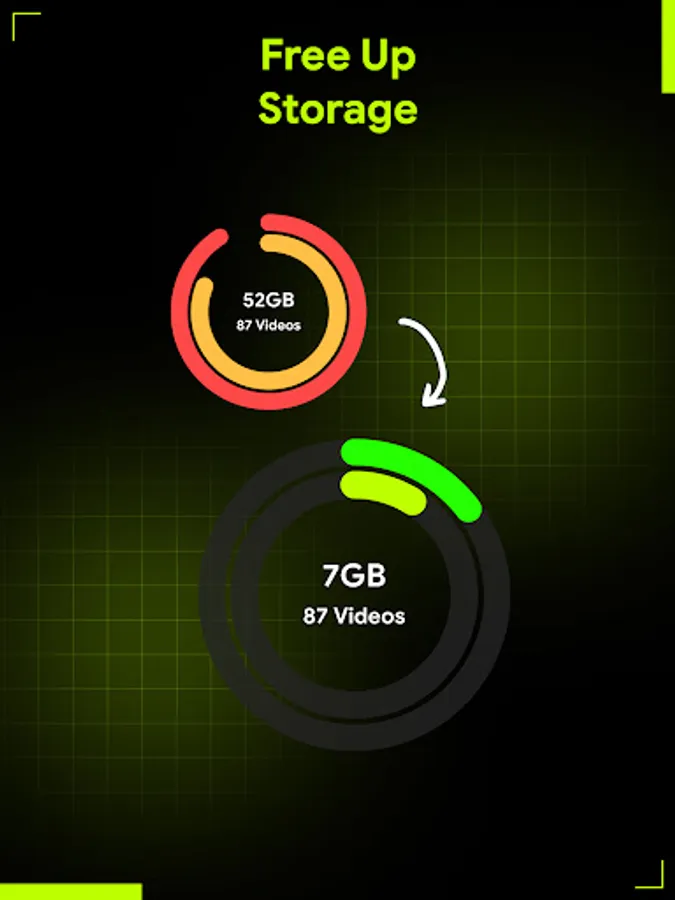
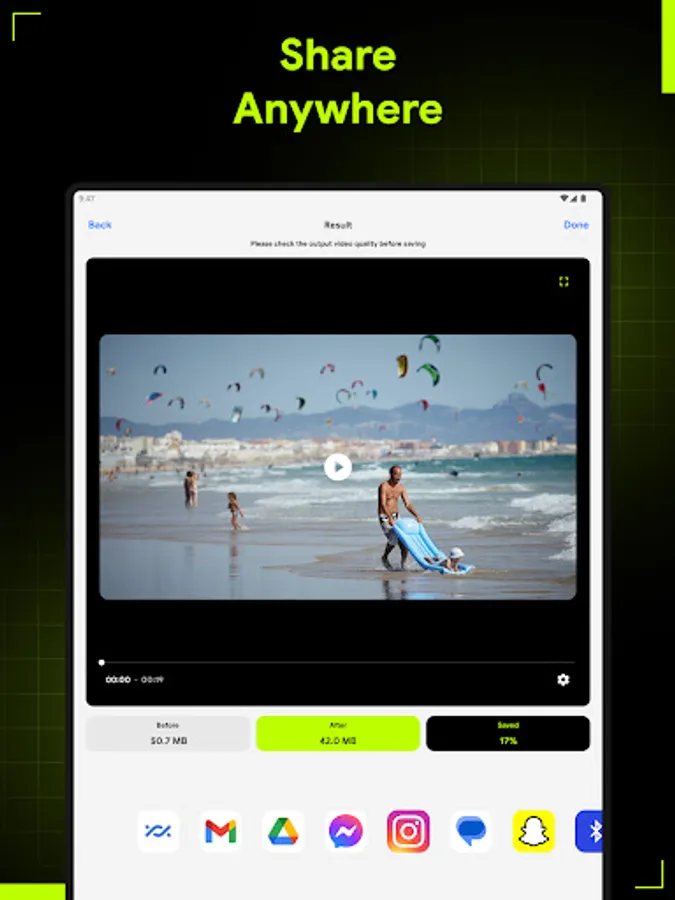
- Free up space and share with ease: Let this video compressor helps you reduce video size, compress video just in seconds so you don't have to delete your favorite videos ever again. Directly send your video via email or share it to social media without worrying about it being too large.
How To Use
1. Choose videos you want to reduce size
2. Select video compression level or customize your resize video settings
3. Start auto video resizer process
With its user-friendly interface and powerful features, Compress Video is the go-to solution for anyone looking to resize video files with efficiency. Whether you're a professional videographer or a casual user, our app provides the tools you need to optimize your videos exactly the way you want.
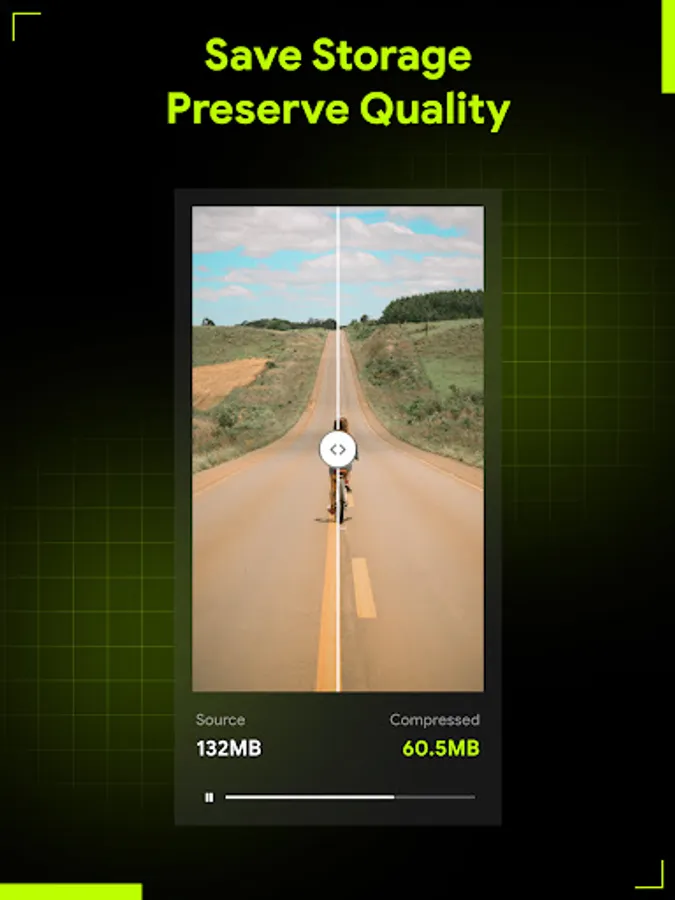
Download Compress Video today and experience the ultimate solution for optimizing your library with ease. With the intuitive interface, customizable settings and batch video resizer capabilities, this app has all the features you need to resize video and save up your devices' storage space without reducing video resolution. Try Compress Video now and see the difference for yourself!
Compress Video - Resize Video Screenshots



Tap to Rate:
Reviews for Compress Video - Resize Video
SARWAR PAPPU
12/25/2025
nice app
Chaoss Inc.
12/13/2025
Idk if it overwrites the existing file or creates a new one so I'm afraid to use it. I don't want it to overwrite the original files in most cases especially without seeing how well it works first. I'm surprised that's not an option and needs to be made clear if it does replace the original or not.