Telescope Zoom Photo Video Cam
Droid tech
3.7 ★
989 ratings
500,000+
downloads
Free
+ in-app
In this camera app, you can zoom on distant objects and capture images or videos in ultra HD. Includes auto-stabilization, focus options, and on-screen zoom controls.
AppRecs review analysis
AppRecs rating 3.7. Trustworthiness 0 out of 100. Review manipulation risk 0 out of 100. Based on a review sample analyzed.
★★★☆☆
3.7
AppRecs Rating
Ratings breakdown
5 star
60%
4 star
0%
3 star
13%
2 star
3%
1 star
24%
What to know
✓
Authentic reviews
Natural distribution, no red flags
About Telescope Zoom Photo Video Cam
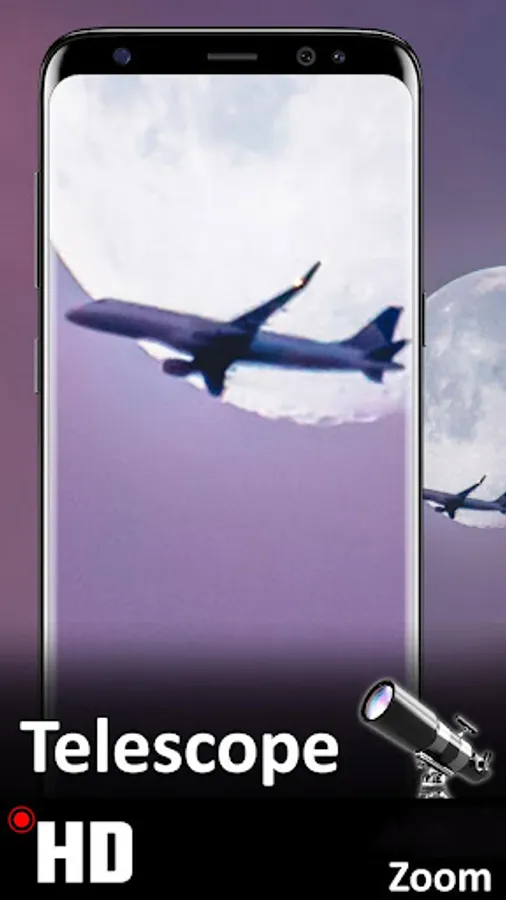
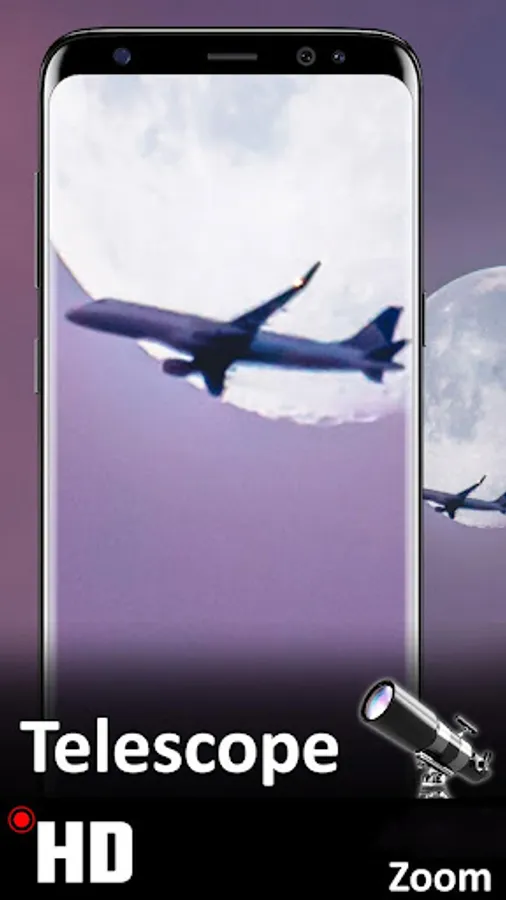
The most efficient application that allows you to zoom an object and capture the enlarged image in ultra HD. See distant, far off objects and extremely small things with a high-resolution camera.
For instance, you can point towards a far off thing and zoom upon an object with a drag zoom scroller. Rotate the camera to landscape mode or keep it in portrait mode. Set the focus to check the details and click the shutter button to capture a photo or start a video recording.
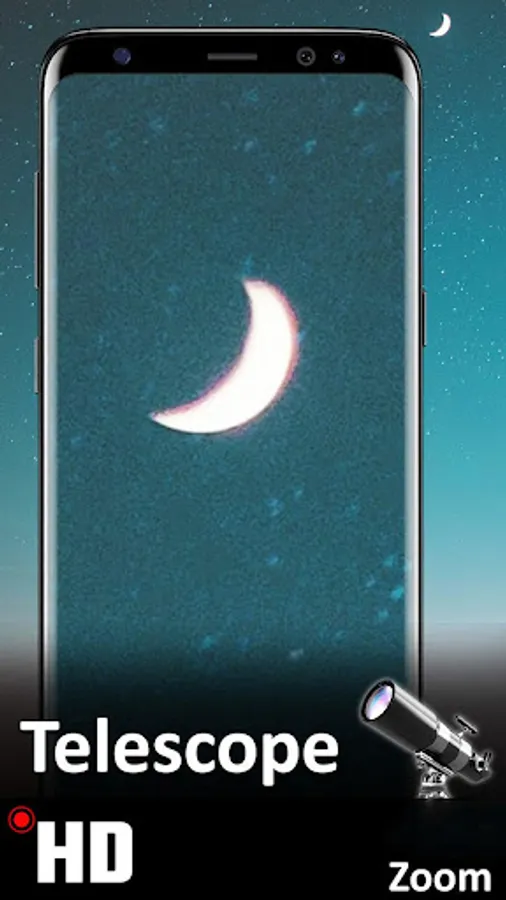
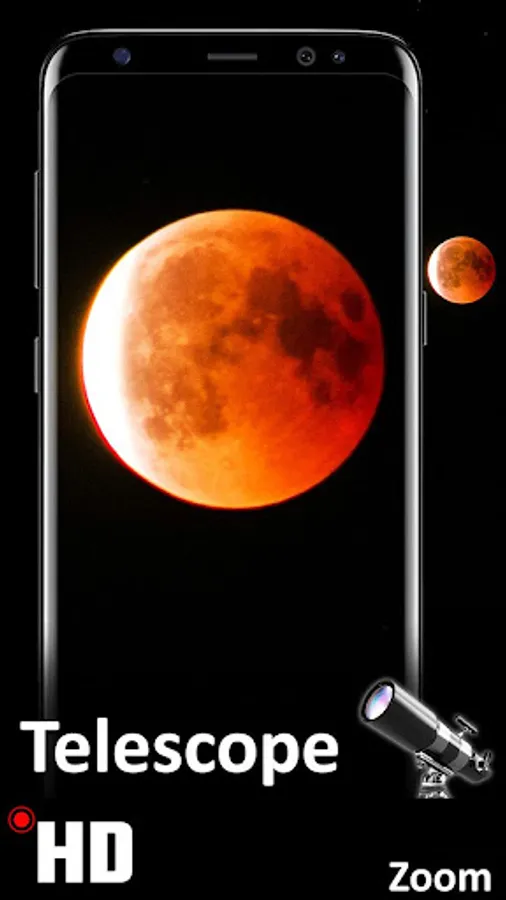
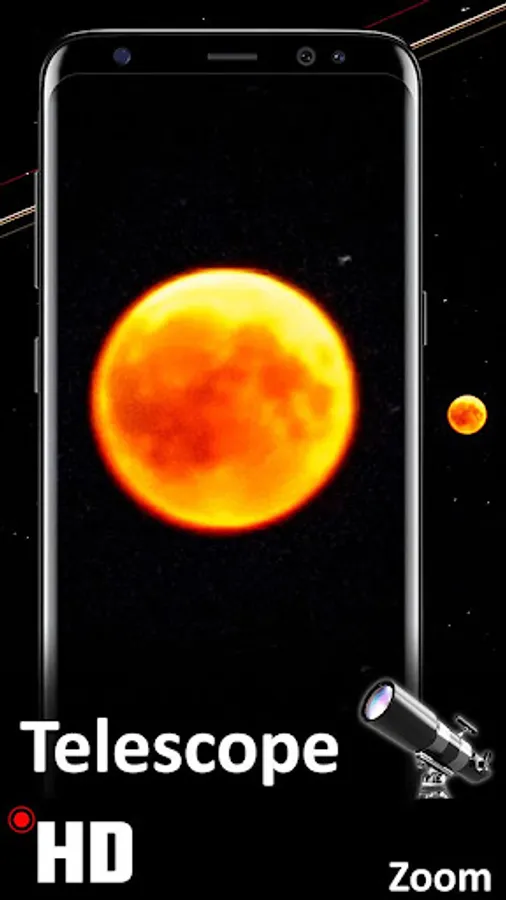
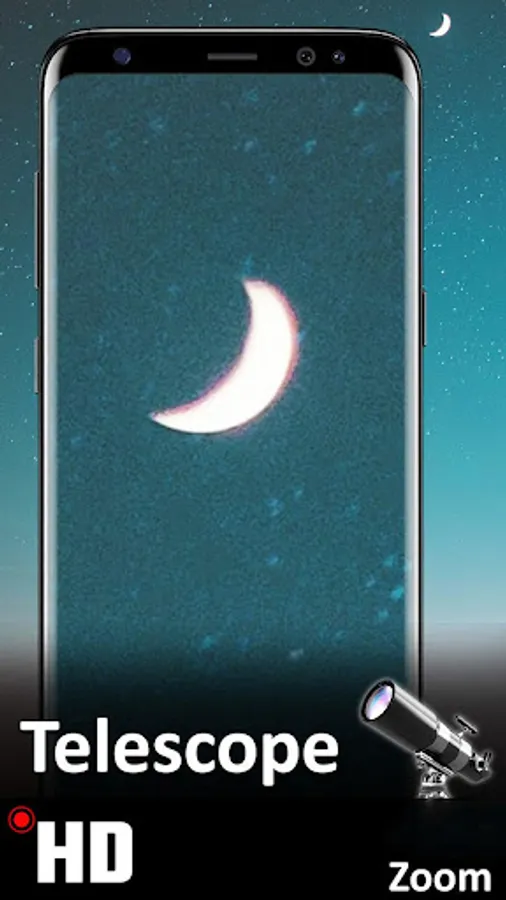
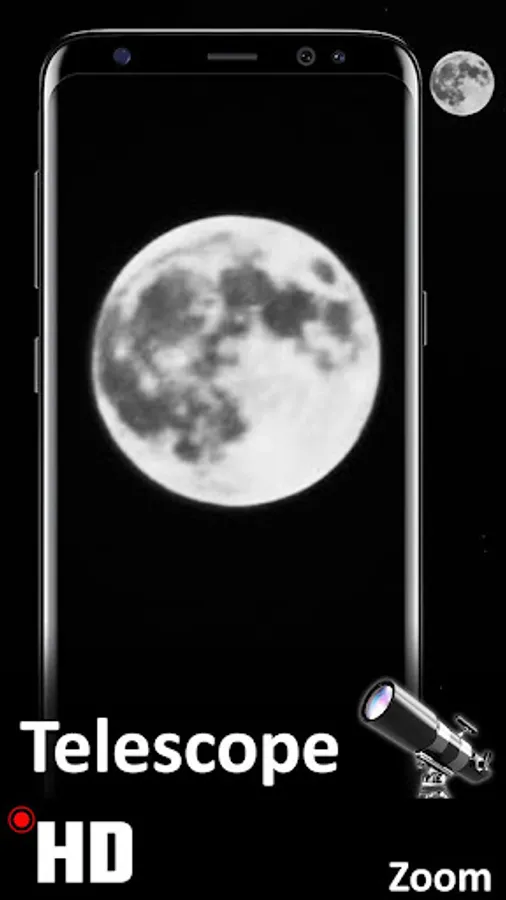
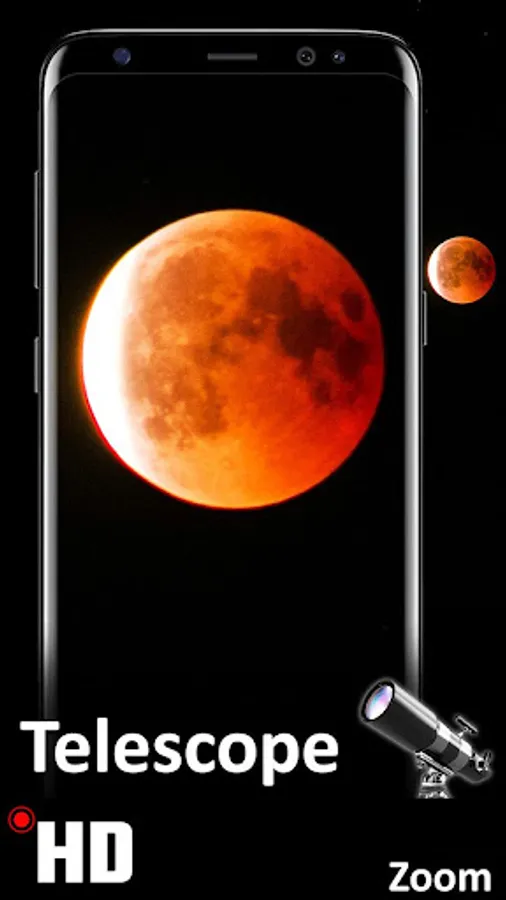
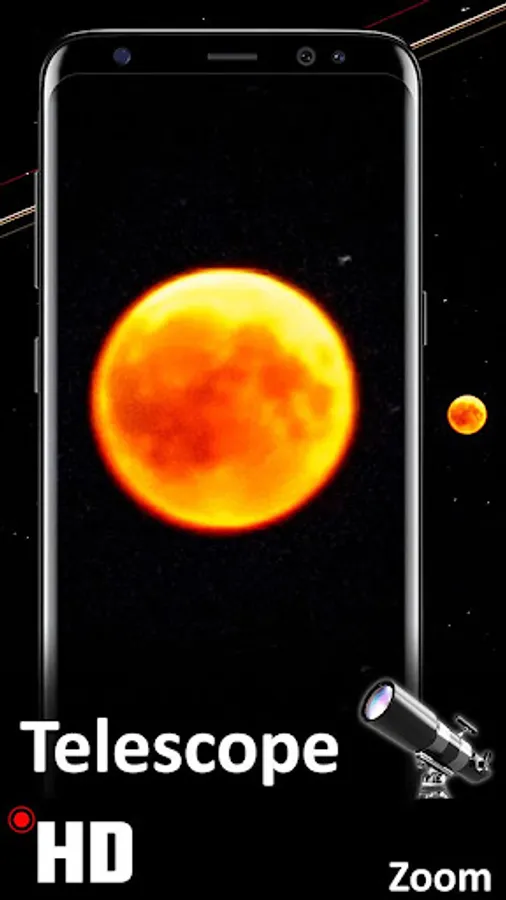
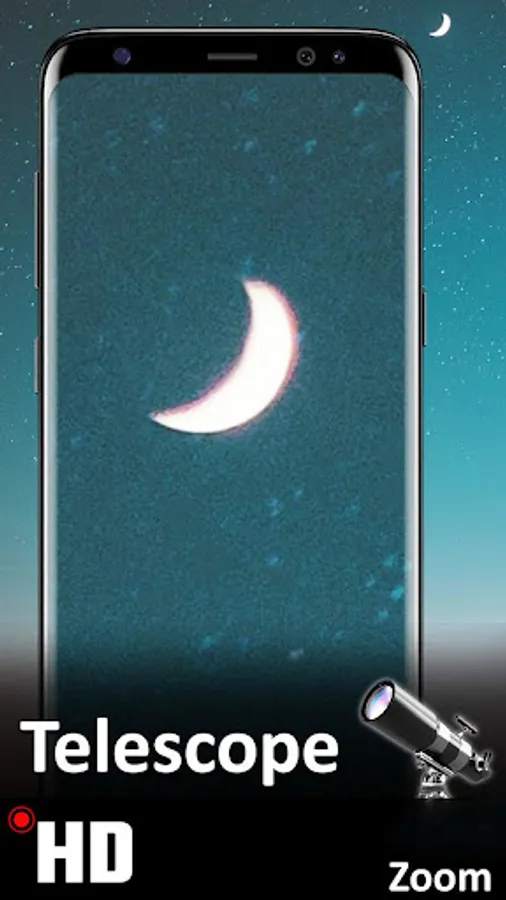
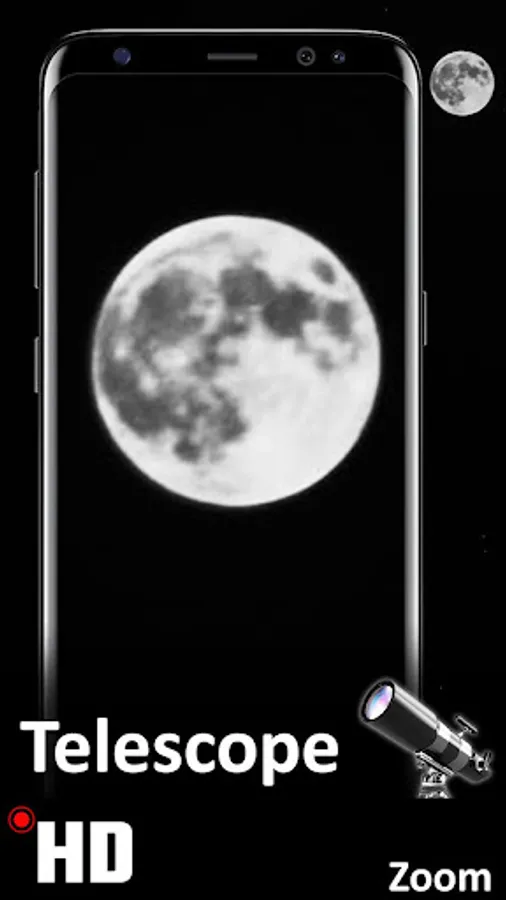
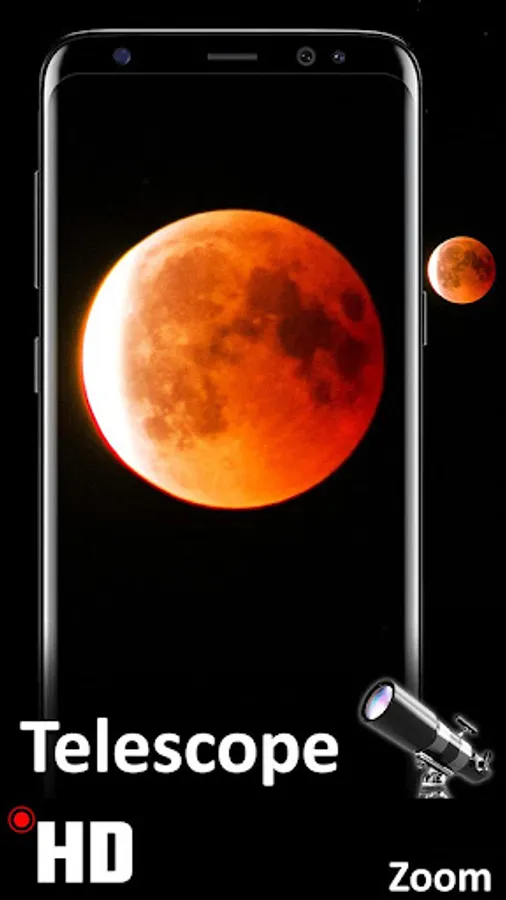
You can read small texts on distant signs, see with clarity space objects like Clouds, Sun. With the support of flashlight torch capture objects at night like Moon, Stars or find things in the dark.
Zoom up your favorite objects and exotic mountains and enjoy watching the details on the beautiful Android screen display. You may discover something you can not observe with the naked eye.
With on-screen Camera Zoom scroller, you can zoom in and out in real-time while taking pictures or recording videos, by just simply moving your finger on the slider.
FEATURES:
• Enable the feature from settings to tap anywhere to take pictures
• Settings activity to enable/disable features of the app.
• 3, 5, 10 seconds timer for auto-capture
• Powerful auto stabilization
• Digital zoom
• Autofocus or tap to manually focus
• Auto-adjusts photo after capturing to give you best quality
• Camera roll preview and in-app gallery folder to view and edit all media
For instance, you can point towards a far off thing and zoom upon an object with a drag zoom scroller. Rotate the camera to landscape mode or keep it in portrait mode. Set the focus to check the details and click the shutter button to capture a photo or start a video recording.
You can read small texts on distant signs, see with clarity space objects like Clouds, Sun. With the support of flashlight torch capture objects at night like Moon, Stars or find things in the dark.
Zoom up your favorite objects and exotic mountains and enjoy watching the details on the beautiful Android screen display. You may discover something you can not observe with the naked eye.
With on-screen Camera Zoom scroller, you can zoom in and out in real-time while taking pictures or recording videos, by just simply moving your finger on the slider.
FEATURES:
• Enable the feature from settings to tap anywhere to take pictures
• Settings activity to enable/disable features of the app.
• 3, 5, 10 seconds timer for auto-capture
• Powerful auto stabilization
• Digital zoom
• Autofocus or tap to manually focus
• Auto-adjusts photo after capturing to give you best quality
• Camera roll preview and in-app gallery folder to view and edit all media
Telescope Zoom Photo Video Cam Screenshots



Tap to Rate: