
In this app, you can monitor connected devices, customize your Wi-Fi settings, and troubleshoot issues. Includes device management, account overview, and parental control features.
AppRecs review analysis
AppRecs rating 3.2. Trustworthiness 81 out of 100. Review manipulation risk 20 out of 100. Based on a review sample analyzed.
★★★☆☆
3.2
AppRecs Rating
Ratings breakdown
5 star
41%
4 star
15%
3 star
9%
2 star
6%
1 star
28%
What to know
✓
Low review manipulation risk
20% review manipulation risk
⚠
Pricing complaints
Many low ratings mention paywalls or pricing
⚠
High negative review ratio
34% of sampled ratings are 1–2 stars
About TELUS Connect (My Wi-Fi)
Same great app, new improved name - "My Wi-Fi"’ has been renamed to "TELUS Connect".
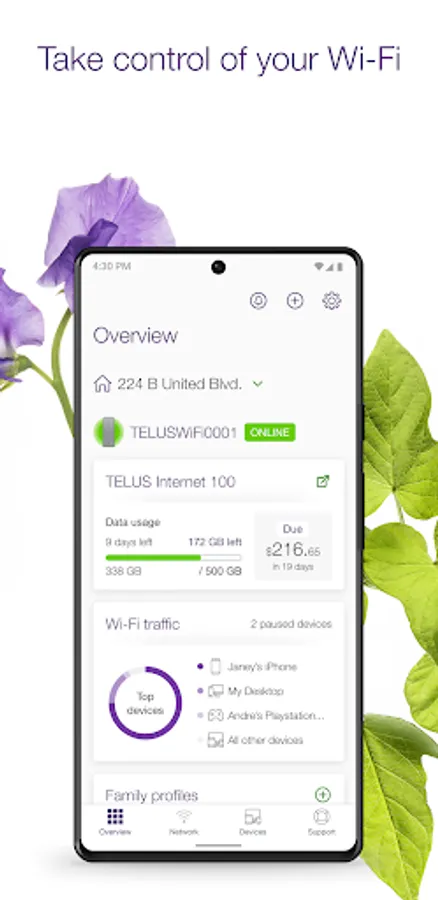
Easily manage your TELUS home services from your mobile device! Self-install TELUS products, set up parental controls, personalize your service and troubleshoot issues right at your fingertips.
Key features:
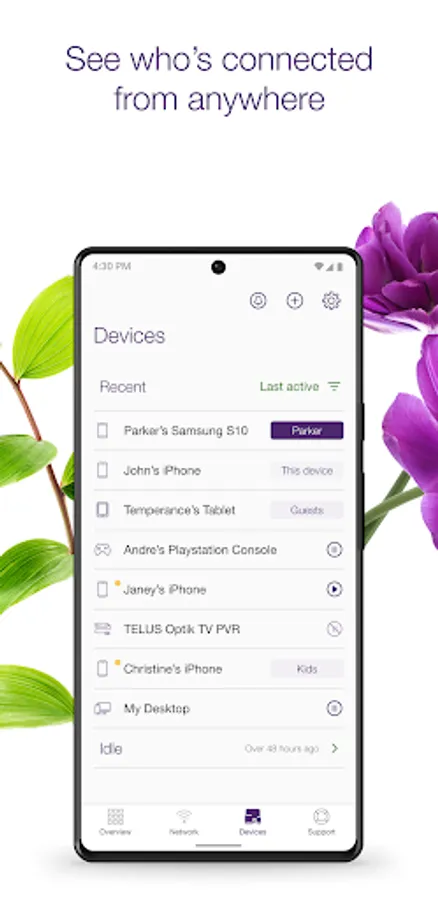
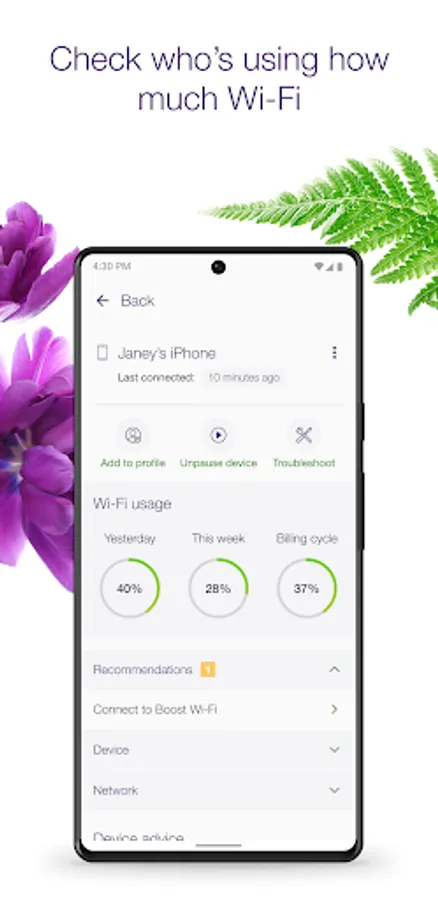
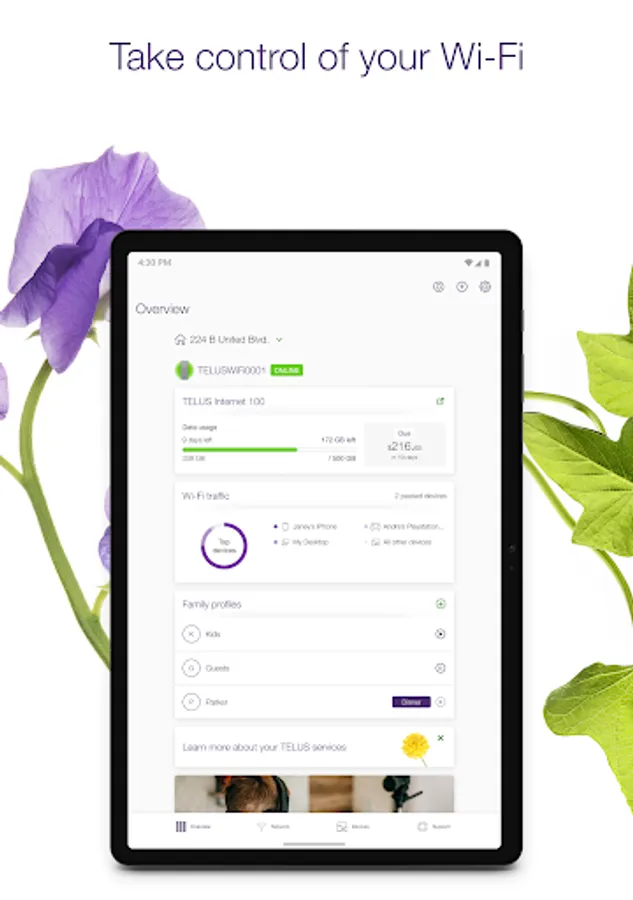
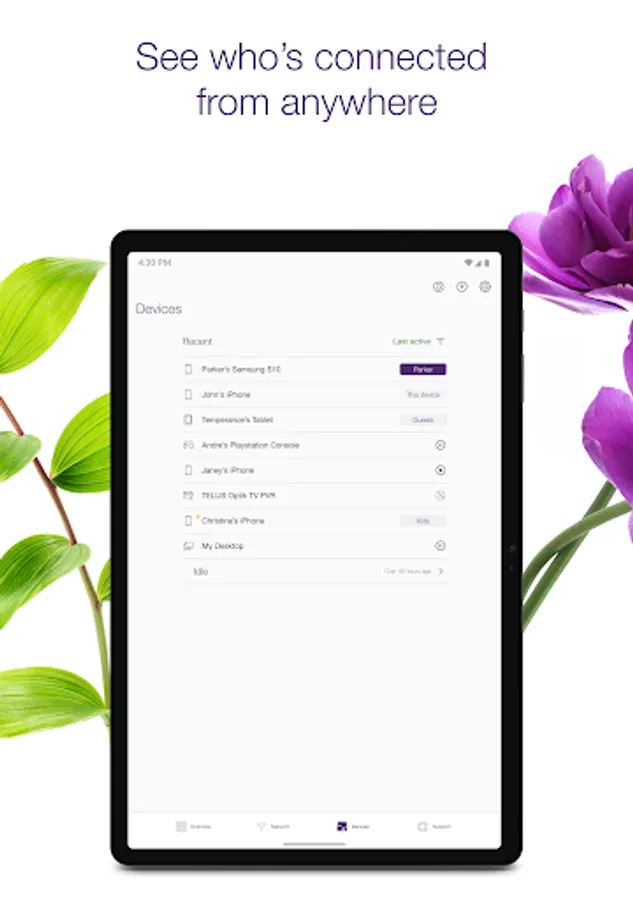
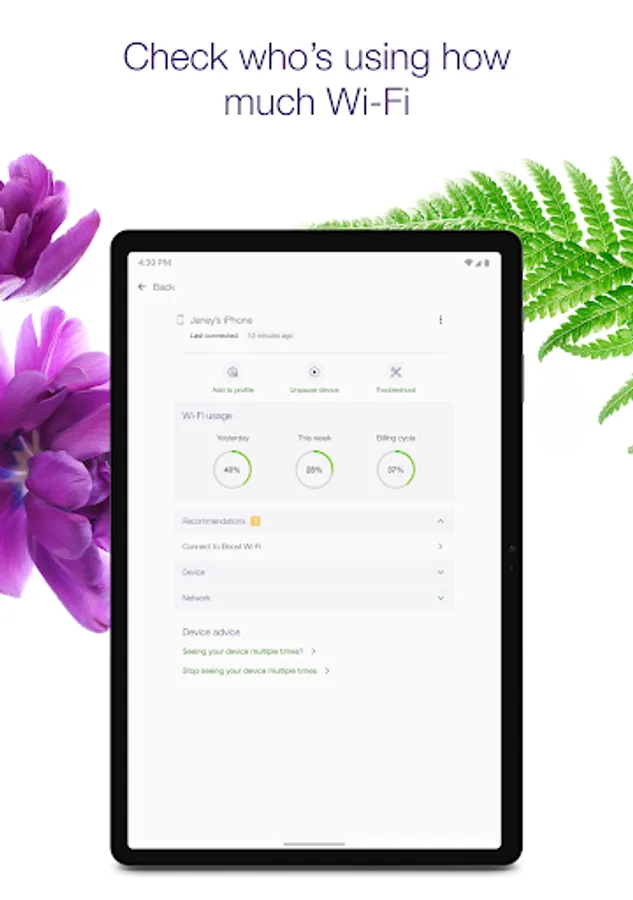
* Monitor devices connected to your network, check your data usage and your billing information
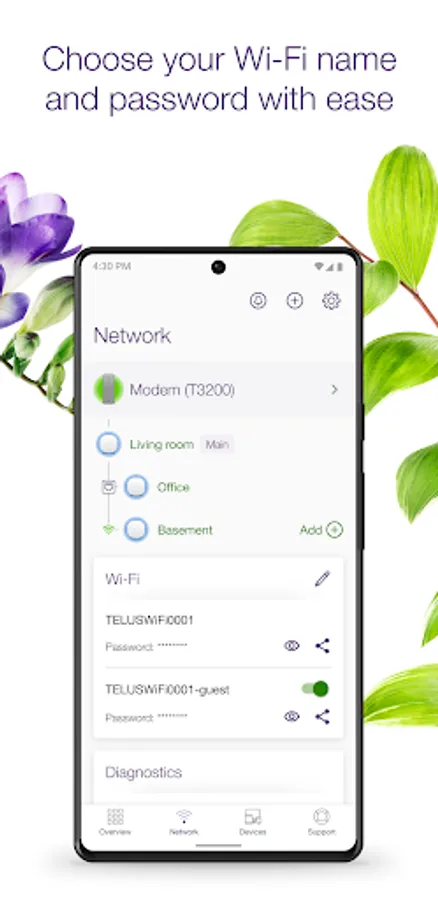
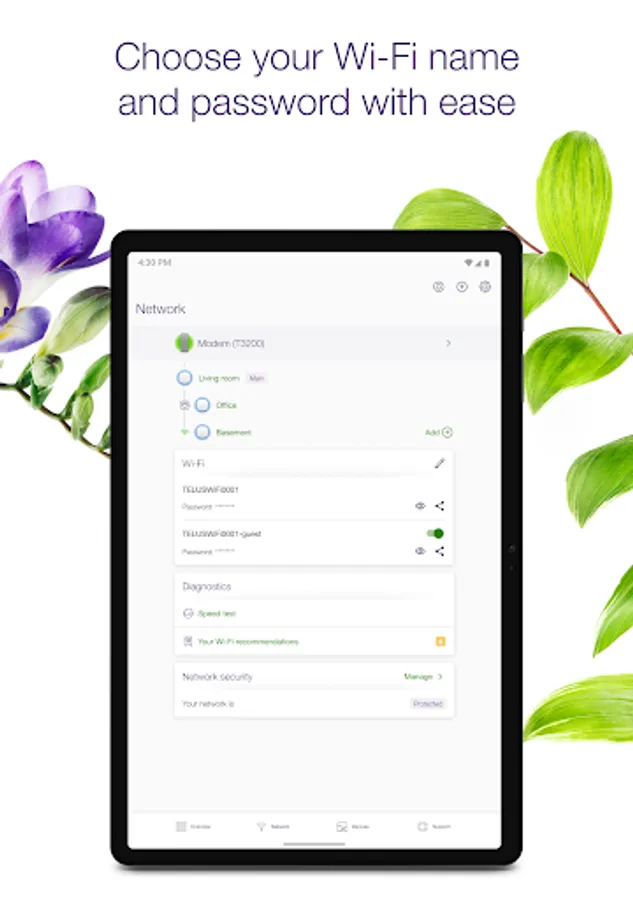
* View and change your Wi-Fi name/password, and manage your guest Wi-Fi
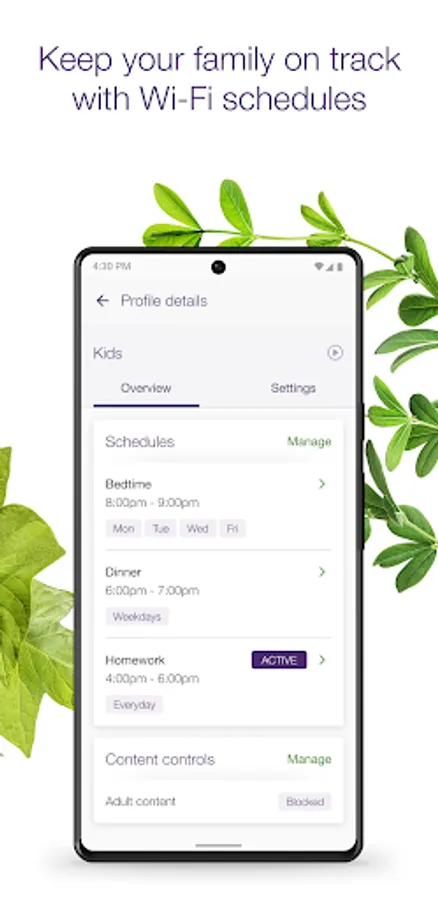
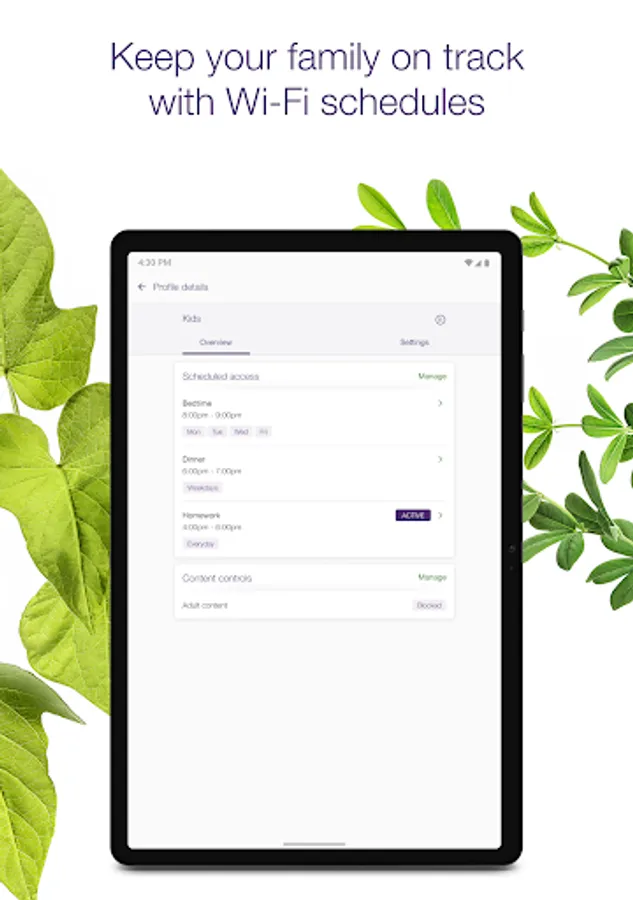
* Pause Wi-Fi device access, or set up schedules to take back family time
* Set up family safety features such as adult content controls and network security
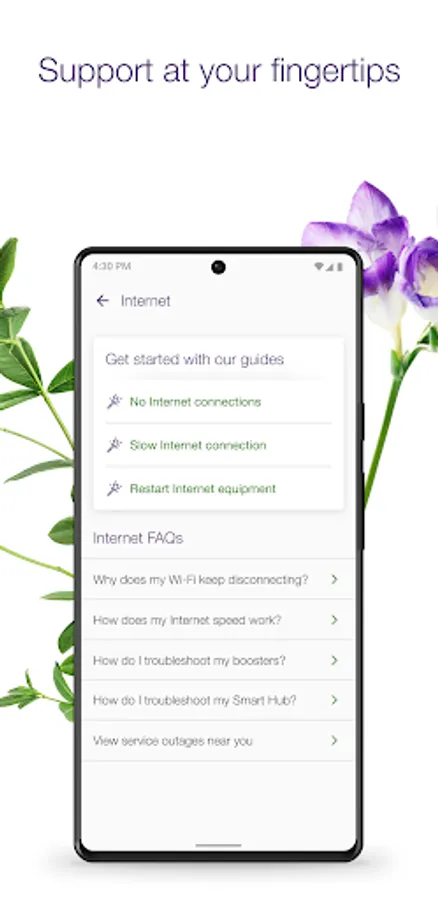
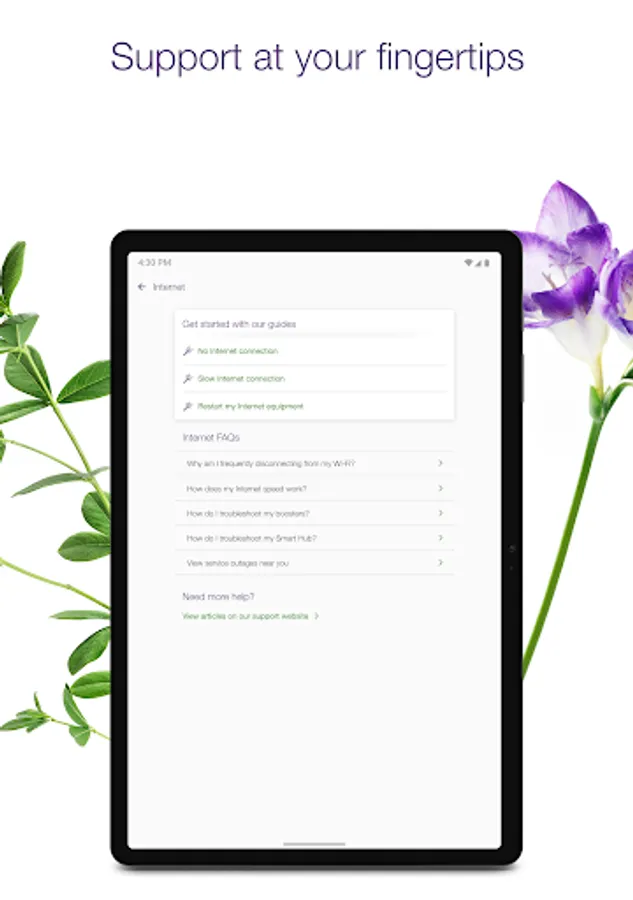
* Access personalized troubleshooting and recommendations to keep your services running smoothly
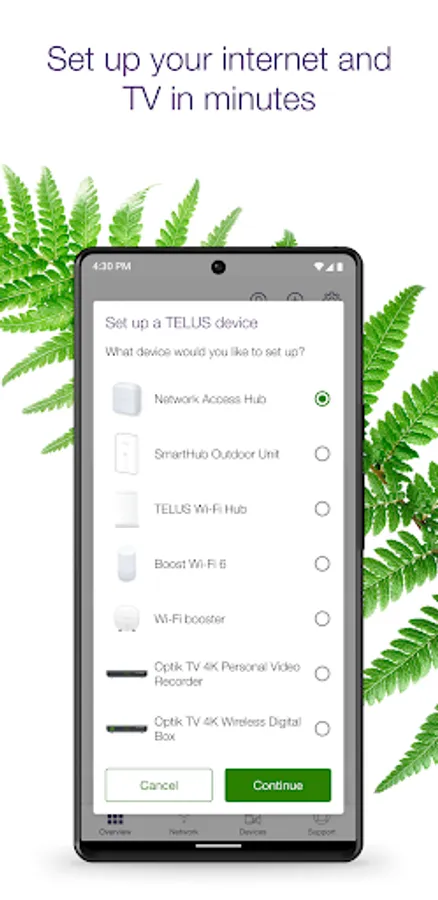
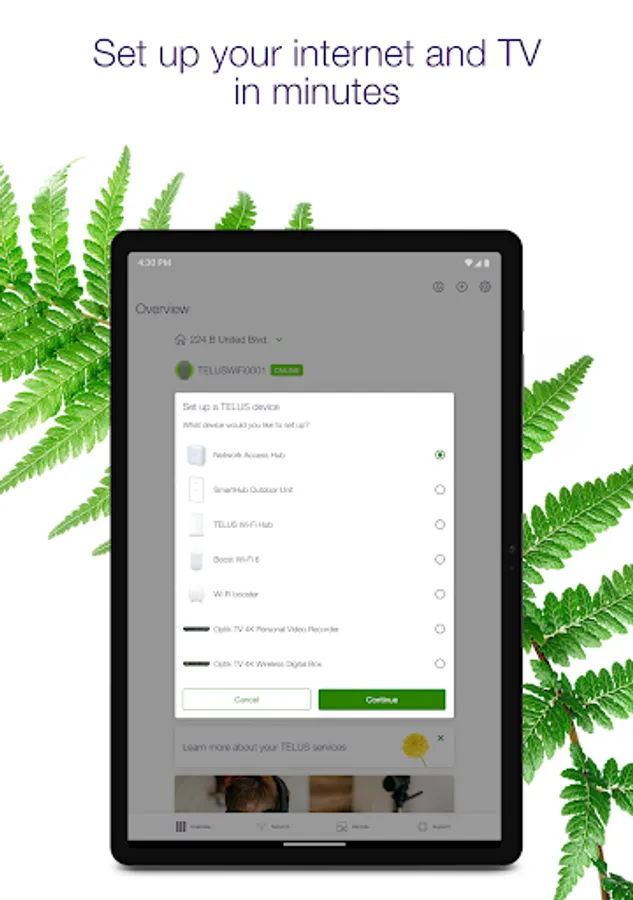
* Self-install your TELUS products, including Boost Wi-Fi, modems, TV boxes and more. Requires TELUS hardware or a self-install kit.
Requirements:
* TELUS Internet subscription in Alberta, British Columbia or Quebec
* My TELUS // Espace client account
* Android 8 and later
* Feature availability may differ based on modem, region, and product subscription.
Easily manage your TELUS home services from your mobile device! Self-install TELUS products, set up parental controls, personalize your service and troubleshoot issues right at your fingertips.
Key features:
* Monitor devices connected to your network, check your data usage and your billing information
* View and change your Wi-Fi name/password, and manage your guest Wi-Fi
* Pause Wi-Fi device access, or set up schedules to take back family time
* Set up family safety features such as adult content controls and network security
* Access personalized troubleshooting and recommendations to keep your services running smoothly
* Self-install your TELUS products, including Boost Wi-Fi, modems, TV boxes and more. Requires TELUS hardware or a self-install kit.
Requirements:
* TELUS Internet subscription in Alberta, British Columbia or Quebec
* My TELUS // Espace client account
* Android 8 and later
* Feature availability may differ based on modem, region, and product subscription.
TELUS Connect (My Wi-Fi) Screenshots
Tap to Rate:
Reviews for TELUS Connect (My Wi-Fi)
M. T-Lo
12/25/2025
Constantly logs out it often has to have the router reset due to inconsistencies or social tech support
Rick Wagantall
12/23/2025
Very competent, patient, and friendly staff member we worked with. Problem was solved! Thank you so much!