OneCloud Connect
OneCloud Corporation
4.1 ★
store rating
5,000+
downloads
Free
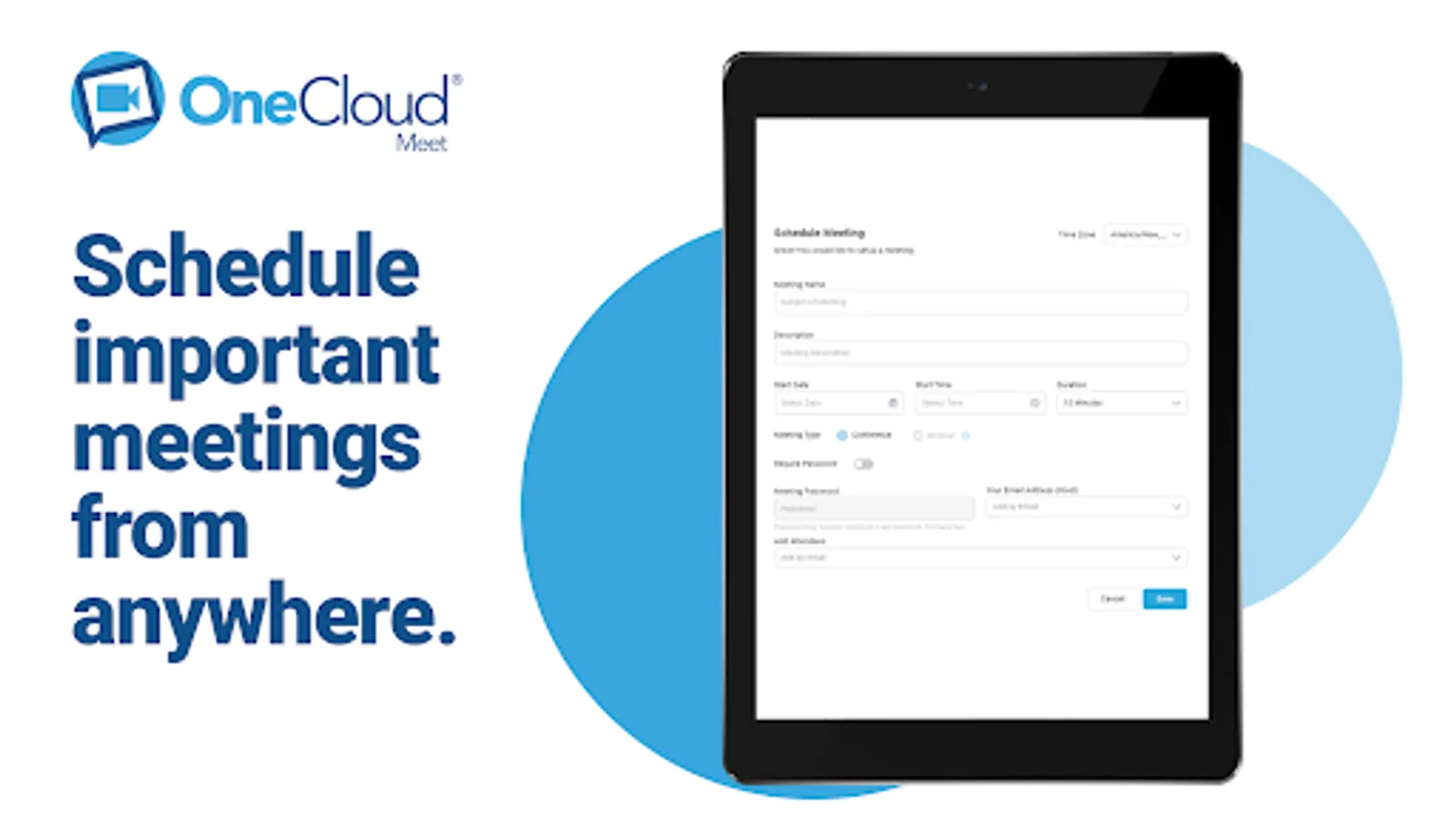
In this communication app, you can join video conferences, share screens and files, and schedule meetings. Includes VoIP calling, messaging, call recordings, and contact management features.
AppRecs review analysis
AppRecs rating 4.1. Trustworthiness 75 out of 100. Review manipulation risk 24 out of 100. Based on a review sample analyzed.
★★★★☆
4.1
AppRecs Rating
Ratings breakdown
5 star
75%
4 star
0%
3 star
0%
2 star
13%
1 star
13%
What to know
✓
Low review manipulation risk
24% review manipulation risk
✓
Credible reviews
75% trustworthiness score from analyzed reviews
✓
High user satisfaction
75% of sampled ratings are 4+ stars (4.1★ average)
About OneCloud Connect
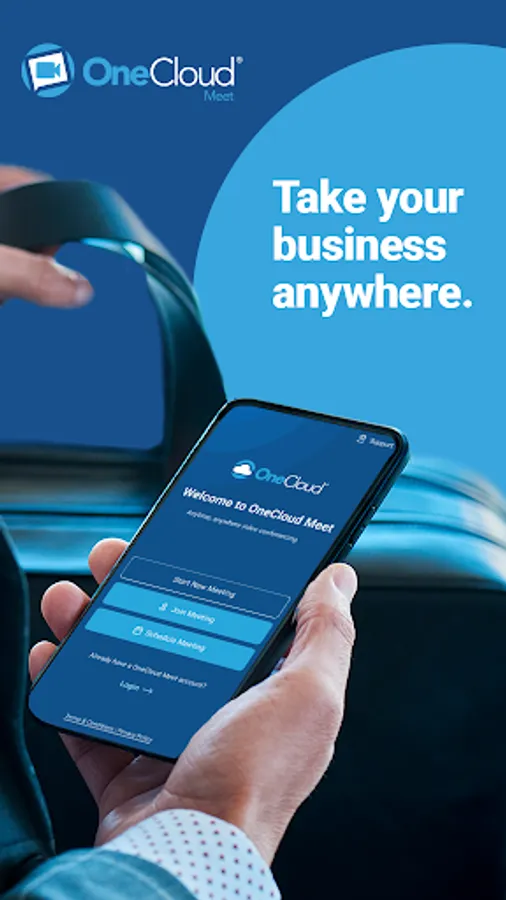
Take your business anywhere. Whether your workspace is on the road, in your living room or spread globally - OneCloud Connect lets you work together more effectively.
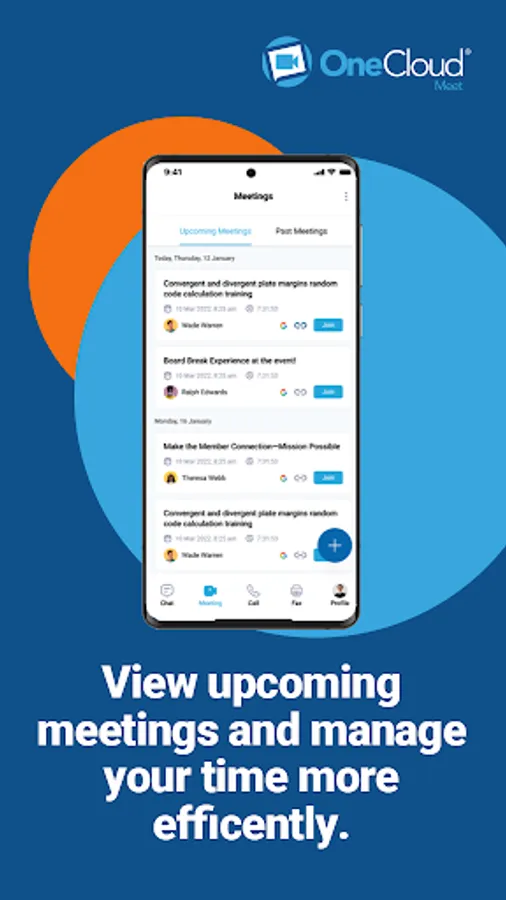
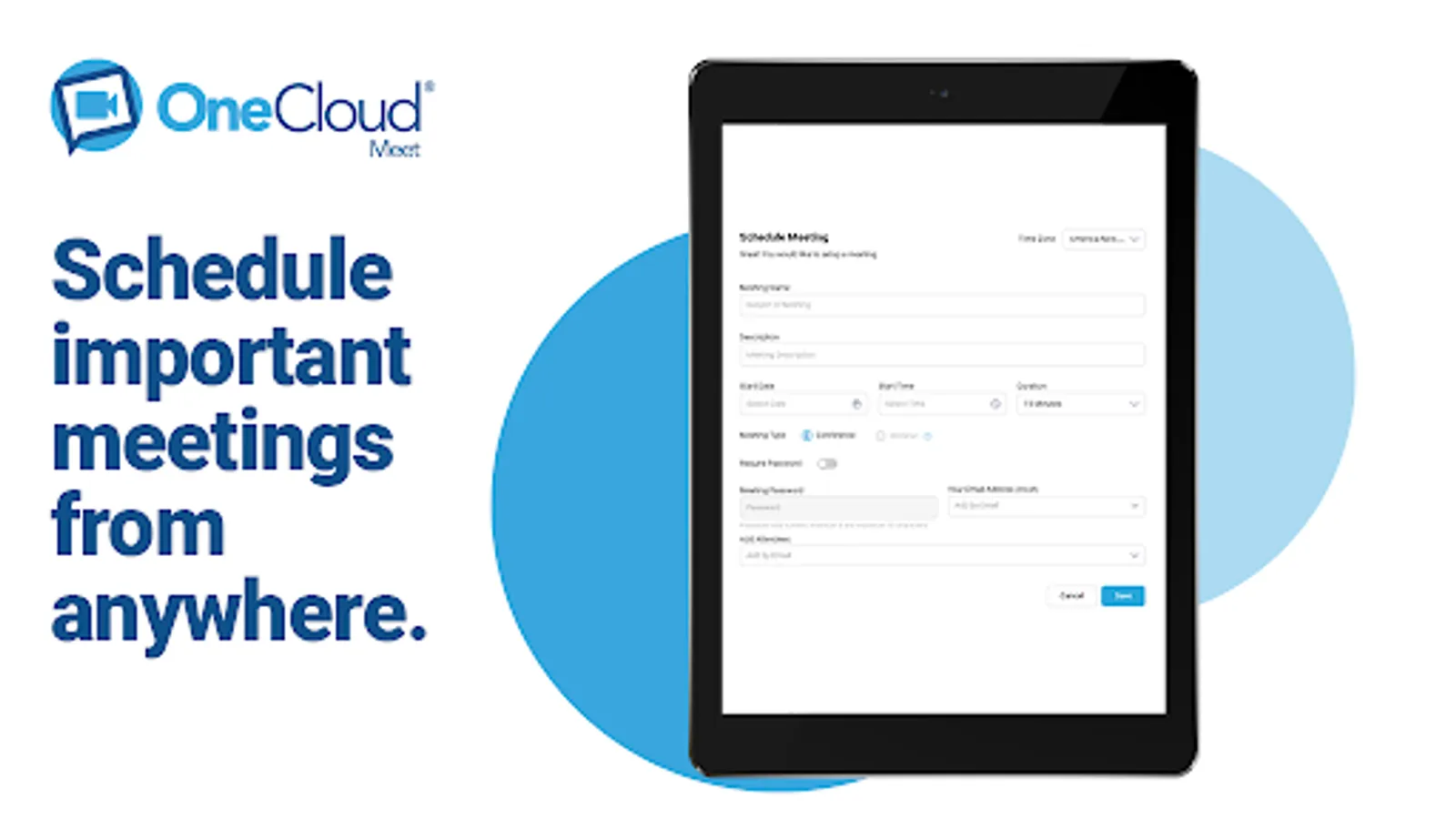
OneCloud Connect allows users to securely join an active or scheduled video conference directly on your device by clicking the meeting link someone sent you from connect.onecloud.com. Anyone invited to a meeting can download the app and join the meeting for free.
Users can:
* Join a high definition video Conference from your phone or tablet.
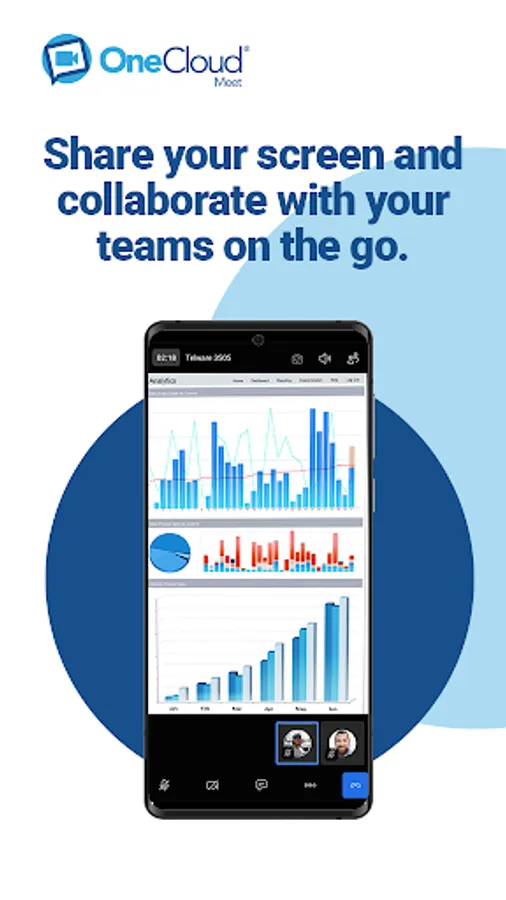
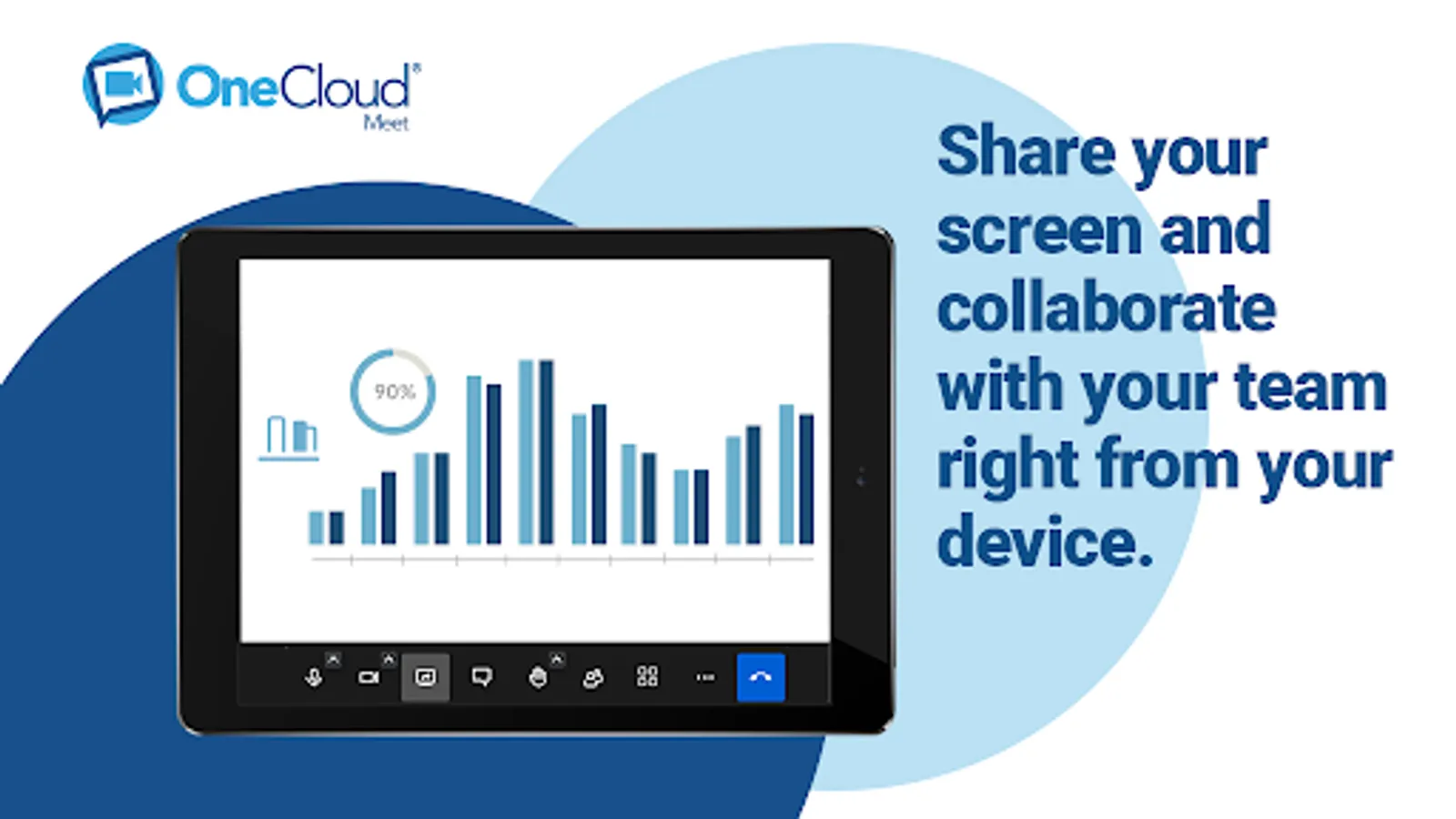
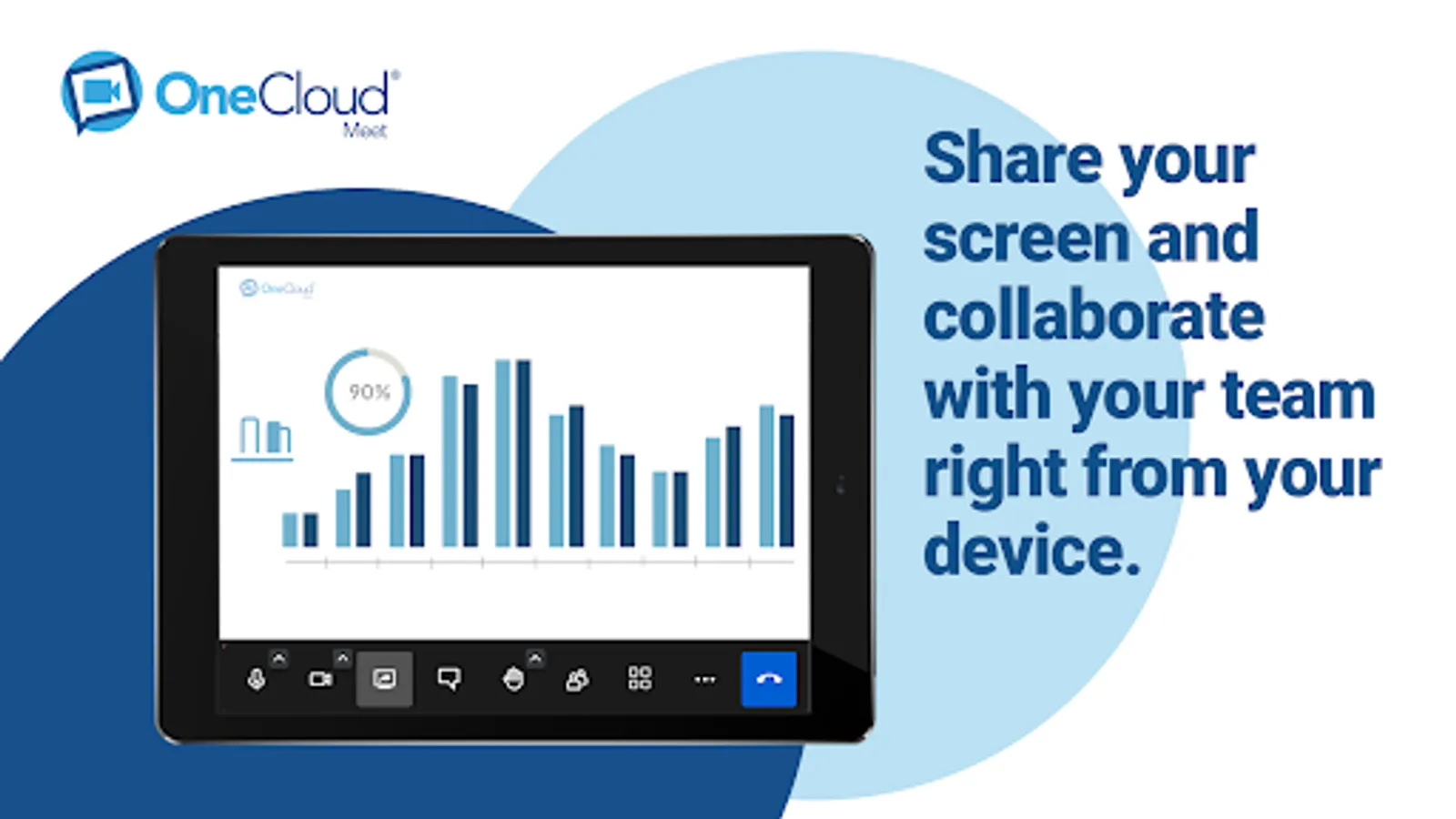
* Share your screen and files with anyone, anytime.
* Login and host a meeting with their custom meeting ID.
* Enable closed captioning/transcribing of participant conversations.
* Use a dial-in conference number to join the meeting and use your phone for audio.
* Invite additional participants.
* Voicemail Management: View, listen to, and manage your voicemails with ease.
* Softphone Integration: Make and receive calls directly within the app.
* Advanced Call Features: Enjoy functionalities like blind and warm transfers, call holding, call waiting, and ad-hoc conferencing.
* Caller ID Switch: Customize your outbound caller ID (requires OneCloud support ticket for activation).
* Integrated Contacts and Call History: Access your OneCloud contacts and view detailed call history.
* Call Recordings & Notes: Listen to and download call recordings, and add notes or dispositions to your calls.
* Update Emergency Address from settings
* Direct and Channel Messaging: Communicate with your team using direct messages or through dedicated channels.
* Message Pinning and Replies: Keep important messages visible and reply directly to specific messages.
* Personalization Options: Customize groups and channels with unique names and icons.
* Quick Call Feature: Initiate calls directly from your chat.
* Enhanced Interactivity: Use emojis and message reactions for a more engaging chat experience.
* Upload and Share documents
OneCloud Connect allows users to securely join an active or scheduled video conference directly on your device by clicking the meeting link someone sent you from connect.onecloud.com. Anyone invited to a meeting can download the app and join the meeting for free.
Users can:
* Join a high definition video Conference from your phone or tablet.
* Share your screen and files with anyone, anytime.
* Login and host a meeting with their custom meeting ID.
* Enable closed captioning/transcribing of participant conversations.
* Use a dial-in conference number to join the meeting and use your phone for audio.
* Invite additional participants.
* Voicemail Management: View, listen to, and manage your voicemails with ease.
* Softphone Integration: Make and receive calls directly within the app.
* Advanced Call Features: Enjoy functionalities like blind and warm transfers, call holding, call waiting, and ad-hoc conferencing.
* Caller ID Switch: Customize your outbound caller ID (requires OneCloud support ticket for activation).
* Integrated Contacts and Call History: Access your OneCloud contacts and view detailed call history.
* Call Recordings & Notes: Listen to and download call recordings, and add notes or dispositions to your calls.
* Update Emergency Address from settings
* Direct and Channel Messaging: Communicate with your team using direct messages or through dedicated channels.
* Message Pinning and Replies: Keep important messages visible and reply directly to specific messages.
* Personalization Options: Customize groups and channels with unique names and icons.
* Quick Call Feature: Initiate calls directly from your chat.
* Enhanced Interactivity: Use emojis and message reactions for a more engaging chat experience.
* Upload and Share documents