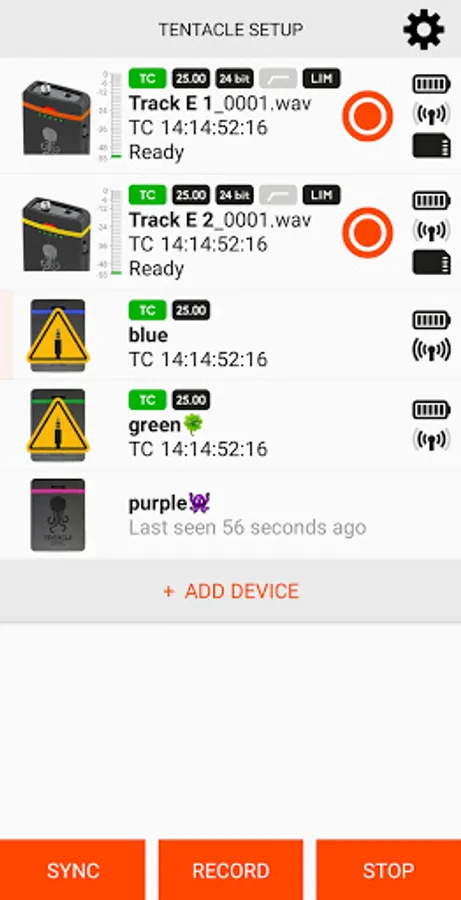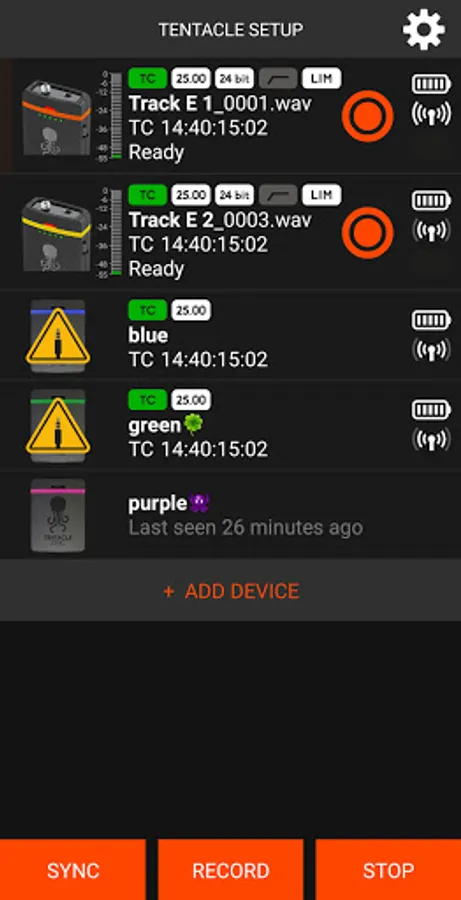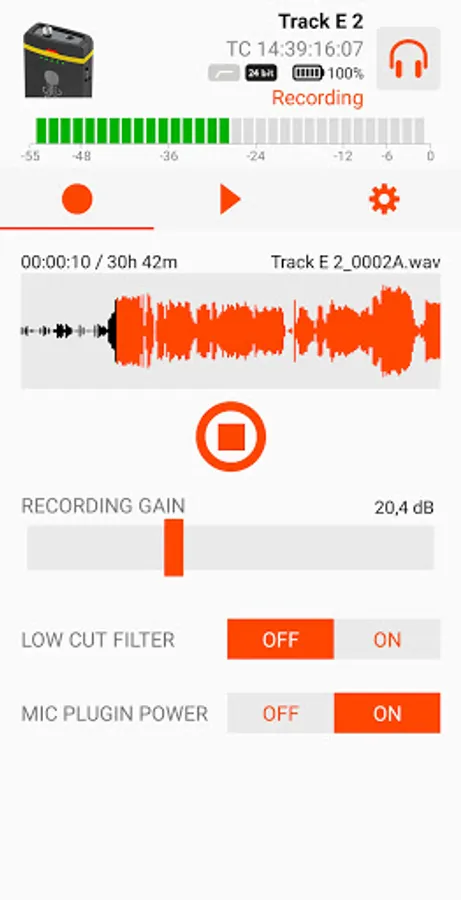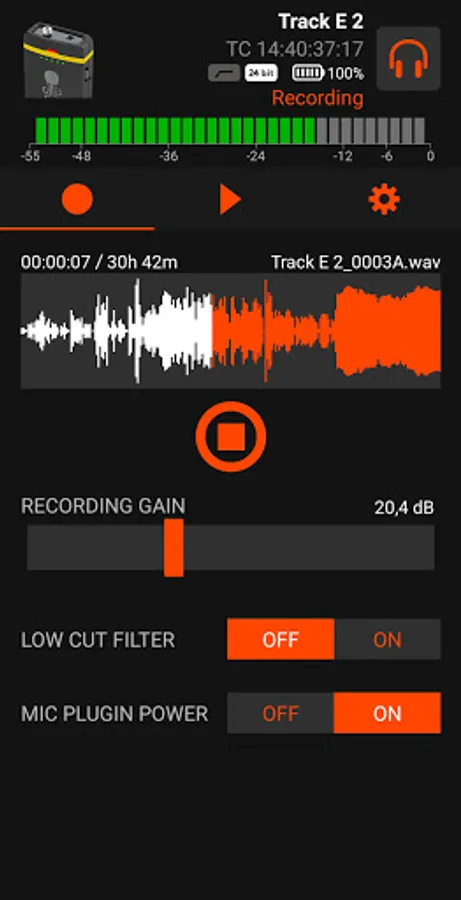
In this app, you can control and monitor Tentacle timecode devices, adjusting settings and checking statuses. Includes Bluetooth connectivity, device management, and recording controls.
AppRecs review analysis
AppRecs rating 4.0. Trustworthiness 71 out of 100. Review manipulation risk 40 out of 100. Based on a review sample analyzed.
★★★★☆
4.0
AppRecs Rating
Ratings breakdown
5 star
90%
4 star
0%
3 star
5%
2 star
5%
1 star
0%
What to know
✓
Authentic reviews
No red flags detected
⚠
Questionable review patterns
40% review manipulation risk - some review patterns appear unusual
⚠
Rating authenticity concerns
High rating concentration (90% 5-star) in sampled ratings
About Tentacle Setup
Set. Sync. Record.
Control your Tentacle timecode generator SYNC E, the new TRACK E timecode audio recorder and your first generation Tentacle timecode generators with one app!
Have fun working with your Tentacles! Questions or suggestions? Just contact us via support@tentaclesync.com
---
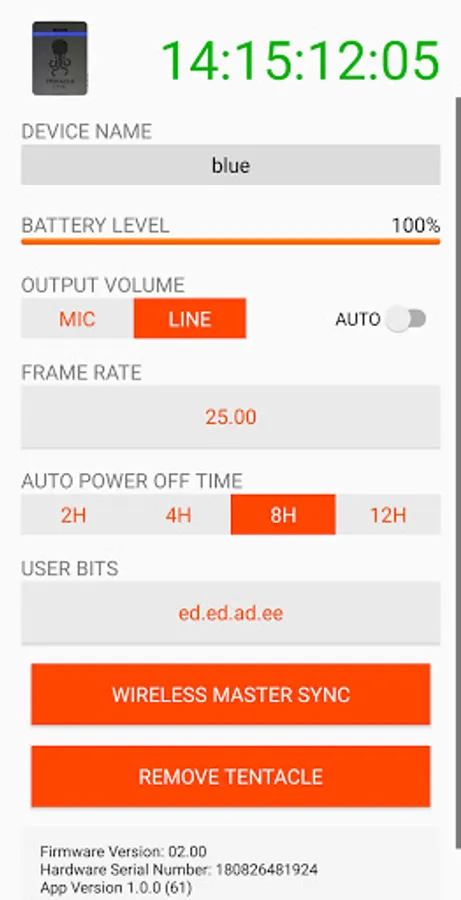
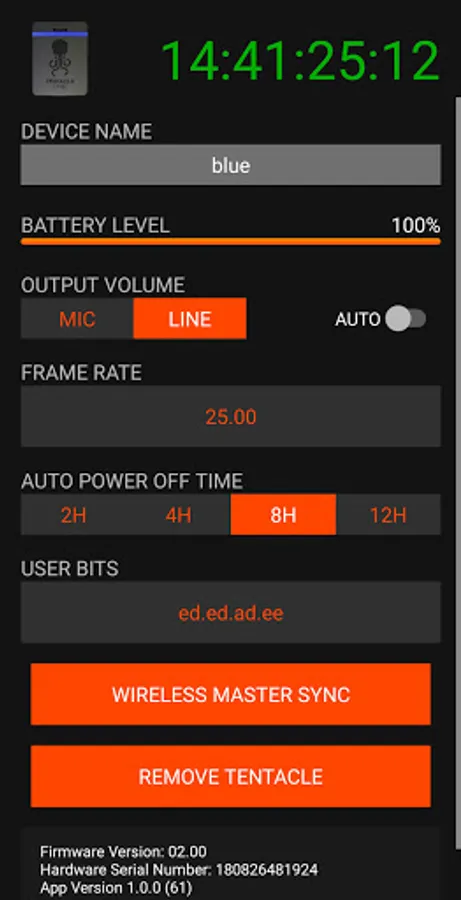
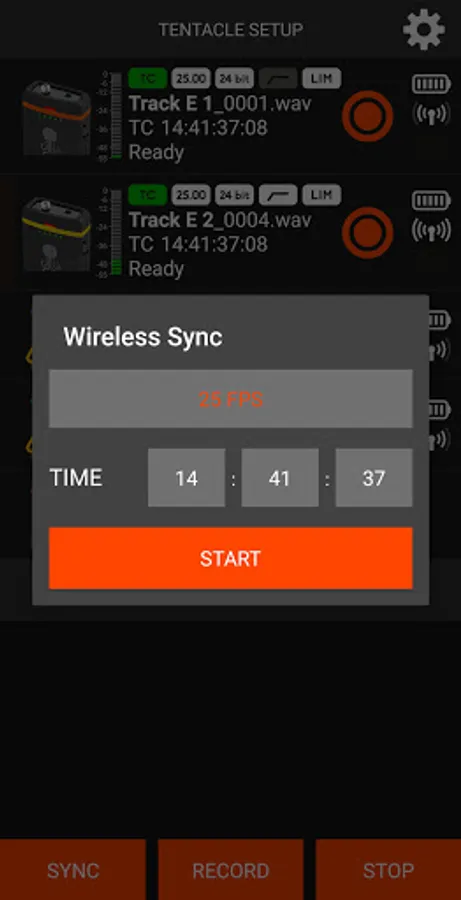
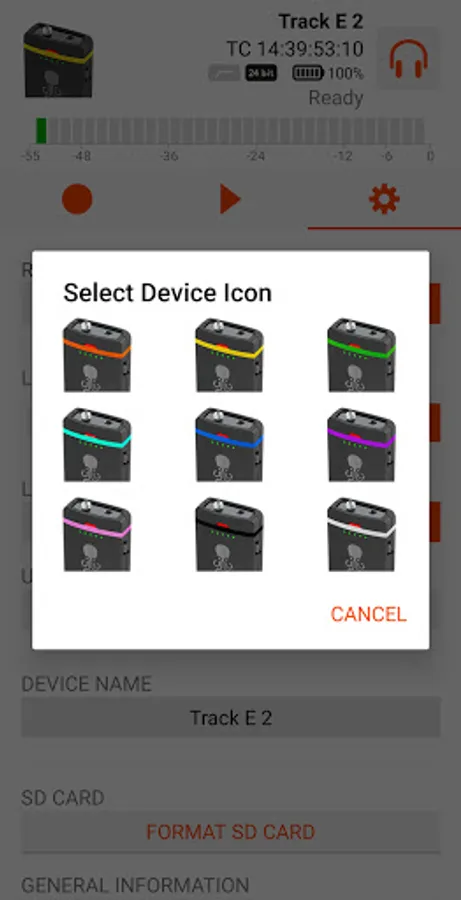
The Tentacle Sync E and Tentacle Track E work without any cable. Just switch on Bluetooth and follow the instructions of the App. You can monitor and control all running devices in your reach including their:
- Timecode
- Sync Status
- Device Name
- Frame Rate
- Battery Charge
- Timecode Output Level (Sync E)
- Recording status, level, format & time (Track E)
- Low Cut Filter (Track E)
- Headphone volume (Track E)
- Microphone plugin power (Track E)
- SD Card formatting (Track E)
- Playback and file information (Track E)
For the first generation Tentacle your Android device needs to support USB Host Mode ("USB On-The-Go") and you need an USB OTG cable together with a Micro USB adapter cable.
For further information please check: www.tentaclesync.com
Control your Tentacle timecode generator SYNC E, the new TRACK E timecode audio recorder and your first generation Tentacle timecode generators with one app!
Have fun working with your Tentacles! Questions or suggestions? Just contact us via support@tentaclesync.com
---
The Tentacle Sync E and Tentacle Track E work without any cable. Just switch on Bluetooth and follow the instructions of the App. You can monitor and control all running devices in your reach including their:
- Timecode
- Sync Status
- Device Name
- Frame Rate
- Battery Charge
- Timecode Output Level (Sync E)
- Recording status, level, format & time (Track E)
- Low Cut Filter (Track E)
- Headphone volume (Track E)
- Microphone plugin power (Track E)
- SD Card formatting (Track E)
- Playback and file information (Track E)
For the first generation Tentacle your Android device needs to support USB Host Mode ("USB On-The-Go") and you need an USB OTG cable together with a Micro USB adapter cable.
For further information please check: www.tentaclesync.com