With this app, you can control hobby lights or motors via the USB-OTG port and test USB hardware support. Includes features for setting up signals, testing device recognition, and a Z80 simulator.
AppRecs review analysis
AppRecs rating 3.7. Trustworthiness 64 out of 100. Review manipulation risk 38 out of 100. Based on a review sample analyzed.
★★★☆☆
3.7
AppRecs Rating
Ratings breakdown
5 star
67%
4 star
0%
3 star
0%
2 star
0%
1 star
33%
What to know
✓
Good user ratings
67% positive sampled reviews
About USB-Controller
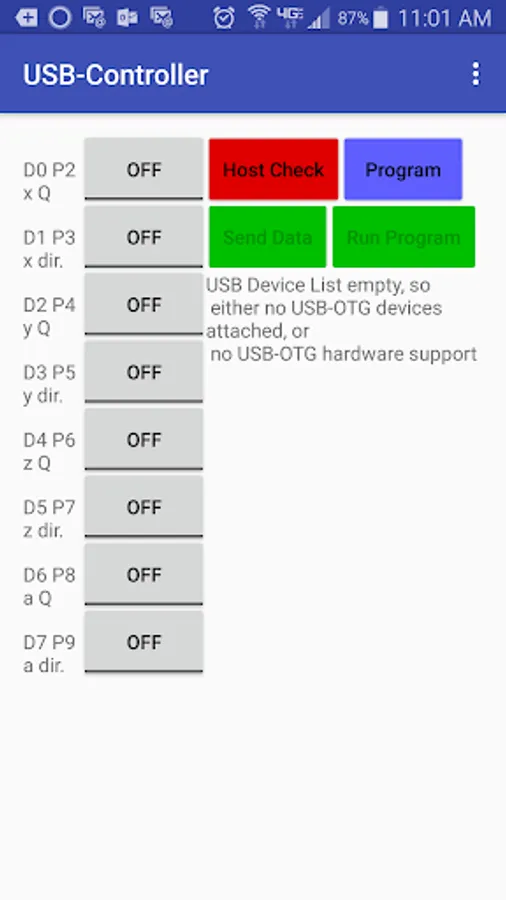
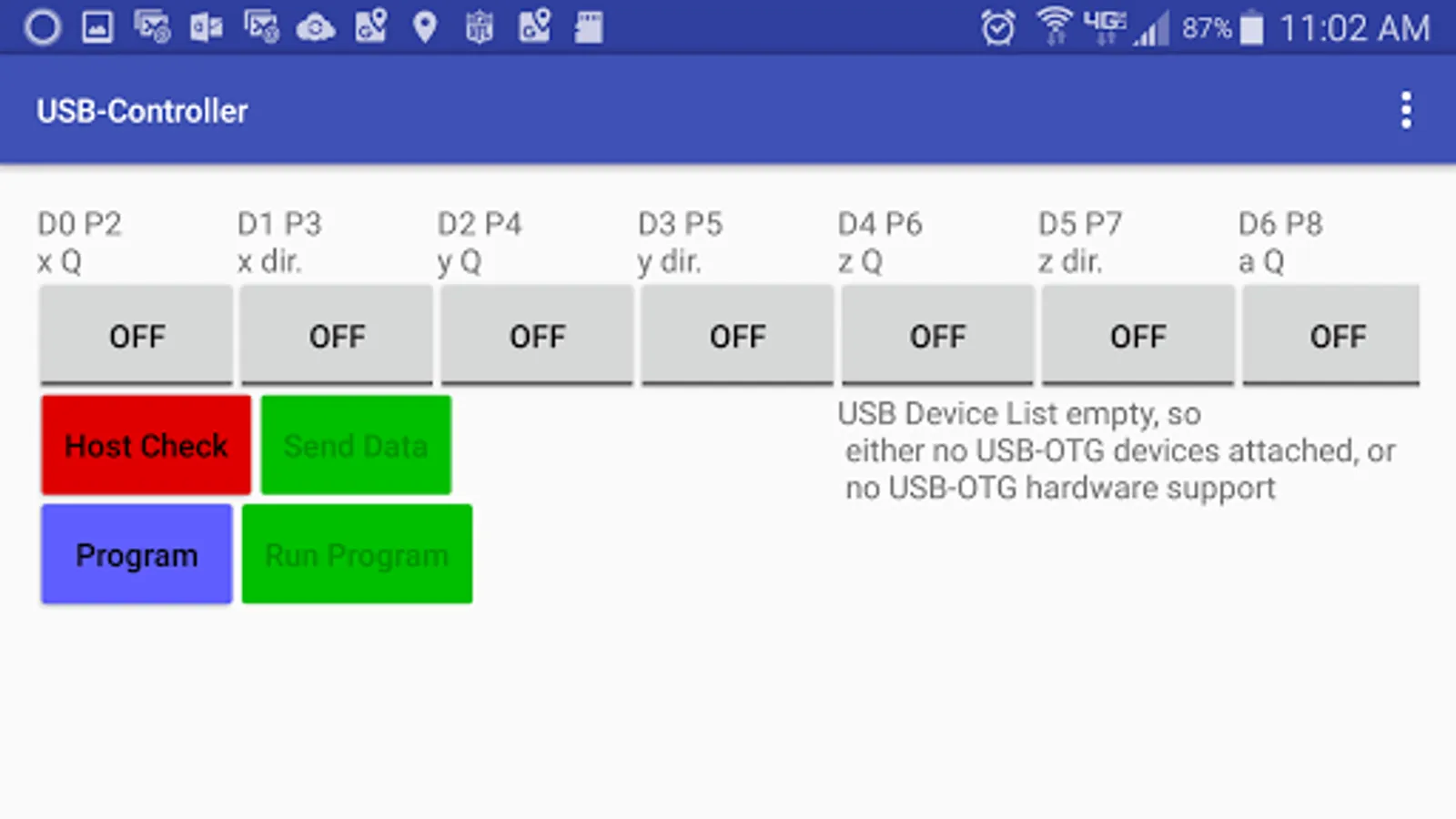
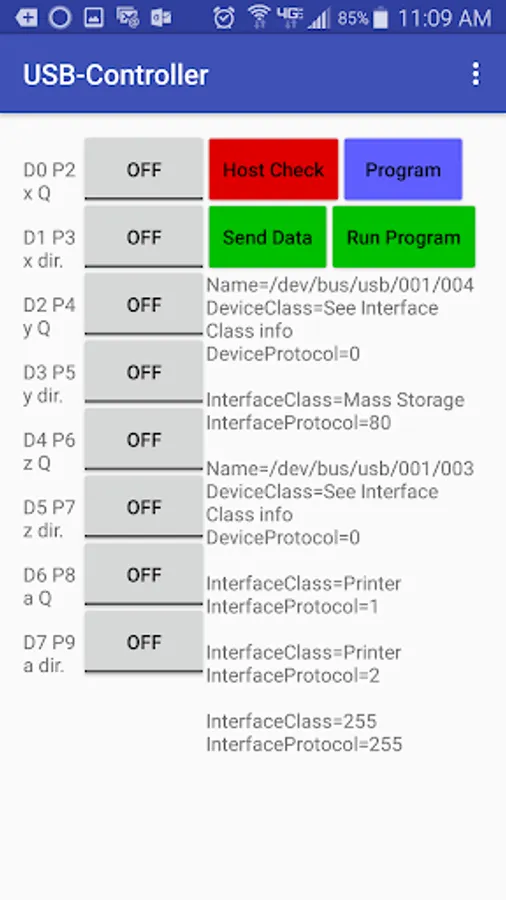
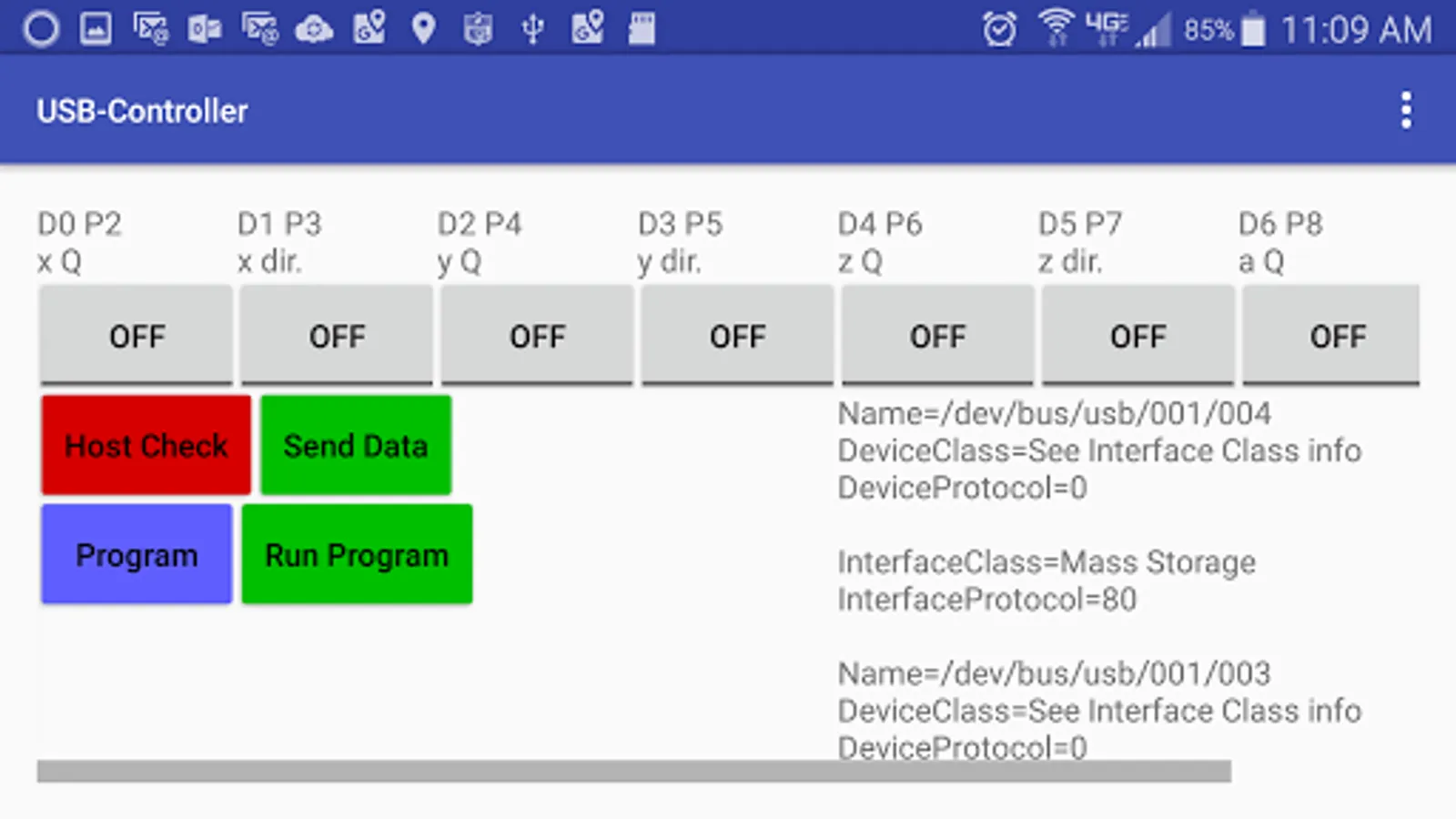
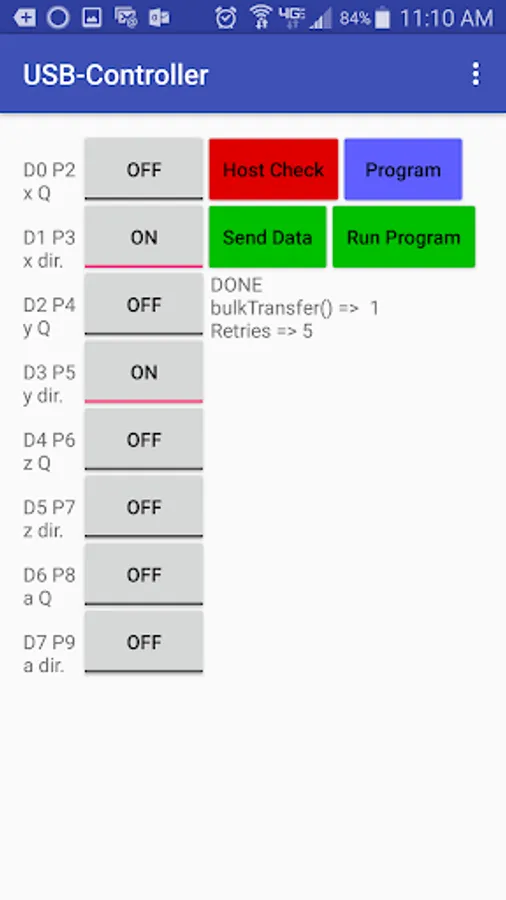
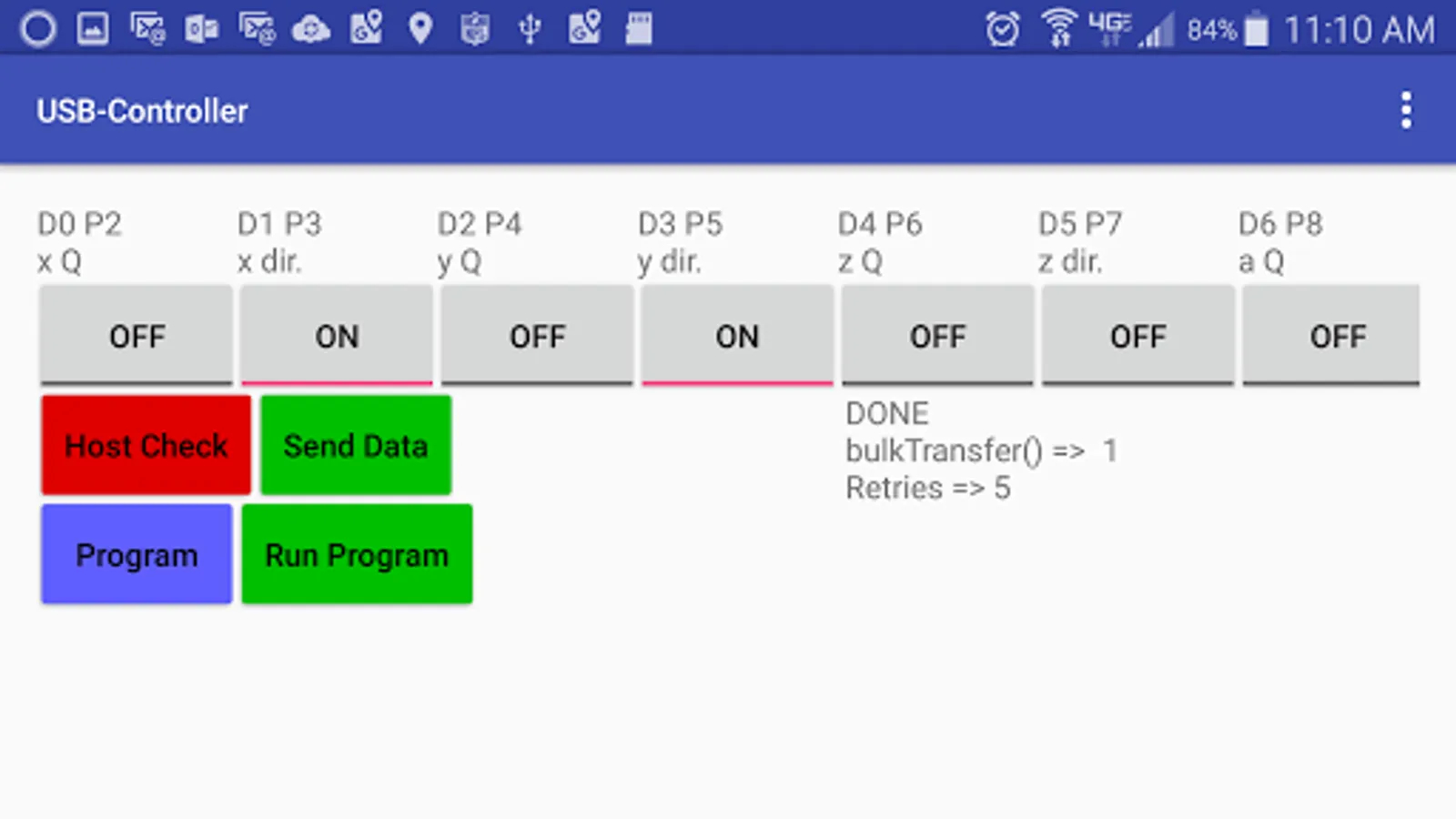
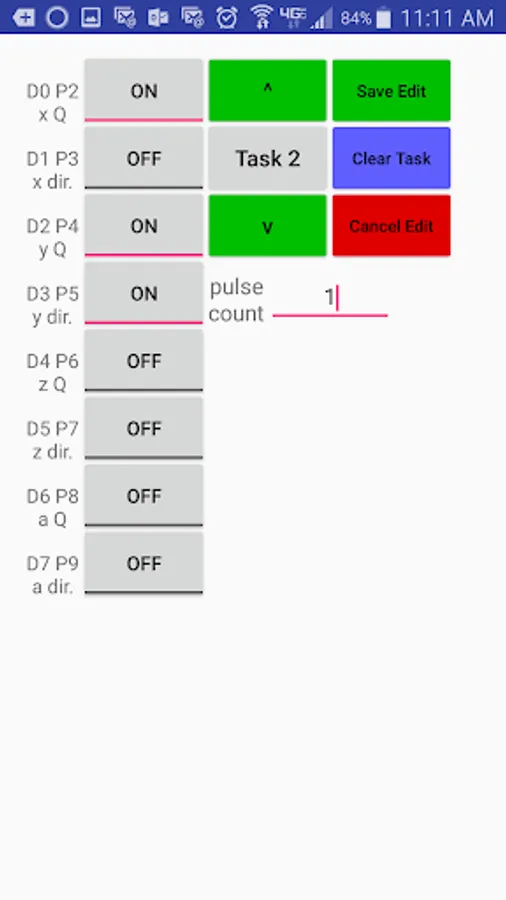
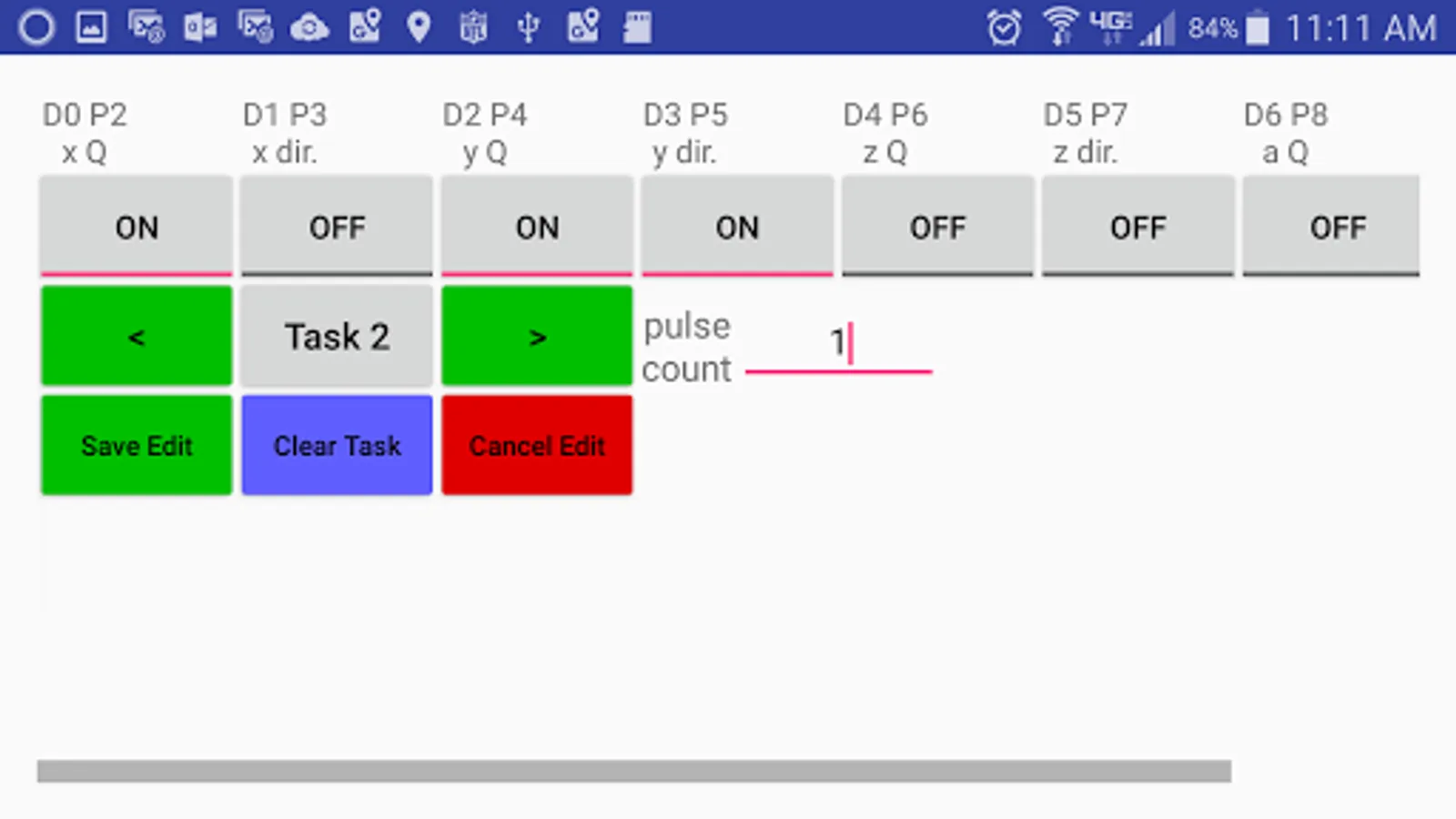
Turn your smartphone into a microcontroller. The USBController app is for controlling hobby lights or motors through an Android device's USB-OTG (On The Go) port. This app allows you to set (turn on) or clear (turn off) up to eight signals (Data D0 through D7). To use this app, you need to plug together your own harness from an Android device with USB-OTG hardware support to a IEEE-1284 parallel printer port. You do not need a separate Arduino controller as other apps require. After that you need to build your own light or motor interface to the parallel ports binary outputs. For more details, please visit http://terakuhn.weebly.com/phone_usb_controller.html.
This app can also be used to determine if your Android device has USB-OTG hardware support. If you plug a USB-OTG adapter and a USB device into your Android device, this app can tell you if your device recognizes the USB device and will act as a USB host. If it doesn't, then your Android device doesn't have USB-OTG hardware support.
If you would like to develop more complex programs or if you don't like advertisements, you can purchase the Pro version. While both the free and the Pro version include a Z80 simulator, only the Pro version allows you to open *.hex files with Z80 programs.
If you discover any bugs or have any suggestions, please email them to terakuhn@gmail.com with 'USBController' in the title of your email.
This app can also be used to determine if your Android device has USB-OTG hardware support. If you plug a USB-OTG adapter and a USB device into your Android device, this app can tell you if your device recognizes the USB device and will act as a USB host. If it doesn't, then your Android device doesn't have USB-OTG hardware support.
If you would like to develop more complex programs or if you don't like advertisements, you can purchase the Pro version. While both the free and the Pro version include a Z80 simulator, only the Pro version allows you to open *.hex files with Z80 programs.
If you discover any bugs or have any suggestions, please email them to terakuhn@gmail.com with 'USBController' in the title of your email.
USB-Controller Screenshots
Tap to Rate:
Reviews for USB-Controller
Testeez Duhnutz
11/1/2024
VOTING SEEK FORGIVENESS AND PASS CONTROL PEACEFULLY.
Laila Kuhn
10/22/2021
Worked great, :-)