Create 3D Digital Designs - 3D
GTSStar .co
3.0 ★
218 ratings
50,000+
downloads
Free
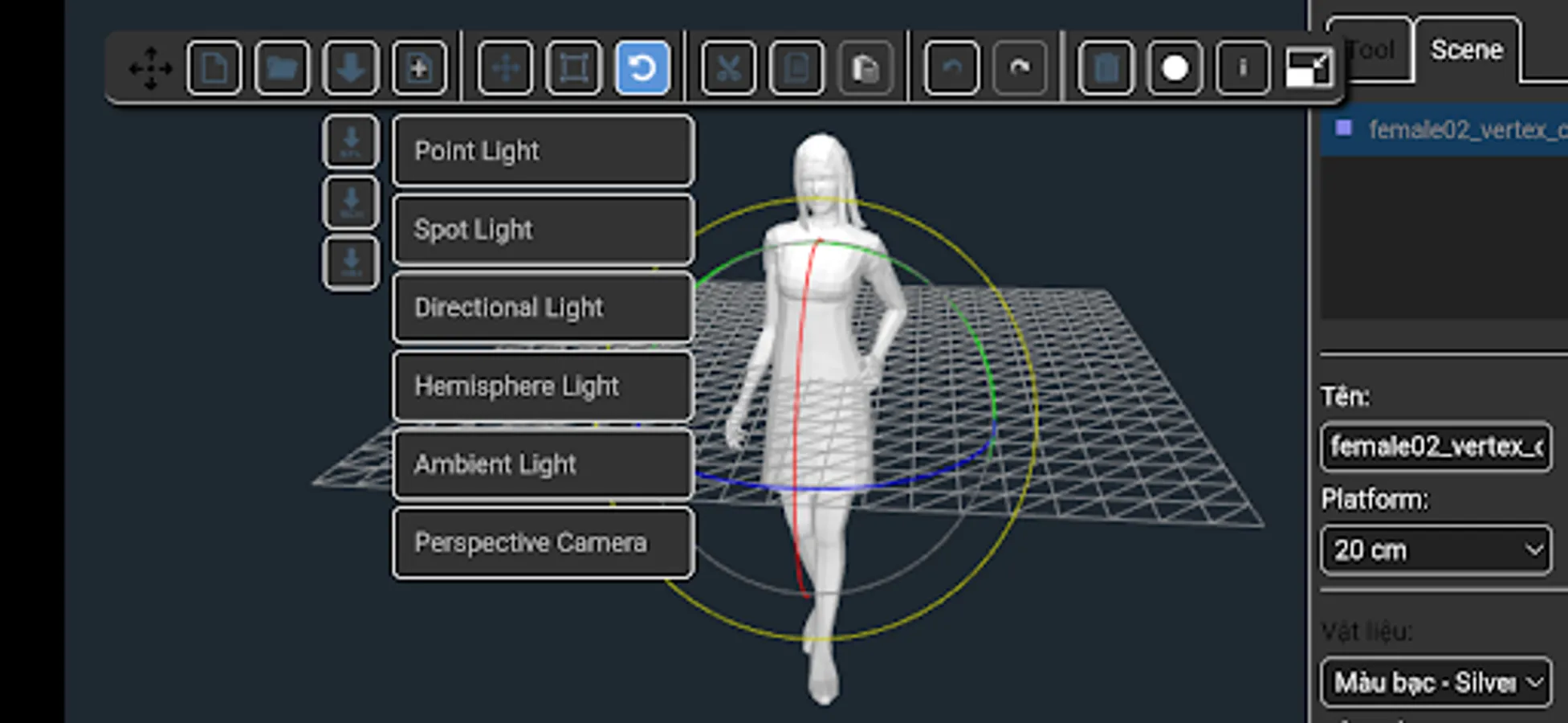
In this 3D design app, you can create, import, and edit 3D models using geometric shapes or external files. Includes model import/export in STL, OBJ, and 3DS formats, with options for printing and continuing work.
AppRecs review analysis
AppRecs rating 3.1. Trustworthiness 81 out of 100. Review manipulation risk 23 out of 100. Based on a review sample analyzed.
★★★☆☆
3.1
AppRecs Rating
Ratings breakdown
5 star
44%
4 star
0%
3 star
8%
2 star
8%
1 star
40%
What to know
✓
Low review manipulation risk
23% review manipulation risk
✓
Credible reviews
81% trustworthiness score from analyzed reviews
⚠
High negative review ratio
48% of sampled ratings are 1–2 stars
About Create 3D Digital Designs - 3D
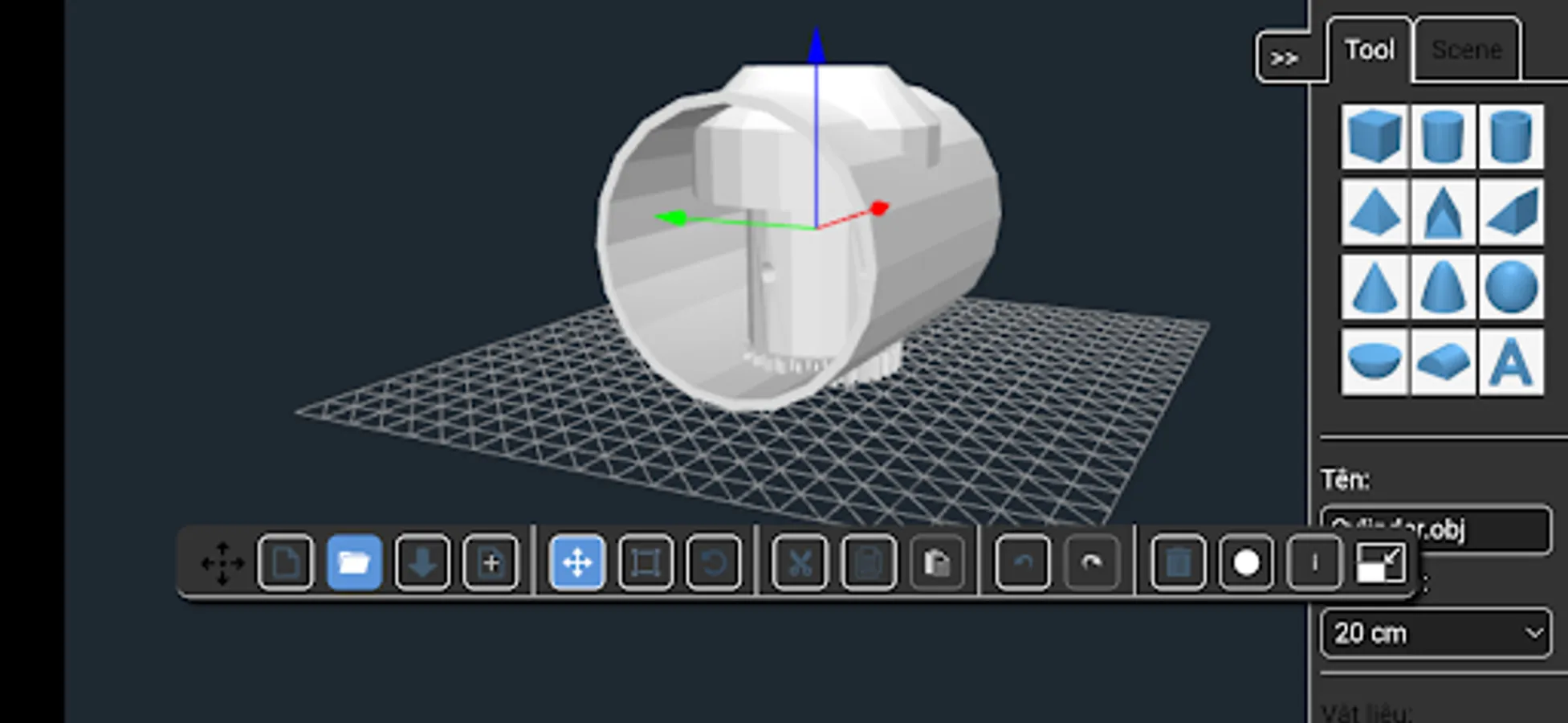
Create 3D Digital Designs used to edit or view objects 3D. App compatible with models in STL, OBJ and 3DS format. You can export your work ready to print in 3D (STL format, OBJ format) or to keep working on it later (SCENE format).
HOW TO USE THE APP:
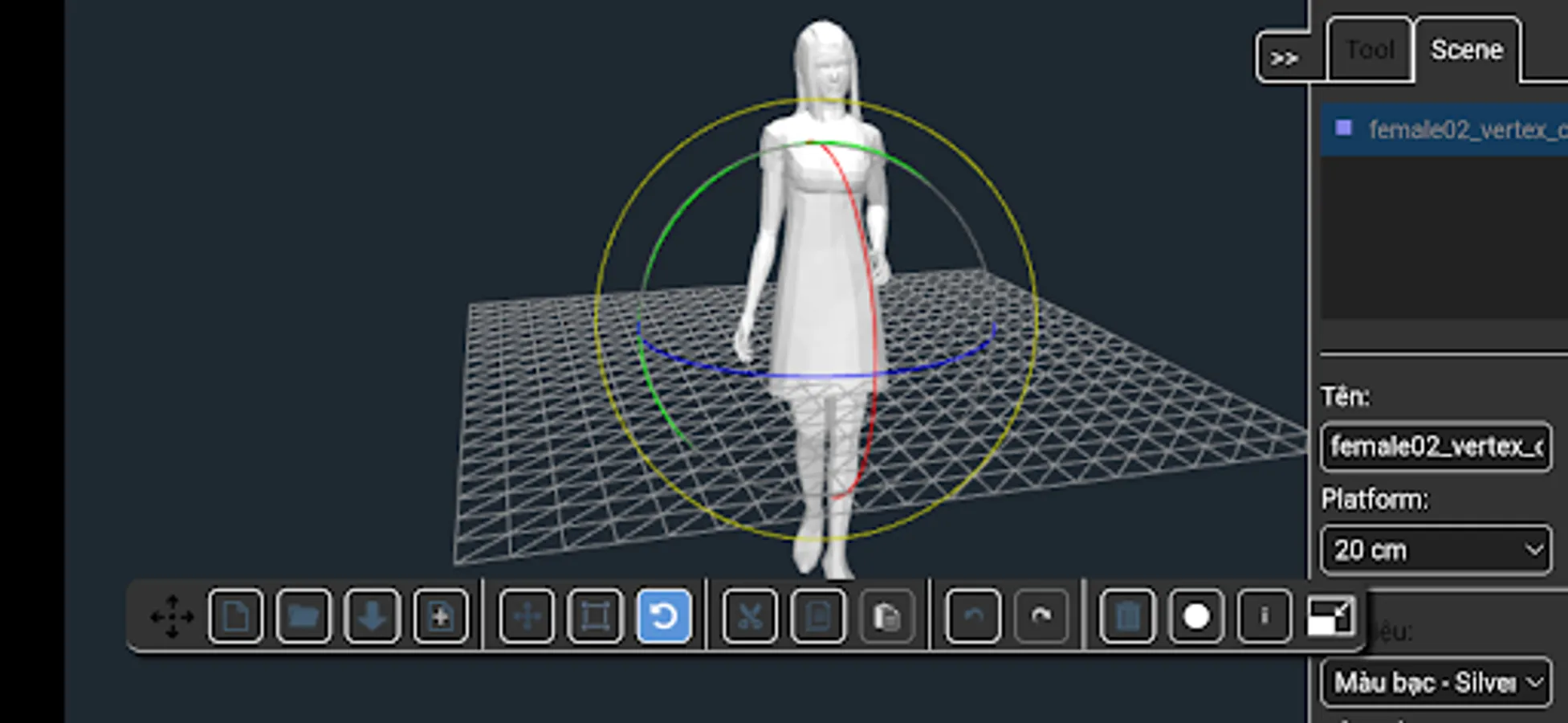
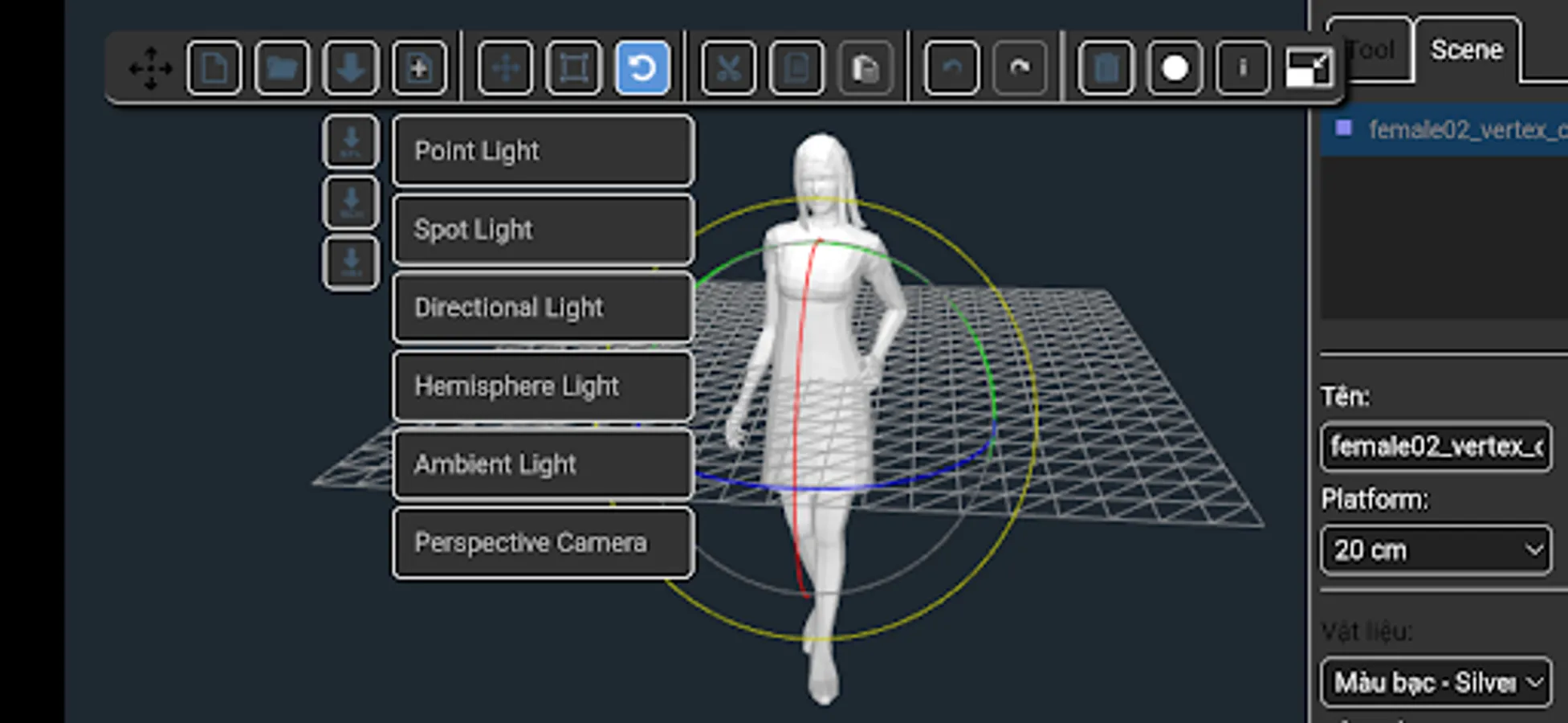
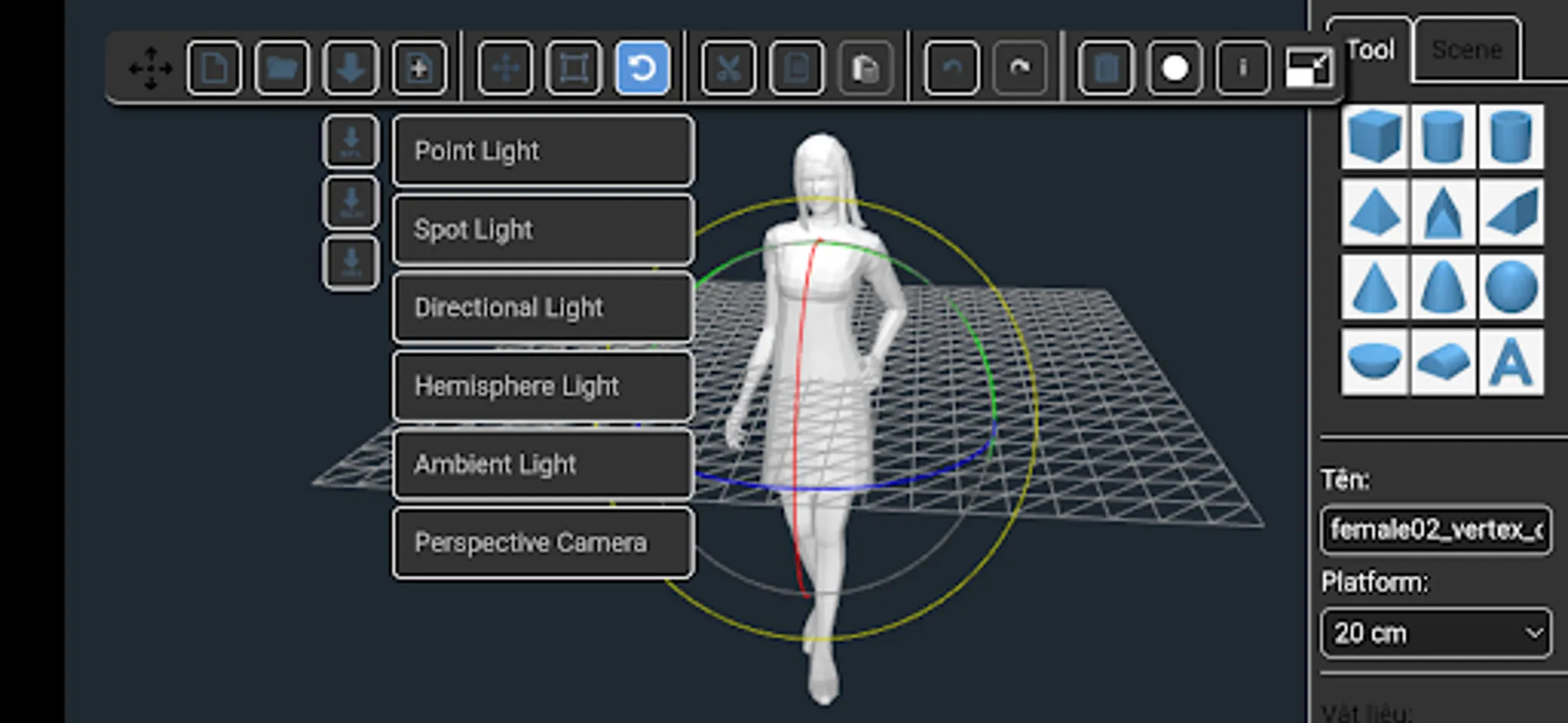
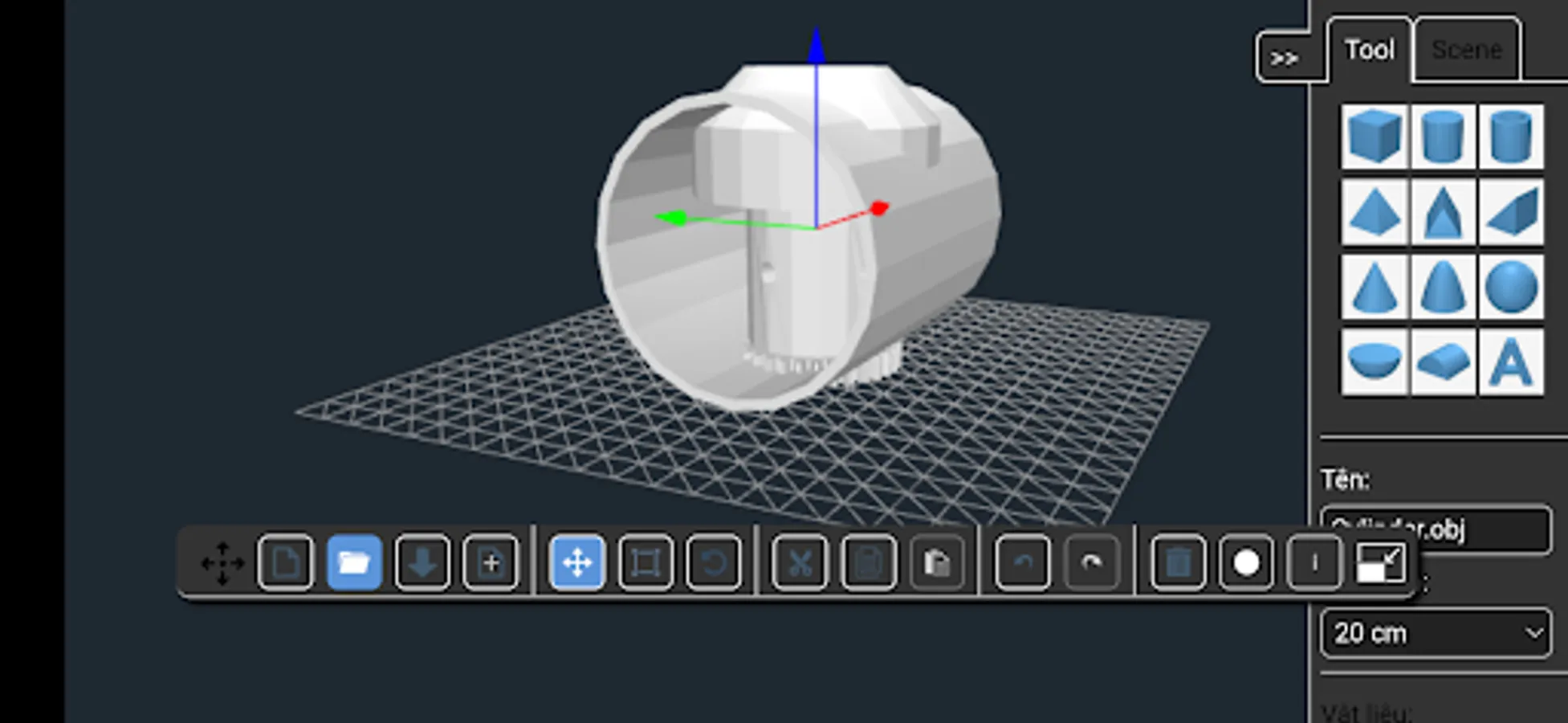
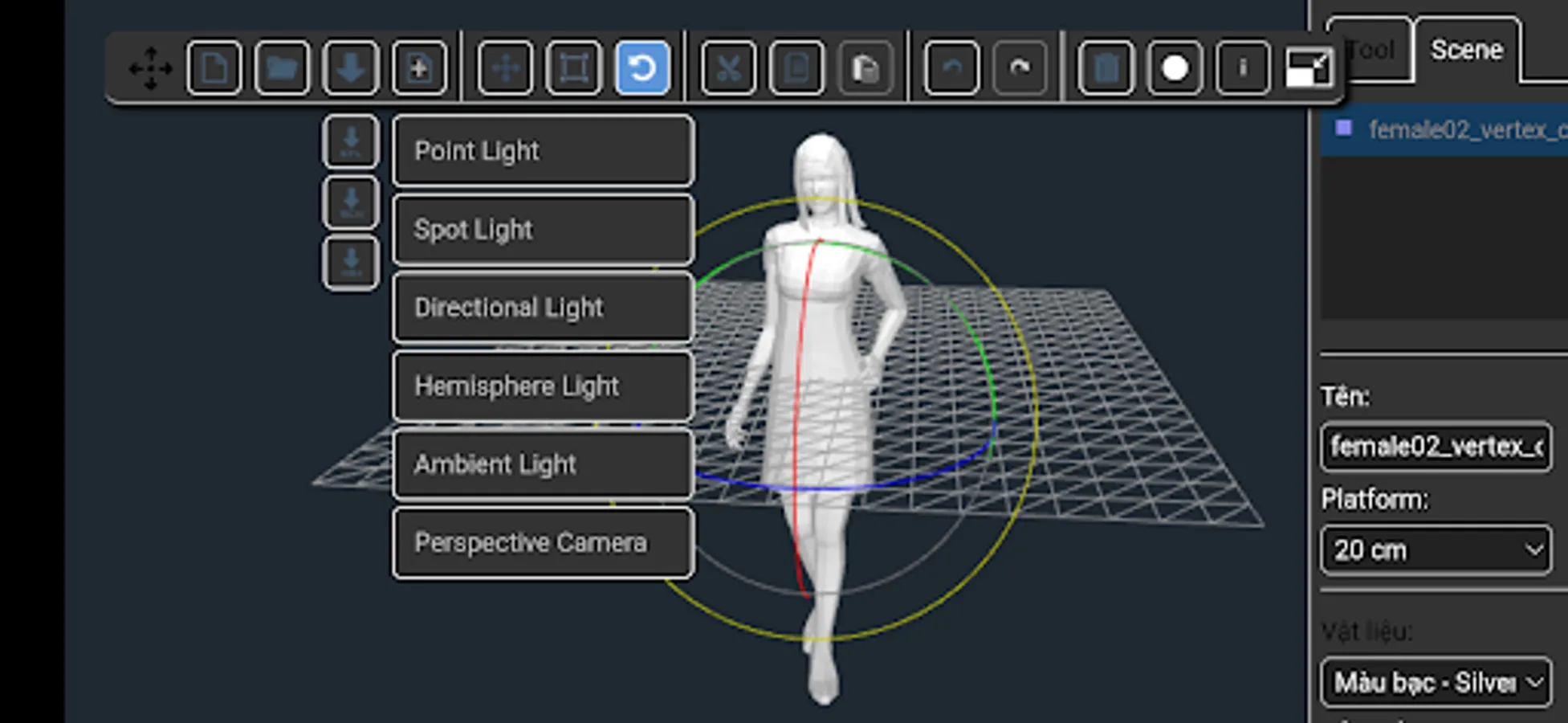
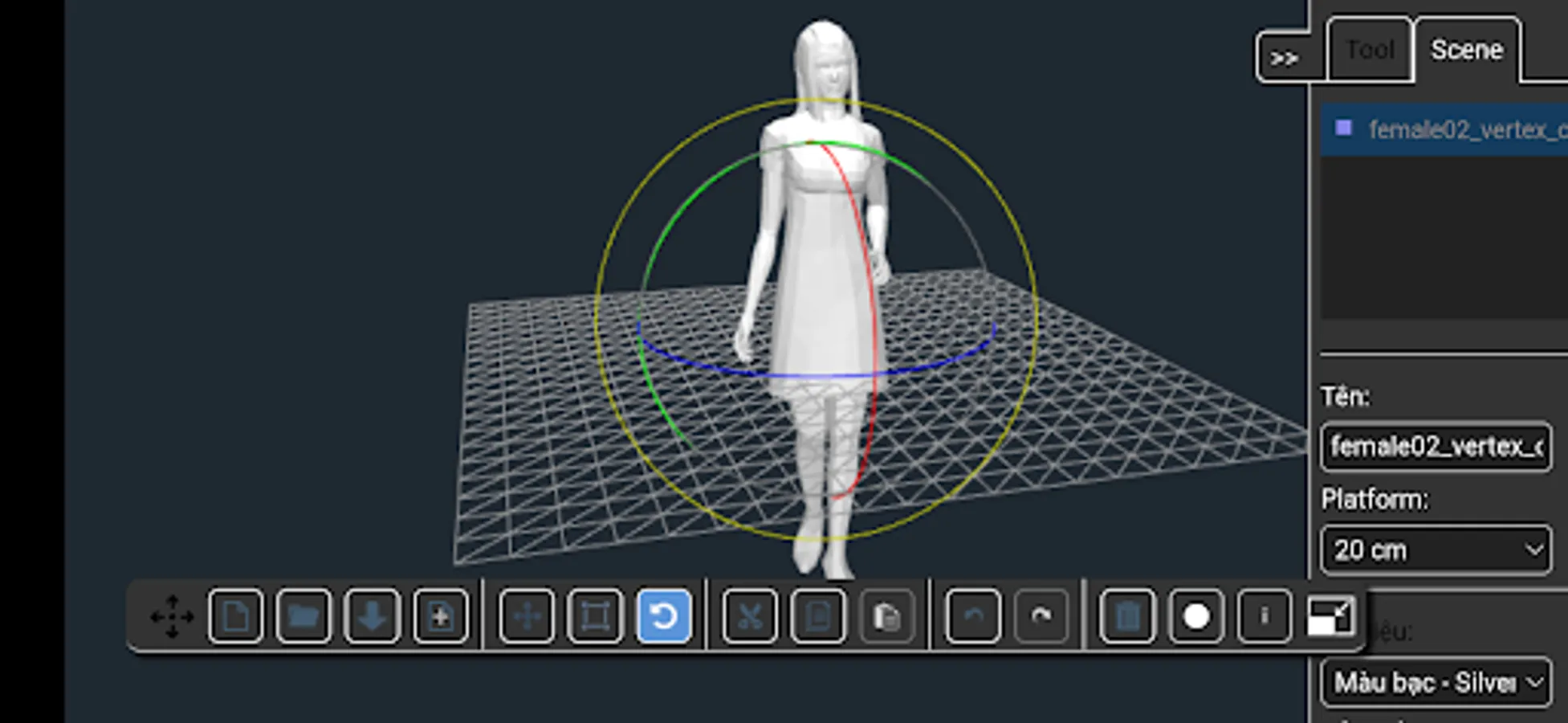
Add geometric shapes (from the right panel) to the plataform to create your own object. Also you can import STL, OBJ and 3DS models to the plataform. Later, export the object as STL, OBJ file (for 3D printing) or as a SCENE file (to keep working on it later).
HOW TO CUT OBJECTS:
1) Add object A to the plaform.
2) Add object B to the platform.
3) Select object B.
4) Select the material 'Hollow' (from the right panel).
5) Export the work as a STL, OBJ file (the object B will erase every object, partially or entirely, that is within it's space). Depending of how complex are the objects, the device may take a few minutes to perform the task.
HOW TO FUSION OBJECTS:
1) Add object A to the plaform.
2) Add object B to the platform.
3) Select object B.
4) Select any material (except 'Hollow') from the right panel.
5) Export the work as a STL file or OBJ file.
HOW TO MOVE AROUND THE PLATFORM:
One finger to rotate, two fingers to zoom in and out and three fingers to move the camera.
HOW TO USE THE APP:
Add geometric shapes (from the right panel) to the plataform to create your own object. Also you can import STL, OBJ and 3DS models to the plataform. Later, export the object as STL, OBJ file (for 3D printing) or as a SCENE file (to keep working on it later).
HOW TO CUT OBJECTS:
1) Add object A to the plaform.
2) Add object B to the platform.
3) Select object B.
4) Select the material 'Hollow' (from the right panel).
5) Export the work as a STL, OBJ file (the object B will erase every object, partially or entirely, that is within it's space). Depending of how complex are the objects, the device may take a few minutes to perform the task.
HOW TO FUSION OBJECTS:
1) Add object A to the plaform.
2) Add object B to the platform.
3) Select object B.
4) Select any material (except 'Hollow') from the right panel.
5) Export the work as a STL file or OBJ file.
HOW TO MOVE AROUND THE PLATFORM:
One finger to rotate, two fingers to zoom in and out and three fingers to move the camera.
Create 3D Digital Designs - 3D Screenshots
Tap to Rate:
Reviews for Create 3D Digital Designs - 3D
Moli Sajitha
3/5/2026
Good
Katie Peterson
8/23/2025
great for learning auto cad