
AppRecs review analysis
AppRecs rating . Trustworthiness 71 out of 100. Review manipulation risk 18 out of 100. Based on a review sample analyzed.
★
AppRecs Rating
Ratings breakdown
5 star
0%
4 star
0%
3 star
0%
2 star
50%
1 star
50%
What to know
✓
Low review manipulation risk
18% review manipulation risk
✓
Credible reviews
71% trustworthiness score from analyzed reviews
⚠
Mixed user feedback
Average 1.5★ rating suggests room for improvement
About ULS Inventory Manager
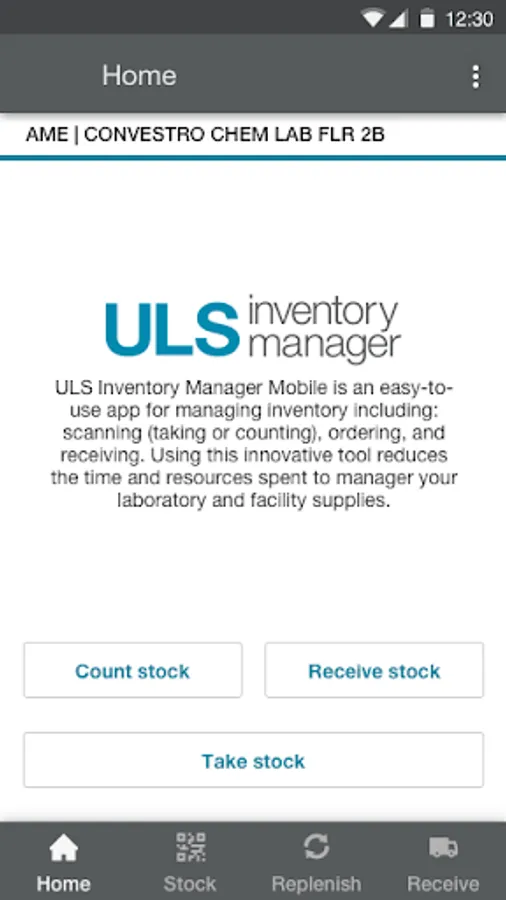
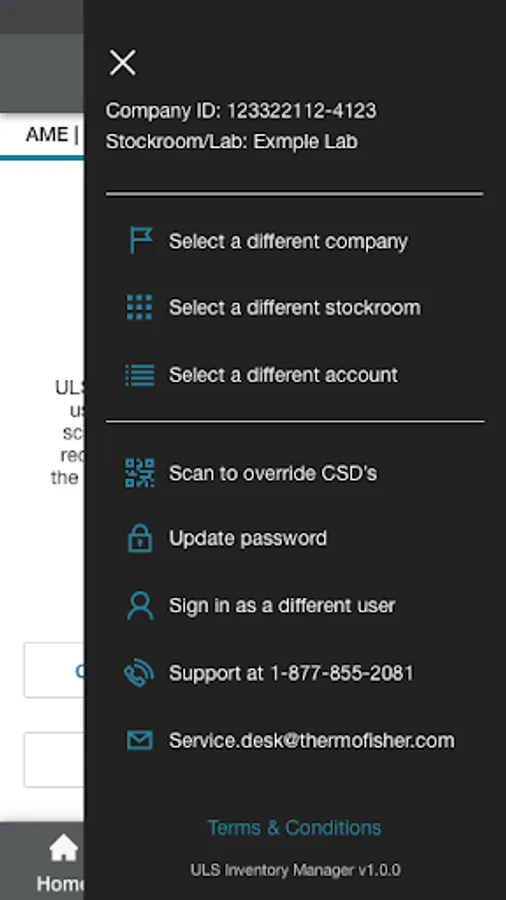
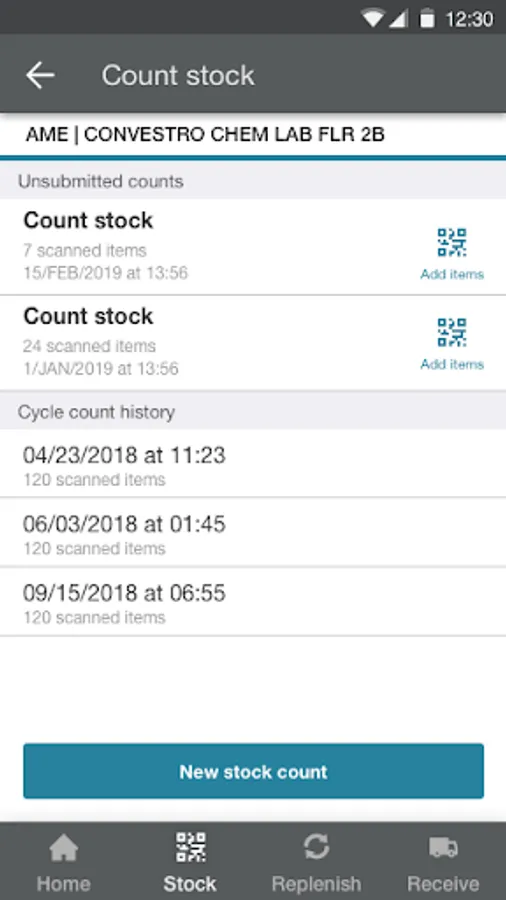
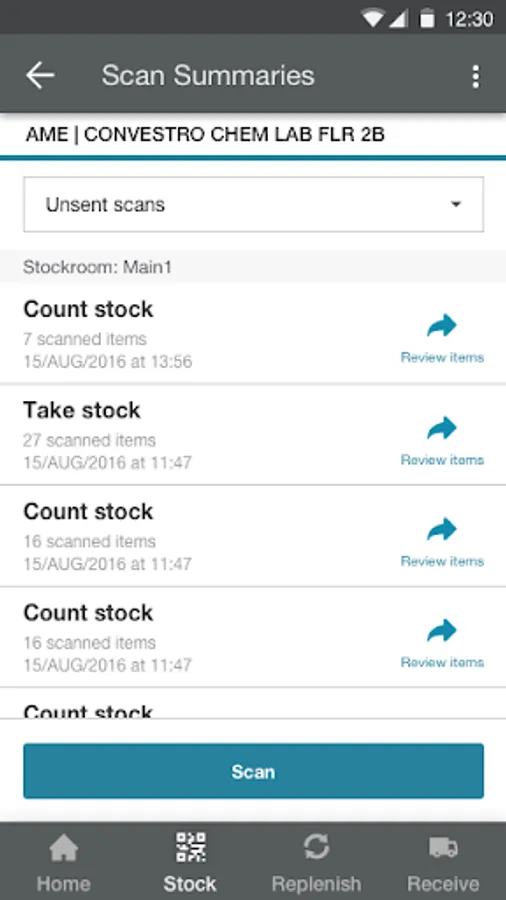
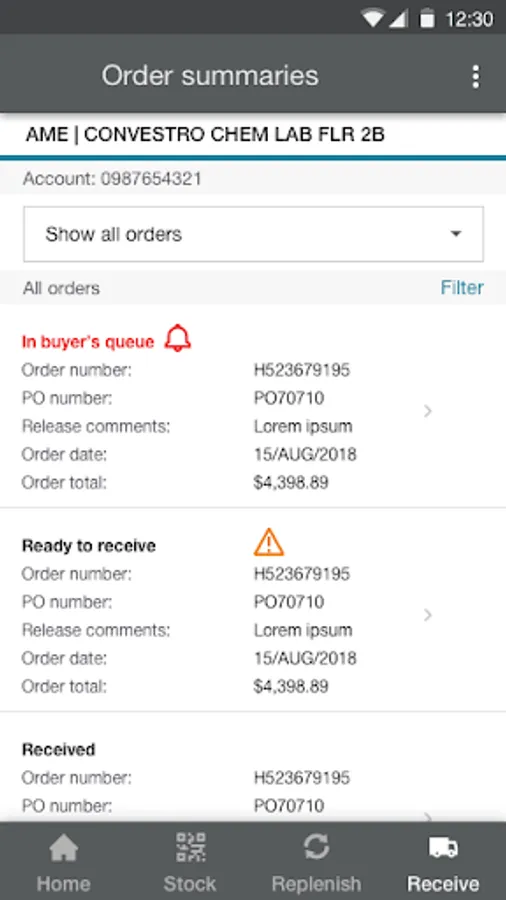
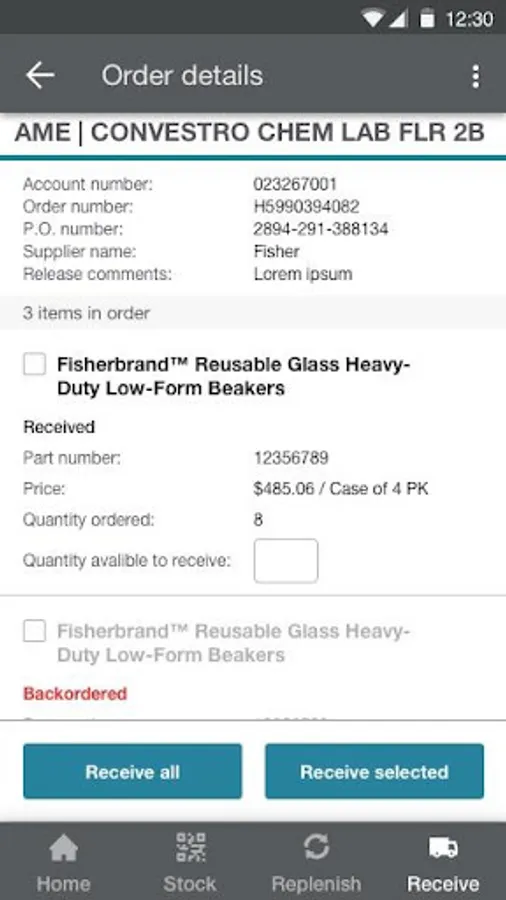
ULS Inventory Manager provides flexible, configurable options to help you track your inventory. It connects you with the supplies you need to help reduce inventory costs, improve productivity, and deliver critical data that allows you to make informed supply management decisions. The ULS Inventory Manager mobile app uses an intuitive, highly automated system to make managing inventory quick and easy. By using the mobile app to scan and order products, you’ll minimize the time and money spent on managing your lab supplies. The mobile app helps you be more productive by providing one simple place to scan, replenish, track, and receive inventory. It’s designed to make inventory management easy and accurate, and includes different functions to meet your needs, including scanning to count and take stock, replenishment ordering and receiving. Inventory can be managed to align with organizational goals on maximum and minimum stocking levels.
Please contact inventorymanager.support@thermofisher.com for support.
Please contact inventorymanager.support@thermofisher.com for support.
ULS Inventory Manager Screenshots
Tap to Rate:
Reviews for ULS Inventory Manager
rodrigo gaspar (Darkranger113)
5/11/2023
They need to work on the android version of the phone on apple I can put number in the qty on my Android I can do that
Anthony Rhodes
12/14/2021
Bugge.