
HPLC Troubleshooting Guide
Thermo Fisher Scientific
4.6 ★
56 ratings
10,000+
downloads
Free
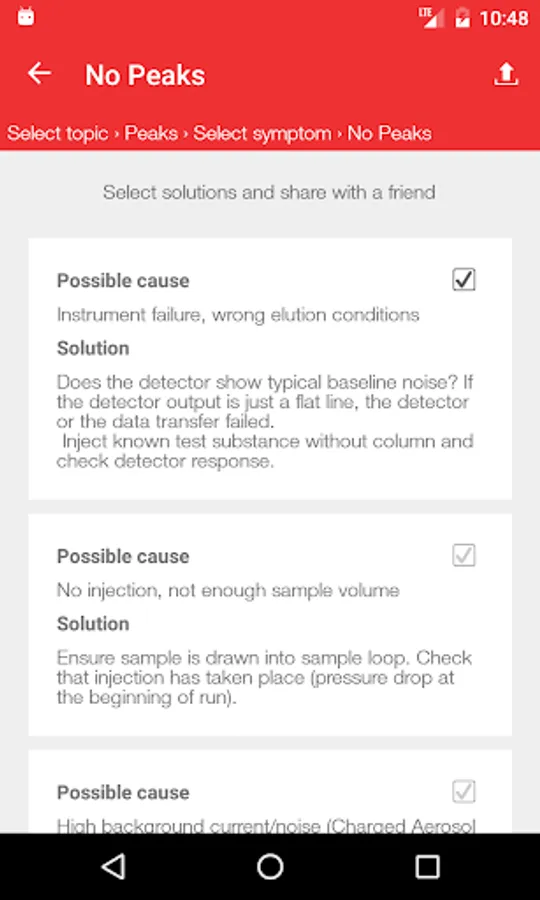
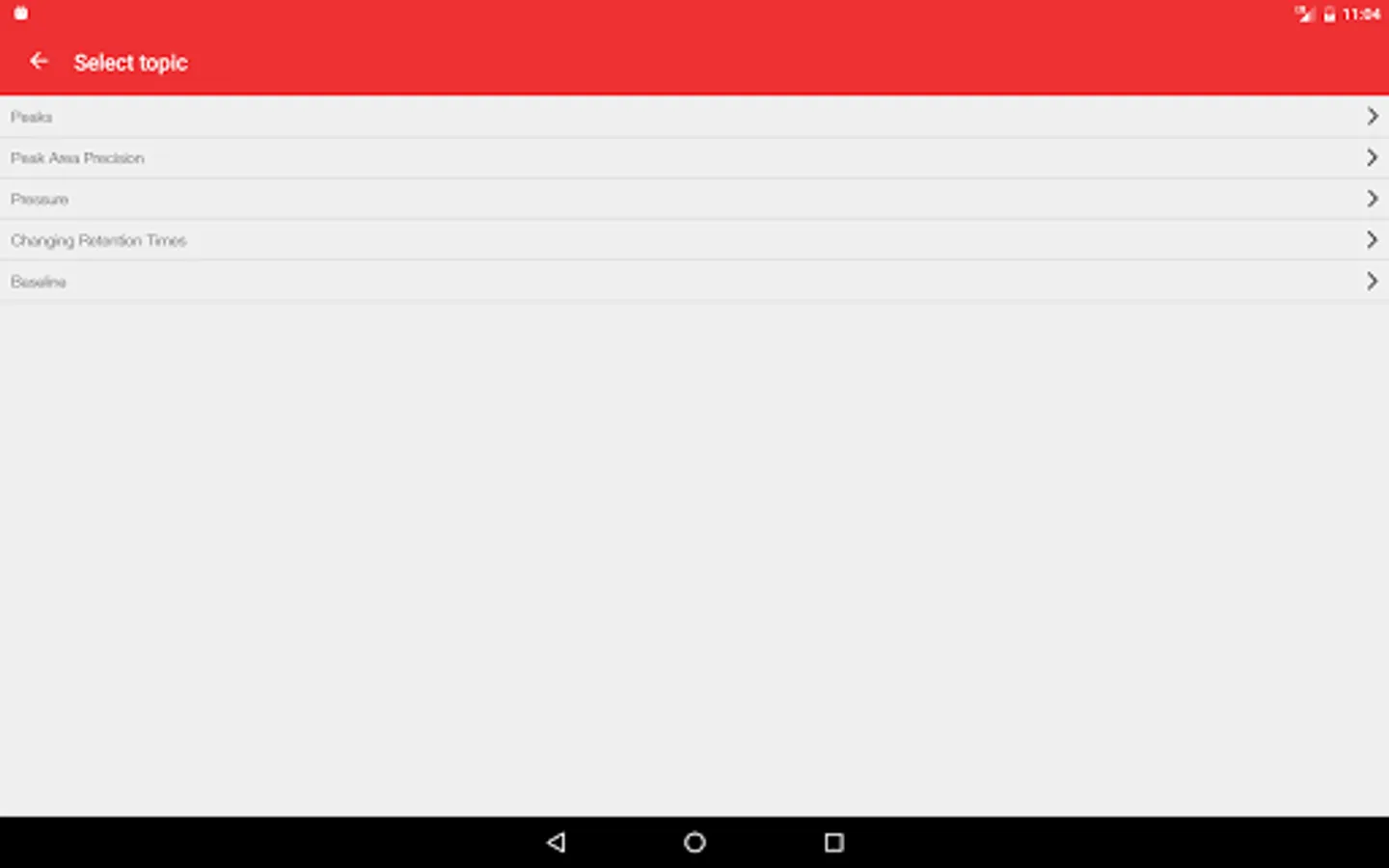
With this troubleshooting guide app, you can diagnose HPLC issues quickly and access solutions for various instrument types and technologies. Includes interactive features, sharing options, and direct contact with Thermo Scientific support.
AppRecs review analysis
AppRecs rating 4.3. Trustworthiness 0 out of 100. Review manipulation risk 0 out of 100. Based on a review sample analyzed.
★★★★☆
4.3
AppRecs Rating
Ratings breakdown
5 star
86%
4 star
0%
3 star
0%
2 star
14%
1 star
0%
What to know
✓
High user satisfaction
86% of sampled ratings are 5 stars
✓
Authentic reviews
No red flags detected
About HPLC Troubleshooting Guide
Solutions to HPLC issues are now just a few taps away, no matter if you are next to or away from the instrument.
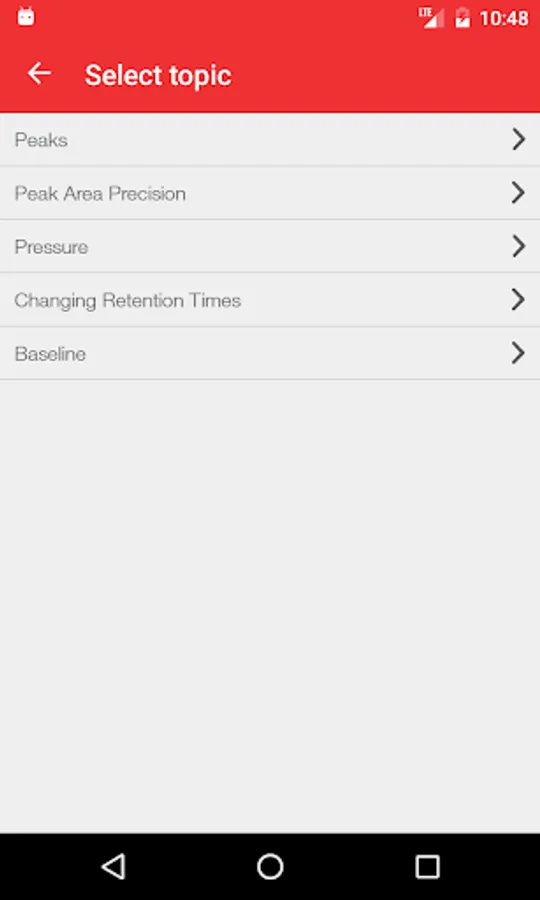
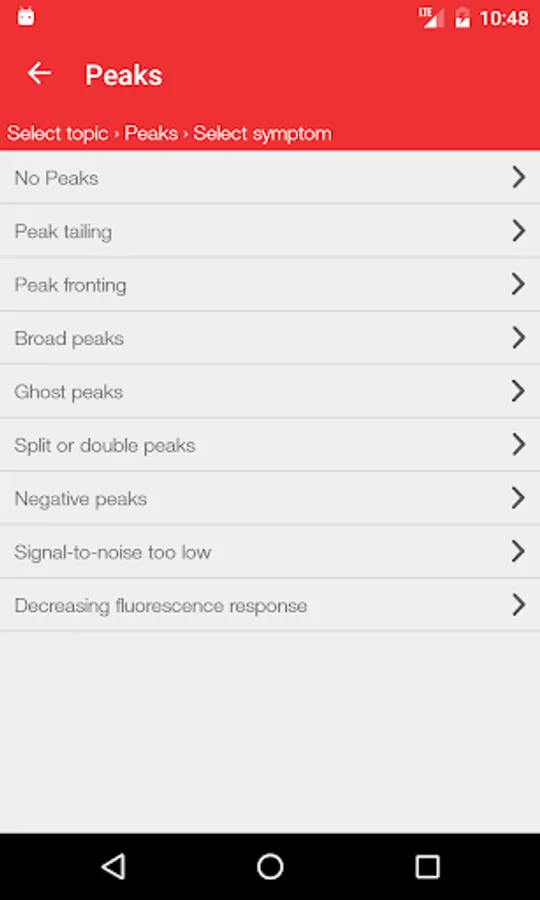
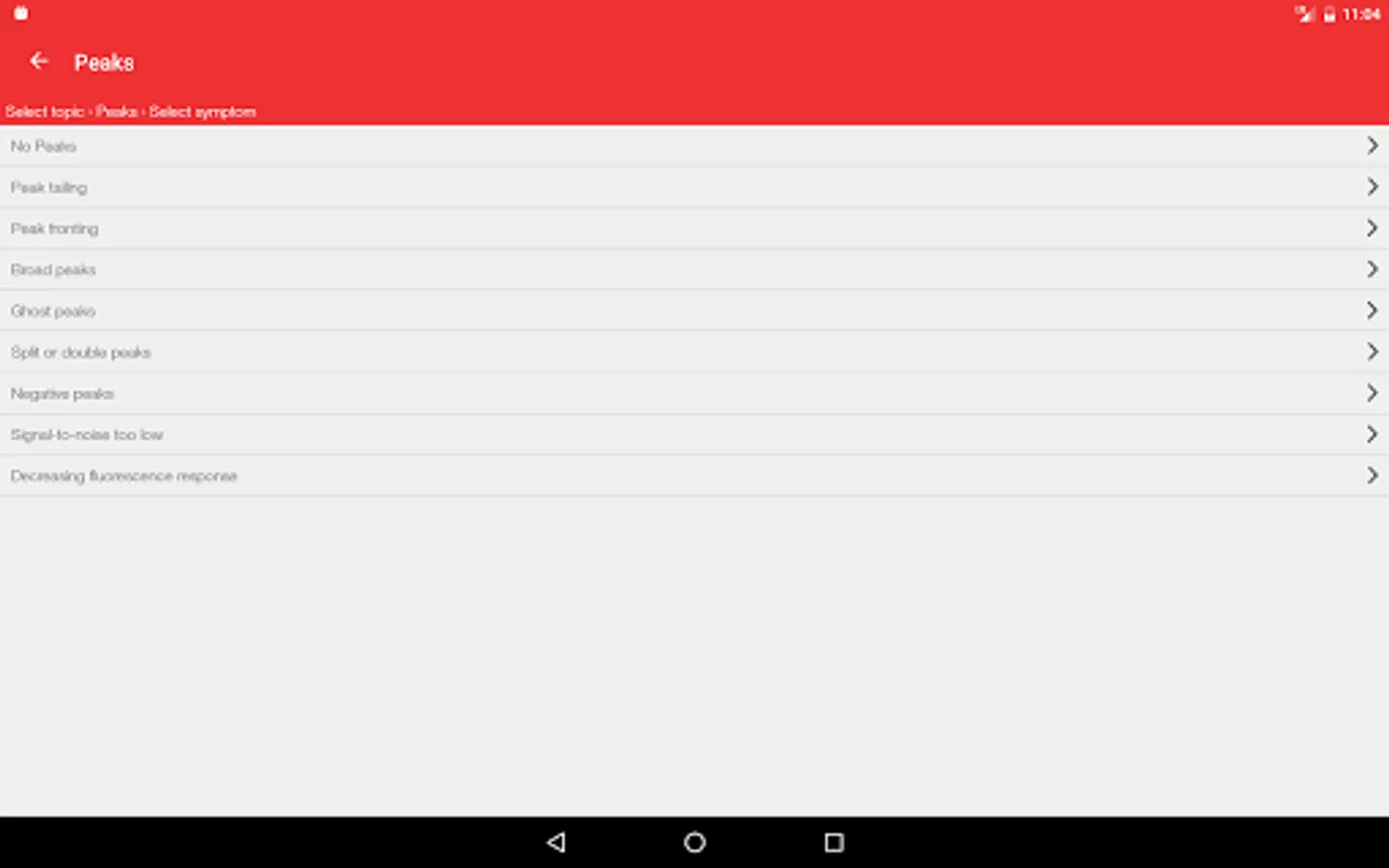
The Thermo Scientific HPLC Troubleshooting Guide App is an extensive tool to effectively diagnose various potential issues with HPLC analysis. Solutions range from general nature issues that are common to standard instrument setups from various manufacturers to troubleshooting special technologies such as nano LC, fluorescence, charged aazerosol and electrochemical detection.
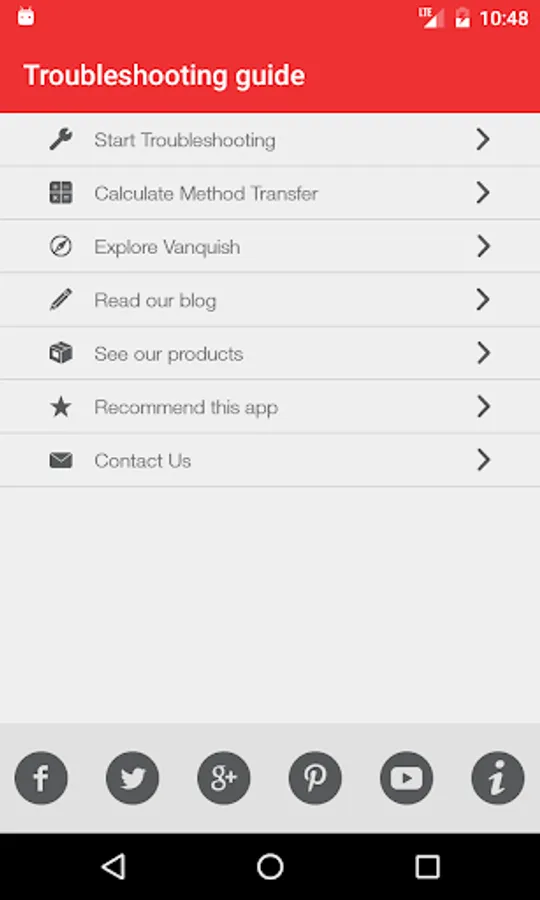
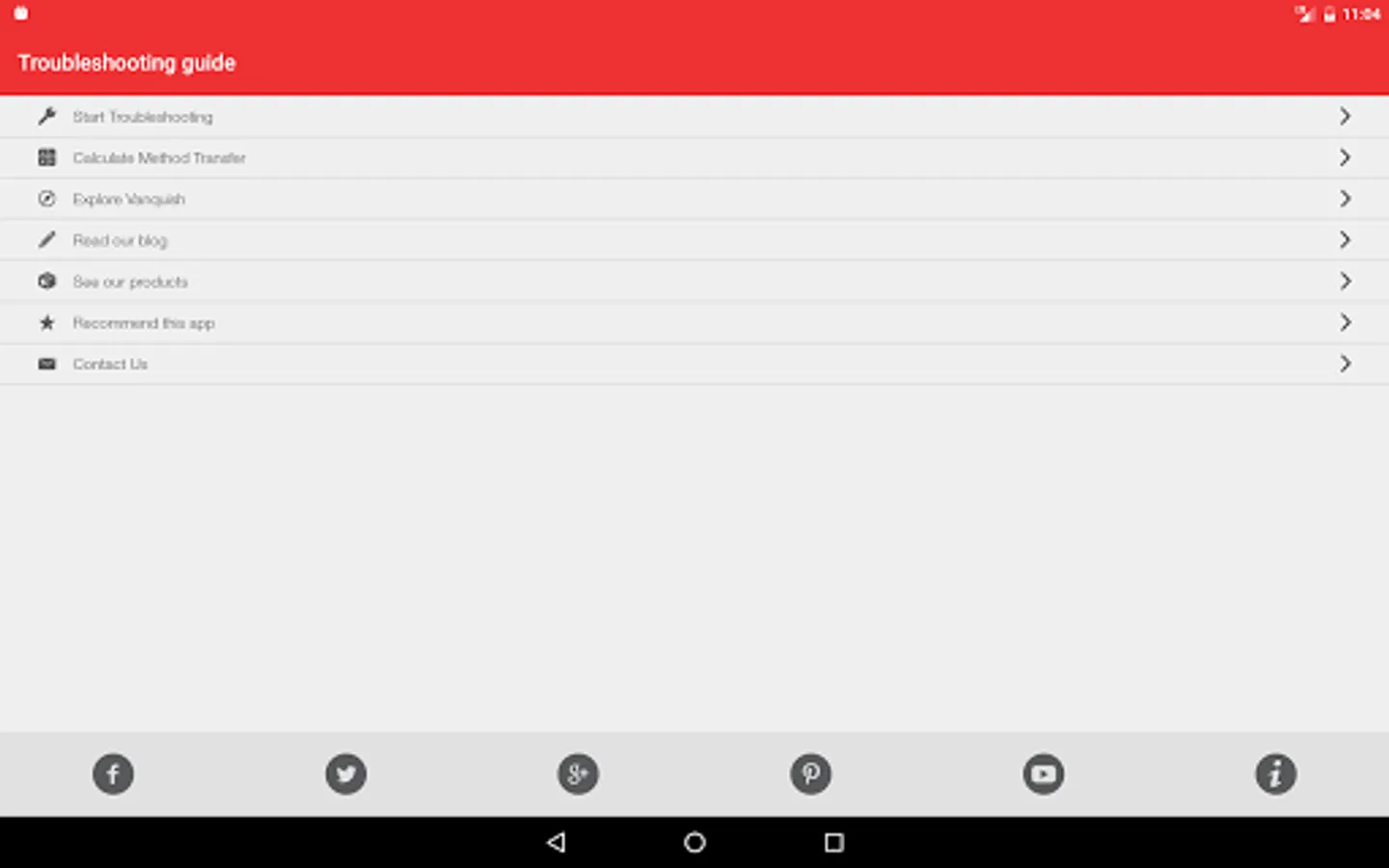
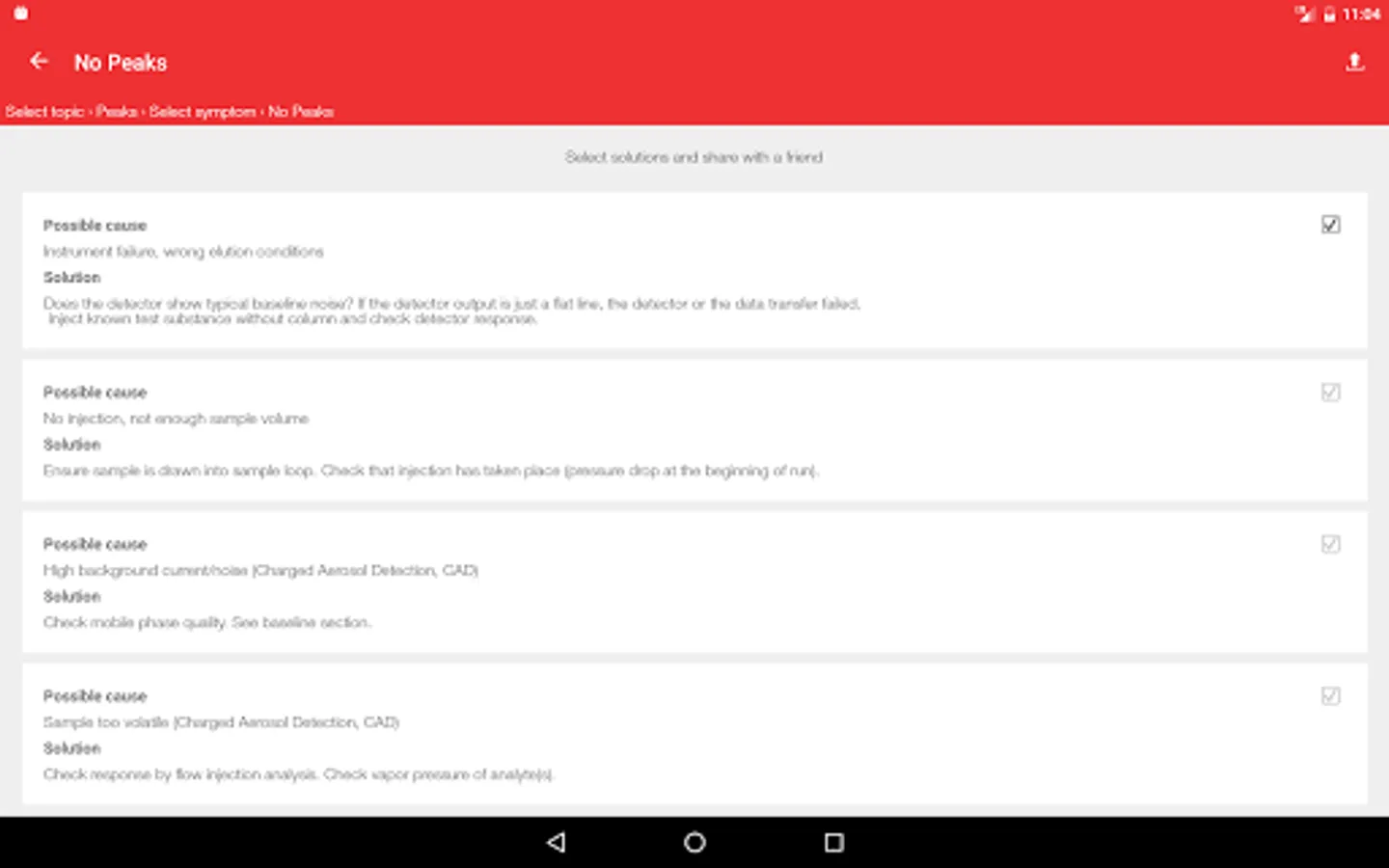
The app also offers interactive functions to connect to Thermo Scientific social media, to recommend the app to a friend, and to contact Thermo Scientific for further support. By simply tapping the Share function, troubleshooting solutions can easily and instantly be shared among teams.
UHPLC+ Focused ñ Giving You More!
More information on how to leverage the advantages of UHPLC can be found on http://www.thermoscientific.com/dionex
The Thermo Scientific HPLC Troubleshooting Guide App is an extensive tool to effectively diagnose various potential issues with HPLC analysis. Solutions range from general nature issues that are common to standard instrument setups from various manufacturers to troubleshooting special technologies such as nano LC, fluorescence, charged aazerosol and electrochemical detection.
The app also offers interactive functions to connect to Thermo Scientific social media, to recommend the app to a friend, and to contact Thermo Scientific for further support. By simply tapping the Share function, troubleshooting solutions can easily and instantly be shared among teams.
UHPLC+ Focused ñ Giving You More!
More information on how to leverage the advantages of UHPLC can be found on http://www.thermoscientific.com/dionex
HPLC Troubleshooting Guide Screenshots
Tap to Rate: