
Hide App-Hide Application Icon
ThinkYeah Mobile
3.7 ★
70K ratings
10,000,000+
downloads
Free
AppRecs review analysis
AppRecs rating 3.7. Trustworthiness 0 out of 100. Review manipulation risk 0 out of 100. Based on a review sample analyzed.
★★★☆☆
3.7
AppRecs Rating
Ratings breakdown
5 star
60%
4 star
6%
3 star
4%
2 star
3%
1 star
27%
What to know
✓
Good user ratings
66% positive sampled reviews
⚠
High negative review ratio
30% of sampled ratings are 1–2 stars
About Hide App-Hide Application Icon
★ Hide any app you don't want others to know. ★ (DcLauncher Add-On required for not ROOTed Device)
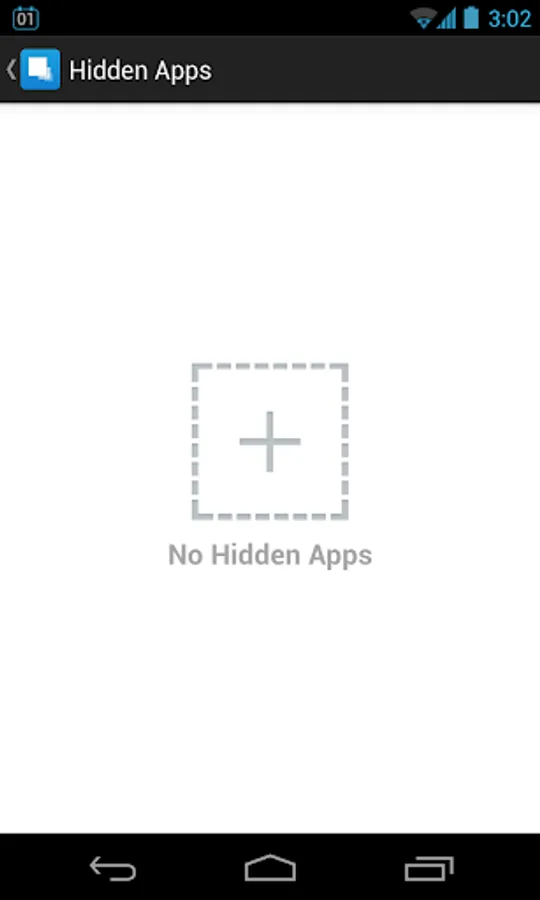
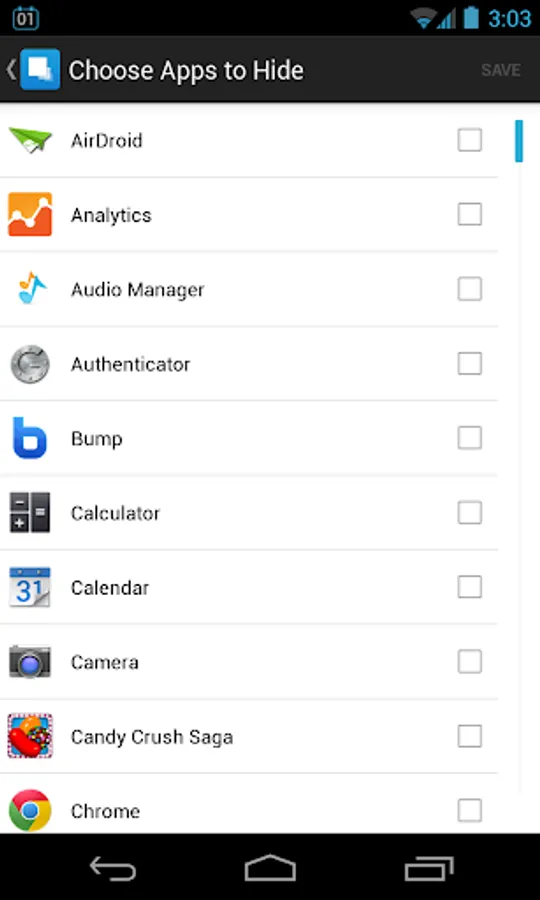
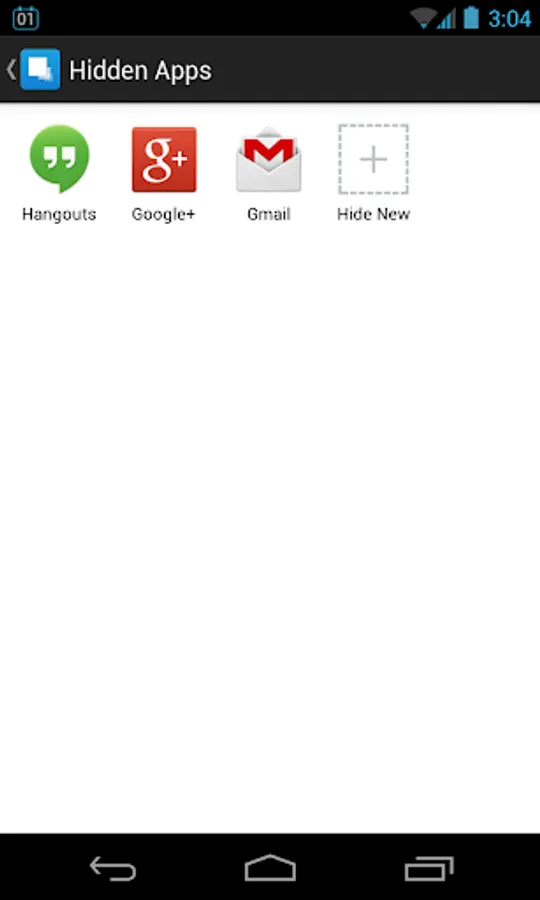
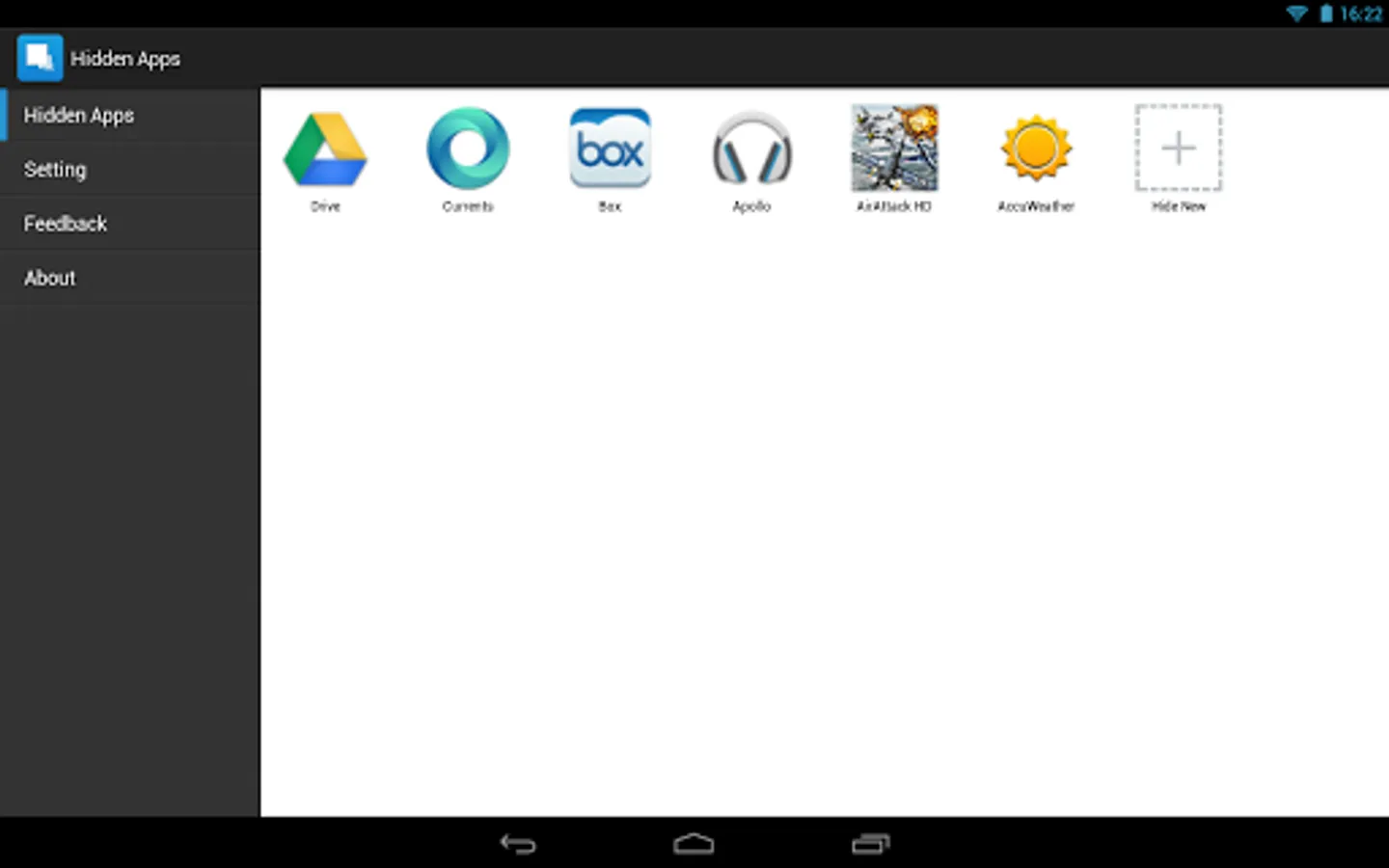
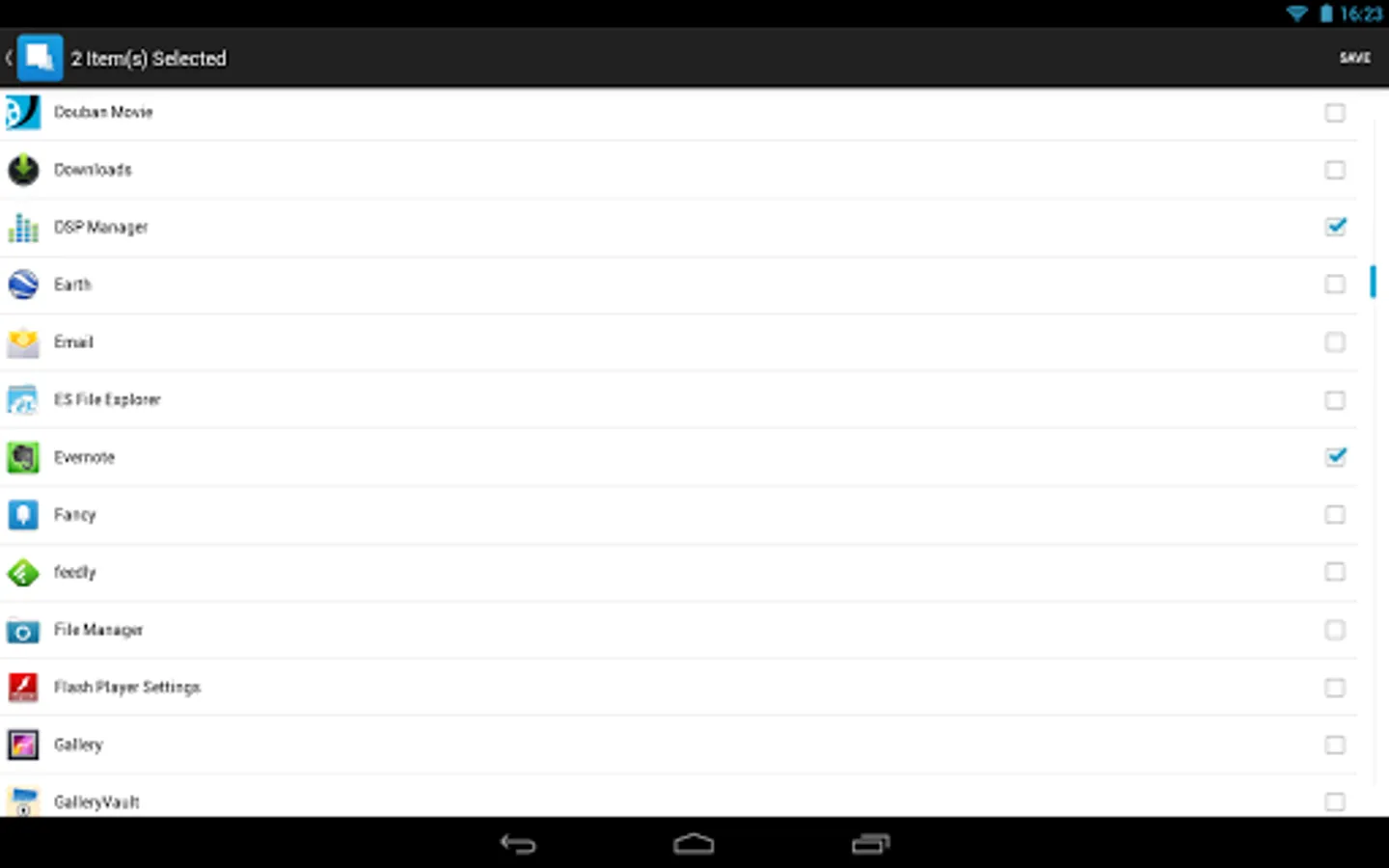
"AppHider" can help you to hide any app. After app is hided, the app icon will disappear from the Launcher.
Highlights:
-- Totally free
-- Hide apps (Hide Icon)
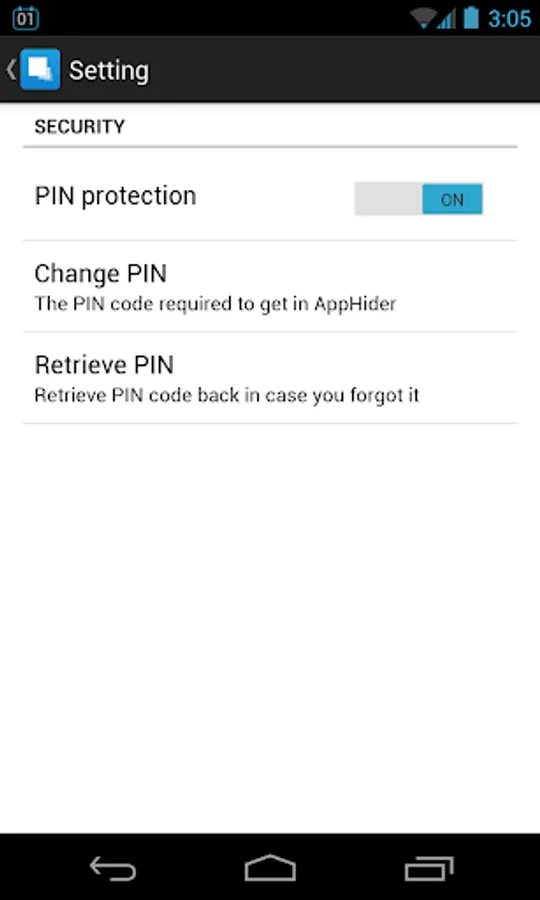
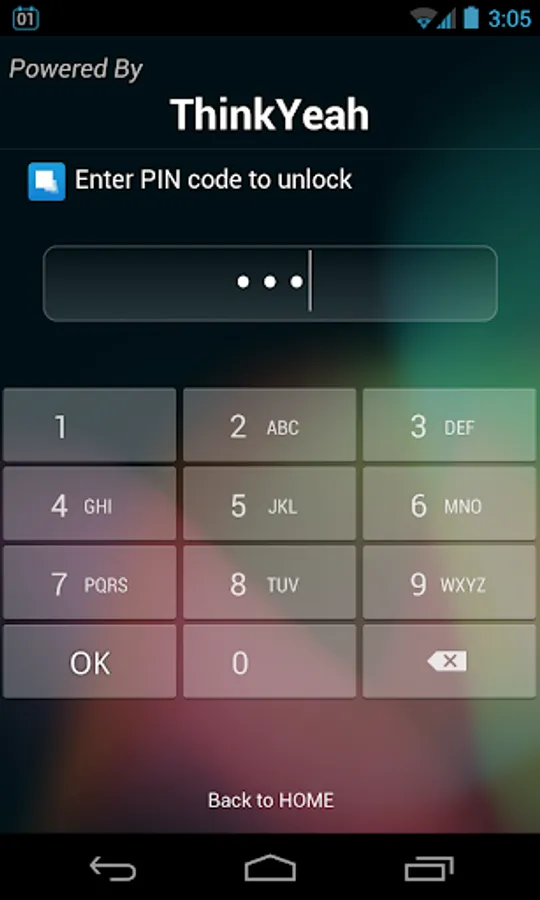
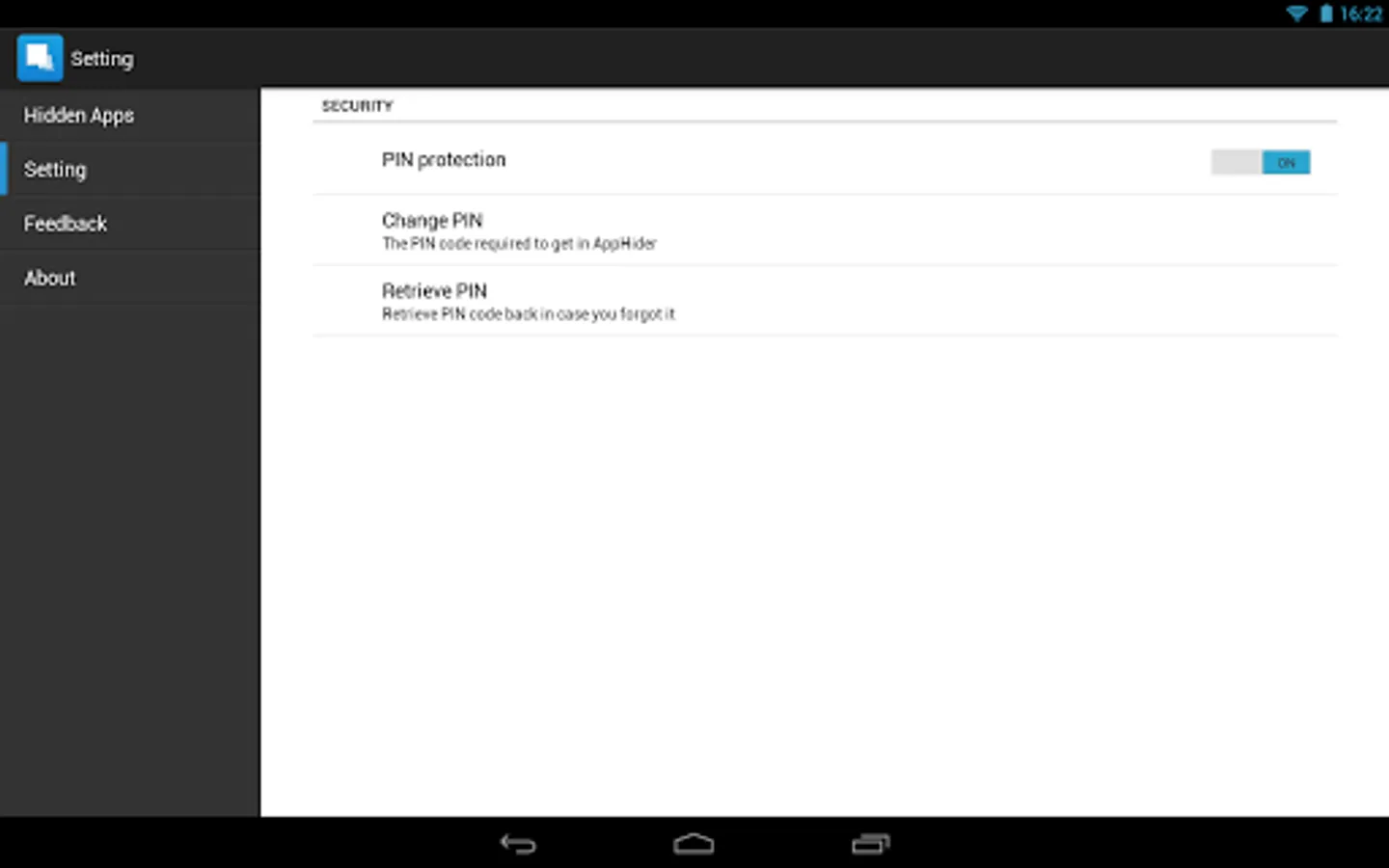
-- Support PIN lock
-- Support auto backup and restore (After you reinstall AppHider, the previous hided apps can be restored back.)
-- More advanced phone optimize features to boost apps and free up storage space. Including Cache Clean, Phone Boost and App Notification Clean .etc.
For the devices not ROOTed, please install the add-on "DcLauncher" to make app hider work. https://play.google.com/store/apps/details?id=dcmobile.thinkyeah.launcher
FAQ:
What can I do if app is lost?
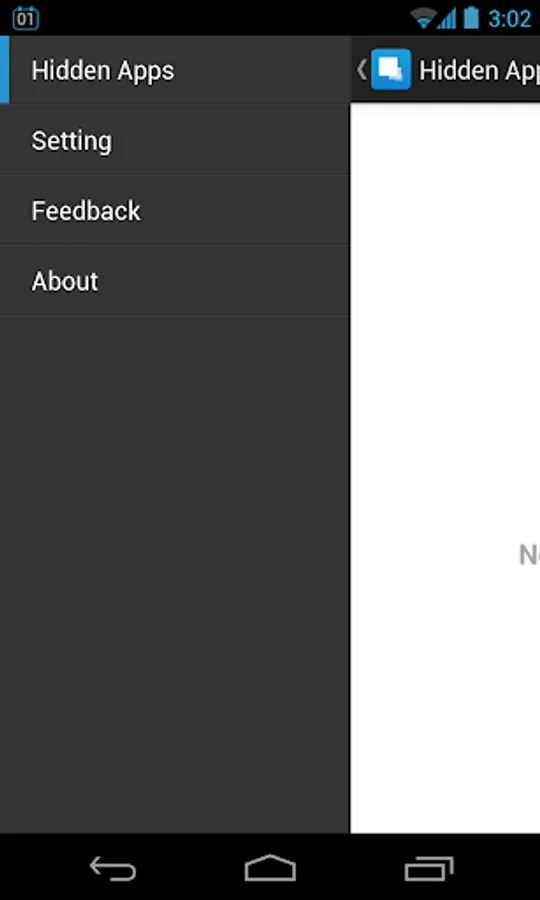
Go to Setting->Find Lost Apps.
"AppHider" can help you to hide any app. After app is hided, the app icon will disappear from the Launcher.
Highlights:
-- Totally free
-- Hide apps (Hide Icon)
-- Support PIN lock
-- Support auto backup and restore (After you reinstall AppHider, the previous hided apps can be restored back.)
-- More advanced phone optimize features to boost apps and free up storage space. Including Cache Clean, Phone Boost and App Notification Clean .etc.
For the devices not ROOTed, please install the add-on "DcLauncher" to make app hider work. https://play.google.com/store/apps/details?id=dcmobile.thinkyeah.launcher
FAQ:
What can I do if app is lost?
Go to Setting->Find Lost Apps.
Hide App-Hide Application Icon Screenshots
Tap to Rate: