In this guitar amplifier app, you can wirelessly edit tone parameters and access advanced effects controls. Includes Bluetooth connectivity, deep effect settings, and footswitch assignment options.
AppRecs review analysis
AppRecs rating 2.3. Trustworthiness 87 out of 100. Review manipulation risk 16 out of 100. Based on a review sample analyzed.
★★☆☆☆
2.3
AppRecs Rating
Ratings breakdown
5 star
24%
4 star
7%
3 star
6%
2 star
10%
1 star
53%
What to know
✓
Low review manipulation risk
16% review manipulation risk
⚠
Mixed user feedback
Average 2.4★ rating suggests room for improvement
⚠
High negative review ratio
63% of sampled ratings are 1–2 stars
About THR Remote
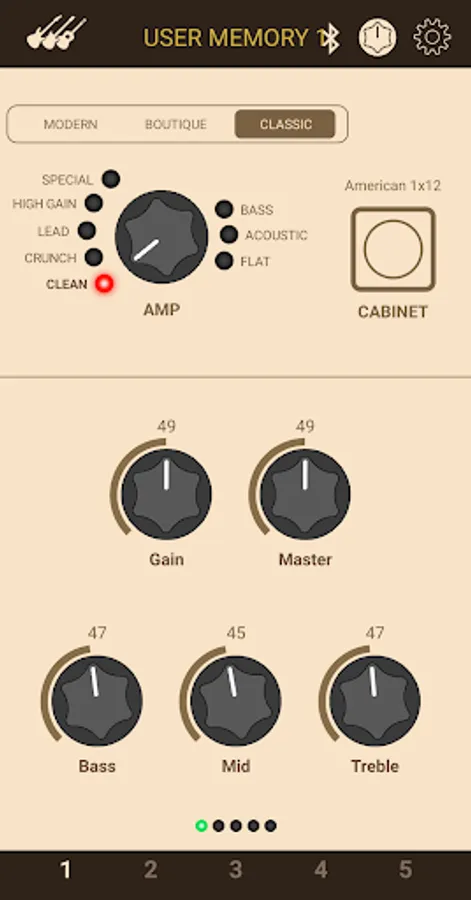
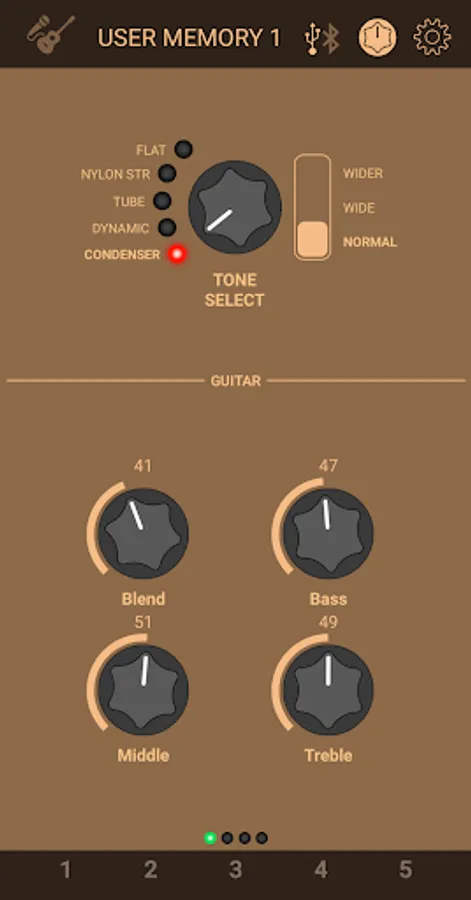
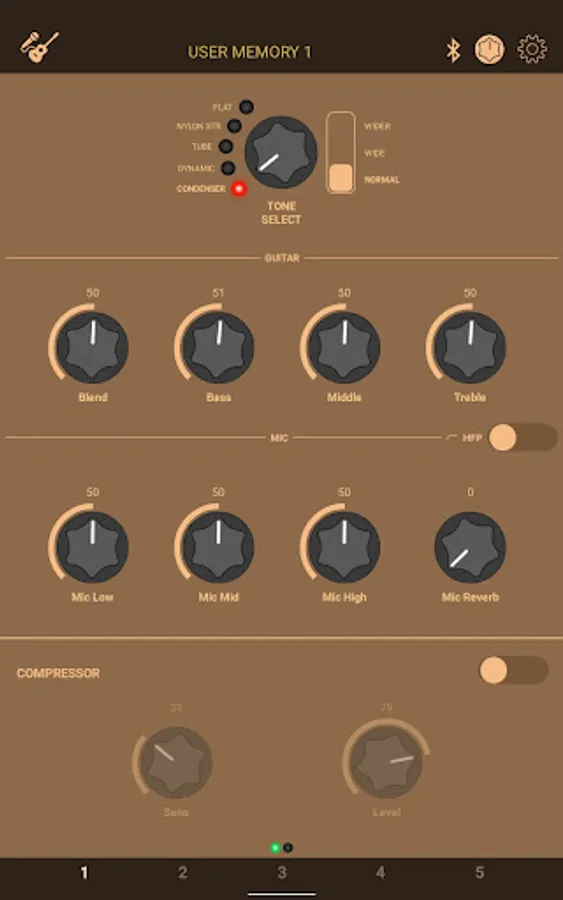
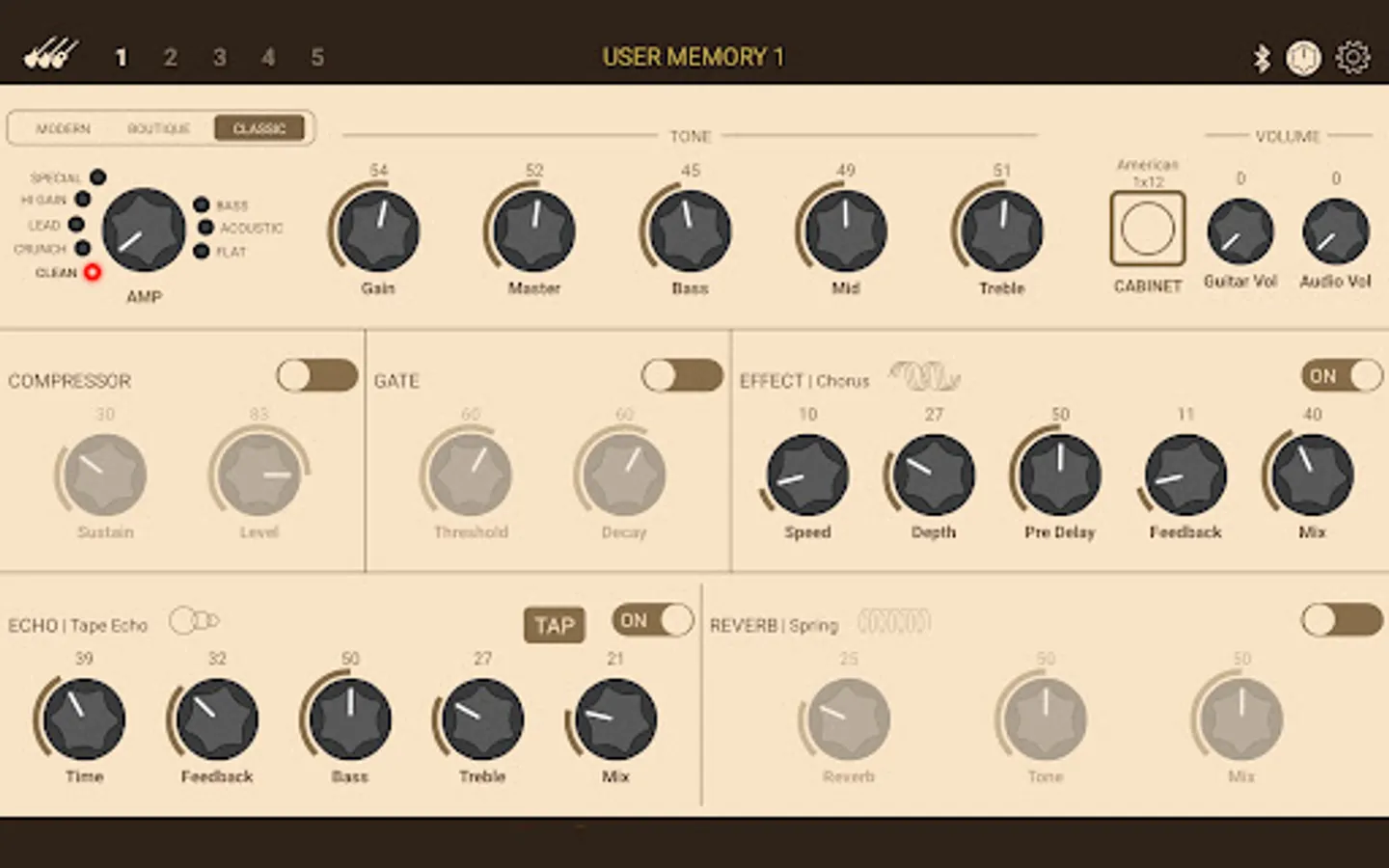
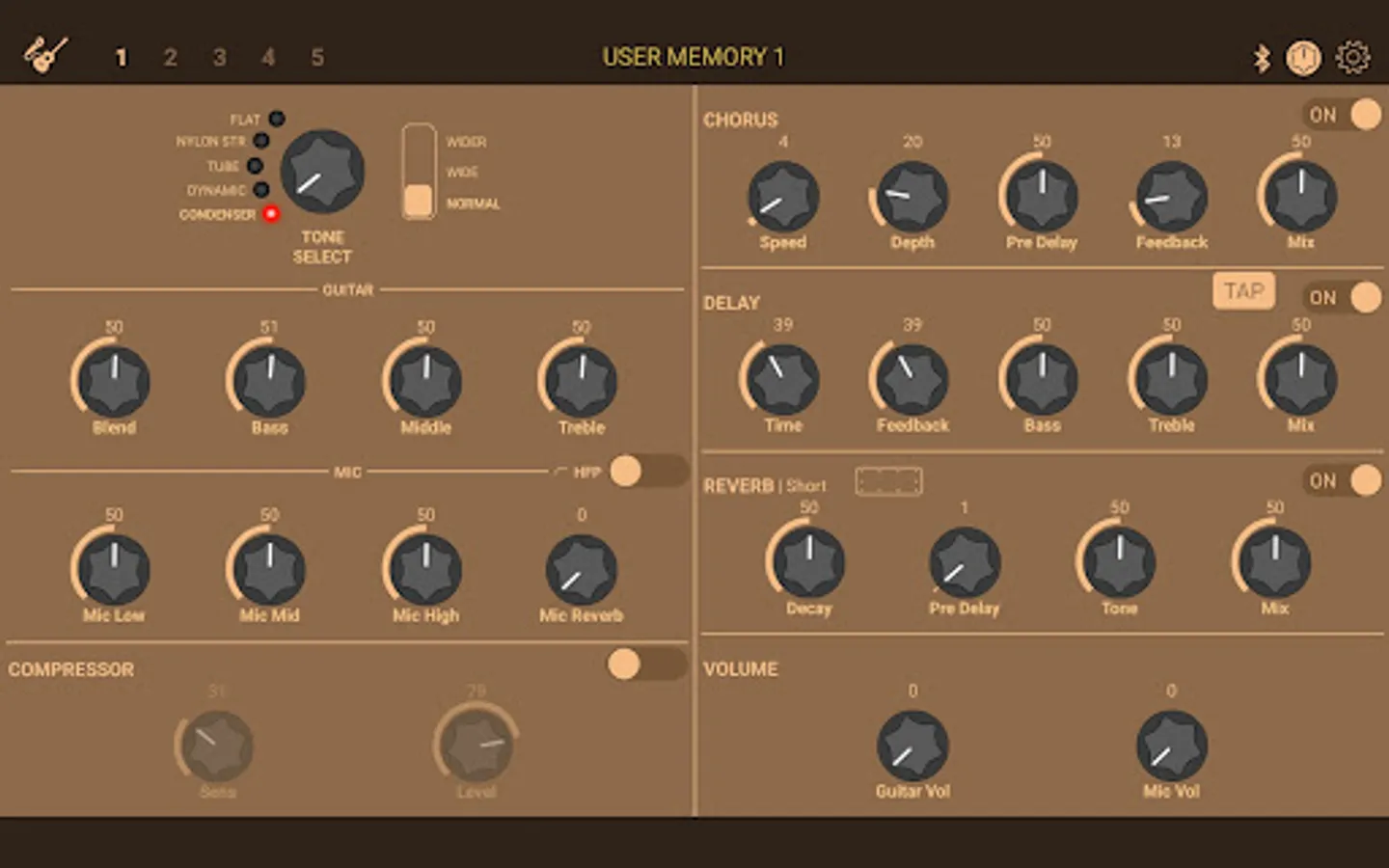
The THR Remote editor lets THR-II players sculpt their guitar tones wirelessly via Bluetooth, with additional parameters for deep editing.
Remote Control
THR-II is built around wireless freedom. With THR Remote on your mobile device, dialing in your favorite sound is just as easy and familiar as streaming your favorite song.
Deep Editing
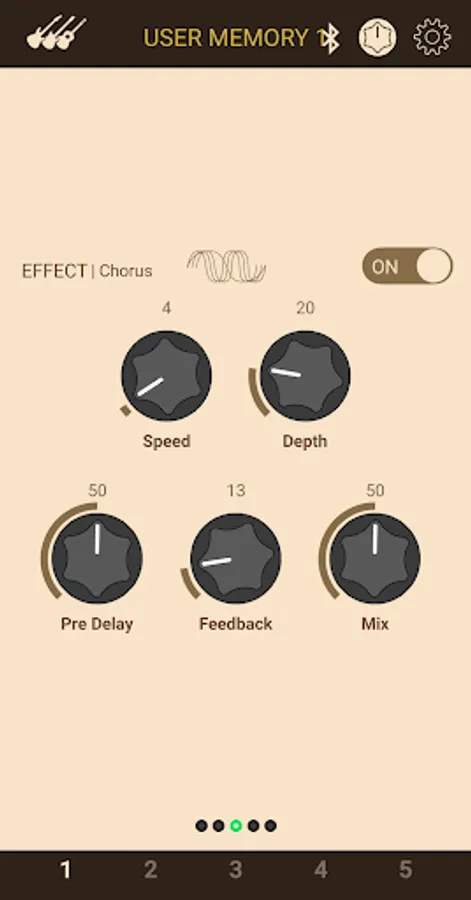
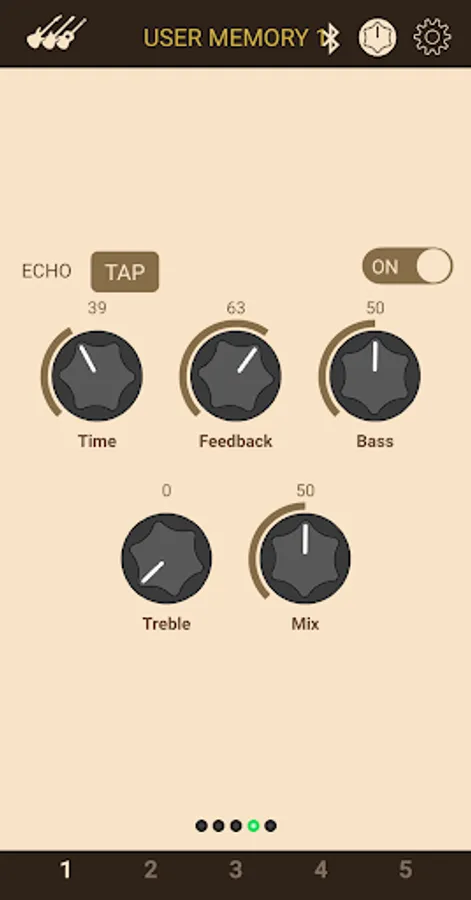
THR-II amplifiers have simple one-knob controls for the modulation, echo, and reverb effects. With THR Remote, players can access multiple parameters per effect for fine tuning, and access a compressor and noise gate.
Footswitch Support
Easily assign a compatible 3rd party Bluetooth footswitch for control that is both hands-free and cable-free.
Advanced Settings
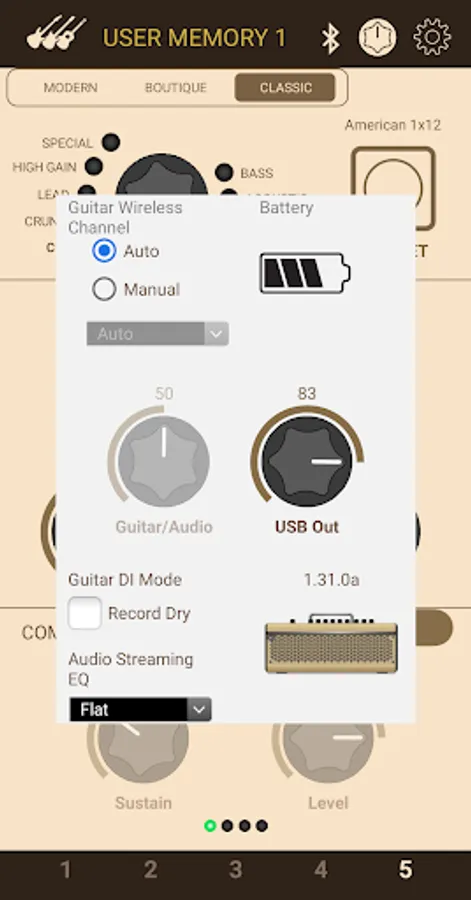
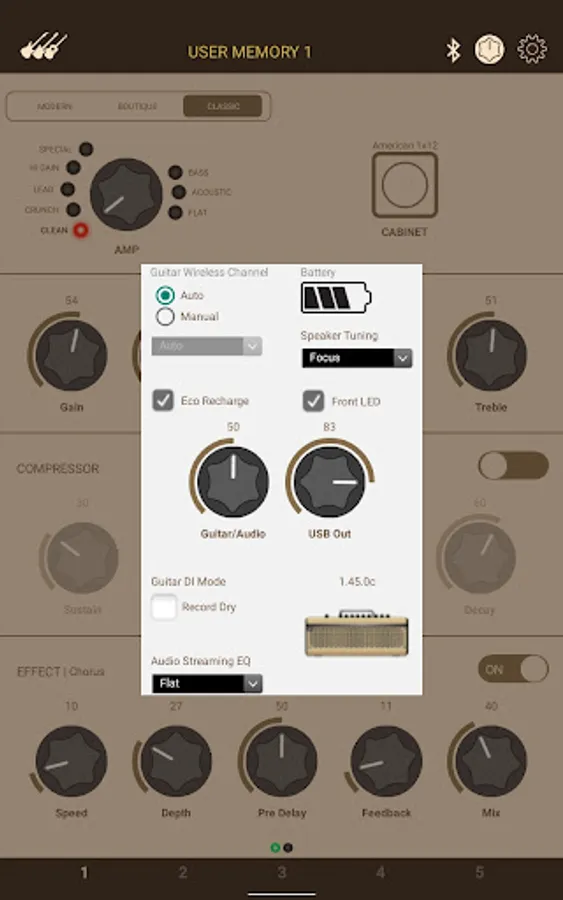
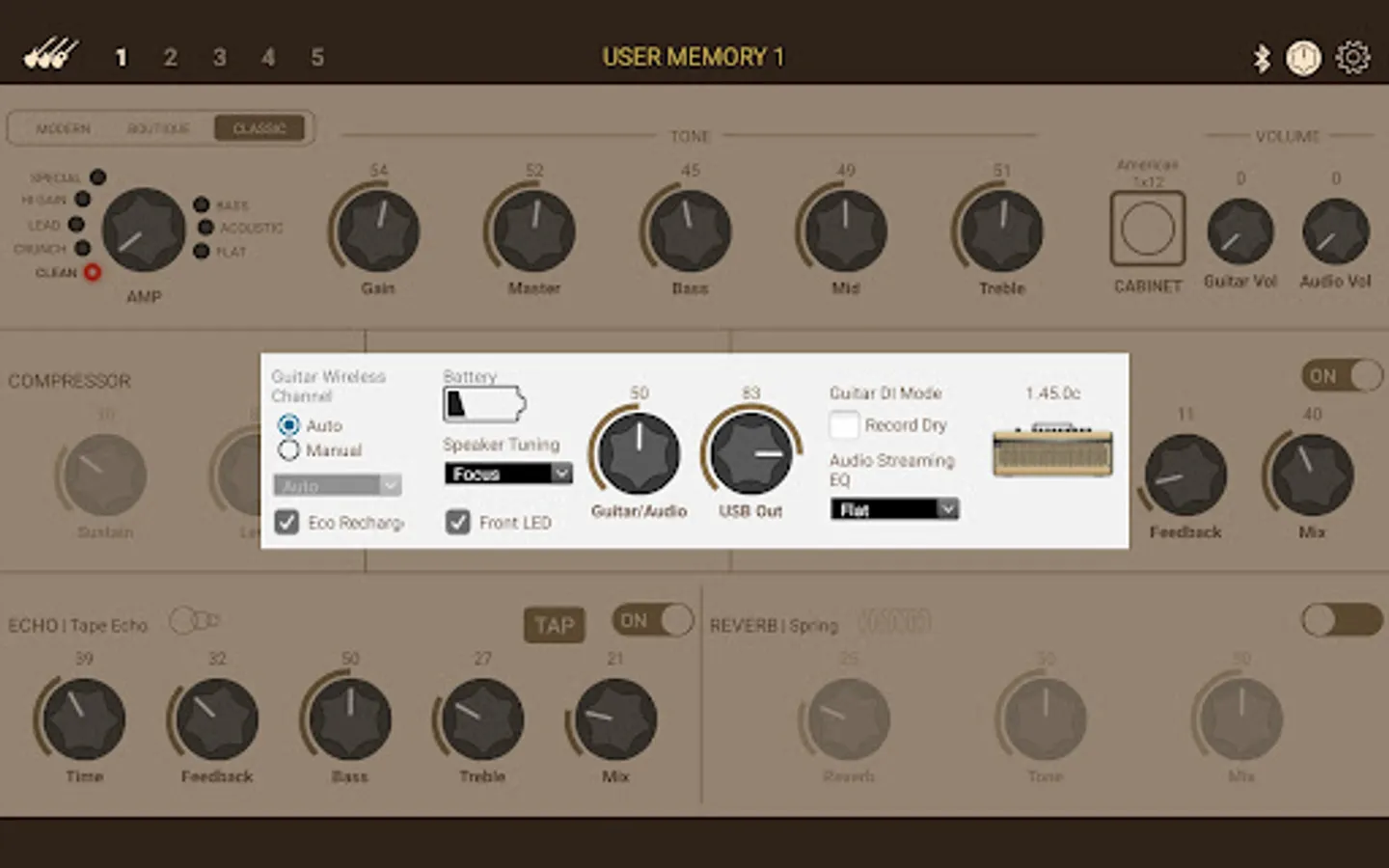
Change the EQ for music playback, adjust the line out and USB out levels, check the battery charge level, and more.
Important Notice:
- To use this app, a smartphone or tablet with BLE communication functionality is required.
- To use this app, please enable location permissions on your Android device.
- Although this app does not use GPS information, location access permissions are necessary on Android devices to use the Bluetooth-MIDI functionality.
- There are instances where Bluetooth MIDI pairing does not complete successfully with specific combinations of devices and operating systems. If you are unable to establish a connection, please try the following steps:
1. Turn on the power of THR-II.
2. Select "Connected Devices" from the Android "Settings" app.
3. Select "+ Pair new devcie".
4. Select "LE_THRII" from the displayed list.
5. A pairing dialog will be displayed; press "Pair" to complete the pairing.
6. Launch the THR Remote app. and connect using the Bluetooth icon.
* The display may differ depending on the model and language you are using.
THR Remote Screenshots
Tap to Rate:
Reviews for THR Remote
Shane Black
1/13/2026
Cannot connect the app to Bluetooth with a pixel 6, it just drops the connection and puts up a small message about the pin being incorrect, even after full Bluetooth and factory resets of the amp and phone. very disappointing as there are features locked behind the app and I do not want to have to connect it to a usb cable and a computer. the actual audio Bluetooth connection works fine, can play music through it no issue, only the MIDI Bluetooth fails. A company like Yamaha should be better!!
Danylo Shamaiev
12/9/2025
Awful.