AV Setup Guide
Yamaha Corporation
4.4 ★
2K ratings
100,000+
downloads
Free
AppRecs review analysis
AppRecs rating 4.5. Trustworthiness 80 out of 100. Review manipulation risk 24 out of 100. Based on a review sample analyzed.
★★★★☆
4.5
AppRecs Rating
Ratings breakdown
5 star
68%
4 star
16%
3 star
9%
2 star
1%
1 star
6%
What to know
✓
Low review manipulation risk
24% review manipulation risk
✓
Credible reviews
80% trustworthiness score from analyzed reviews
✓
High user satisfaction
84% of sampled ratings are 4+ stars (4.4★ average)
About AV Setup Guide
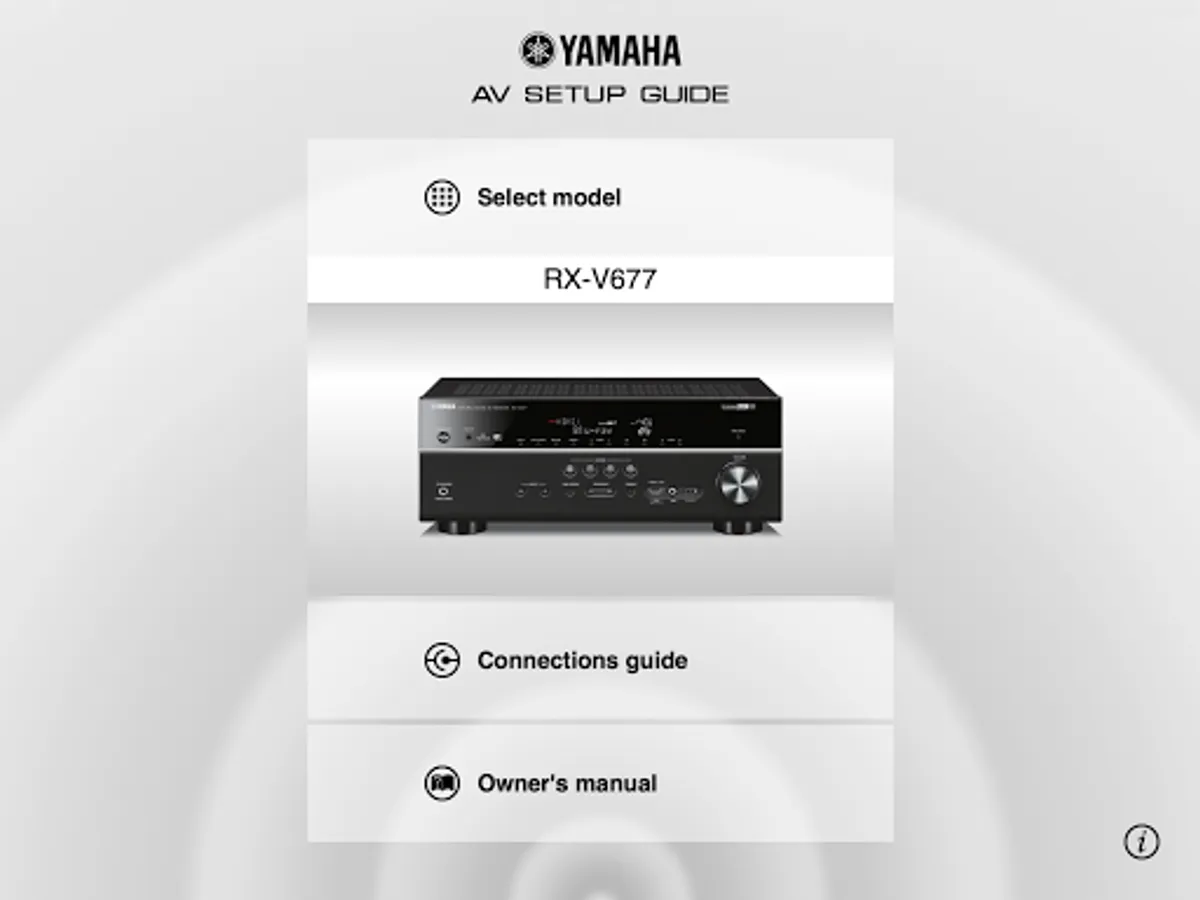
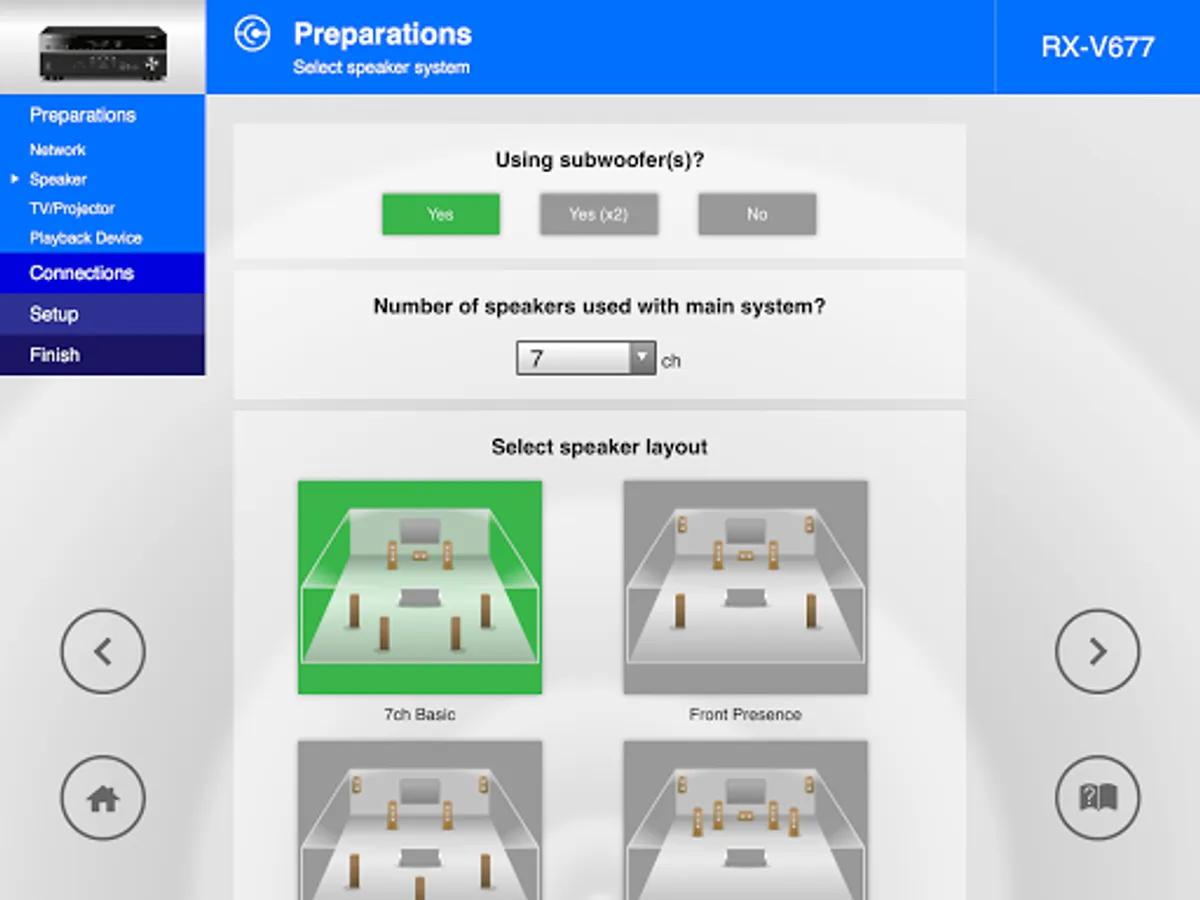
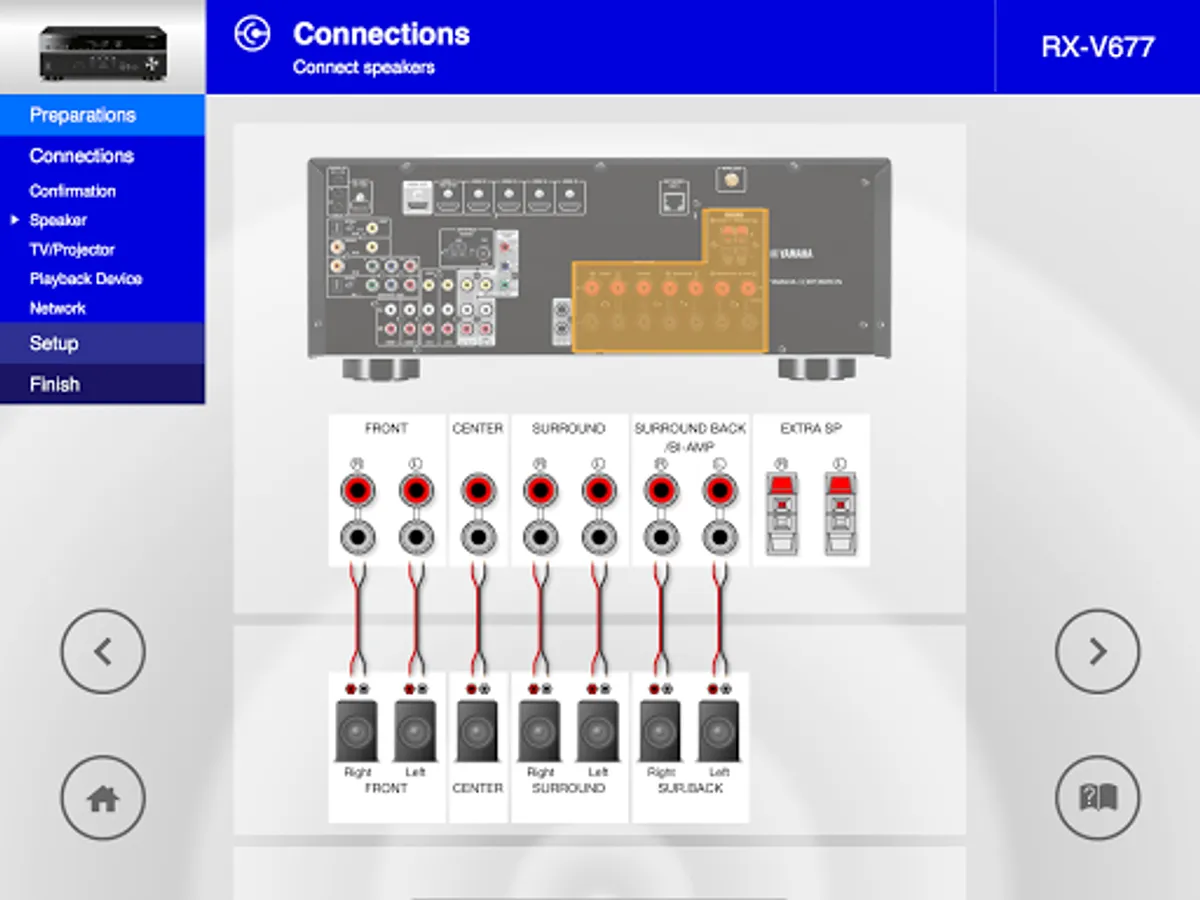
This app guides you through the various settings such as speaker connections, TV and source device connections and assigning the power amp.
System illustrations and actual AV receiver images help you understand easily how to make the connections between devices.
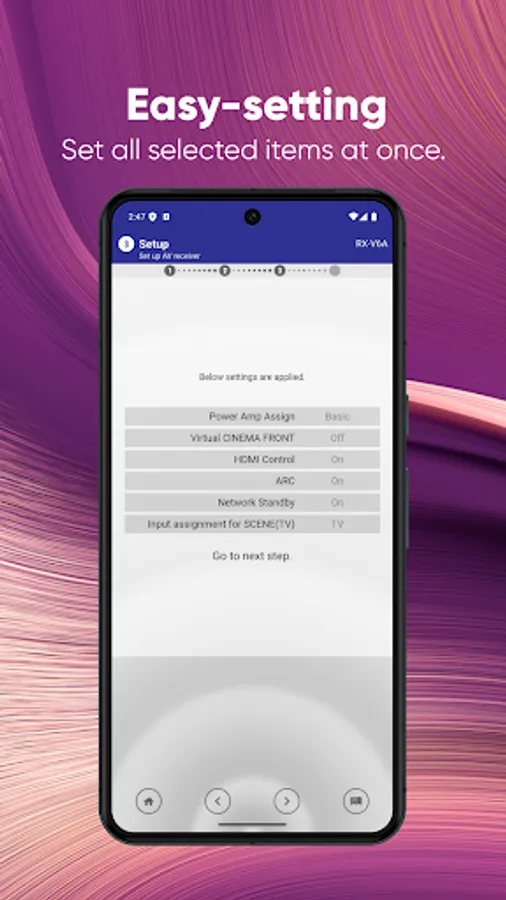
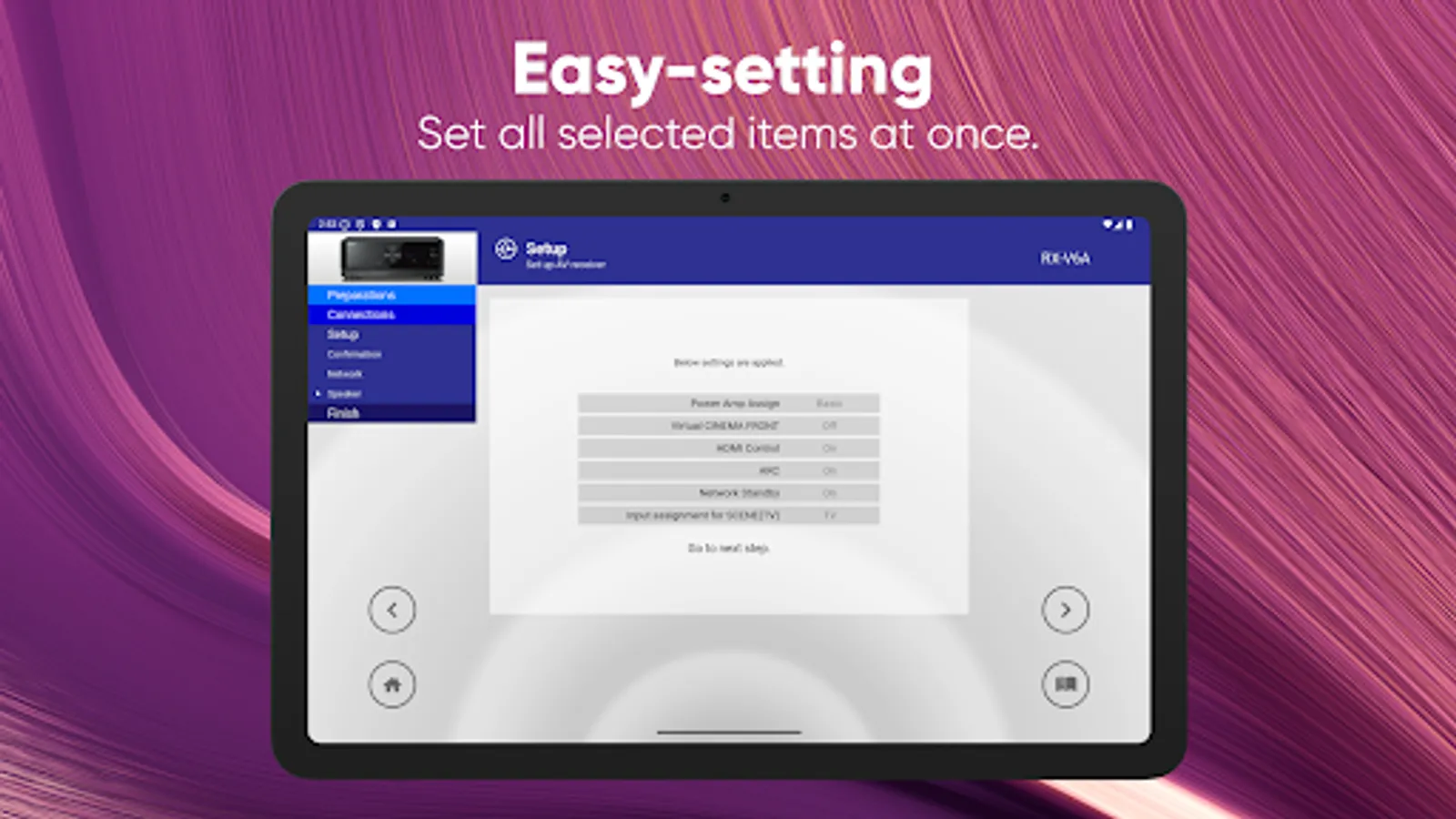
If your receiver is network capable, setting parameters on this app will automatically be copied to your AV receiver for simple setup.
Functions
1) Connections support guide
- Speaker connections
- TV/source devices connections
2) Setup support guide
- Automatic setup via network (HDMI, Power amp assign, etc)
- Various setup assistance with illustrations
- YPAO setting guidance
3) View owner’s manual
Requirements
- OS: Android 9.0 or higher
- A wireless Local Area Network (LAN) and a compatible Yamaha Network product(s)* residing within the same LAN.
- Internet connection.
Please refer to the following site for compatible models.
https://usa.yamaha.com/products/audio_visual/apps/av_setup_guide/index.html
This application performs following functions for purposes described below.
- Making a connection under Wi-Fi enabled environment
The application uses Wi-Fi function on your mobile terminal for the purpose of operating network-enabled devices.
AV Setup Guide Screenshots
Tap to Rate:
Reviews for AV Setup Guide
Bryan Robertson
12/7/2025
So that was a complete waste of my time. Getting a black screen and no audio. no testing functionality, no trouble shooting. Just takes me through the set of steps I already went through the steps I already went through to set this up. Absolute waste of time
Michael Crisp
12/3/2025
only issue software did NOT go through earlier TV setup