
Auto Clicker - Tapping
Smart Tool Studio Co
4.1 ★
6K ratings
500,000+
downloads
Free
In this app, users can automate repetitive taps and swipe actions with customizable intervals and a floating control panel. Includes configuration saving, stop function, and support for click points and swipe actions.
AppRecs review analysis
AppRecs rating 4.1. Trustworthiness 0 out of 100. Review manipulation risk 0 out of 100. Based on a review sample analyzed.
★★★★☆
4.1
AppRecs Rating
Ratings breakdown
5 star
67%
4 star
9%
3 star
6%
2 star
2%
1 star
16%
What to know
✓
High user satisfaction
76% of sampled ratings are 4+ stars (4.1★ average)
✓
Authentic reviews
Natural distribution, no red flags
About Auto Clicker - Tapping
Auto clicker helps you do repeated tap, swipe action at any location on your screen, at any interval you specify.
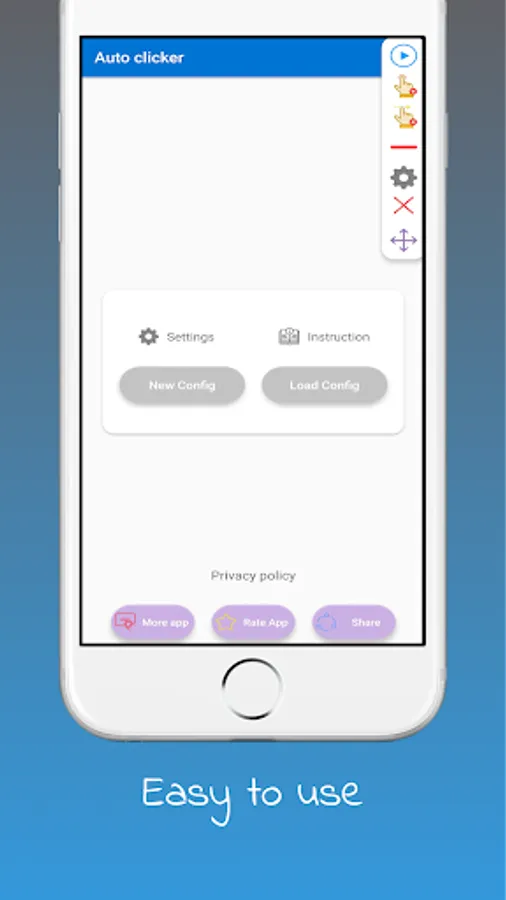
This app features a floating control panel for easy to control of the automatic clicking.
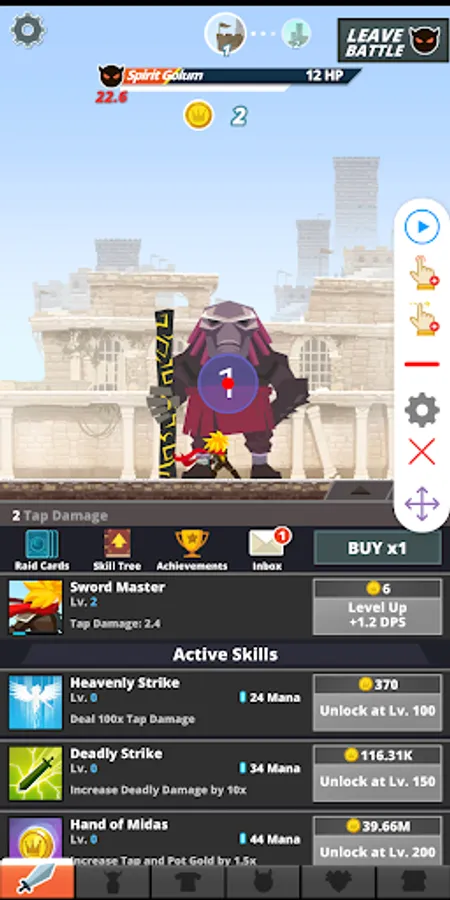
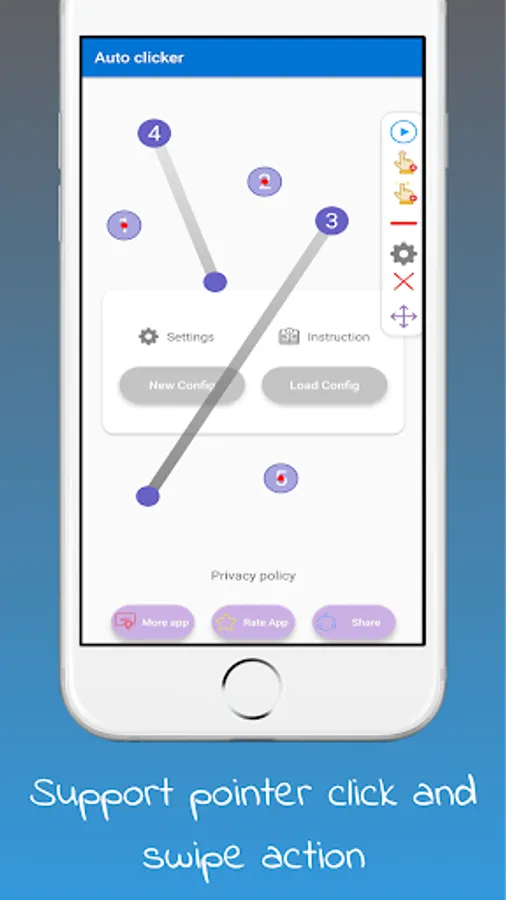
You can add any click point, swipe action on the screen, start/stop the automatic tap with this control panel.
If you have ever need to keep a game active, tap the same button over and over, Auto clicker will help you to do it.
Auto clicker does NOT require root and work on full-screen app.
This app require Accessibility service to work.
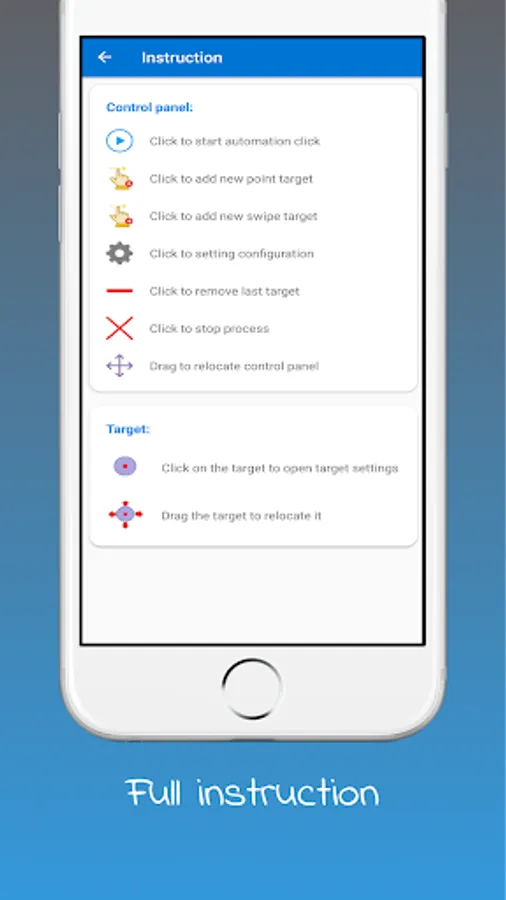
With the instruction we provided, Auto clicker is more easy to use.
Features:
- User interface is easy to use.
- Support click points, swipe actions.
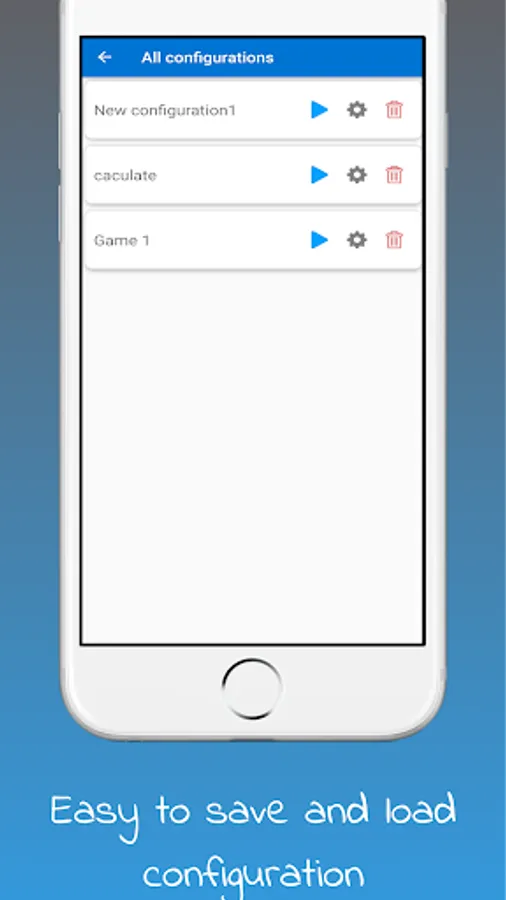
- Save the configuration to re-use in next time.
- Support stop function.
Image resource is provided by https://www.flaticon.com/
This app features a floating control panel for easy to control of the automatic clicking.
You can add any click point, swipe action on the screen, start/stop the automatic tap with this control panel.
If you have ever need to keep a game active, tap the same button over and over, Auto clicker will help you to do it.
Auto clicker does NOT require root and work on full-screen app.
This app require Accessibility service to work.
With the instruction we provided, Auto clicker is more easy to use.
Features:
- User interface is easy to use.
- Support click points, swipe actions.
- Save the configuration to re-use in next time.
- Support stop function.
Image resource is provided by https://www.flaticon.com/
Auto Clicker - Tapping Screenshots
Tap to Rate: