Bluetooth Audio Connect Widget
Tomas Hadraba
Free
(in-app purchases)
rated 4.2 stars
5,000,000+
downloads
About Bluetooth Audio Connect Widget
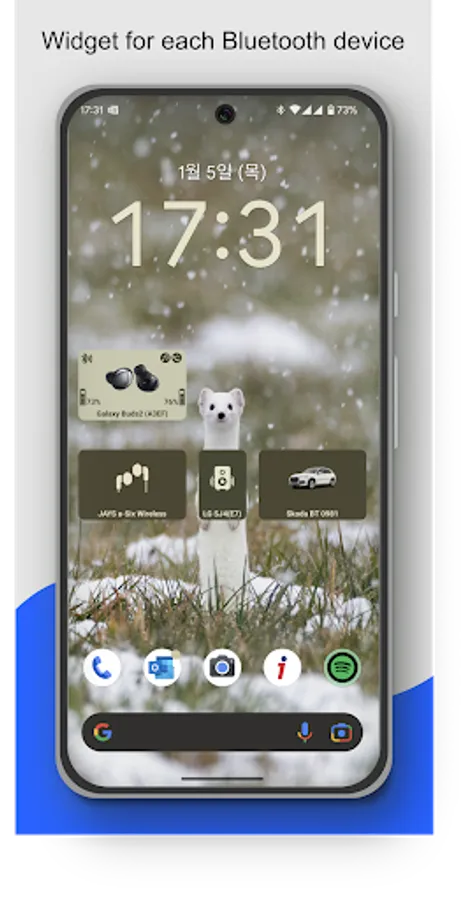
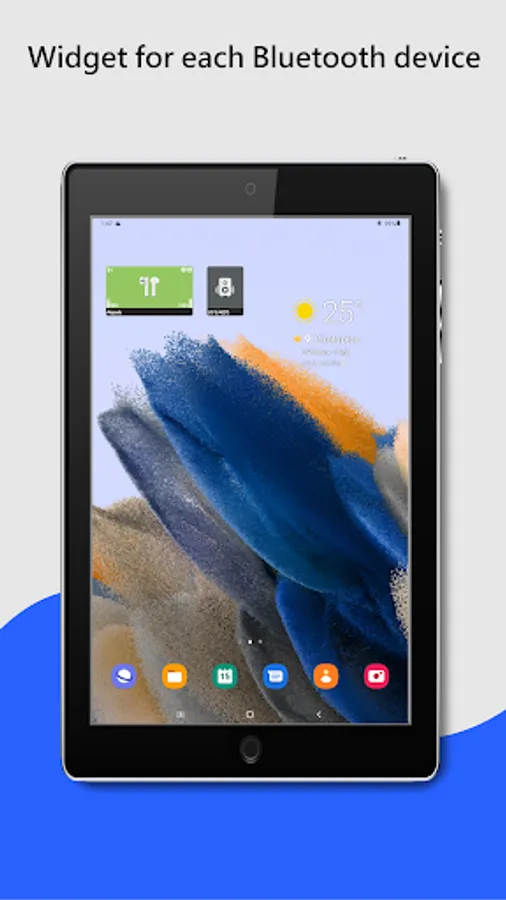
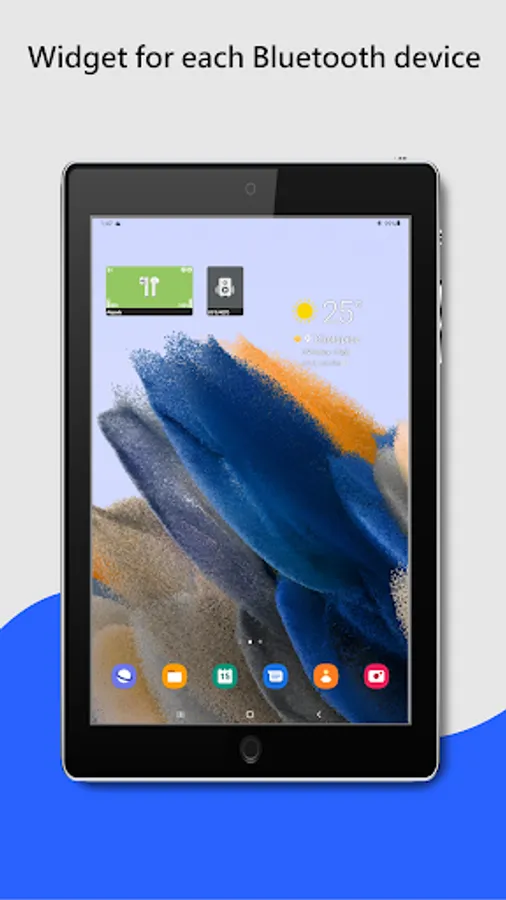
The Widget App & Bluetooth Manager lets you easily connect Bluetooth headphones (or any audio device) right from the home screen – with a separate widget for each device or a single widget listing all your devices.
If you want to listen to music, you have to go to settings and connect Bluetooth headphones?
Do you need to easily switch between car audio, phone or handsfree?
Simply connect to permanently powered Bluetooth devices such as soundbars?
Need to monitor battery level of your Bluetooth headphones?
I have a better solution – just add a widget to the home screen for all your favorite BT wireless devices.
One click on the widget to connect Bluetooth headphones and play Spotify without going into the settings menu. The widget always clearly displays the status of the Bluetooth connection. You can see connected Bluetooth profiles (music, call) on the widget, if headphones support it.
Option to view and change (requires Android 15) the Bluetooth codec used (SBC, AptX, etc.) depending on what your device supports.
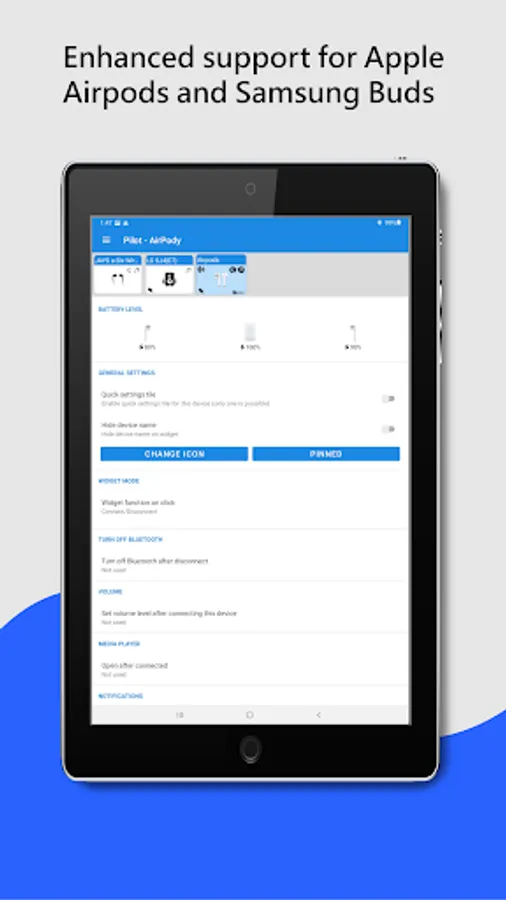
For supported devices, the widget displays the battery level of the Bluetooth devices (the manufacturer must support this feature).
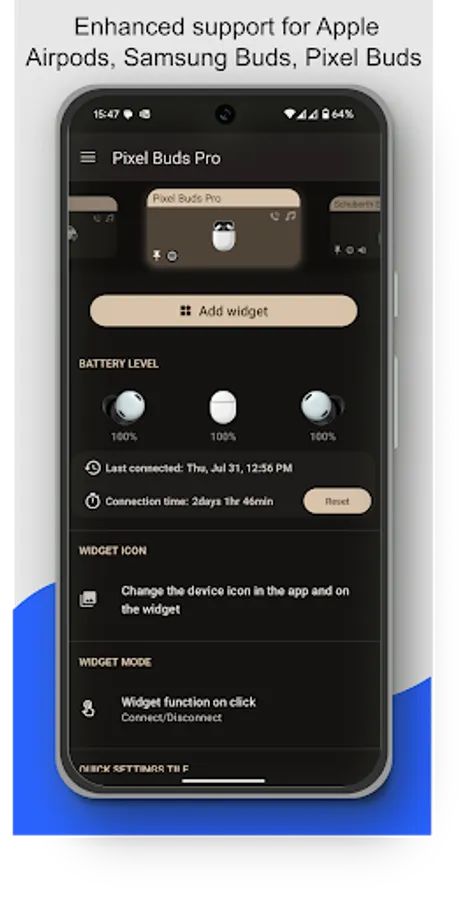
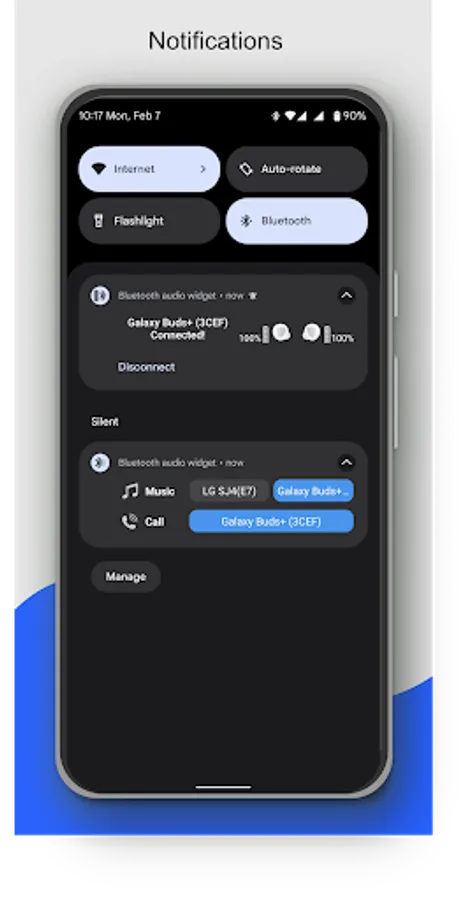
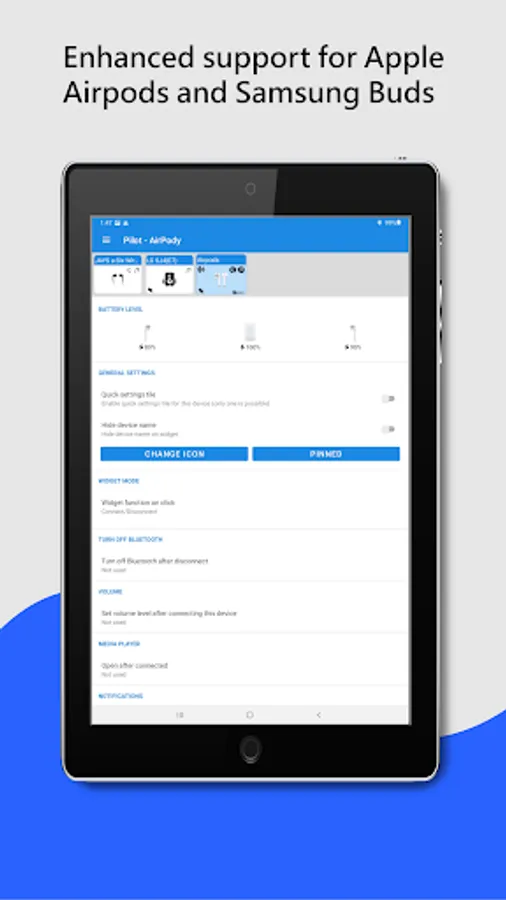
The app supports enhanced reading battery level from the following popular TWS earbuds: Google Pixel, Apple Airpods, Samsung Galaxy Buds Pro, Buds Live, Buds Plus. In the App, on the widget or in notification you can see the battery level of each earbud and the case.
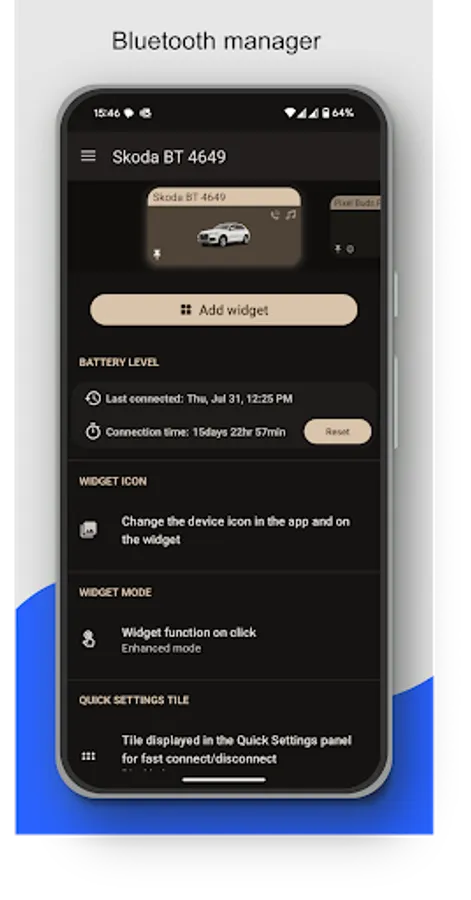
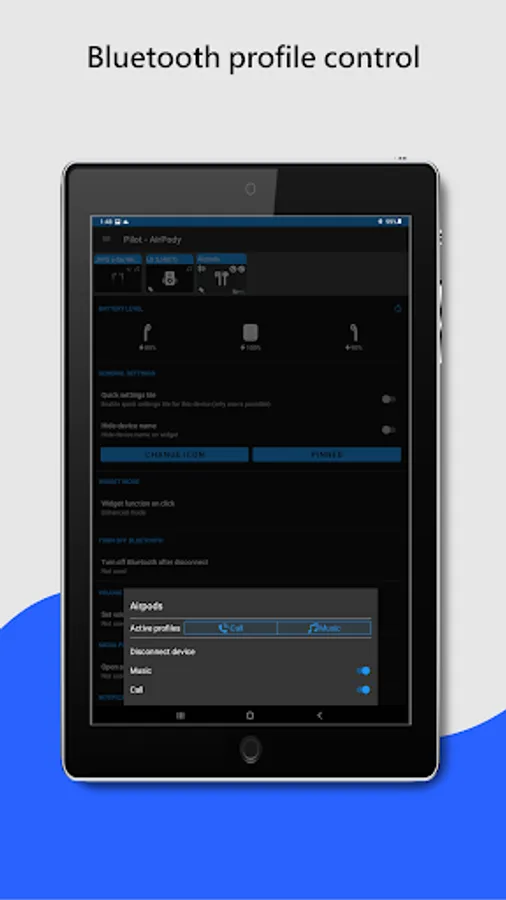
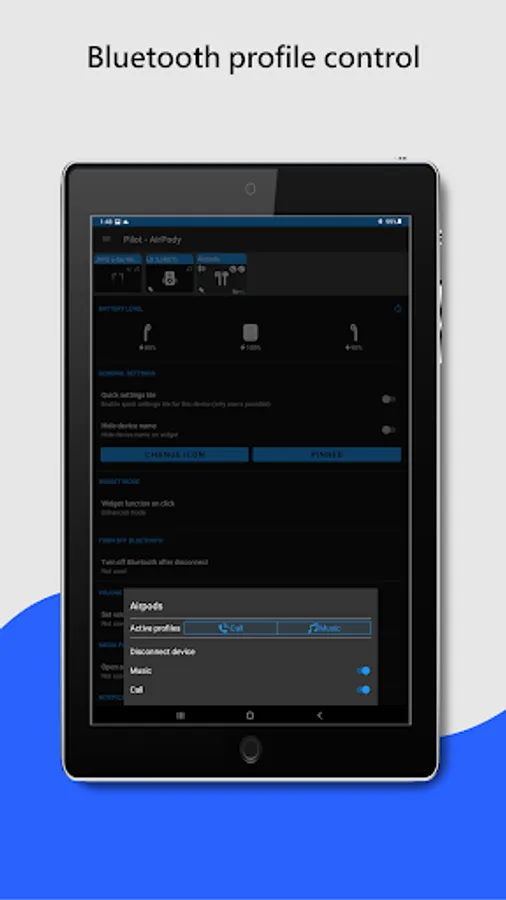
Enhanced widget mode: Widget tap to displays a menu with options to connect / disconnect, select the active device and control Bluetooth profiles (music, call).
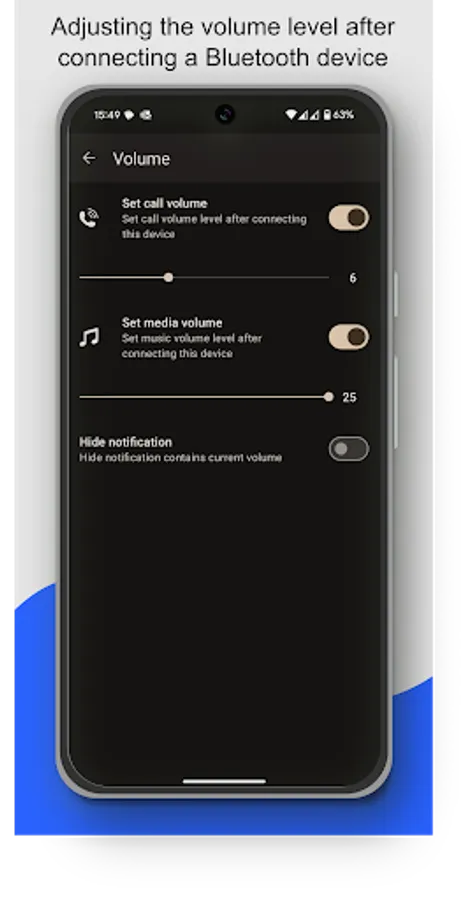
Restore saved volume level when headphones connect.
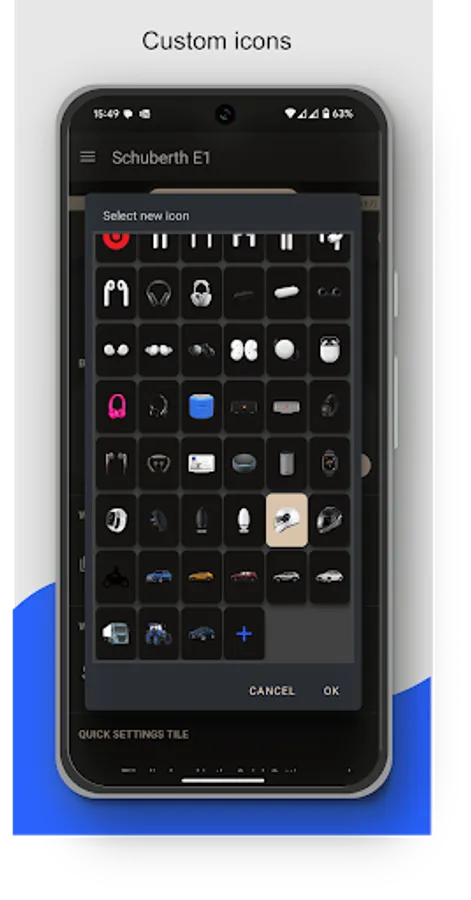
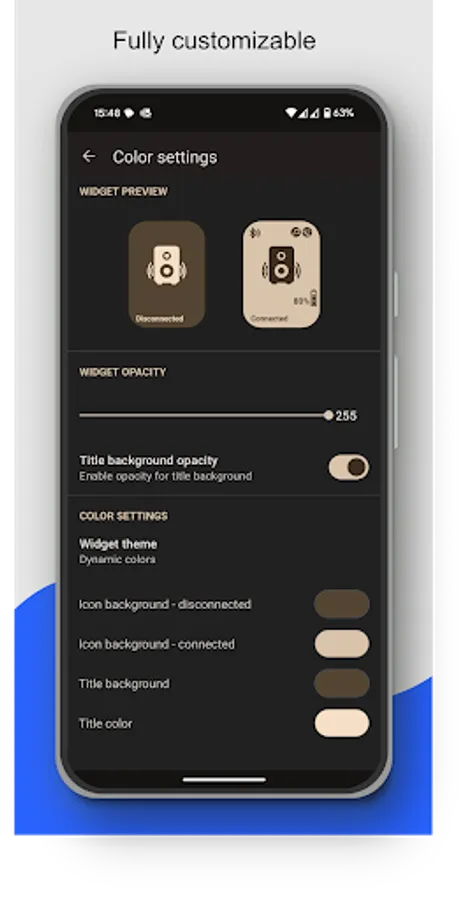
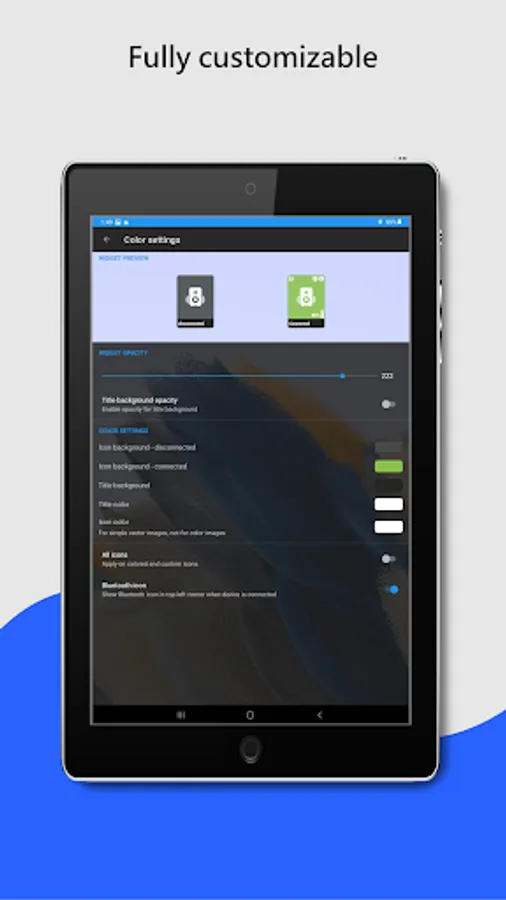
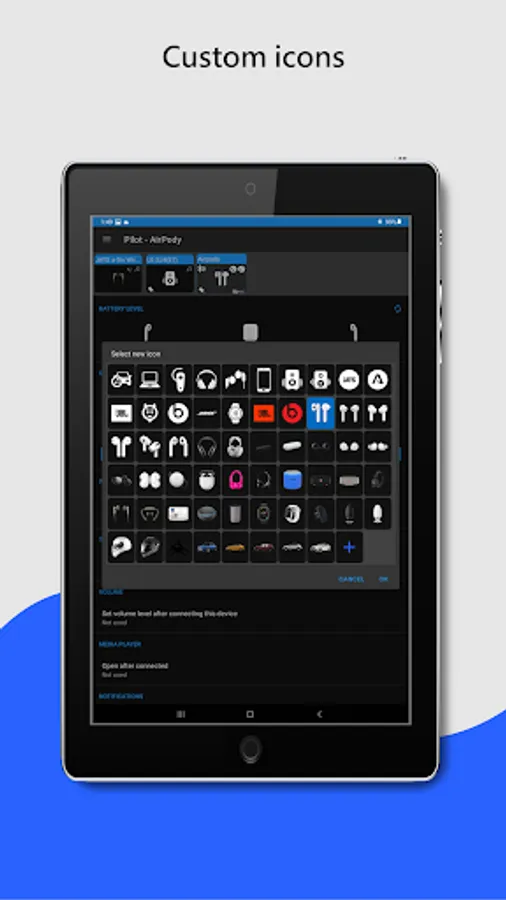
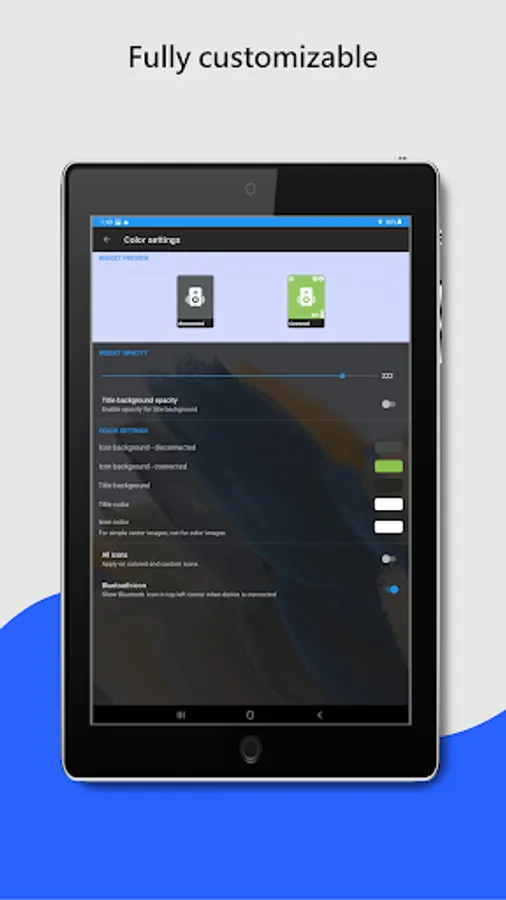
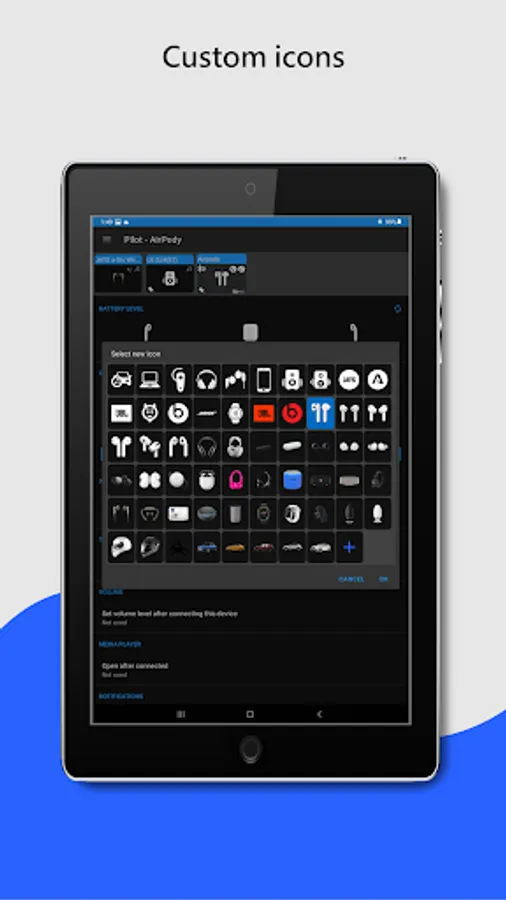
Customize widget size, color, margins, icon and transparency. On Android 12+, the widget supports dynamic color themes based on the user's wallpaper.
The app supports A2DP and Headset profiles, audio devices such as portable speakers, headphones, soundbars, handsfree, etc... On the widget and in the app, supported Bluetooth profiles are indicated by an icon in the top right corner. Note icon for A2DP - stream high quality audio (music) or phone icon for calls.
For help, visit: https://bluetooth-audio-device-widget.webnode.cz/help/
To avoid background restrictions: https://dontkillmyapp.com
Highlighted features:
✔️ Easy Headphones connect / disconnect
✔️ Easy connect / disconnect Bluetooth profiles (calls, music)
✔️ Switch BT audio output (active device)
✔️ Display info about codec
✔️ Info about connected Bluetooth profiles
✔️ Battery status (needs Android 8.1, not all devices support it)
✔️ Enhanced battery status for following TWS earbuds: Google Pixel, Apple Airpods, Samsung Galaxy Buds Pro, Buds Live, Buds Plus
✔️ Widget customization - colors, image, transparency, size
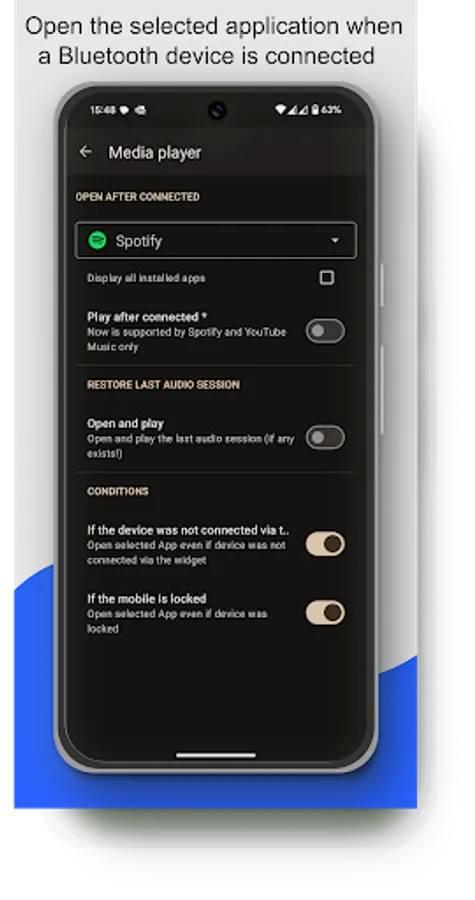
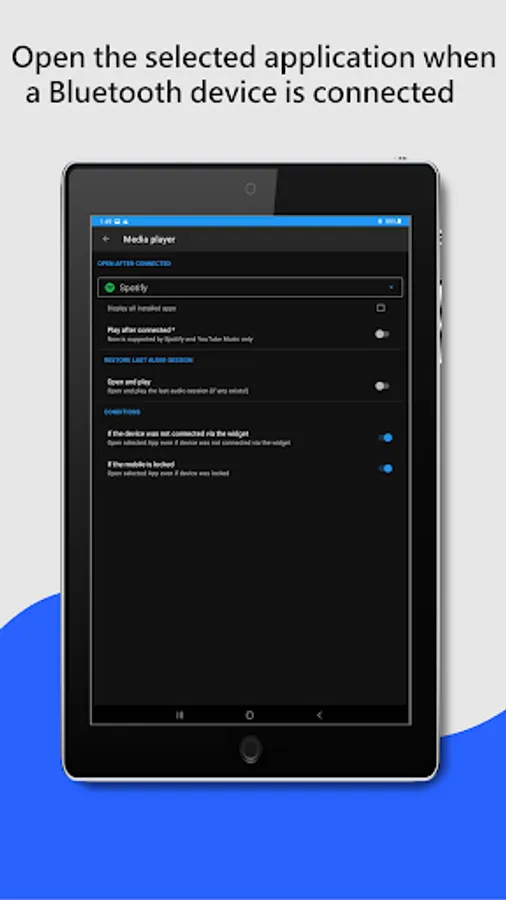
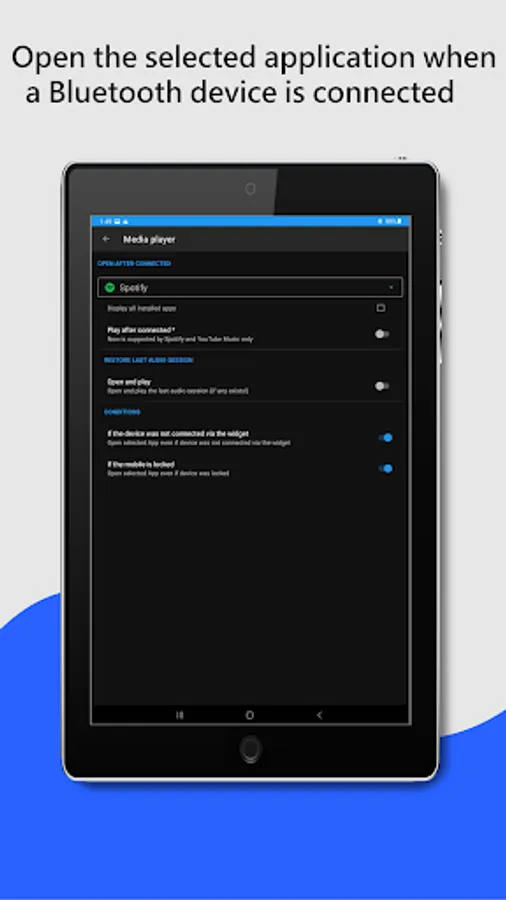
✔️ Open App after connecting (e.g. Spotify)
✔️ Set volume level after connect Bluetooth headphones
✔️ Notification when Bluetooth headphones is connected / disconnected
✔️ Quick settings tile
✔️ Auto resume of playback - Spotify and YouTube Music is supported
Not supported features:
❌ Dual audio playback not supported - this is currently not possible on Android, sorry. In the near future it will be solved by Bluetooth LE Audio.
❌ Bluetooth Scanner - App uses already paired Bluetooth devices!
If you are happy with my App, please take a minute to write a review or give me rating ☆☆☆☆☆👍. If not, feel free to contact me. I'm sure we can solve it :-)
If you want to listen to music, you have to go to settings and connect Bluetooth headphones?
Do you need to easily switch between car audio, phone or handsfree?
Simply connect to permanently powered Bluetooth devices such as soundbars?
Need to monitor battery level of your Bluetooth headphones?
I have a better solution – just add a widget to the home screen for all your favorite BT wireless devices.
One click on the widget to connect Bluetooth headphones and play Spotify without going into the settings menu. The widget always clearly displays the status of the Bluetooth connection. You can see connected Bluetooth profiles (music, call) on the widget, if headphones support it.
Option to view and change (requires Android 15) the Bluetooth codec used (SBC, AptX, etc.) depending on what your device supports.
For supported devices, the widget displays the battery level of the Bluetooth devices (the manufacturer must support this feature).
The app supports enhanced reading battery level from the following popular TWS earbuds: Google Pixel, Apple Airpods, Samsung Galaxy Buds Pro, Buds Live, Buds Plus. In the App, on the widget or in notification you can see the battery level of each earbud and the case.
Enhanced widget mode: Widget tap to displays a menu with options to connect / disconnect, select the active device and control Bluetooth profiles (music, call).
Restore saved volume level when headphones connect.
Customize widget size, color, margins, icon and transparency. On Android 12+, the widget supports dynamic color themes based on the user's wallpaper.
The app supports A2DP and Headset profiles, audio devices such as portable speakers, headphones, soundbars, handsfree, etc... On the widget and in the app, supported Bluetooth profiles are indicated by an icon in the top right corner. Note icon for A2DP - stream high quality audio (music) or phone icon for calls.
For help, visit: https://bluetooth-audio-device-widget.webnode.cz/help/
To avoid background restrictions: https://dontkillmyapp.com
Highlighted features:
✔️ Easy Headphones connect / disconnect
✔️ Easy connect / disconnect Bluetooth profiles (calls, music)
✔️ Switch BT audio output (active device)
✔️ Display info about codec
✔️ Info about connected Bluetooth profiles
✔️ Battery status (needs Android 8.1, not all devices support it)
✔️ Enhanced battery status for following TWS earbuds: Google Pixel, Apple Airpods, Samsung Galaxy Buds Pro, Buds Live, Buds Plus
✔️ Widget customization - colors, image, transparency, size
✔️ Open App after connecting (e.g. Spotify)
✔️ Set volume level after connect Bluetooth headphones
✔️ Notification when Bluetooth headphones is connected / disconnected
✔️ Quick settings tile
✔️ Auto resume of playback - Spotify and YouTube Music is supported
Not supported features:
❌ Dual audio playback not supported - this is currently not possible on Android, sorry. In the near future it will be solved by Bluetooth LE Audio.
❌ Bluetooth Scanner - App uses already paired Bluetooth devices!
If you are happy with my App, please take a minute to write a review or give me rating ☆☆☆☆☆👍. If not, feel free to contact me. I'm sure we can solve it :-)
Bluetooth Audio Connect Widget Screenshots
Reviews for Bluetooth Audio Connect Widget
Madhuri Devi
12/27/2025
ok
Iliya Yzdani
12/23/2025
good
AK_111 KING
12/20/2025
nice app in the world
Rejjak Hossain
12/19/2025
ok
Rhys Layton
12/18/2025
sorted my cars Bluetooth issues completely that have been broke for nearly a year since upgrading to android 15 and 16 issue was never patched this works well
Tap to Rate: