In this network tool app, you can scan and analyze your network devices and monitor network performance. Includes device details, remote control functions, security alerts, and diagnostic tools.
AppRecs review analysis
AppRecs rating 4.4. Trustworthiness 81 out of 100. Review manipulation risk 28 out of 100. Based on a review sample analyzed.
★★★★☆
4.4
AppRecs Rating
Ratings breakdown
5 star
67%
4 star
13%
3 star
5%
2 star
8%
1 star
7%
What to know
✓
Low review manipulation risk
28% review manipulation risk
✓
Credible reviews
81% trustworthiness score from analyzed reviews
✓
High user satisfaction
80% of sampled ratings are 4+ stars (4.3★ average)
About NetX Network Tools PRO
Network Scanner
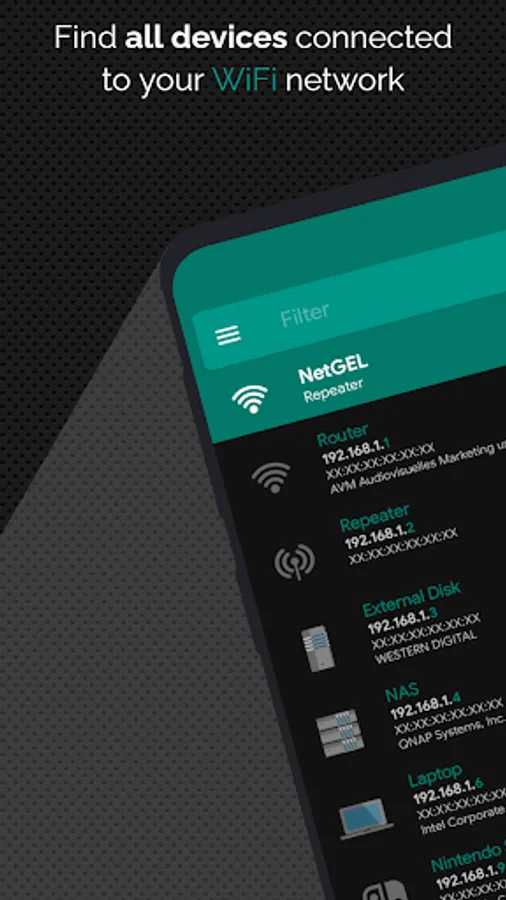
Scan and analyze your network in real time, identifying all connected devices. Get detailed information for each device:
✔️ IP and MAC Address
✔️ NetBIOS, Bonjour, UPnP Name, and Domain
✔️ Manufacturer and Model Name
Advanced Remote Control Tools:
✔️ Wake On LAN (WOL) – Turn on devices remotely via WiFi or mobile data.
✔️ Secure SHell (SSH) – Put a device to sleep or shut it down remotely. View the installed operating system.
Network Management:
✔️ Load offline all previously detected devices.
✔️ Manually add networks or devices for better control over undetected ones.
📶 Network Analyzer – Monitor and Diagnose Your Network
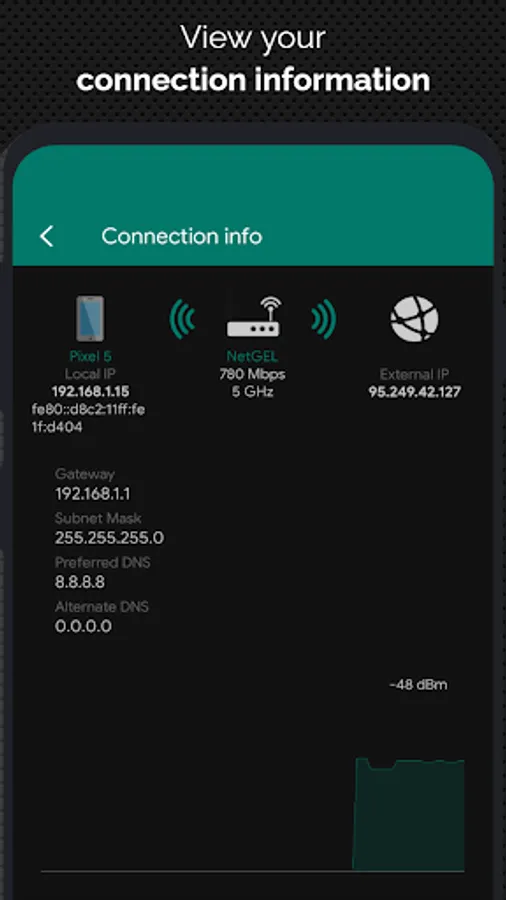
✔️ WiFi Information: View external IP, signal strength, download/upload speed, gateway, and DNS.
✔️ Mobile Network Data: Analyze external IP, CID, LAC, MCC, MNC, and connection speed.
✔️ WiFi Scan: Detect nearby networks and display SSID, signal strength, channel, and encryption.
✔️ WiFi Band Graph: Visualize channel overlap to optimize network performance.
✔️ Remote Monitoring: Check CPU usage, RAM usage, and available disk space on connected devices.
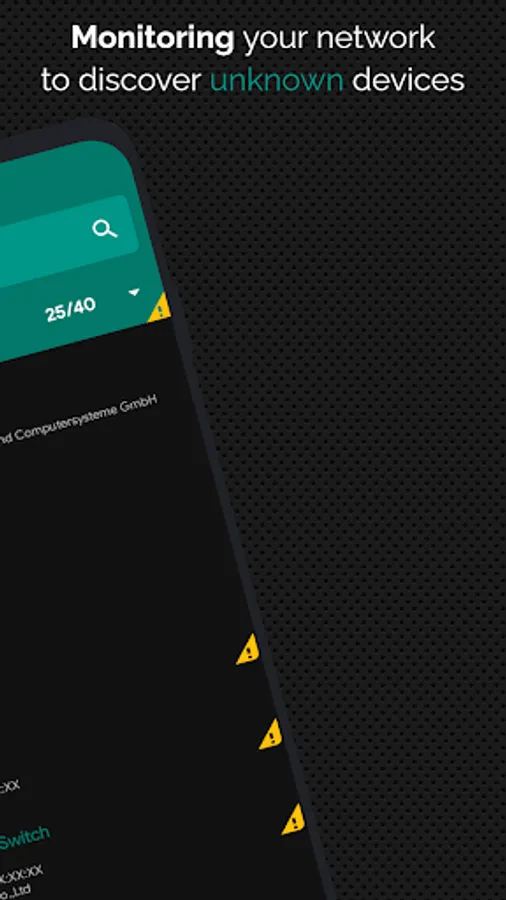
✔️ Network Security: Get real-time alerts when a new or unknown device joins your WiFi network.
⚙️ Advanced Network Tools
✔️ Ping Tool – Test connectivity for any device or domain.
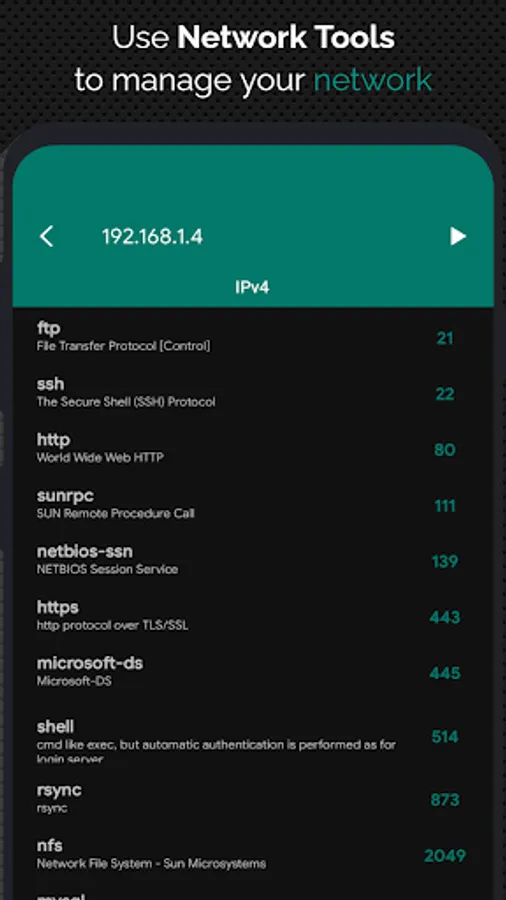
✔️ Port Scanner – Scan the most commonly used open ports.
✔️ Traceroute – Track packet routes to the target host, with interactive map view.
✔️ IP Calculator – Generate subnet masks, CIDR, and IP ranges.
✔️ IP Geolocation – Find the geographic location of any IP address.
✔️ MAC Address Lookup – Identify the vendor from a MAC address.
✔️ DNS Lookup & Reverse DNS – Retrieve IP addresses, mail servers, and more.
✔️ Network Position Mapping – Visualize scanned networks on a map.
✔️ Speed Test – Measure your download and upload speeds.
✔️ Tethering Support – Analyze networks even in hotspot mode.
✔️ IPv6 Support – Compatible with Ping, Traceroute, Port Scan, and IP Calculator.
✔️ Backup & Restore – Save and recover data locally.
🌍 Available Languages
🇨🇿 Czech, 🇩🇪 German, 🇬🇷 Greek, 🇬🇧 English, 🇪🇸 Spanish, 🇫🇷 French, 🇮🇹 Italian, 🇳🇱 Dutch, 🇵🇱 Polish, 🇵🇹 Portuguese, 🇷🇺 Russian, 🇹🇷 Turkish, 🇨🇳 Chinese.
🎨 Customizable Themes – Personalize the app’s appearance!
📢 Follow me on Twitter @developerNetGEL for updates, support, and new features!
NetX Network Tools PRO Screenshots
Tap to Rate:
Reviews for NetX Network Tools PRO
Dragos Vesalin
11/14/2025
horrible. Does not show mac adresse, nor the vendor. Not friendly UI.
Slav Morov
10/19/2025
*** Request for improvement: I would love to see a possibility to manually set the scanned Wi-Fi network range. For example, if the Wi-Fi network is very big (10.0.0.0/16) I would like to be able to scan only a segment of it (10.0.200.0/24). *** Update: The Search icon allows me only to change the mask and it automatically picks the IP range for me. Then the search result is broken (still search IPs outside the selected range). I would like to manually set the Minimum host and Maximum host IPs.