AppRecs review analysis
AppRecs rating . Trustworthiness 76 out of 100. Review manipulation risk 27 out of 100. Based on a review sample analyzed.
★
AppRecs Rating
Ratings breakdown
5 star
33%
4 star
33%
3 star
0%
2 star
0%
1 star
33%
What to know
✓
Low review manipulation risk
27% review manipulation risk
✓
Credible reviews
76% trustworthiness score from analyzed reviews
About Screen Calibration
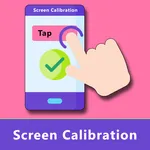
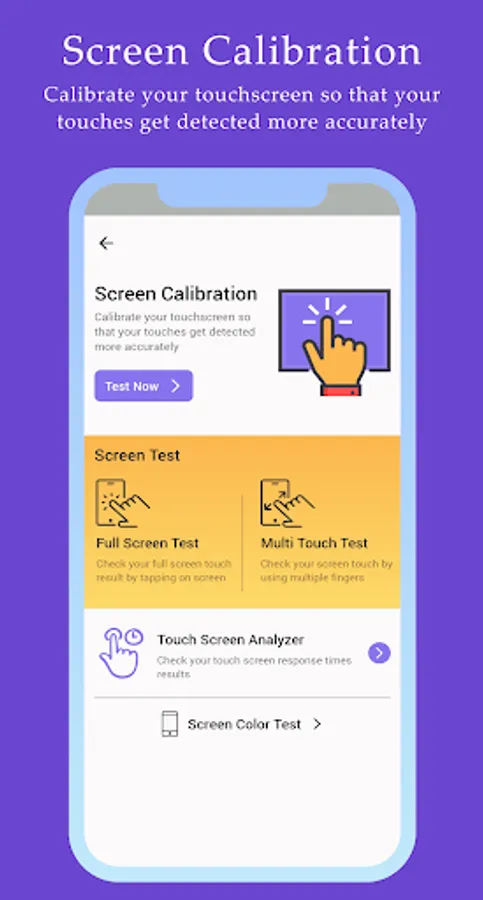
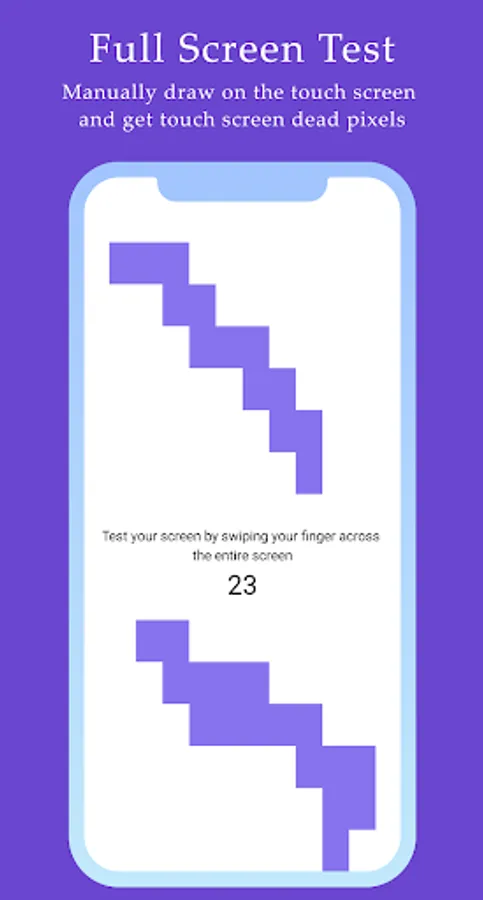
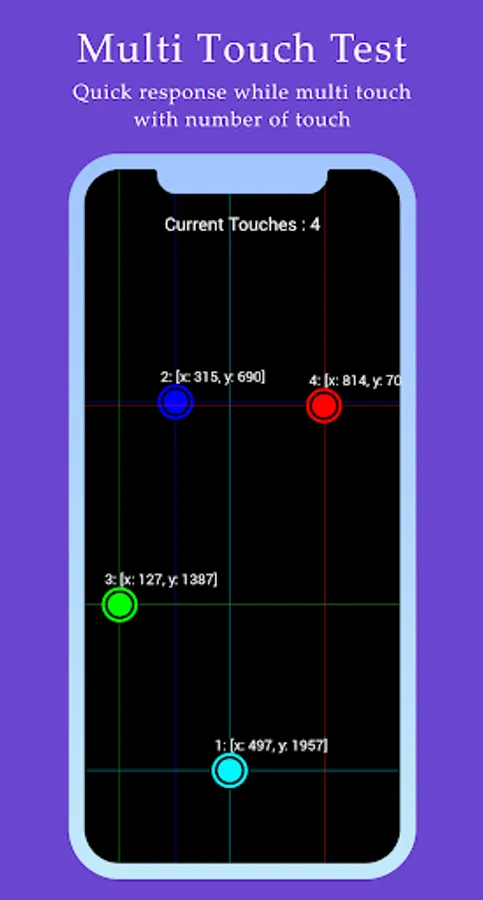
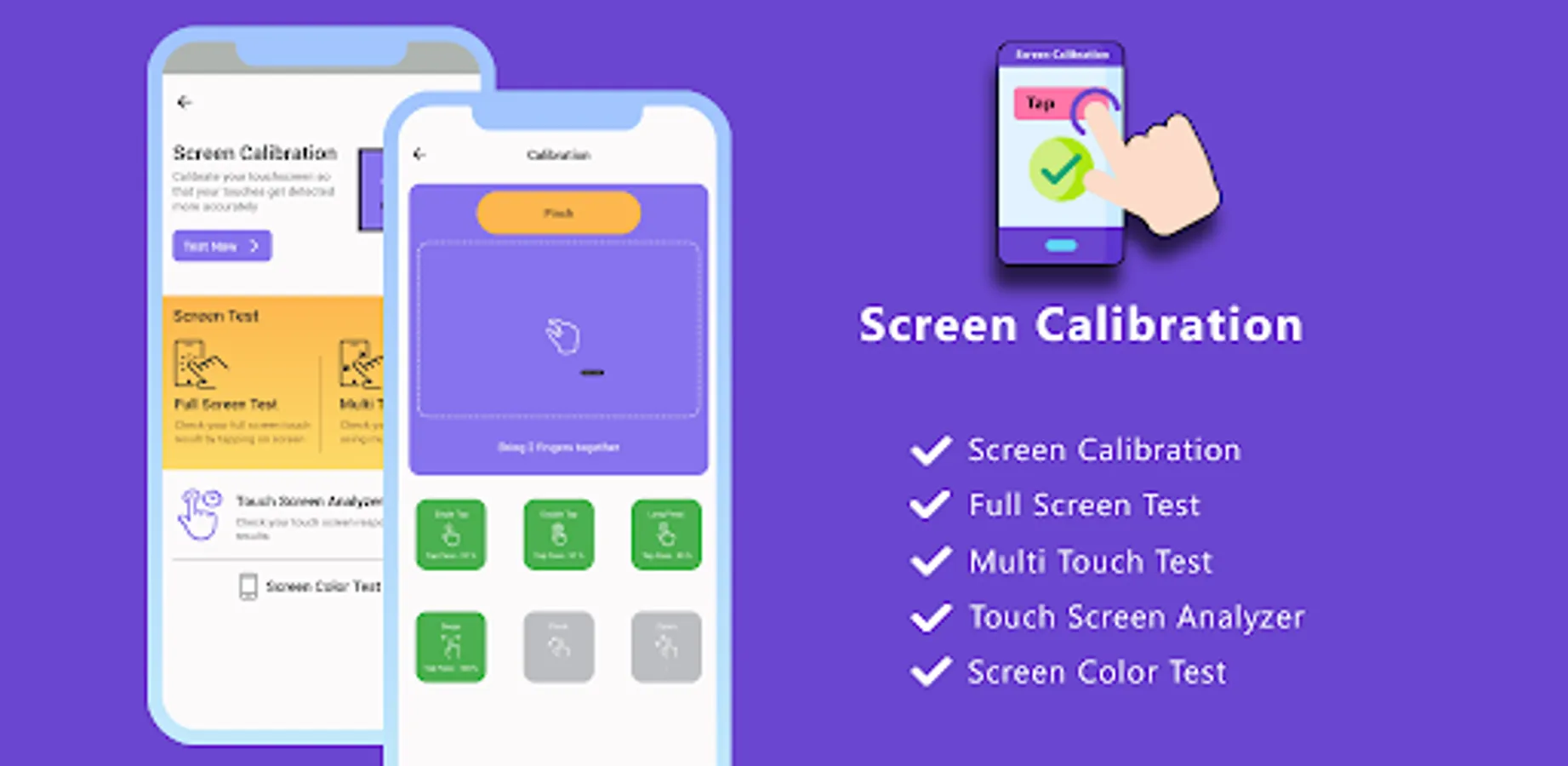
Touch Screen Calibration app includes screen testing using different guides like single tap, double tap, long press, swipe left-right, pinch-zoom tests. You can also test your screen pixels by swiping on using the Full Screen Test feature of the app. Test your phones multiple touch sensitivity by using the Multi Touch test feature of the app.
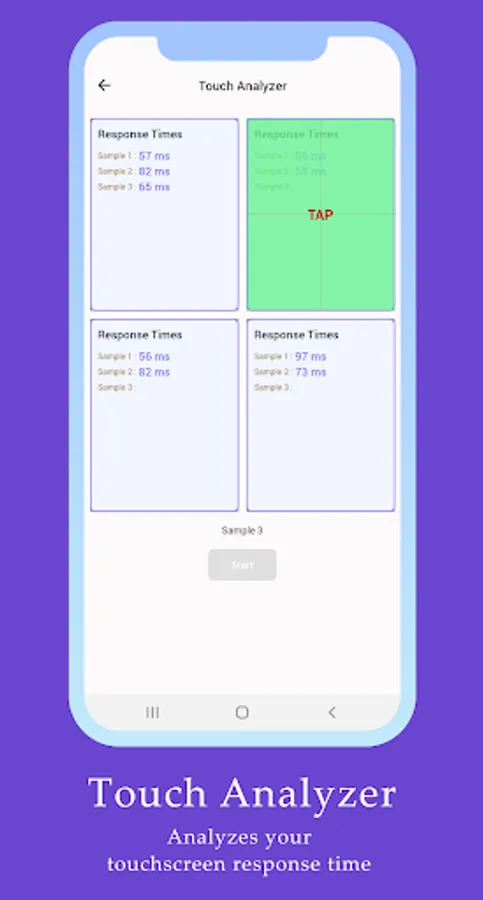
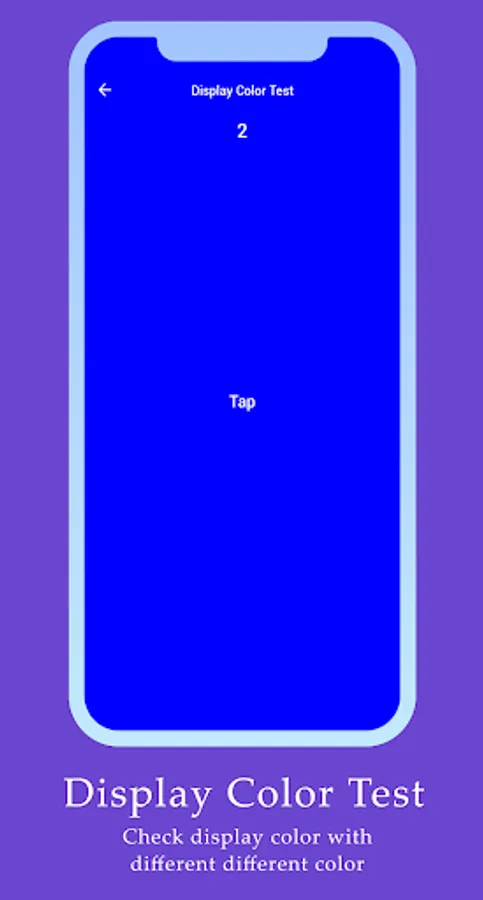
Analyze your device screen sensitivity by testing its response times by conducting touch analyzer feature of the app. Test your device RGB color using the Color Test feature which display RGB colors on your screen.
Key Features:
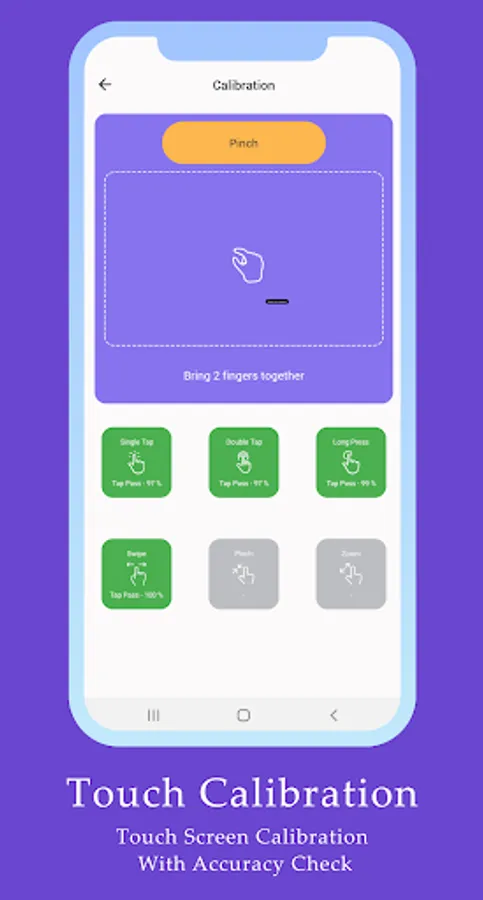
1. Touch Screen Calibration feature with single tap, double tap, long press, swipe left-right, pinch-zoom tests.
2. Full screen test by tapping on screen.
3. Multi touch test by swiping with multiple fingers.
4. Display Calibration for checking screen response time.
5. Screen test feature for checking screen colors.
Analyze your device screen sensitivity by testing its response times by conducting touch analyzer feature of the app. Test your device RGB color using the Color Test feature which display RGB colors on your screen.
Key Features:
1. Touch Screen Calibration feature with single tap, double tap, long press, swipe left-right, pinch-zoom tests.
2. Full screen test by tapping on screen.
3. Multi touch test by swiping with multiple fingers.
4. Display Calibration for checking screen response time.
5. Screen test feature for checking screen colors.
Screen Calibration Screenshots
Tap to Rate:
Reviews for Screen Calibration
Guf Bbb
10/21/2025
test pad very small area only 3/4 of my touch screen size had been recalibrated.
Carol Robinette
8/7/2024
Works good thanks