Compress PDF : Compress Images
Megatron Apps
10,000+
downloads
Free
+ in-app
AppRecs review analysis
AppRecs rating . Trustworthiness 79 out of 100. Review manipulation risk 34 out of 100. Based on a review sample analyzed.
★
AppRecs Rating
Ratings breakdown
5 star
46%
4 star
8%
3 star
0%
2 star
0%
1 star
46%
What to know
✓
Credible reviews
79% trustworthiness score from analyzed reviews
About Compress PDF : Compress Images
Effortlessly compress PDFs and images with PDF & Image Compression app, the most reliable and fastest compression tool for your device! Whether you're trying to save storage space, optimize files for email, or improve upload speeds, our app provides high-quality "PDF Compression" and "Image Compression" solutions in just a few taps.
Key Features:
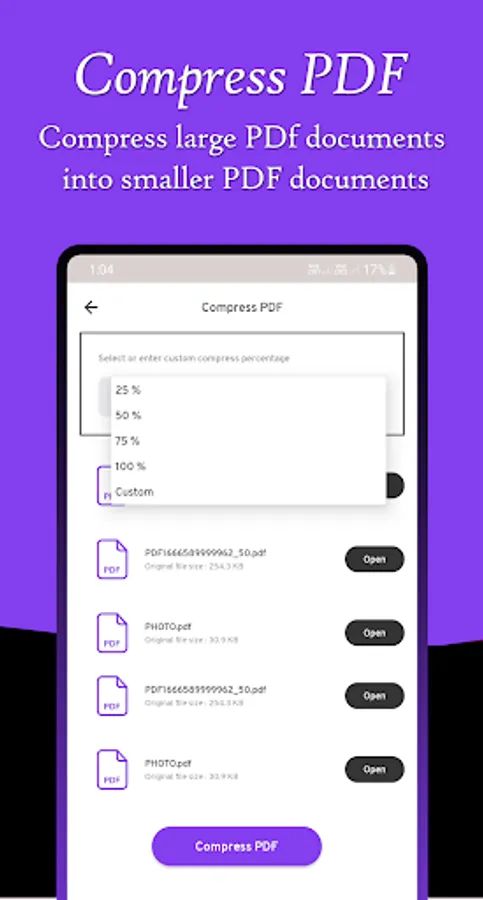
PDF Compression: Reduce large PDF file sizes without compromising on quality. Perfect for reducing email attachment sizes or making PDFs easier to share.
Image Compression: Compress high-resolution photos and images to save space without losing details.
Fast & Efficient: Save time with our lightning-fast compression tool, designed to provide quick results without sacrificing performance.
Batch Processing: "Compress Multiple PDF" files simultaneously to streamline your workflow. "Compress Multiple Image" by selecting it from gallery.
Lossless Compression or File Size Reducer: Retain the highest quality possible while shrinking file sizes.
User-Friendly Interface: Easy to use with a clean and simple design, making it perfect for both beginners and advanced users.
This app is very useful when you are registering yourself on websites because you have to upload your documents in specific size so then you can use our app to fill your requirements.
Features:
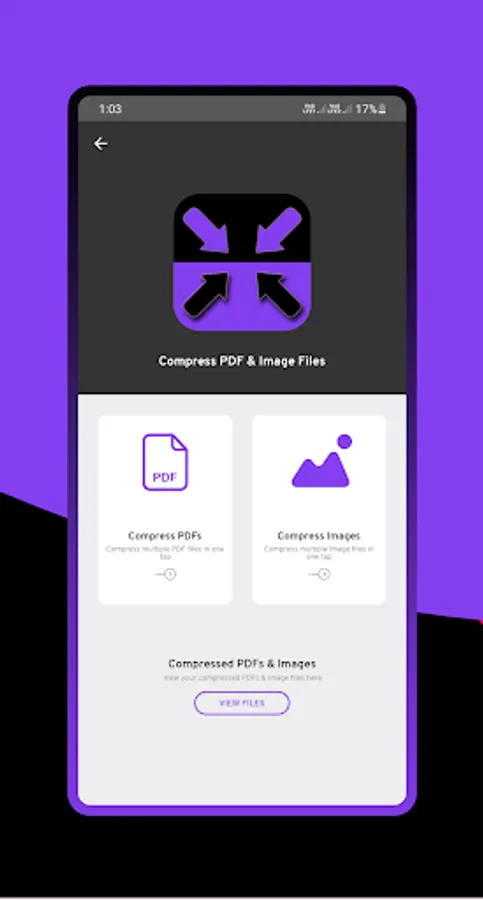
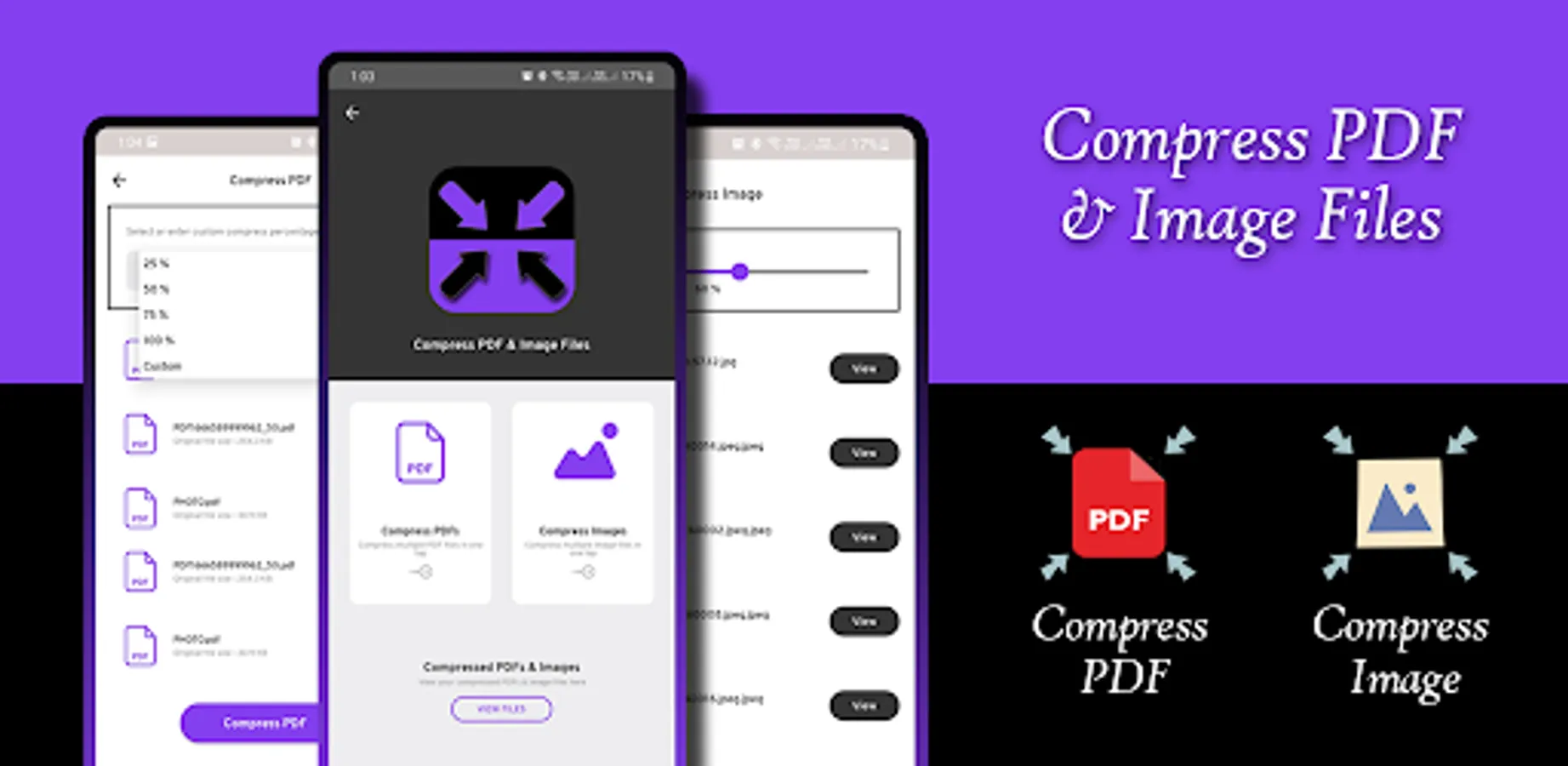
1. Compress multiple PDF files by selecting compression percentage or use custom feature to compress PDFs.
2. View compressed PDFs and view it within app.
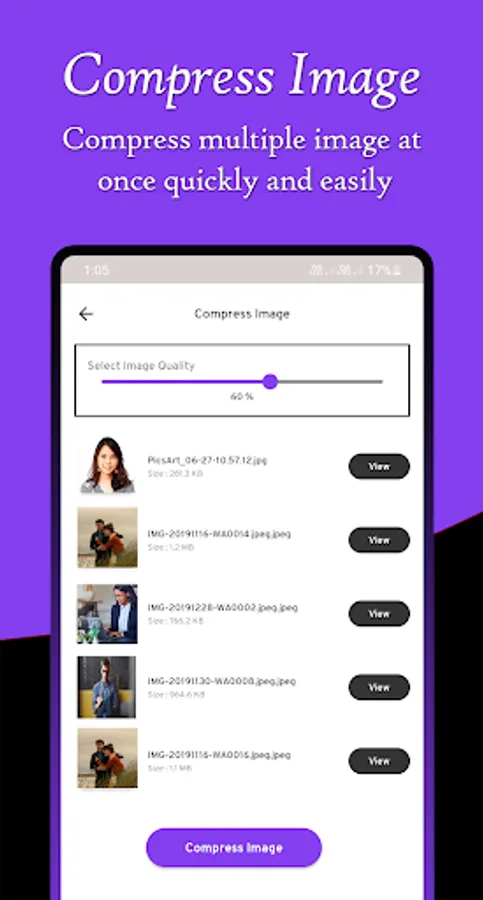
3. Compress multiple image files by selecting it from app gallery and select percentage for compress it.
4. View preview before compression and view all compressed image in creation page.
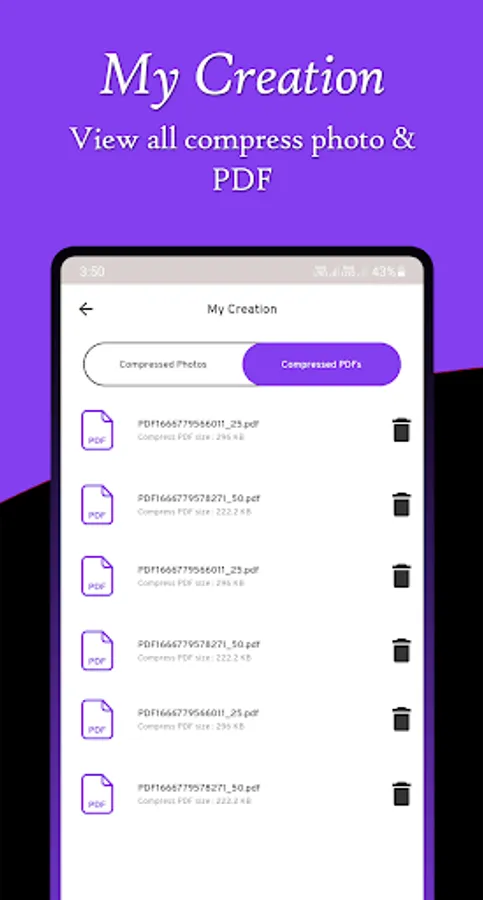
5. View all compressed images & PDFs in my creation page.
Compress your large PDF and Image files into tiny size for reduce disk storage.
Key Features:
PDF Compression: Reduce large PDF file sizes without compromising on quality. Perfect for reducing email attachment sizes or making PDFs easier to share.
Image Compression: Compress high-resolution photos and images to save space without losing details.
Fast & Efficient: Save time with our lightning-fast compression tool, designed to provide quick results without sacrificing performance.
Batch Processing: "Compress Multiple PDF" files simultaneously to streamline your workflow. "Compress Multiple Image" by selecting it from gallery.
Lossless Compression or File Size Reducer: Retain the highest quality possible while shrinking file sizes.
User-Friendly Interface: Easy to use with a clean and simple design, making it perfect for both beginners and advanced users.
This app is very useful when you are registering yourself on websites because you have to upload your documents in specific size so then you can use our app to fill your requirements.
Features:
1. Compress multiple PDF files by selecting compression percentage or use custom feature to compress PDFs.
2. View compressed PDFs and view it within app.
3. Compress multiple image files by selecting it from app gallery and select percentage for compress it.
4. View preview before compression and view all compressed image in creation page.
5. View all compressed images & PDFs in my creation page.
Compress your large PDF and Image files into tiny size for reduce disk storage.
Compress PDF : Compress Images Screenshots
Tap to Rate:
Reviews for Compress PDF : Compress Images
Yandiswa Qwesha
9/17/2024
very good app
kuldeep singh
9/12/2024
Ghatiya