
AppRecs review analysis
AppRecs rating . Trustworthiness 55 out of 100. Review manipulation risk 44 out of 100. Based on a review sample analyzed.
★
AppRecs Rating
Ratings breakdown
5 star
100%
4 star
0%
3 star
0%
2 star
0%
1 star
0%
What to know
⚠
Questionable review patterns
44% review manipulation risk - some review patterns appear unusual
⚠
Unusually uniform ratings
100% of sampled ratings are 5 stars with very little variation
About Tree Photo Collage Multiple Ph
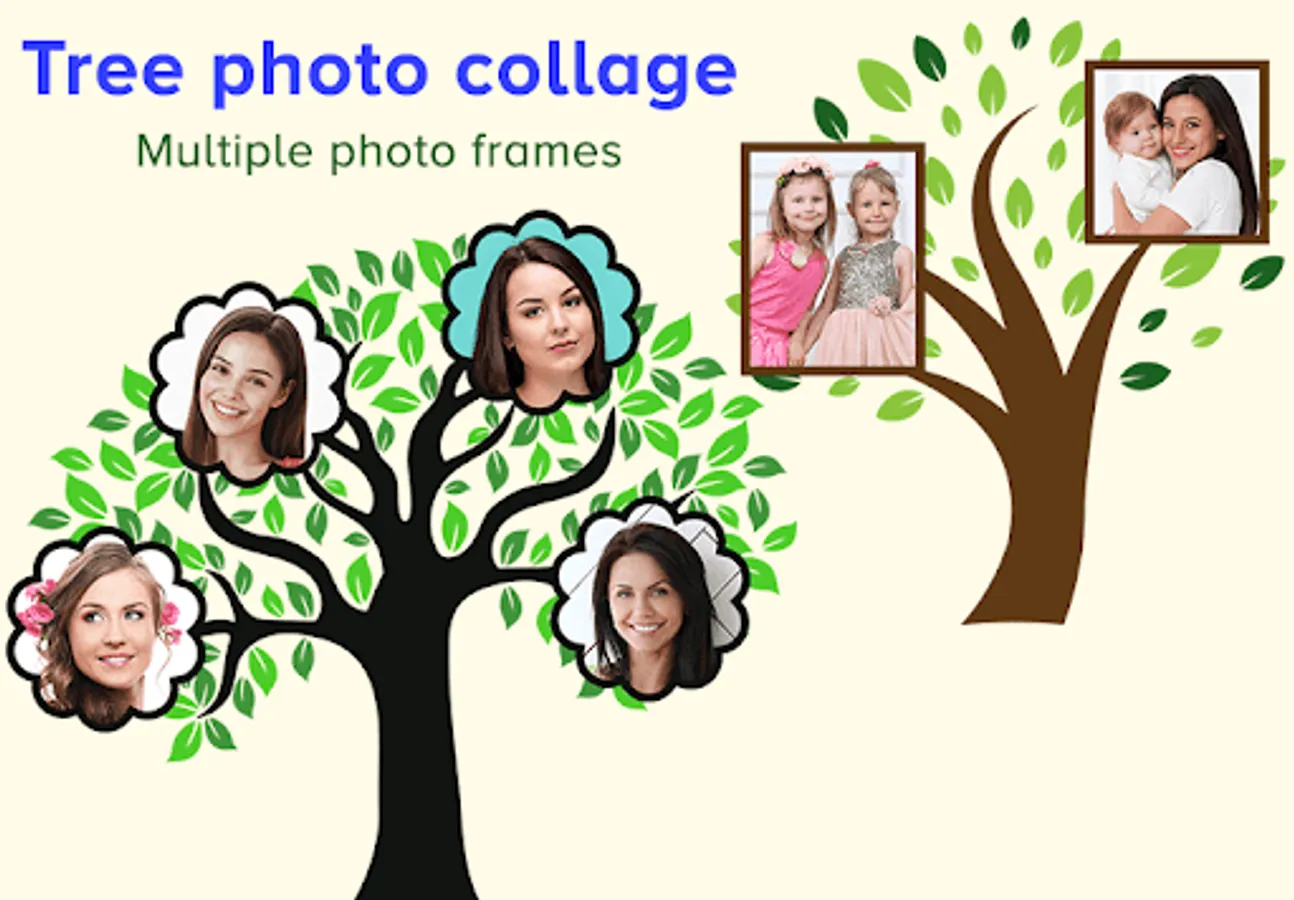
Want to create a photo collage with your family or friends? Just add your photos in the app, and your photo collage will get ready in a few clicks.
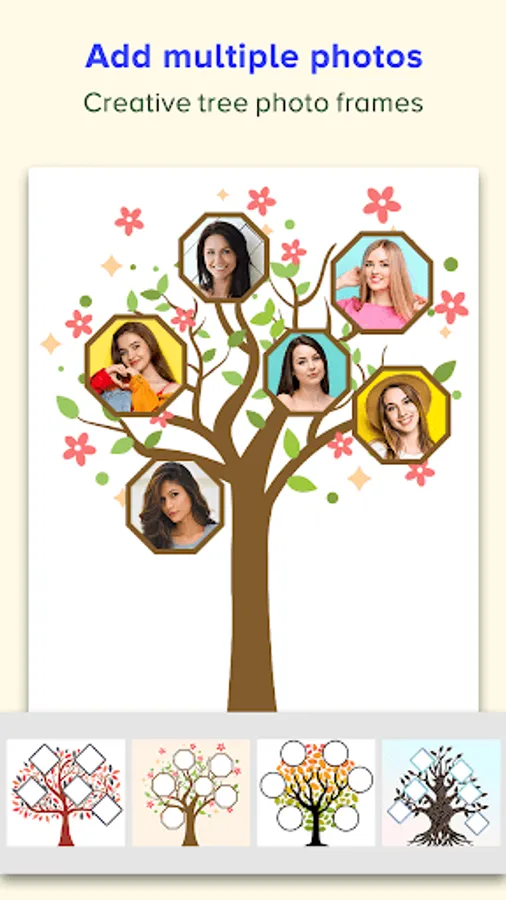
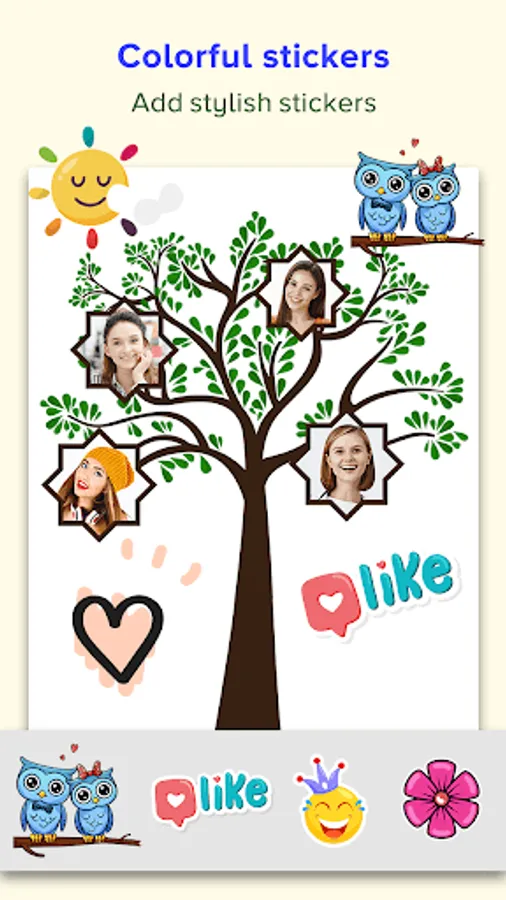
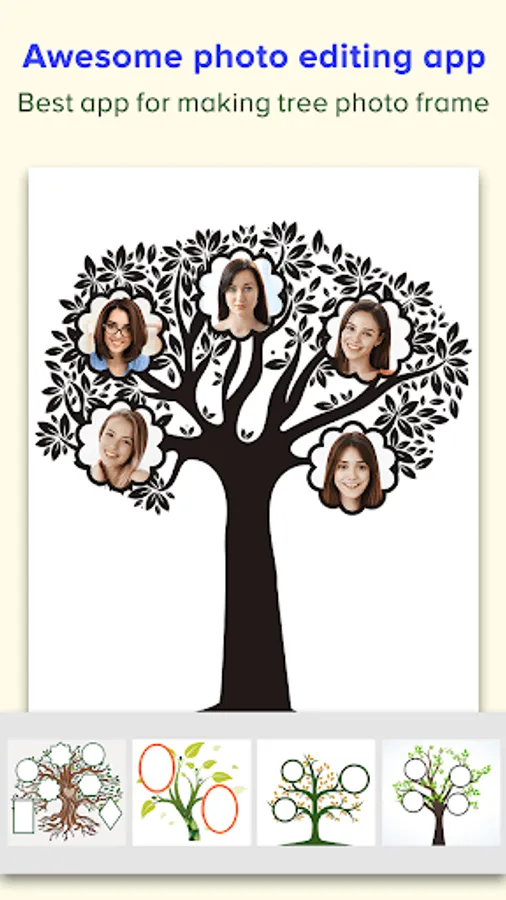
Here there are different tree photo frames, and your family or friends photos will get added to the branches of the tree.
You can add up to eight photos to a tree photo frame, and you can also add text and stickers to it.
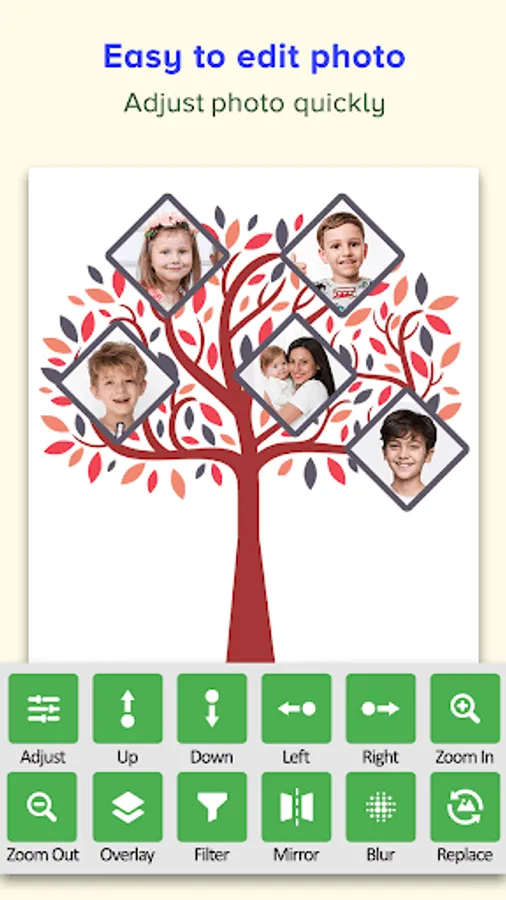
Tree Photo Collage has various photo editing options like:
◼️ Adjust:
- Here, you can adjust the photo’s brightness, contrast, hue, tone, and warmth.
◼️ Overlay:
- Here, you can add gradient effects to your photos.
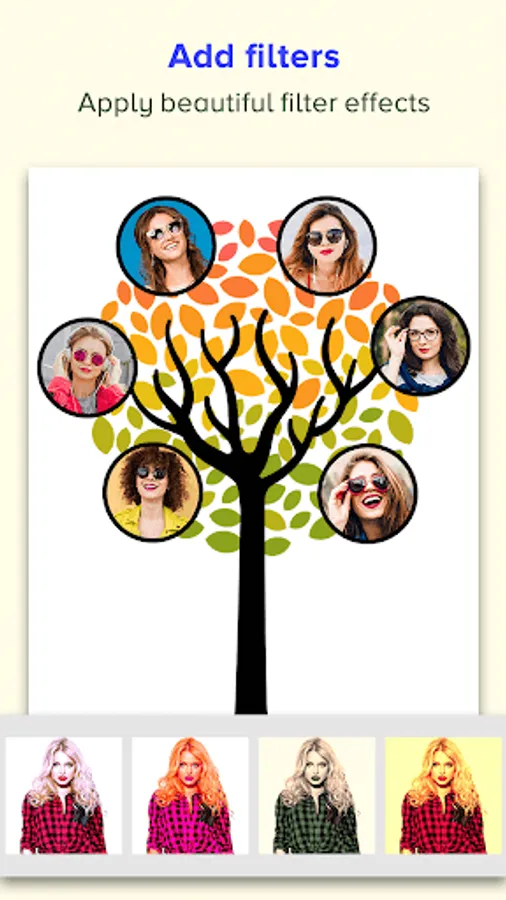
◼️ Filter:
- Using a filter, you can give a different color shade to your photo.
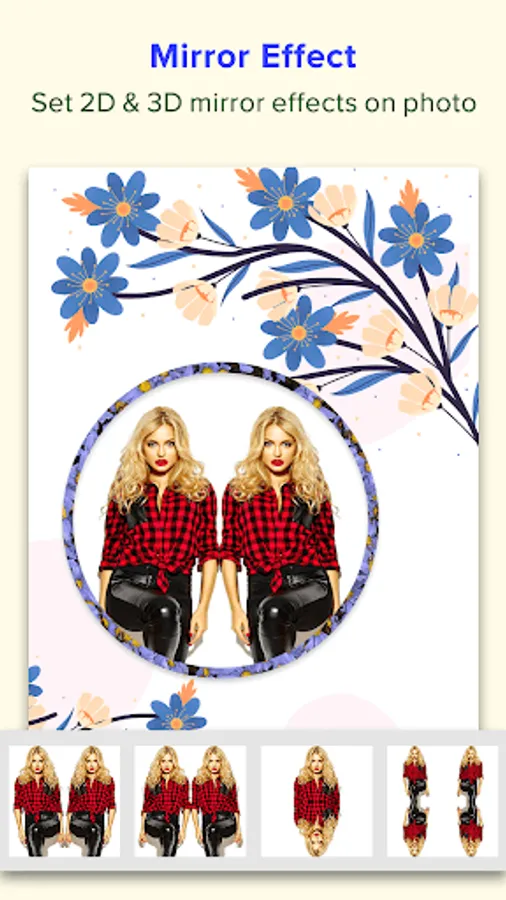
◼️ Mirror:
- Here, you will find different types of 2D and 3D mirror effects.
◼️ Blur:
- Here, you can blur your photo, and here there are various types of shape blur effects.
Steps to make photo collage:
Step 1: Click on the Tree Frames button.
Step 2: Select photos of your family members or friends that you want to add to college.
Step 3: Select a tree photo frame.
Step 4: Add text and stickers.
Step 5: Click on a photo to adjust its position and to edit it.
Step 6: Click on the tick icon to save your photo collage.
Create your family and friends photo collage with the Tree Photo Collage app.
Here there are different tree photo frames, and your family or friends photos will get added to the branches of the tree.
You can add up to eight photos to a tree photo frame, and you can also add text and stickers to it.
Tree Photo Collage has various photo editing options like:
◼️ Adjust:
- Here, you can adjust the photo’s brightness, contrast, hue, tone, and warmth.
◼️ Overlay:
- Here, you can add gradient effects to your photos.
◼️ Filter:
- Using a filter, you can give a different color shade to your photo.
◼️ Mirror:
- Here, you will find different types of 2D and 3D mirror effects.
◼️ Blur:
- Here, you can blur your photo, and here there are various types of shape blur effects.
Steps to make photo collage:
Step 1: Click on the Tree Frames button.
Step 2: Select photos of your family members or friends that you want to add to college.
Step 3: Select a tree photo frame.
Step 4: Add text and stickers.
Step 5: Click on a photo to adjust its position and to edit it.
Step 6: Click on the tick icon to save your photo collage.
Create your family and friends photo collage with the Tree Photo Collage app.
Tree Photo Collage Multiple Ph Screenshots

Tap to Rate:
Reviews for Tree Photo Collage Multiple Ph
Janette manaya Perez geca
10/12/2025
𝒏𝒊𝒄𝒆
JIBIN SEBASTIAN
10/14/2024
Good