Camera HD- Camera OS 14
TriverSoft
4.7 ★
828 ratings
100,000+
downloads
Free
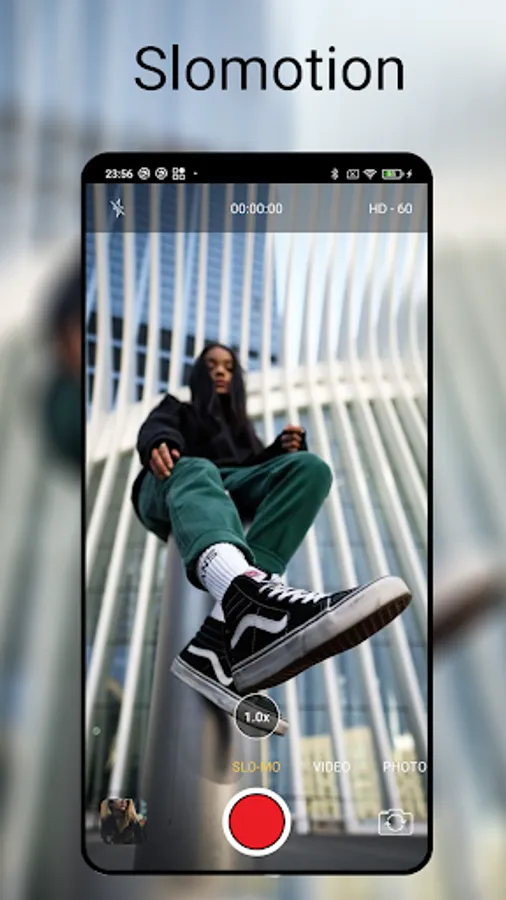
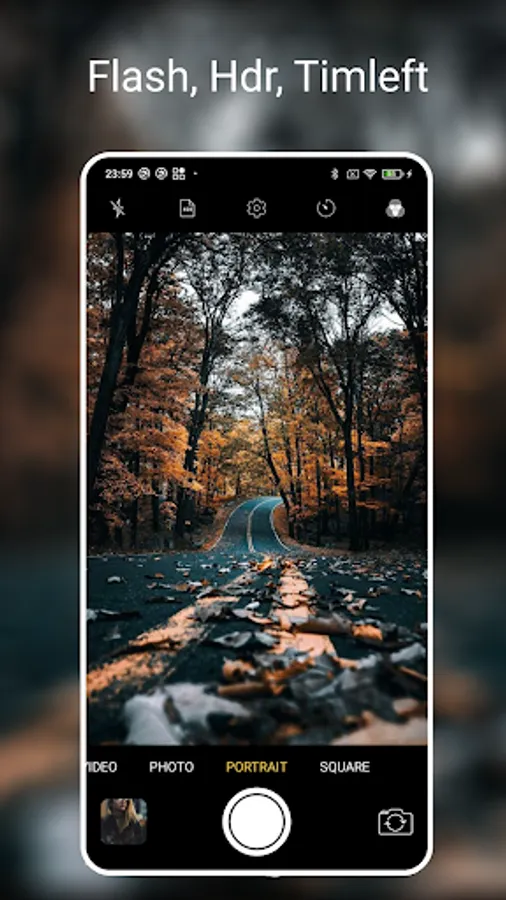
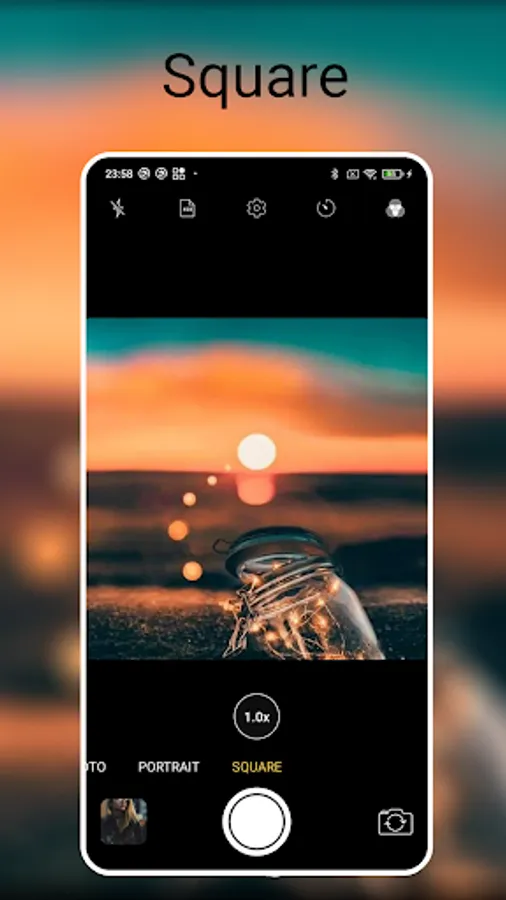
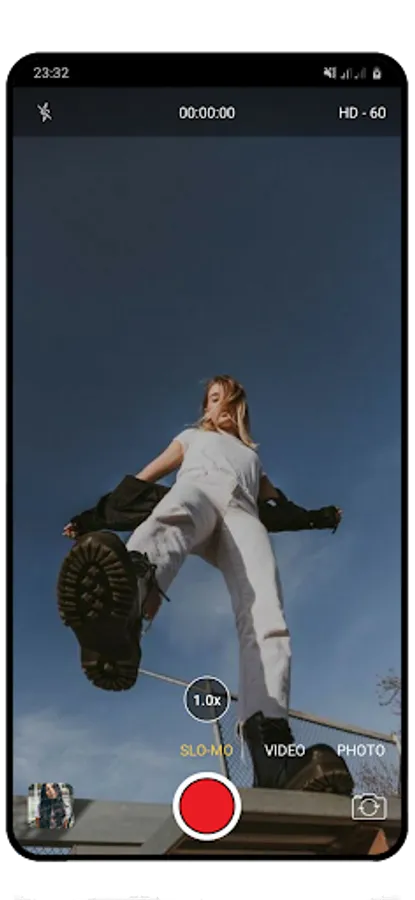
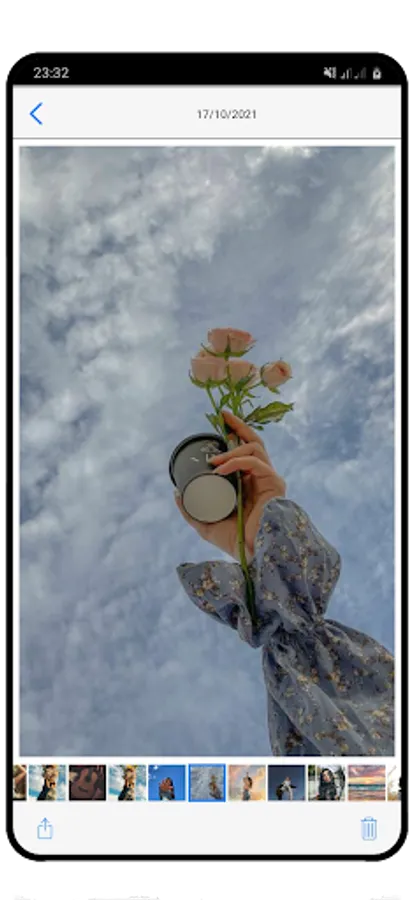
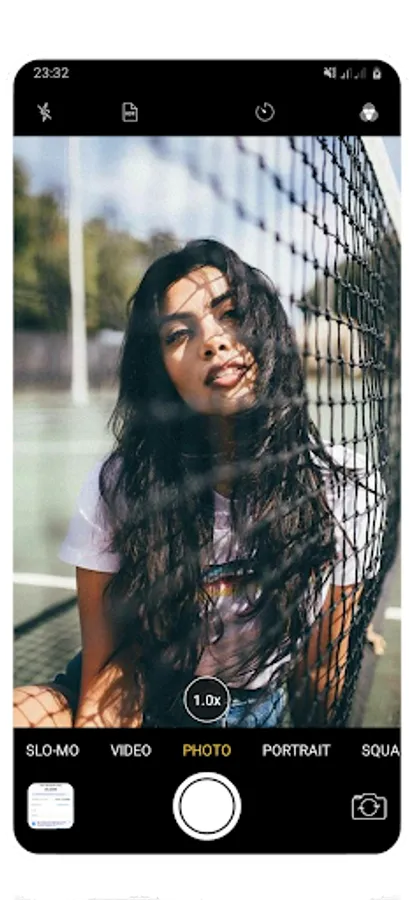
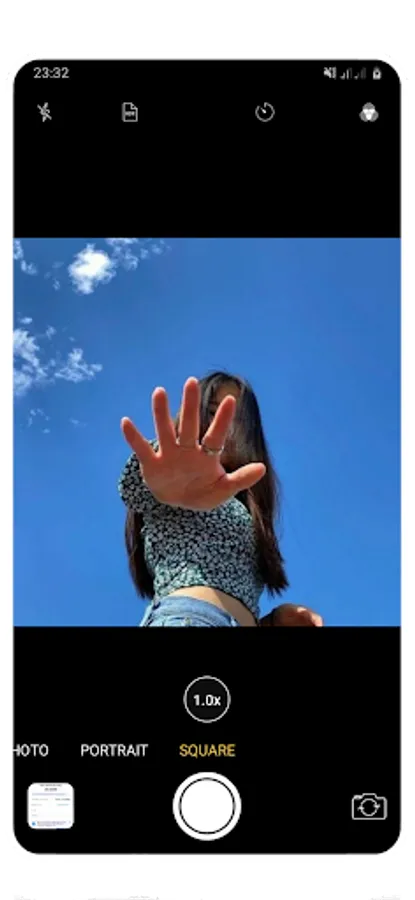
With this camera app, you can take photos, record videos, and apply filters with a simple interface. Includes portrait mode, timer, flash, and gridlines features.
AppRecs review analysis
AppRecs rating 4.8. Trustworthiness 69 out of 100. Review manipulation risk 43 out of 100. Based on a review sample analyzed.
★★★★☆
4.8
AppRecs Rating
Ratings breakdown
5 star
81%
4 star
13%
3 star
1%
2 star
2%
1 star
3%
What to know
⚠
Questionable review patterns
43% review manipulation risk - some review patterns appear unusual
⚠
Rating authenticity concerns
High rating concentration (81% 5-star) in sampled ratings
⚠
Review quality concerns
80% of sampled 5-star reviews are very short
About Camera HD- Camera OS 14
The camera OS is a pre-application that allows users to take photos, record videos, and capture live photos. The app has a simple and user-friendly interface, making it easy for users to access and use its features.
Some of the key features of the camera app on OS include:
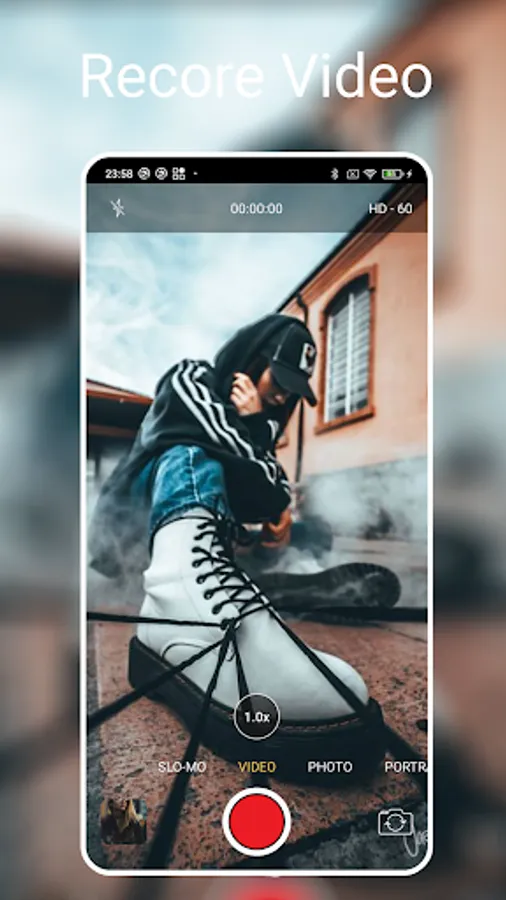
Photo and Video Modes: Users can switch between photo and video modes to capture images and videos as per their requirement.
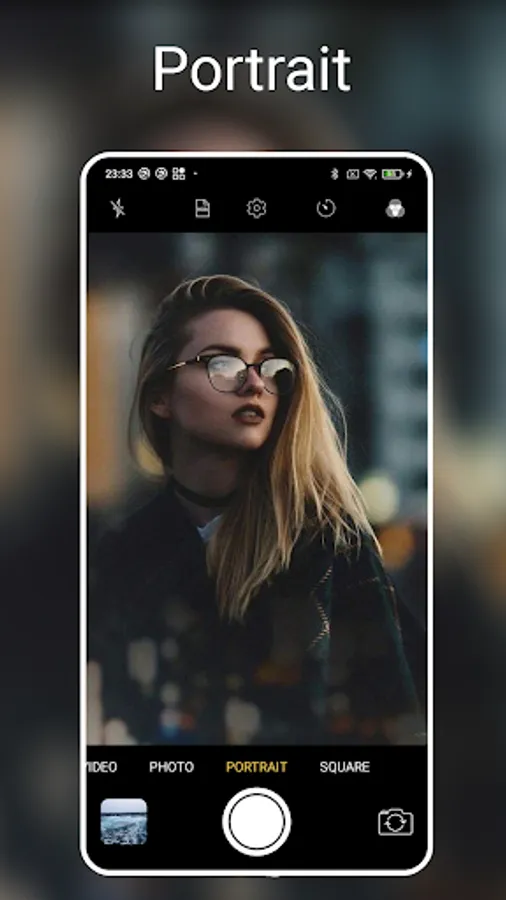
Camera OS -Portrait Mode: This mode uses the camera's dual-lens system to create a blurred background effect, similar to a professional camera's bokeh effect.
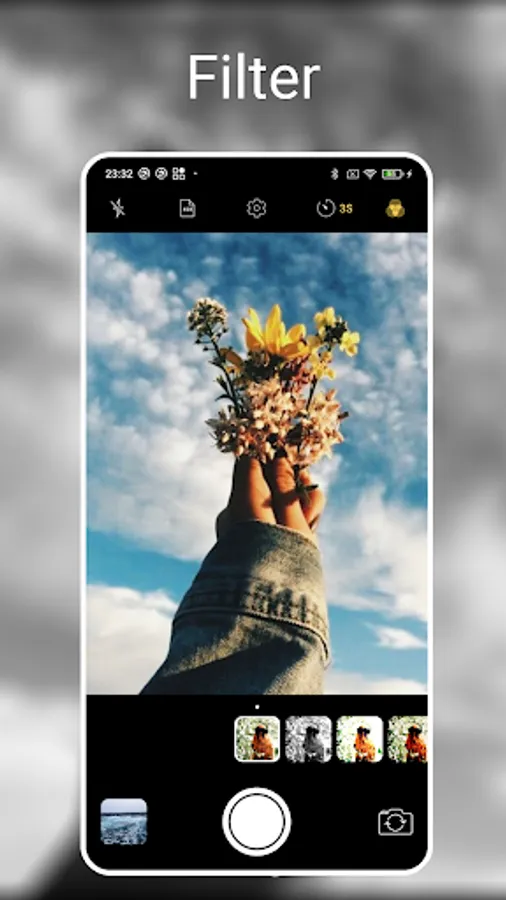
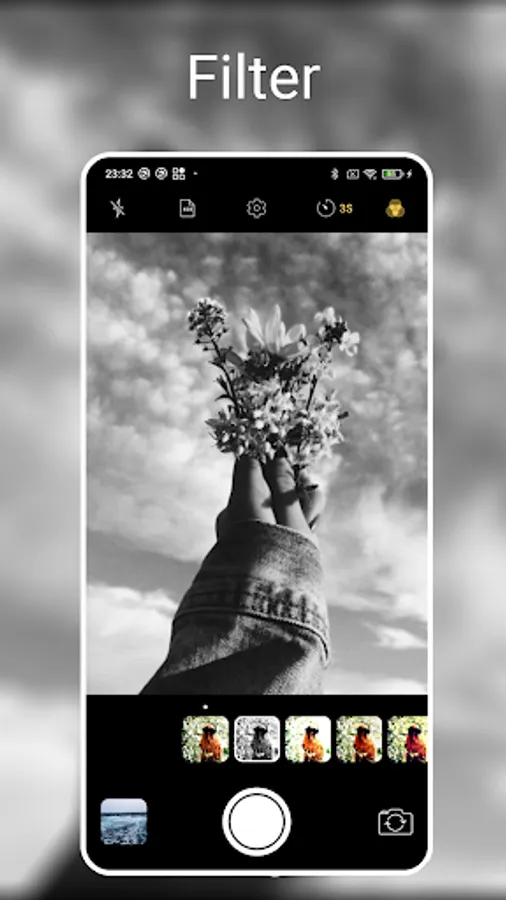
Camera OS - Filters: Users can apply filters to their photos to enhance their appearance and give them a different look.
Camera OS - Timer: The timer feature allows users to set a countdown before the camera takes a photo.
Camera OS - Flash: The app has a built-in flash that can be turned on and off as per the user's requirement.
Camera OS - Gridlines: Gridlines are a useful feature that can help users align their shots and improve their composition.
Overall, the camera OS is a powerful tool that allows users to capture stunning images and videos.
If you like the app, please rate us 5 stars and if you find bugs or have suggestions for improvement, please contact me:
triversoft99@gmail.com
Some of the key features of the camera app on OS include:
Photo and Video Modes: Users can switch between photo and video modes to capture images and videos as per their requirement.
Camera OS -Portrait Mode: This mode uses the camera's dual-lens system to create a blurred background effect, similar to a professional camera's bokeh effect.
Camera OS - Filters: Users can apply filters to their photos to enhance their appearance and give them a different look.
Camera OS - Timer: The timer feature allows users to set a countdown before the camera takes a photo.
Camera OS - Flash: The app has a built-in flash that can be turned on and off as per the user's requirement.
Camera OS - Gridlines: Gridlines are a useful feature that can help users align their shots and improve their composition.
Overall, the camera OS is a powerful tool that allows users to capture stunning images and videos.
If you like the app, please rate us 5 stars and if you find bugs or have suggestions for improvement, please contact me:
triversoft99@gmail.com
Camera HD- Camera OS 14 Screenshots
Tap to Rate:
Reviews for Camera HD- Camera OS 14
Ademola Olowookere
7/19/2025
so good
Alabi James
5/2/2025
very bright