With this screen recording app, you can capture videos with sound, customize resolution, and control recordings via notifications. Includes internal audio recording, pause and resume functions, and screenshot tools.
AppRecs review analysis
AppRecs rating 3.6. Trustworthiness 81 out of 100. Review manipulation risk 28 out of 100. Based on a review sample analyzed.
★★★☆☆
3.6
AppRecs Rating
Ratings breakdown
5 star
60%
4 star
0%
3 star
0%
2 star
10%
1 star
30%
What to know
✓
Low review manipulation risk
28% review manipulation risk
✓
Credible reviews
81% trustworthiness score from analyzed reviews
⚠
High negative review ratio
40% of sampled ratings are 1–2 stars
About Record Screen HD
Record video with sound
+ You can record audio from the mic to help you easily create instructional videos and advertisements.
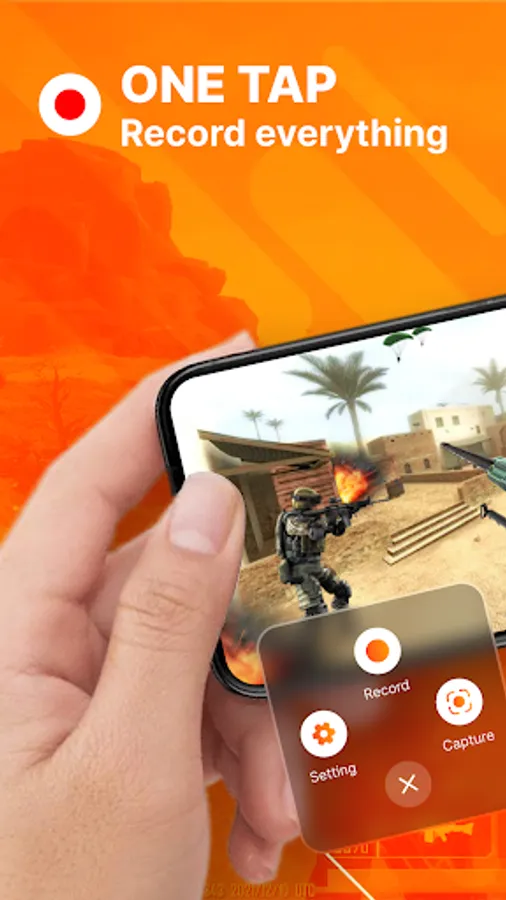
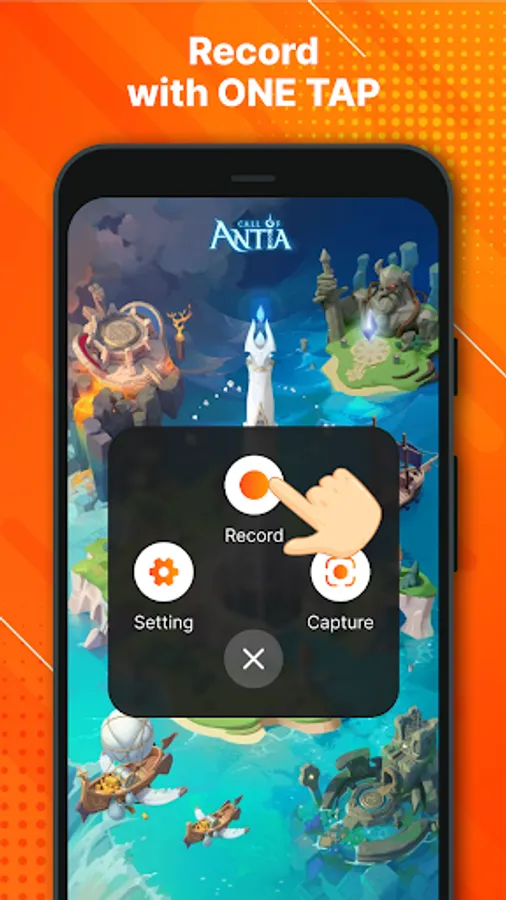
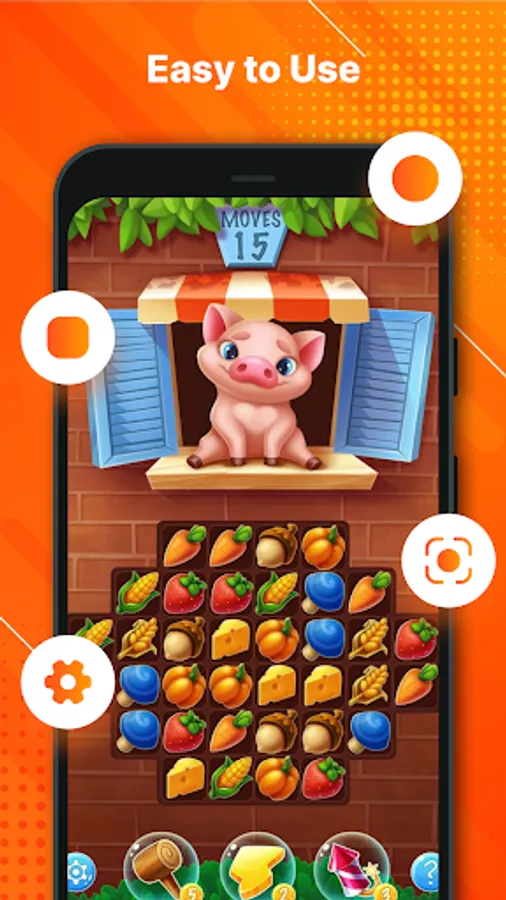
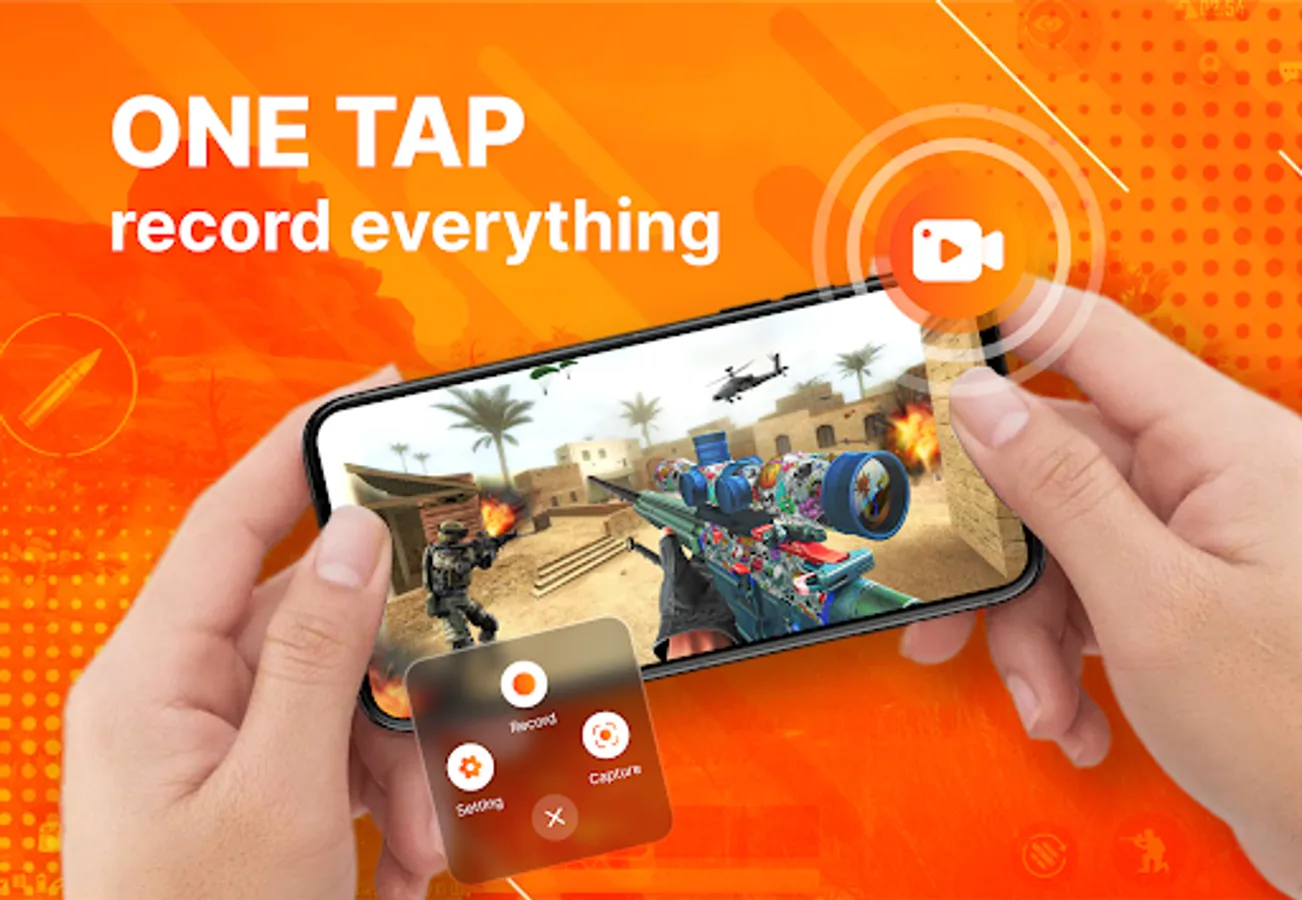
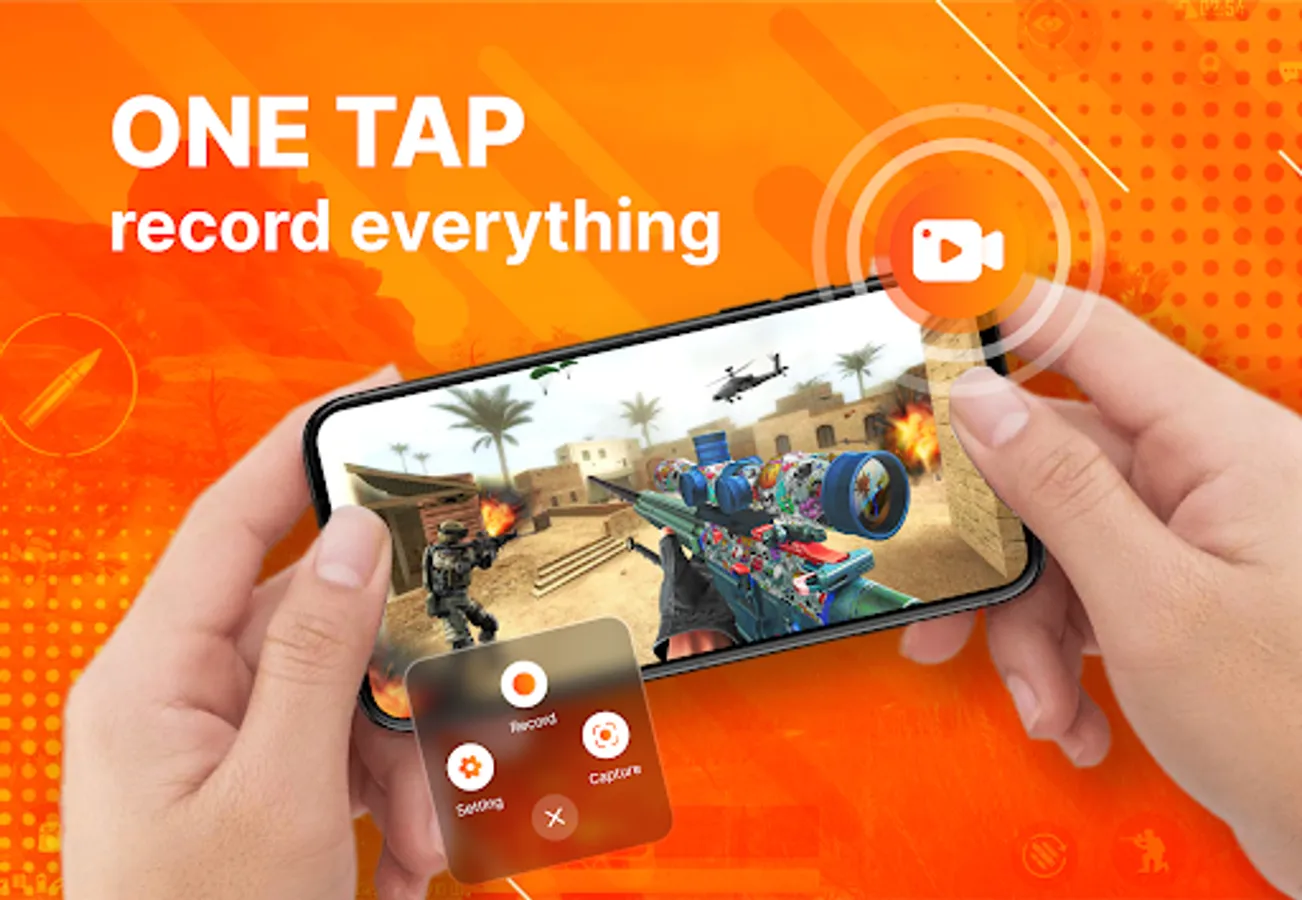
+ Hide floating window with one tap to record full screen video. Use the notification panel to control the recording.
+ Internal audio recording, this screen recorder supports internal audio recording.
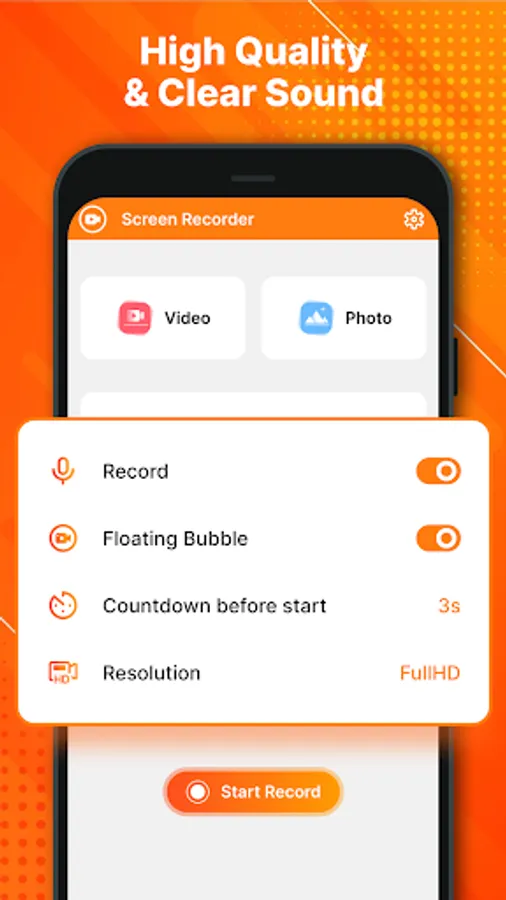
+ There are many customization features in this screen recorder like video resolution setting: provide 1080p resolution. Auto screen orientation: offers both portrait and landscape recording. Set countdown time and shake to stop.
+ Pause and resume recording at any time. Use a theme you like.
Take a clear screenshot
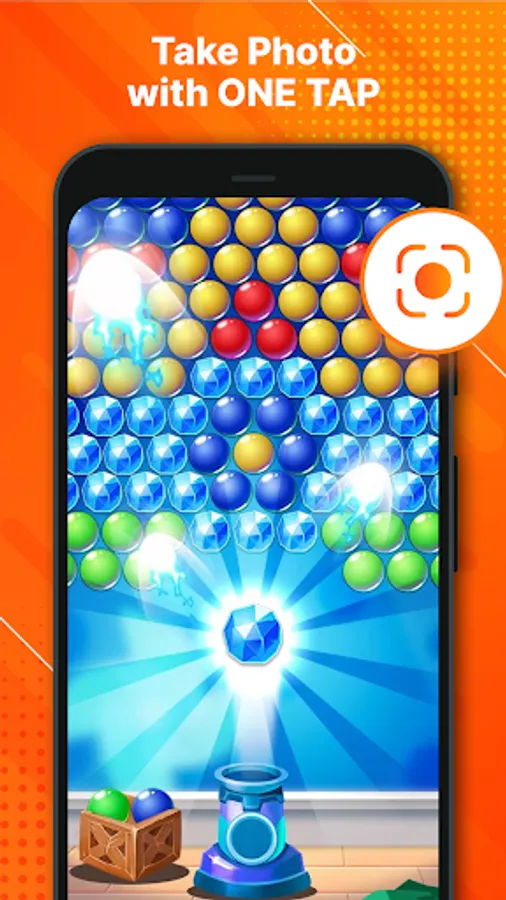
+ Easy screen capture, take clear screenshots to record your skillful gameplay, funny video calls.
+ Doodling on your screenshot: Add a mark or draw an icon to highlight the part you want people to notice.
Come and use our FREE Screen Recorder APP to start the anchoring experience!
+ You can record audio from the mic to help you easily create instructional videos and advertisements.
+ Hide floating window with one tap to record full screen video. Use the notification panel to control the recording.
+ Internal audio recording, this screen recorder supports internal audio recording.
+ There are many customization features in this screen recorder like video resolution setting: provide 1080p resolution. Auto screen orientation: offers both portrait and landscape recording. Set countdown time and shake to stop.
+ Pause and resume recording at any time. Use a theme you like.
Take a clear screenshot
+ Easy screen capture, take clear screenshots to record your skillful gameplay, funny video calls.
+ Doodling on your screenshot: Add a mark or draw an icon to highlight the part you want people to notice.
Come and use our FREE Screen Recorder APP to start the anchoring experience!
Record Screen HD Screenshots
Tap to Rate:
Reviews for Record Screen HD
Donz Dakat
10/26/2025
good
Gopal Karmakar
10/7/2025
this app is best but short time limit