Json Genie (Viewer & Editor)
Tuyware
4.1 ★
18K ratings
5,000,000+
downloads
Free
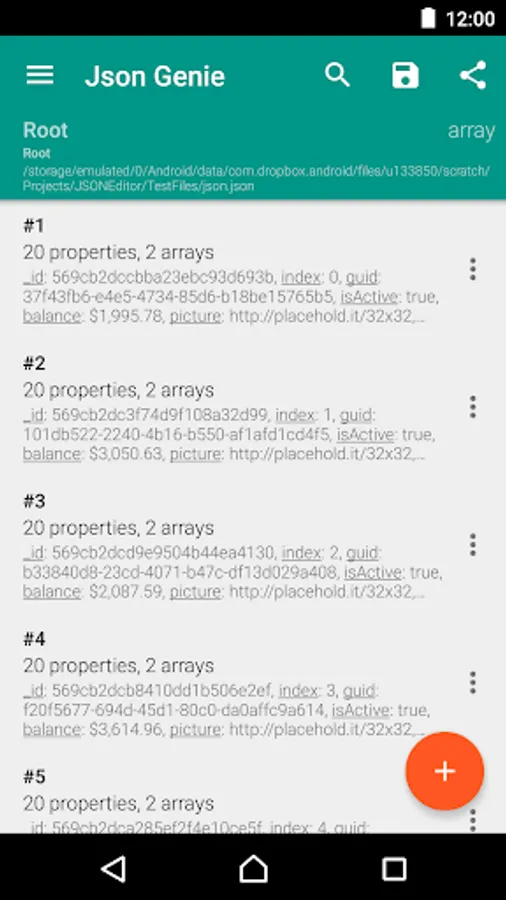
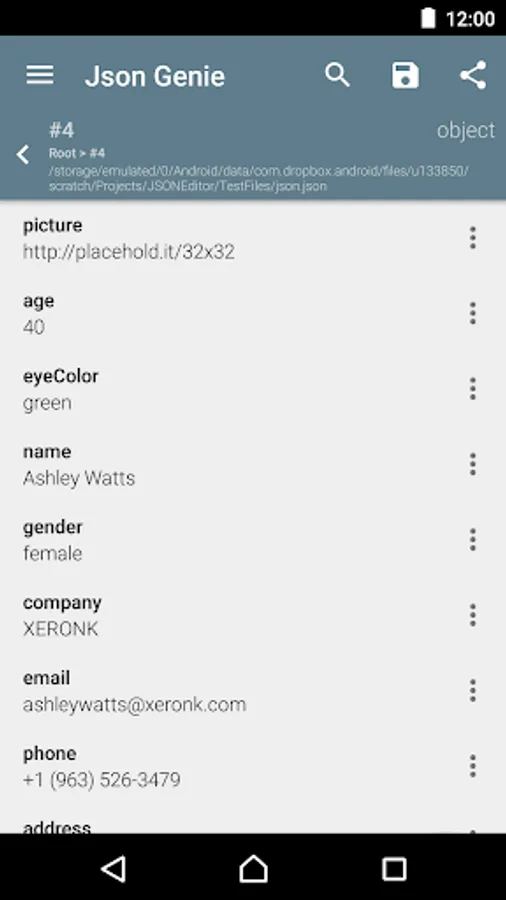
In this JSON editor app, you can view, edit, add, clone, and remove objects, arrays, and values quickly and efficiently. Includes file import from SD, URL, Dropbox, and support for copy-paste and sharing.
AppRecs review analysis
AppRecs rating 3.7. Trustworthiness 78 out of 100. Review manipulation risk 29 out of 100. Based on a review sample analyzed.
★★★☆☆
3.7
AppRecs Rating
Ratings breakdown
5 star
61%
4 star
14%
3 star
8%
2 star
3%
1 star
13%
What to know
✓
Low review manipulation risk
29% review manipulation risk
✓
Credible reviews
78% trustworthiness score from analyzed reviews
⚠
Ad complaints
Many low ratings mention excessive ads
About Json Genie (Viewer & Editor)
Json Genie is a JSON editor that was created by the needs of a developer.
Really, really fast
It is ridiculously fast, which was really important while creating the app. Our tests reveal that it opens a 2 MB json file in under a second. We even did tests with files over 50 MB and Json Genie handled them without a sweat.
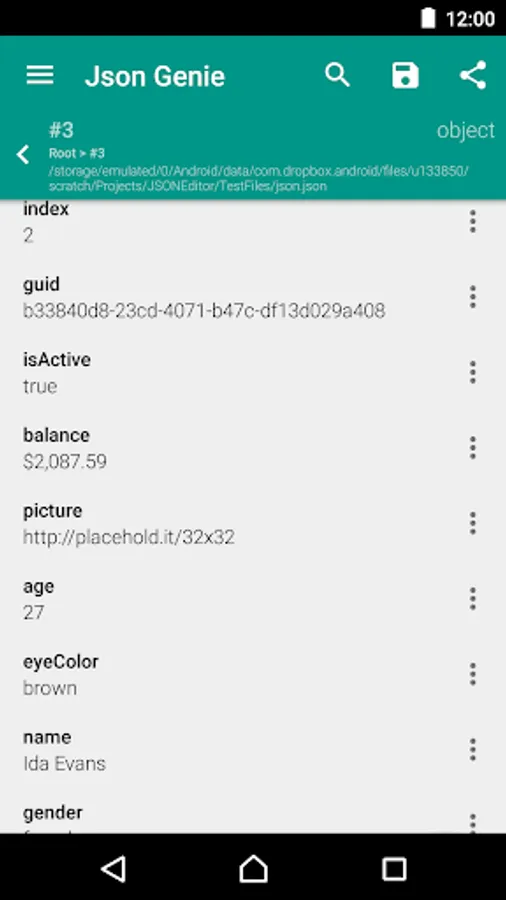
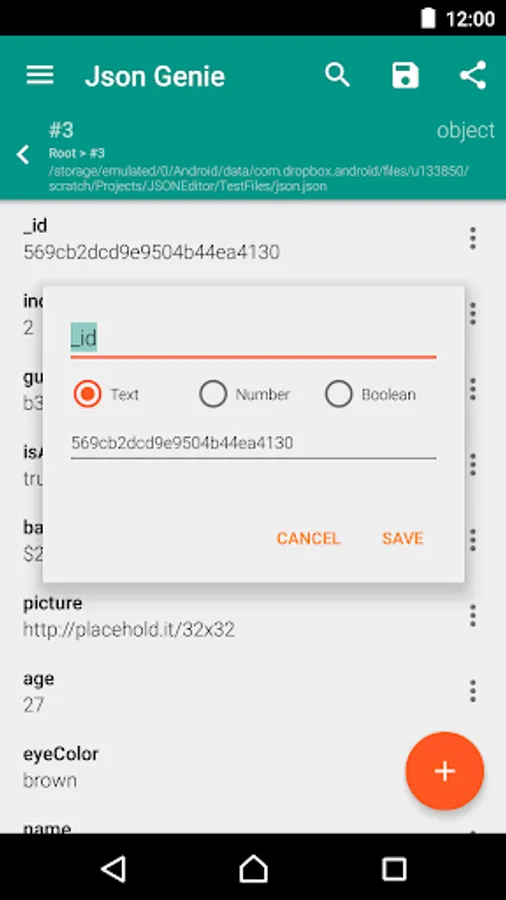
View, edit, add, clone & remove objects/arrays/values
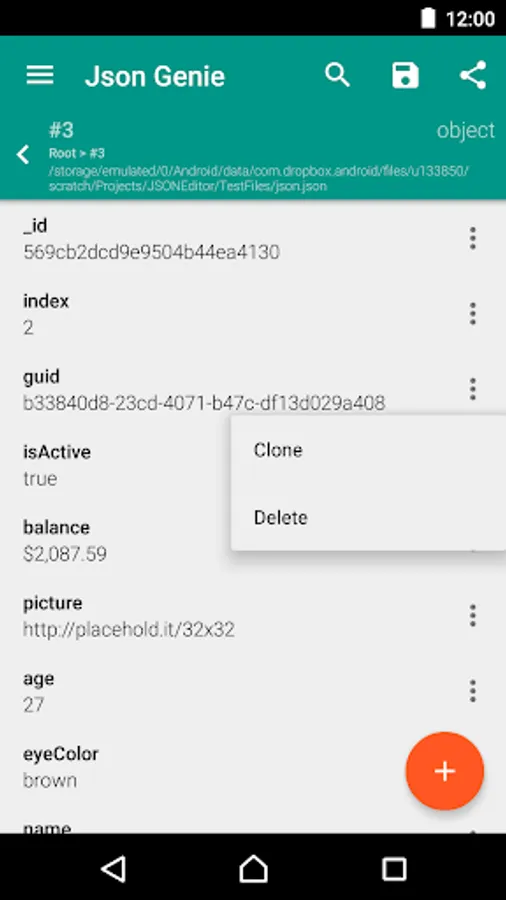
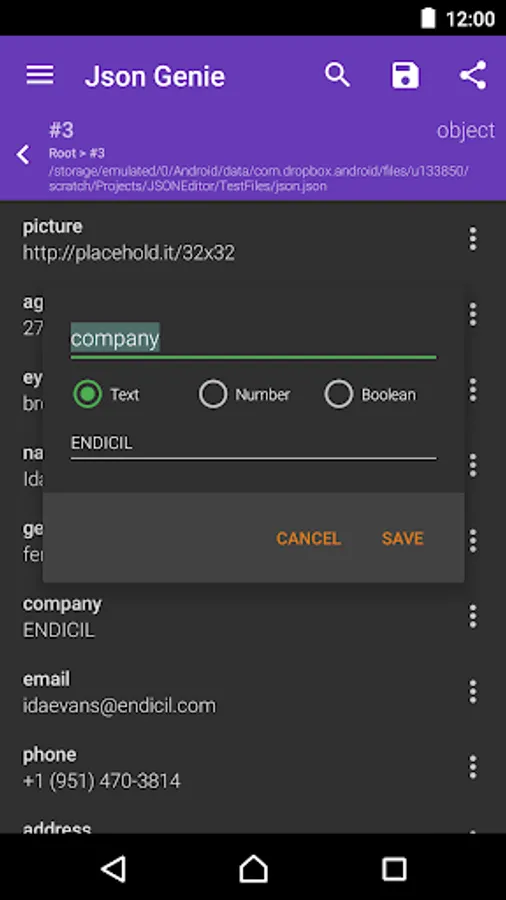
Json Genie allows full reign over your json files. You can clone arrays/objects/values, you can add new arrays/objects/values, edit existing ones and even remove arrays/objects/values
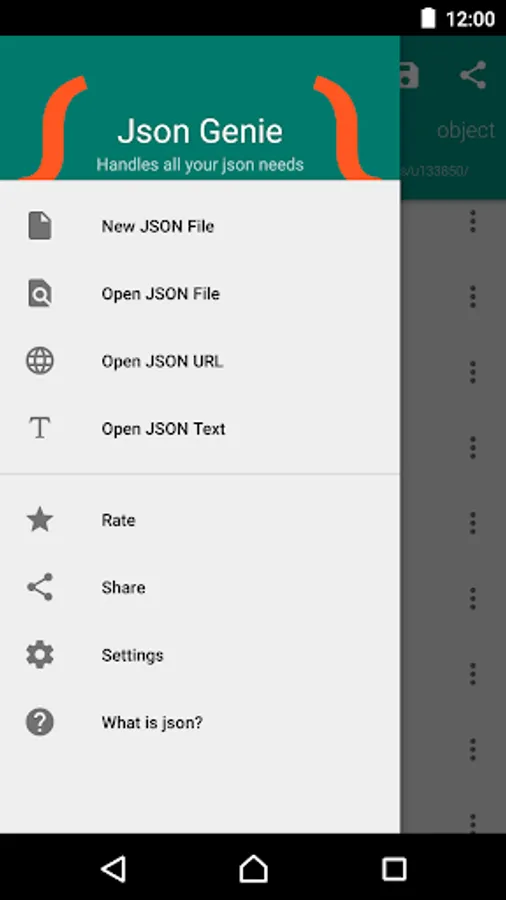
Create/open from sd, url, text, dropbox, ...
Because Json Genie uses the default Android way of opening files, it can open a json file from all sources available on your Android phone (Dropbox, Drive, SD, ...). You can even copy/paste your custom json text or open a URL.
Share/save your json files
Powerful filter
Easily find the elements you want by using the easy to use filter option.
Set as default json handler
Easily open json files from various applications by setting Json Genie as your default json handler.
Really, really fast
It is ridiculously fast, which was really important while creating the app. Our tests reveal that it opens a 2 MB json file in under a second. We even did tests with files over 50 MB and Json Genie handled them without a sweat.
View, edit, add, clone & remove objects/arrays/values
Json Genie allows full reign over your json files. You can clone arrays/objects/values, you can add new arrays/objects/values, edit existing ones and even remove arrays/objects/values
Create/open from sd, url, text, dropbox, ...
Because Json Genie uses the default Android way of opening files, it can open a json file from all sources available on your Android phone (Dropbox, Drive, SD, ...). You can even copy/paste your custom json text or open a URL.
Share/save your json files
Powerful filter
Easily find the elements you want by using the easy to use filter option.
Set as default json handler
Easily open json files from various applications by setting Json Genie as your default json handler.