UBA Mobile App
United Bank for Africa Plc
3.3 ★
24K ratings
1,000,000+
downloads
Free
With this banking app, you can manage accounts, send money, and schedule payments. Includes account opening, bill payment, and transaction dispute features.
AppRecs review analysis
AppRecs rating 3.2. Trustworthiness 86 out of 100. Review manipulation risk 27 out of 100. Based on a review sample analyzed.
★★★☆☆
3.2
AppRecs Rating
Ratings breakdown
5 star
47%
4 star
9%
3 star
4%
2 star
6%
1 star
34%
What to know
✓
Low review manipulation risk
27% review manipulation risk
✓
Credible reviews
86% trustworthiness score from analyzed reviews
⚠
High negative review ratio
40% of sampled ratings are 1–2 stars
About UBA Mobile App
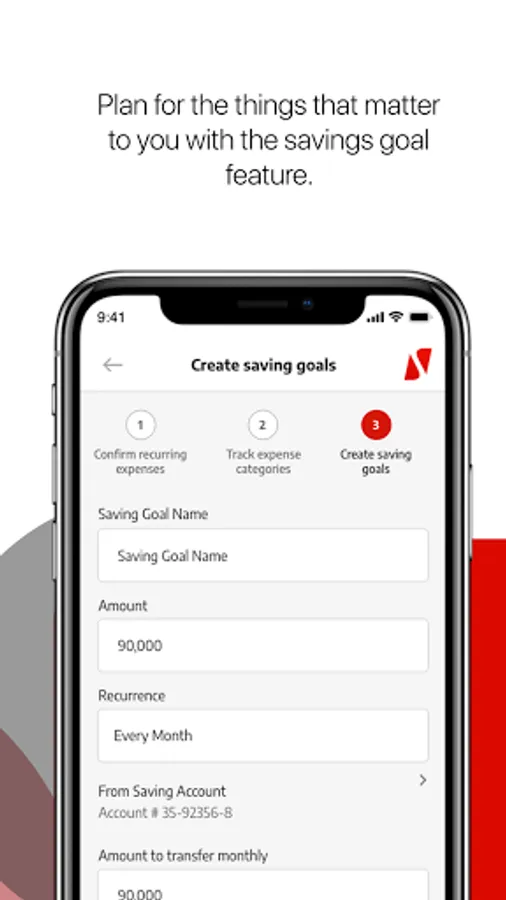
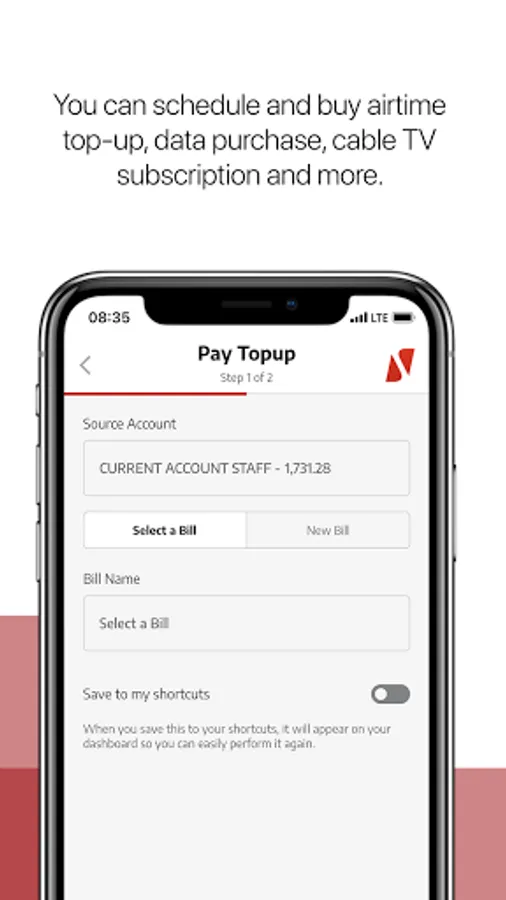
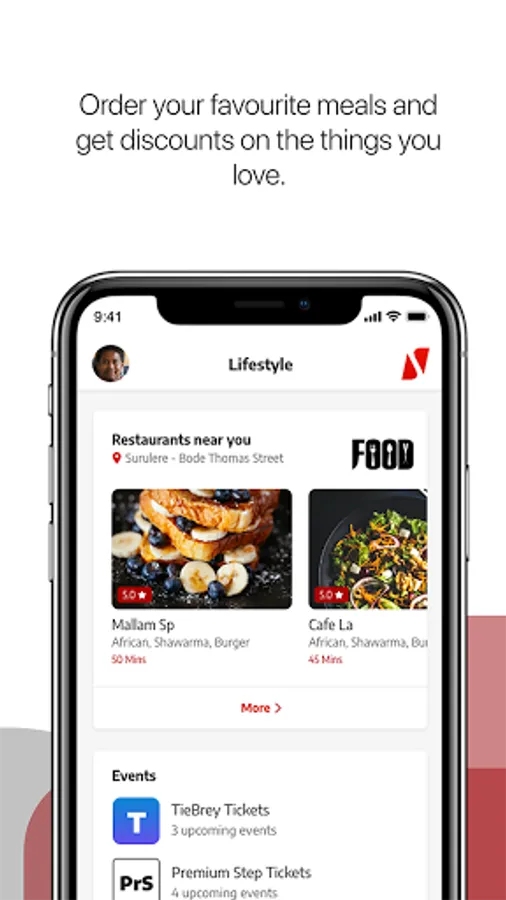
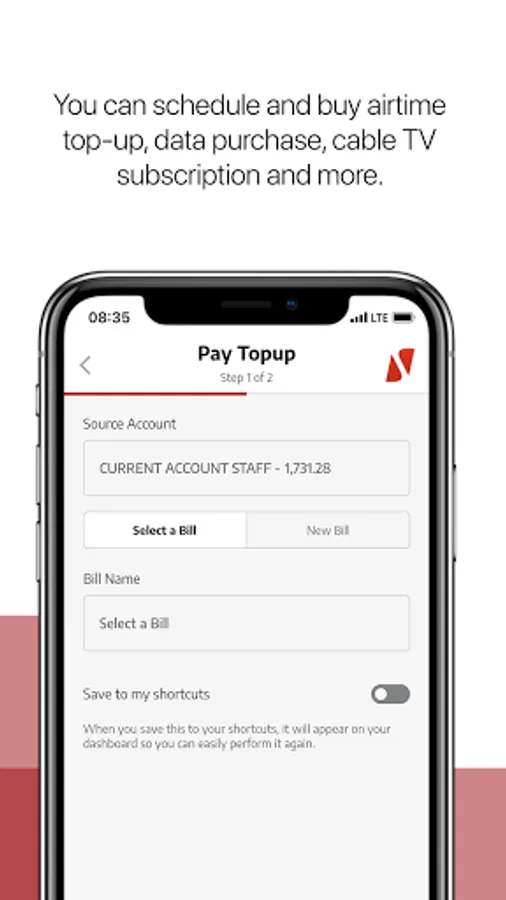
Manage your accounts, send money, top-up airtime, schedule your bills, save for your goals, and much more...
The UBA Mobile App is your Personal Financial Manager and It's Made for you!
What's great about the new UBA Mobile App? Everything!
You can:
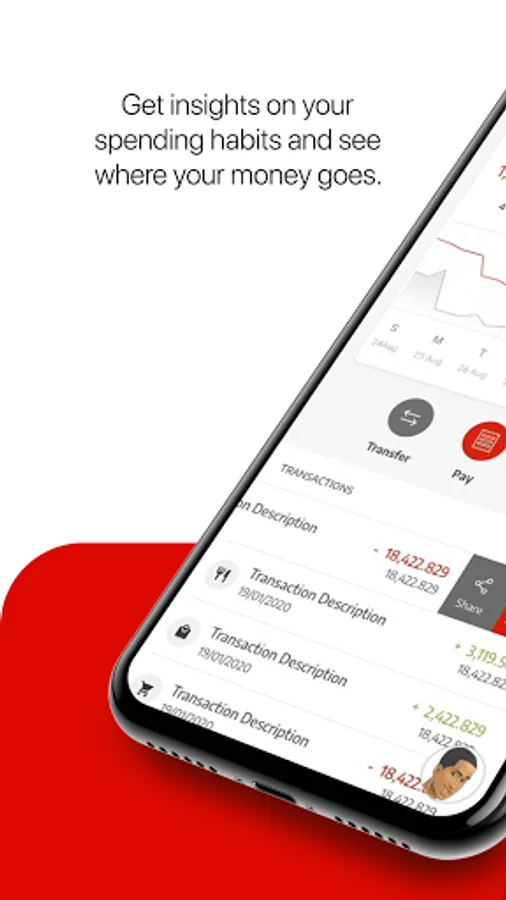
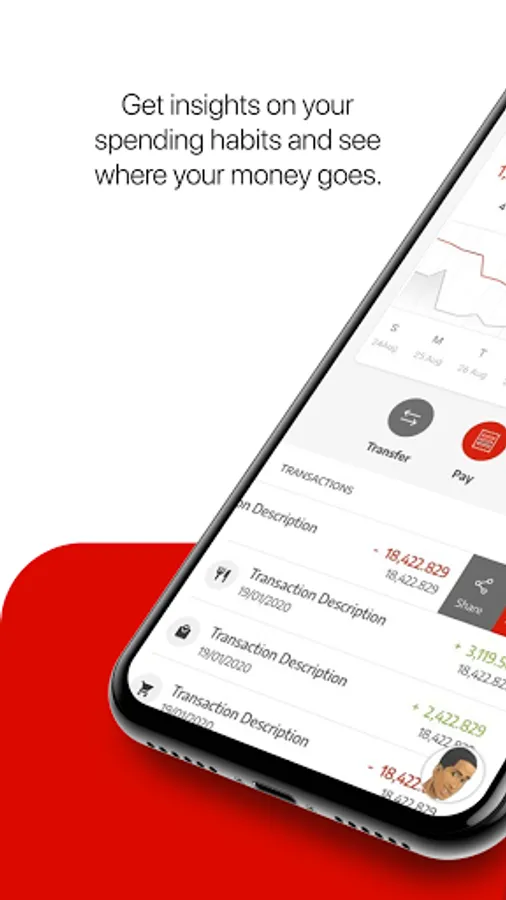
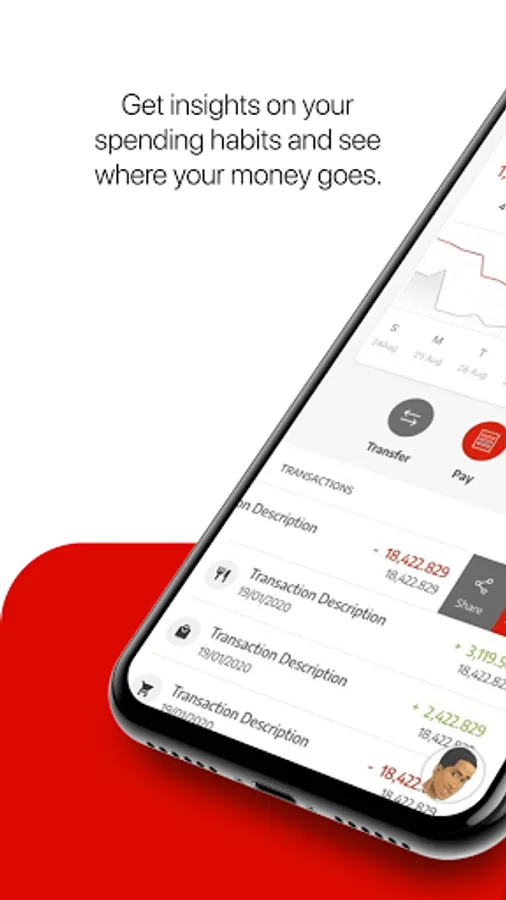
Set spending limit
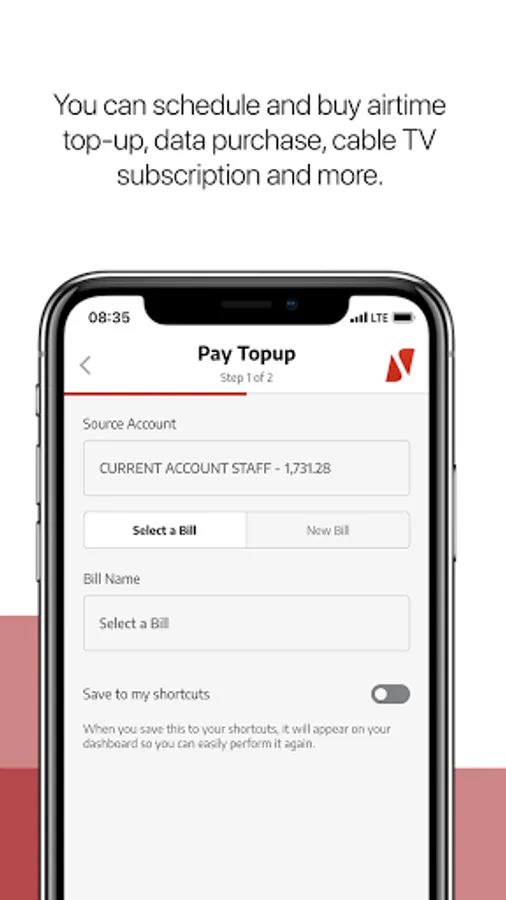
Schedule and pay bills
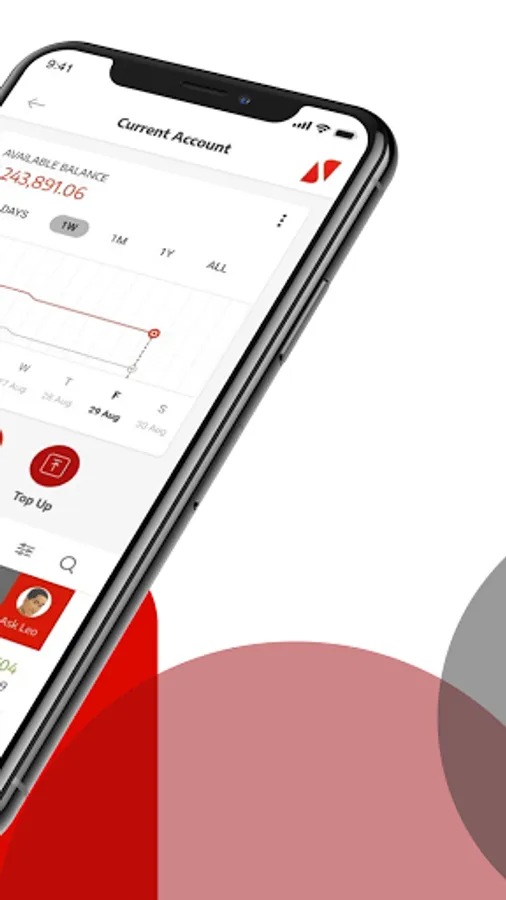
Make transfers
Get instant notifications
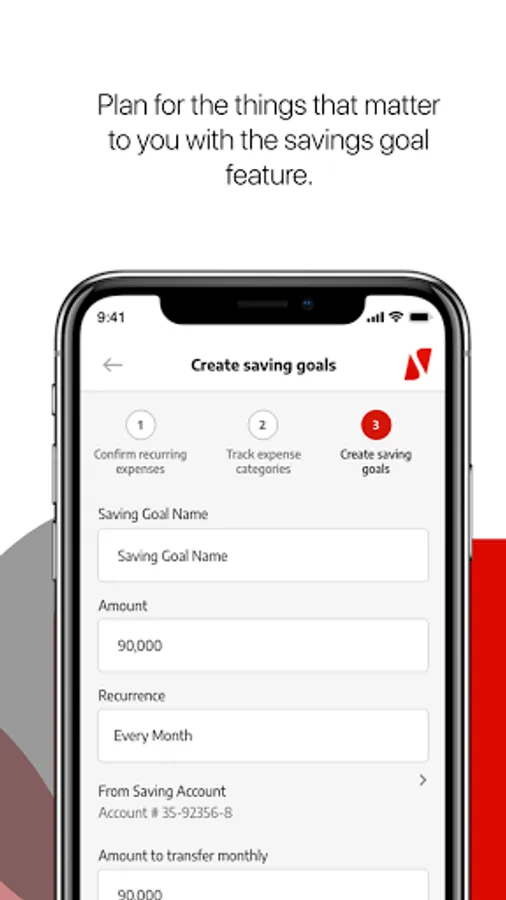
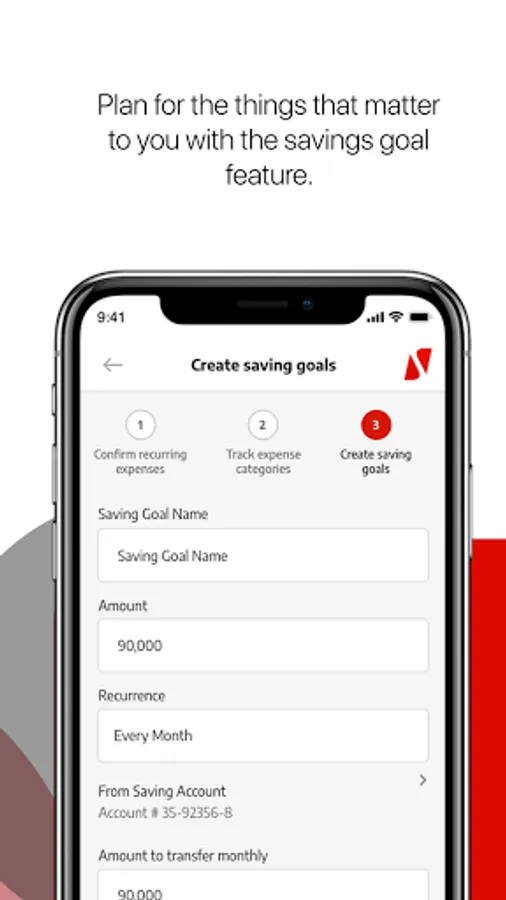
Save for your goals
Open a new account
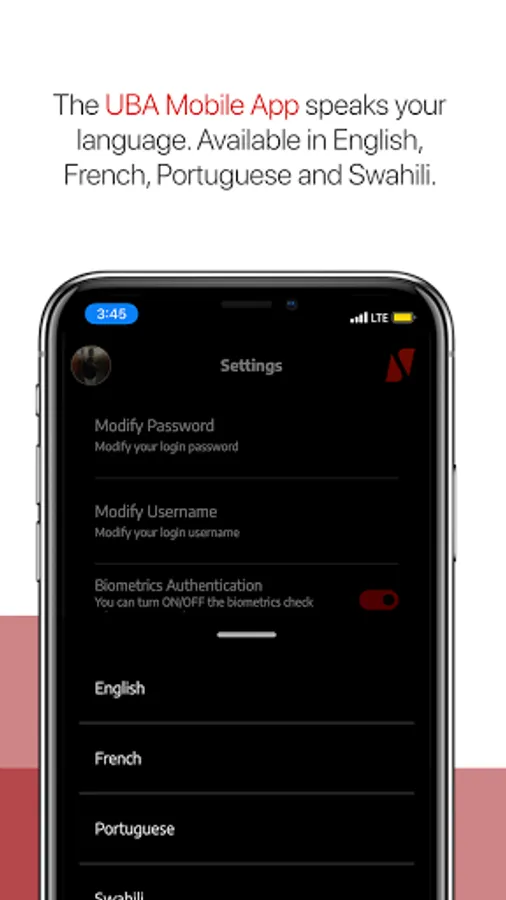
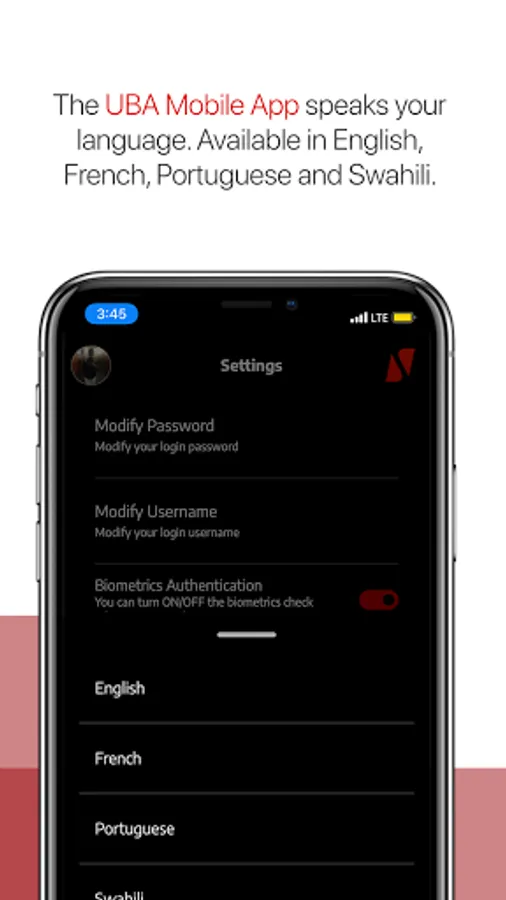
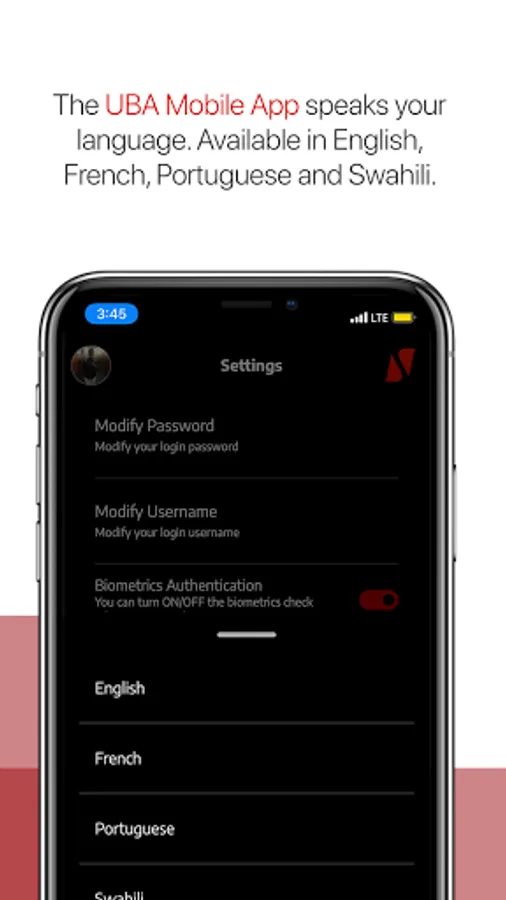
Interact in multiple languages
Sort out transaction disputes easily
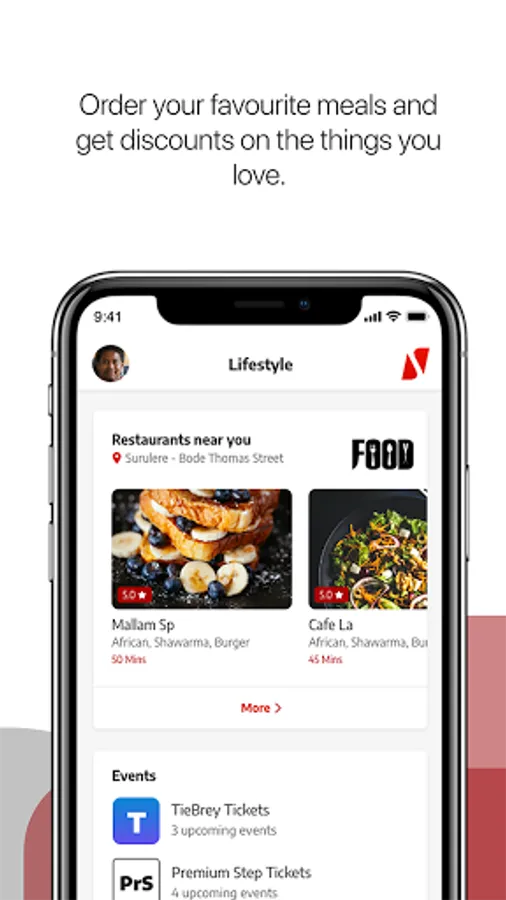
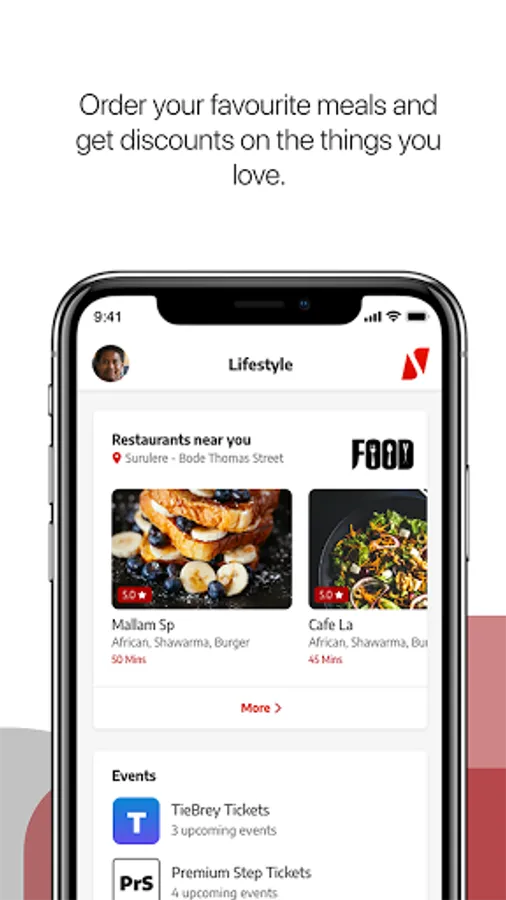
Find a branch or ATM near you
Lock, freeze, cancel and block your card
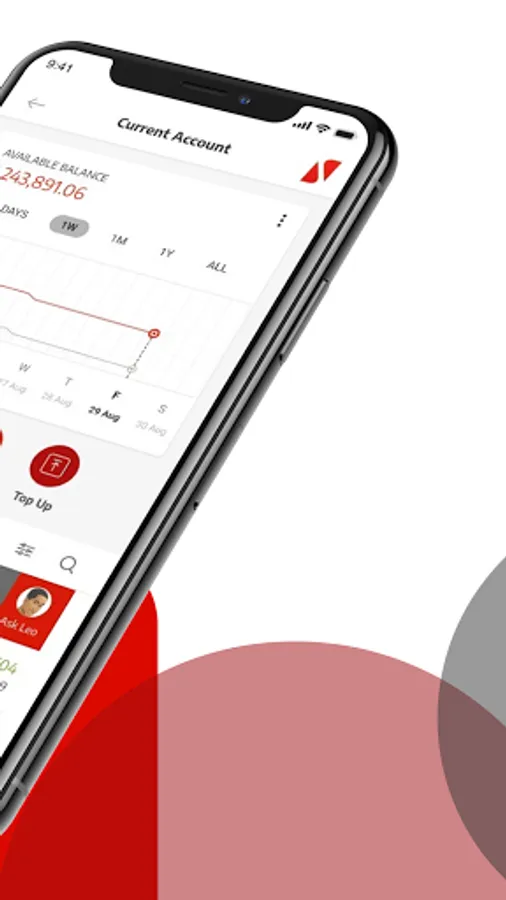
Organise your dashboard
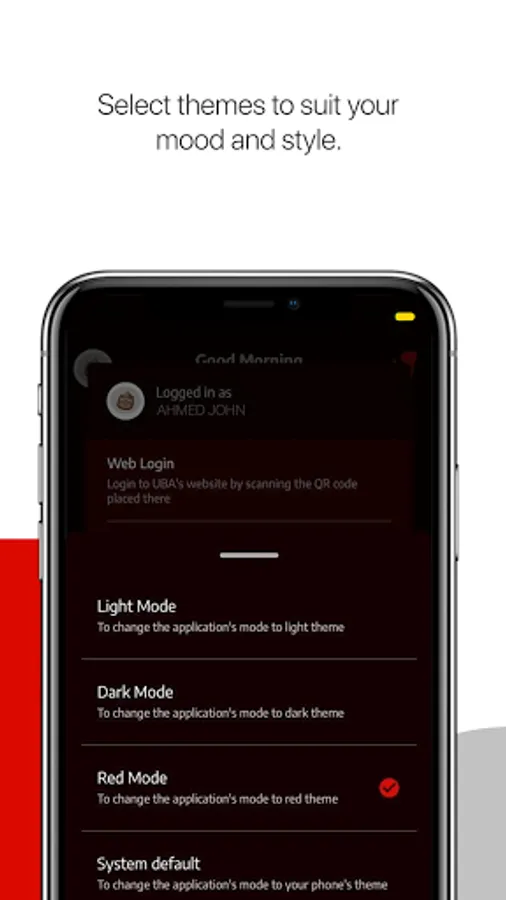
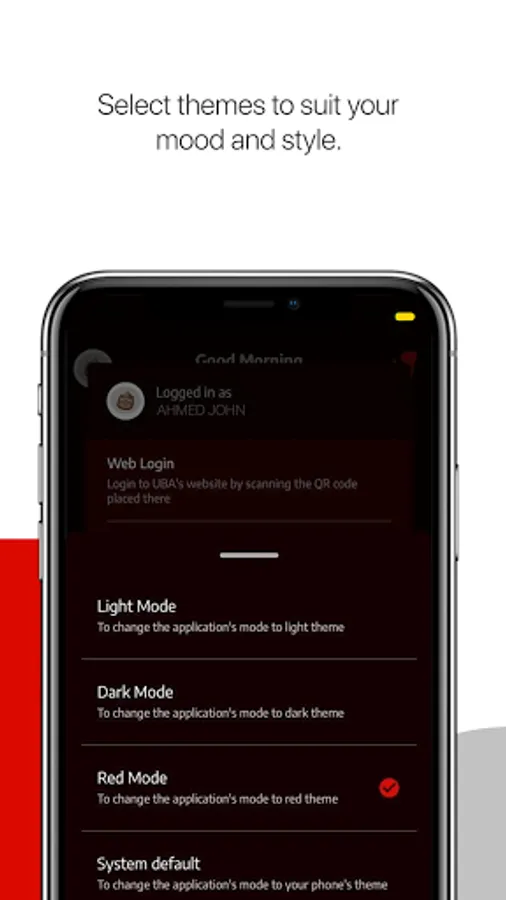
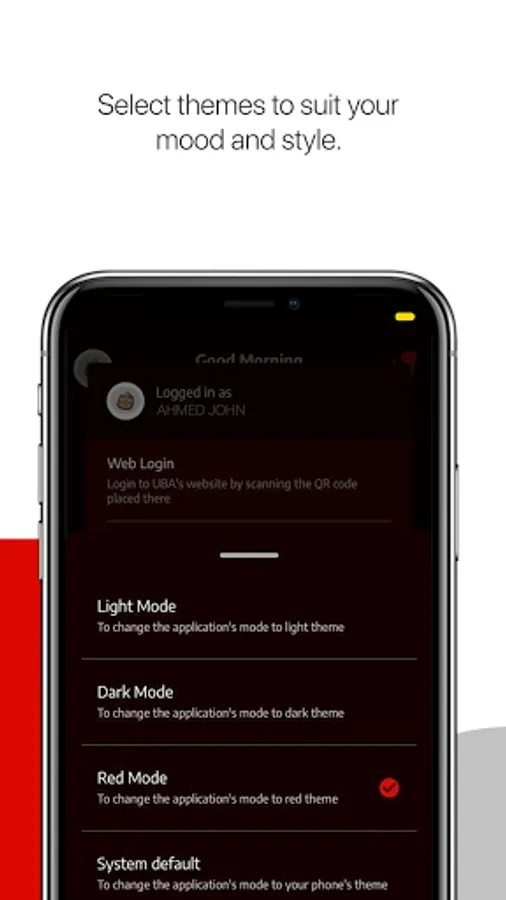
Select themes to suit your mood
Wave over your phone camera to hide your balance
Send money to phone numbers
Confirm, request, and stop cheques
To get started
If you have a UBA account, select Sign-up and register as a new user by choosing from any of the options below:
1. UBA Debit/Prepaid Card
2. UBA Secure Pass
3. USSD PIN
4. Activation Code Only (limited access)
5. In-branch activation
If you do not have a UBA account
1. Click the menu on the top-left corner of your app
2. Select "Open an Account"
3. Choose your preferred account type
4. Fill in your details and your account number will be sent to you via SMS
5. Conclude your signup process
6. Start Banking
The UBA Mobile App is your Personal Financial Manager and It's Made for you!
What's great about the new UBA Mobile App? Everything!
You can:
Set spending limit
Schedule and pay bills
Make transfers
Get instant notifications
Save for your goals
Open a new account
Interact in multiple languages
Sort out transaction disputes easily
Find a branch or ATM near you
Lock, freeze, cancel and block your card
Organise your dashboard
Select themes to suit your mood
Wave over your phone camera to hide your balance
Send money to phone numbers
Confirm, request, and stop cheques
To get started
If you have a UBA account, select Sign-up and register as a new user by choosing from any of the options below:
1. UBA Debit/Prepaid Card
2. UBA Secure Pass
3. USSD PIN
4. Activation Code Only (limited access)
5. In-branch activation
If you do not have a UBA account
1. Click the menu on the top-left corner of your app
2. Select "Open an Account"
3. Choose your preferred account type
4. Fill in your details and your account number will be sent to you via SMS
5. Conclude your signup process
6. Start Banking
UBA Mobile App Screenshots



Tap to Rate:
Reviews for UBA Mobile App
ROSE OGAH
12/28/2025
very good
Ameer Galadeema
12/25/2025
nice