
In this messaging app, you can encrypt and decrypt text messages using AES encryption with a password. Includes options for copying and pasting text, and sharing encrypted messages securely.
AppRecs review analysis
AppRecs rating 3.3. Trustworthiness 0 out of 100. Review manipulation risk 0 out of 100. Based on a review sample analyzed.
★★★☆☆
3.3
AppRecs Rating
Ratings breakdown
5 star
47%
4 star
5%
3 star
11%
2 star
0%
1 star
37%
What to know
✓
Authentic reviews
Natural distribution, no red flags
⚠
High negative review ratio
37% of sampled ratings are 1–2 stars
About Secret Message
Have you ever wanted to send a secret message to someone?
Now you can easily use Secret Message to encrypt your facebook, emails, messages, notes, appointments, etc.
Secret Message utilizes the best secure AES encryption to ensure your messages is safe from prying guys.
* How to use
Encrypt:
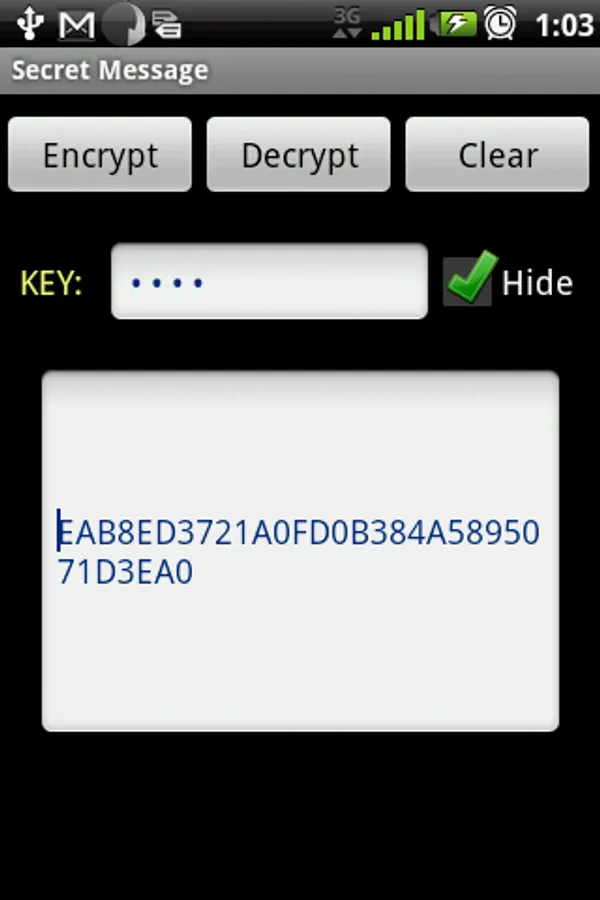
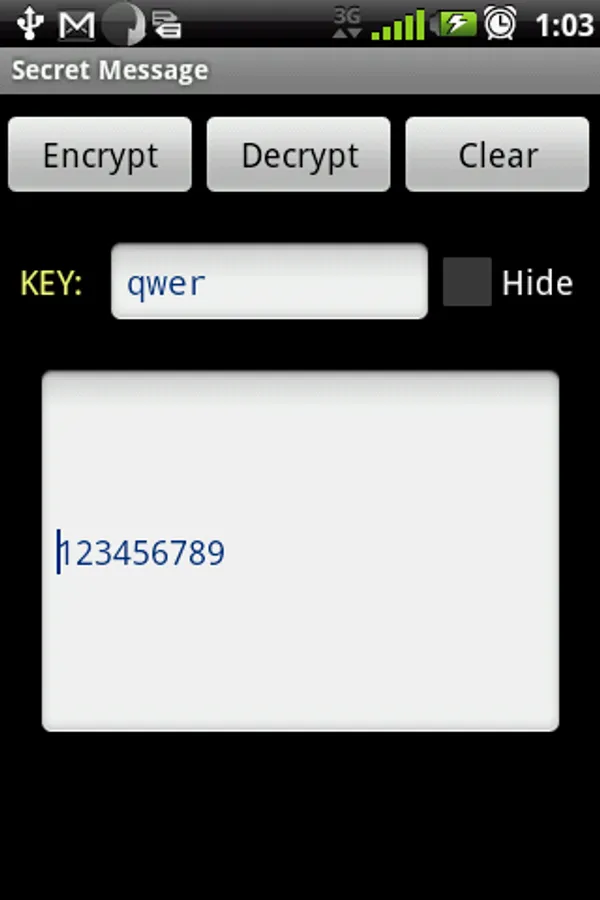
1. Type or paste text that is to be encrypted.
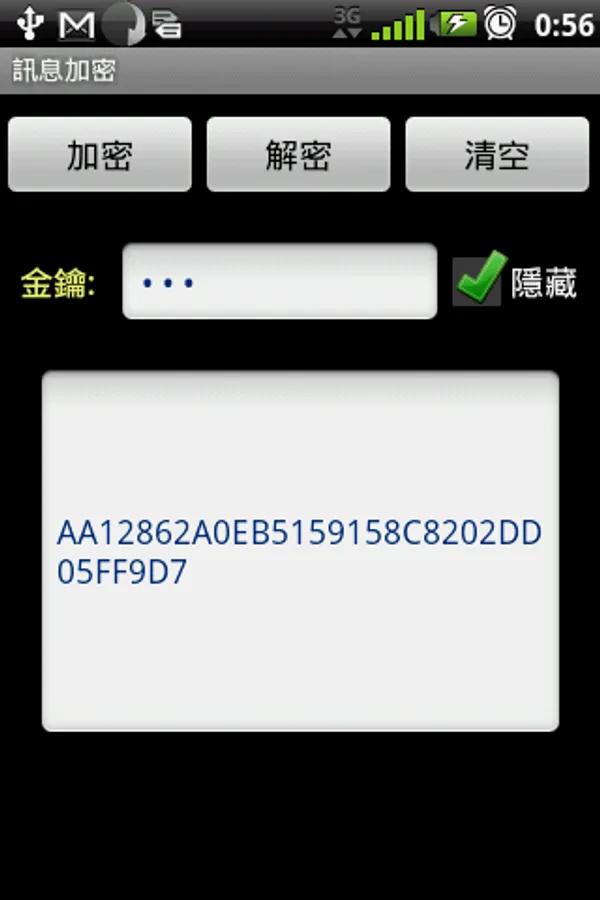
2. Enter a key (password), and click the "encrypt" button.
3. Copy the scrambled text which can be save in applications, blogs or sent to someone.
Decrypt:
1. Paste the scrambled text to textbox.
2. Enter the key (password) and click the "dncrypt" button.
Copy or Paste text:
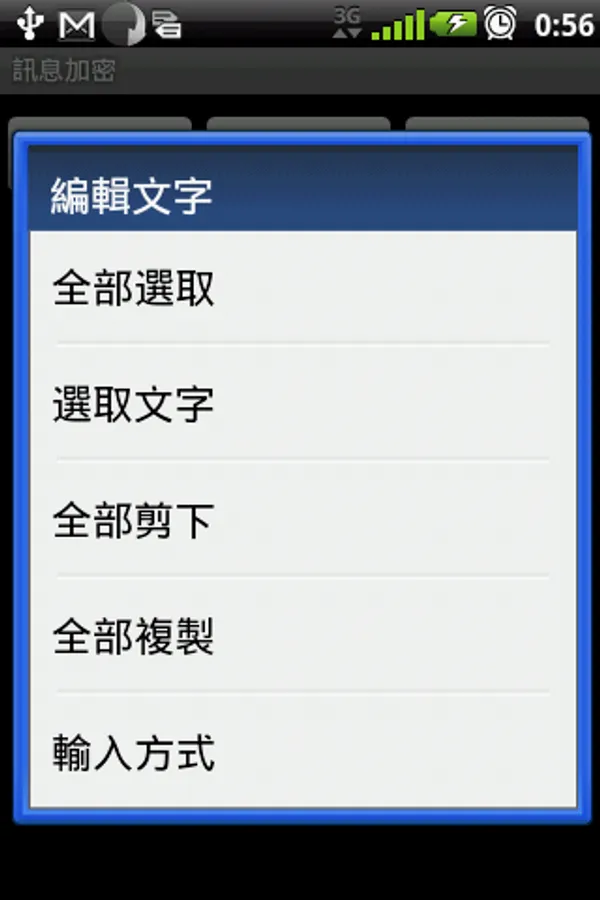
1. long-click the text box, select "Copy" or "Paste".
Now you can easily use Secret Message to encrypt your facebook, emails, messages, notes, appointments, etc.
Secret Message utilizes the best secure AES encryption to ensure your messages is safe from prying guys.
* How to use
Encrypt:
1. Type or paste text that is to be encrypted.
2. Enter a key (password), and click the "encrypt" button.
3. Copy the scrambled text which can be save in applications, blogs or sent to someone.
Decrypt:
1. Paste the scrambled text to textbox.
2. Enter the key (password) and click the "dncrypt" button.
Copy or Paste text:
1. long-click the text box, select "Copy" or "Paste".
Secret Message Screenshots
Tap to Rate: