
With this app, you can create a secret phone book and make calls using custom gestures. Includes gesture management, pass-gesture security, and database reset features.
AppRecs review analysis
AppRecs rating 3.8. Trustworthiness 0 out of 100. Review manipulation risk 0 out of 100. Based on a review sample analyzed.
★★★☆☆
3.8
AppRecs Rating
Ratings breakdown
5 star
51%
4 star
20%
3 star
0%
2 star
20%
1 star
10%
What to know
✓
Good user ratings
70% positive sampled reviews
✓
Authentic reviews
Natural distribution, no red flags
About Secret Drawing Phone
Don’t you wish your boyfriend/girlfriend or someone to look over your phone book? Secret Drawing Phone can finish your wish!
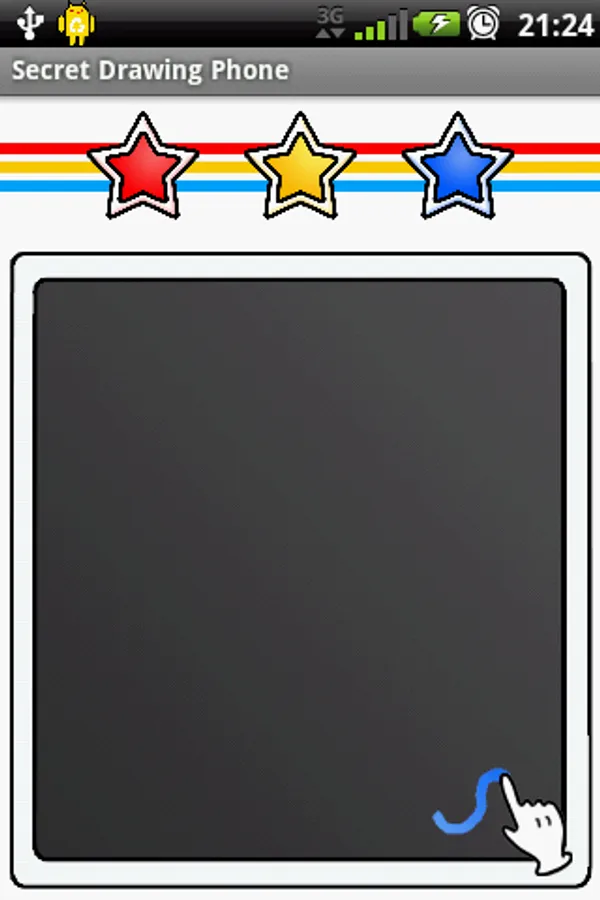
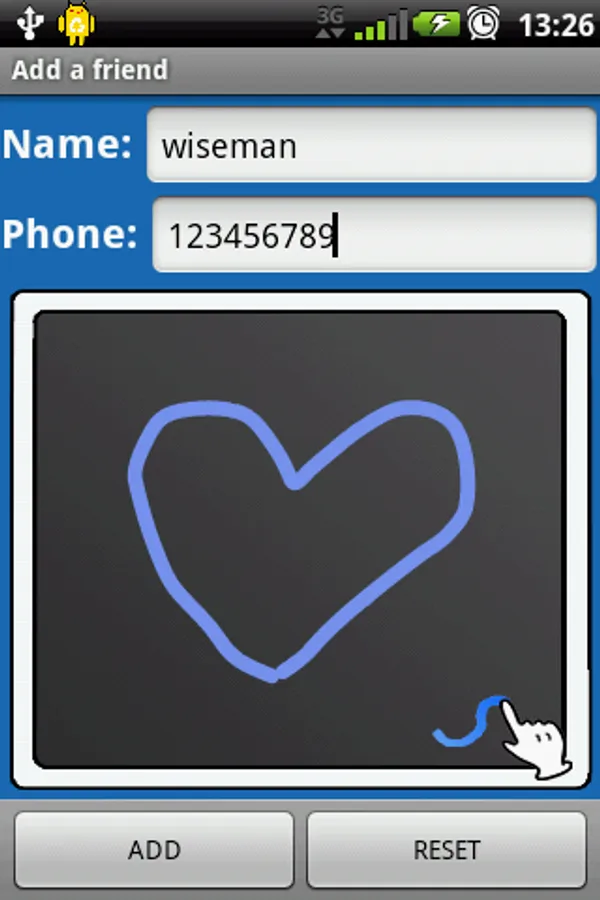
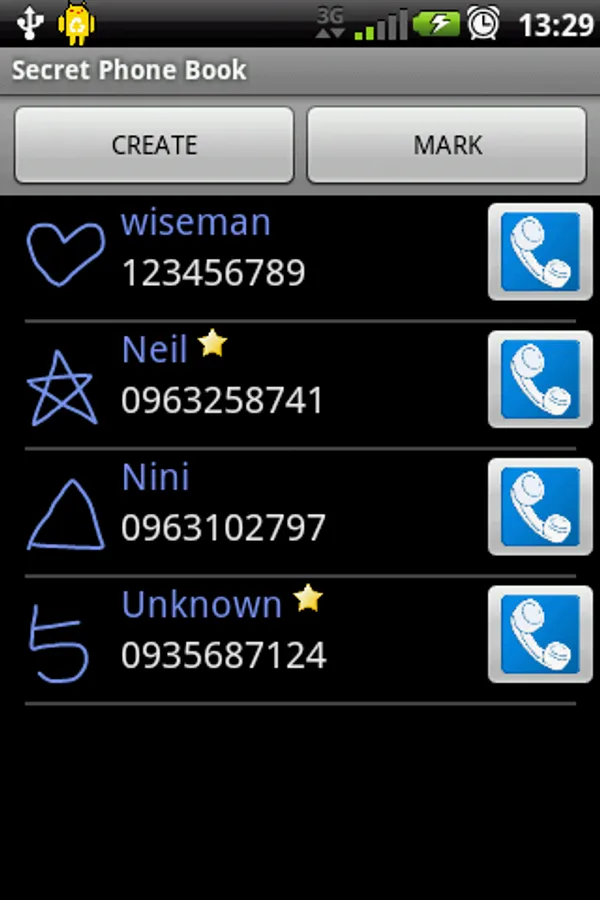
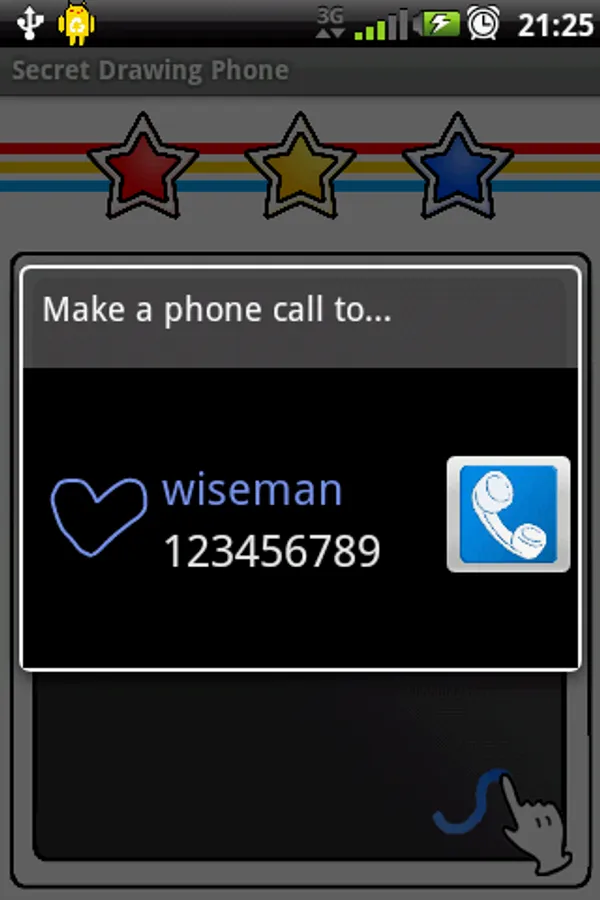
Secret Drawing Phone is a cool phone call app that allow you to have a secret phone book. Through this app, you can create a secret gesture for your secret friend’s phone number, and drawing the gesture on this app’s drawing board to make a phone call to her/him. In additional, you can also set a "Pass-gesture" for your phone book if you need. I bet you will love this app!
You can visit this website to get more information:
http://unknown0521.blogspot.com/2011/10/secret-drawing-phone_28.html
Features & Utilities:
* Create, edit, delete gestures for phone numbers
* Set a "Pass-gesture" for the phone book
* Make marks on specific phone numbers
* Elegant
* Secret
* Easy to use
How to use:
1. Enter the secret phone book:
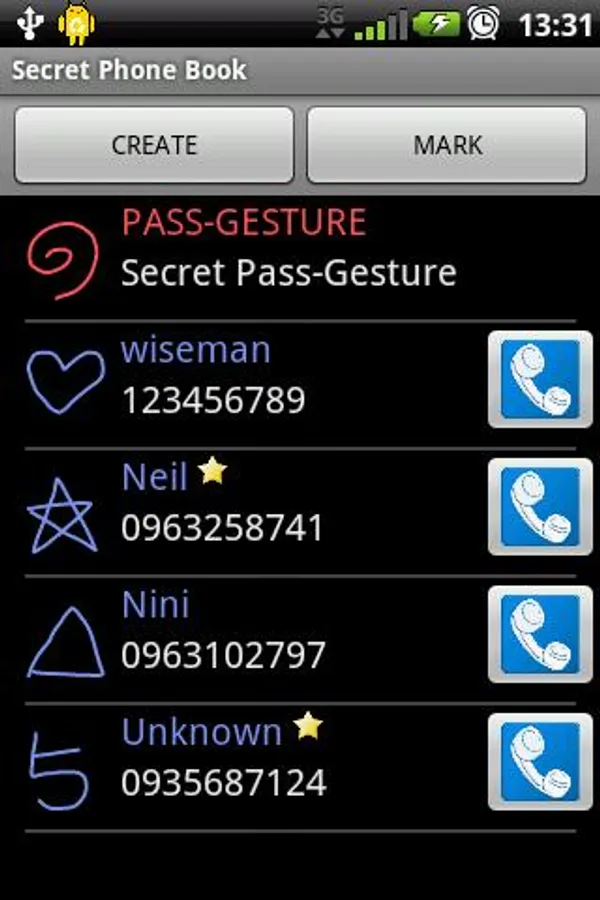
Click the blue-button of the main page, or draw your "Pass-gesture" on main page's drawing board.
2. Add a friend:
Click the create button of phone book page.
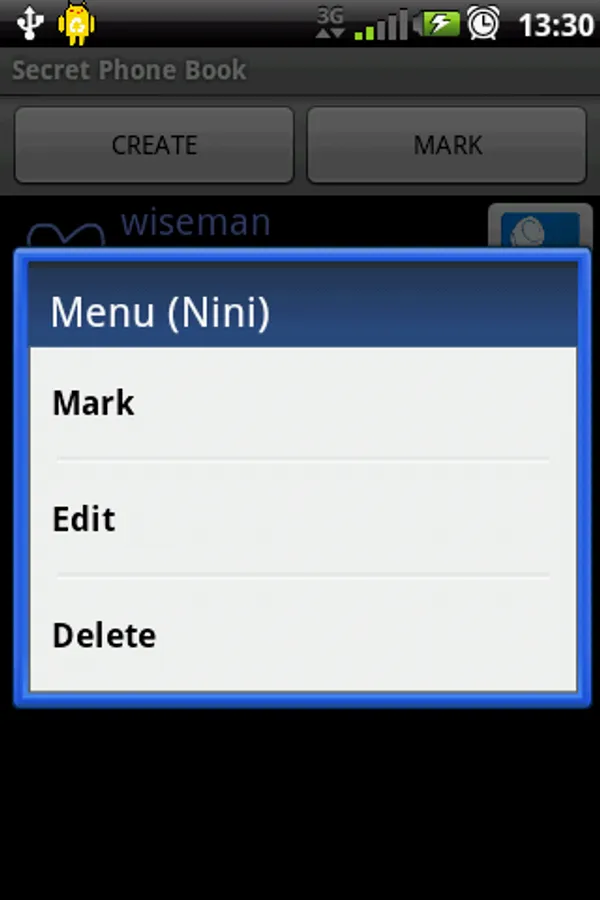
3. Mark, edit or delete a friend:
click a friend at phone book page.
4. Make a phone call to someone:
enter main page, then draw a gesture of someone on drawing board.
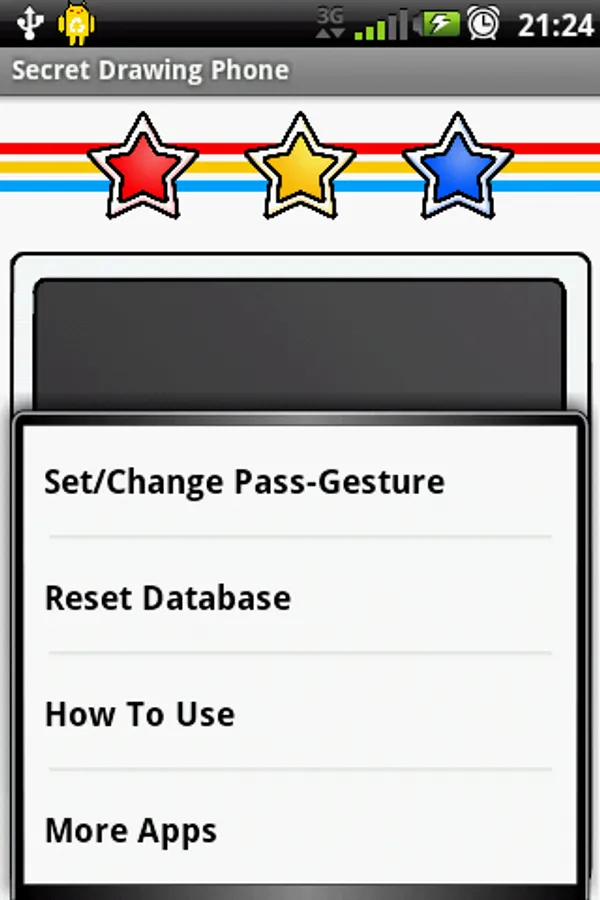
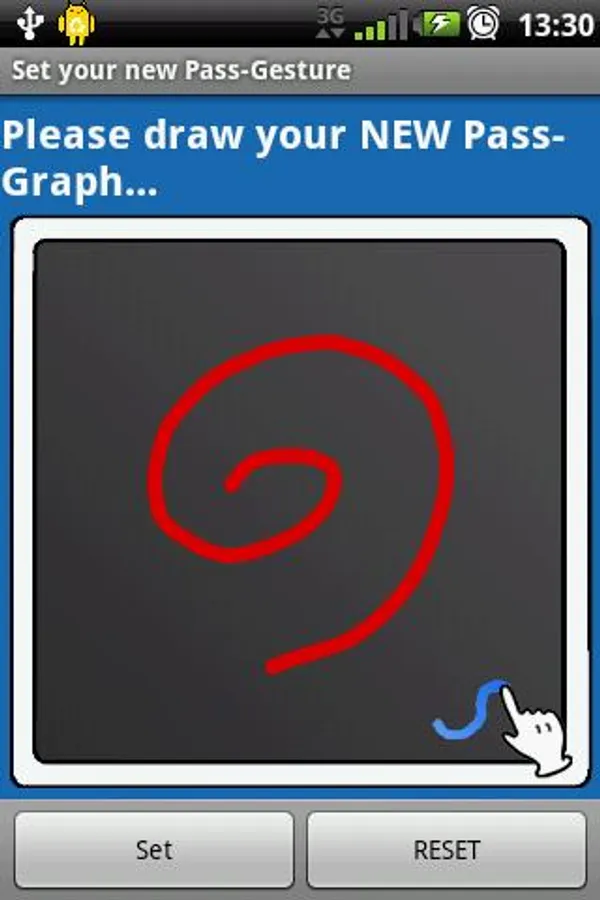
5. Set/Change a "Pass-gesture" for the phone book:
enter main page, then click the menu button of your android phone, choose "Set/Change Pass-Gesture".
6. Delete/Change Pass-gesture:
click the Pass-Gesture at phone book page.
7. Reset Database:
enter main page, then click the menu button of your android phone, choose "Reset Database".
Secret Drawing Phone is a cool phone call app that allow you to have a secret phone book. Through this app, you can create a secret gesture for your secret friend’s phone number, and drawing the gesture on this app’s drawing board to make a phone call to her/him. In additional, you can also set a "Pass-gesture" for your phone book if you need. I bet you will love this app!
You can visit this website to get more information:
http://unknown0521.blogspot.com/2011/10/secret-drawing-phone_28.html
Features & Utilities:
* Create, edit, delete gestures for phone numbers
* Set a "Pass-gesture" for the phone book
* Make marks on specific phone numbers
* Elegant
* Secret
* Easy to use
How to use:
1. Enter the secret phone book:
Click the blue-button of the main page, or draw your "Pass-gesture" on main page's drawing board.
2. Add a friend:
Click the create button of phone book page.
3. Mark, edit or delete a friend:
click a friend at phone book page.
4. Make a phone call to someone:
enter main page, then draw a gesture of someone on drawing board.
5. Set/Change a "Pass-gesture" for the phone book:
enter main page, then click the menu button of your android phone, choose "Set/Change Pass-Gesture".
6. Delete/Change Pass-gesture:
click the Pass-Gesture at phone book page.
7. Reset Database:
enter main page, then click the menu button of your android phone, choose "Reset Database".
Secret Drawing Phone Screenshots
Tap to Rate: