Sleep as Android: Smart alarm
Petr Nálevka (Urbandroid)
4.6 ★
388K ratings
10,000,000+
downloads
Free
+ in-app
In this sleep tracking app, you can monitor sleep cycles and set gentle wake-up alarms. Includes sleep analysis, smart alarm features, and integrations with wearables and music services.
AppRecs review analysis
AppRecs rating 4.6. Trustworthiness 75 out of 100. Review manipulation risk 22 out of 100. Based on a review sample analyzed.
★★★★☆
4.6
AppRecs Rating
Ratings breakdown
5 star
78%
4 star
11%
3 star
3%
2 star
2%
1 star
5%
What to know
✓
Low review manipulation risk
22% review manipulation risk
⚠
Ad complaints
Many low ratings mention excessive ads
⚠
Pricing complaints
Many low ratings mention paywalls or pricing
About Sleep as Android: Smart alarm
Sleep as Android is a Swiss knife tool for your sleep.
❤️ Enjoy 7 days premium, then keep freemium or upgrade.
FEATURES:
😴 Sleep
✔️ Based on 15 years of experience
✔️ Validated algorithms https://bit.ly/2NmJZTZ
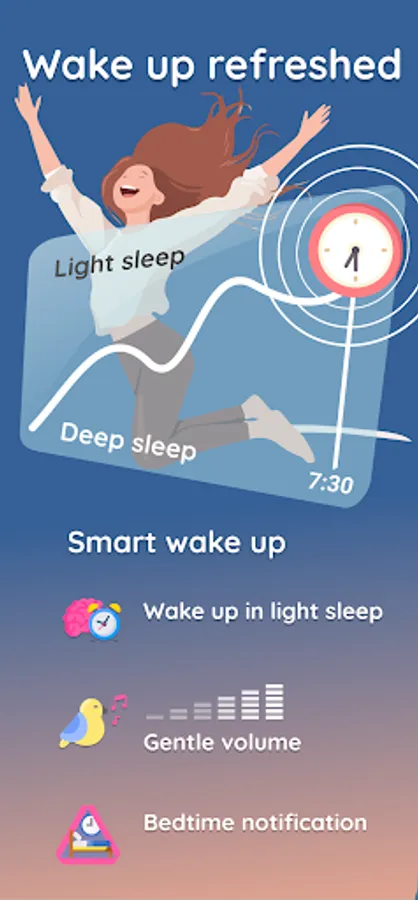
✔️ Get to bed on time with Bedtime notification
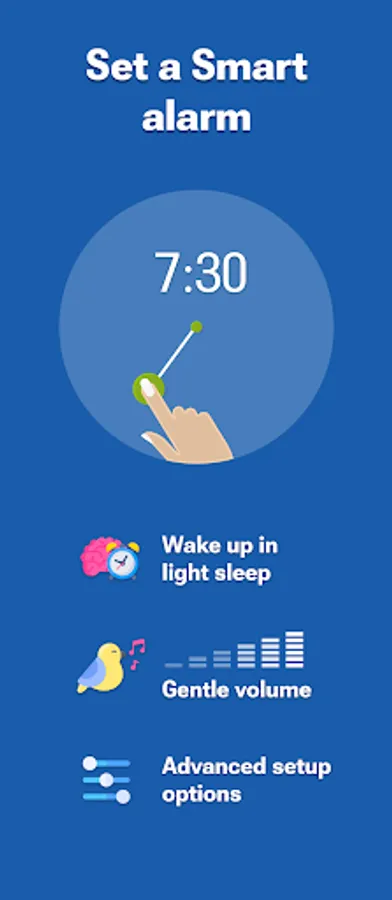
✔️ Smart wake-up feels natural!
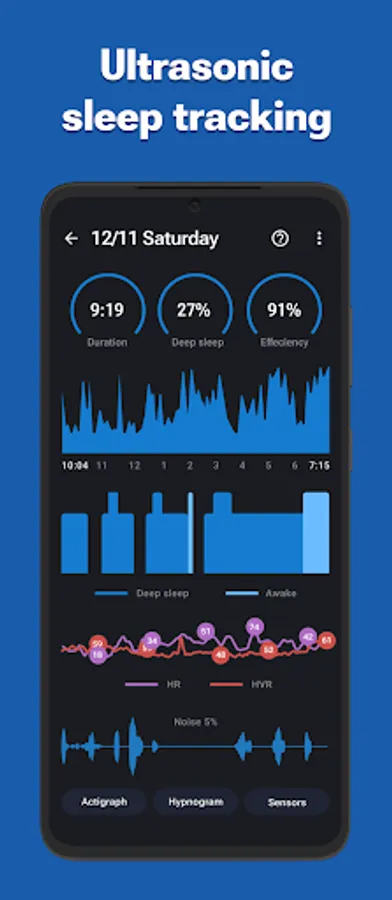
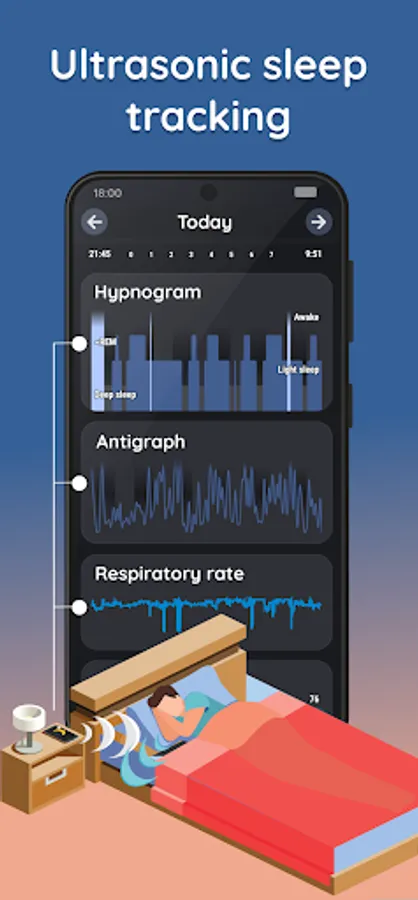
✔️ Sonar contactless tracking: No need for a phone in bed!
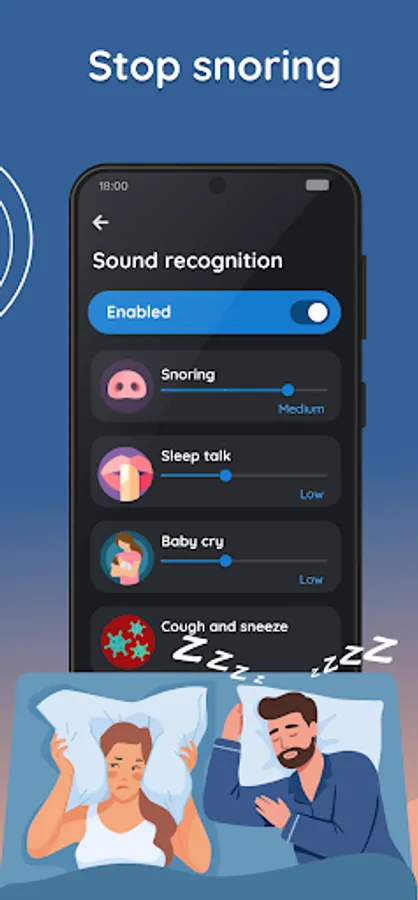
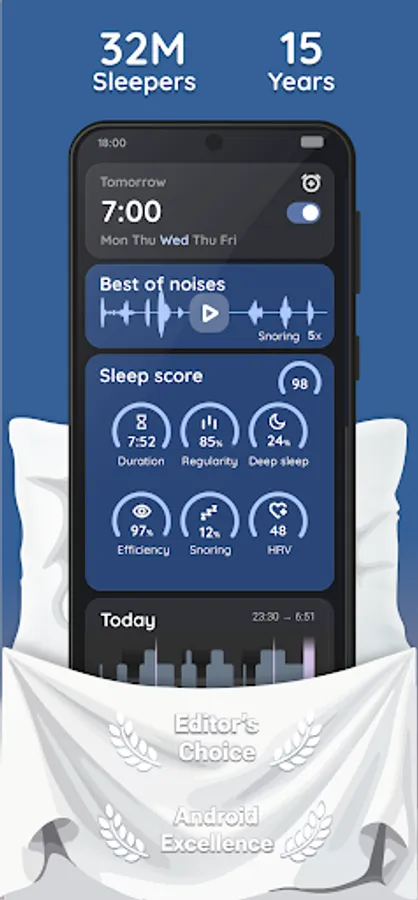
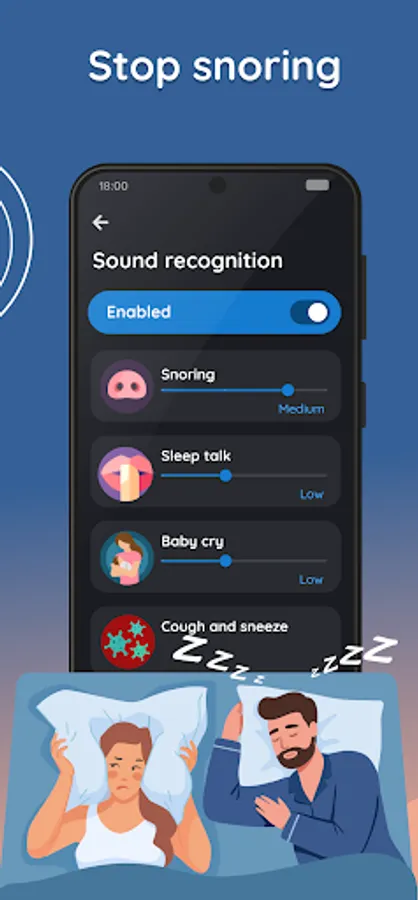
✔️ AI-powered sound recognition: Anti-snoring, Sleep talk, Sickness detection
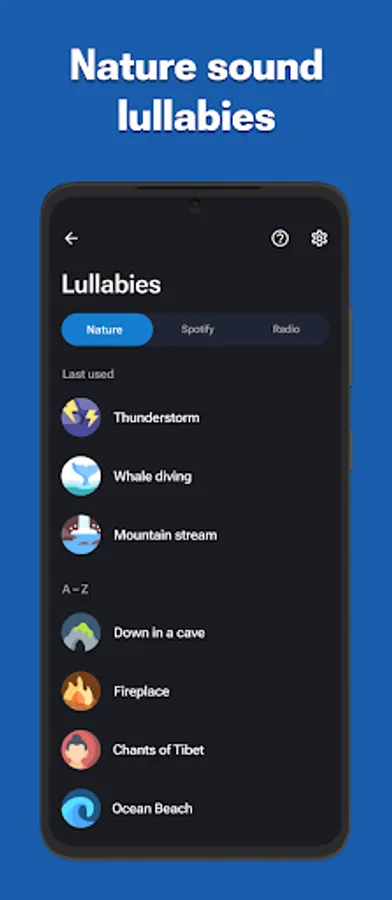
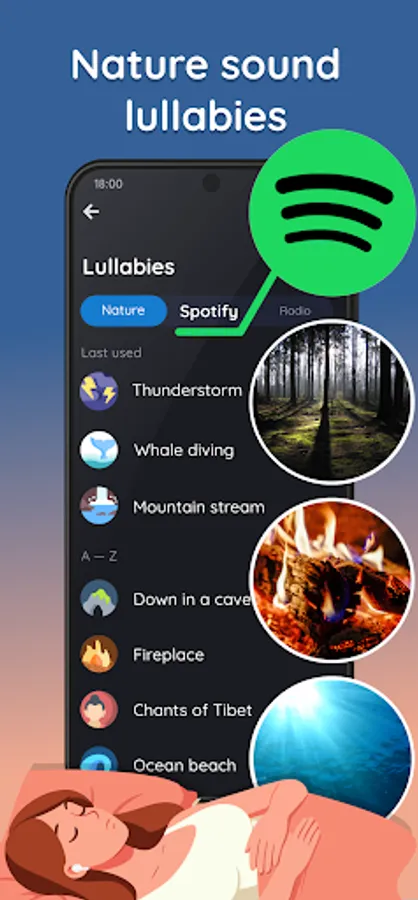
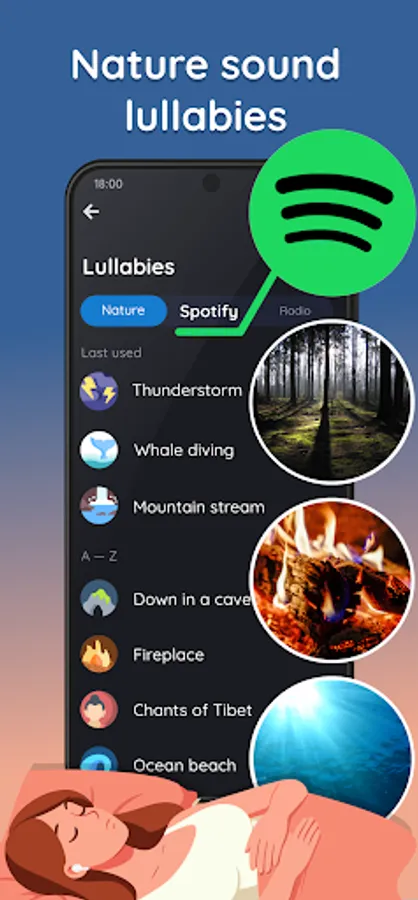
✔️ Fast fall asleep with nature sound lullabies
✔️ Sleep respiration analysis with low breath rate alarm
✔️ Lucid dreaming, Anti-Jetlag...
⏰ Wakeup
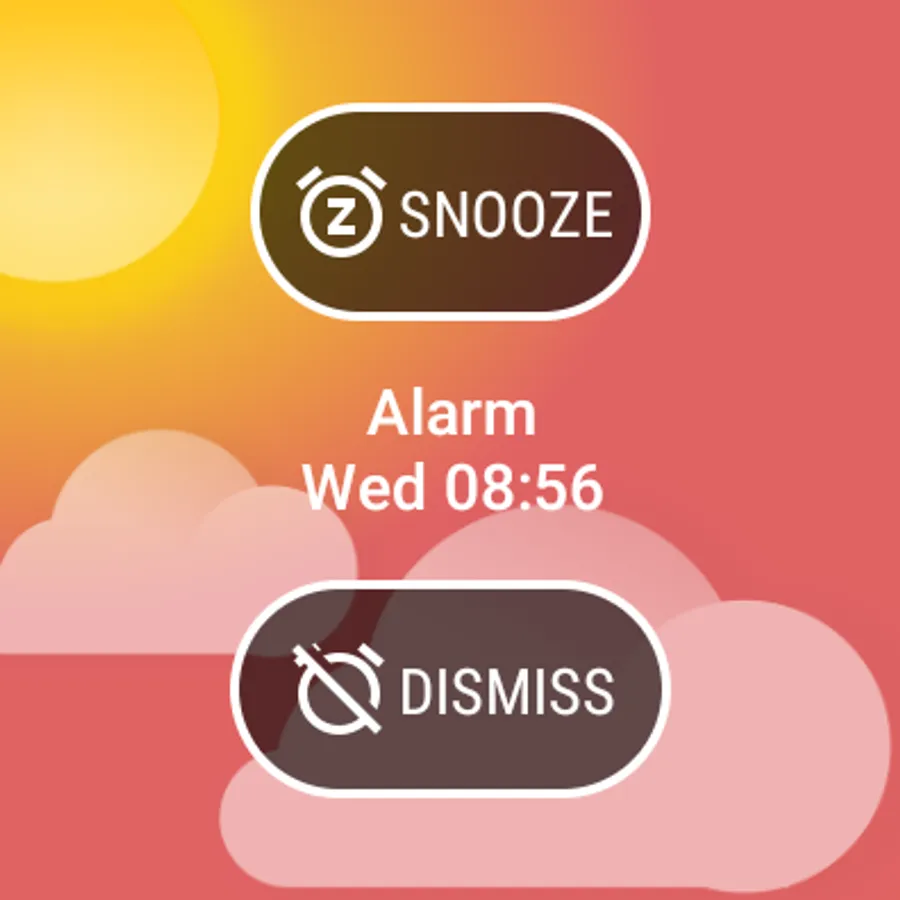
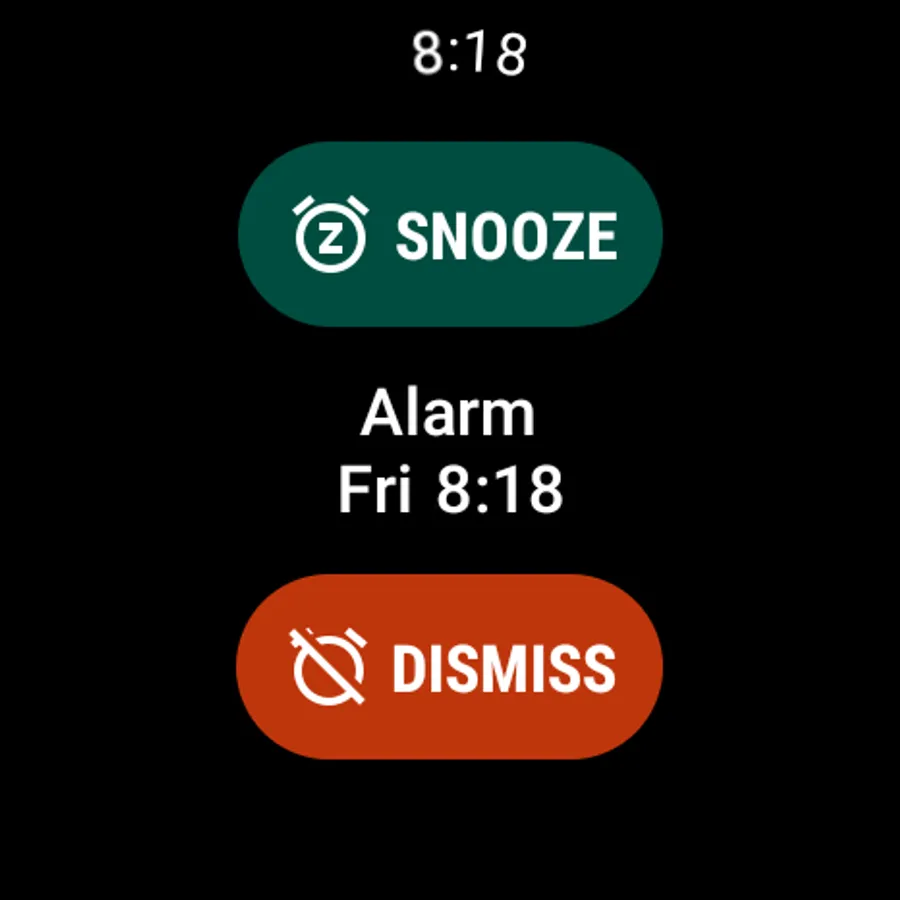
✔️ Alarm clock with all the features
✔️ Gentle alarm sounds
✔️ Spotify songs or playlists
✔️ Sunrise alarm
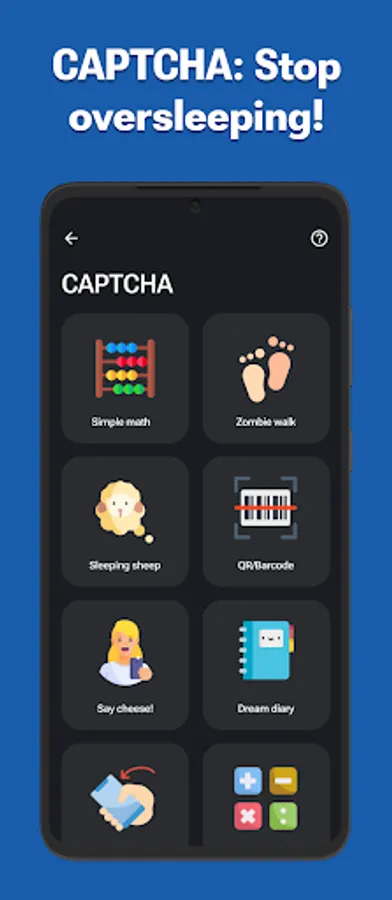
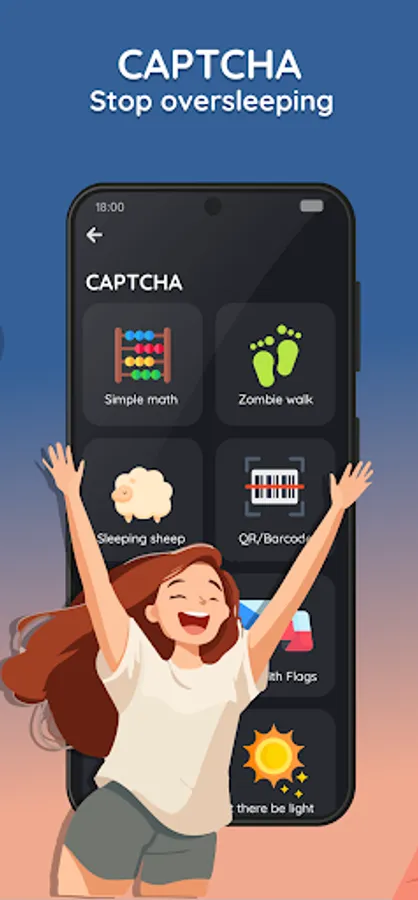
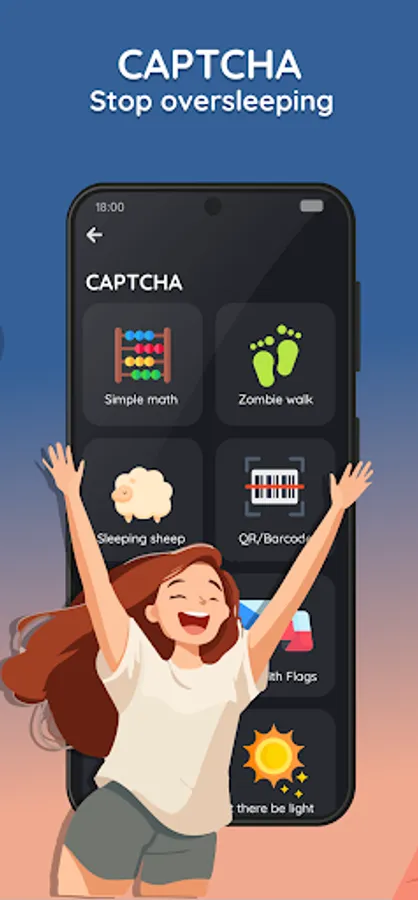
✔️ Never oversleep again with CAPTCHA tasks and Snooze limit
📊 Data
✔️ Privacy first
✔️ AI-assistant helps you understand your sleep
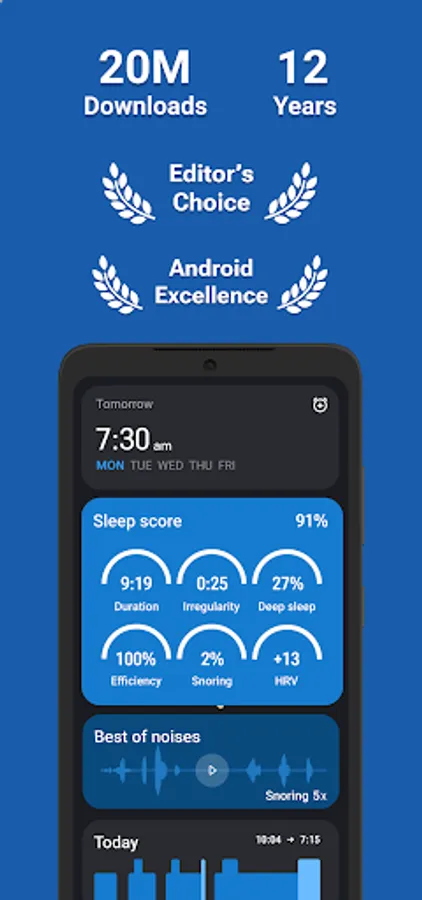
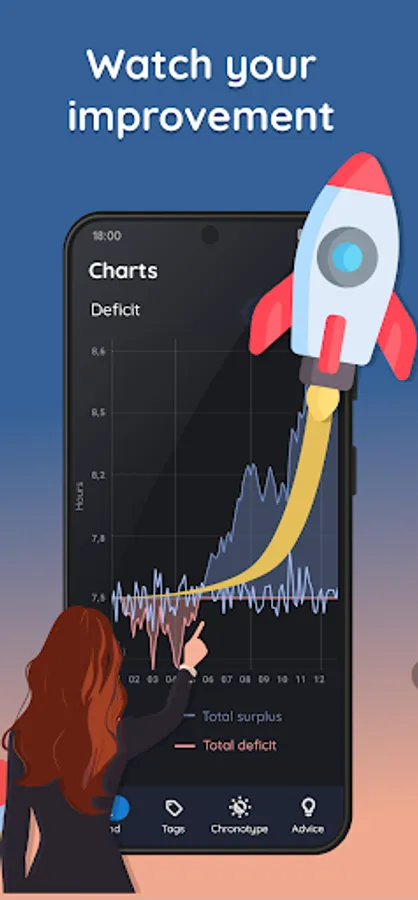
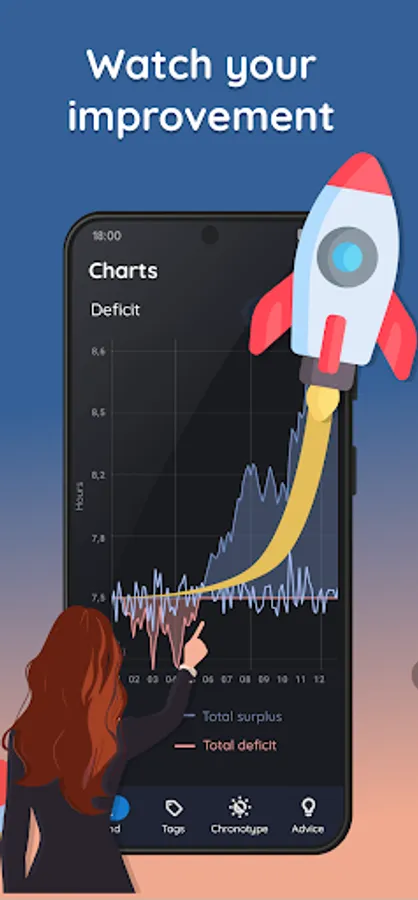
✔️ Sleep Score: deficit, regularity, efficiency, phases, snoring, breath rate, SPO2, HRV
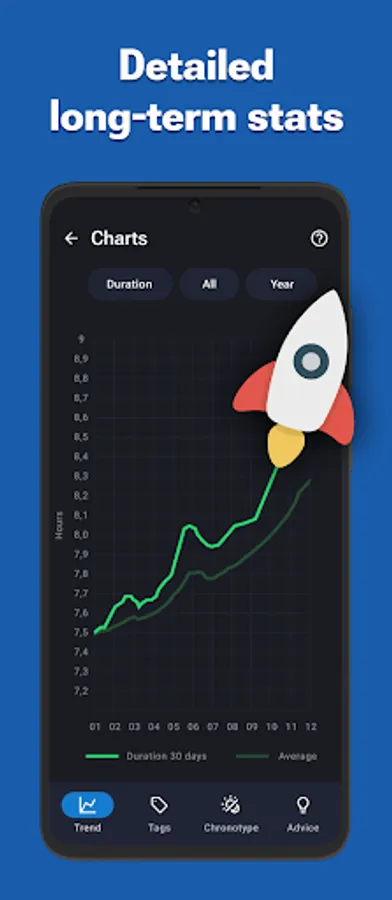
✔️ Trends, Tags, Chronotype detection, and Advice
🔗 Integrations
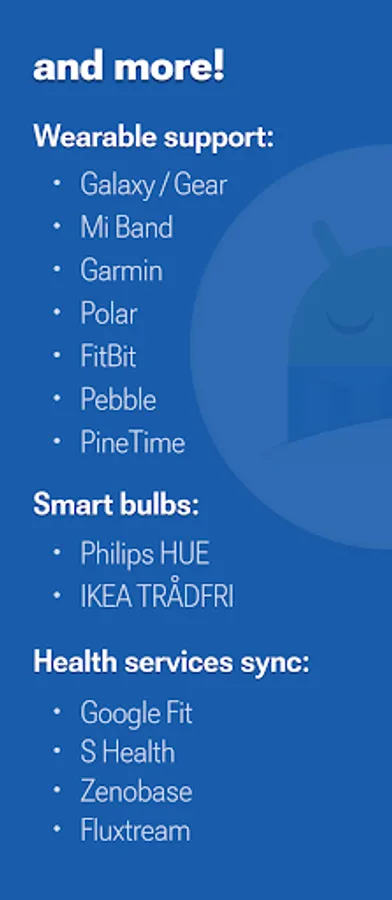
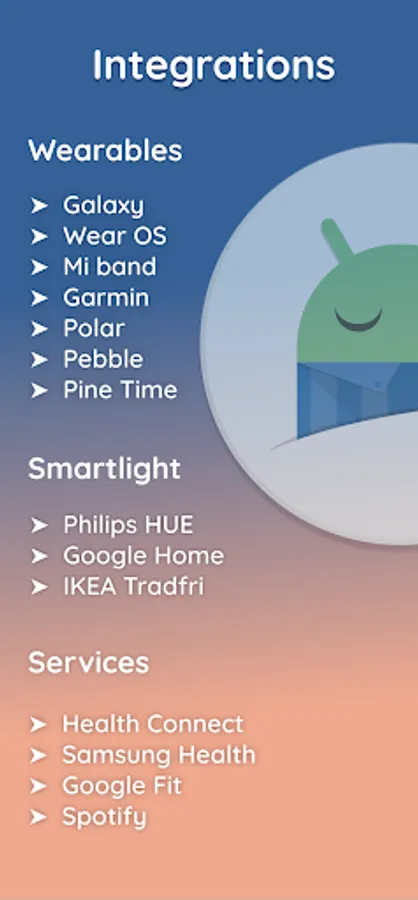
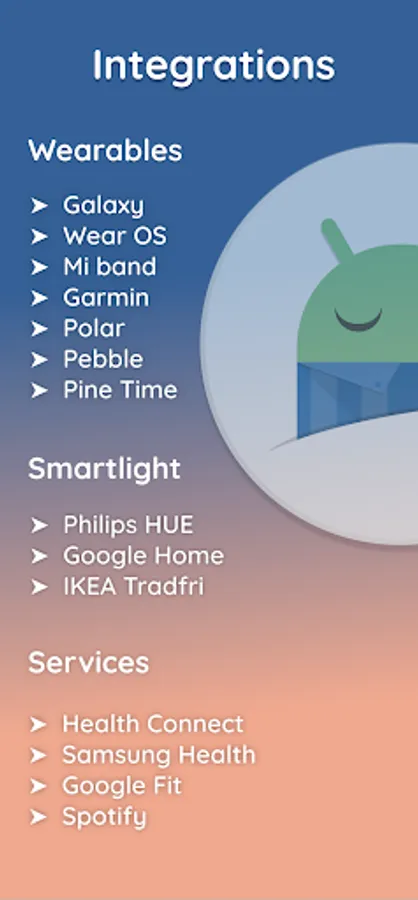
✔️ Wearables: Pixel Watch, Galaxy, Wear OS, Garmin (ConnectIQ), Mi Band + Amazfit + Zepp (needs 3rd party app), Polar (H10, OH10, Verity Sense), FitBit (Ionic, Sense, Versa), PineTime
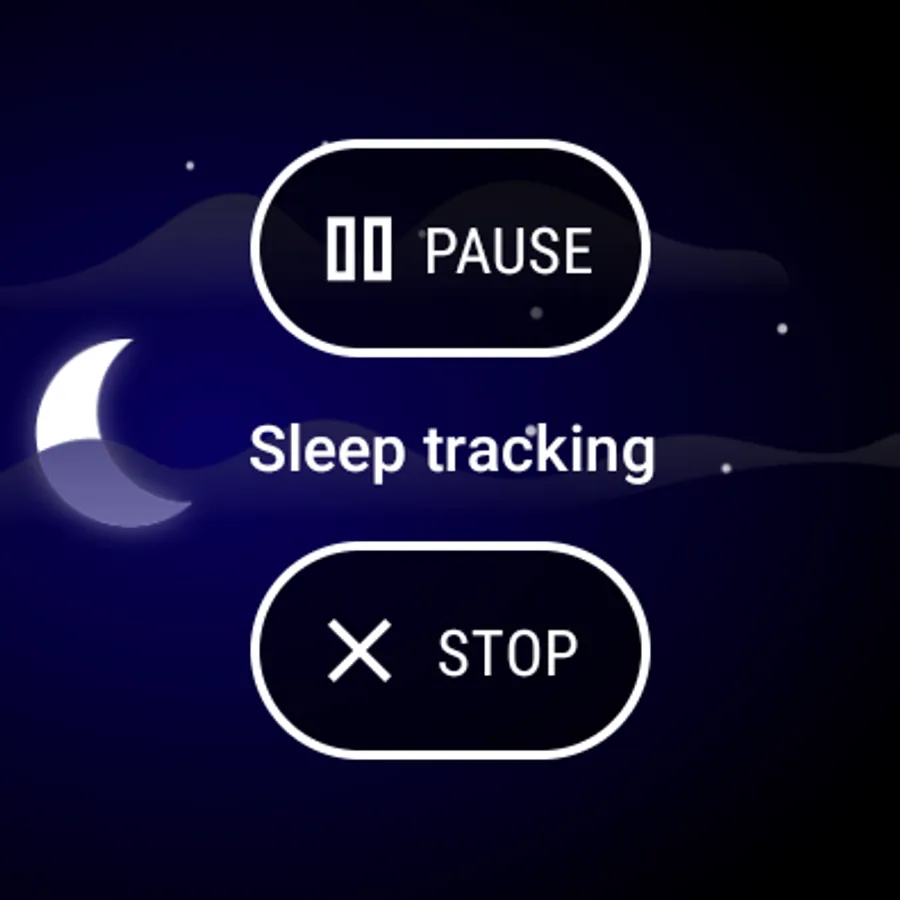
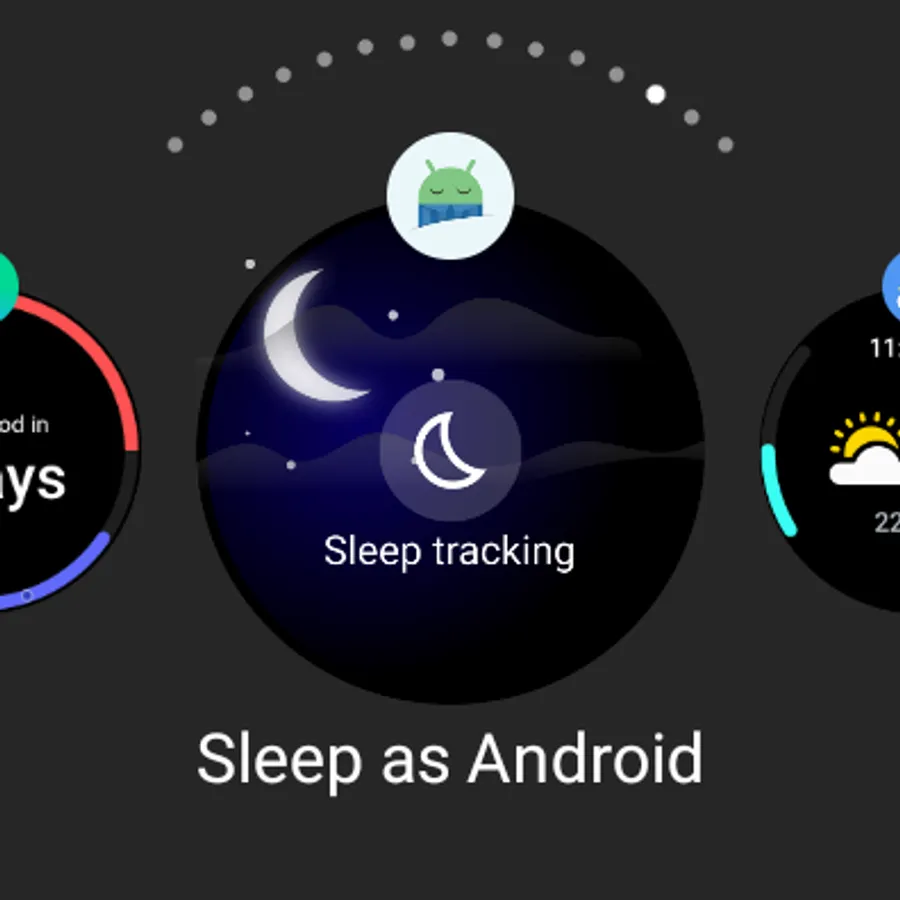
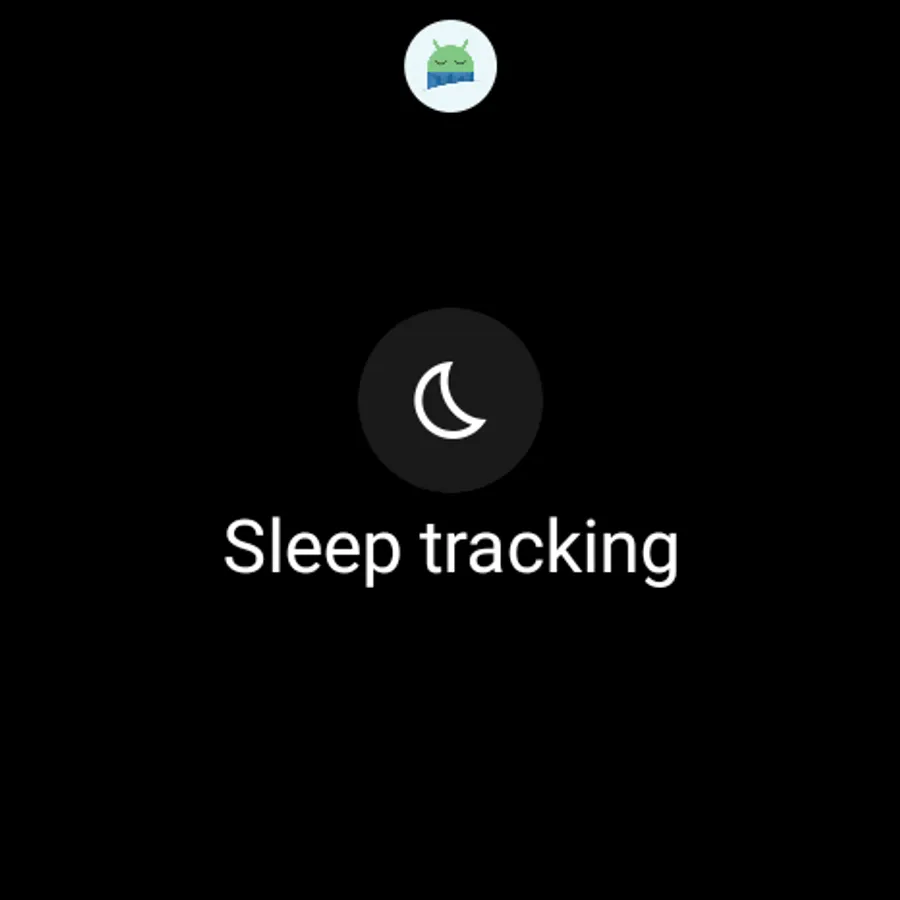
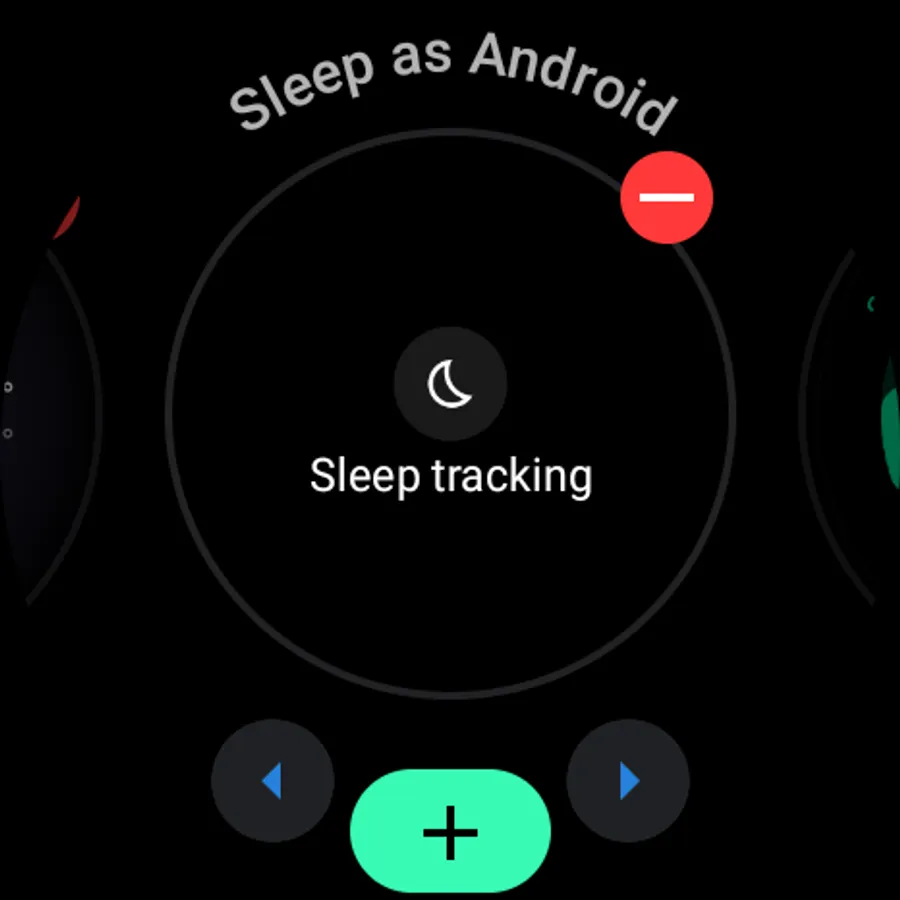
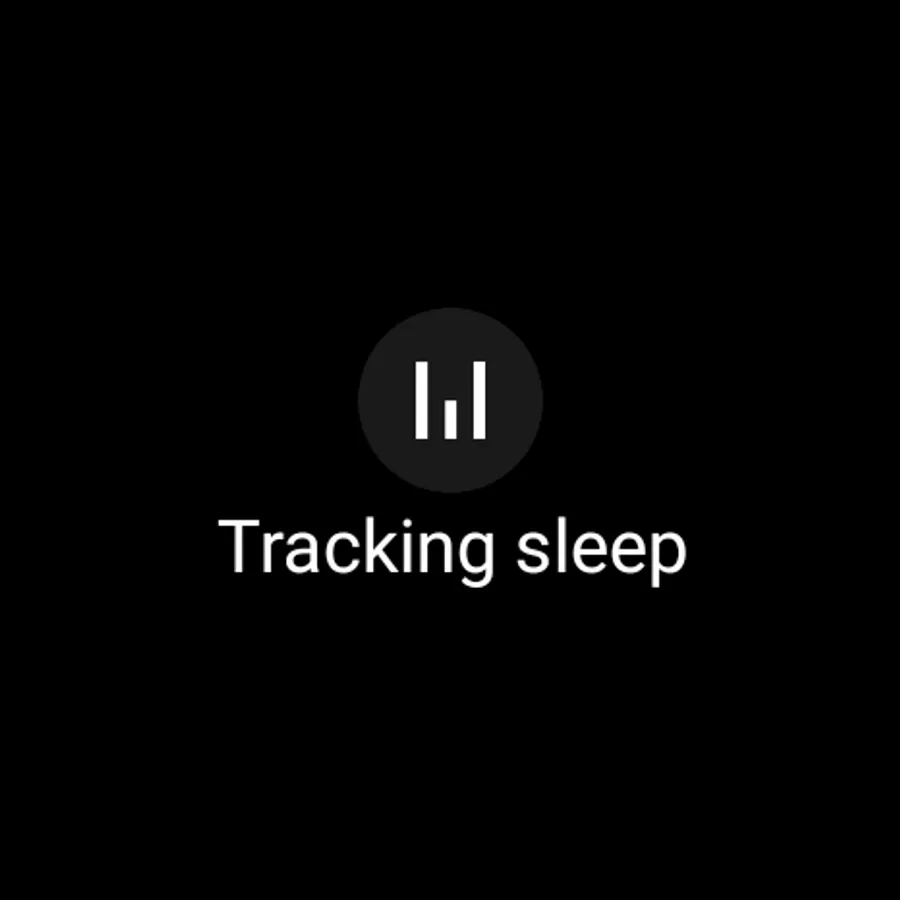
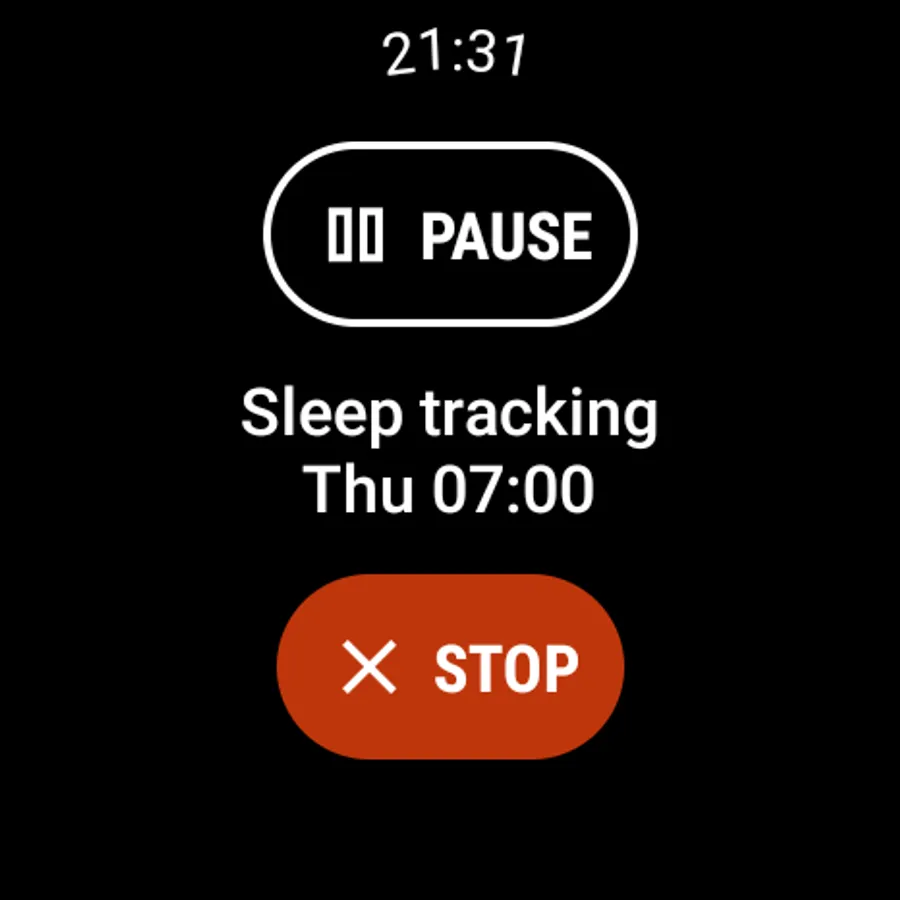
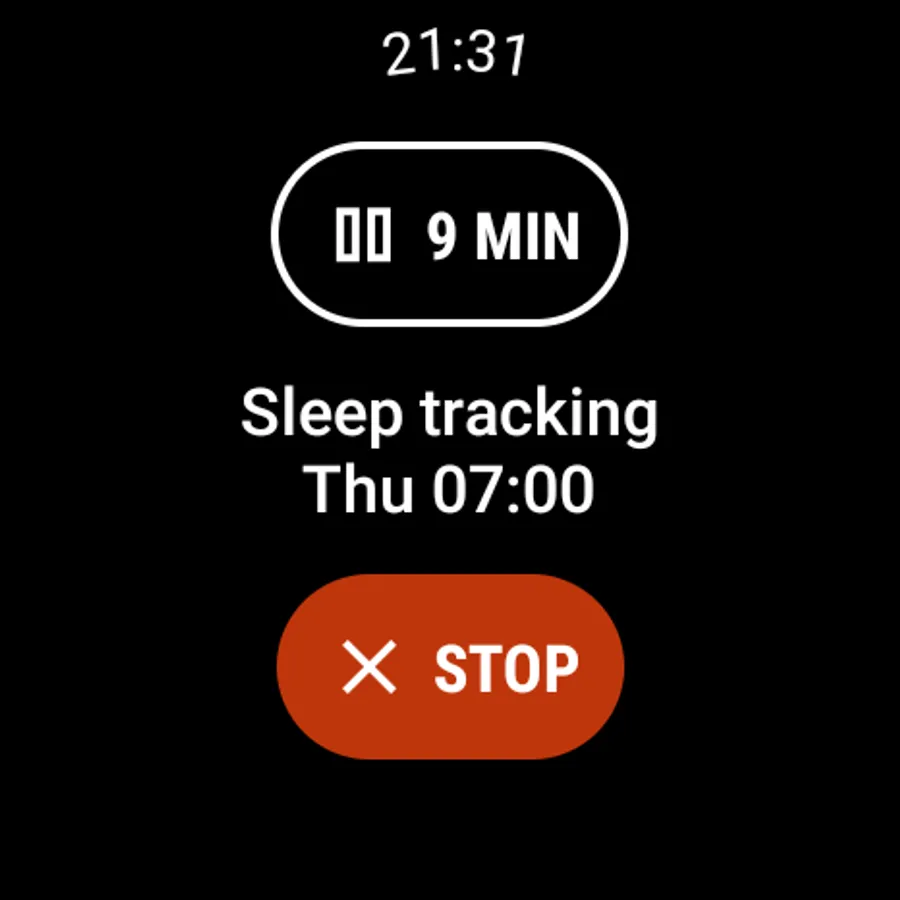
✔️ You can install Sleep as Android on your Wear OS watch and use the watch sensors for better data. A Wear OS Tile allows you to start/stop/pause sleep tracking and check your progress without interacting with your phone.
✔️ Spotify - for lullabies or wake up
✔️ Smartlight: Sunrise wake up with Philips HUE, IKEA TRÅDFRI
✔️ Automation: IFTTT, MQTT, Tasker, or custom Webhooks
✔️ Services: Health Connect, Samsung Health, Google Calendar
✔️ Backup: SleepCloud, Google Drive, DropBox
Quick start
https://sleep.urbandroid.org/docs/faqs/quick_start.html
Video tutorial
https://www.youtube.com/watch?v=whUibMSqkO4
Documentation
https://sleep.urbandroid.org/docs/
FAQ
https://sleep.urbandroid.org/docs/faqs/
Permissions explained
https://sleep.urbandroid.org/docs/general/permissions.html
See how we do contact-less sleep and breath tracking with Sonar
https://www.youtube.com/watch?v=cjXExBj6VcY
How we designed our neural networks for sleep sound classification
https://www.youtube.com/watch?v=OVeT0KIXp2k
Watch our latest smartwatch integration progress
https://sleep.urbandroid.org/docs/devices/supported_wearable.html
Accessibility Service
The accessibility service is necessary for a series of alarm tasks called CAPTCHA. Completing tasks such as sheep counting, doing math, or scanning a barcode on your toothpaste will ensure you get up on time and are fully awake.
The accessibility Service prevents you from cheating the CAPTCHA tasks by force-stopping the app or turning off the device before completing them. No personal information is collected.
Device Admin
This app may also use the Device Administrator permission to prevent you from cheating CAPTCHA tasks (see above) by uninstalling the app.
Health Disclaimer
Sleep as Android is not intended for medical use, but rather to improve general fitness and well-being, especially in terms of better sleep. Any oxygen saturation tracking is done with compatible oximeter devices such as the TicWatch, BerryMed oximeters... more at https://sleep.urbandroid.org/docs/devices/wearables.html
Sleep as Android: Smart alarm Screenshots
Tap to Rate:
Reviews for Sleep as Android: Smart alarm
Elliot Morley
2/21/2026
was the perfect alarm app for years, and now plays loud adverts you have to subscribe monthly to remove. don't bother, I will be using something else from now on.
Abigail Dye
2/21/2026
I love it it's so easy to use the only problem is I forget to use it when I go to sleep but other people probably don't so yeah cool (▼⌣▼)