
AppRecs review analysis
AppRecs rating . Trustworthiness 75 out of 100. Review manipulation risk 22 out of 100. Based on a review sample analyzed.
★
AppRecs Rating
Ratings breakdown
5 star
0%
4 star
0%
3 star
0%
2 star
0%
1 star
100%
What to know
✓
Low review manipulation risk
22% review manipulation risk
✓
Credible reviews
75% trustworthiness score from analyzed reviews
⚠
Mixed user feedback
Average 1.0★ rating suggests room for improvement
About VirtualTEC
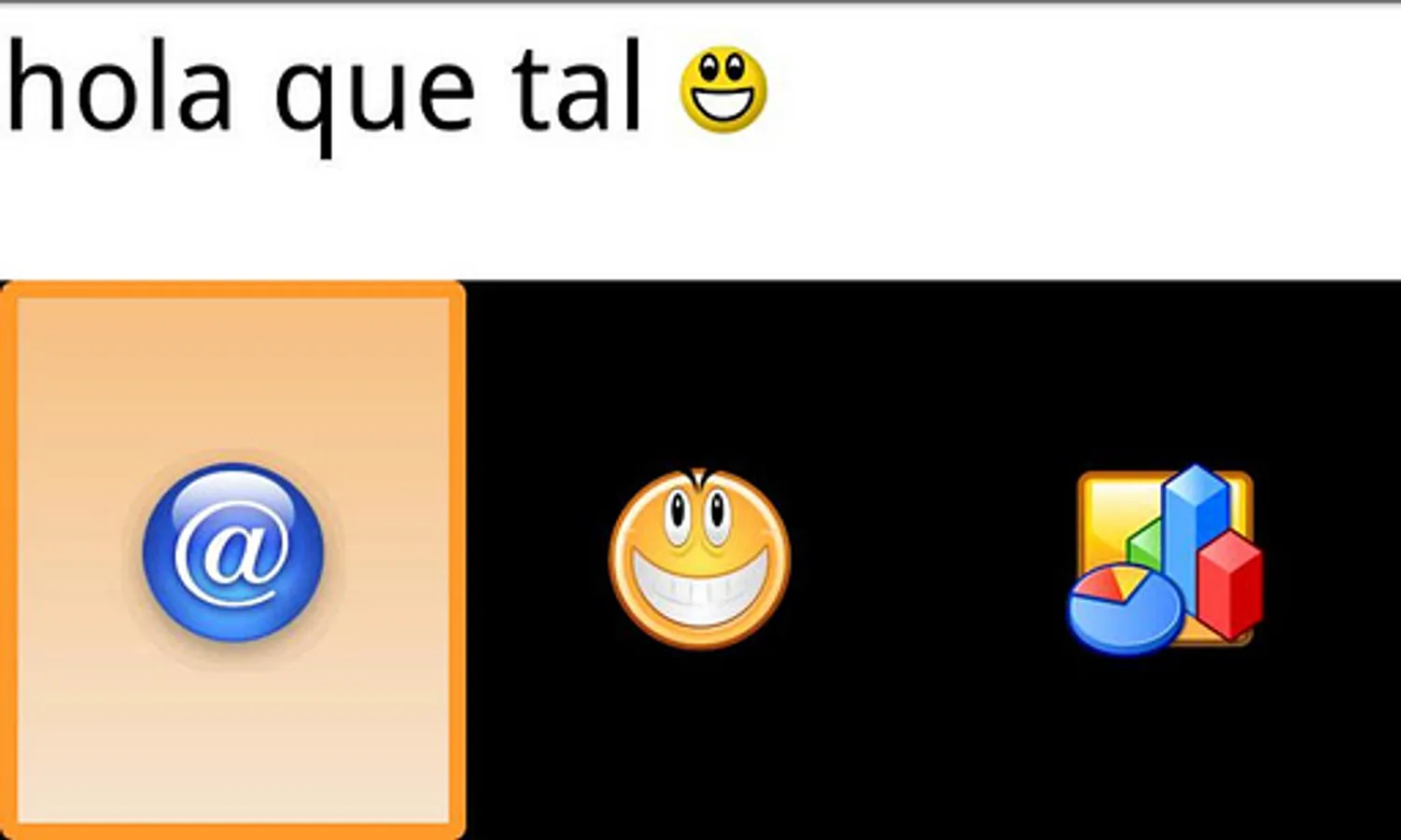
It is divided into the following fields:
*Vowels
*Consonants
*Numbers
*Symbols
*Smileys
*Frequent actions (stored by the user himself).
*End (when the user concludes a message to be sent to the speech synthetizer and saved in a database).
*Save Frequent Action (the message will be read aloud by the TTS and will subsequently appear in the frequent action field).
*Delete.
This application also provides a menu with different items: settings, recent messages, about and exit.
Regarding ‘Settings’ menu item, it offers the following possibilities:
*Language (vowel and consonant order, voice synth configuration, etc. depending on the language).
*Type (to select the number of items in the scanning area).
*Scanning speed.
*Speech Synthetizer (enabled/disabled)
*Touch (to access a field or item by simply touching anywhere on the screen, or pressing and releasing anywhere to access the active item).
When selecting the ‘recent messages’ menu item, the system will display the last twenty messages communicated by the user by activating the ‘End’ field on VirtualTEC. The very last message will be the first on the list.
Finally, the menu item ‘About’ simply provides information about the VirtualTEC
To make the voice synthesizer work:
For version 2.1:
- Go to page http://code.google.com/p/eyes-free/downloads/list and download packages "tts_3.1_market.apk" and "com.svox.langpack.installer_1.0.1.apk". Install them on the device.
From version 2.2:
- Go to "Settings> Voice Input and Output", click on "Settings speech synthesis" and then "Install voice data files."
VirtualTEC Screenshots

Tap to Rate:
Reviews for VirtualTEC
A Google user
10/28/2012
I am a student who is studying special ed & had to look into apps for people that need aac devices to communicate. I came across this app & thought it was going to be awesome because it was updated multiple times,overall had a good rating (though now I am more aware that it is list poorly due to the limited reviews),& also because there was a lot of contact infoyrmation & a website that provide more information as well. Unfortunately,the video is only in Spanish, which I don't speak! Overall,very confusing!