VBAN Talkie
$9.99
rated 4.0 stars
1,000+
downloads
About VBAN Talkie
VBAN protocol is made to transport audio in native PCM format (16 kHz to 48 kHz - 8 to 24 Bits) on any local network (LAN or WLAN). VBAN Stream can be managed and mixed by Voicemeeter Application, the Virtual Audio Device Mixer (www.voicemeeter.com)
HELP: How to send VBAN Stream to Mobile Devices:
https://forum.vb-audio.com/viewtopic.php?f=6&t=443
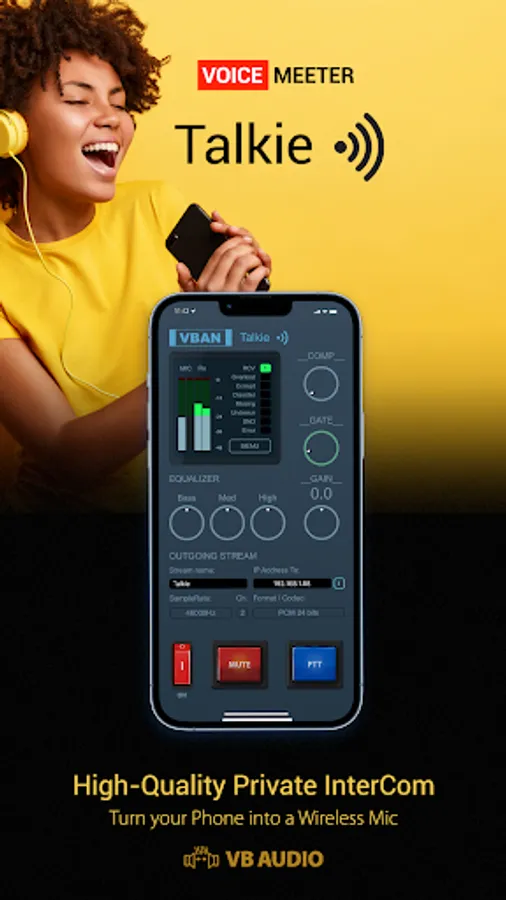
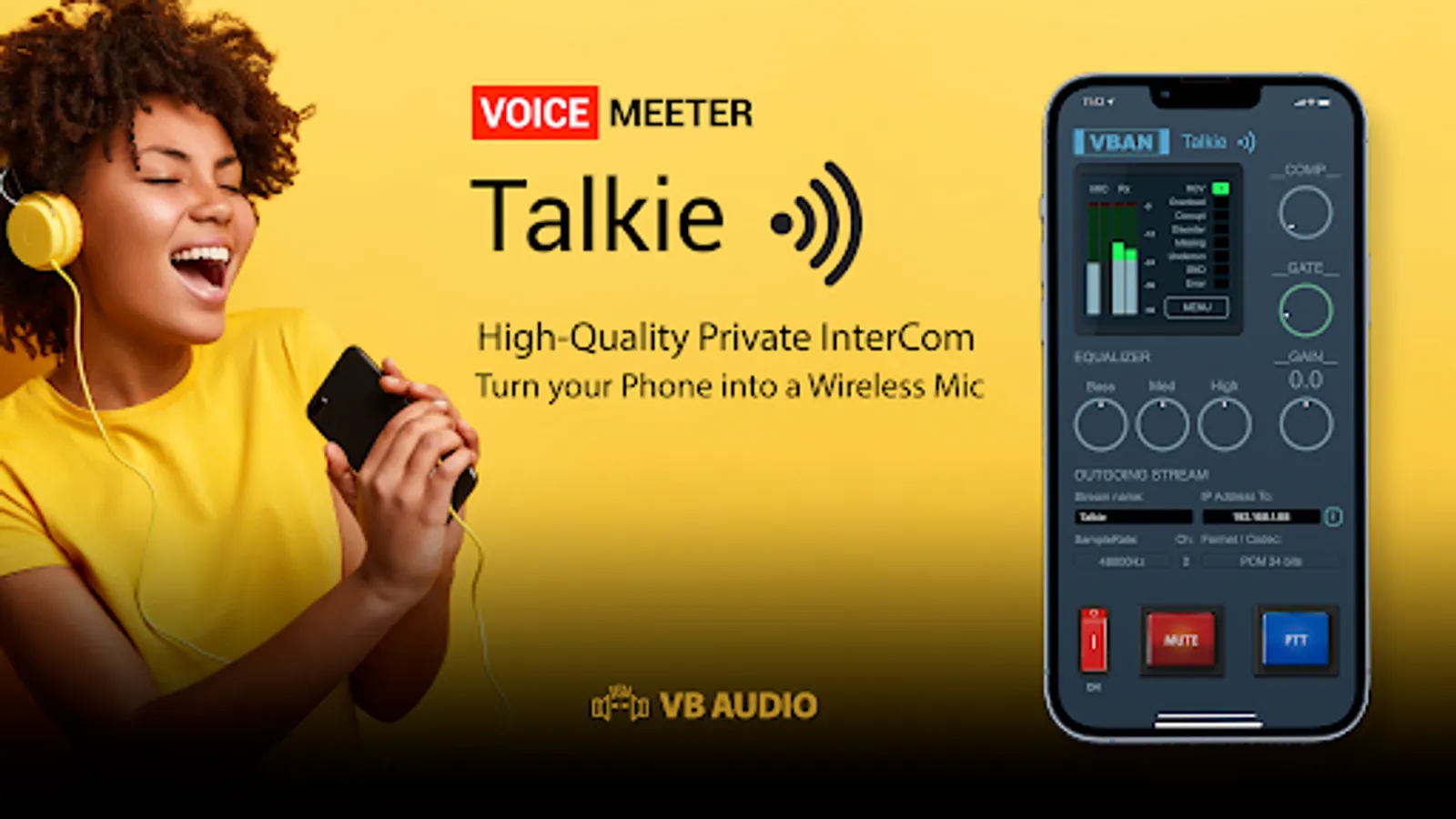
Additional Features:
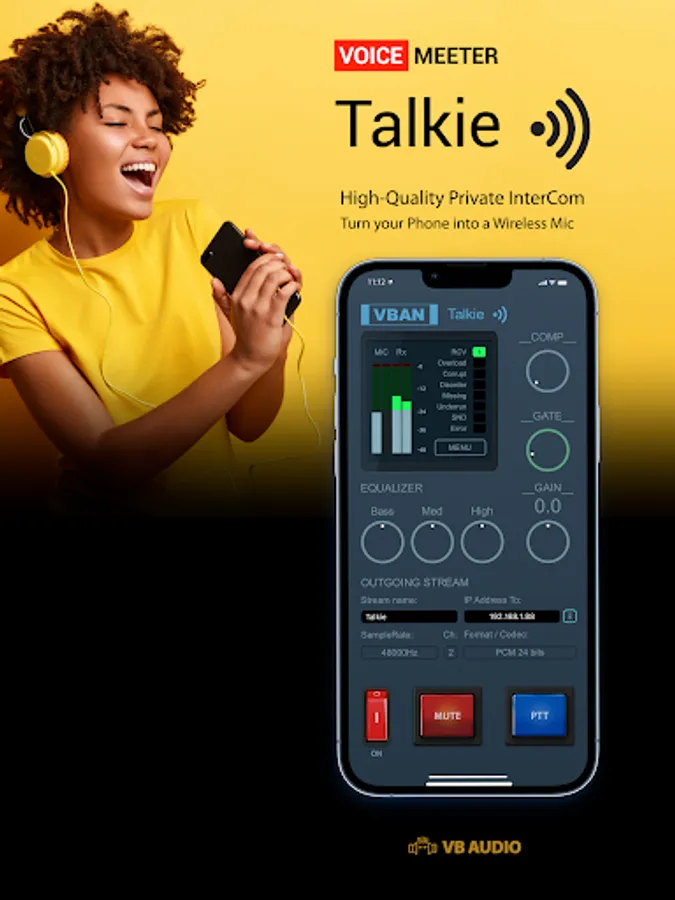
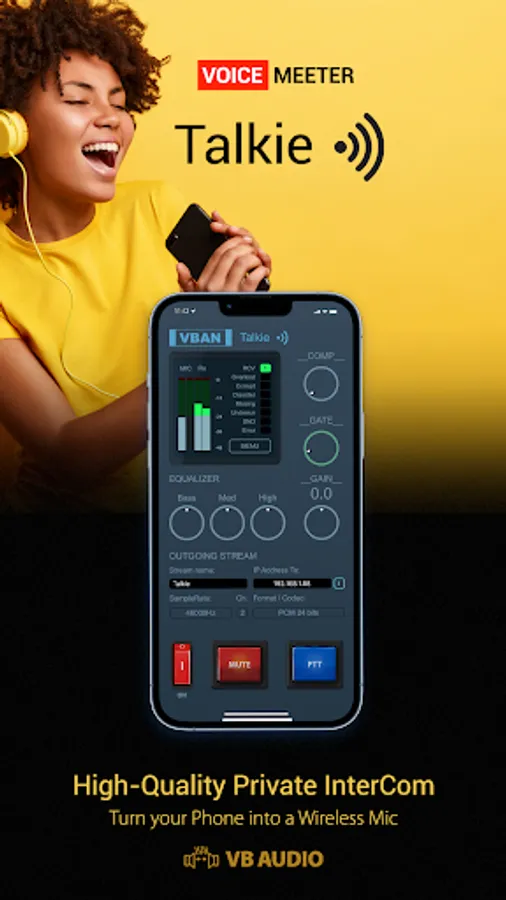
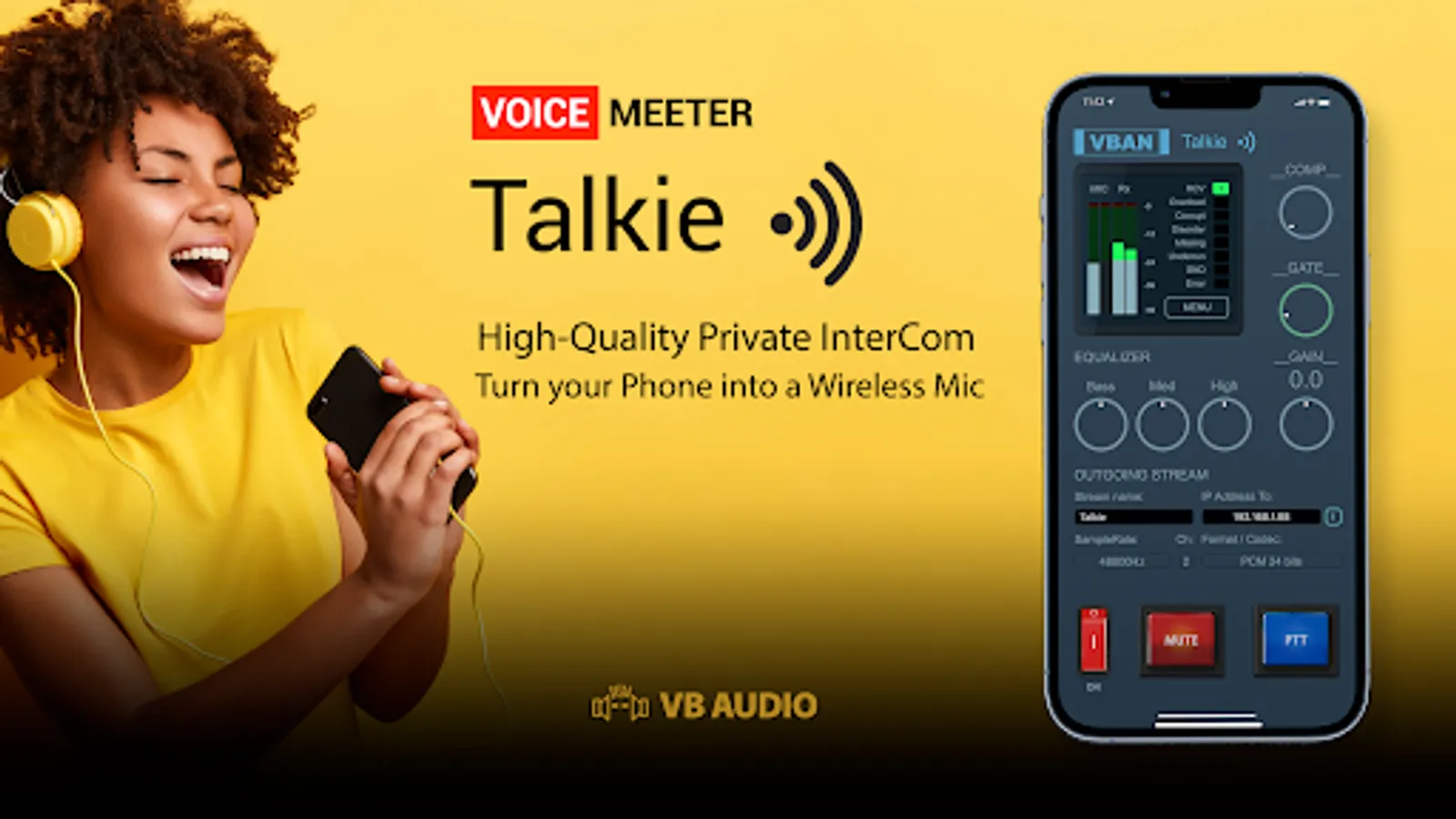
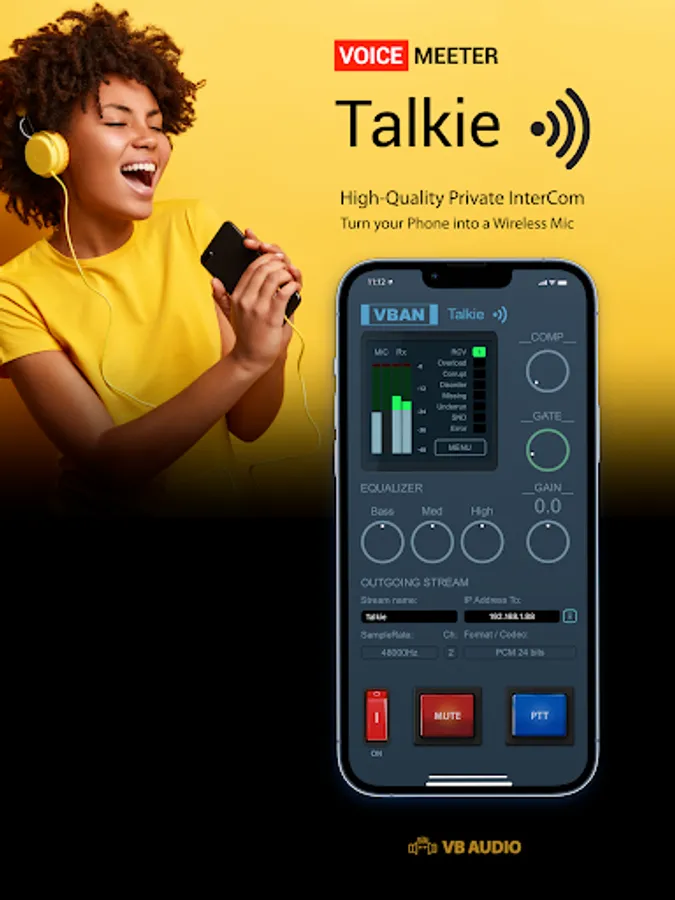
- ON / OFF Button.
- Mute / PTT button (Push To Talk).
- Compressor (with Auto make up).
- Gate Knob (for noisy environments).
- 3 Bands Equalizer (Bass, Medium, Treble).
- General Gain (for input device only).
- VBAN Stream Name and Target IP-Address field.
- VBAN Output Stream Samplerate Selector (16 kHz to 48 kHz).
- VBAN Output Stream Format Selector (mono or stereo, 8, 12, 16 or 24 bits).
Other functions in menu:
- Display mobile device IP-Address.
- Setup VBAN Protocol UDP port.
- Setup Network Quality (to optimize latency).
- Setup VBAN incoming stream (optional).
- Delay (0 - 500ms) to synchronize several devices.
VBAN Talkie Screenshots
Reviews for VBAN Talkie
Joshua Hanson
11/25/2025
When it's working it is great. The only complaint I have is that turning it off and closing the app leaves the device stuck in a "phone call" mode. I have to force stop it everytime before I connect to my cars head unit or it will think I am on a call.
Jonathan Laliberte
6/23/2025
app sucks your battery when you are not even using it. It takes like 20-50% of my total battery... it also doesn't work with Bluetooth microphone and Bluetooth headphones same time
Paul Becher Herrero
4/14/2025
Its pretty good, but i wish there was some settings. Id love to see a setting to Default the microphone to be Muted. that is really my one complaint. i is very simple and functional
Aaron Flores
3/7/2024
I was very excited to get this app set up with my PC, but I discovered that there is a big feature missing. I was hoping to be able to use my phone to continue talking on Teams, Zoom, Discord, etc. when I step away from my PC. Unfortunately, the app doesn't recognize any of my Bluetooth headsets as an input device, only as an output, so I'm unable to speak through the app via Bluetooth as I'd hoped.
Harrihu Inkpen
1/22/2024
App is only receiving left channel audio from the PC despite the PC playing stereo audio and VBAN showing that it's streaming two channels. I've tried various settings and no change. Everything else works great however. It's low latency, mic coming into PC from phone sounds clear with very little latency for a wireless solution. Curious if anyone else has had or solved the left channel audio issue. 5 star app otherwise and will update if I can find a fix. EDIT: Still only receiving left channel
Tap to Rate: