
notepin - Notes in notificatio
appchef.dev
4.5 ★
1K ratings
50,000+
downloads
Free
+ in-app
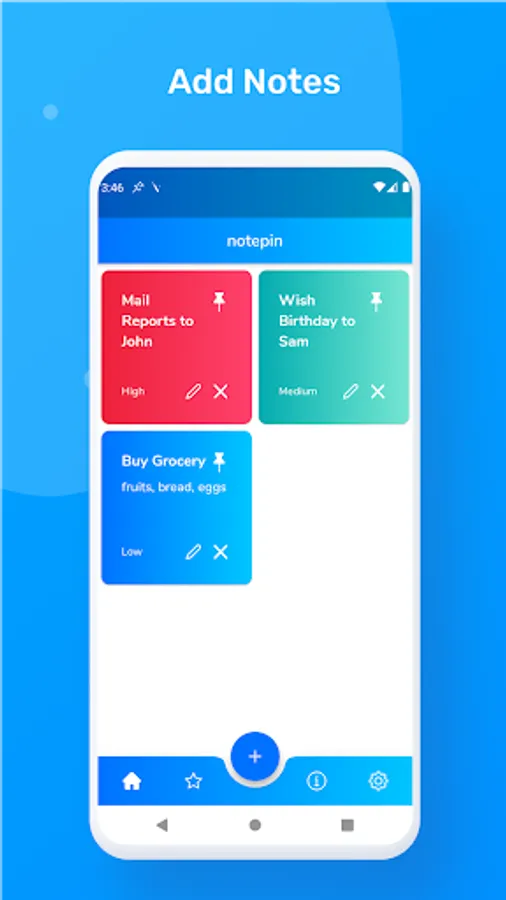
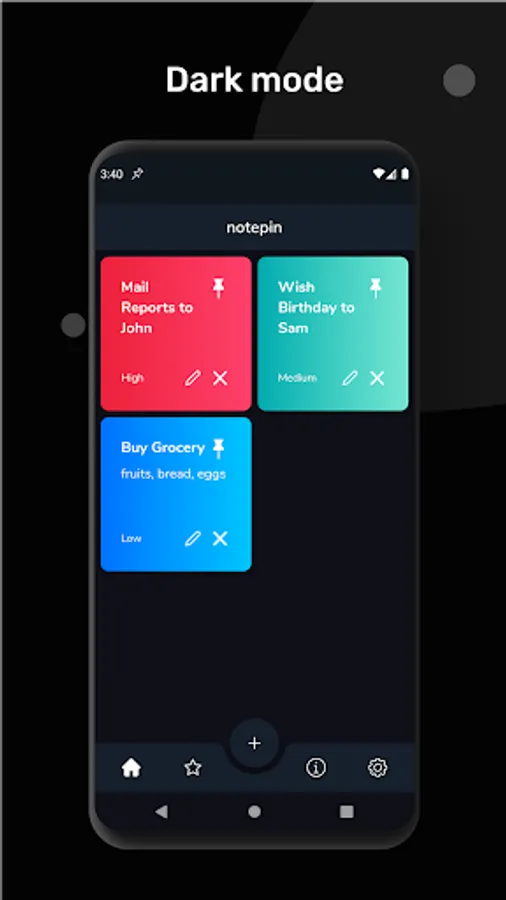
With this app, you can pin notes to your notification bar to receive constant reminders and organize them by priority levels. Includes note sorting options, color-coded urgency indicators, and persistent notification display.
AppRecs review analysis
AppRecs rating 4.5. Trustworthiness 0 out of 100. Review manipulation risk 0 out of 100. Based on a review sample analyzed.
★★★★☆
4.5
AppRecs Rating
Ratings breakdown
5 star
72%
4 star
17%
3 star
5%
2 star
2%
1 star
5%
What to know
✓
High user satisfaction
89% of sampled ratings are 4+ stars (4.5★ average)
✓
Authentic reviews
Natural distribution, no red flags
About notepin - Notes in notificatio
Purpose
An average human checks his/her phone 80 times a day which means his/her eyes checks the notification area 80 times after beginning the day and before going to sleep.
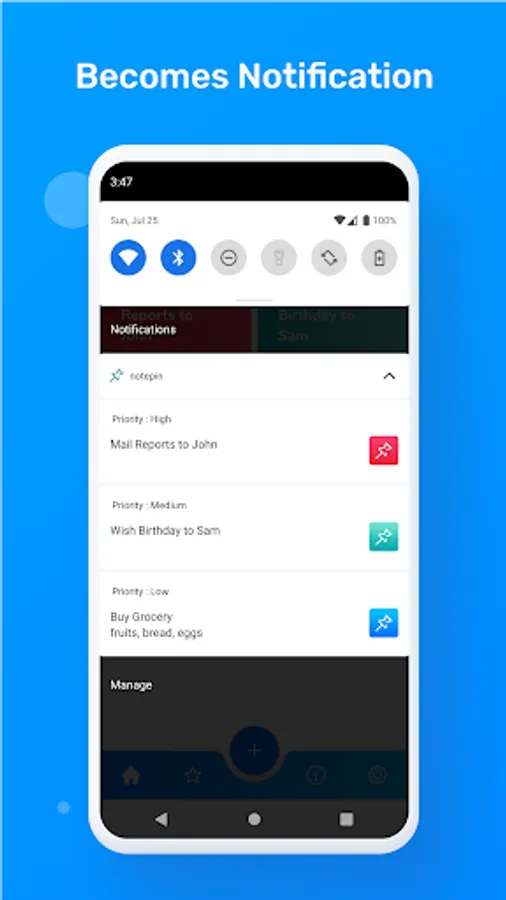
With the help of this app added notes are shown in notification bar and are sticky which means they are not swipe-able unlike general notifications. The pinned notifications constantly reminds you of tasks that are urgent and you fear to forget. For example filling a exam form, calling someone or wishing someone.
How notepin is different from other notes and reminder apps ?
Reminder apps send a notification or ring alarm to which a user mostly dismisses and in-spite of getting the reminder forgets to do the task as it gets out of the mind after a few minutes of dismissing reminder. In comparison notepin helps you pin notes or reminders as notifications so that it constantly reminds you every time you unlock your phone or swipe down the notification panel.
Notes Sorting Order
Notes can be sorted on the basis of- priority levels, recently added first and recently added last.
Priority Levels
Notes can be added with three levels, High, Medium and Low. Each note has a color associated with it which is shown as a symbol in the notification signifying the urgency of the work.
An average human checks his/her phone 80 times a day which means his/her eyes checks the notification area 80 times after beginning the day and before going to sleep.
With the help of this app added notes are shown in notification bar and are sticky which means they are not swipe-able unlike general notifications. The pinned notifications constantly reminds you of tasks that are urgent and you fear to forget. For example filling a exam form, calling someone or wishing someone.
How notepin is different from other notes and reminder apps ?
Reminder apps send a notification or ring alarm to which a user mostly dismisses and in-spite of getting the reminder forgets to do the task as it gets out of the mind after a few minutes of dismissing reminder. In comparison notepin helps you pin notes or reminders as notifications so that it constantly reminds you every time you unlock your phone or swipe down the notification panel.
Notes Sorting Order
Notes can be sorted on the basis of- priority levels, recently added first and recently added last.
Priority Levels
Notes can be added with three levels, High, Medium and Low. Each note has a color associated with it which is shown as a symbol in the notification signifying the urgency of the work.
notepin - Notes in notificatio Screenshots
Tap to Rate: