
AppRecs review analysis
AppRecs rating . Trustworthiness 81 out of 100. Review manipulation risk 26 out of 100. Based on a review sample analyzed.
★
AppRecs Rating
Ratings breakdown
5 star
20%
4 star
0%
3 star
40%
2 star
40%
1 star
0%
What to know
✓
Low review manipulation risk
26% review manipulation risk
✓
Credible reviews
81% trustworthiness score from analyzed reviews
About Vimar VIEW Door
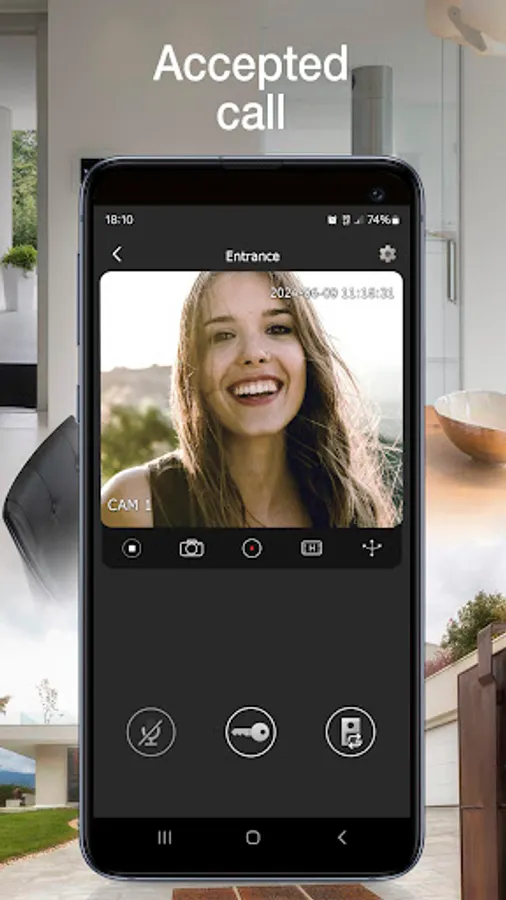
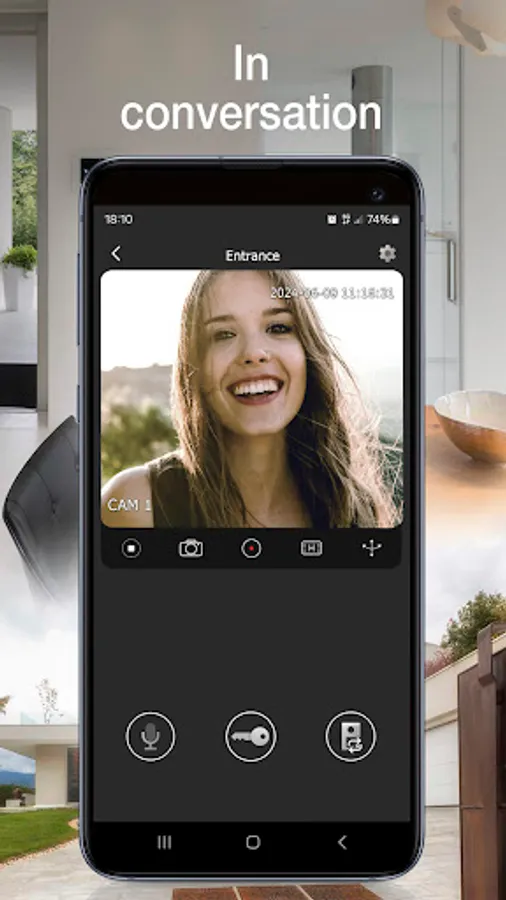
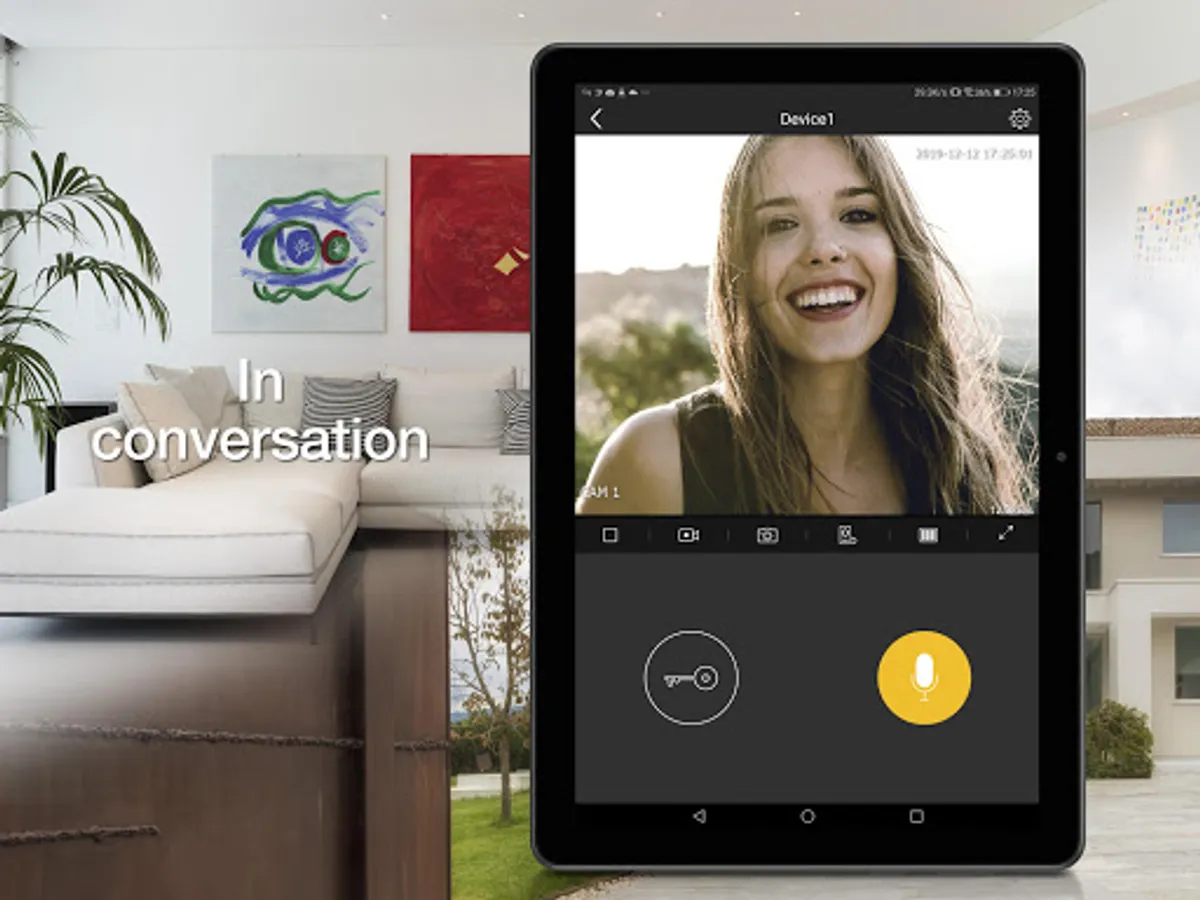
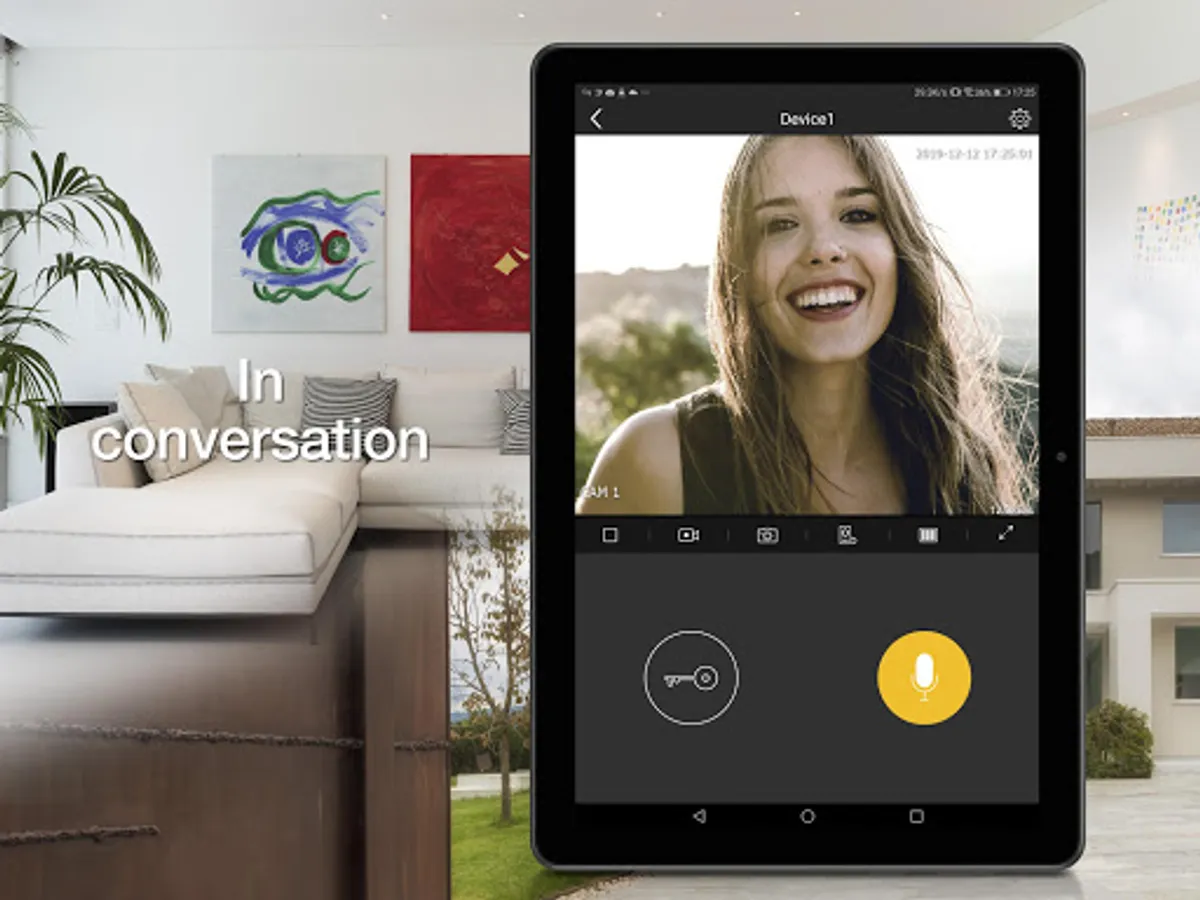
• Manage video door entry system calls
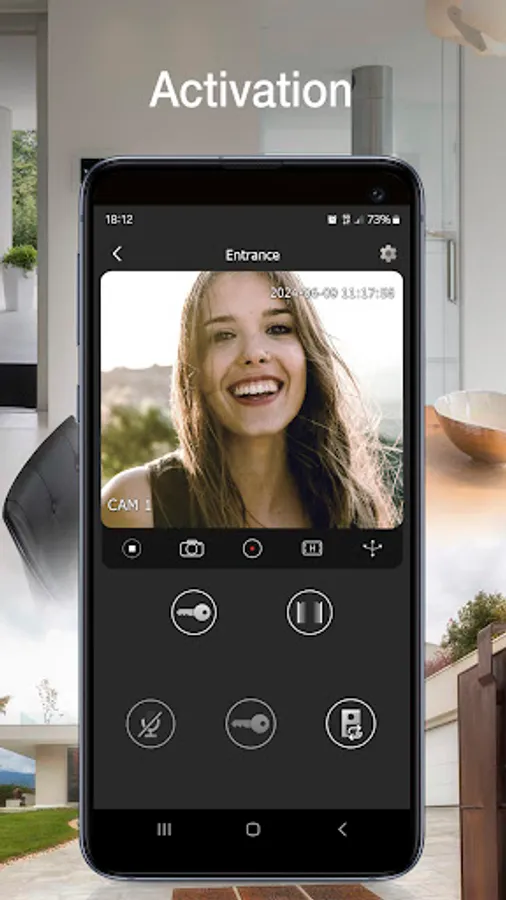
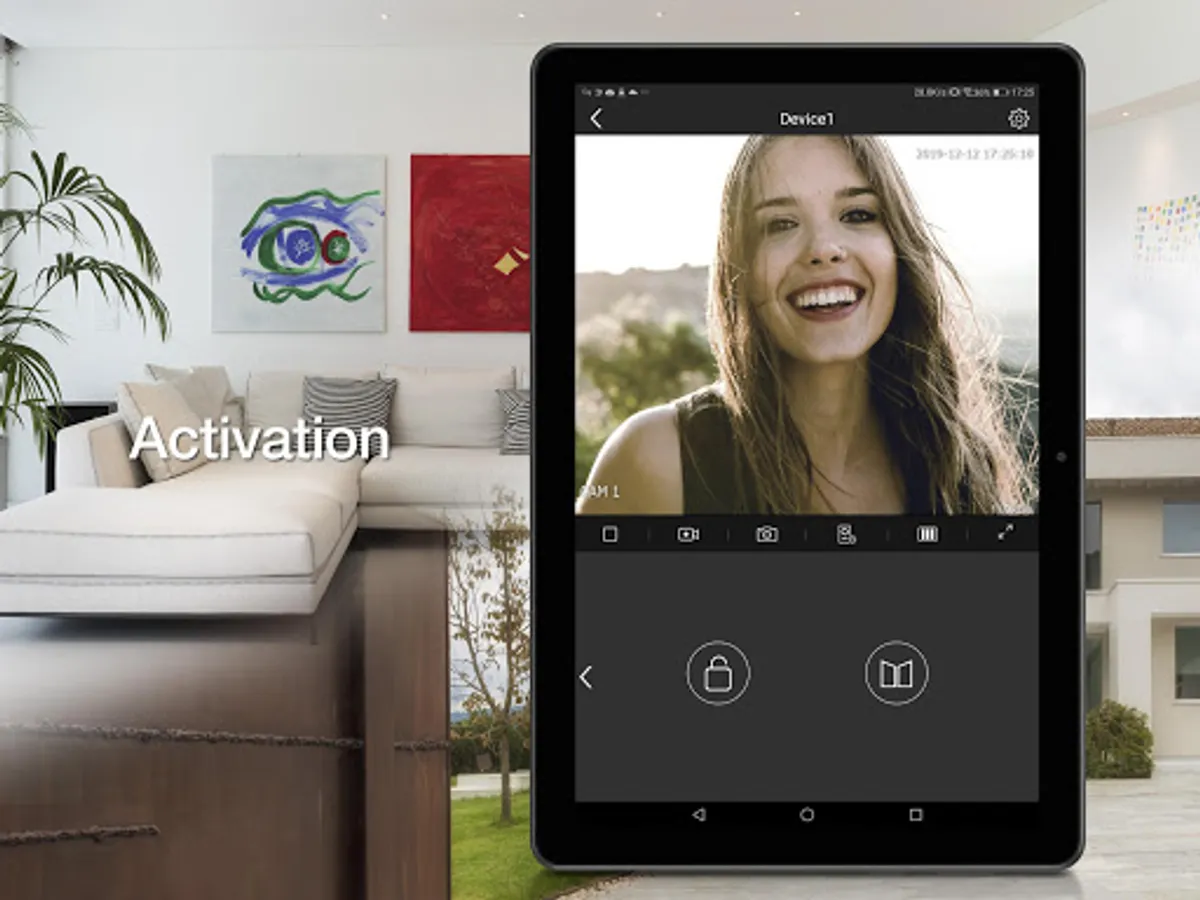
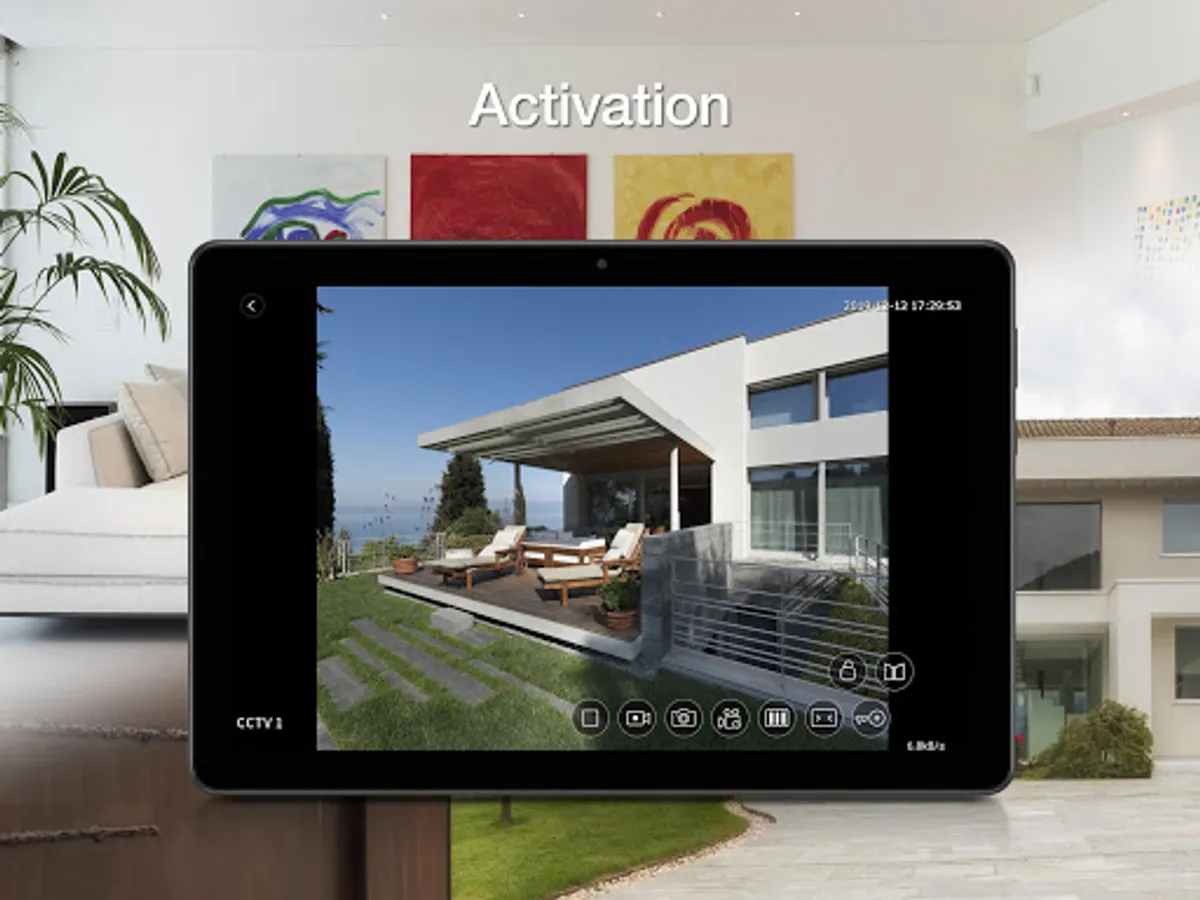
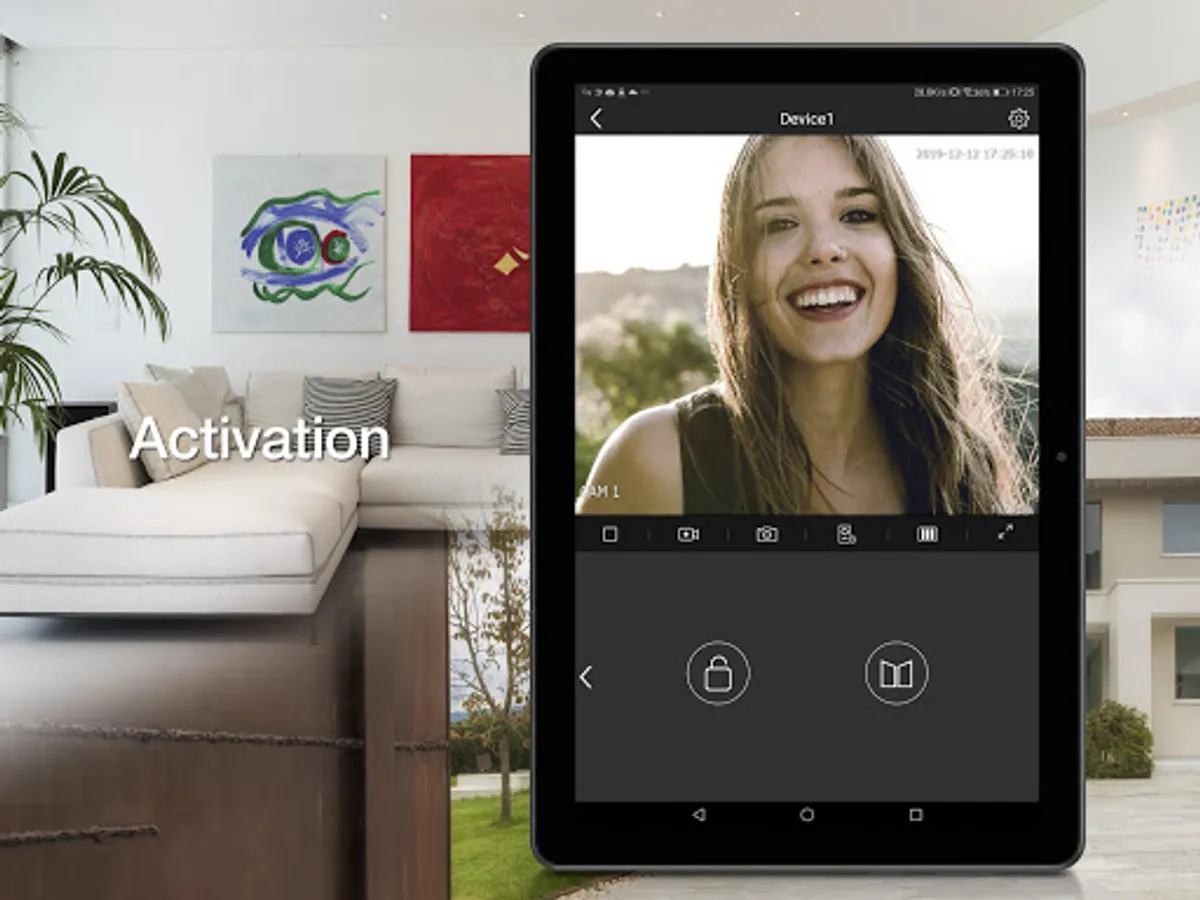
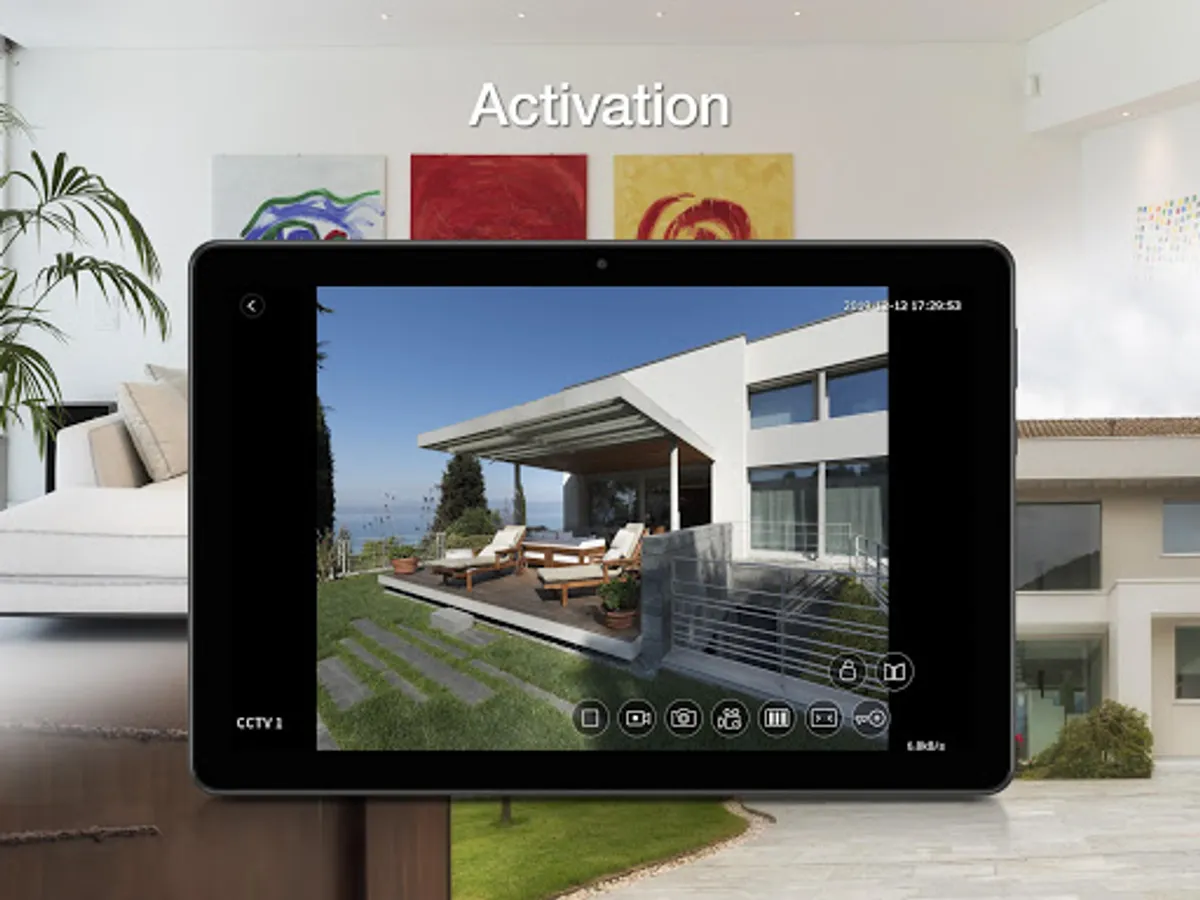
• Manage activations (pedestrian entry, vehicle entry)
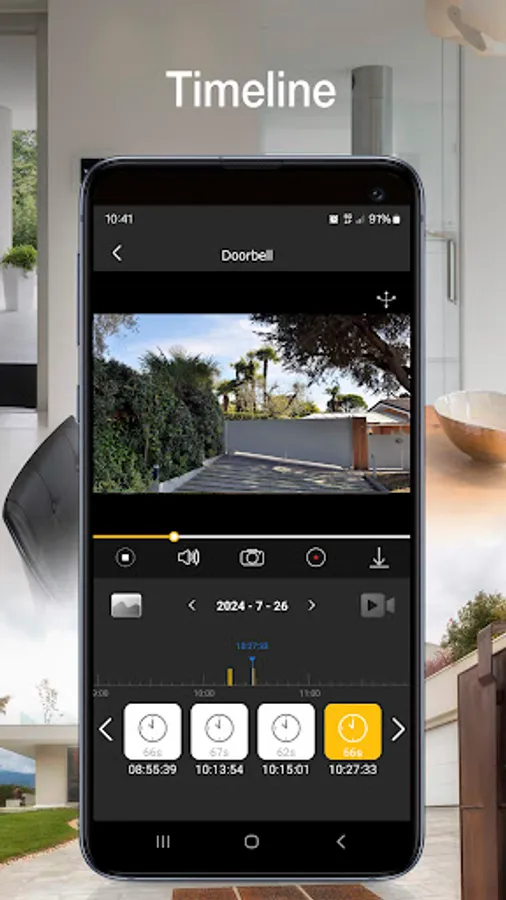
• View your call log
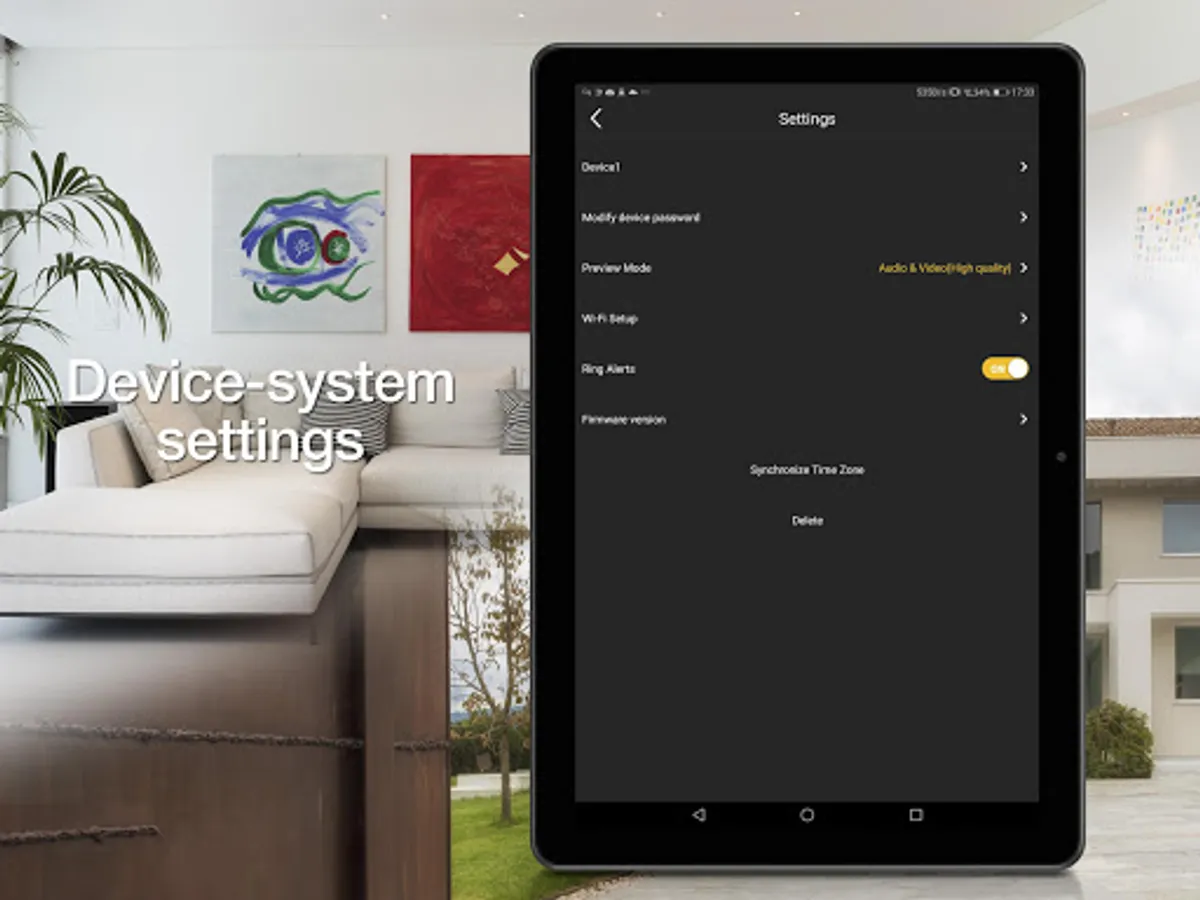
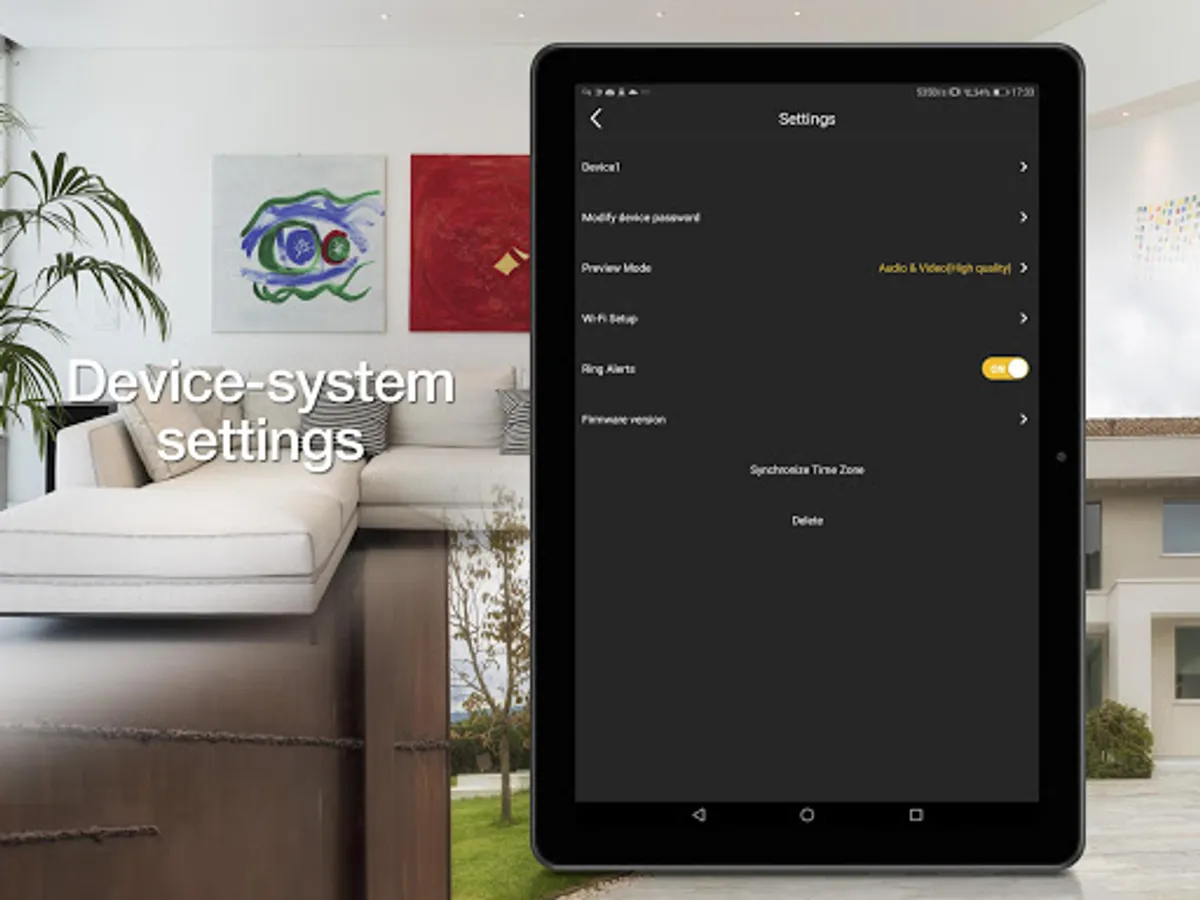
• Manage the settings
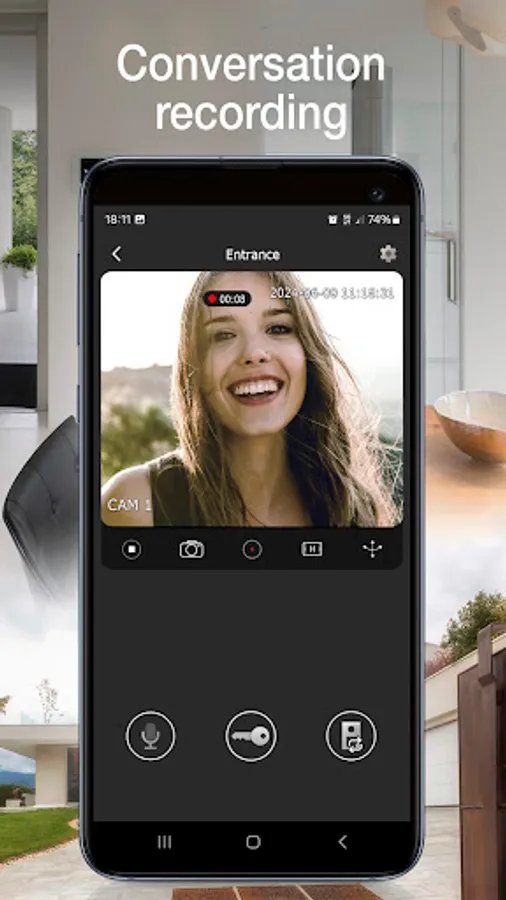
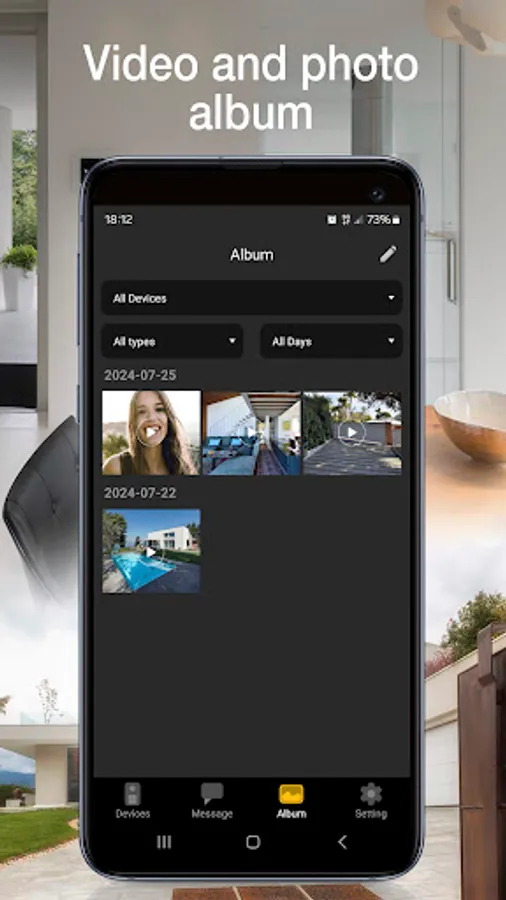
• Record videos and images
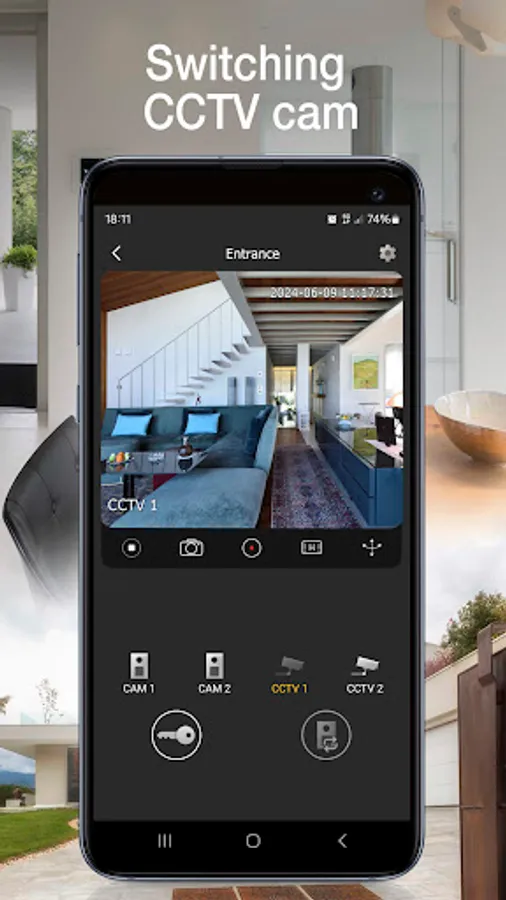
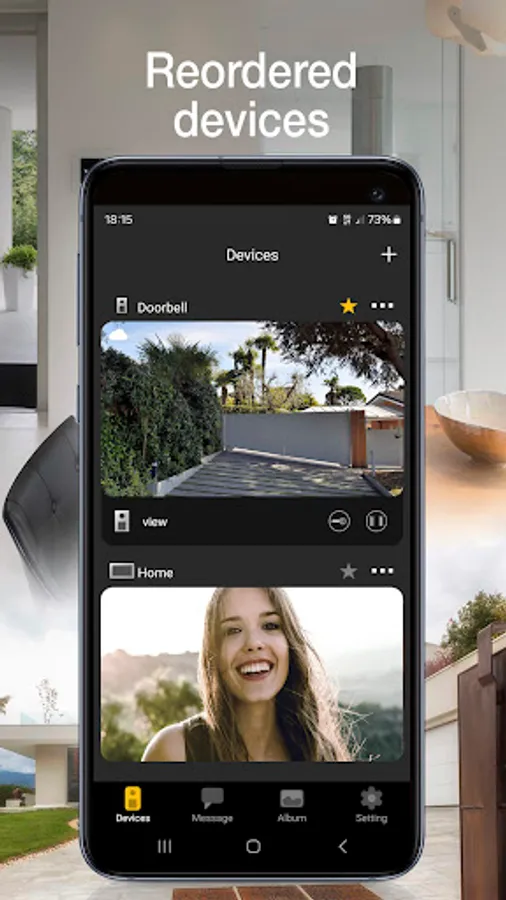
• View video door entry cameras and compatible TVCC cameras - if connected
• Zoom videos
• Functions and controls via voice assistants (for compatible devices Wi-Fi video doorbell K40960 and K40965, IPo2w monitors K40980, K40981 and 40980.M)
• Receive notifications
To start using the App, you need to configure it.
For Wi-Fi connected video door entry kits (K40945, K40946, K40947, K40955, K40956, K40957, K42945, K42946, K42947, K42955, K42956, K42957) and IPo2w kits (K40980, K40981, K40980.AU, K40981.AU and 40980.M) simply scan the QR code displayed on the video entryphone monitor, then follow the procedure in app and configure or use your MyVimar account if required.
For Wi-Fi video doorbell (K40960 and K40965), scan the QR code on the back of the device, then follow the procedure in app and configure or use your MyVimar account.
Further information can be found in the device documentation.
Vimar VIEW Door Screenshots
Tap to Rate:
Reviews for Vimar VIEW Door
Andrei S
10/9/2025
It was quite good, but the video from the camera stopped showing when there's a call - very useless. Any chance to fix that?
Ricardo Moutinho
7/25/2023
Minimamente funcional e nada mais. UX bastante fraca e bugs frequentes. Ex: tenho o som desligado mas as chamadas ainda assim tocam frequentemente e, ainda pior, recebo-as com som apesar de ter o dispositivo em silêncio! Sinal que estão a fazer override aos meus settings do dispositivo 🤦🏻 para além disso as horas estão constantemente erradas durante a época DST 🤦🏻