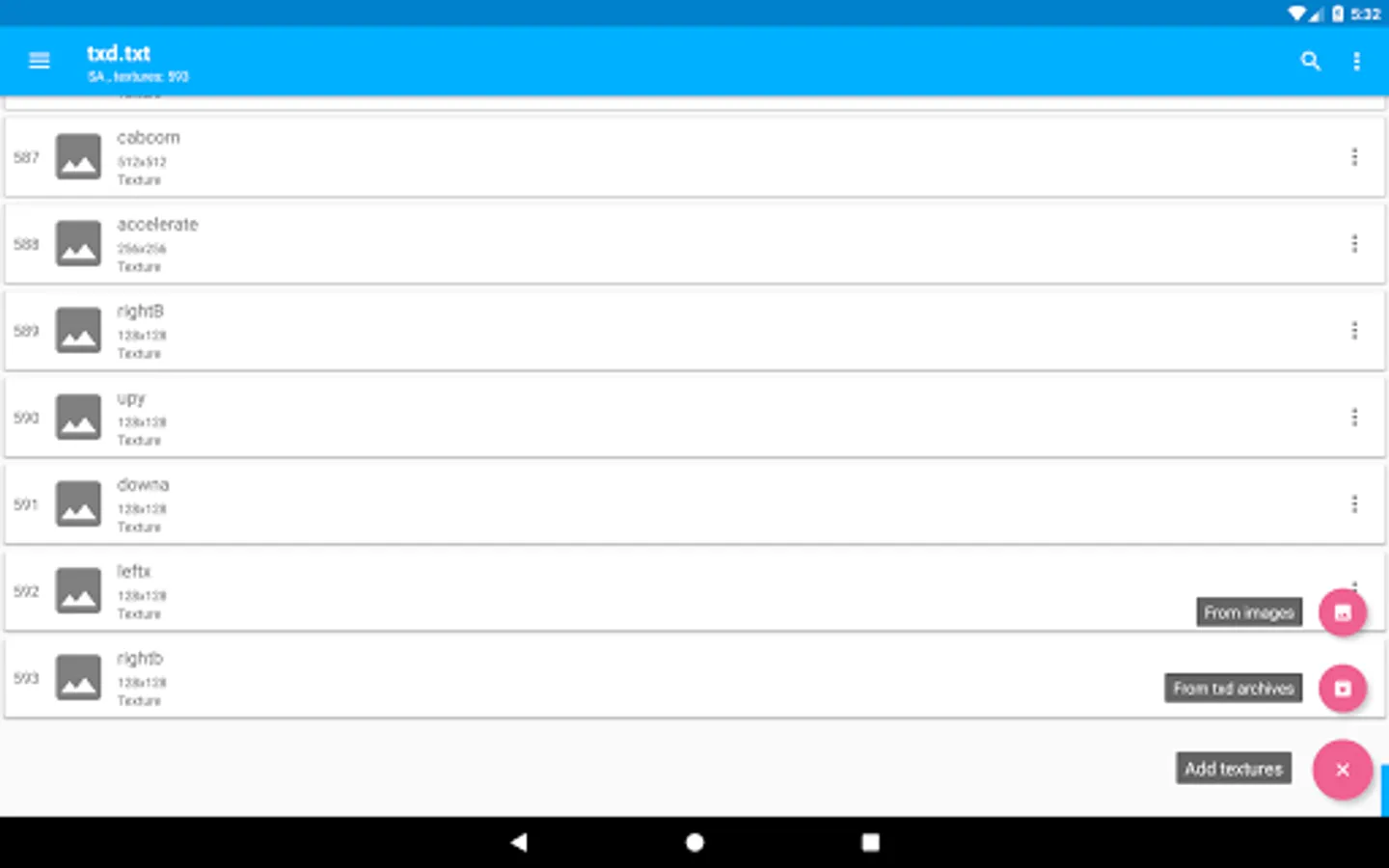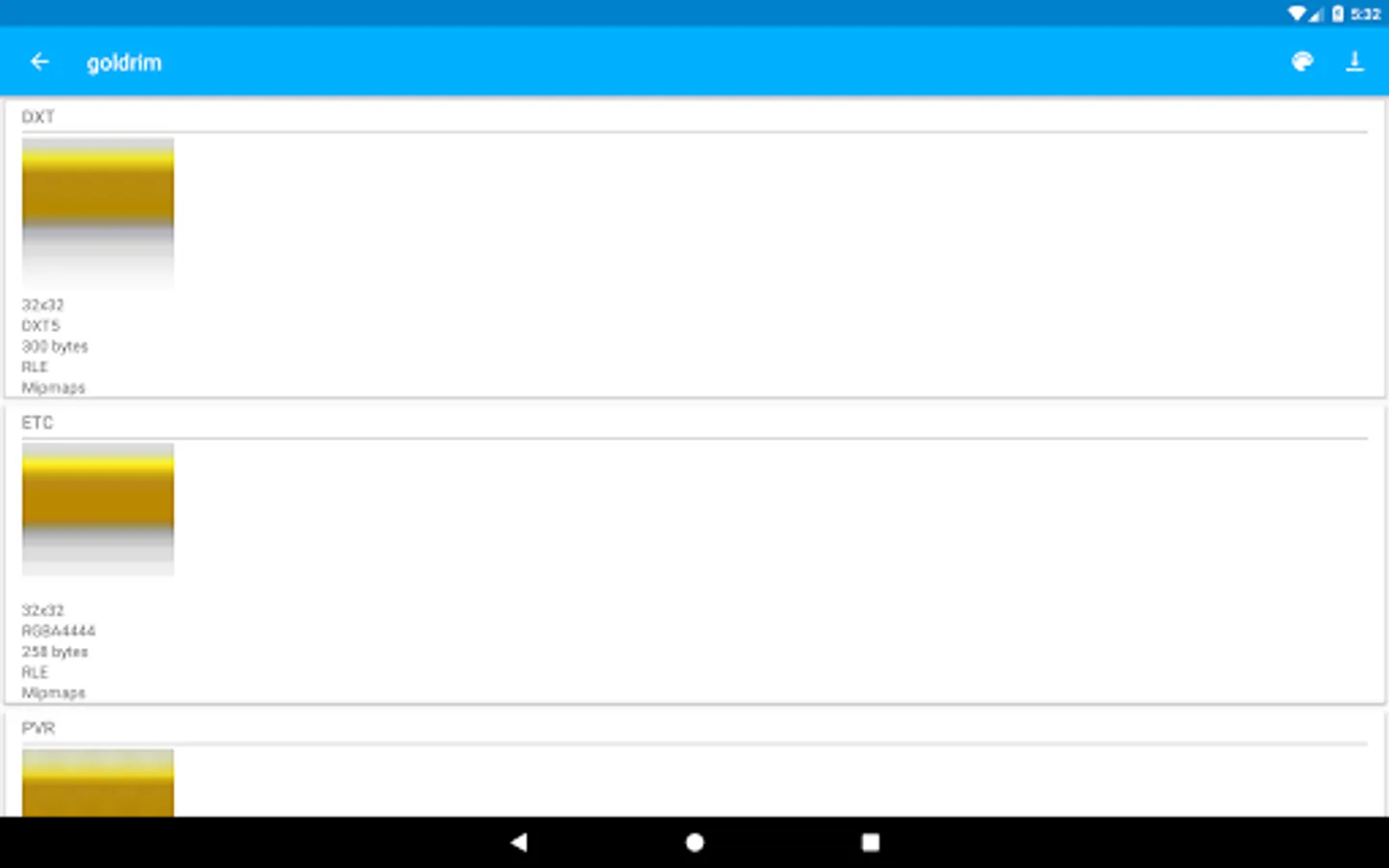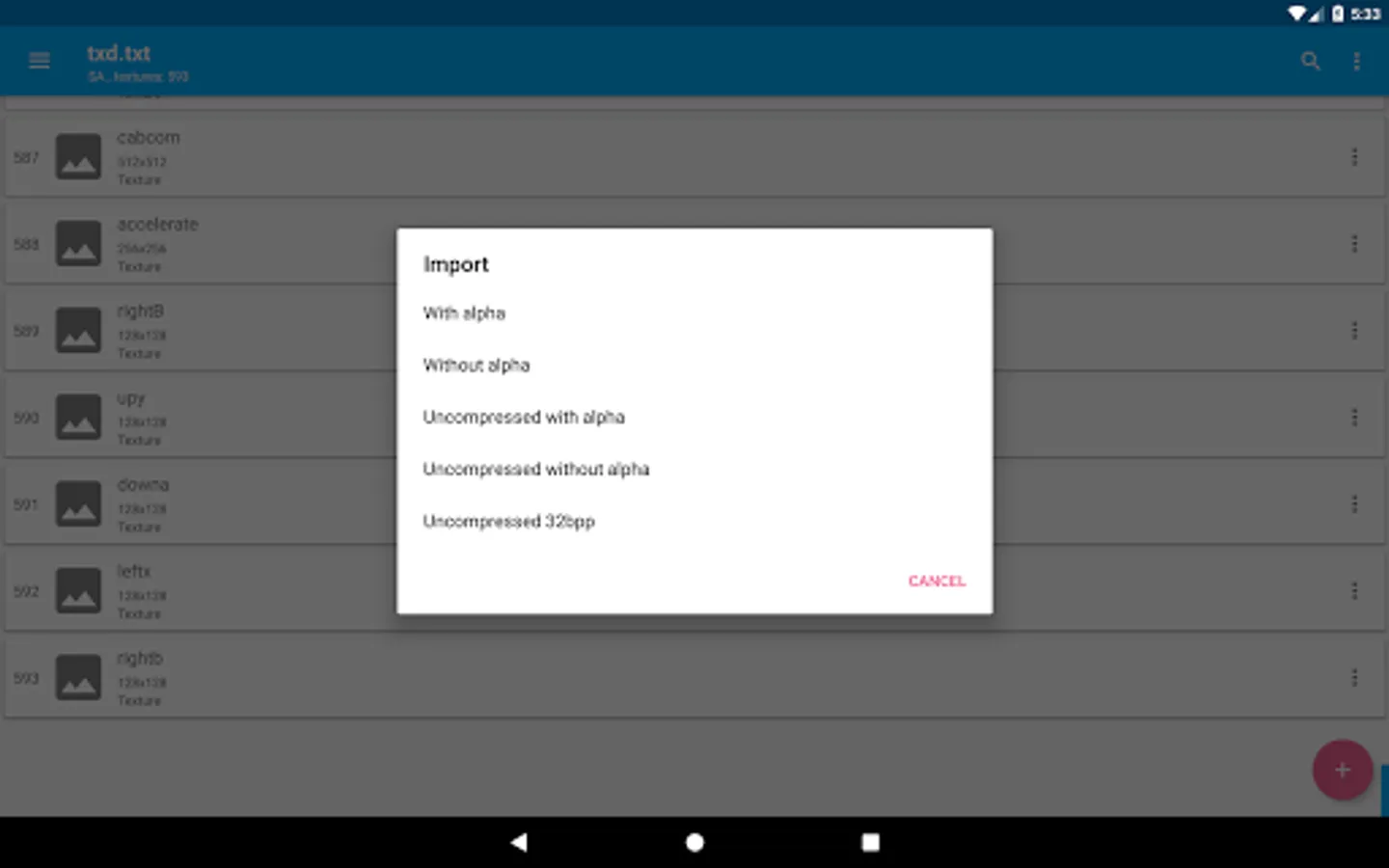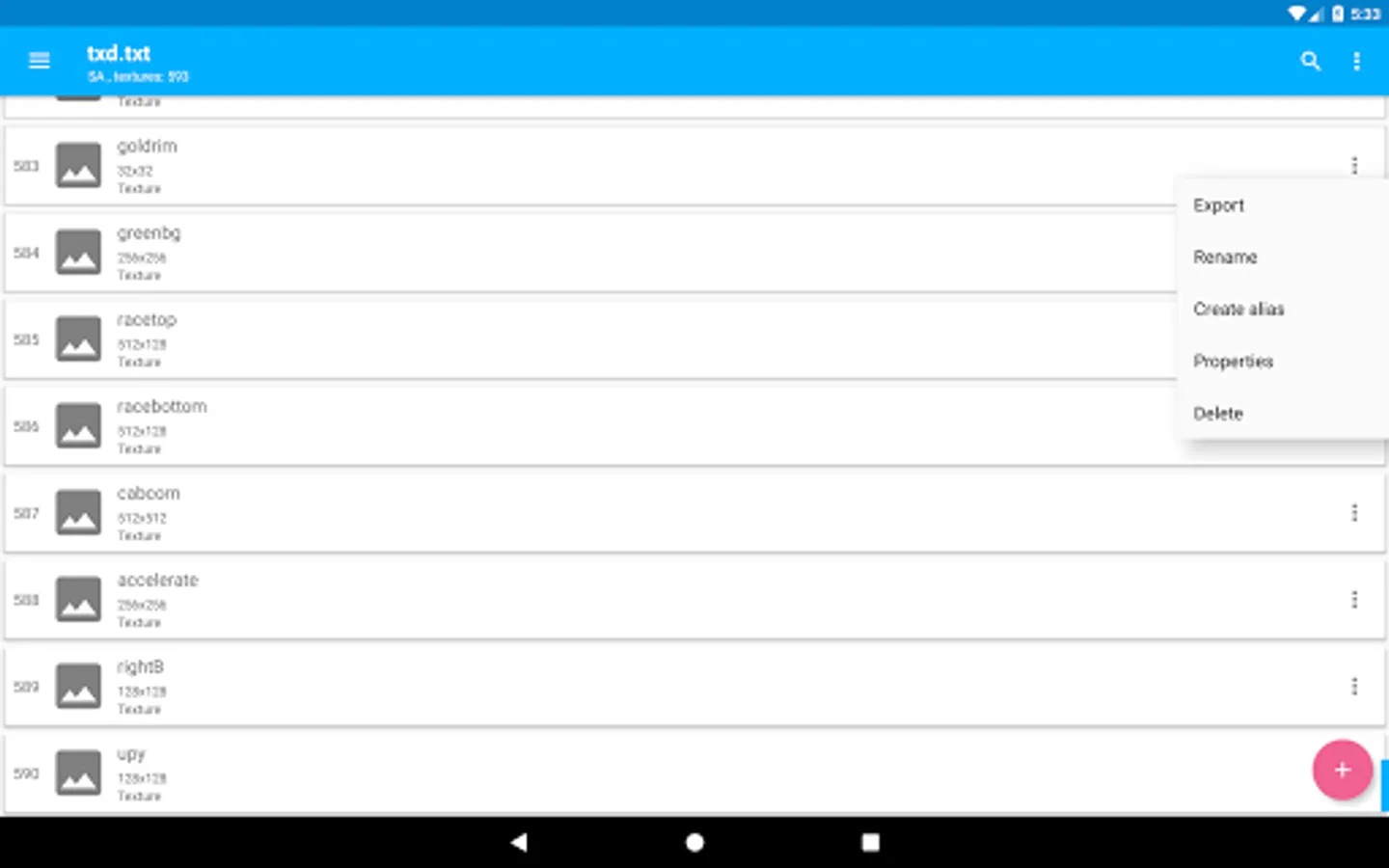
With this texture editor app, you can import, export, and modify textures for VC and SA games. Includes support for all formats, auto-rewrite, mipmap generation, and compression settings.
AppRecs review analysis
AppRecs rating 4.4. Trustworthiness 78 out of 100. Review manipulation risk 24 out of 100. Based on a review sample analyzed.
★★★★☆
4.4
AppRecs Rating
Ratings breakdown
5 star
67%
4 star
13%
3 star
11%
2 star
2%
1 star
7%
What to know
✓
Low review manipulation risk
24% review manipulation risk
✓
Credible reviews
78% trustworthiness score from analyzed reviews
✓
High user satisfaction
80% of sampled ratings are 4+ stars (4.3★ average)
About TXD Tool
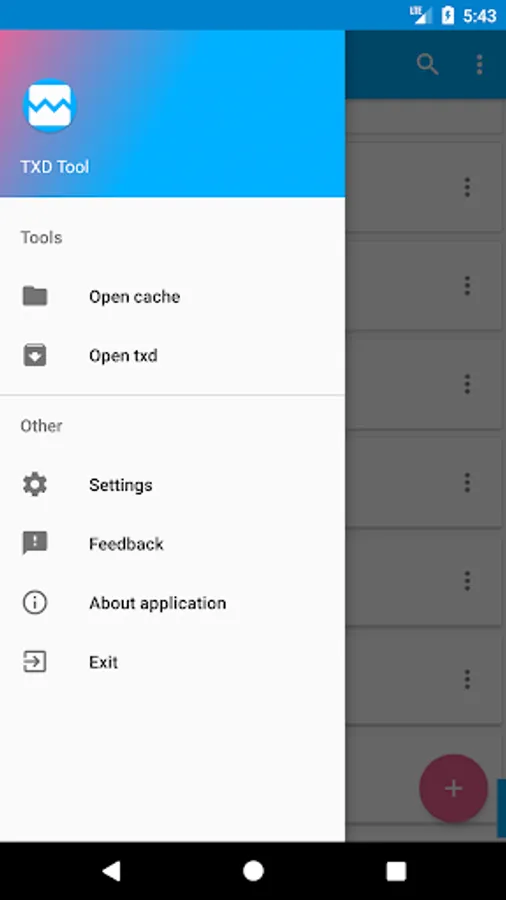
TXD Tool is mobile texture editor application for VC and SA.
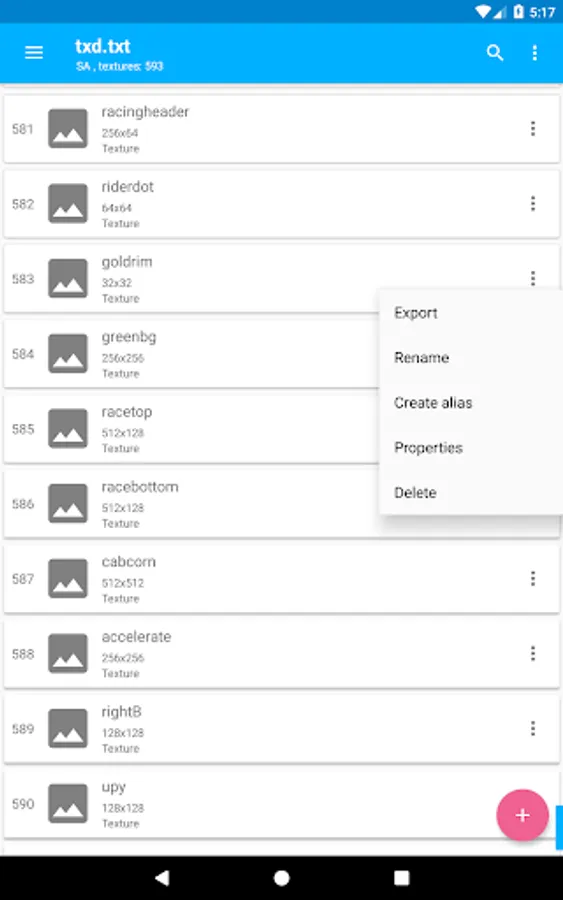
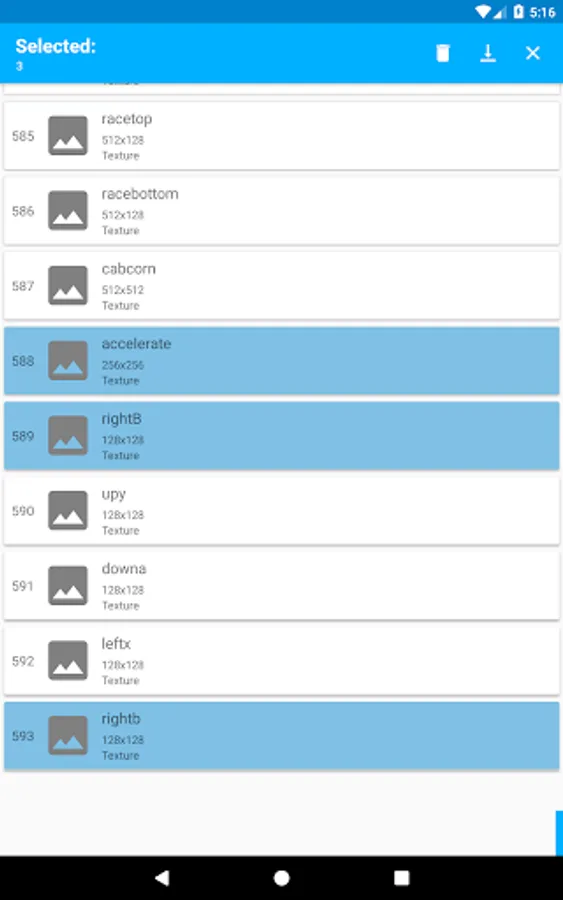
TXD Tool allows you to do many operations with textures:
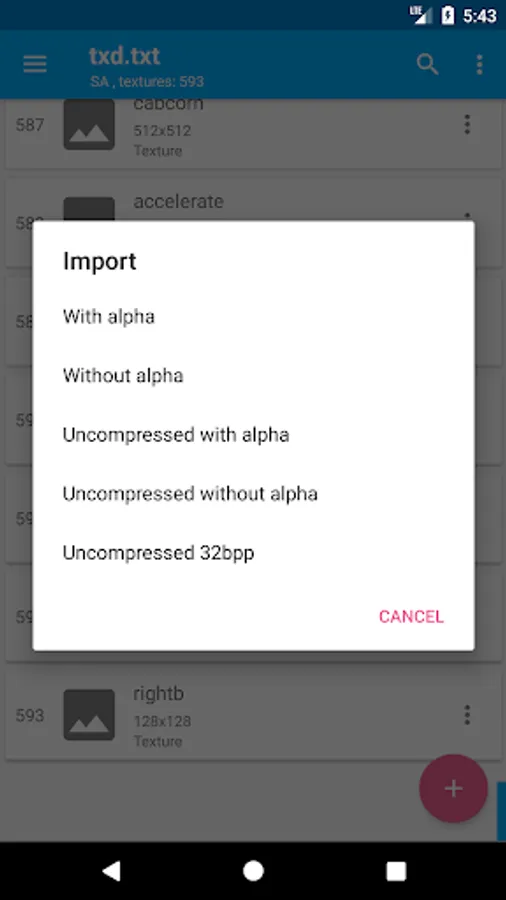
*Import
*Import with auto rewrite
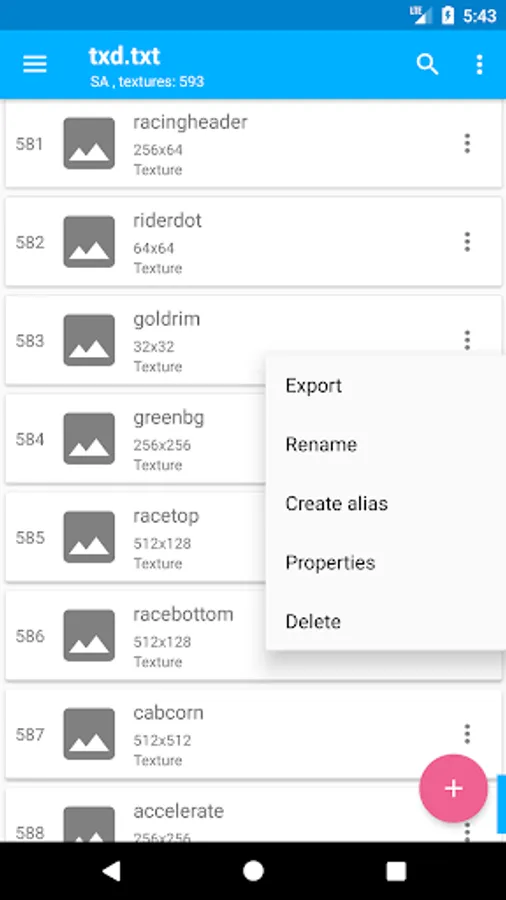
*Export
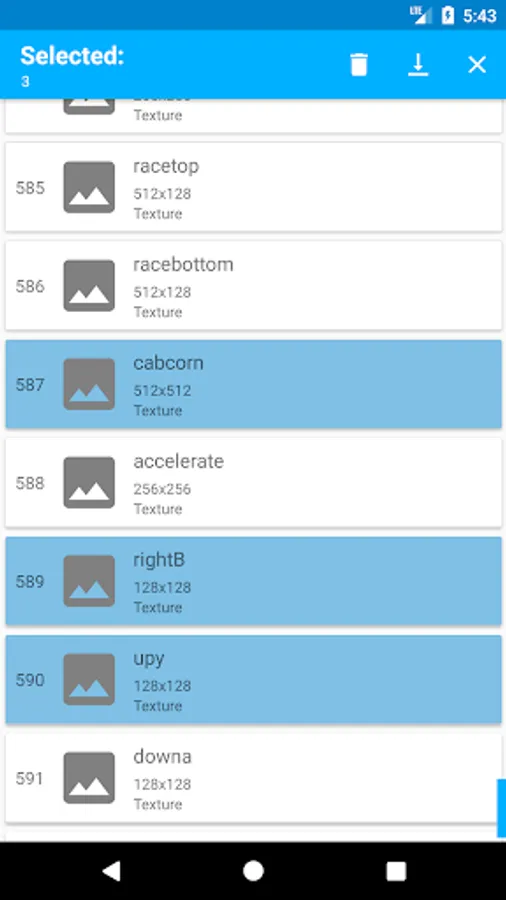
*Delete
*Rename
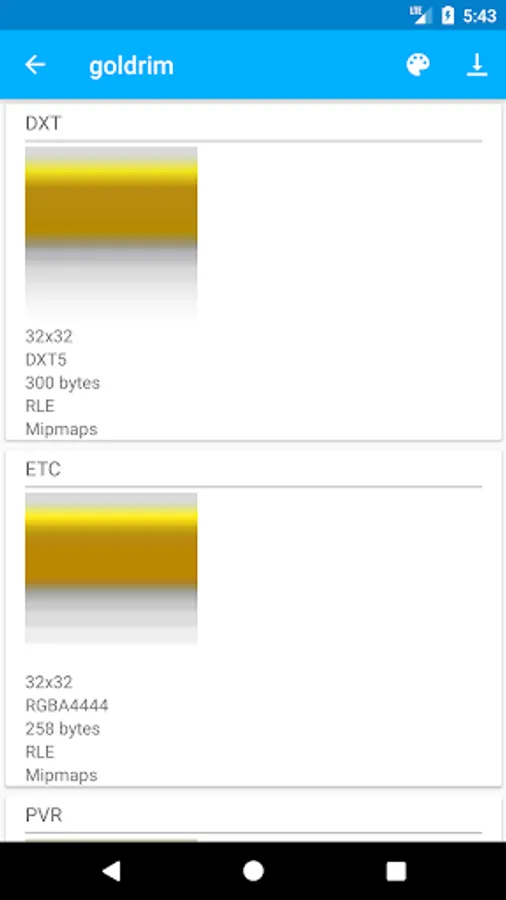
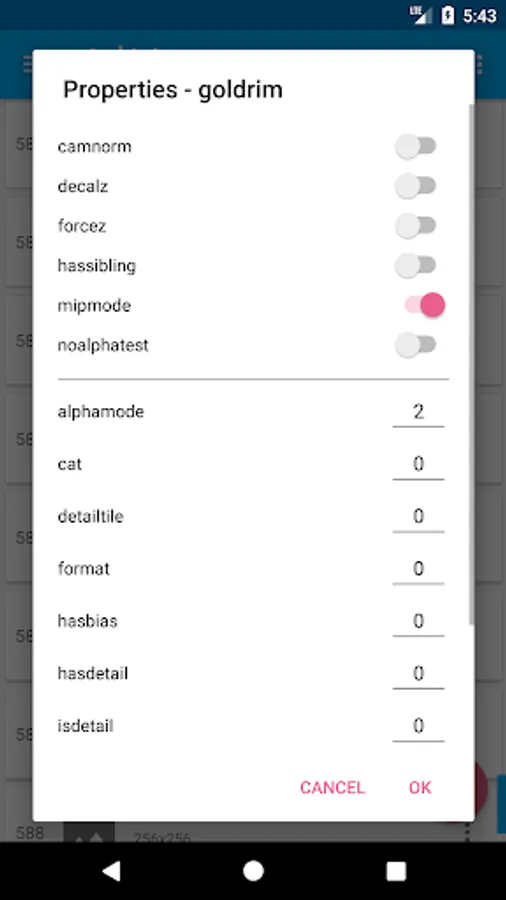
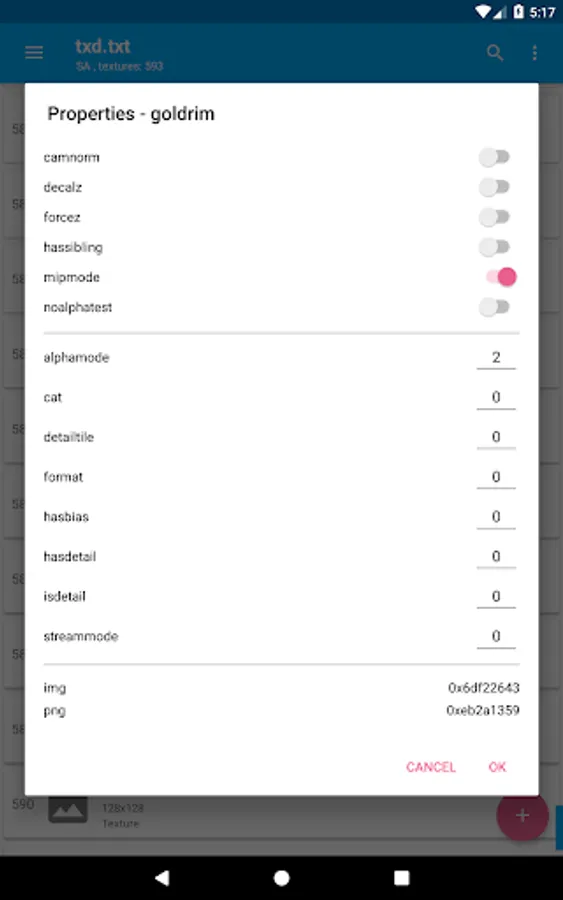
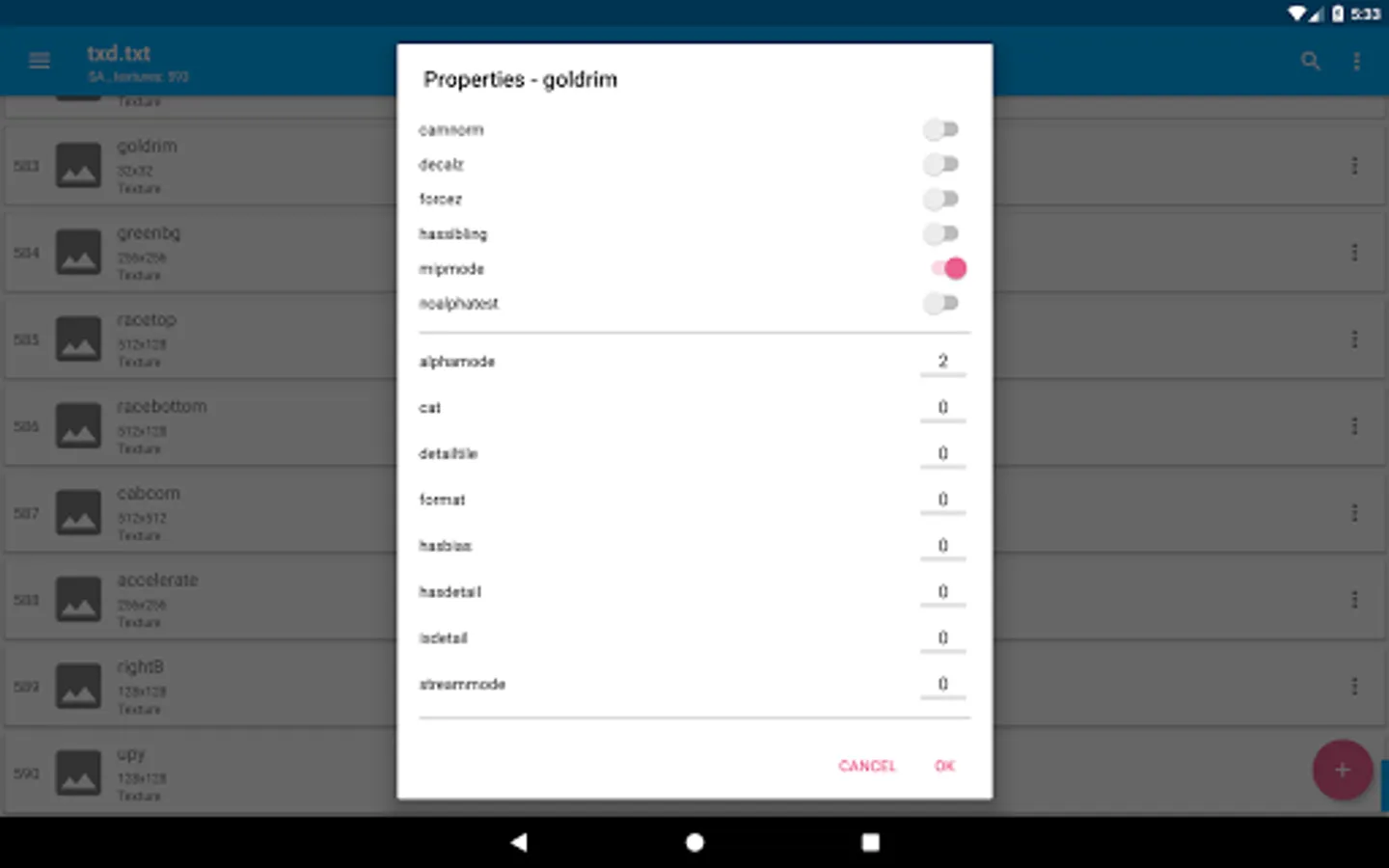
*Edit properties
*Create aliases.
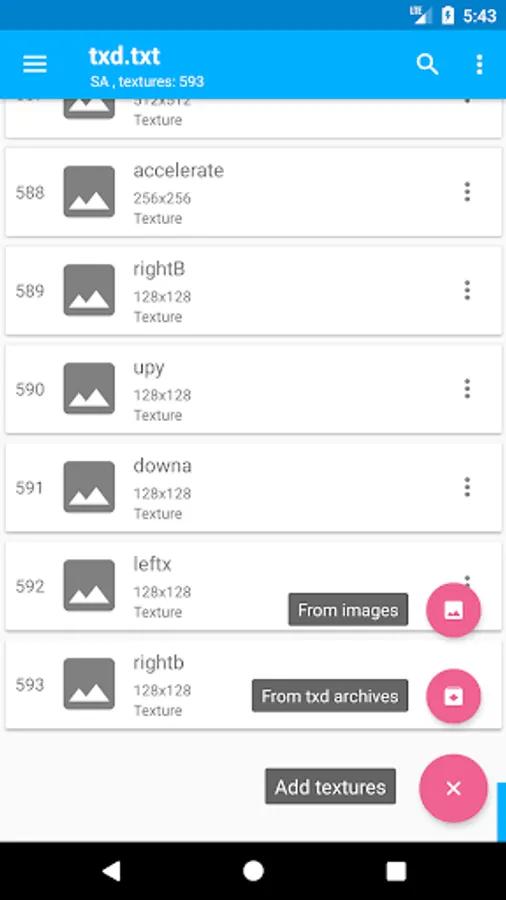
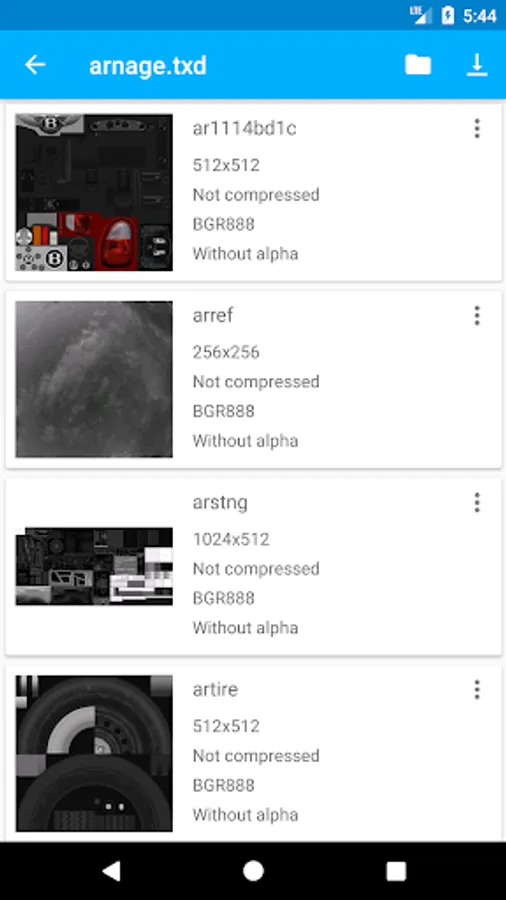
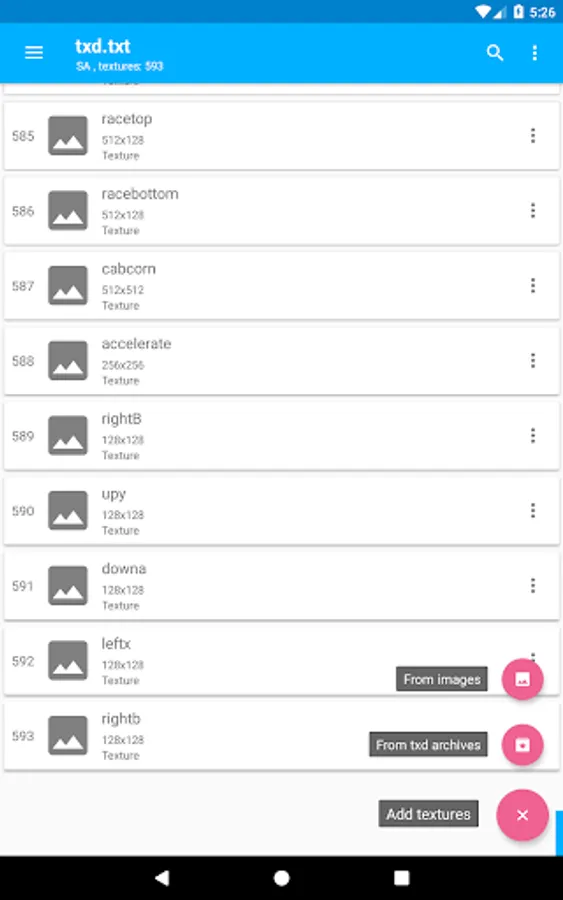
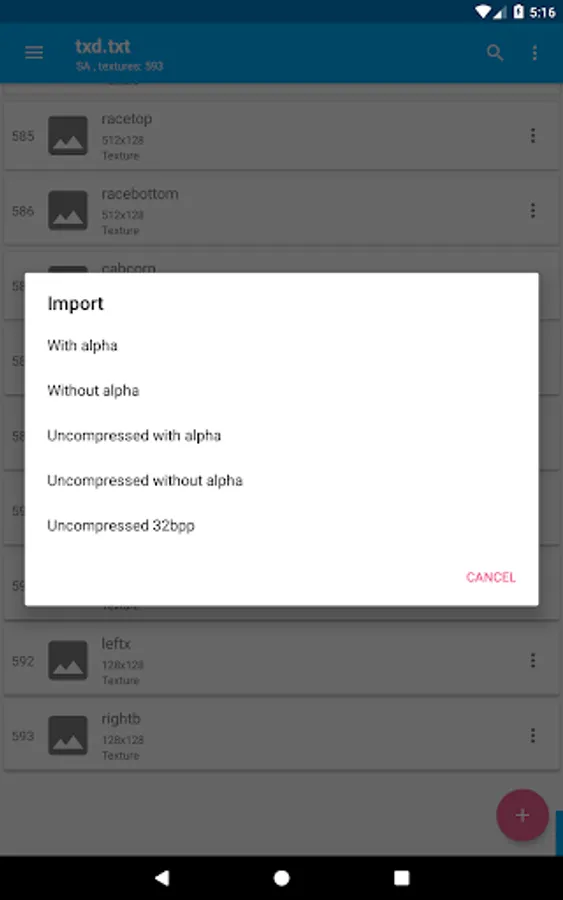
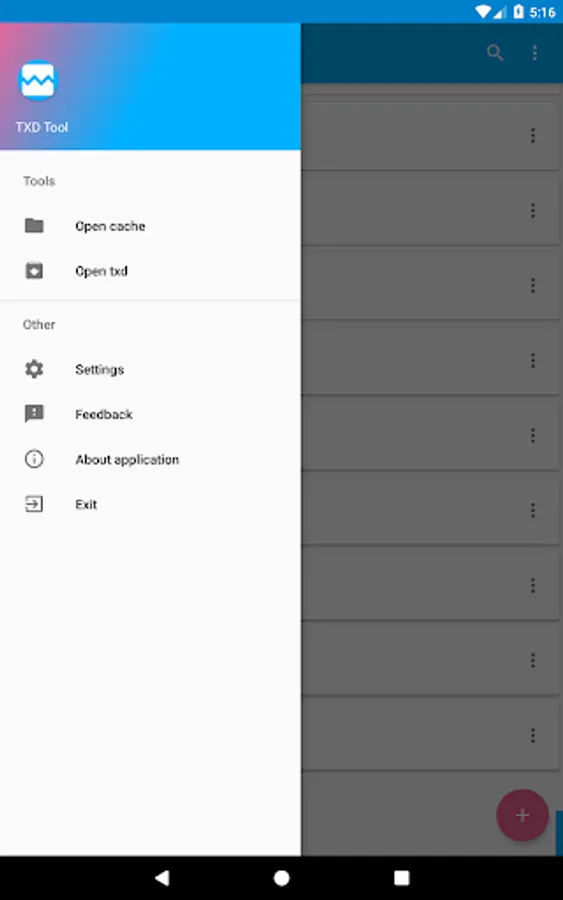
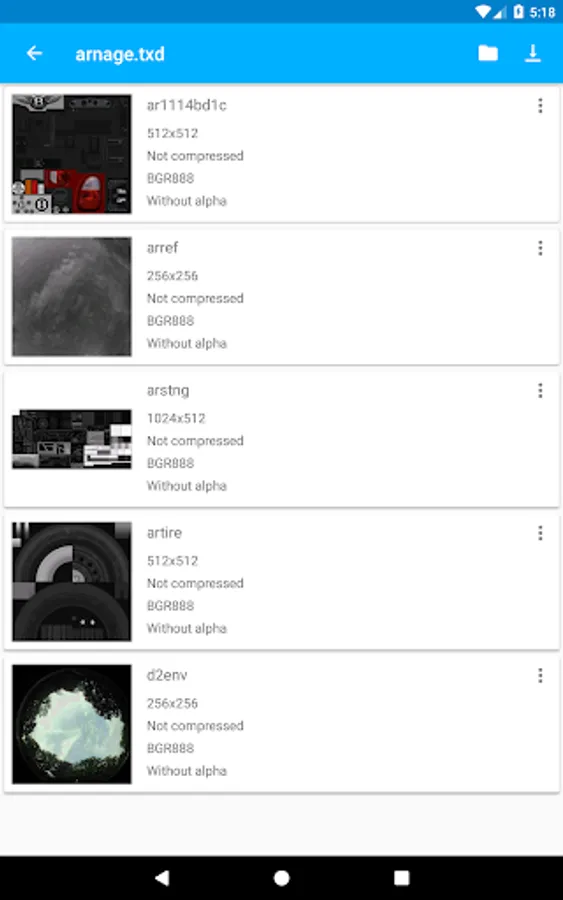
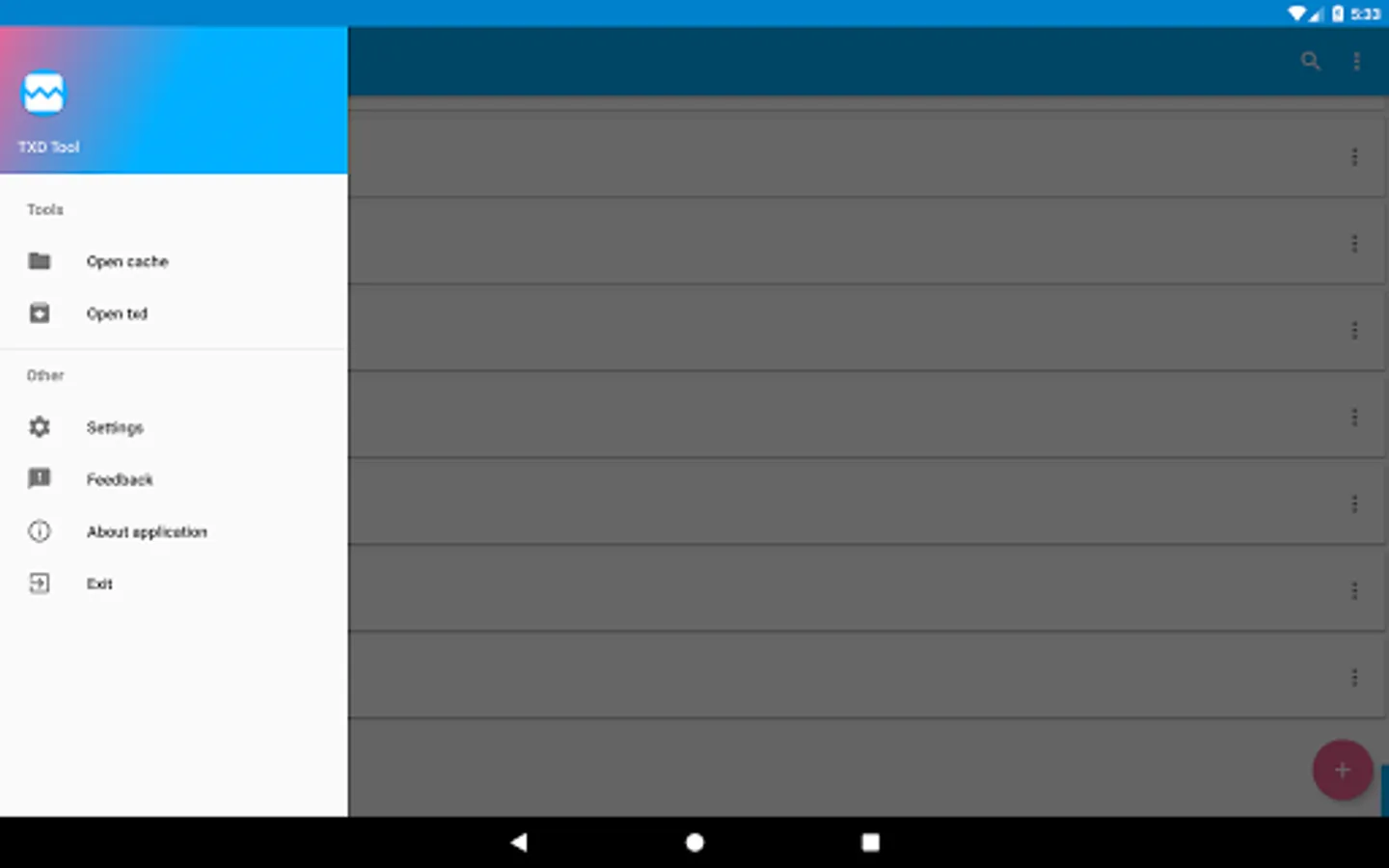
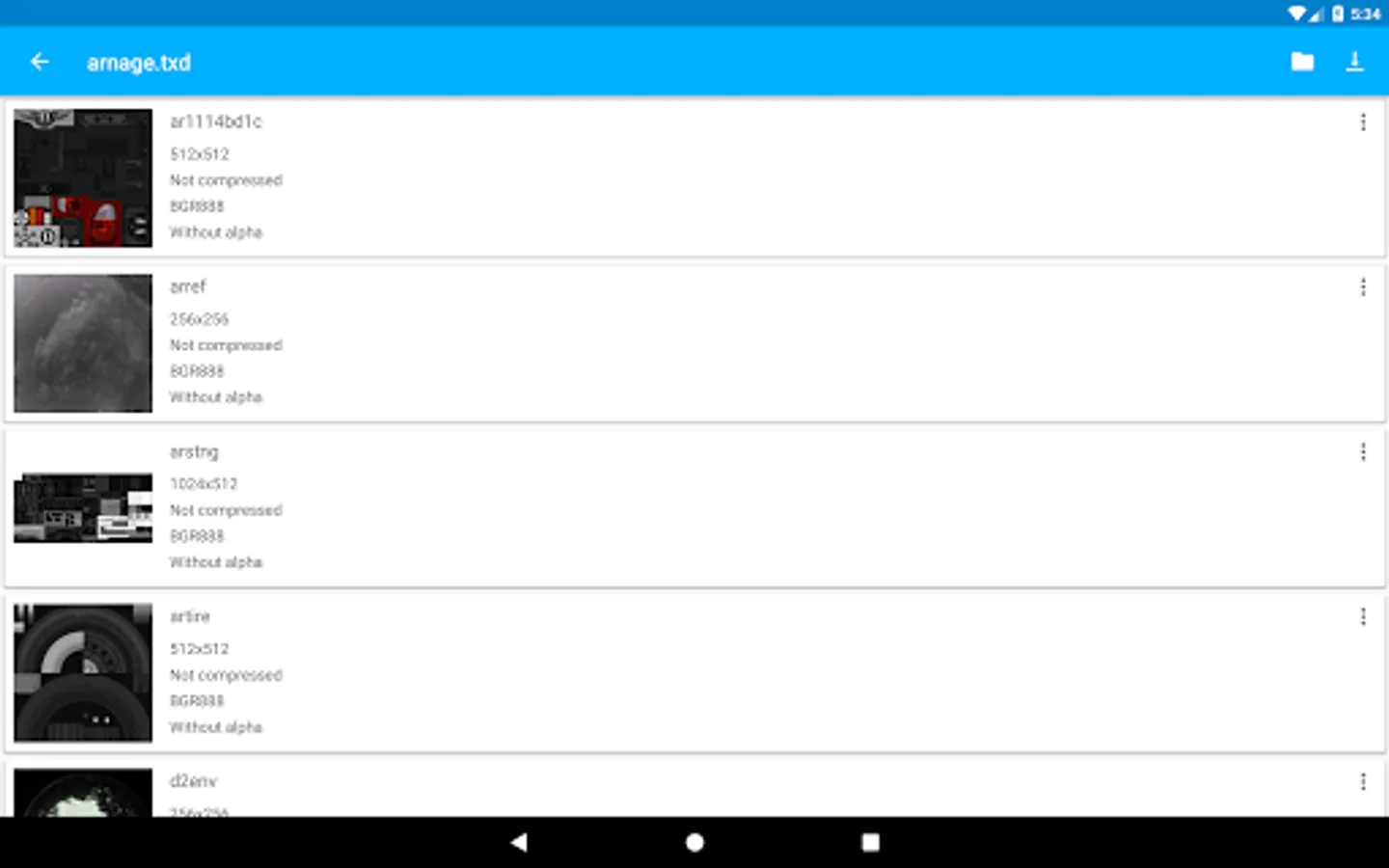
TXD Tool supports all texture formats and allows you to import textures from various image formats or directly from txd files.
TXD Tools also has many useful functions:
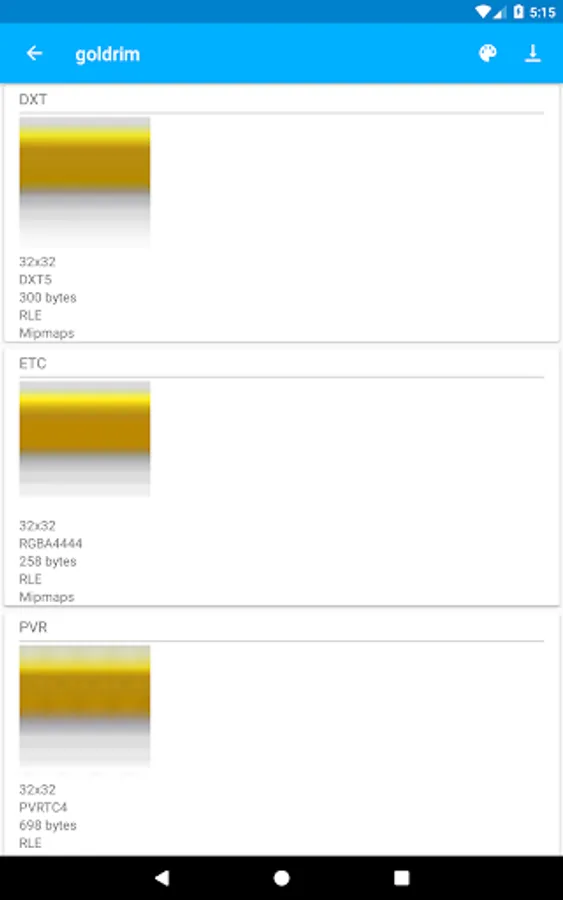
*Generating mipmaps
*RLE compression
*Multi theme
*Compression quality settings
*Export format settings.
NOTES:
*This is third party unnoficial application, designed for texture editing.
*VC or SA must be installed before using this application.
*You need to know how to install mods for VC and SA before using TXD Tool
Recommen system requirements: 1 GB RAM or higher, CPU 4x1.3 Ghz or higher.
TXD Tool is using content generated by Android Studio and code from open source projects(open source licenses included).
Disclaimer and Limitation of Liability: You are using this application at your own risk, you agree to take full responsibility for anything that this app can cause.
TXD Tool allows you to do many operations with textures:
*Import
*Import with auto rewrite
*Export
*Delete
*Rename
*Edit properties
*Create aliases.
TXD Tool supports all texture formats and allows you to import textures from various image formats or directly from txd files.
TXD Tools also has many useful functions:
*Generating mipmaps
*RLE compression
*Multi theme
*Compression quality settings
*Export format settings.
NOTES:
*This is third party unnoficial application, designed for texture editing.
*VC or SA must be installed before using this application.
*You need to know how to install mods for VC and SA before using TXD Tool
Recommen system requirements: 1 GB RAM or higher, CPU 4x1.3 Ghz or higher.
TXD Tool is using content generated by Android Studio and code from open source projects(open source licenses included).
Disclaimer and Limitation of Liability: You are using this application at your own risk, you agree to take full responsibility for anything that this app can cause.