
In this image cropping app, you can crop multiple screenshots at once, review results in an image slider, and select crops for saving or deletion. Includes screenshot listening notifications, crop comparison, sharing options, and customizable save directory.
AppRecs review analysis
AppRecs rating 3.8. Trustworthiness 84 out of 100. Review manipulation risk 15 out of 100. Based on a review sample analyzed.
★★★☆☆
3.8
AppRecs Rating
Ratings breakdown
5 star
59%
4 star
10%
3 star
10%
2 star
10%
1 star
10%
What to know
✓
Low review manipulation risk
15% review manipulation risk
✓
Credible reviews
84% trustworthiness score from analyzed reviews
✓
Good user ratings
69% positive sampled reviews
About AutoCrop
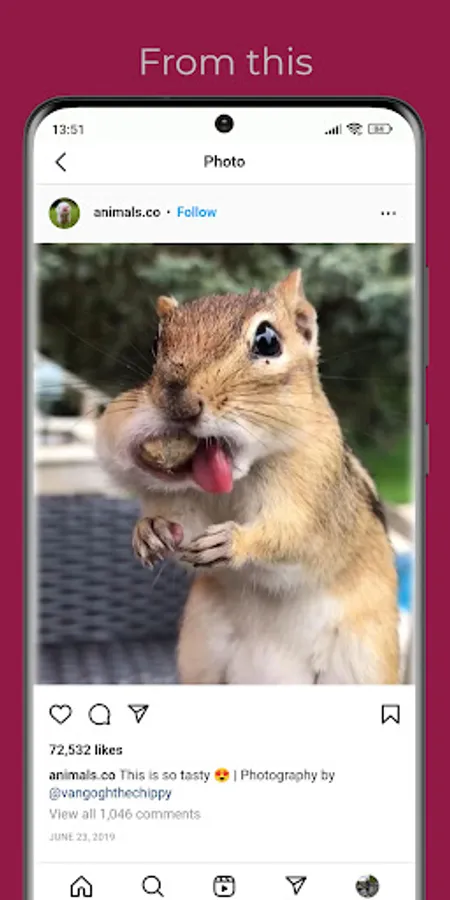
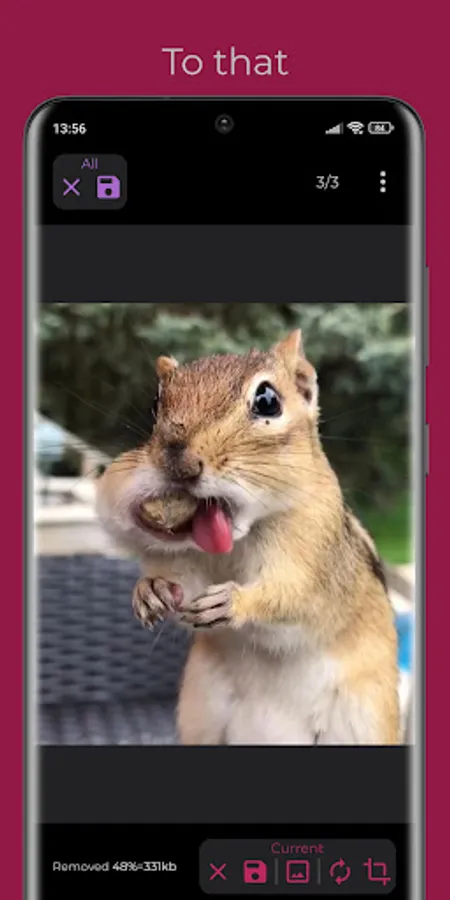
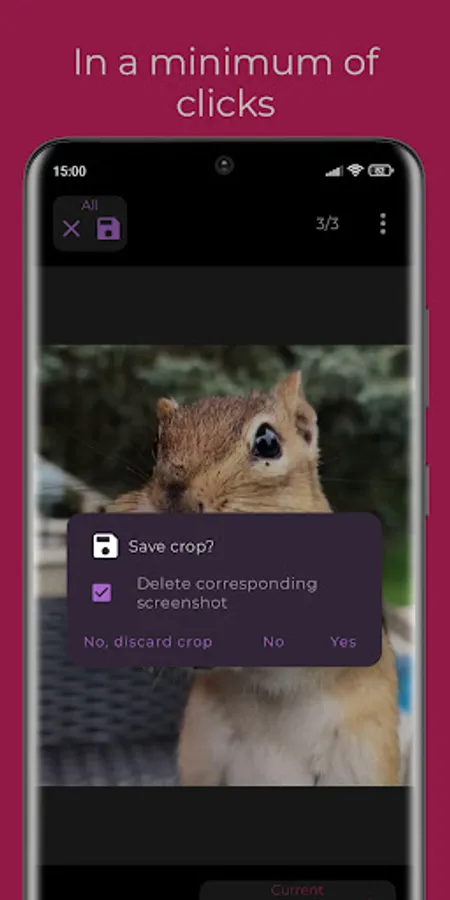
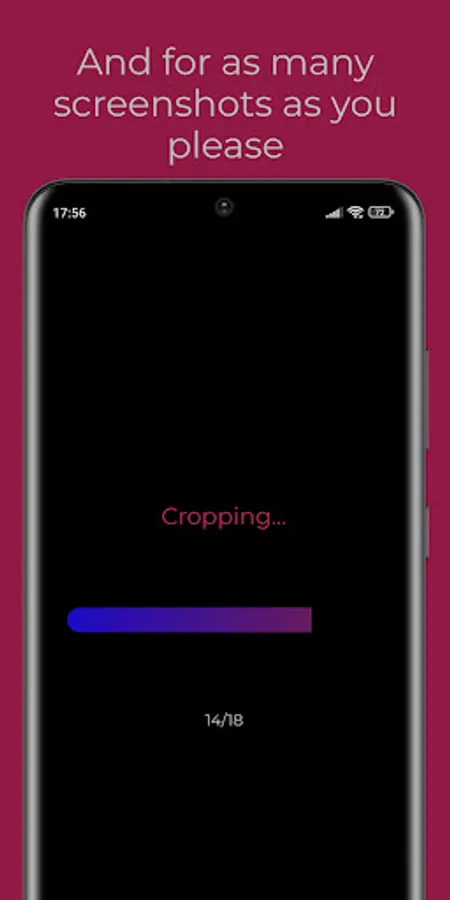
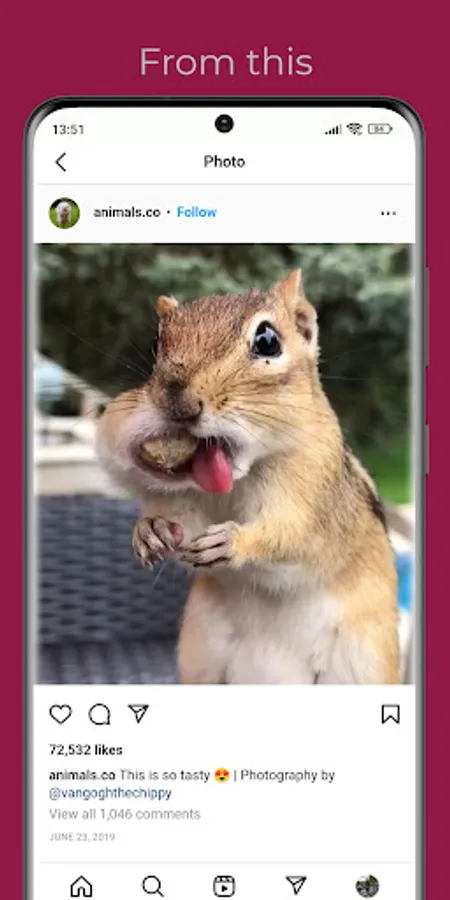
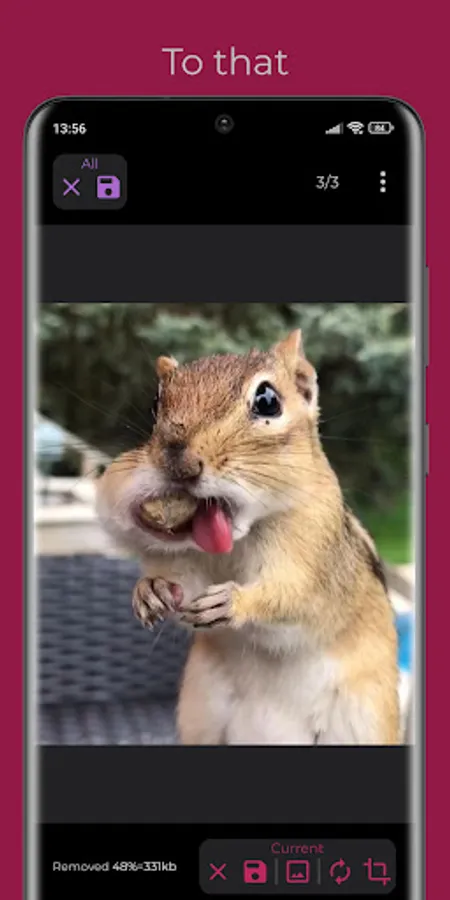
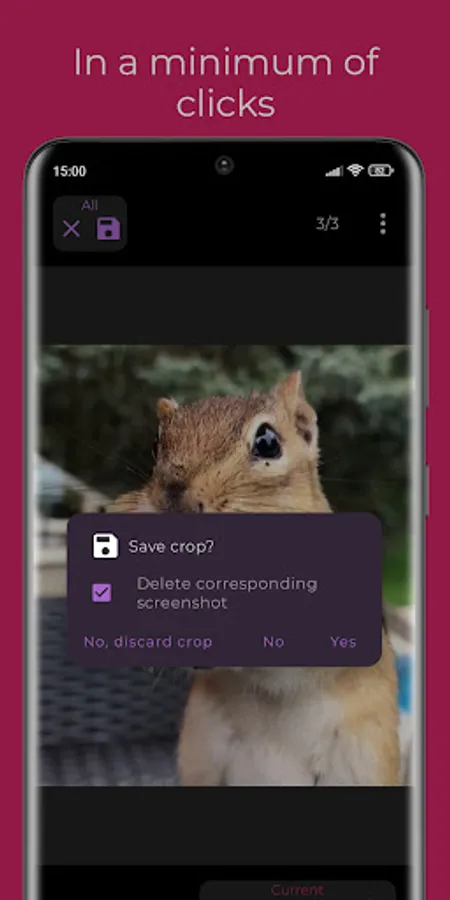
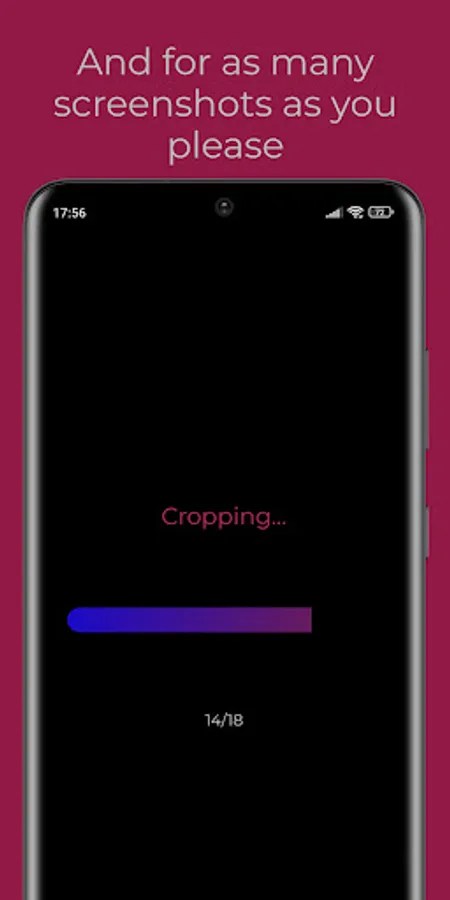
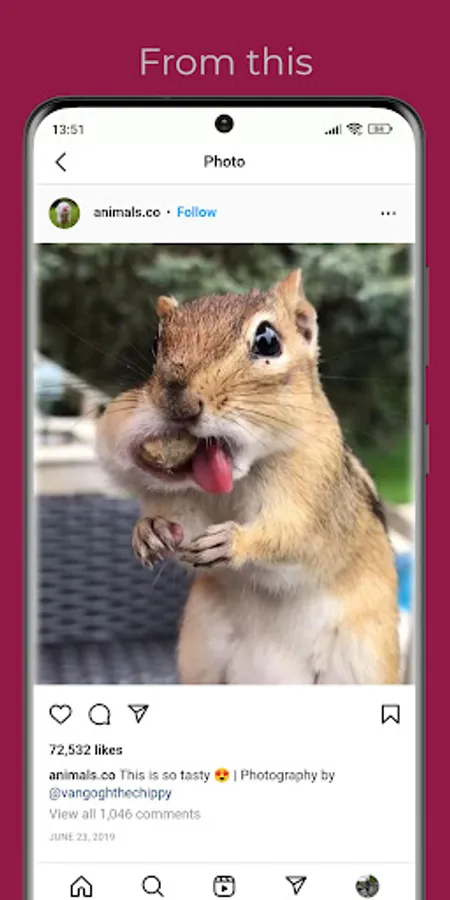
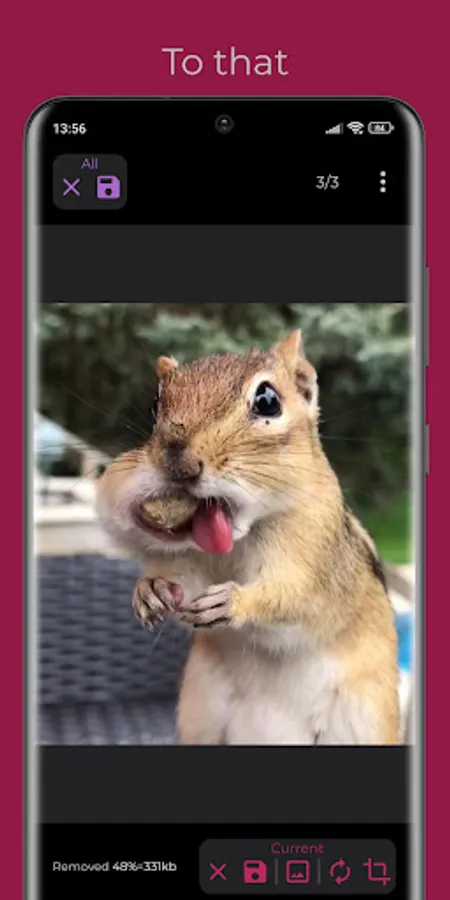
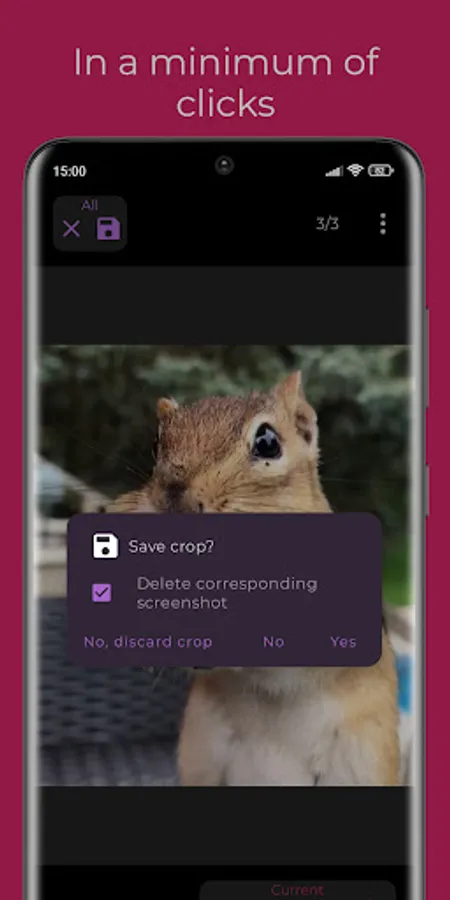
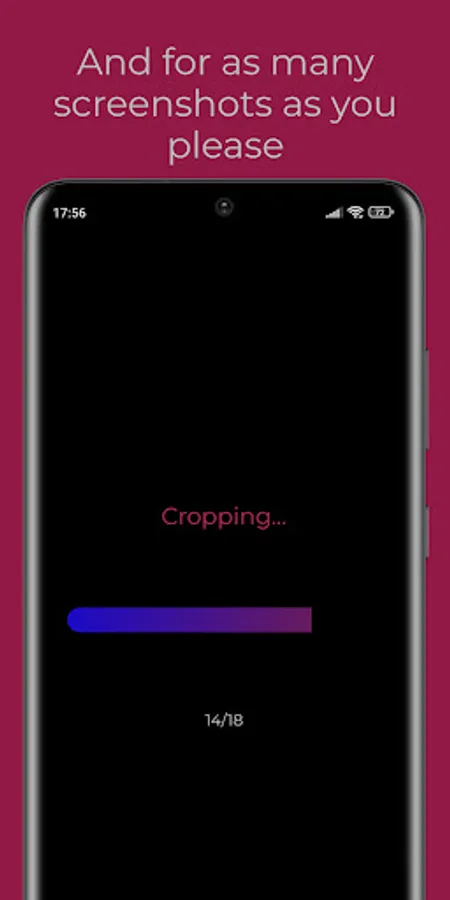
Crop as many screenshots as you wish in a single go, examine the results in a convenient image slider & determine which crops ought to be directly saved and - if you wish - have their respective screenshot deleted. In the case of them still needing a bit of manual adjustment, you can provide that directly within the app.
Additionally, you can enable the revolutionary Screenshot Listening service, through which you'll immediately receive a notification when you take a croppable screenshot. Thereby, you can save the crop on the go, without even having to open the app.
Additional features:
* Selection of the crop save directory in your file system
* Convenient comparison of the crop and its respective screenshot
* Sharing of crops post-saving
* Extra juicy animations and overall UI experience
Bug reports, feature requests, general enhancement propositions or other sorts of feedback are always appreciated.
The underlying code is open-source and available under the GPL-3.0 license at https://github.com/w2sv/AutoCrop.
Built by a passionate & self-taught developer.
Credits:
- App Icon by https://www.instagram.com/datsenpic/
Additionally, you can enable the revolutionary Screenshot Listening service, through which you'll immediately receive a notification when you take a croppable screenshot. Thereby, you can save the crop on the go, without even having to open the app.
Additional features:
* Selection of the crop save directory in your file system
* Convenient comparison of the crop and its respective screenshot
* Sharing of crops post-saving
* Extra juicy animations and overall UI experience
Bug reports, feature requests, general enhancement propositions or other sorts of feedback are always appreciated.
The underlying code is open-source and available under the GPL-3.0 license at https://github.com/w2sv/AutoCrop.
Built by a passionate & self-taught developer.
Credits:
- App Icon by https://www.instagram.com/datsenpic/
AutoCrop Screenshots
Tap to Rate:
Reviews for AutoCrop
prathvi nishad
1/7/2026
doesn't work... don't download it guys
Abul Sanaullah
1/1/2026
This is trash. Cropped the ads instead of the content.