
Wacom Inkspace App
Wacom Co, Ltd.
2.6 ★
2K ratings
100,000+
downloads
Free
In this note-taking and drawing app, you can manage, organize, and export your handwritten notes and sketches with features like rotation, splitting, and combining pages. Includes note management tools, export options in common formats, and options for simultaneous on-screen display.
AppRecs review analysis
AppRecs rating 2.5. Trustworthiness 80 out of 100. Review manipulation risk 16 out of 100. Based on a review sample analyzed.
★★☆☆☆
2.5
AppRecs Rating
Ratings breakdown
5 star
28%
4 star
9%
3 star
5%
2 star
7%
1 star
51%
What to know
✓
Low review manipulation risk
16% review manipulation risk
⚠
Mixed user feedback
Average 2.6★ rating suggests room for improvement
⚠
High negative review ratio
58% of sampled ratings are 1–2 stars
About Wacom Inkspace App
Please ensure you export your data before the removal date to avoid losing any information.
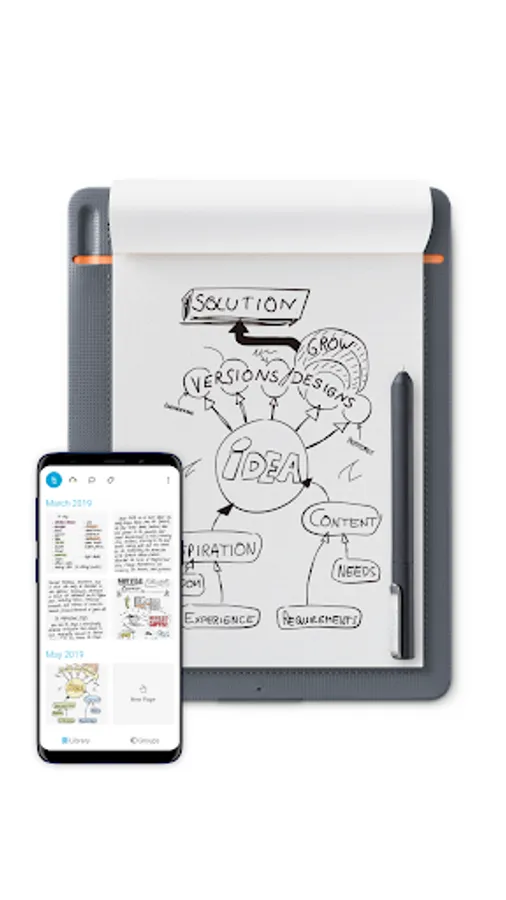
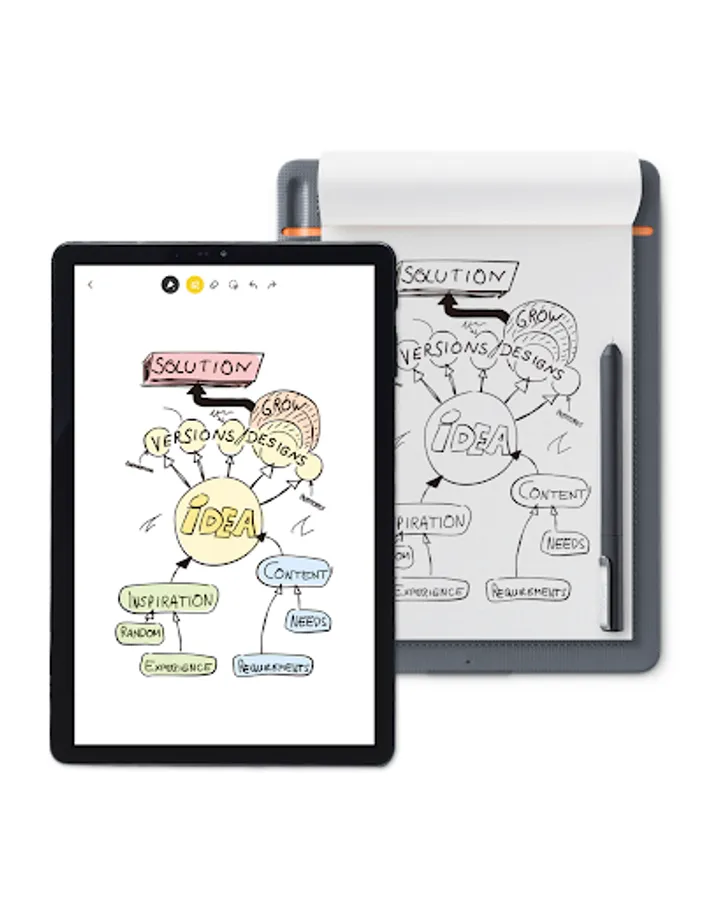
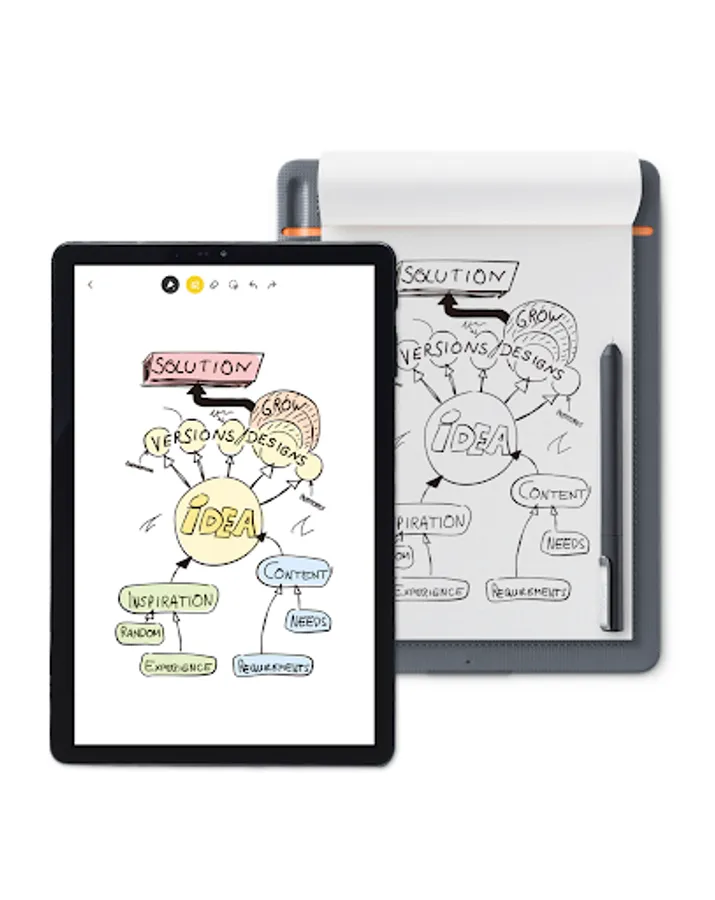
The Wacom Inkspace app is for your Intuos Pro (M & L) Paper Edition , Bamboo Spark, Folio and Slate. Use the app to turn what you write or sketch on paper into digital ink directly on your Android device. Inkspace keeps your work made on paper alive for further editing, enhancing and sharing.
MANAGE YOUR NOTES AND DRAWINGS
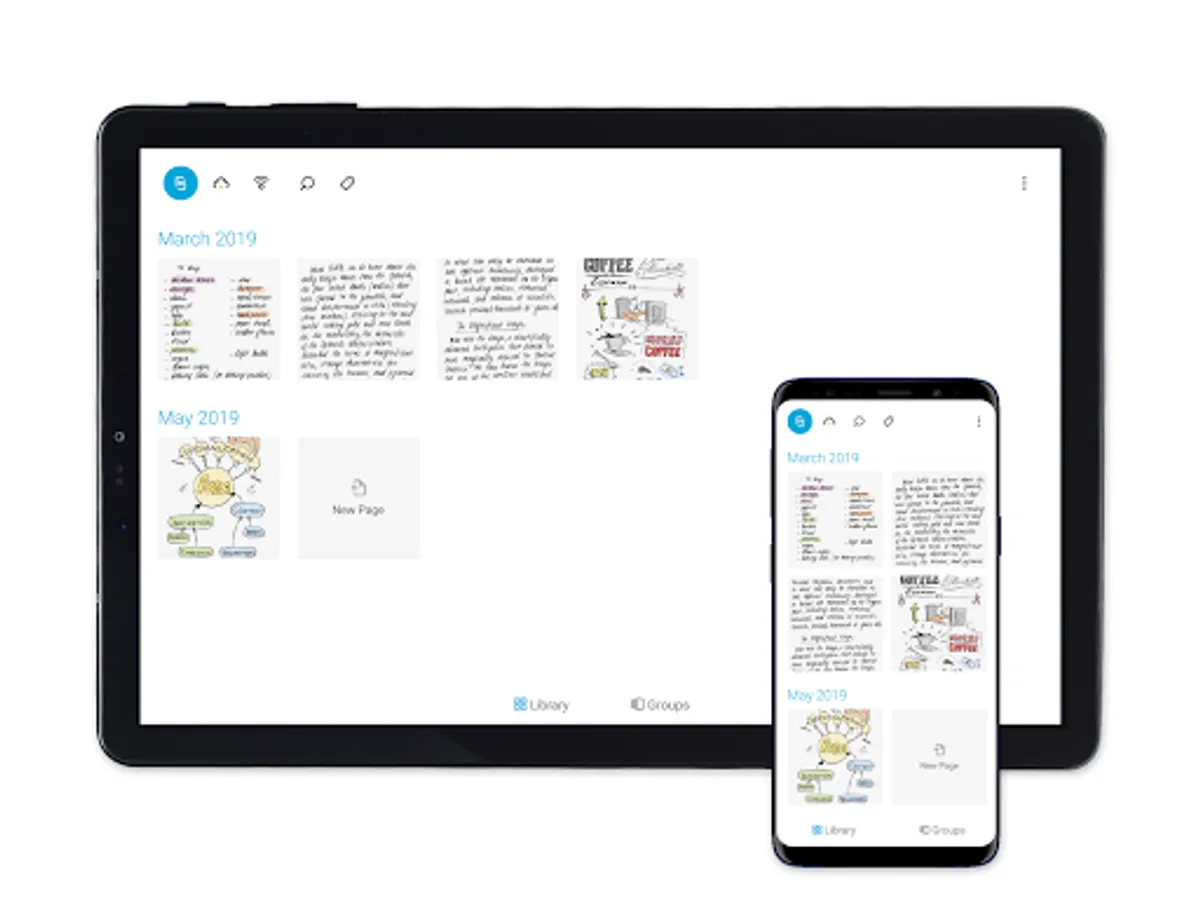
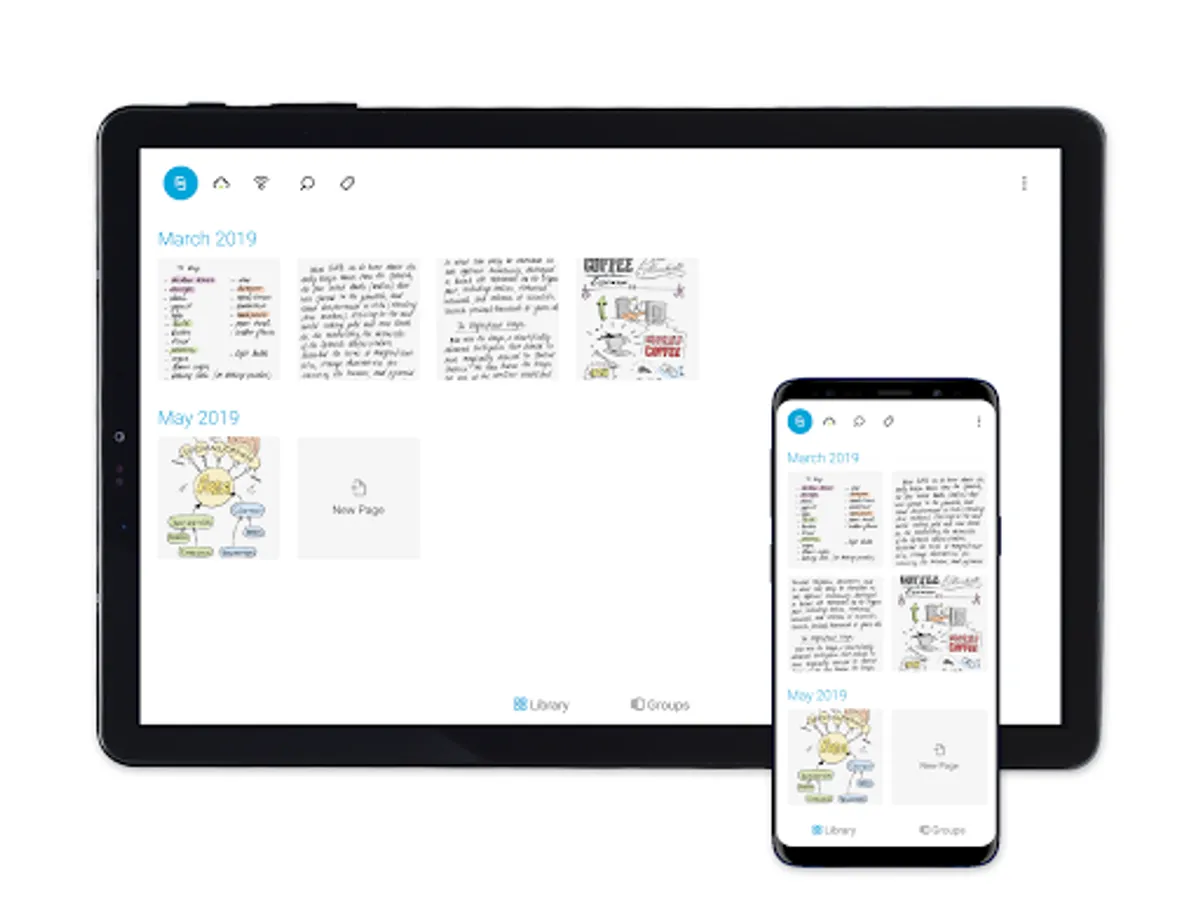
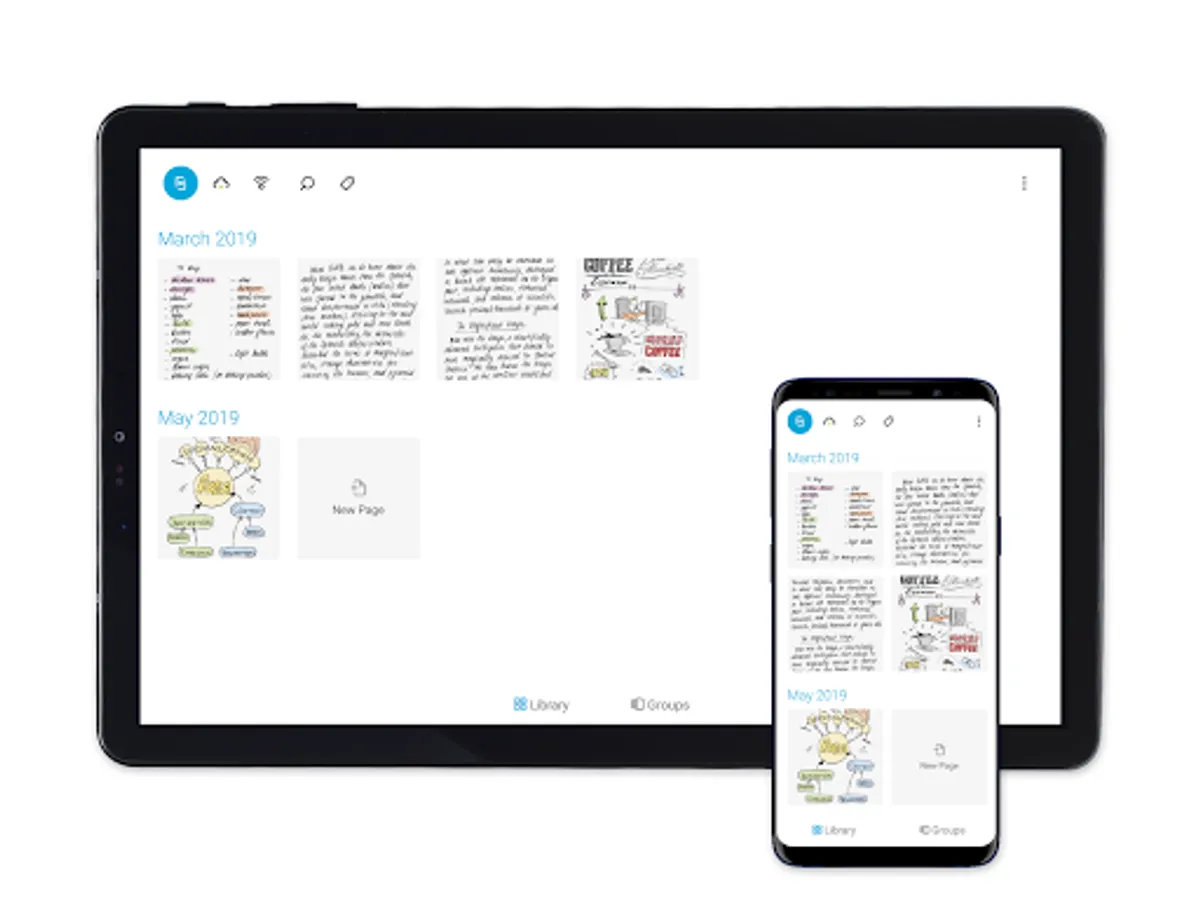
Browse and manage all your notes and drawings. Delete, rotate, split and combine pages to organize your content. Export for sharing or working in the most common formats JPG, PNG and WILL and SVG with Wacom ID. Or draw on paper and show what you´re doing on screen at the same time.
NEW. Upgrade to the new free Plus plan and enjoy a collection of additional Inkspace features.
PLUS EXPERIENCE FOR NOTETAKERS AND SKETCHERS
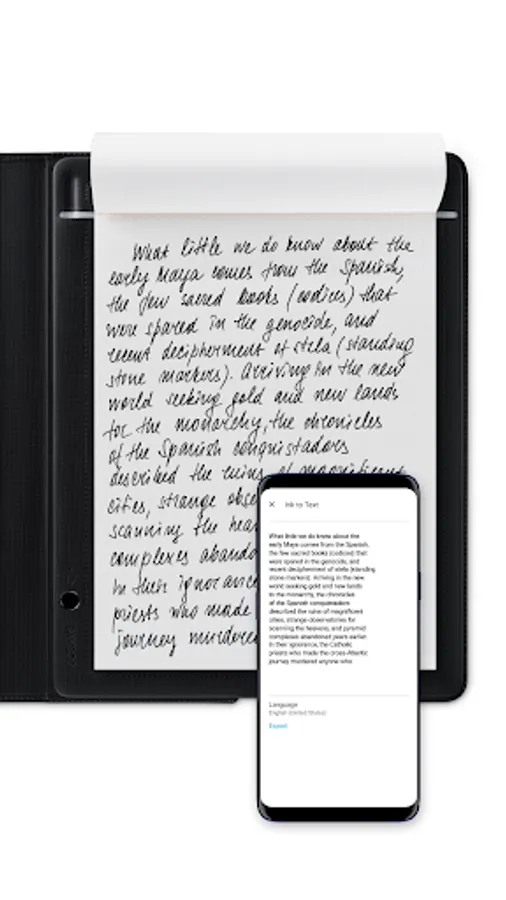
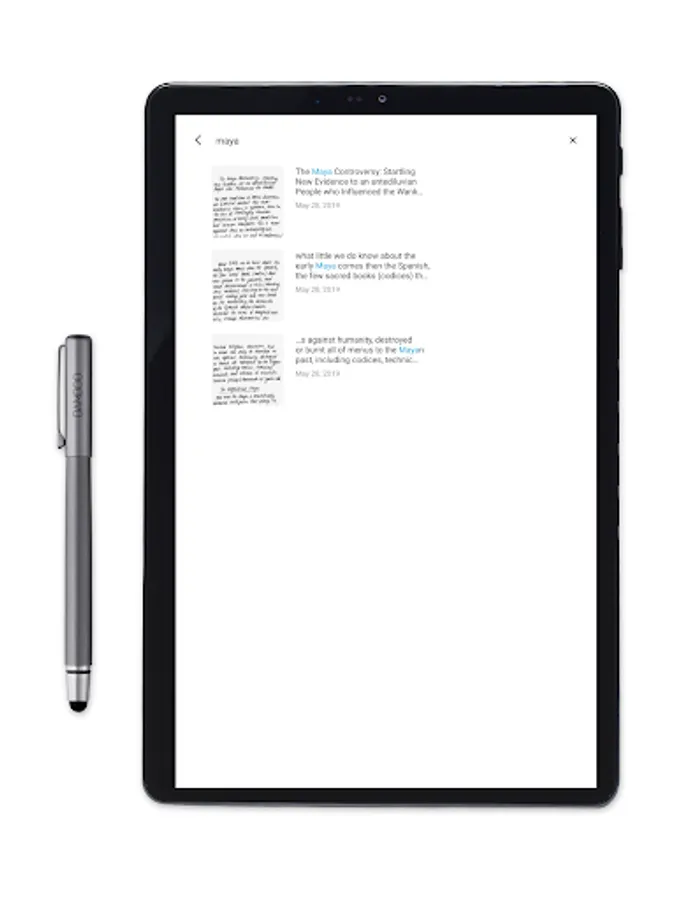
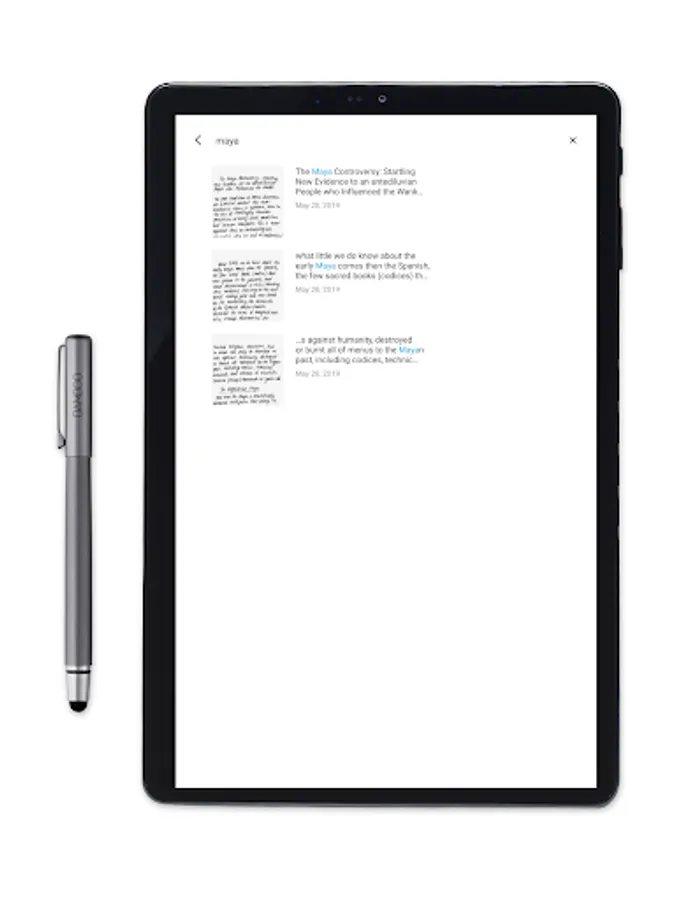
Work faster. Export your handwritten notes to digital text instantly or save your notes directly as Doc format. Manage your notes more intuitively by autocreating tags directly on paper.
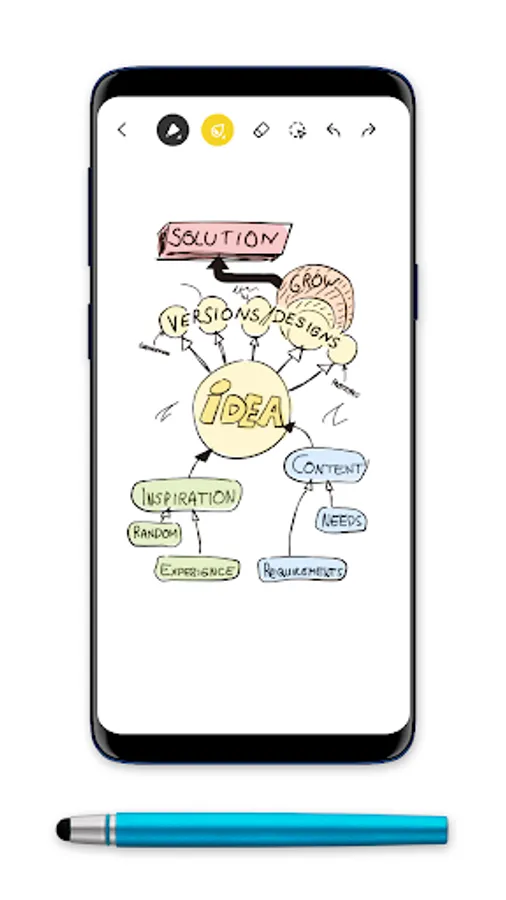
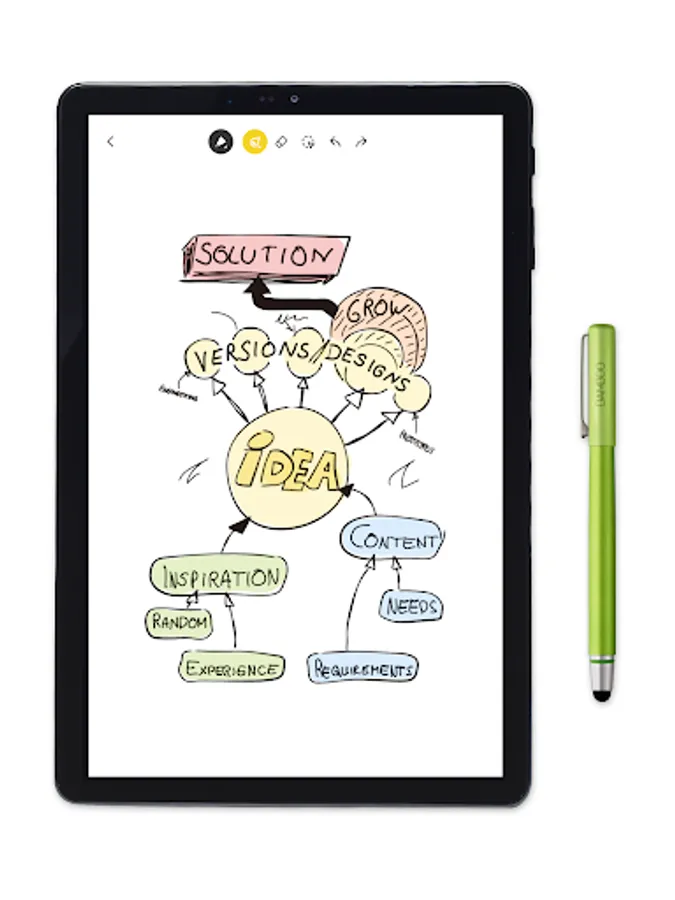
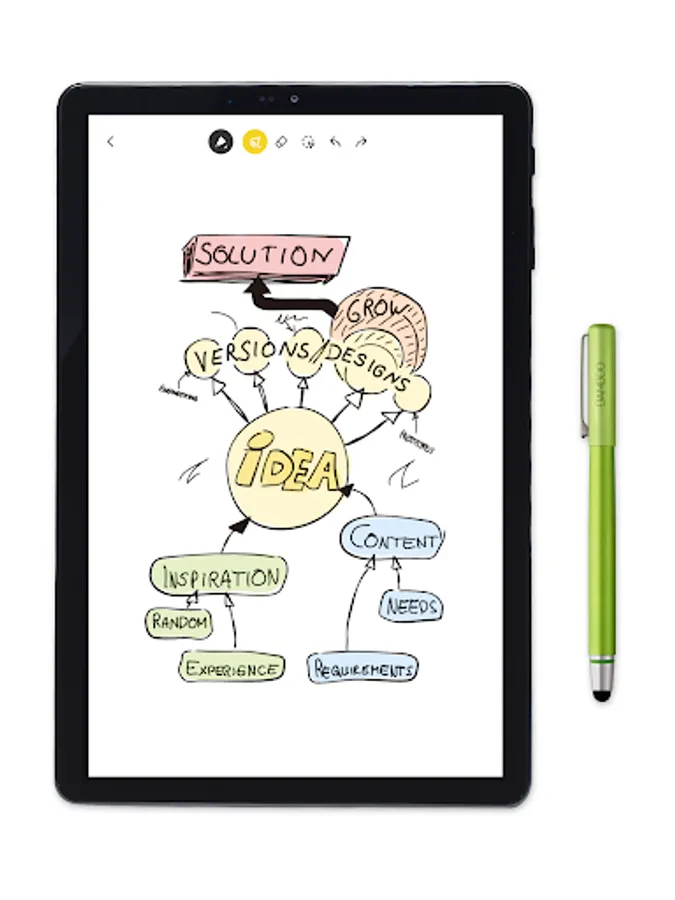
Make your paper sketches come alive. Export your sketches directly as SVG format for further editing in your favourite software.
Wacom Inkspace App Screenshots
Tap to Rate:
Reviews for Wacom Inkspace App
Michael Medlin
9/17/2025
wacom software sucks... there shouldn't be "unsupported devices". if you guys make a drawing pad, it needs to be supported by your software. period.
Sumanch babui
3/29/2025
I wrote to Wacom and online they helped me and my wacom folio is working perfectly and so is Inkspace App. Very prompt and very professional. I am late in updating my review. Thanks Wacom Suman Ch.