
In this app, you can execute preconfigured tasks by tapping your phone to NFC tags and manage settings such as permissions and notifications. Includes task execution, configuration options, and security features.
AppRecs review analysis
AppRecs rating 4.0. Trustworthiness 82 out of 100. Review manipulation risk 27 out of 100. Based on a review sample analyzed.
★★★★☆
4.0
AppRecs Rating
Ratings breakdown
5 star
65%
4 star
11%
3 star
4%
2 star
4%
1 star
16%
What to know
✓
Low review manipulation risk
27% review manipulation risk
✓
Credible reviews
82% trustworthiness score from analyzed reviews
✓
High user satisfaction
76% of sampled ratings are 4+ stars (4.0★ average)
About NFC Tasks
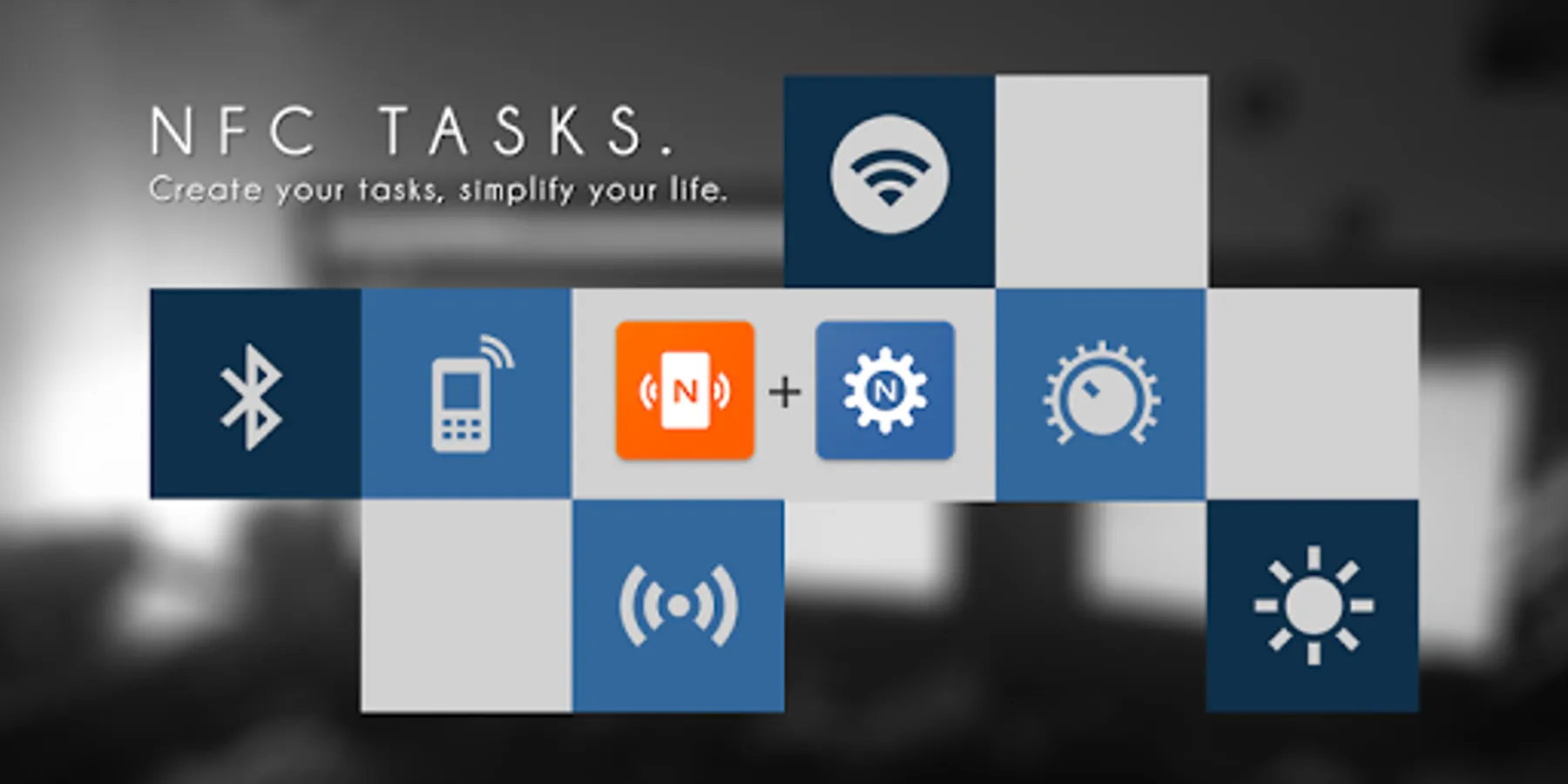
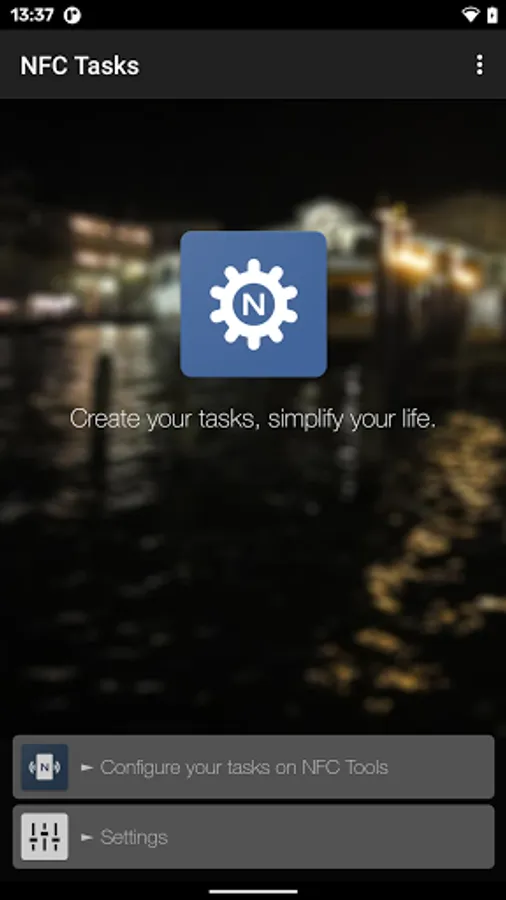
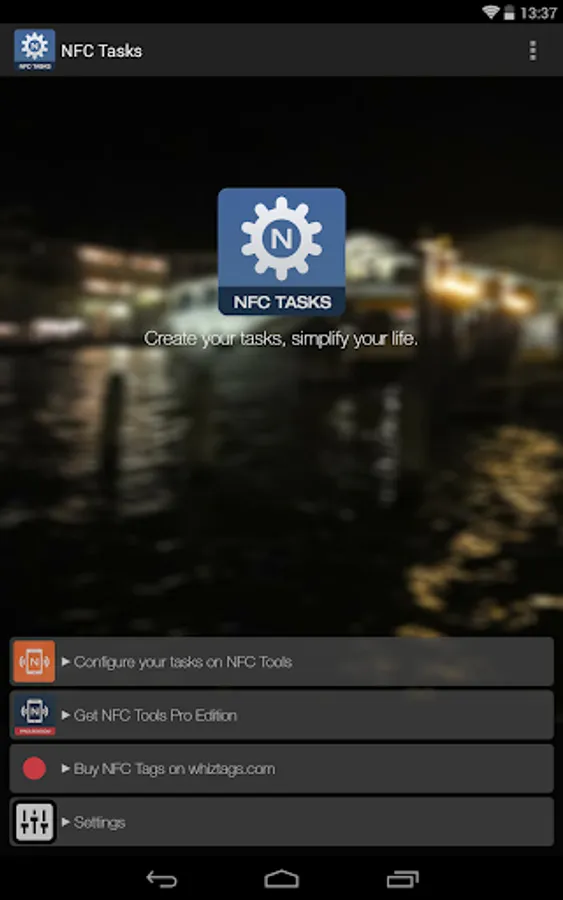
NFC Tasks is a companion app for NFC Tools.
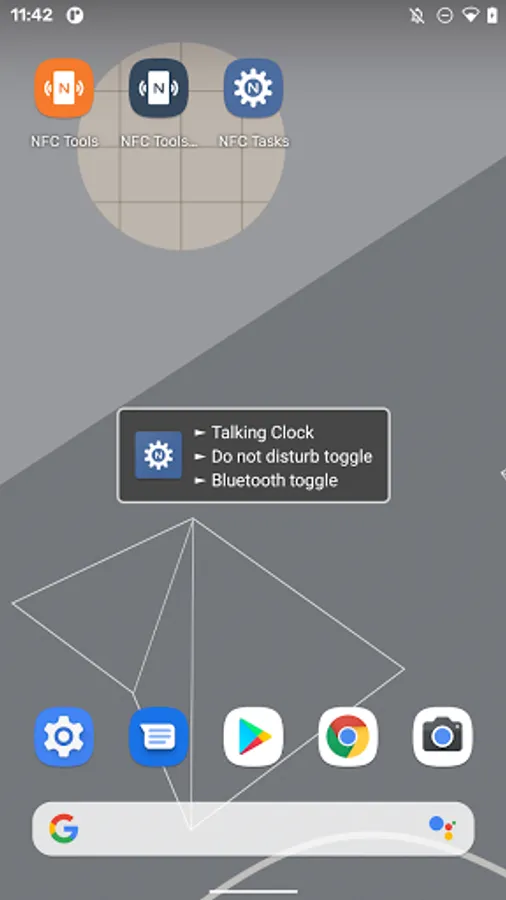
Having the proper permissions, NFC Tasks will be in charge of the execution of all the tasks that have been previously recorded on your NFC tags.
To write and configure tasks on your NFC tag, you can search and download the app NFC Tools. Once your tasks have been configured correctly, simply pass your phone over your NFC tag to perform actions.
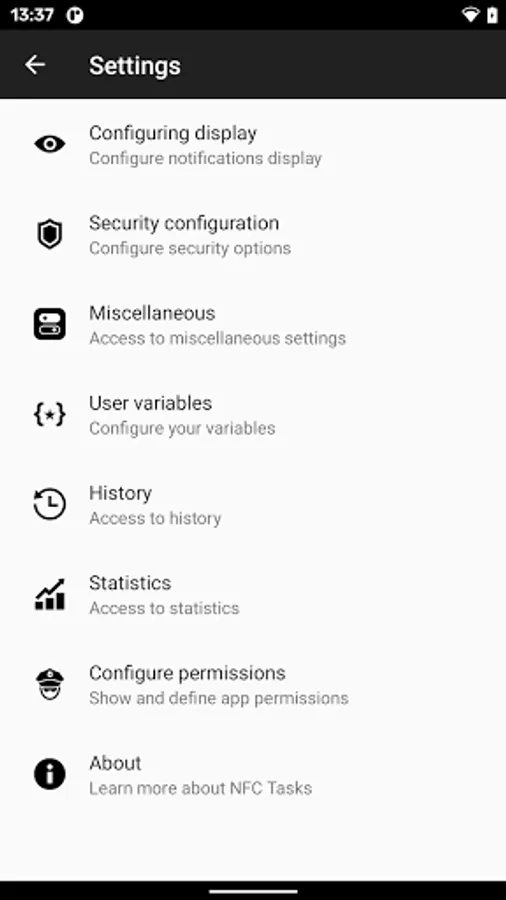
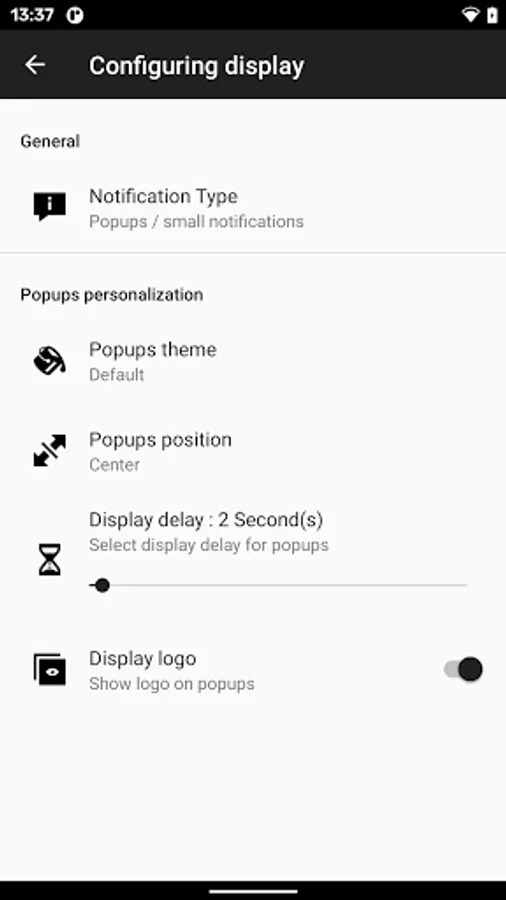
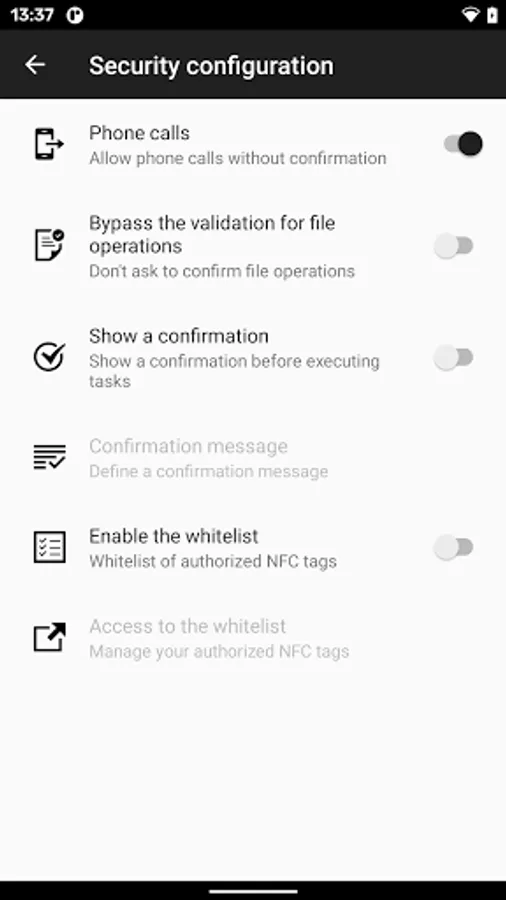
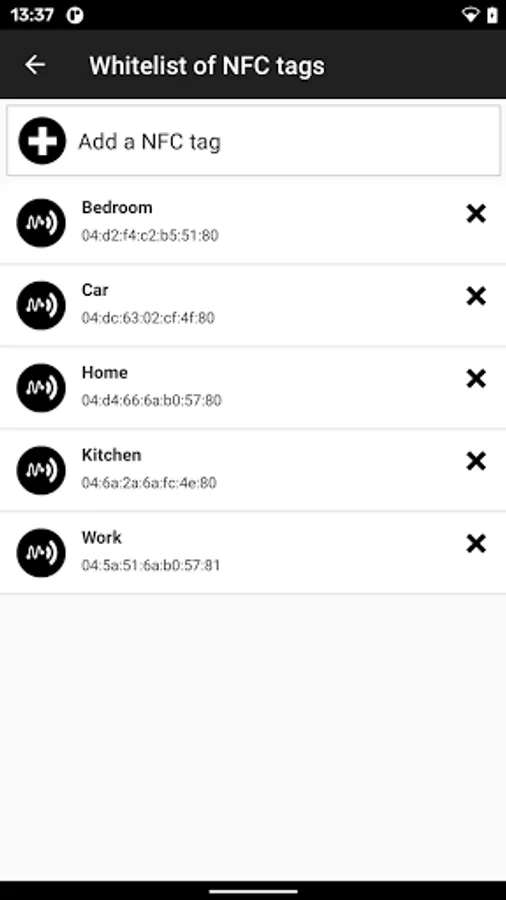
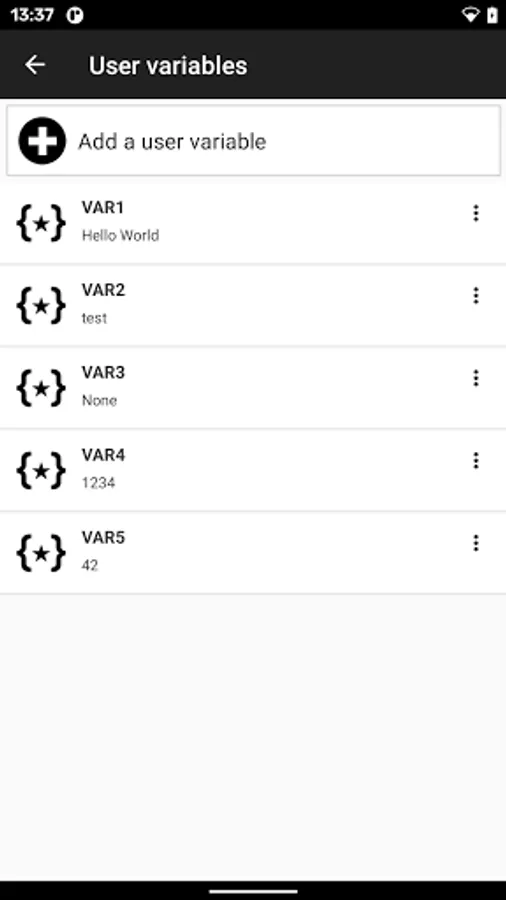
In addition to executing your tasks, the app allows you to configure a few several settings, like user variables, the permissions, the security and notification options, and more.
Executing tasks requires a lot more rights than the simple use of NFC on your phone, this is why we decided to separate this functionality from the main NFC Tools app. Having a companion app is also quite practical : it allows anyone to perform your tasks, including tasks that are only available in NFC Tools - Pro Edition.
If you have any problems, don’t hesitate to contact us, we'll be pleased to help you.
Notes:
- To write and configure tasks, you need the main app: NFC Tools or NFC Tools - Pro Edition.
- An NFC compatible device is required.
Having the proper permissions, NFC Tasks will be in charge of the execution of all the tasks that have been previously recorded on your NFC tags.
To write and configure tasks on your NFC tag, you can search and download the app NFC Tools. Once your tasks have been configured correctly, simply pass your phone over your NFC tag to perform actions.
In addition to executing your tasks, the app allows you to configure a few several settings, like user variables, the permissions, the security and notification options, and more.
Executing tasks requires a lot more rights than the simple use of NFC on your phone, this is why we decided to separate this functionality from the main NFC Tools app. Having a companion app is also quite practical : it allows anyone to perform your tasks, including tasks that are only available in NFC Tools - Pro Edition.
If you have any problems, don’t hesitate to contact us, we'll be pleased to help you.
Notes:
- To write and configure tasks, you need the main app: NFC Tools or NFC Tools - Pro Edition.
- An NFC compatible device is required.
NFC Tasks Screenshots
Tap to Rate:
Reviews for NFC Tasks
Hector membreño
12/1/2025
It just send you to another app
Hairlux Spa
11/14/2025
absolutely stunning