RecCloud - AI Speech to Text
WangxuTech
3.1 ★
975 ratings
500,000+
downloads
Free
+ in-app
In this AI-based platform, you can convert speech to text, generate speech from text, and create subtitles for videos. Includes speech-to-text, text-to-speech, and subtitle generation features.
AppRecs review analysis
AppRecs rating 3.3. Trustworthiness 81 out of 100. Review manipulation risk 26 out of 100. Based on a review sample analyzed.
★★★☆☆
3.3
AppRecs Rating
Ratings breakdown
5 star
35%
4 star
22%
3 star
4%
2 star
0%
1 star
39%
What to know
✓
Low review manipulation risk
26% review manipulation risk
⚠
Pricing complaints
Many low ratings mention paywalls or pricing
⚠
High negative review ratio
39% of sampled ratings are 1–2 stars
About RecCloud - AI Speech to Text
RecCloud: Your All-in-One AI Audio and Video Processing Platform
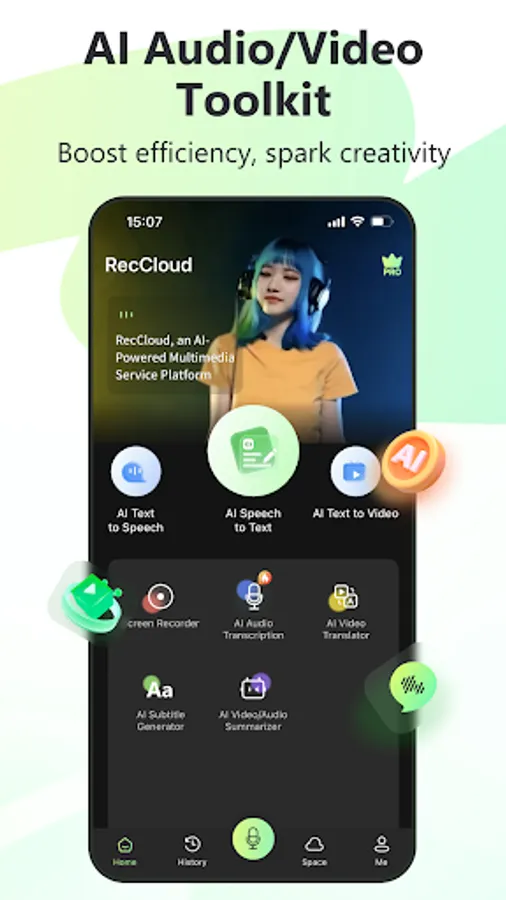
RecCloud is a versatile AI-powered platform designed to streamline your audio and video processing needs. With features like AI Speech-to-Text, AI Text-to-Speech, AI Subtitle Generator, AI Video Translator, AI Text-to-Video, and Screen Recorder, RecCloud is ideal for both professional content creators and everyday enthusiasts. Our goal is to make audio and video creation easy and enjoyable.
New Feature
● AI Multi-Voice Dubbing
Discover the ultimate tool for video and novel dubbing! Simply upload your text, and our AI voice generator will intelligently match and assign voices, making multi-voice dialogues effortless. With hundreds of voice options available, it's ideal for novel promotions, blog creation, audiobooks, radio dubbing, advertising, and more!
Key Features
● AI Speech/Recording-to-Text
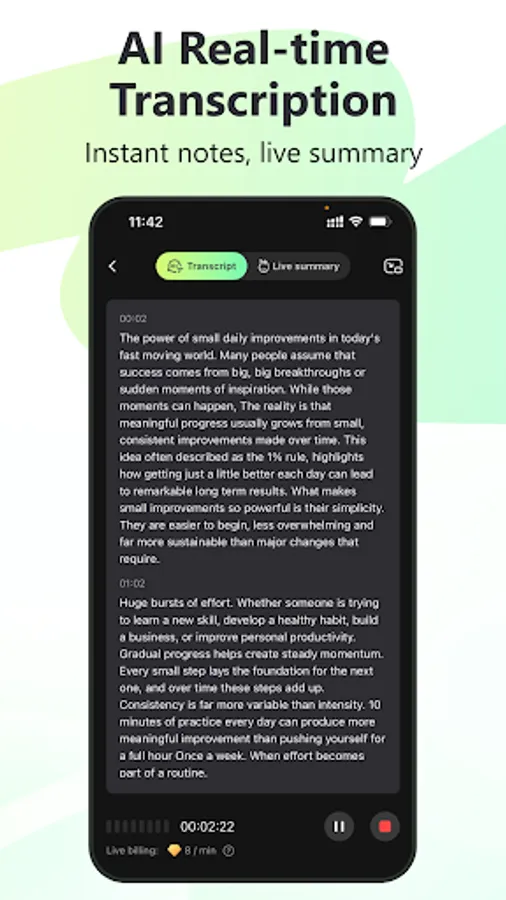
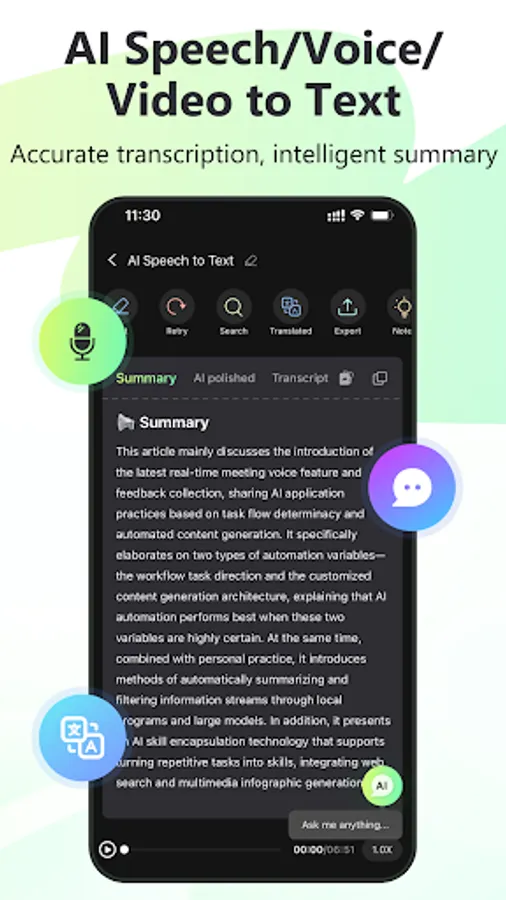
Effortlessly convert audio or video files into text with a single click. Or directly record the meetings or conversations and turn them into text. Our advanced AI also provides dialogue transcription, text polishing, summarization, and translation to meet all your transcription needs.
● AI Text-to-Speech (Realistic Voice Generator)
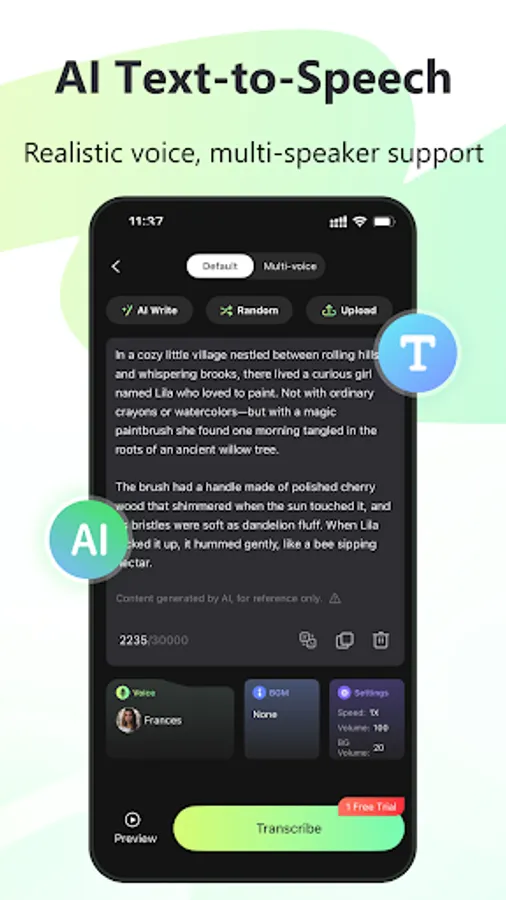
Transform any notes or text into speech with our intelligent AI. Enjoy multi-language translation and narration with creative modes such as “AI Write,” “Random Story,” and “Upload TXT.” Choose from a variety of voices, including popular female, male, and cartoon characters, for natural and human-like speech.
● AI Subtitle Generator
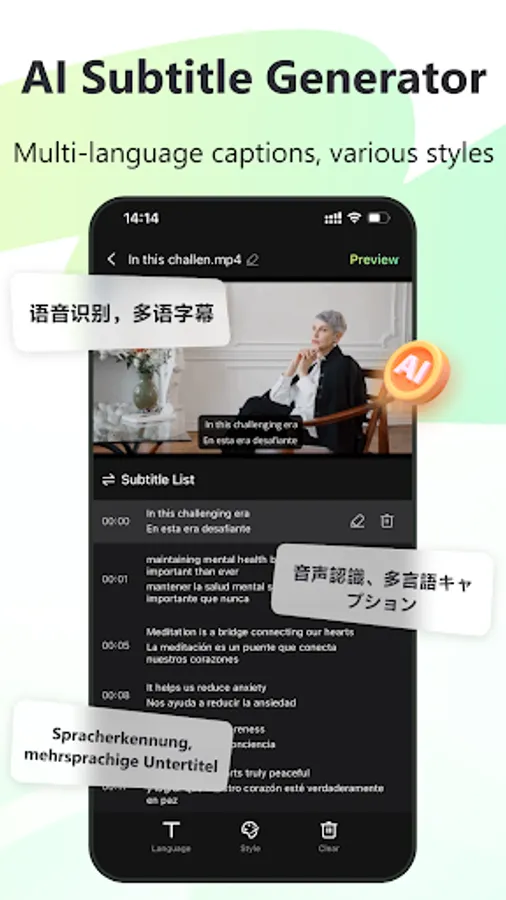
Instantly create video subtitles and customize their style as you like. Our precise AI translation supports 99 languages, including Chinese, English, Japanese, German, and French, ensuring seamless subtitle creation with AI subtitles.
● AI Video Translator
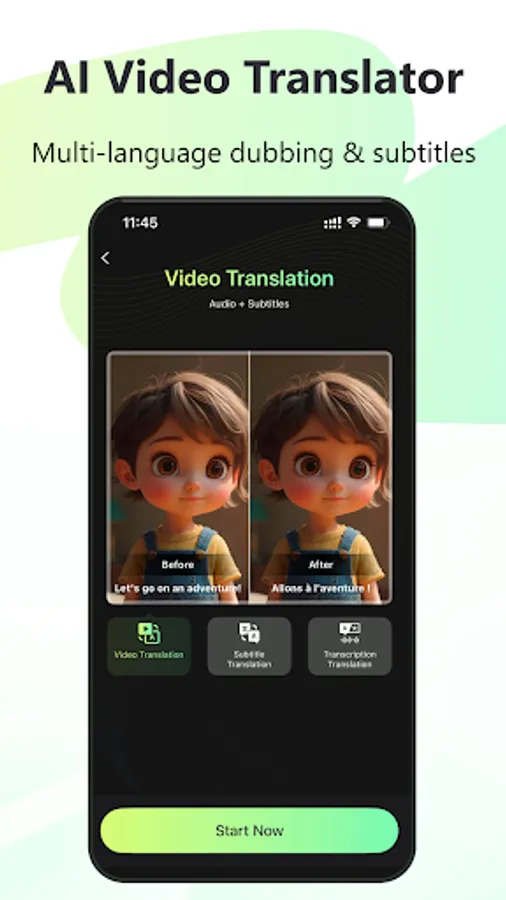
Add accurate voiceovers and generate multilingual videos quickly, breaking down language barriers for smooth viewing and sharing.
● AI Text-to-Video
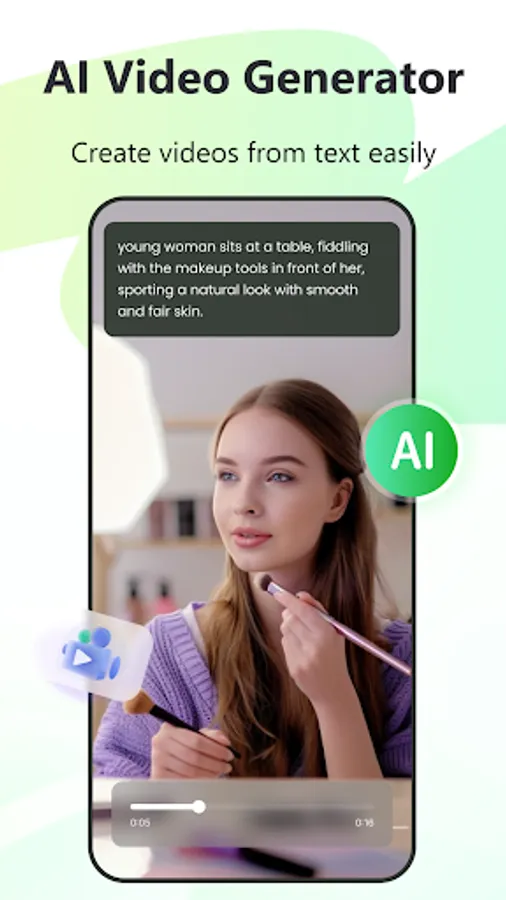
Generate videos simply by entering text. Struggling with scriptwriting? Let our “AI Write” feature quickly produce complete video scripts, making the video creation process a breeze! Perfect for creating engaging AI videos.
● Screen Recorder
Easily record your mobile screen in high definition, capturing every detail. Perfect for sharing and reviewing key moments.
● My Space
Conveniently upload and manage your audio and video files, organize playlists, and enjoy full-screen playback at various speeds. Share content quickly via QR codes or links, search efficiently, download for offline access, and perform operations like renaming, deleting, and copying files.
Explore More Features
Visit the RecCloud website on your computer (https://reccloud.com/) to discover additional AI features such as AI Vocal Remover, AI real-time audio recording transcription, and AI audio and video summarization. Embark on a new era of intelligent audio and video creation with cutting-edge AI technology!
Feedback
If you have any issues, requests, or suggestions while using RecCloud, please reach out to us through the following channels. Let's make your content even more amazing together!
● Website: https://reccloud.com/
● In the RecCloud APP: Go to [My]→[Feedback] to submit your feedback
RecCloud is a versatile AI-powered platform designed to streamline your audio and video processing needs. With features like AI Speech-to-Text, AI Text-to-Speech, AI Subtitle Generator, AI Video Translator, AI Text-to-Video, and Screen Recorder, RecCloud is ideal for both professional content creators and everyday enthusiasts. Our goal is to make audio and video creation easy and enjoyable.
New Feature
● AI Multi-Voice Dubbing
Discover the ultimate tool for video and novel dubbing! Simply upload your text, and our AI voice generator will intelligently match and assign voices, making multi-voice dialogues effortless. With hundreds of voice options available, it's ideal for novel promotions, blog creation, audiobooks, radio dubbing, advertising, and more!
Key Features
● AI Speech/Recording-to-Text
Effortlessly convert audio or video files into text with a single click. Or directly record the meetings or conversations and turn them into text. Our advanced AI also provides dialogue transcription, text polishing, summarization, and translation to meet all your transcription needs.
● AI Text-to-Speech (Realistic Voice Generator)
Transform any notes or text into speech with our intelligent AI. Enjoy multi-language translation and narration with creative modes such as “AI Write,” “Random Story,” and “Upload TXT.” Choose from a variety of voices, including popular female, male, and cartoon characters, for natural and human-like speech.
● AI Subtitle Generator
Instantly create video subtitles and customize their style as you like. Our precise AI translation supports 99 languages, including Chinese, English, Japanese, German, and French, ensuring seamless subtitle creation with AI subtitles.
● AI Video Translator
Add accurate voiceovers and generate multilingual videos quickly, breaking down language barriers for smooth viewing and sharing.
● AI Text-to-Video
Generate videos simply by entering text. Struggling with scriptwriting? Let our “AI Write” feature quickly produce complete video scripts, making the video creation process a breeze! Perfect for creating engaging AI videos.
● Screen Recorder
Easily record your mobile screen in high definition, capturing every detail. Perfect for sharing and reviewing key moments.
● My Space
Conveniently upload and manage your audio and video files, organize playlists, and enjoy full-screen playback at various speeds. Share content quickly via QR codes or links, search efficiently, download for offline access, and perform operations like renaming, deleting, and copying files.
Explore More Features
Visit the RecCloud website on your computer (https://reccloud.com/) to discover additional AI features such as AI Vocal Remover, AI real-time audio recording transcription, and AI audio and video summarization. Embark on a new era of intelligent audio and video creation with cutting-edge AI technology!
Feedback
If you have any issues, requests, or suggestions while using RecCloud, please reach out to us through the following channels. Let's make your content even more amazing together!
● Website: https://reccloud.com/
● In the RecCloud APP: Go to [My]→[Feedback] to submit your feedback
RecCloud - AI Speech to Text Screenshots
Tap to Rate:
Reviews for RecCloud - AI Speech to Text
Eberennenna Nnenna
2/18/2026
good morning ma how to meet this app
VIRENDRA KUMAR
2/10/2026
bad