About Digital watch face D25
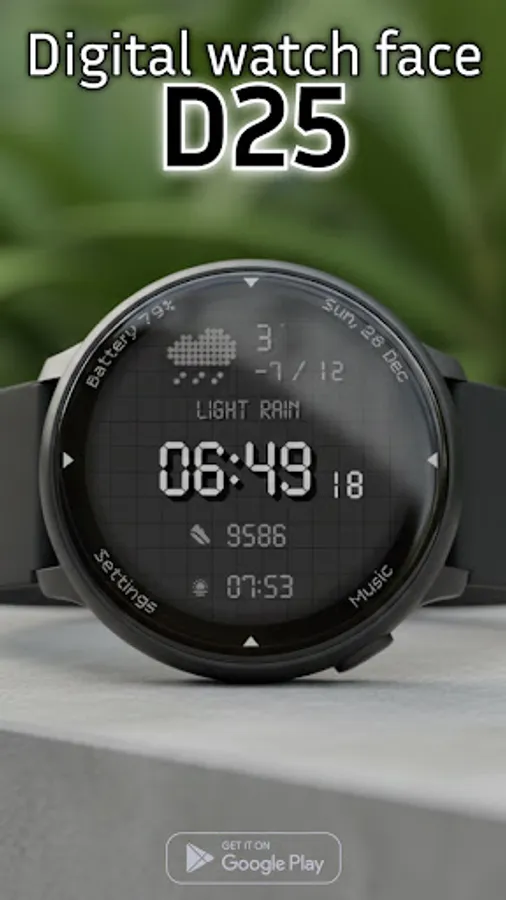
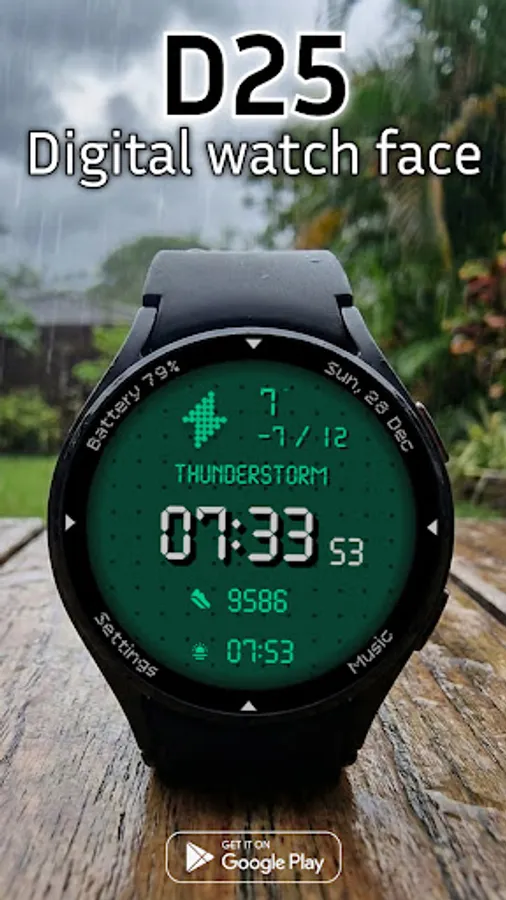
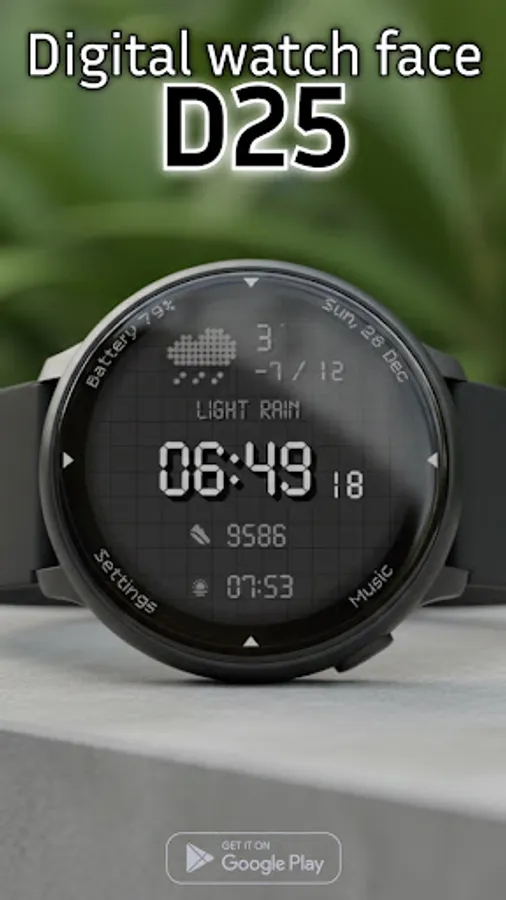
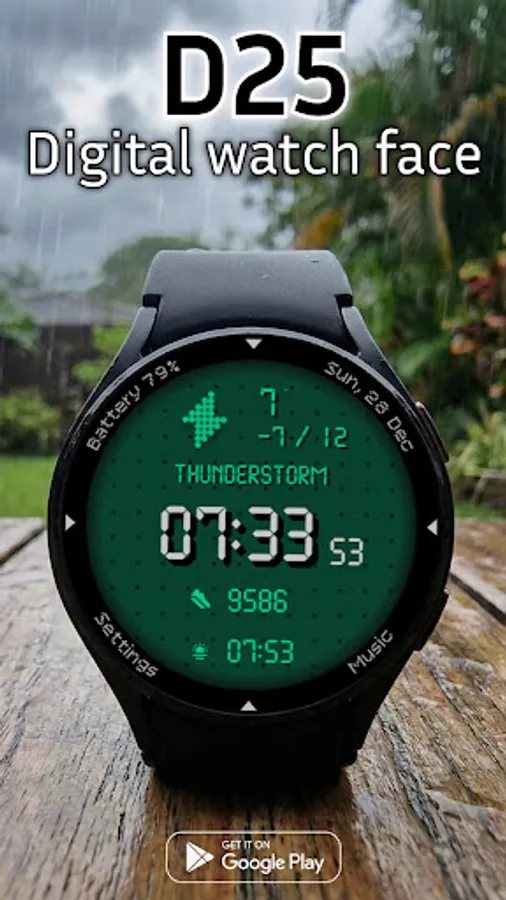
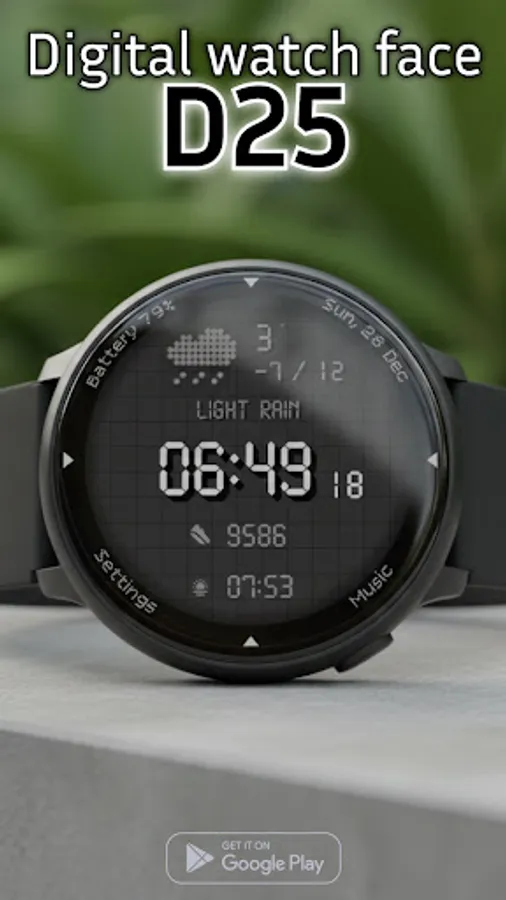
Equip your Wear OS device with the D25, a digital watch face that combines a retro-tactical aesthetic with modern customization. Inspired by classic LCD displays and dot-matrix typography, this face offers a rugged look with powerful functionality for everyday use.
D25: Rugged Digital Watch Face
Equip your Wear OS device with the D25, a digital watch face that combines a retro-tactical aesthetic with modern customization. Inspired by classic LCD displays and dot-matrix typography, this face offers a rugged look with powerful functionality for everyday use.
Key Features:
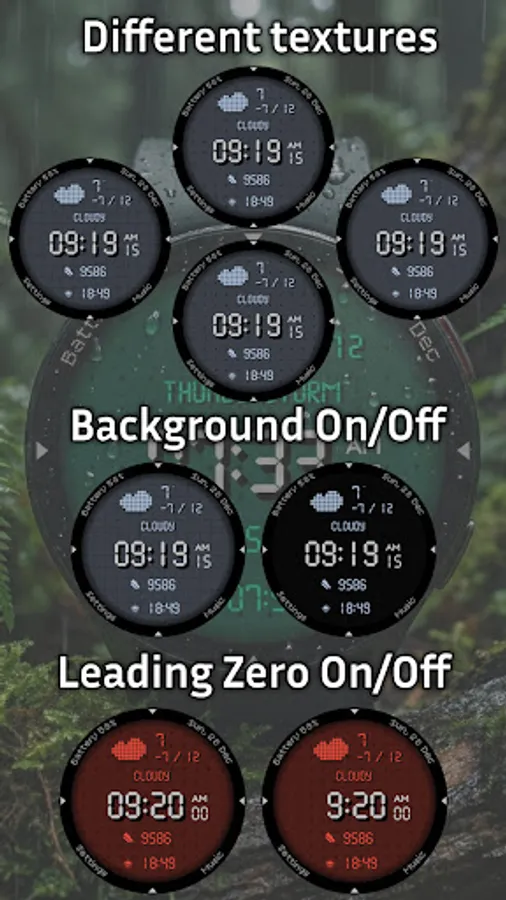
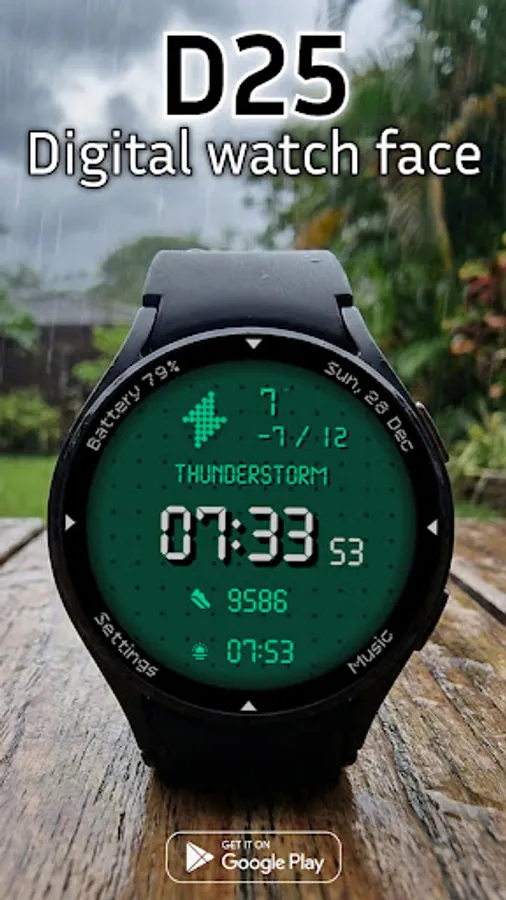
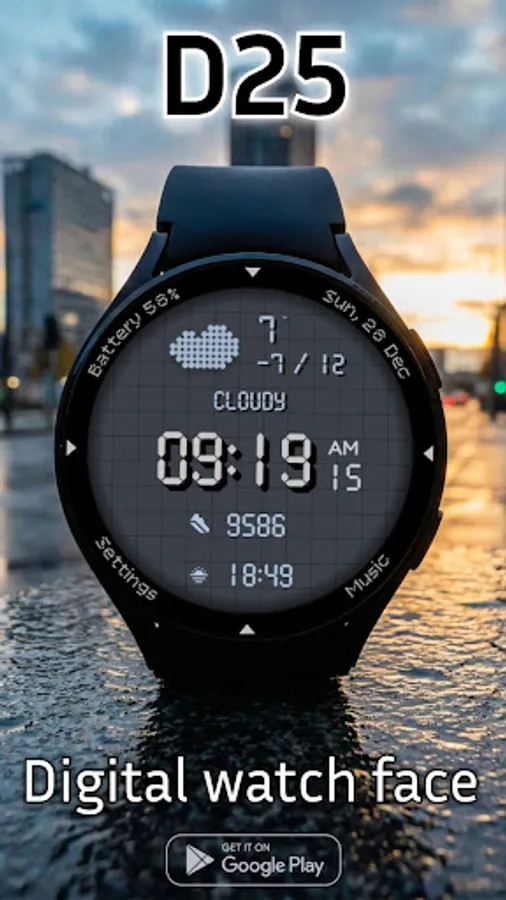
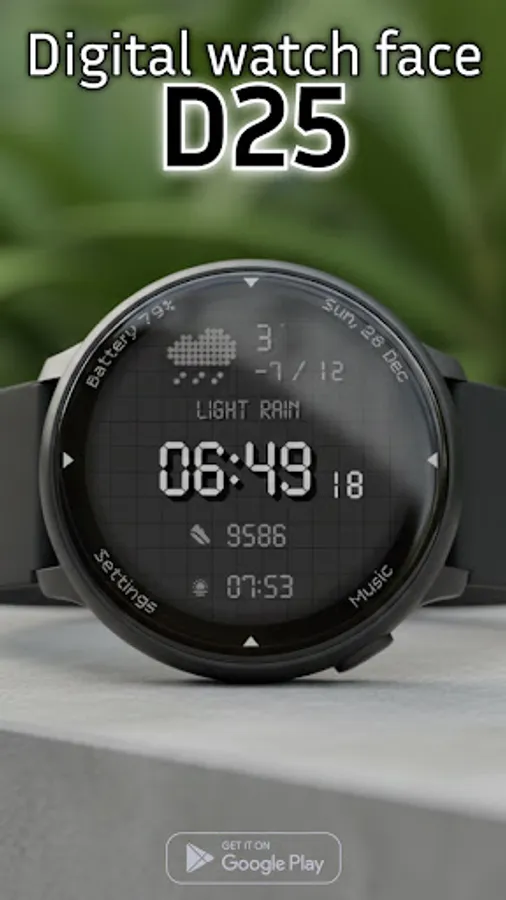
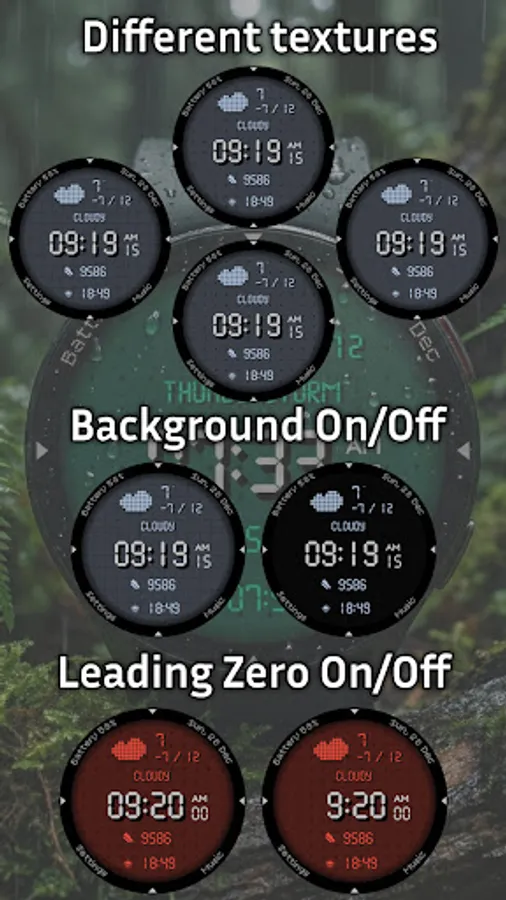
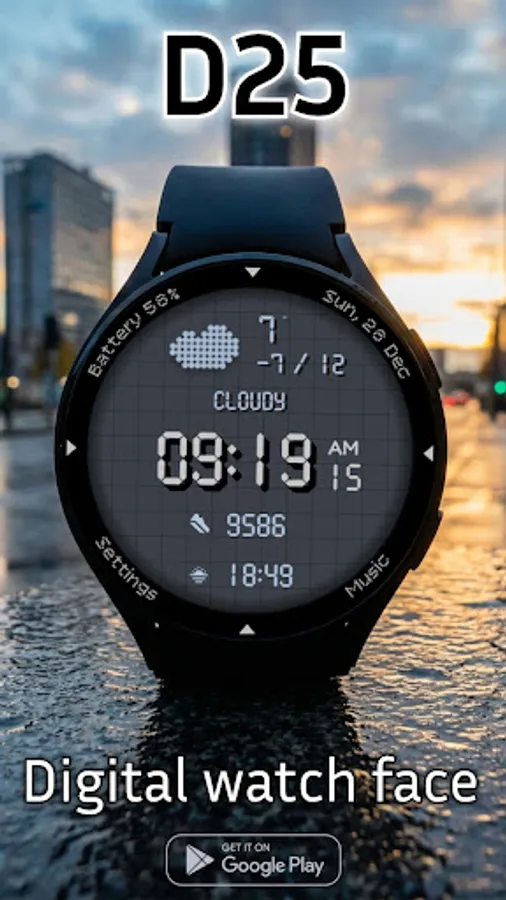
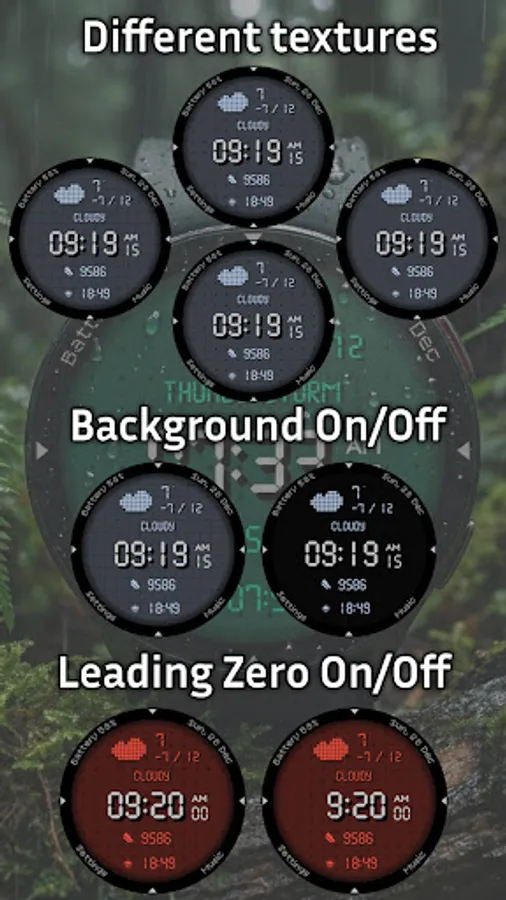
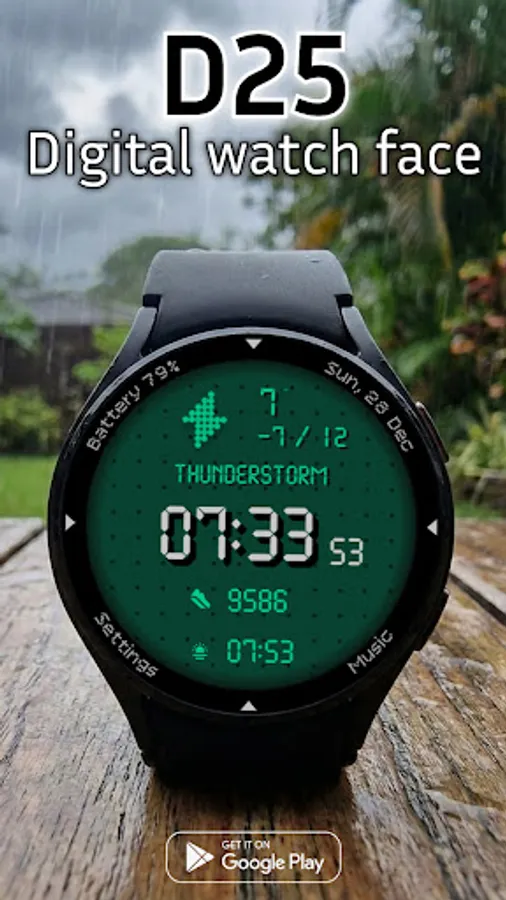
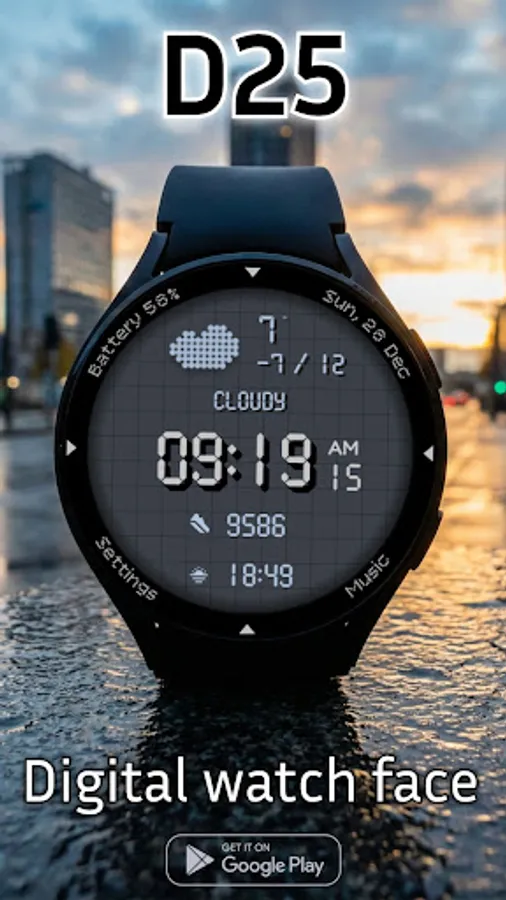
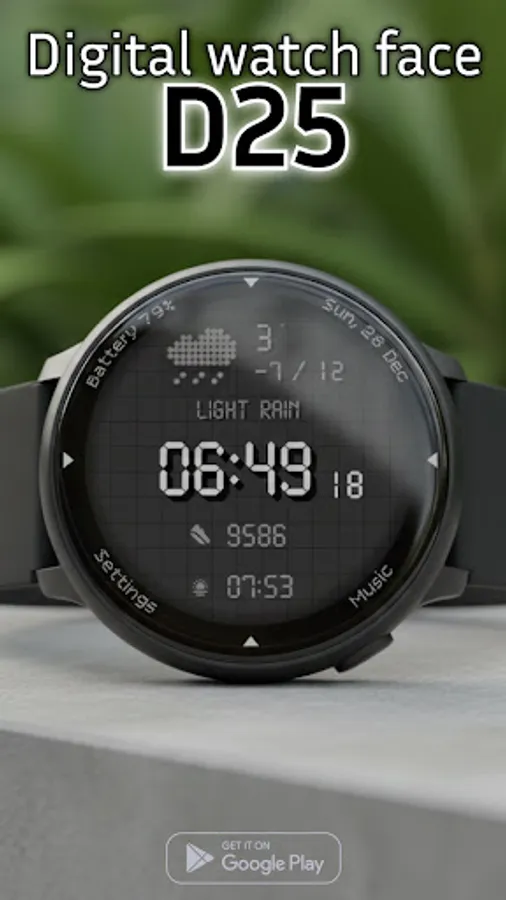
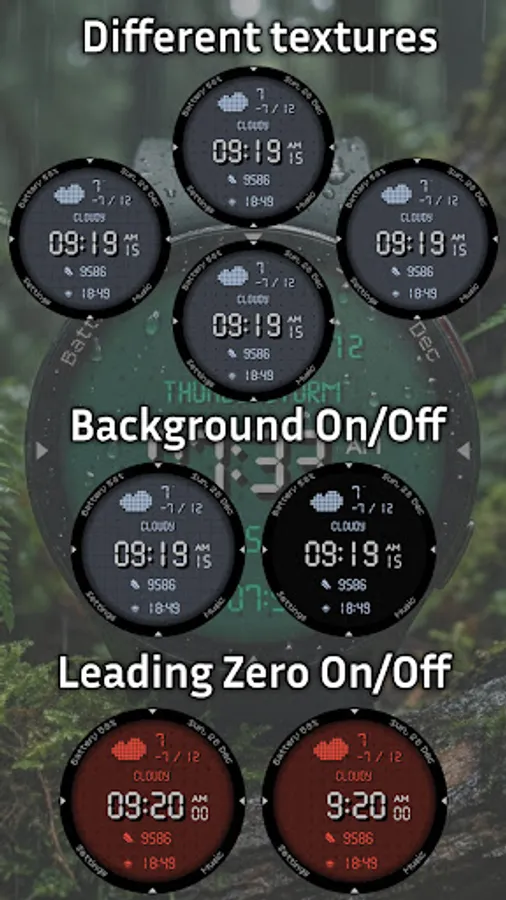
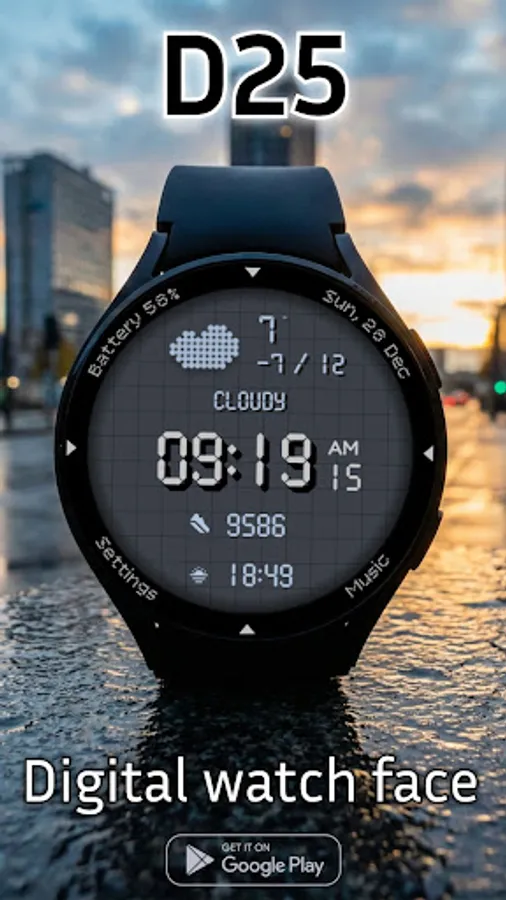
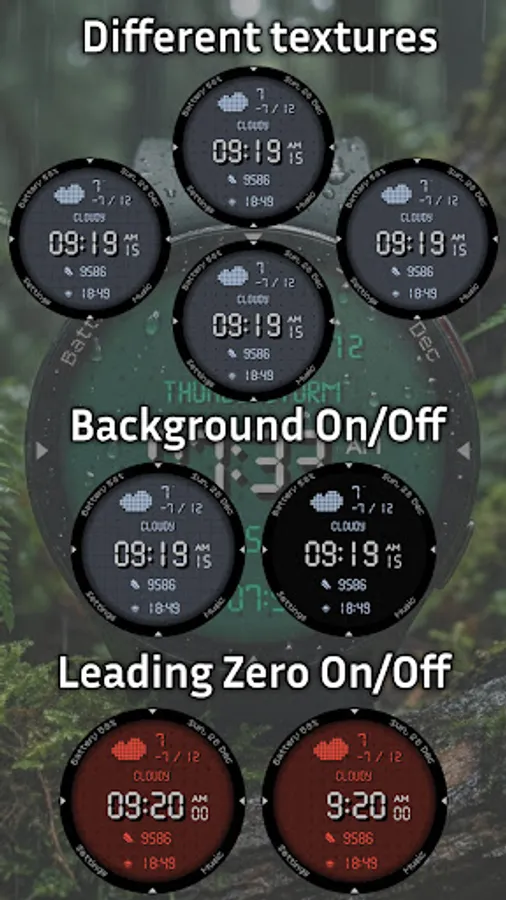
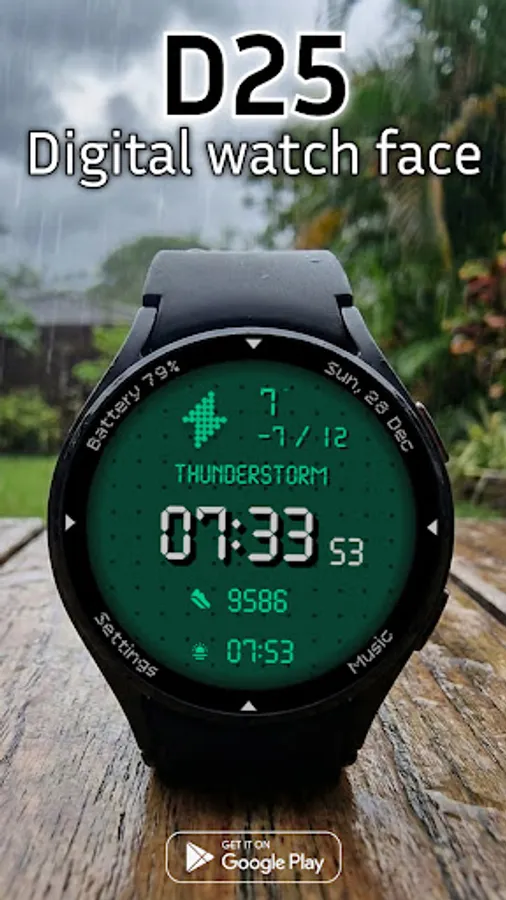
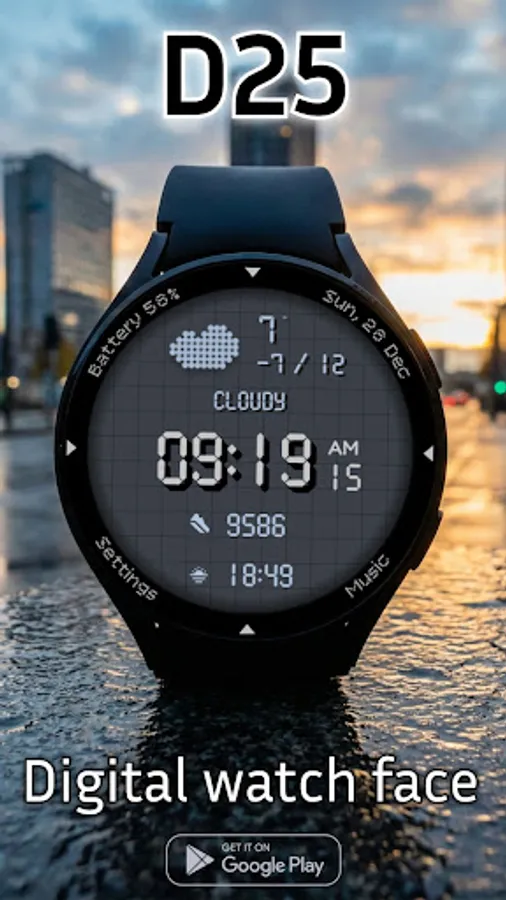
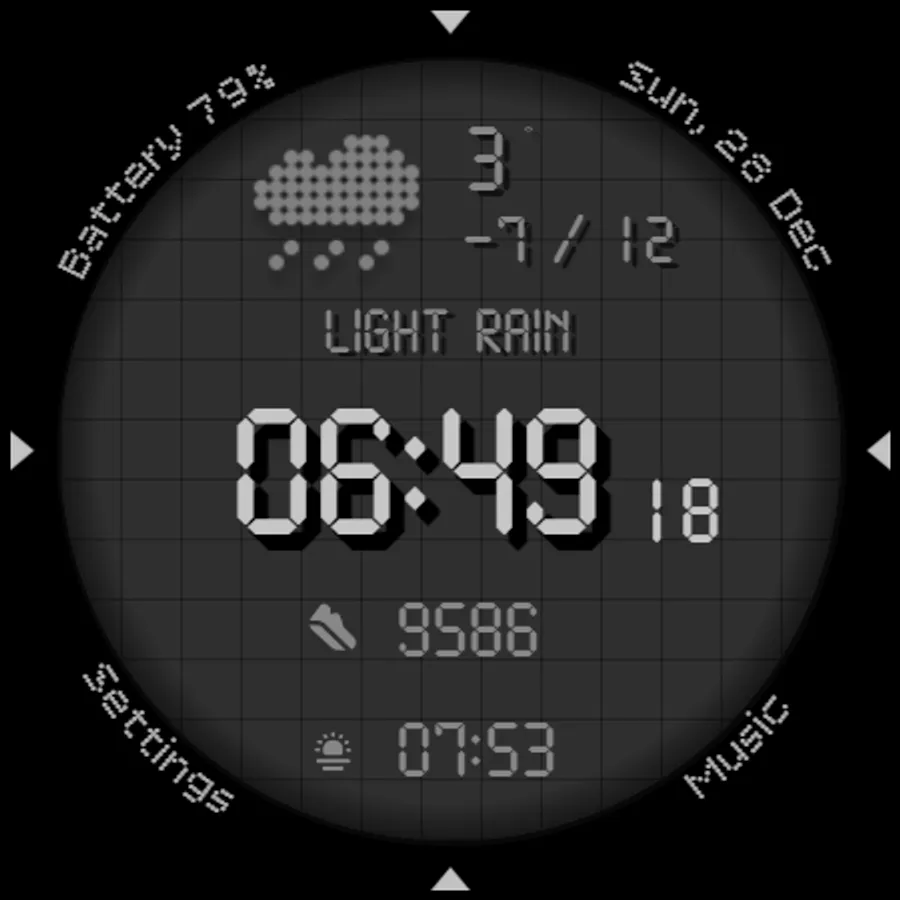
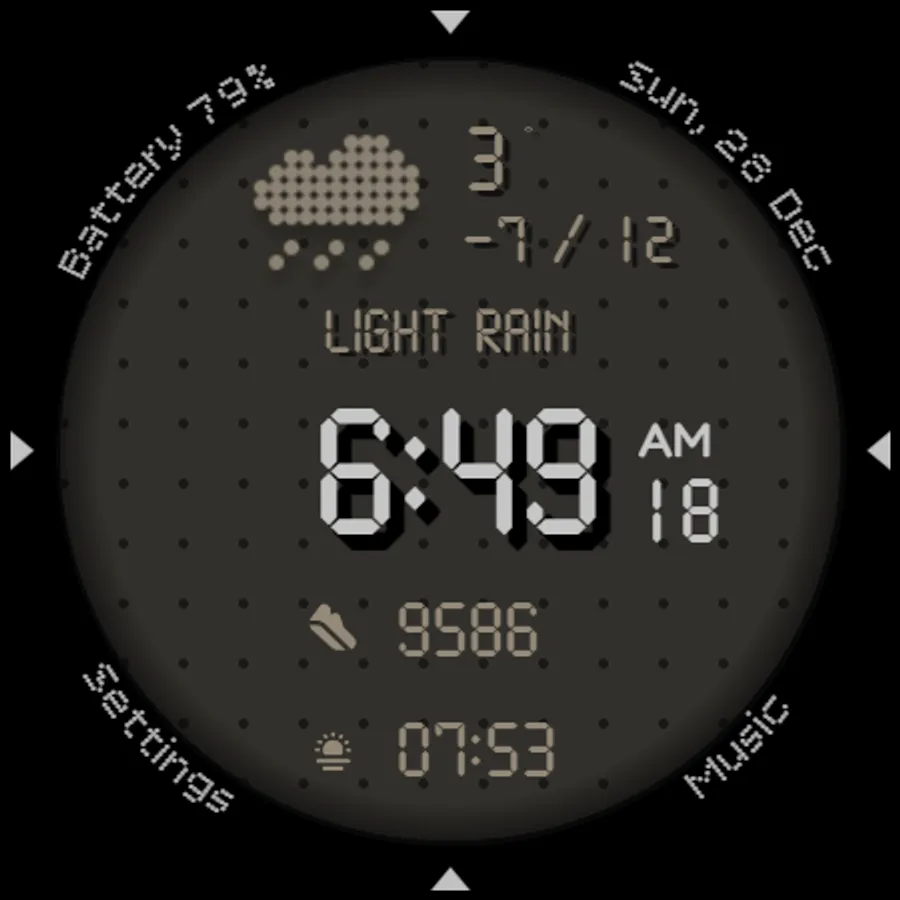
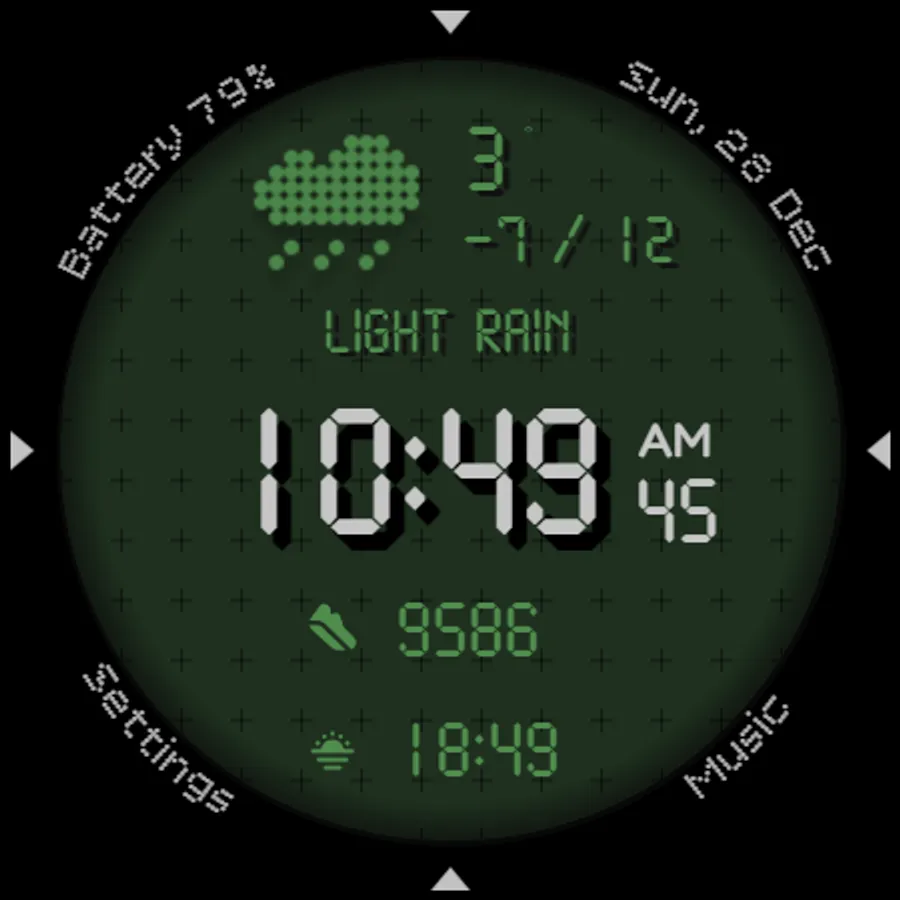
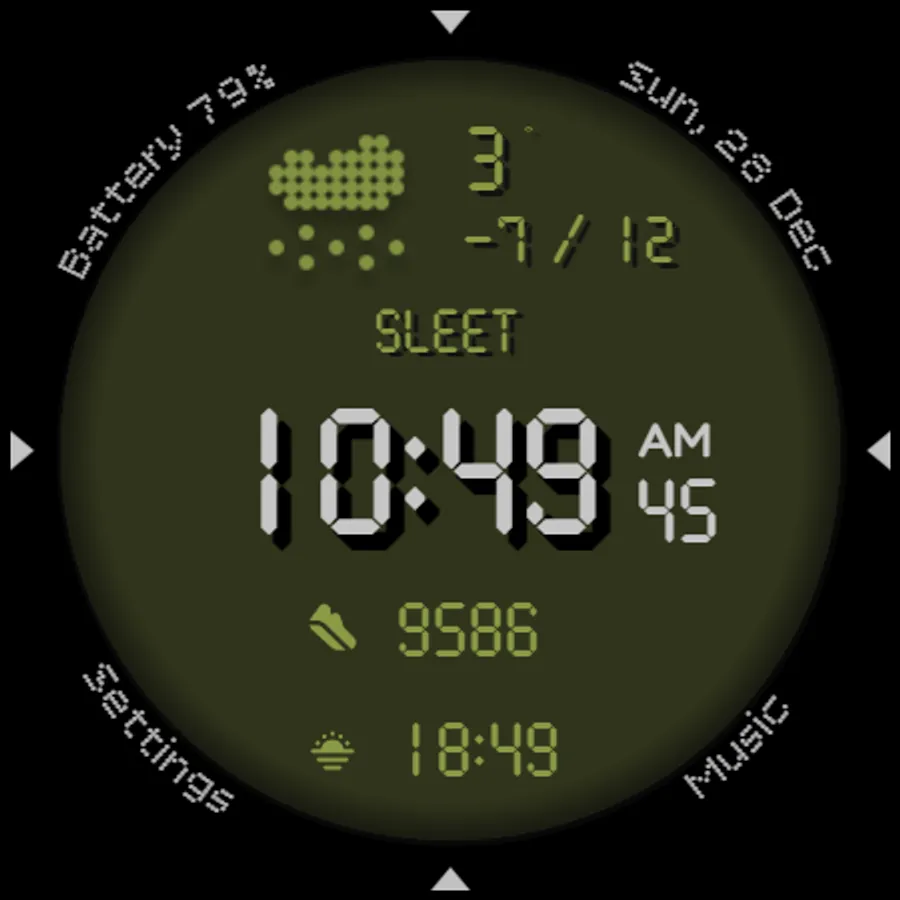
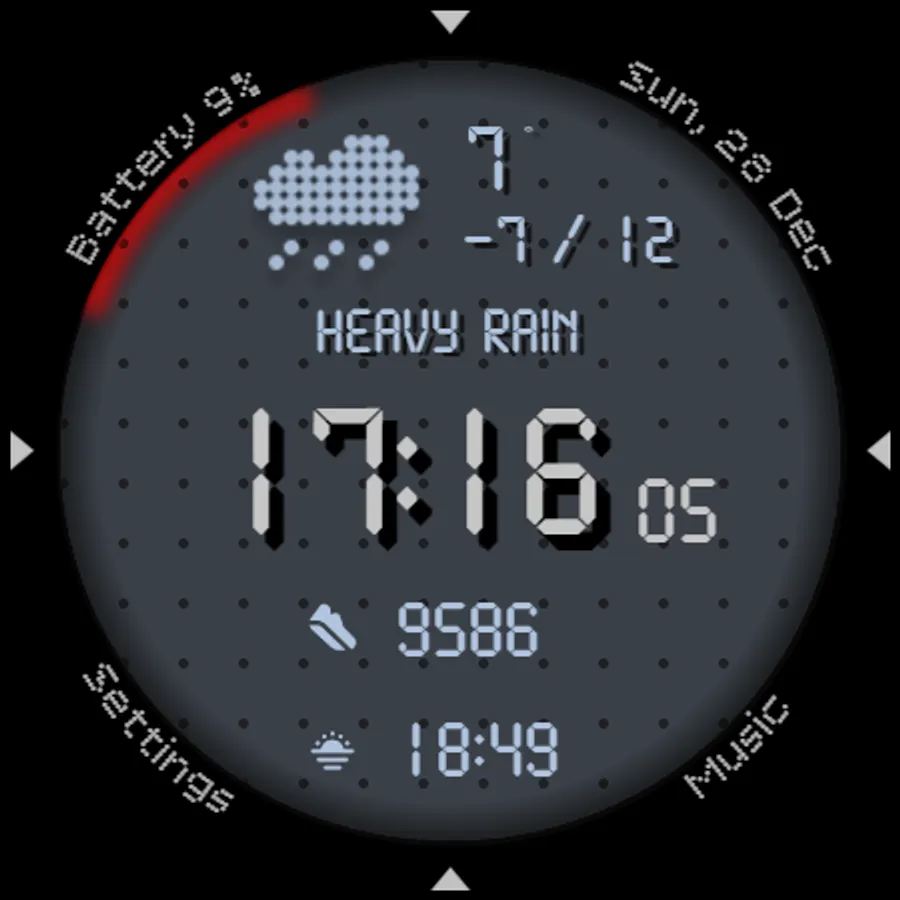
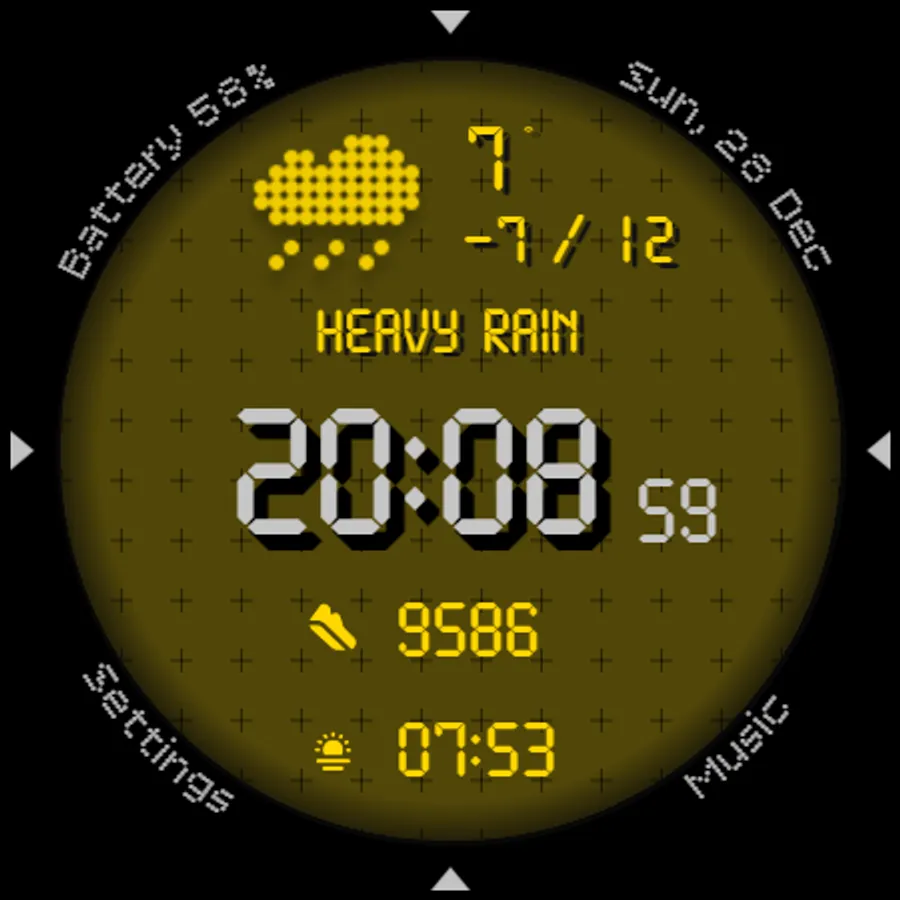
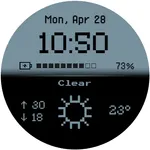
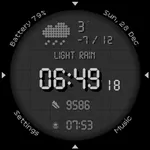
Retro-Digital Aesthetic: Enjoy a crisp, pixel-perfect time display with a distinct dot-matrix font. Choose to add background textures (mesh/grid/dots) for a tactical look, or turn the Background Off for a clean, deep black OLED-friendly interface.
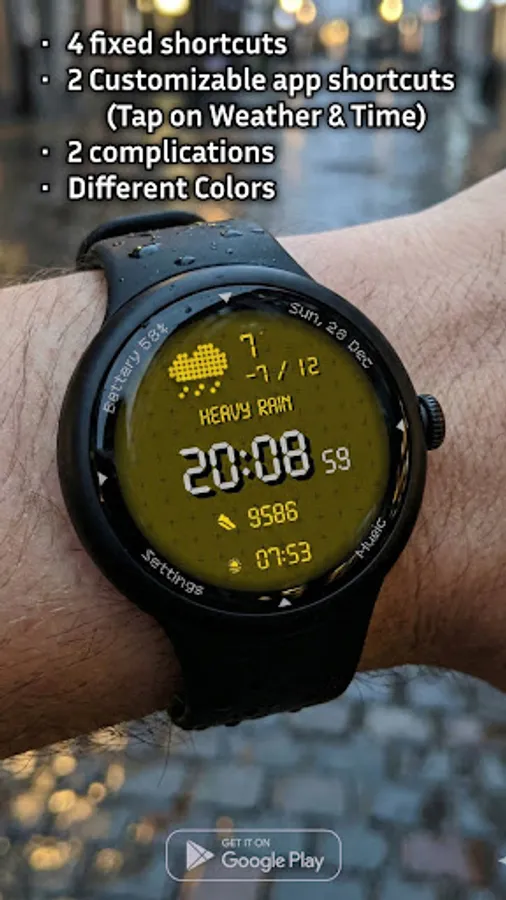
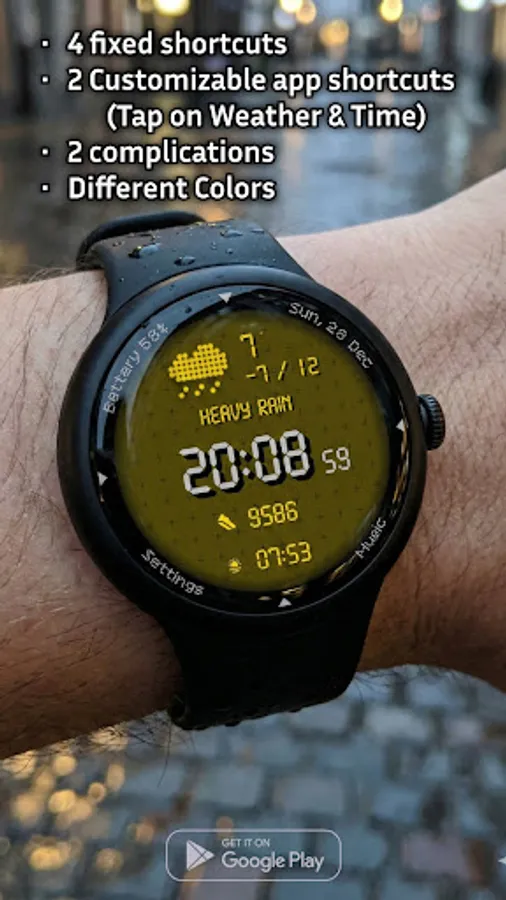
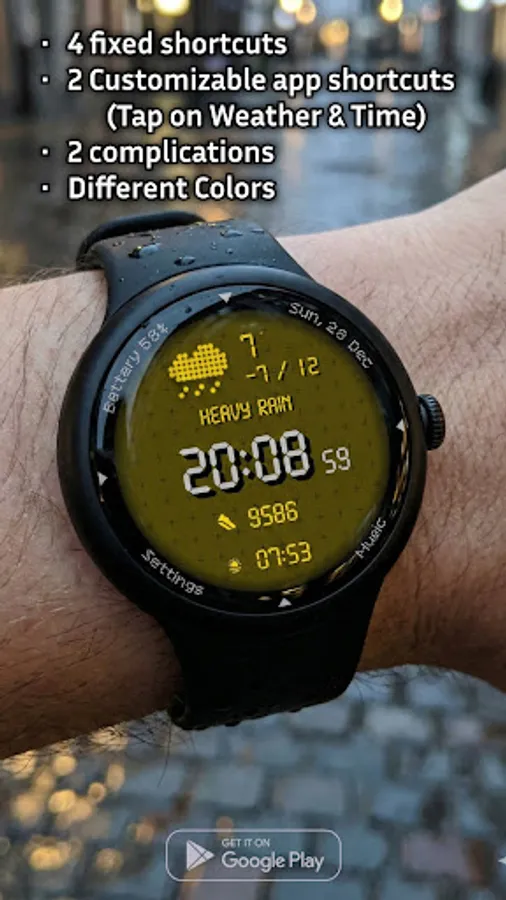
Smart Shortcut System (6 Total): Access your apps faster than ever with a cleverly designed layout:
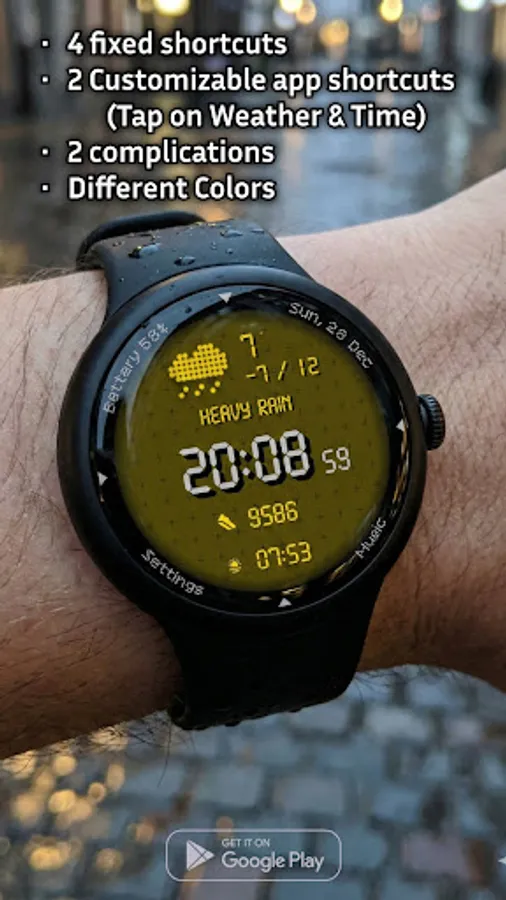
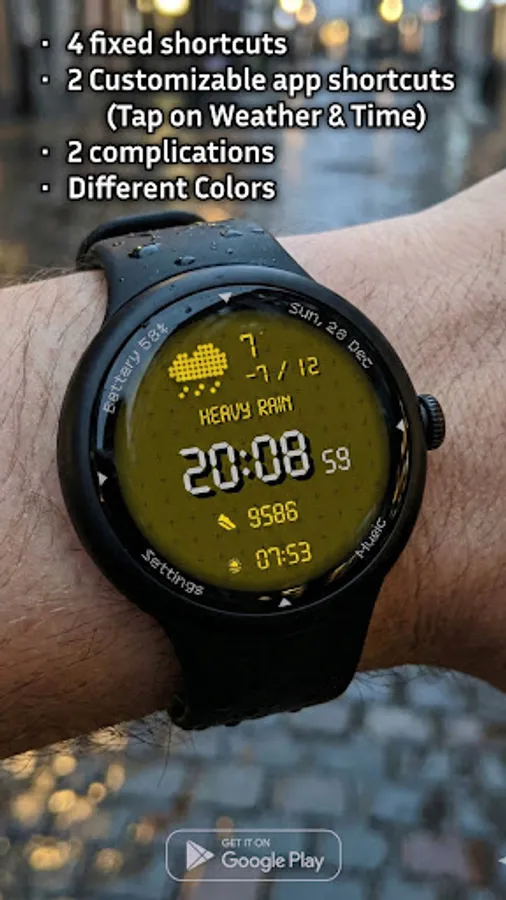
4 Fixed Shortcuts: Instant access to essential system functions (Settings, Music, Battery, Date) placed discreetly around the bezel.
2 Customizable Shortcuts: Tap the Time or the Weather area to launch your favorite apps. You choose what they open!
Ultimate Time Format Control: Do you prefer "09:00" or "9:00"? The D25 includes a Leading Zero On/Off toggle, a highly requested feature that lets you display the time exactly how you like it.
Data at a Glance: The central dashboard keeps you informed with:
- Digital Time (12h/24h support)
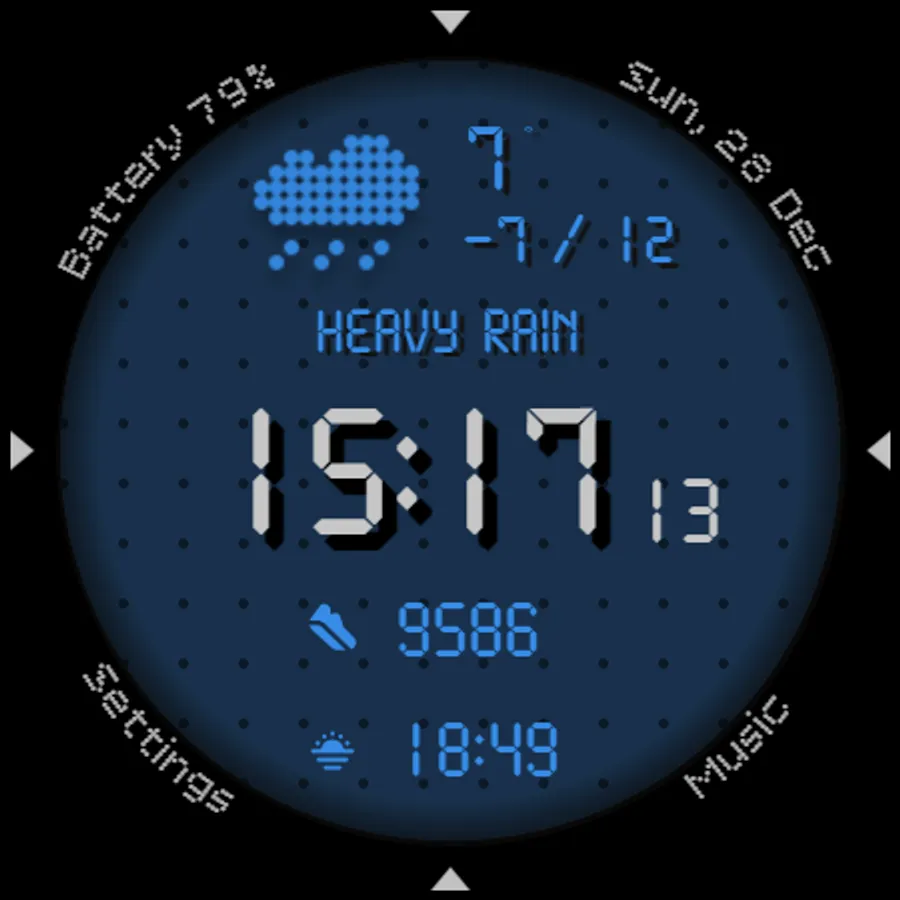
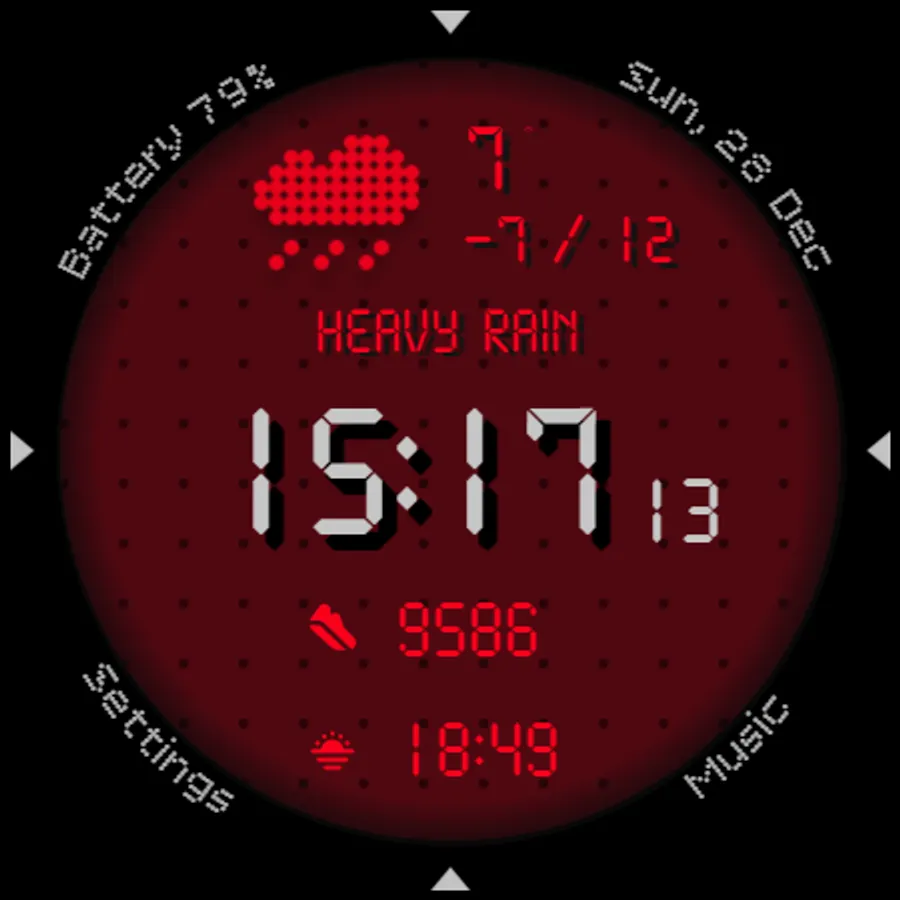
- Rich Weather Info: Icon, condition text (e.g., "Thunderstorm"), and temperature (current temperature, minimum and maximum for the day).
2 Customizable Complications: In addition to the built-in data, you have 2 slots to add your own complications for extra utility.
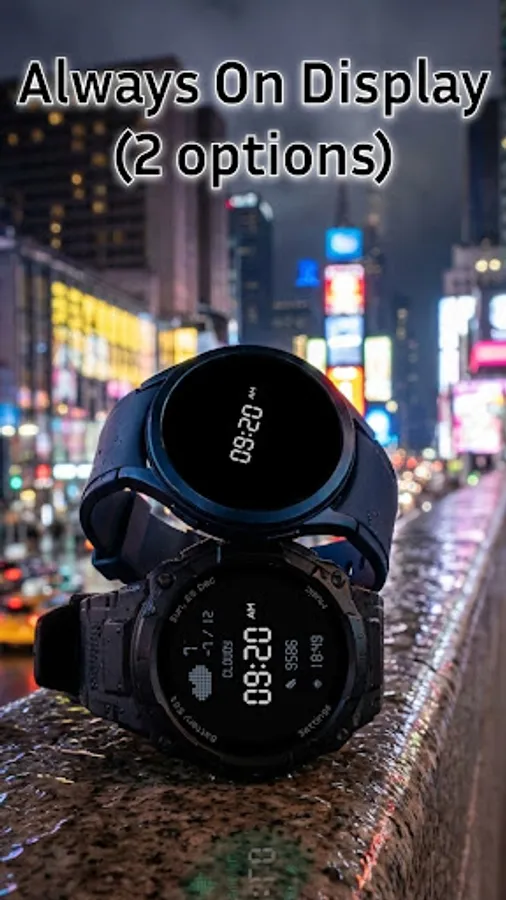
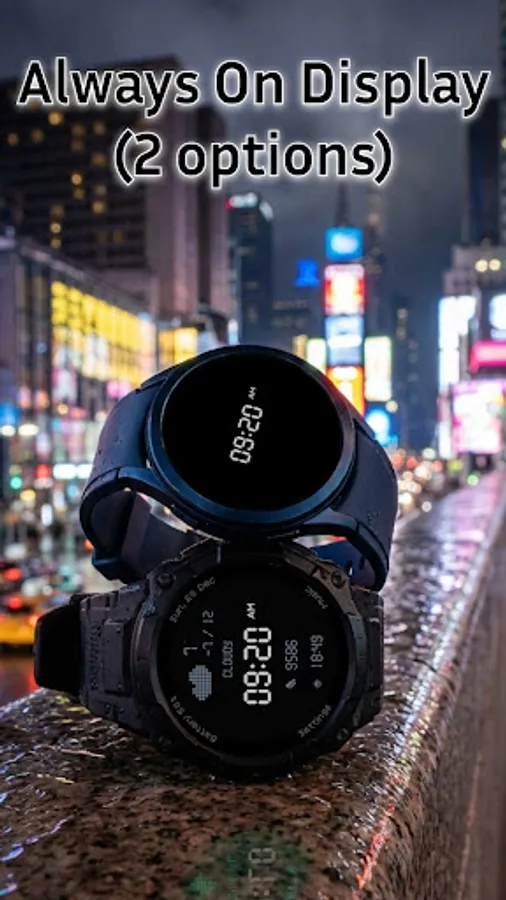
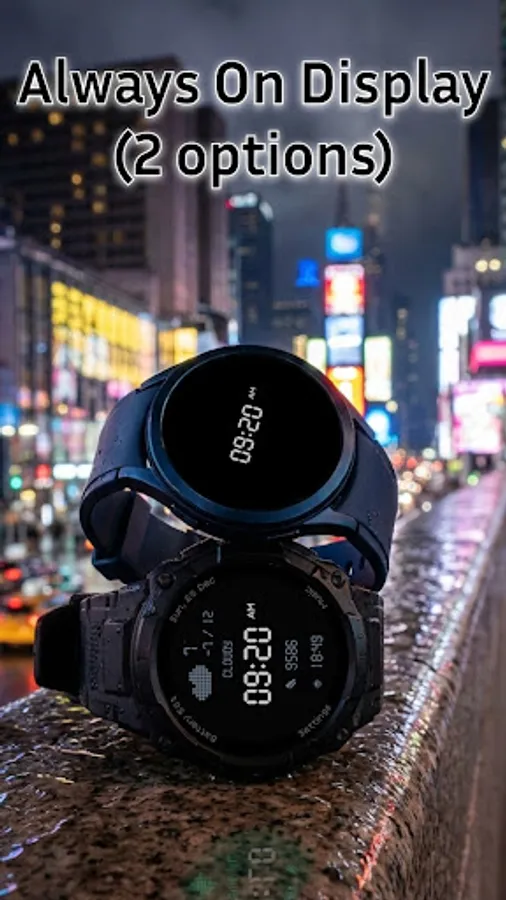
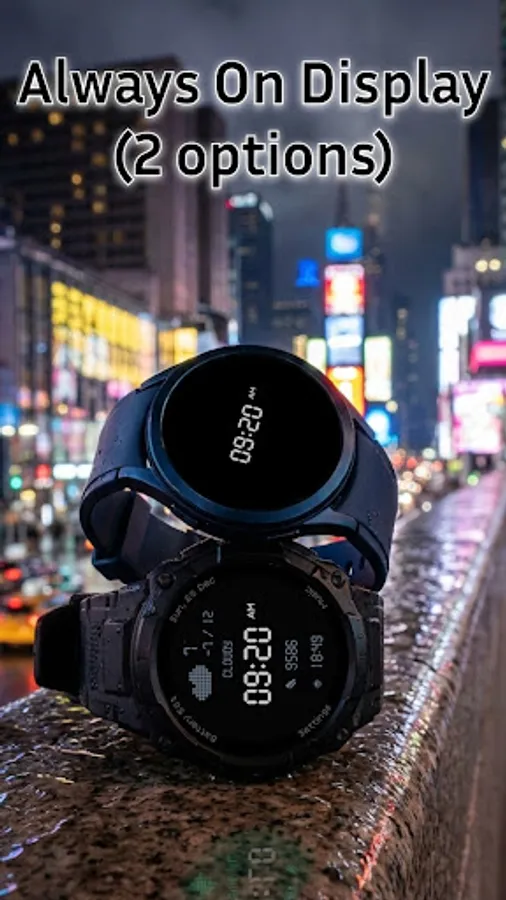
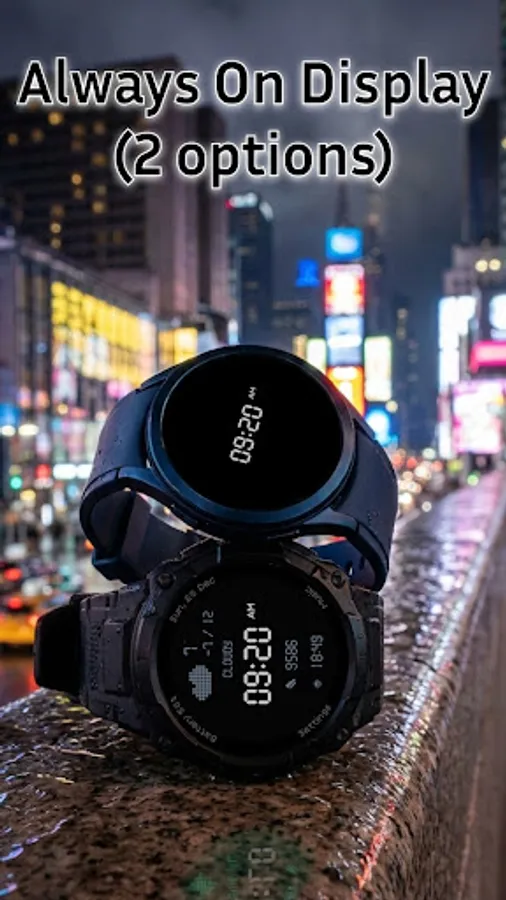
Dual AOD Modes: Choose between two Always-On Display styles to balance visibility and battery life.
Customization:
Express your style with a variety of Color Themes and texture options. Whether you want a high-contrast neon green or a subtle tactical grey, the D25 adapts to your vibe.
Installation:
- Make sure your watch is connected to your phone via Bluetooth.
- Download the watch face from the Google Play Store. It will install on your phone and sync to your watch.
- Long-press your watch screen, scroll to the D25 Digital Watch Face, and tap to apply.
Compatibility:
Designed for all Wear OS 5+ smartwatches, including:
- Samsung Galaxy Watch
- Google Pixel Watch
- TicWatch
- Fossil
- And other compatible Wear OS devices.
D25: Rugged Digital Watch Face
Equip your Wear OS device with the D25, a digital watch face that combines a retro-tactical aesthetic with modern customization. Inspired by classic LCD displays and dot-matrix typography, this face offers a rugged look with powerful functionality for everyday use.
Key Features:
Retro-Digital Aesthetic: Enjoy a crisp, pixel-perfect time display with a distinct dot-matrix font. Choose to add background textures (mesh/grid/dots) for a tactical look, or turn the Background Off for a clean, deep black OLED-friendly interface.
Smart Shortcut System (6 Total): Access your apps faster than ever with a cleverly designed layout:
4 Fixed Shortcuts: Instant access to essential system functions (Settings, Music, Battery, Date) placed discreetly around the bezel.
2 Customizable Shortcuts: Tap the Time or the Weather area to launch your favorite apps. You choose what they open!
Ultimate Time Format Control: Do you prefer "09:00" or "9:00"? The D25 includes a Leading Zero On/Off toggle, a highly requested feature that lets you display the time exactly how you like it.
Data at a Glance: The central dashboard keeps you informed with:
- Digital Time (12h/24h support)
- Rich Weather Info: Icon, condition text (e.g., "Thunderstorm"), and temperature (current temperature, minimum and maximum for the day).
2 Customizable Complications: In addition to the built-in data, you have 2 slots to add your own complications for extra utility.
Dual AOD Modes: Choose between two Always-On Display styles to balance visibility and battery life.
Customization:
Express your style with a variety of Color Themes and texture options. Whether you want a high-contrast neon green or a subtle tactical grey, the D25 adapts to your vibe.
Installation:
- Make sure your watch is connected to your phone via Bluetooth.
- Download the watch face from the Google Play Store. It will install on your phone and sync to your watch.
- Long-press your watch screen, scroll to the D25 Digital Watch Face, and tap to apply.
Compatibility:
Designed for all Wear OS 5+ smartwatches, including:
- Samsung Galaxy Watch
- Google Pixel Watch
- TicWatch
- Fossil
- And other compatible Wear OS devices.