AppRecs review analysis
AppRecs rating 4.0. Trustworthiness 56 out of 100. Review manipulation risk 43 out of 100. Based on a review sample analyzed.
★★★★☆
4.0
AppRecs Rating
Ratings breakdown
5 star
100%
4 star
0%
3 star
0%
2 star
0%
1 star
0%
What to know
⚠
Questionable review patterns
43% review manipulation risk - some review patterns appear unusual
⚠
Unusually uniform ratings
100% of sampled ratings are 5 stars with very little variation
About WIN - DGT BLACK 25
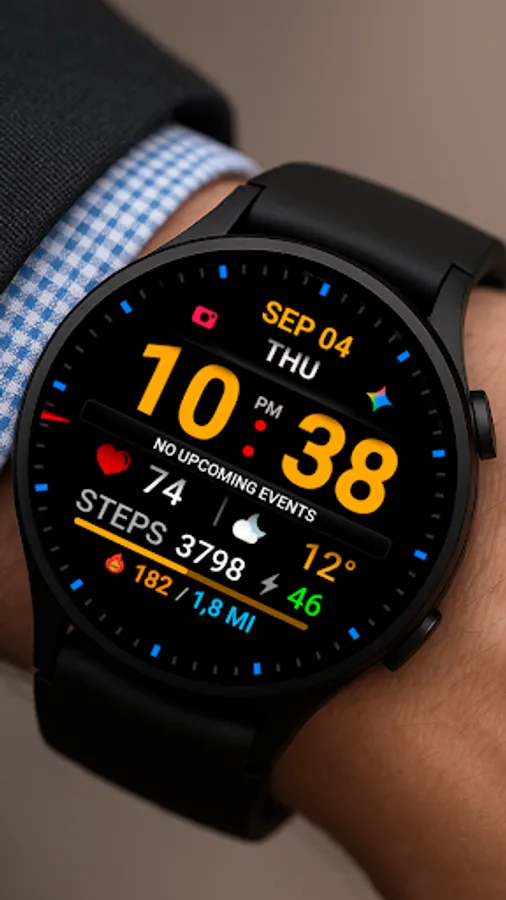
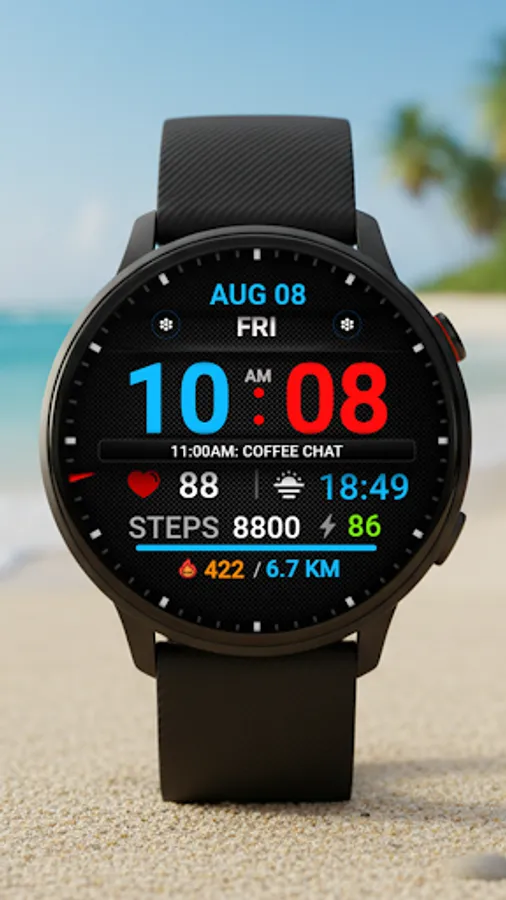
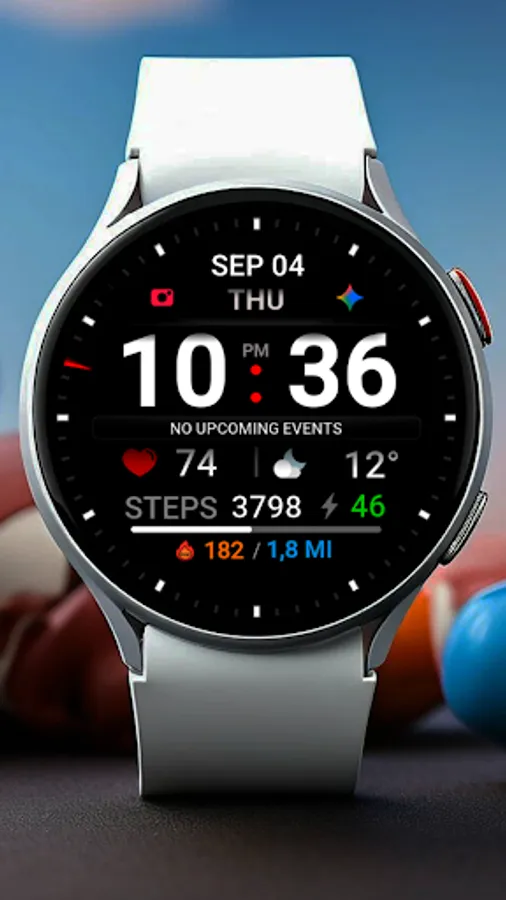
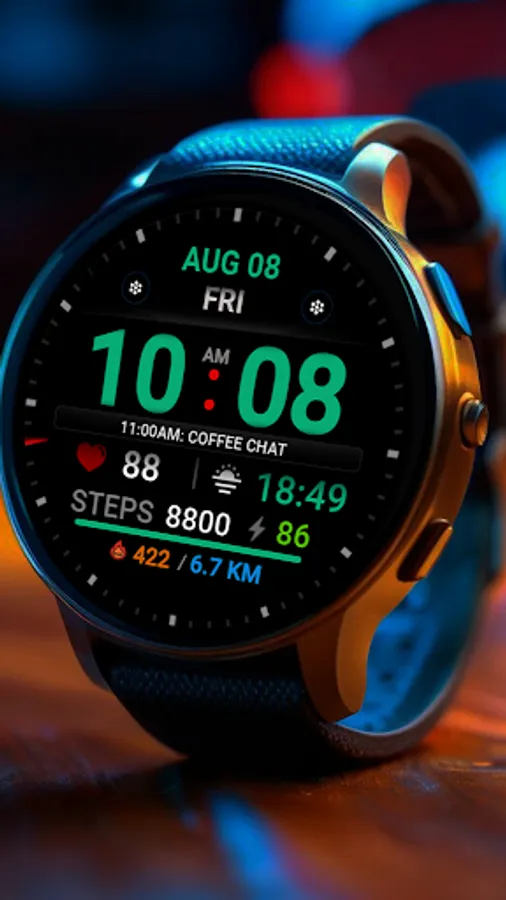
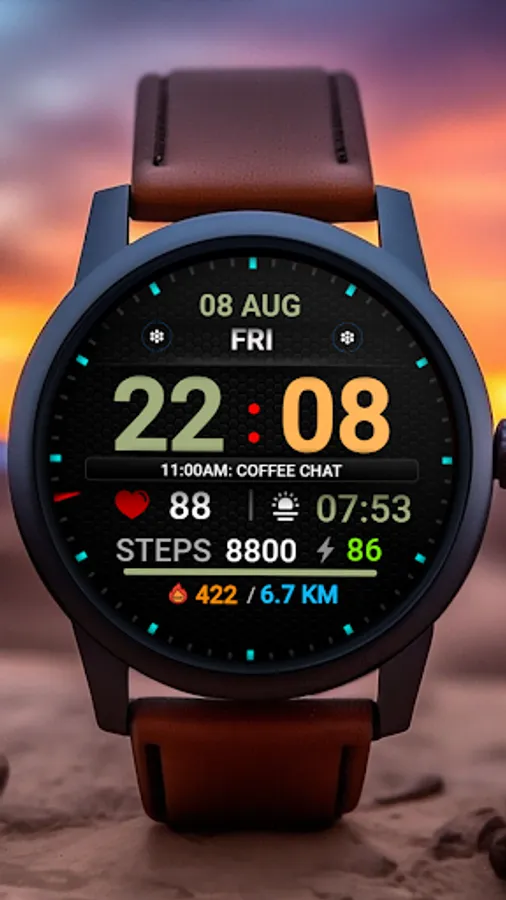
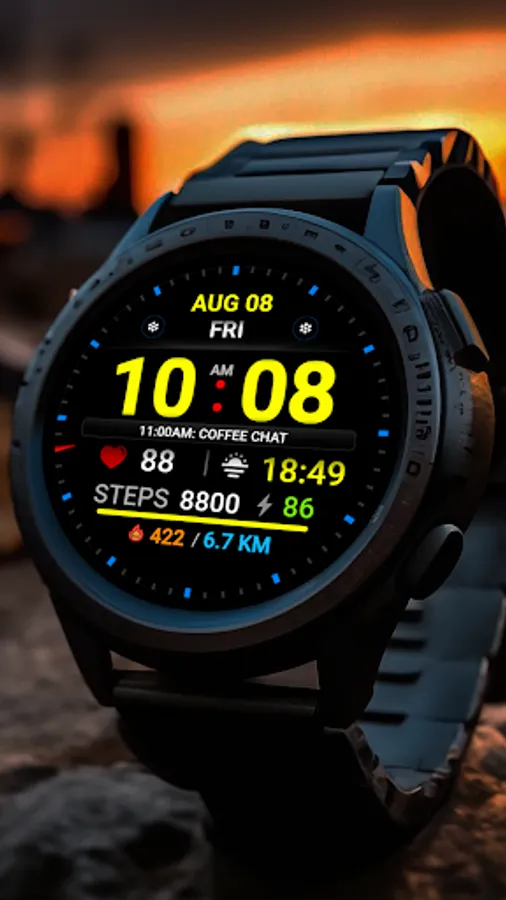
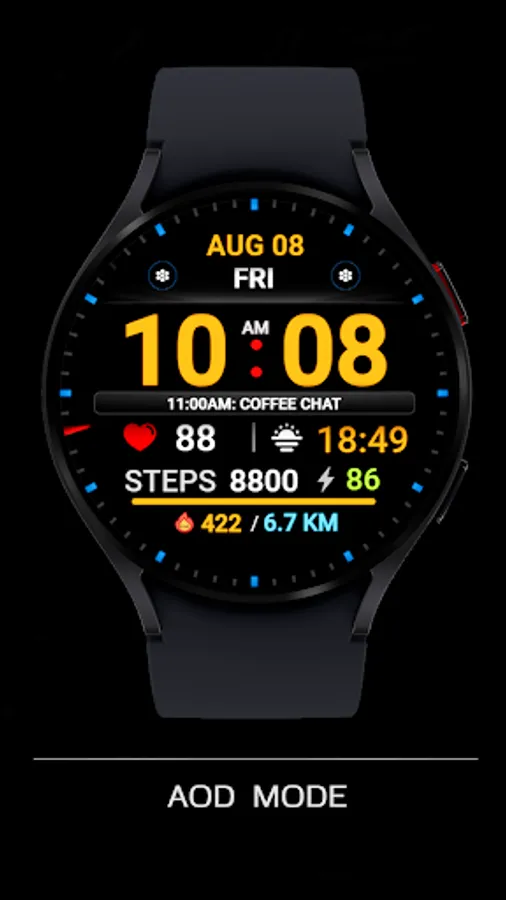
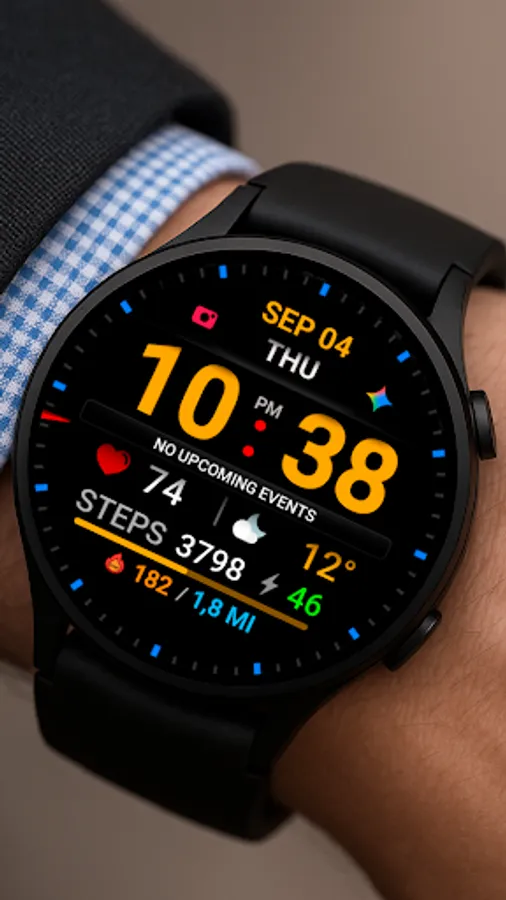
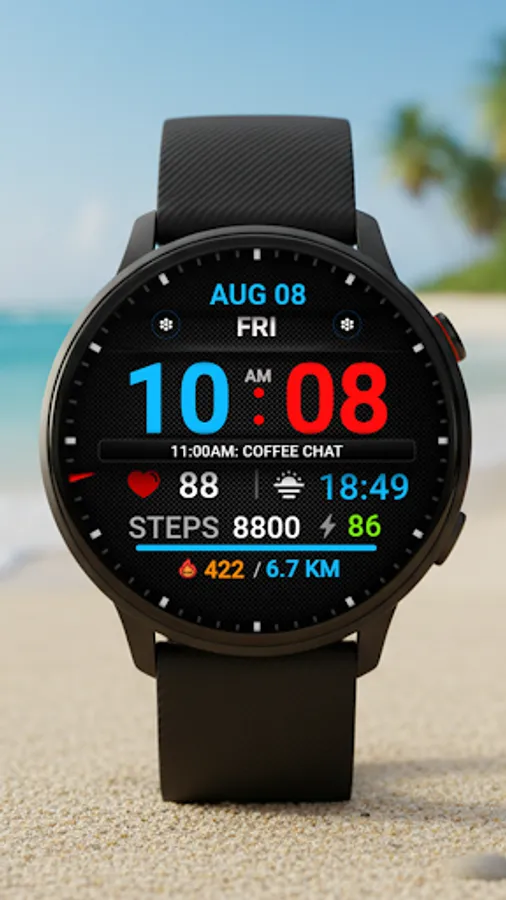
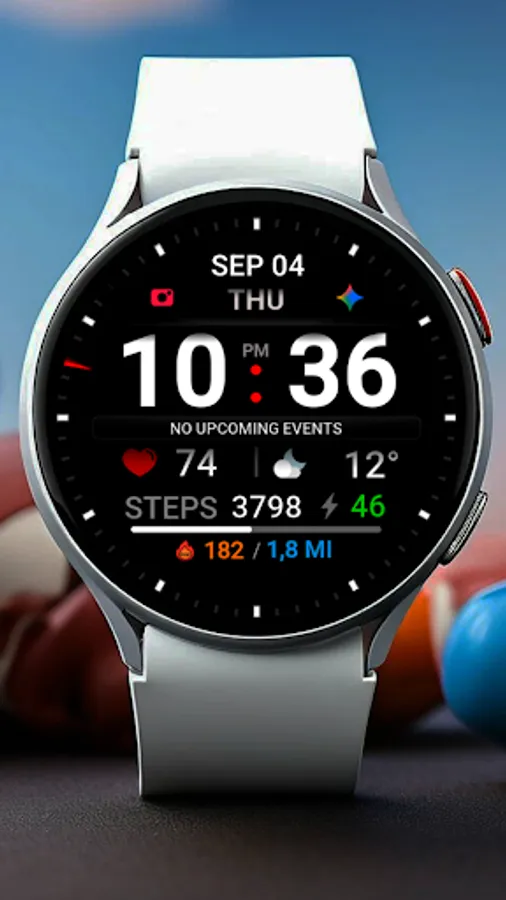
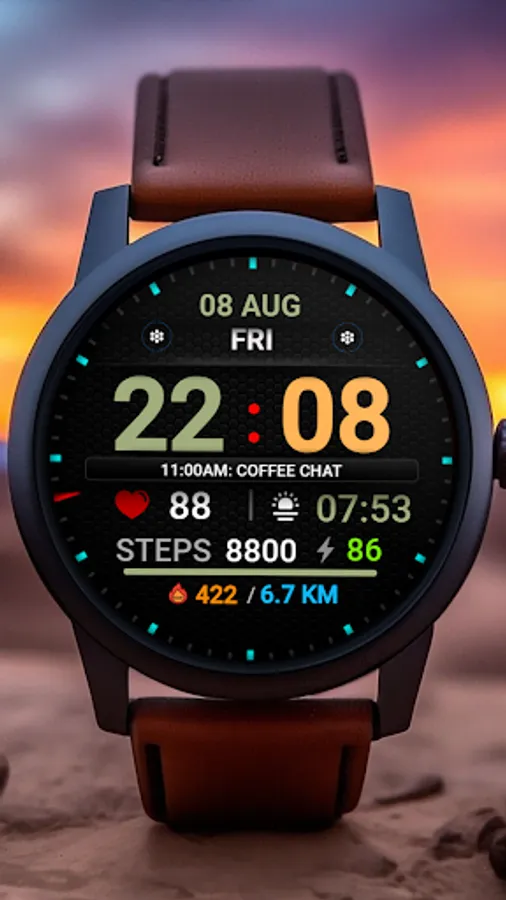
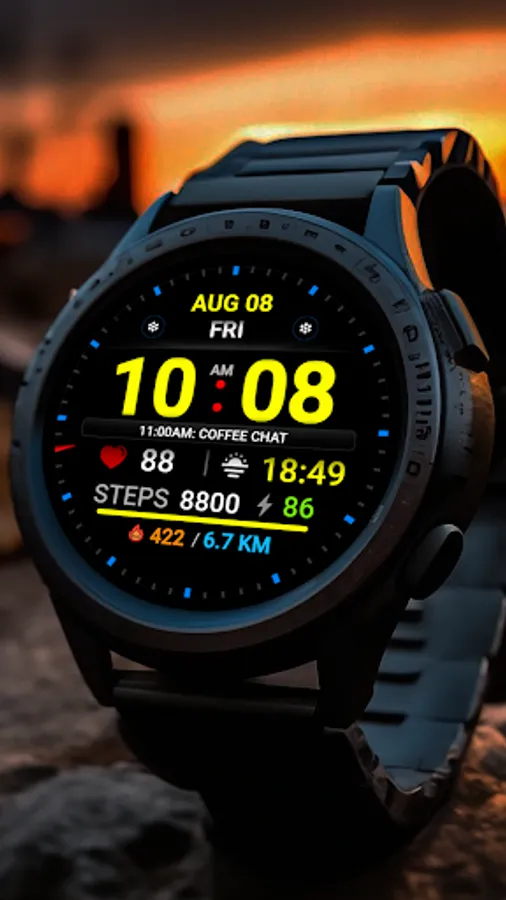
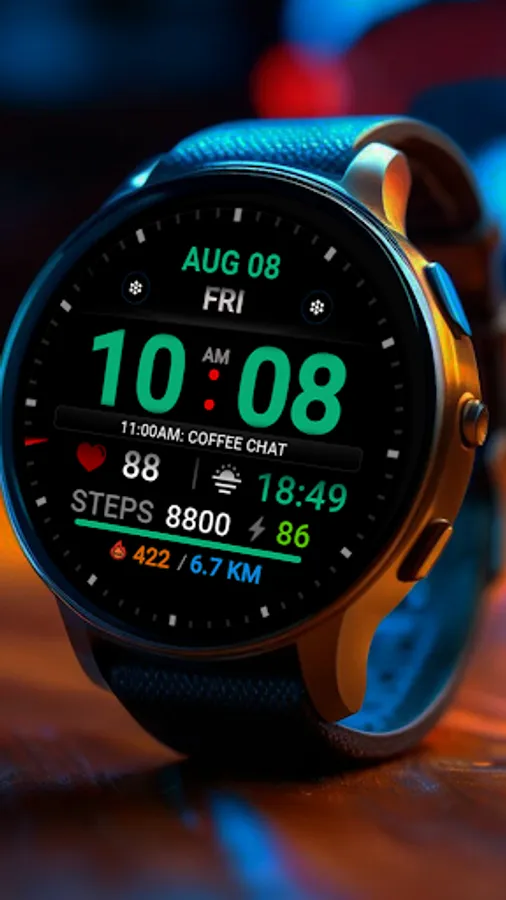
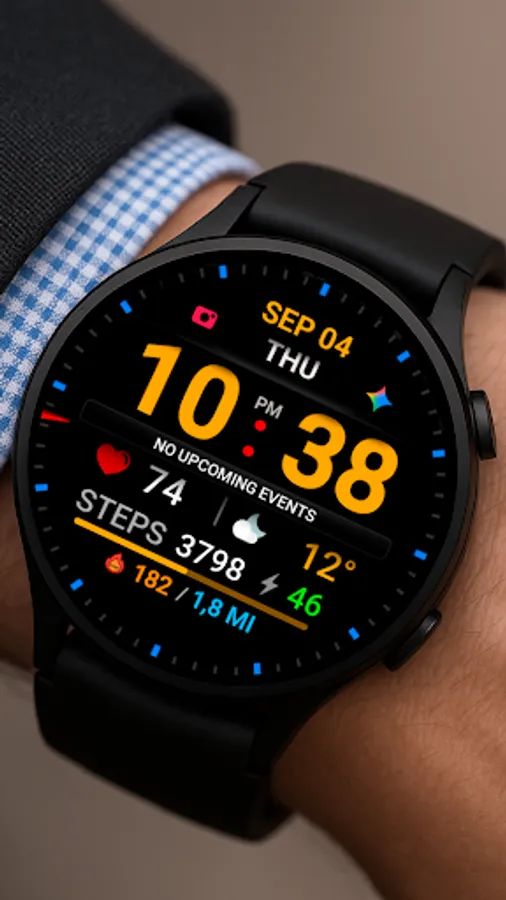
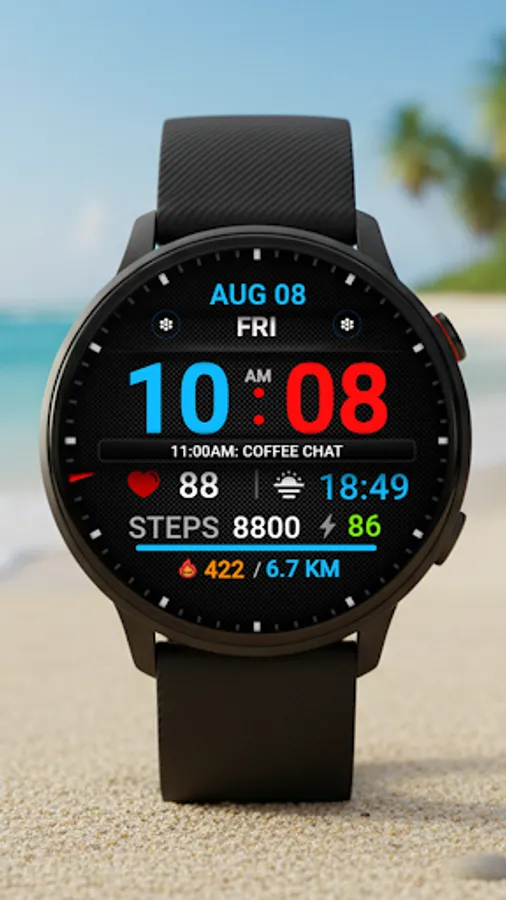
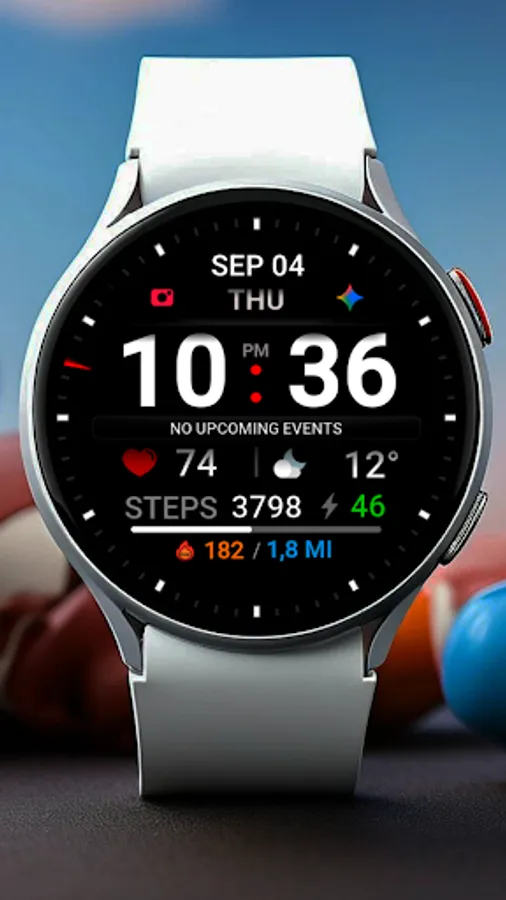
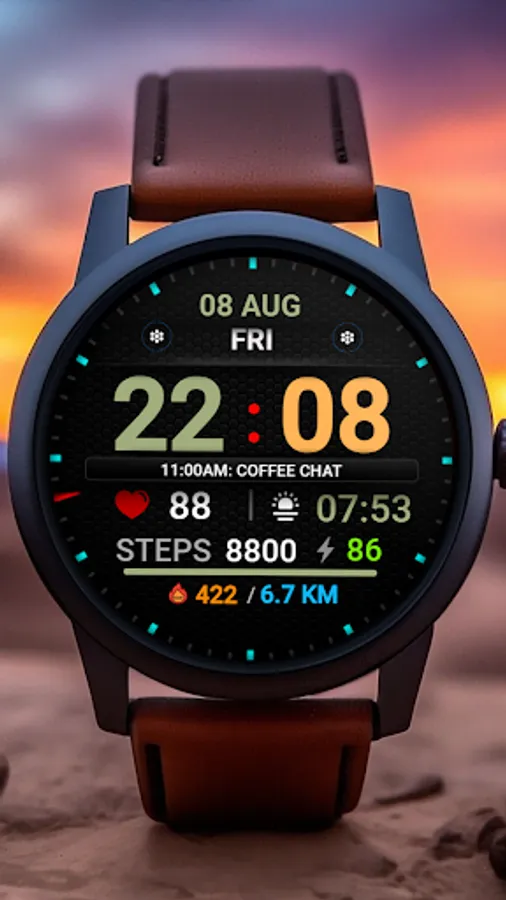
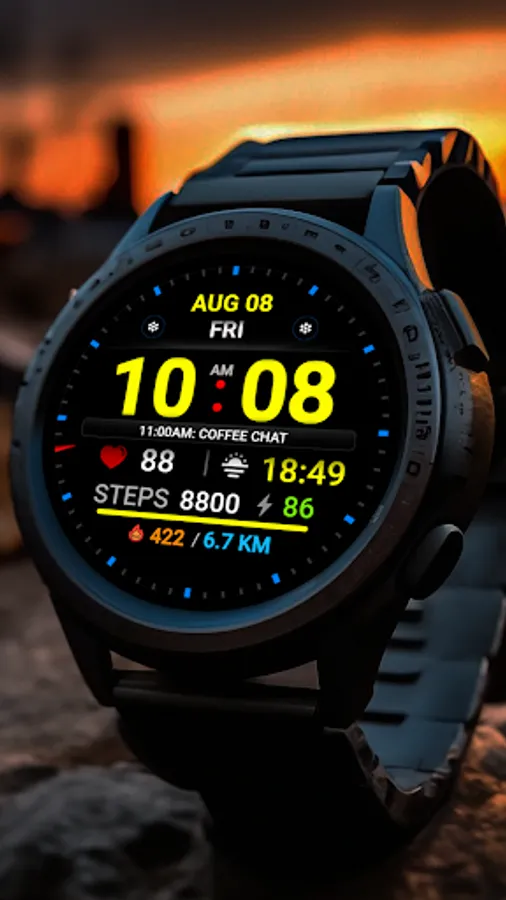
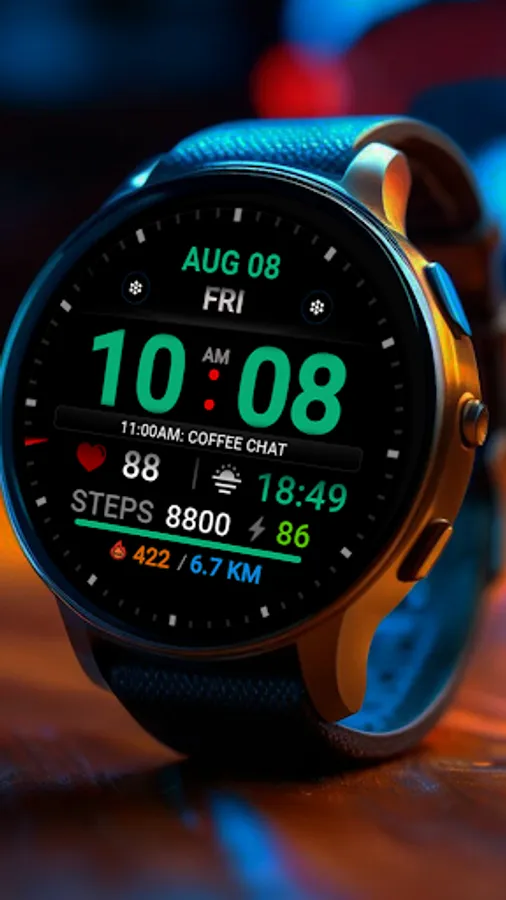
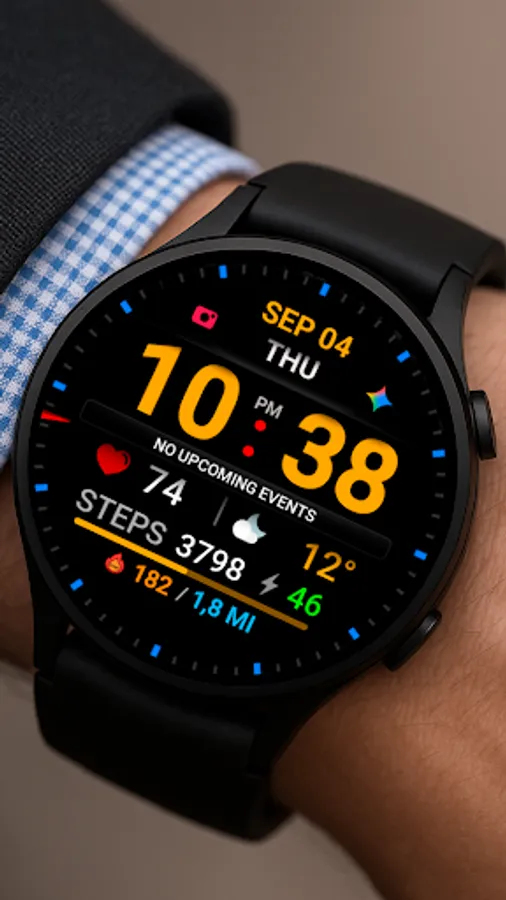
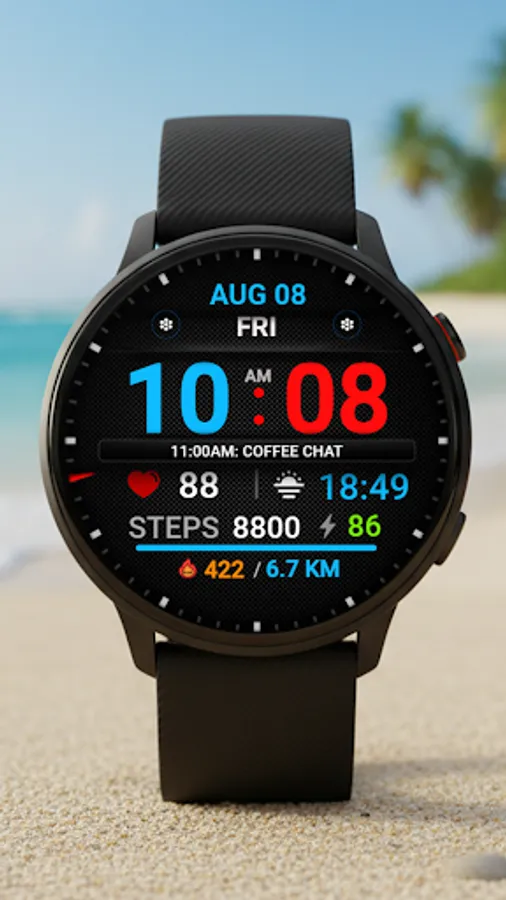
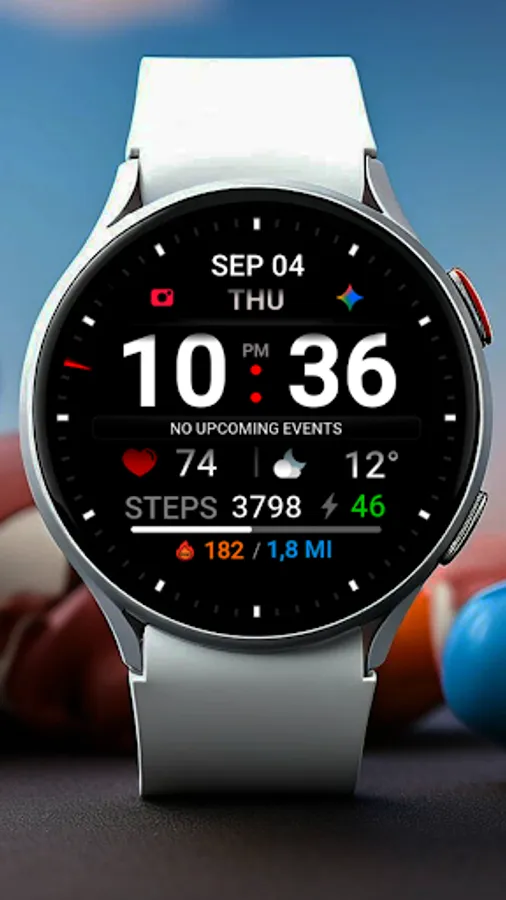
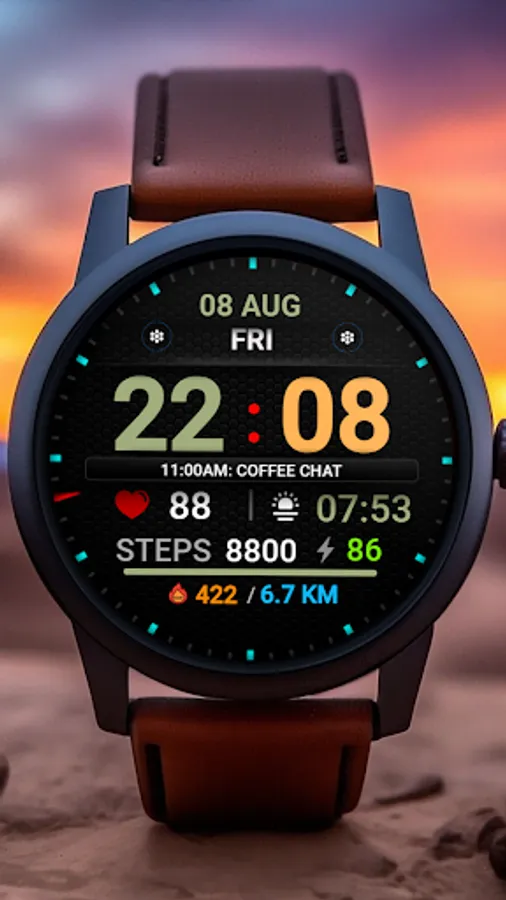
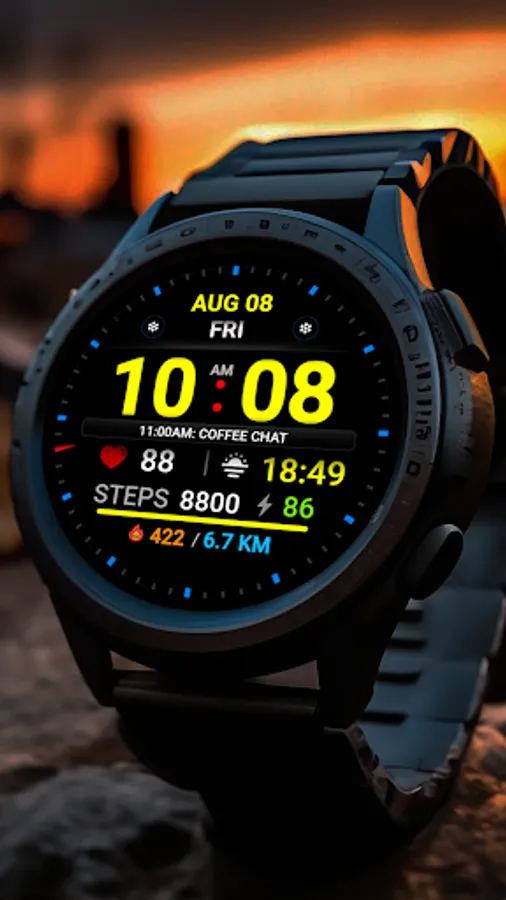
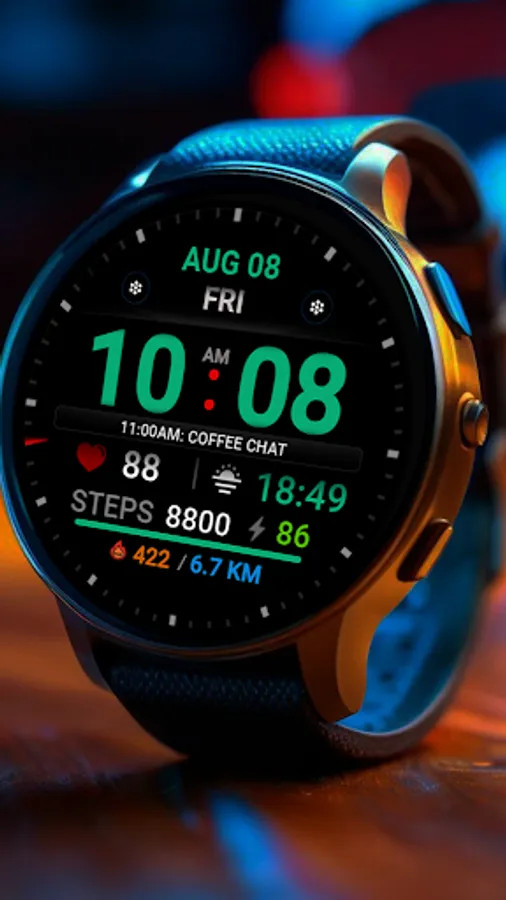
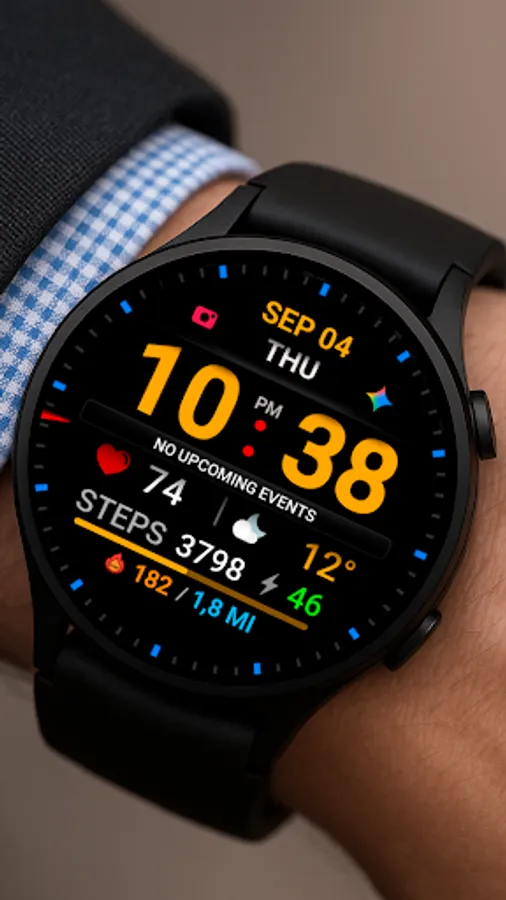
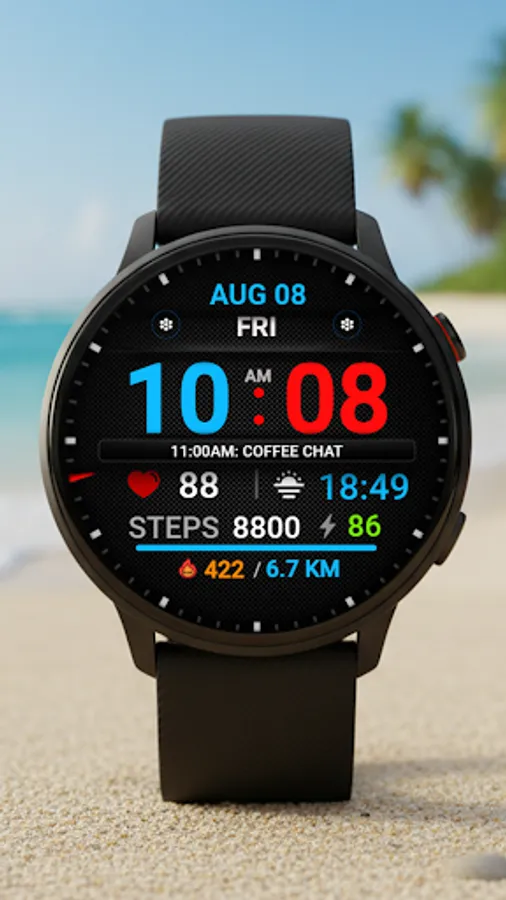
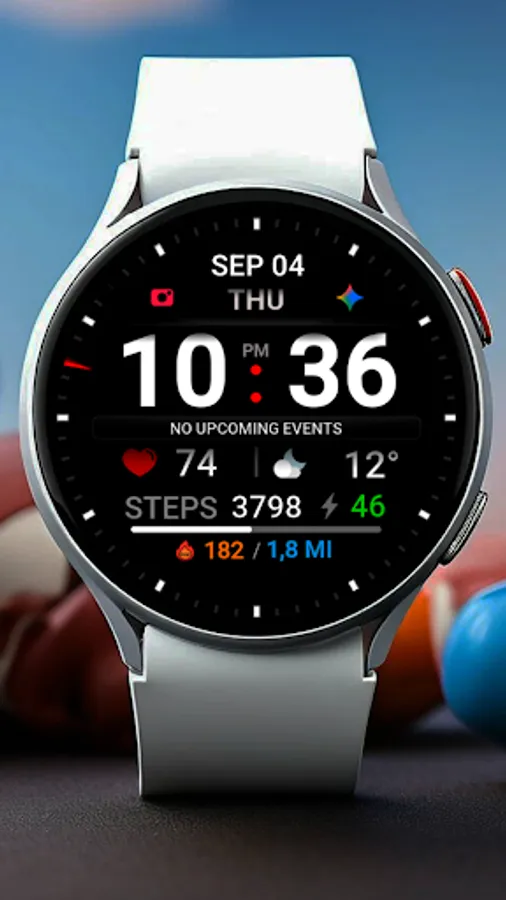
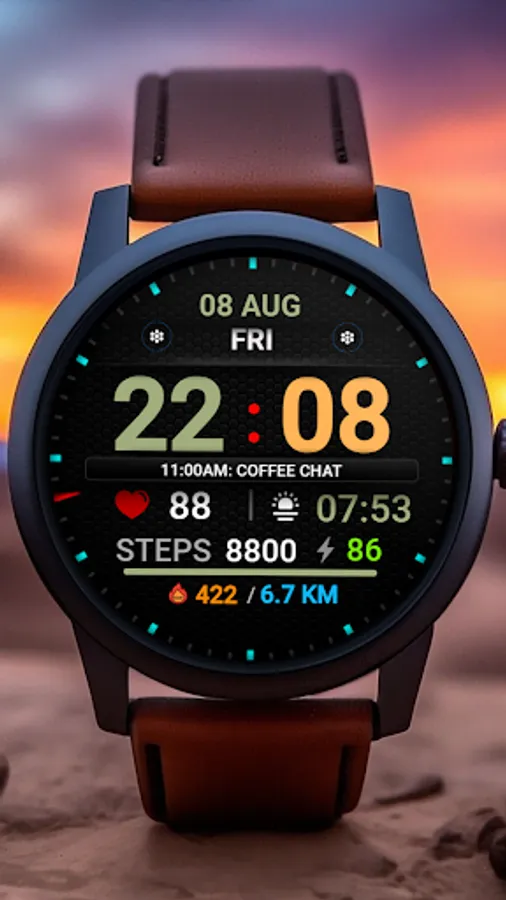
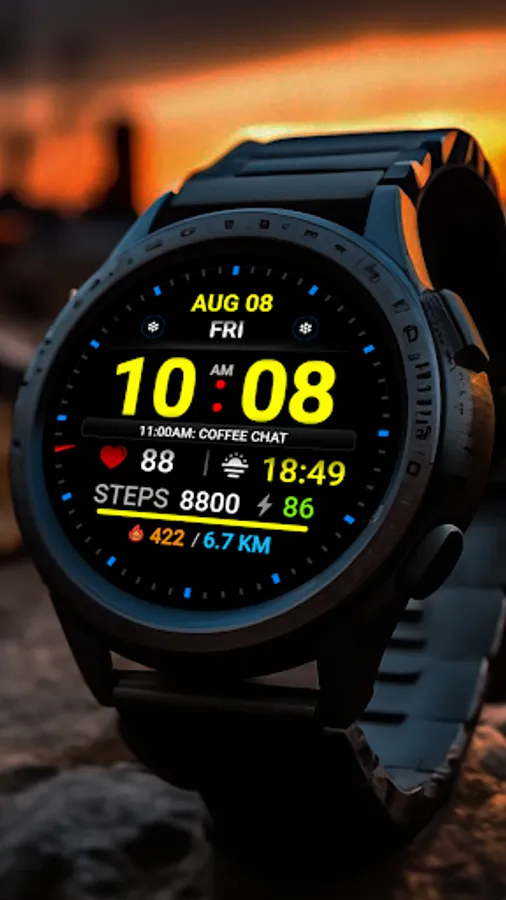
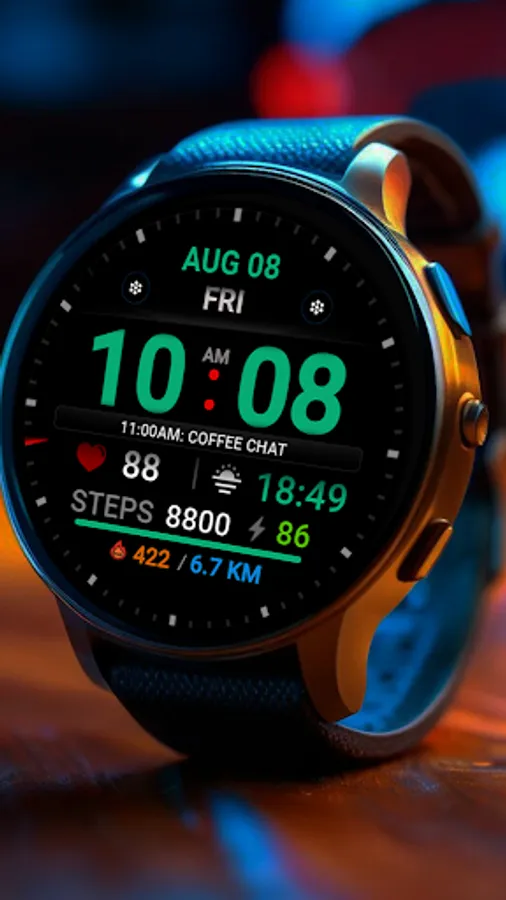
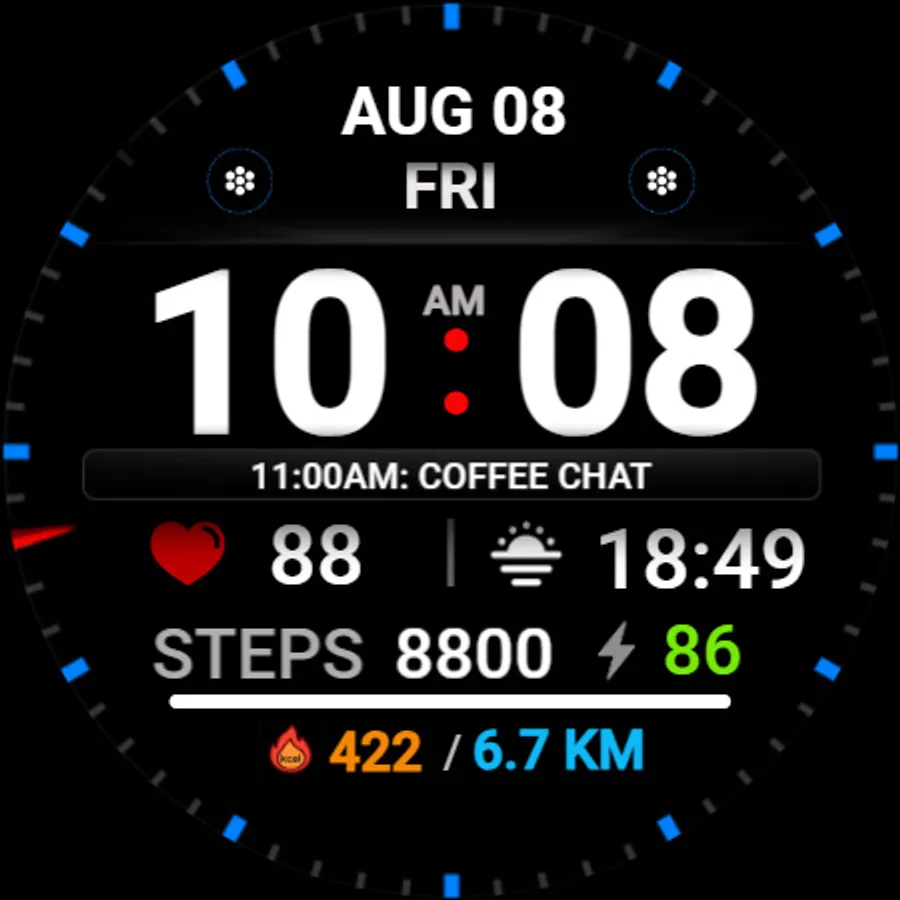
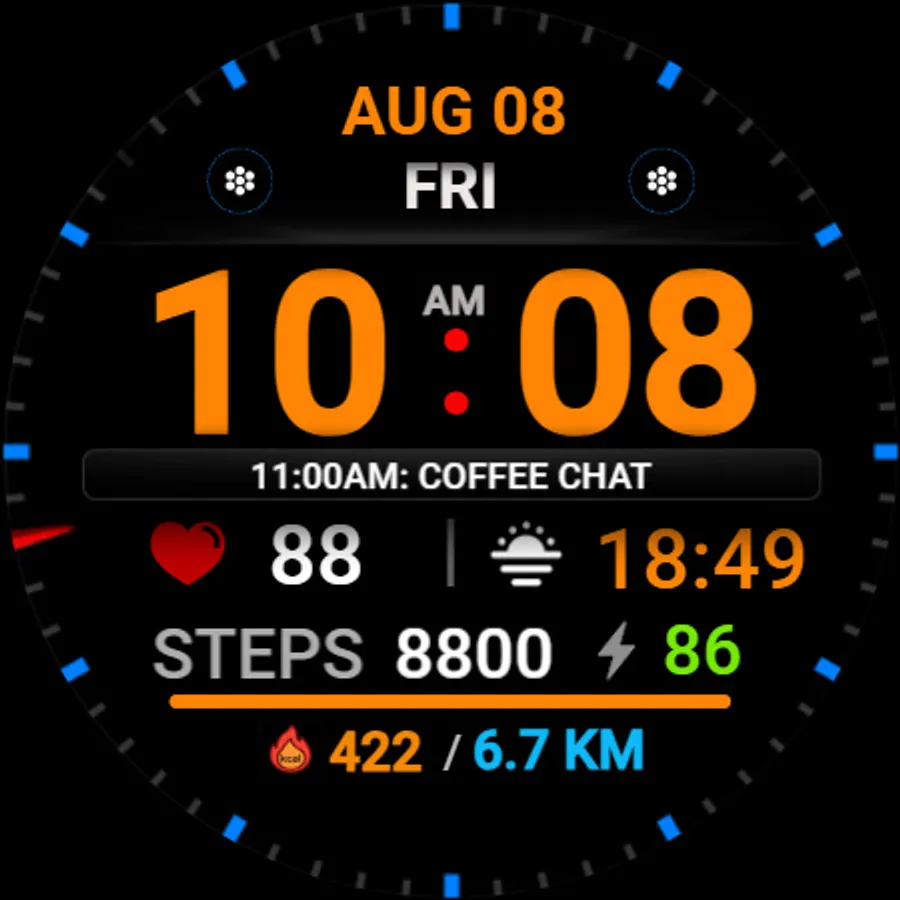
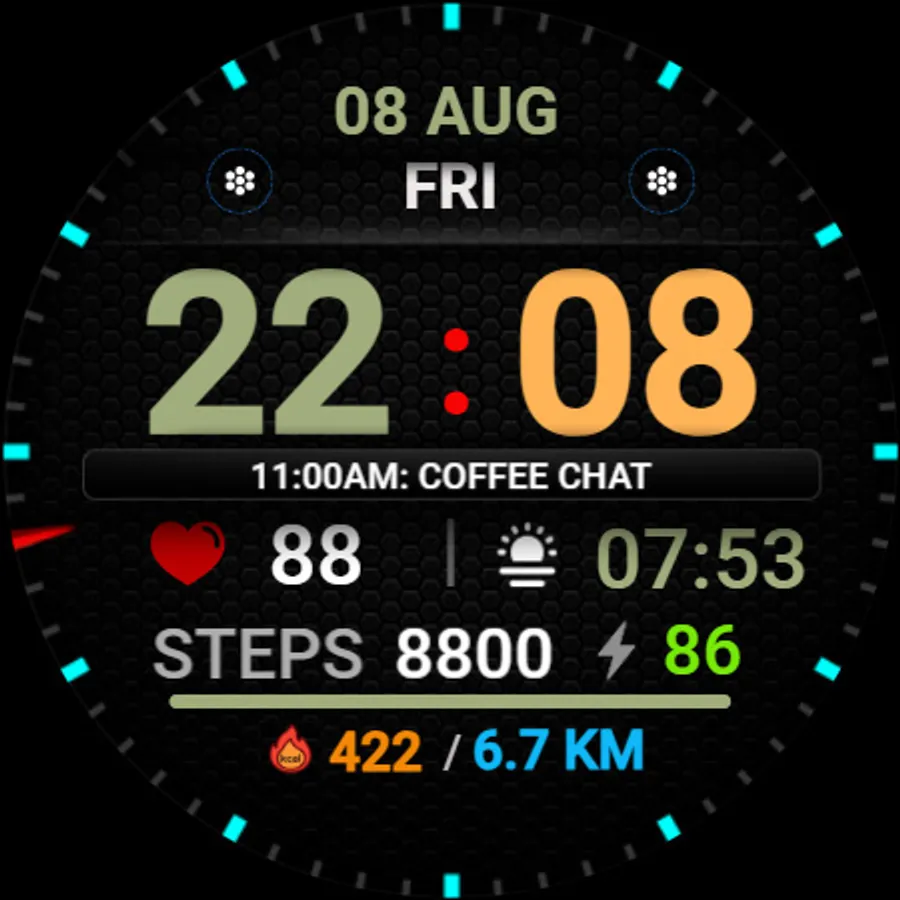
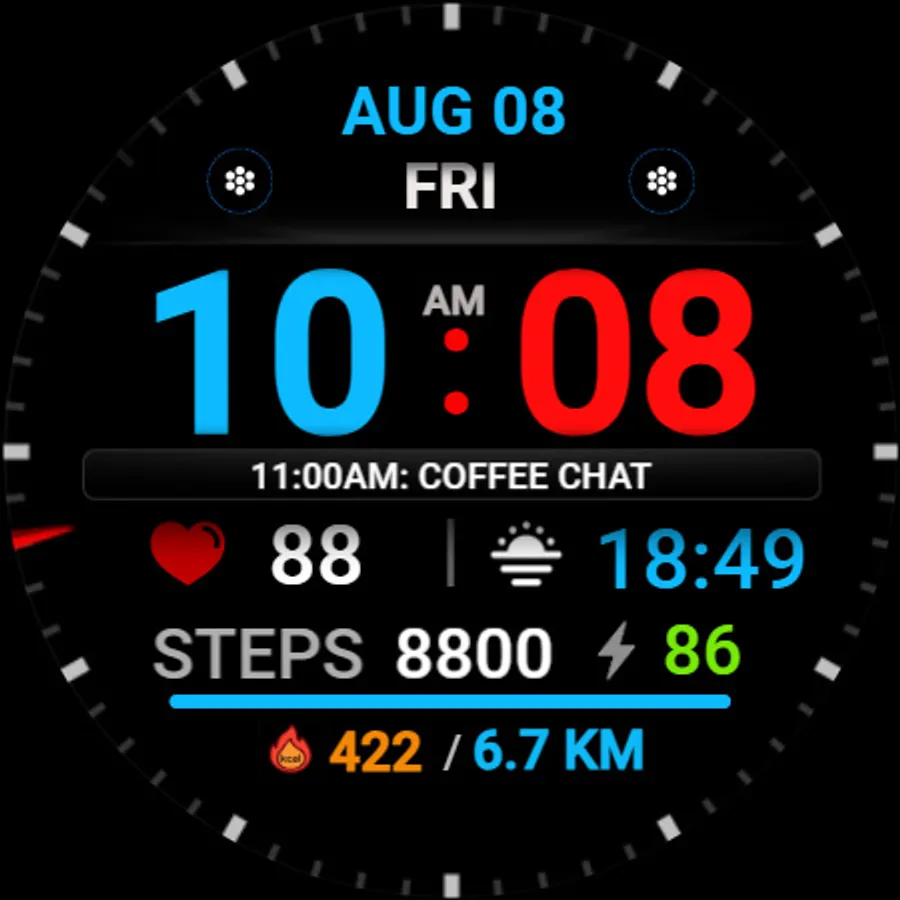
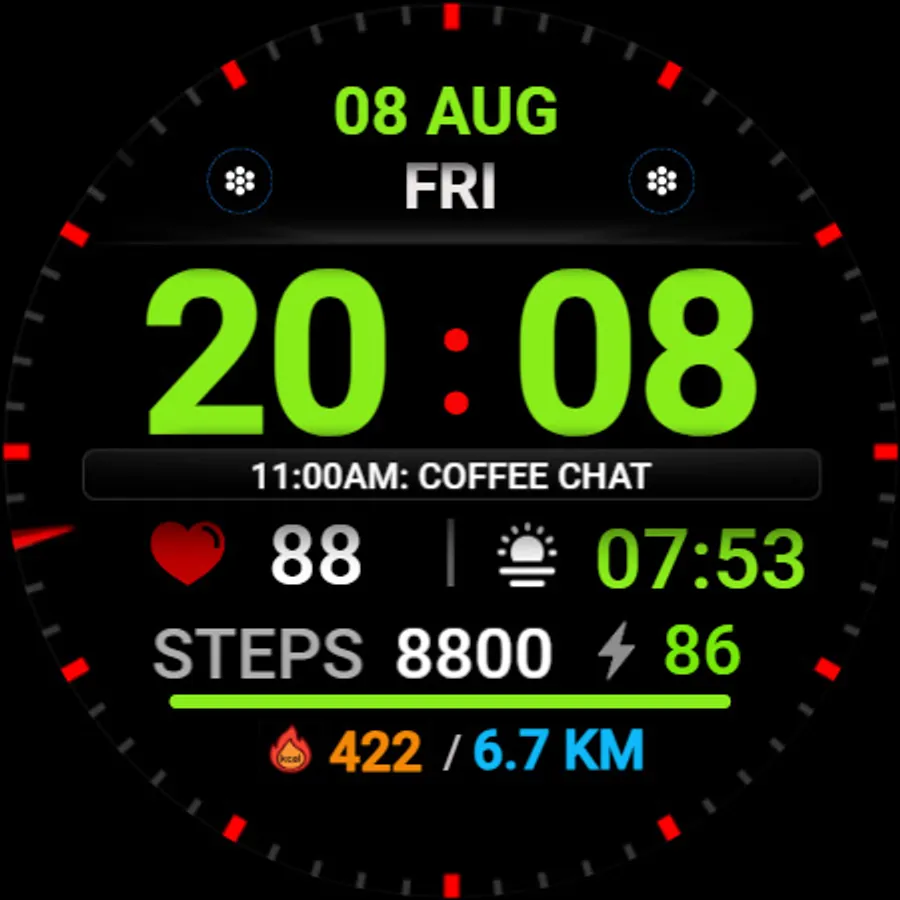
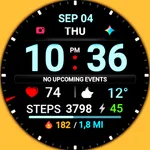
Stylish, sporty, informative watch Face with large numbers for every day, for Wear OS
This watch face supports all Wear OS devices with API level 33+, such as Samsung Galaxy Watch 4, 5, 6, 7, 8, Pixel Watch, etc.
Basic moments:
- 12/24 hour digital time (depending on smartphone settings)
- A high resolution;
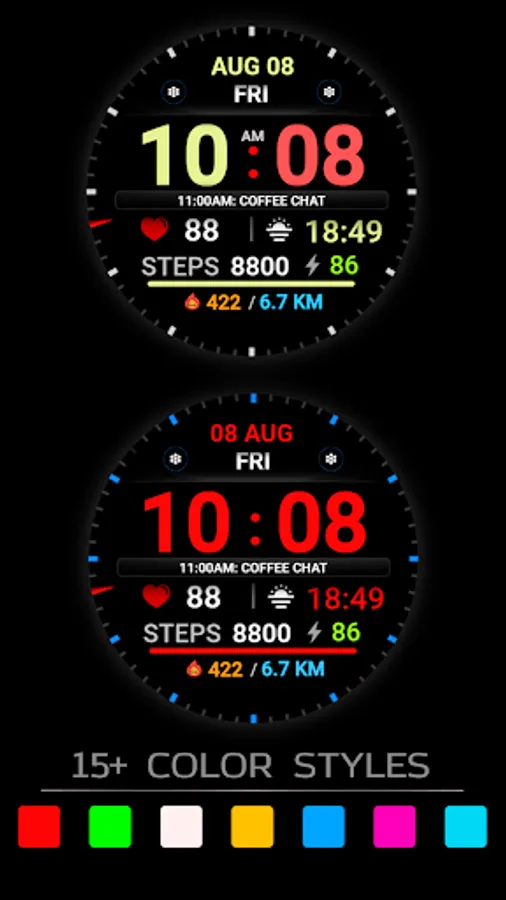
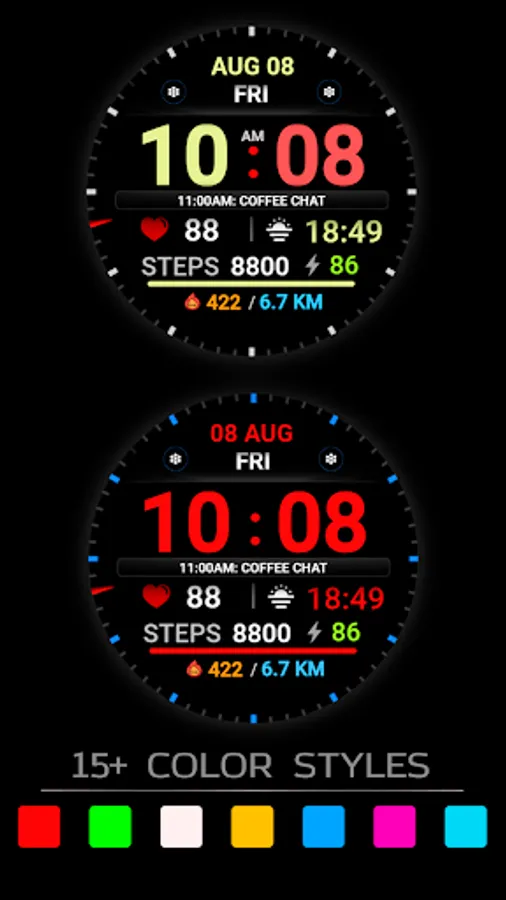
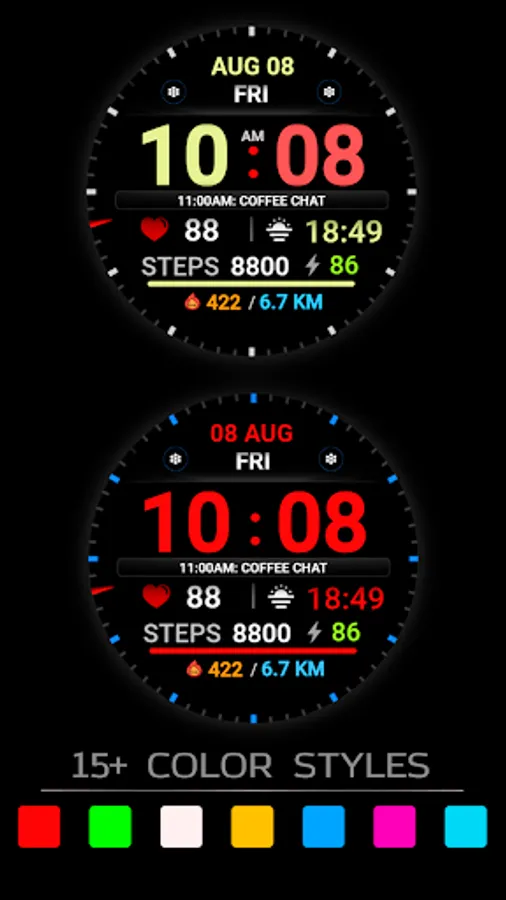
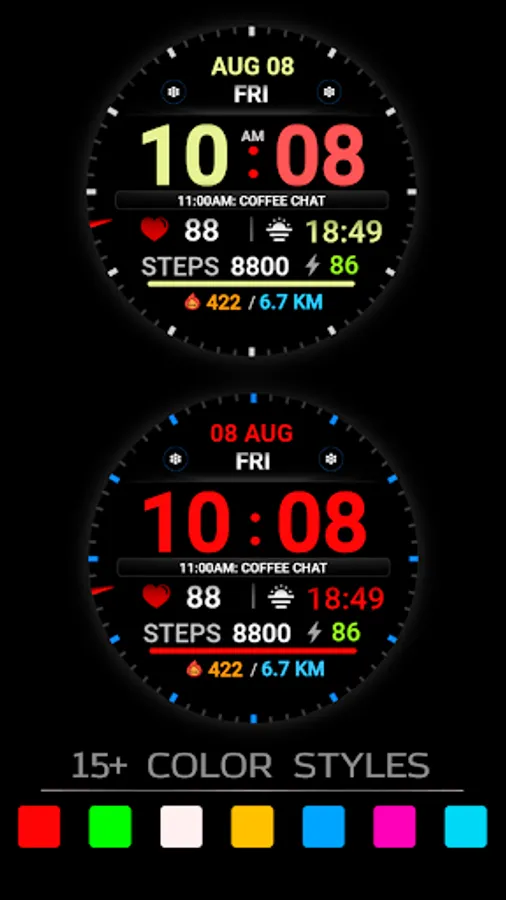
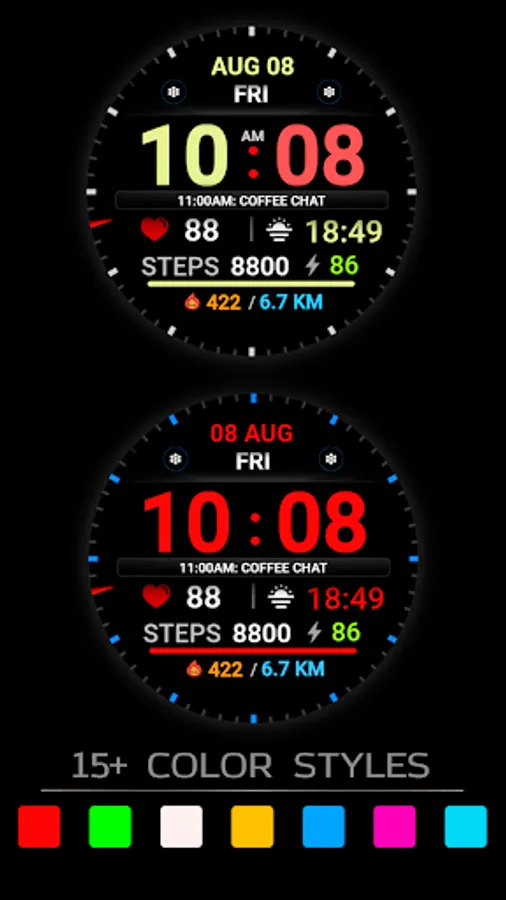
- Ability to change color
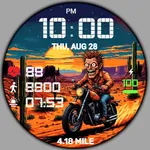
- Ability to change style (backgrounds)
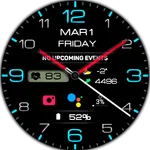
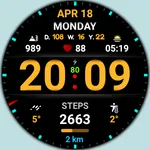
- Custom complications
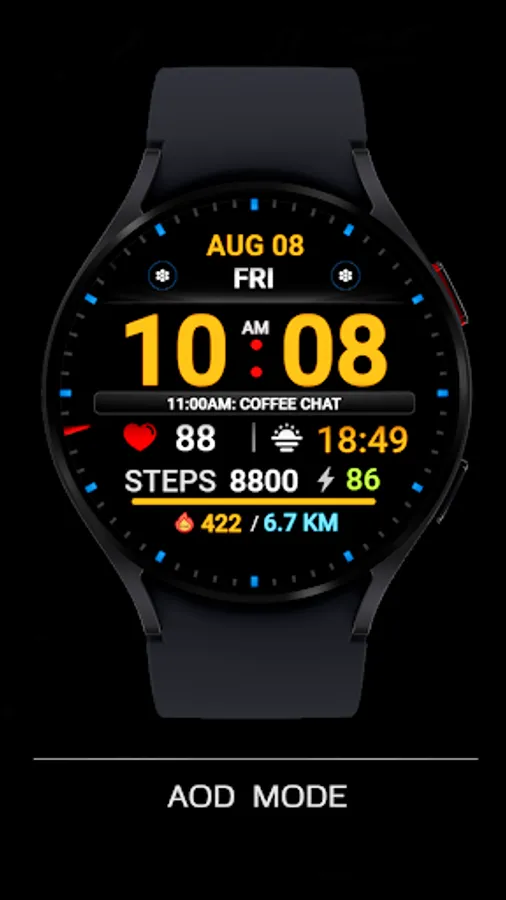
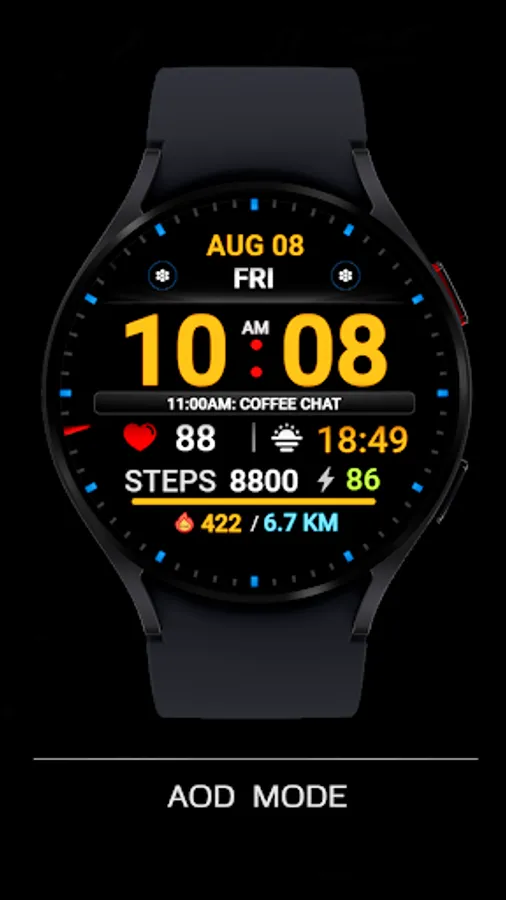
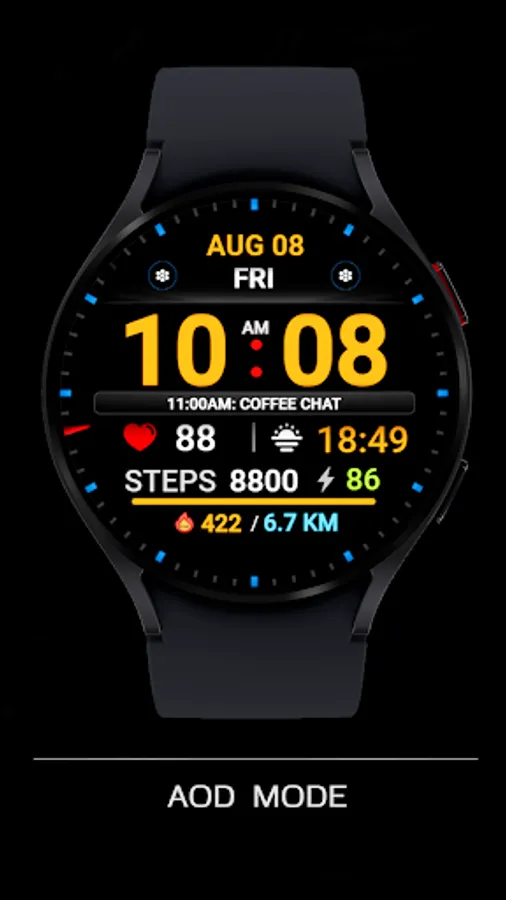
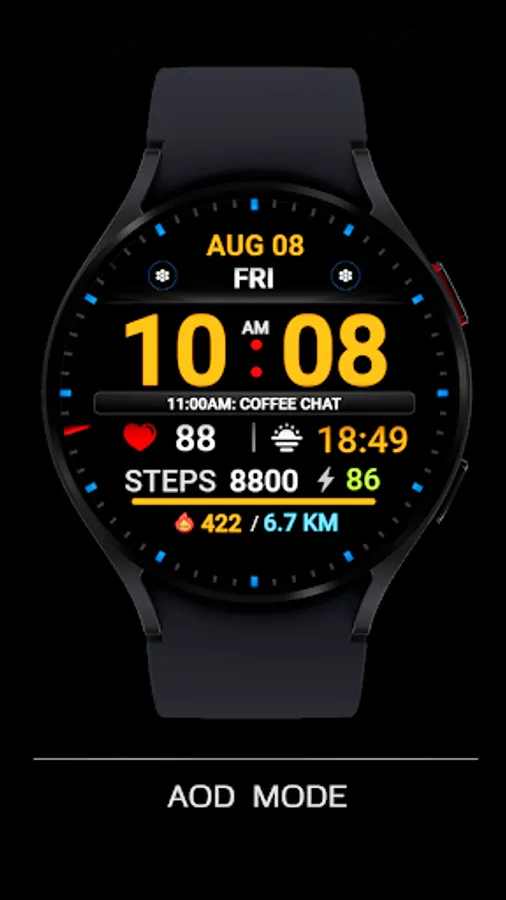
- AOD mode (full or minimum mode)
- NOTES FOR INSTALLING WATCH FACE -
If you have problems with installation, please follow the instructions: https://bit.ly/infWF
Settings
- To customize your watch face, simply touch and hold the display, then tap the Customize button.
- IMPORTANT - since there are many settings here, it is better to configure the watchface on the watch itself as shown in the video: https://youtu.be/YPcpvbxABiA
Support
- Contact srt48rus@gmail.com.
Check out my other watch faces in the Google Play store: https://bit.ly/WINwatchface
This watch face supports all Wear OS devices with API level 33+, such as Samsung Galaxy Watch 4, 5, 6, 7, 8, Pixel Watch, etc.
Basic moments:
- 12/24 hour digital time (depending on smartphone settings)
- A high resolution;
- Ability to change color
- Ability to change style (backgrounds)
- Custom complications
- AOD mode (full or minimum mode)
- NOTES FOR INSTALLING WATCH FACE -
If you have problems with installation, please follow the instructions: https://bit.ly/infWF
Settings
- To customize your watch face, simply touch and hold the display, then tap the Customize button.
- IMPORTANT - since there are many settings here, it is better to configure the watchface on the watch itself as shown in the video: https://youtu.be/YPcpvbxABiA
Support
- Contact srt48rus@gmail.com.
Check out my other watch faces in the Google Play store: https://bit.ly/WINwatchface