WIN Classic Black Watch Face
WinWatchfaces
4.6 ★
store rating
1,000+
downloads
$1.29
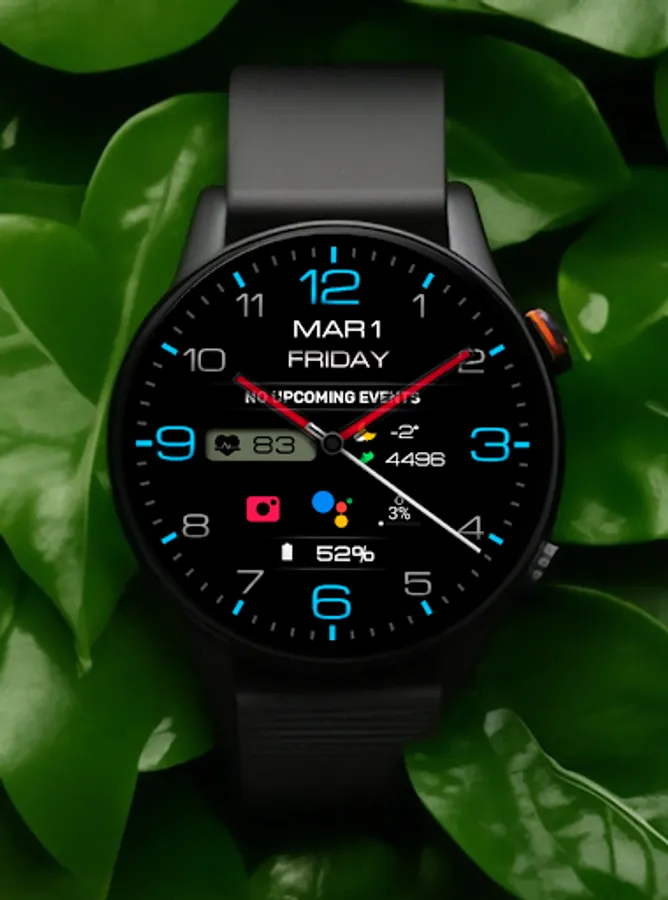
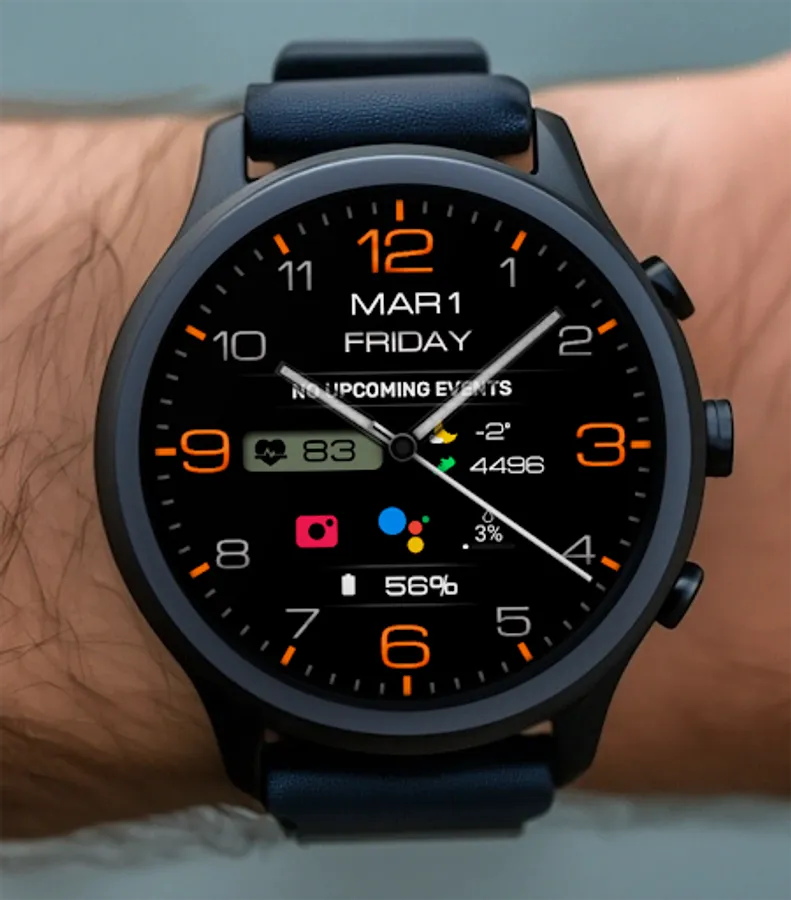
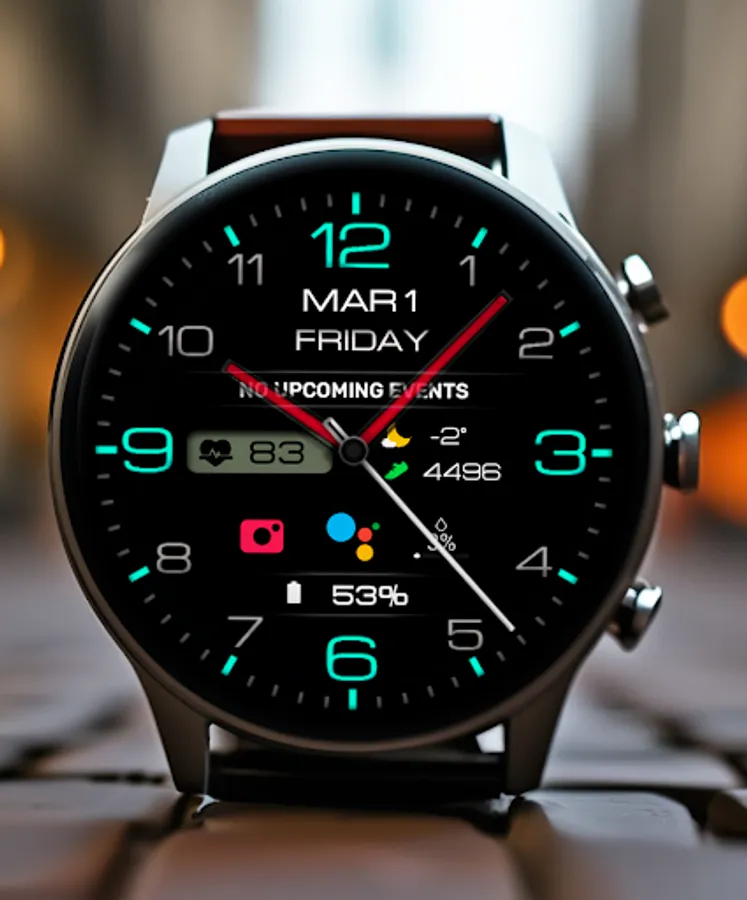
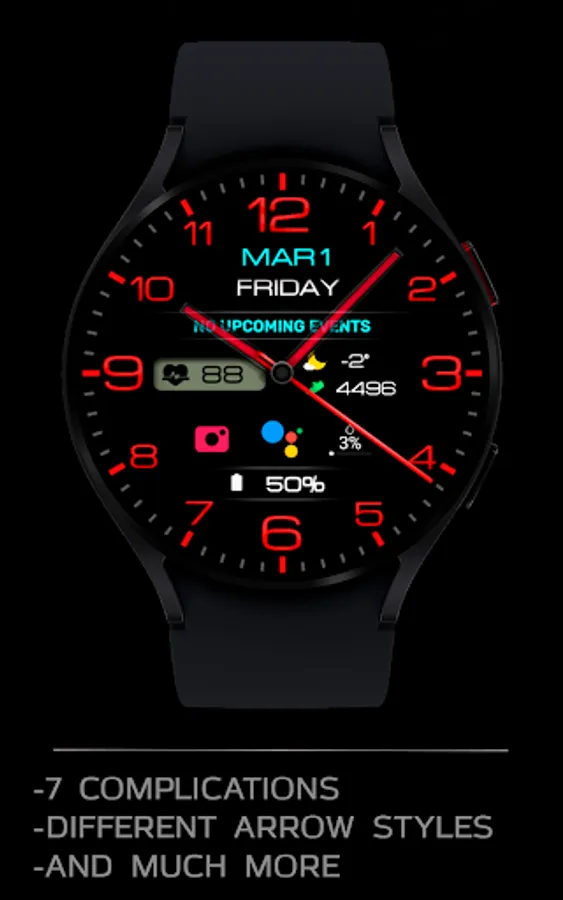
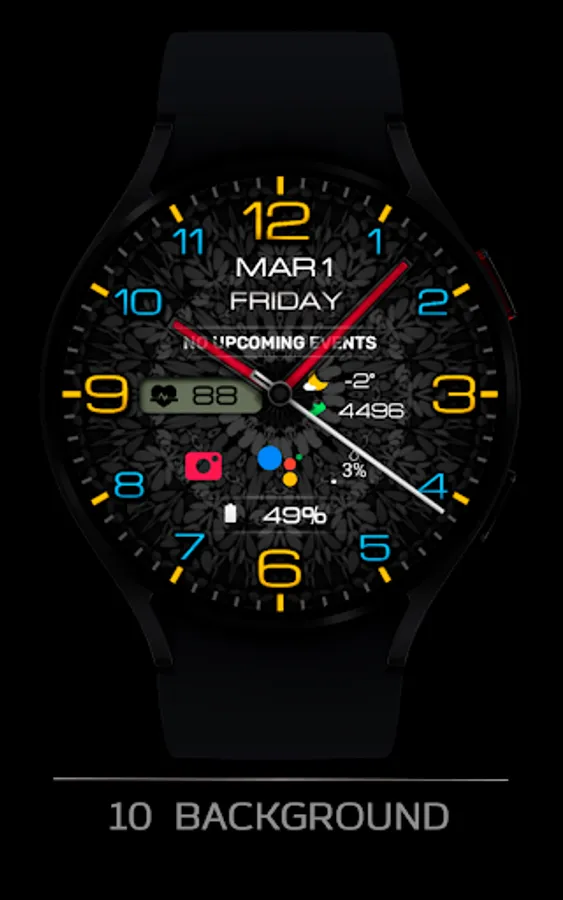
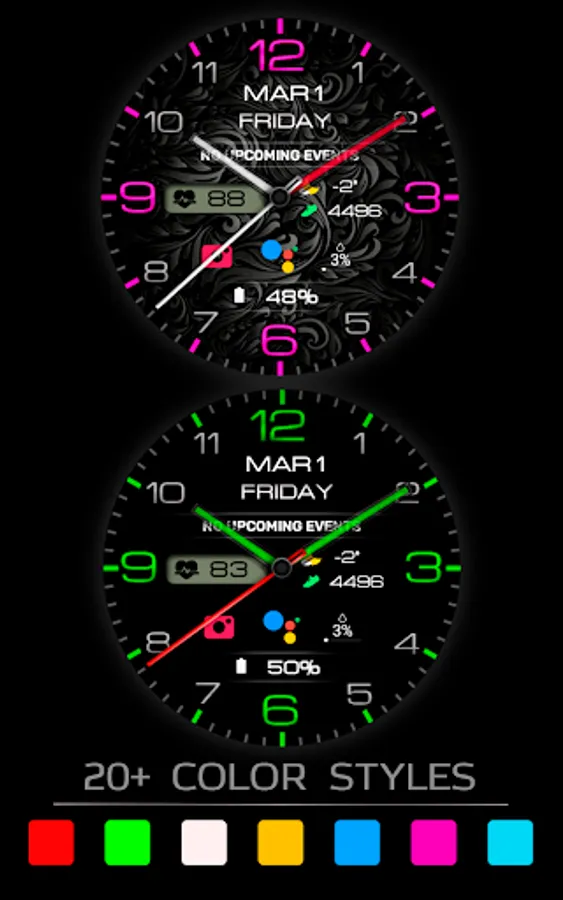
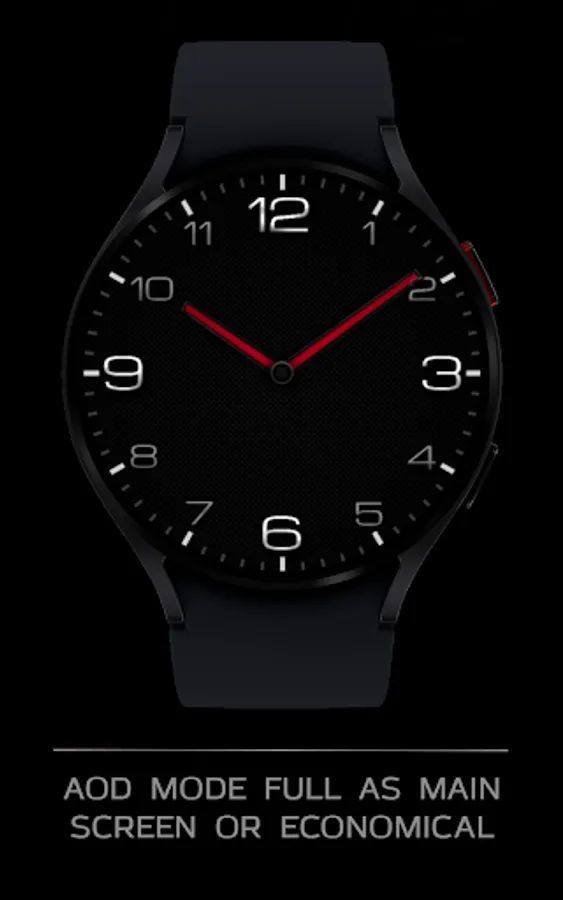
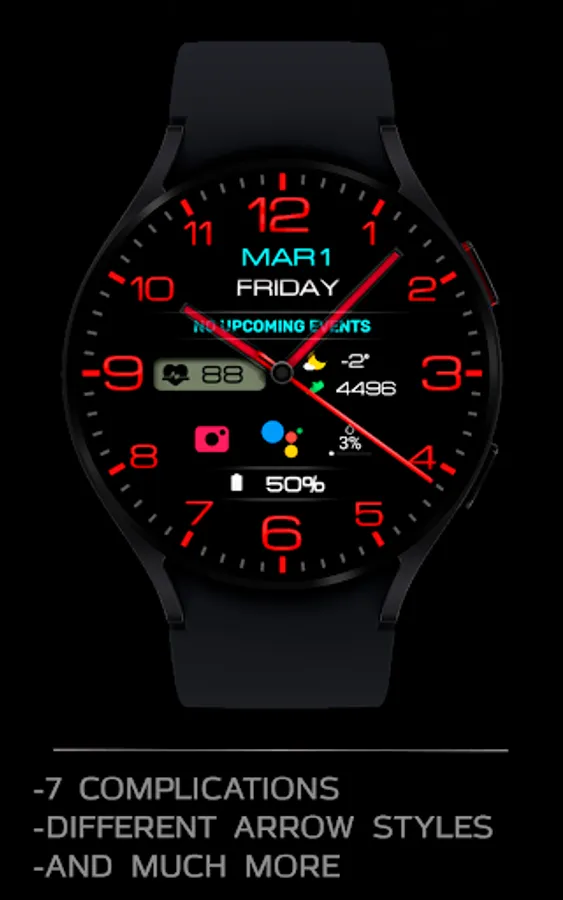
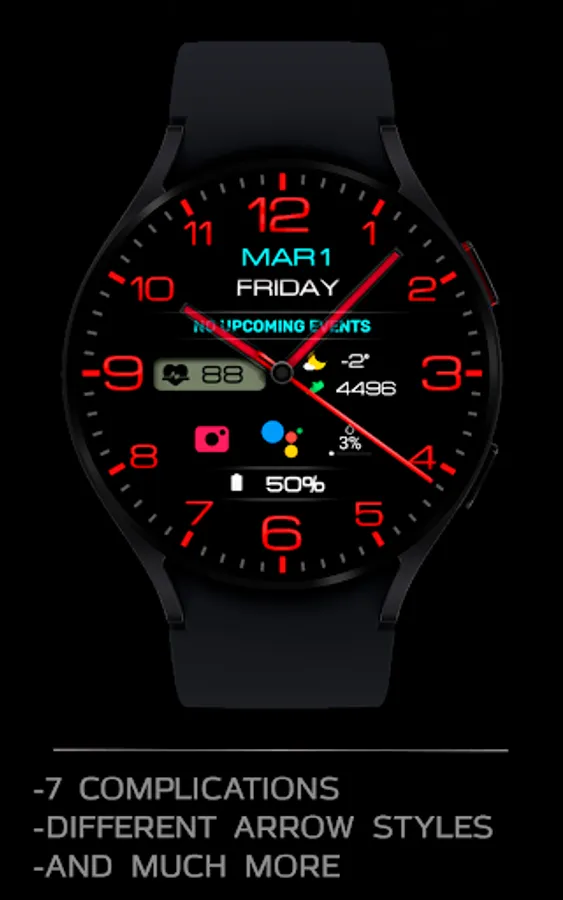
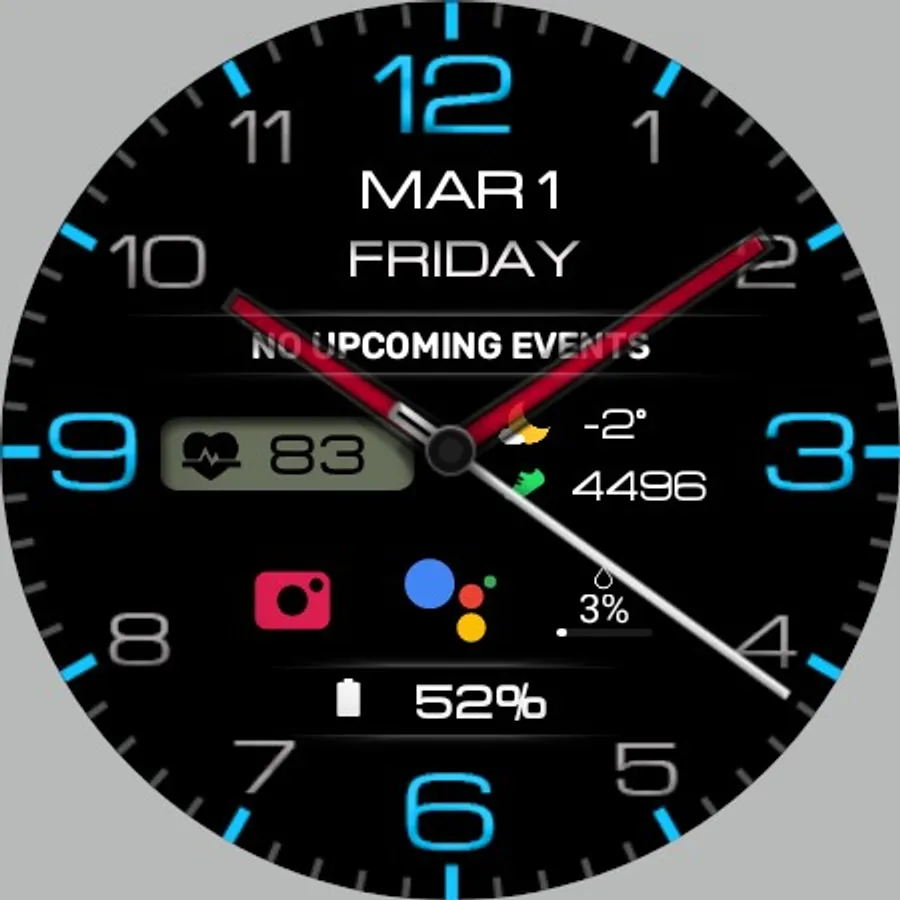
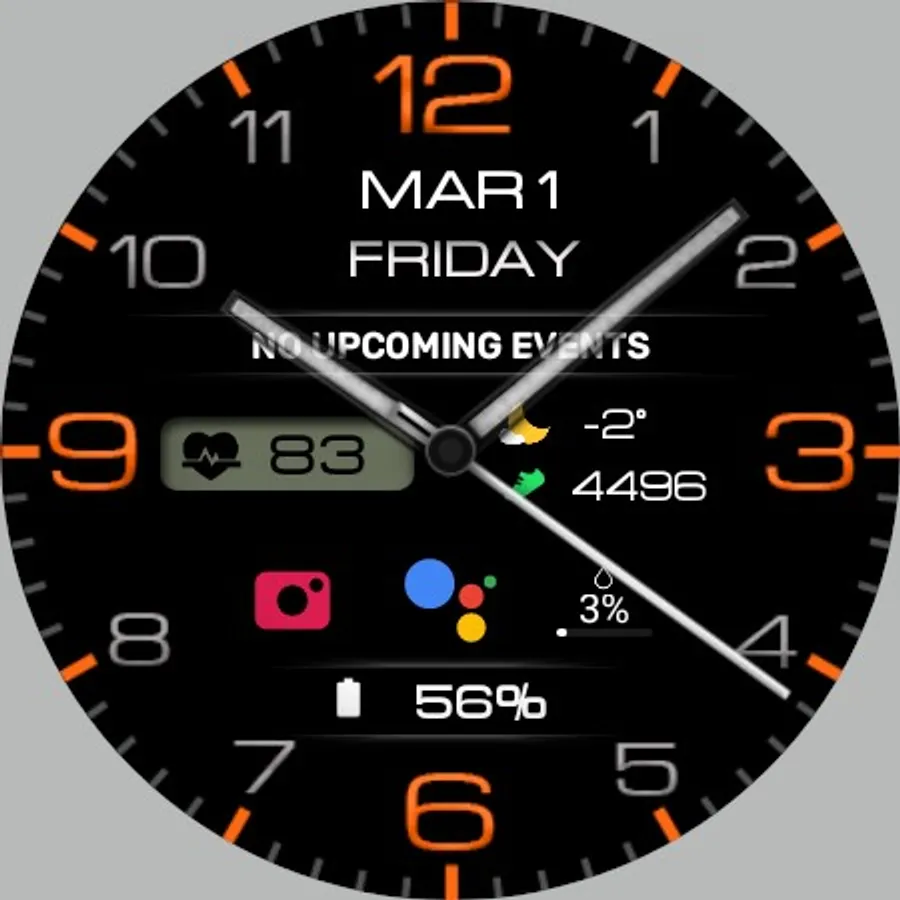
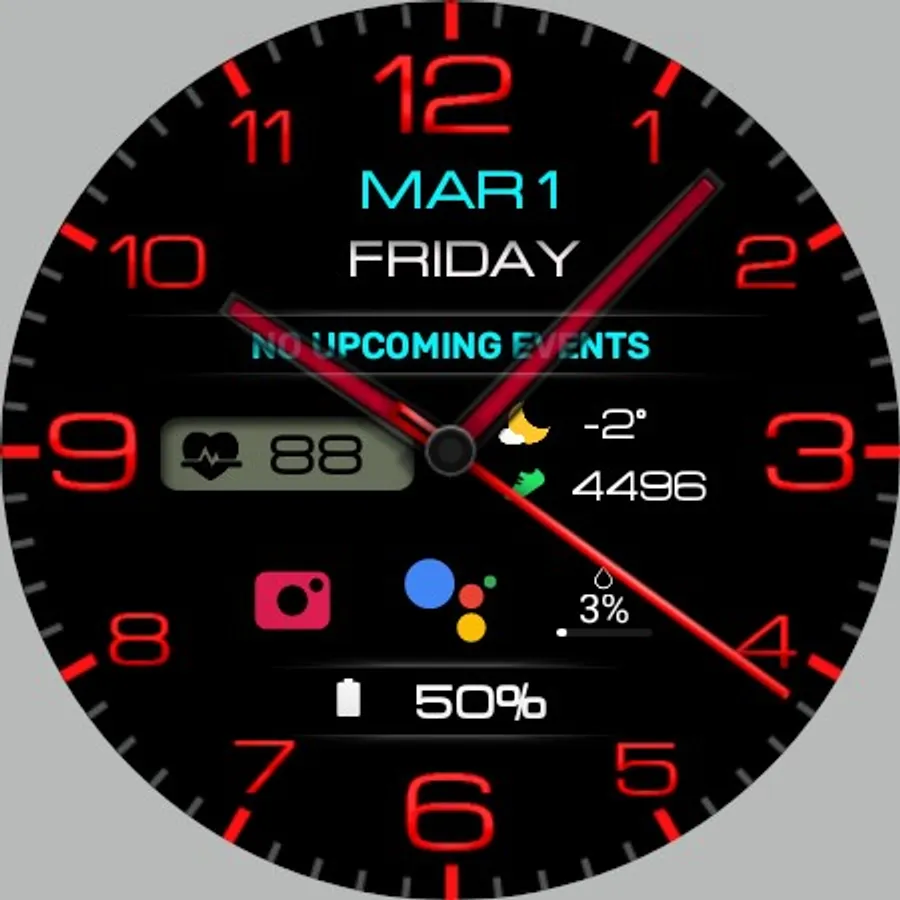
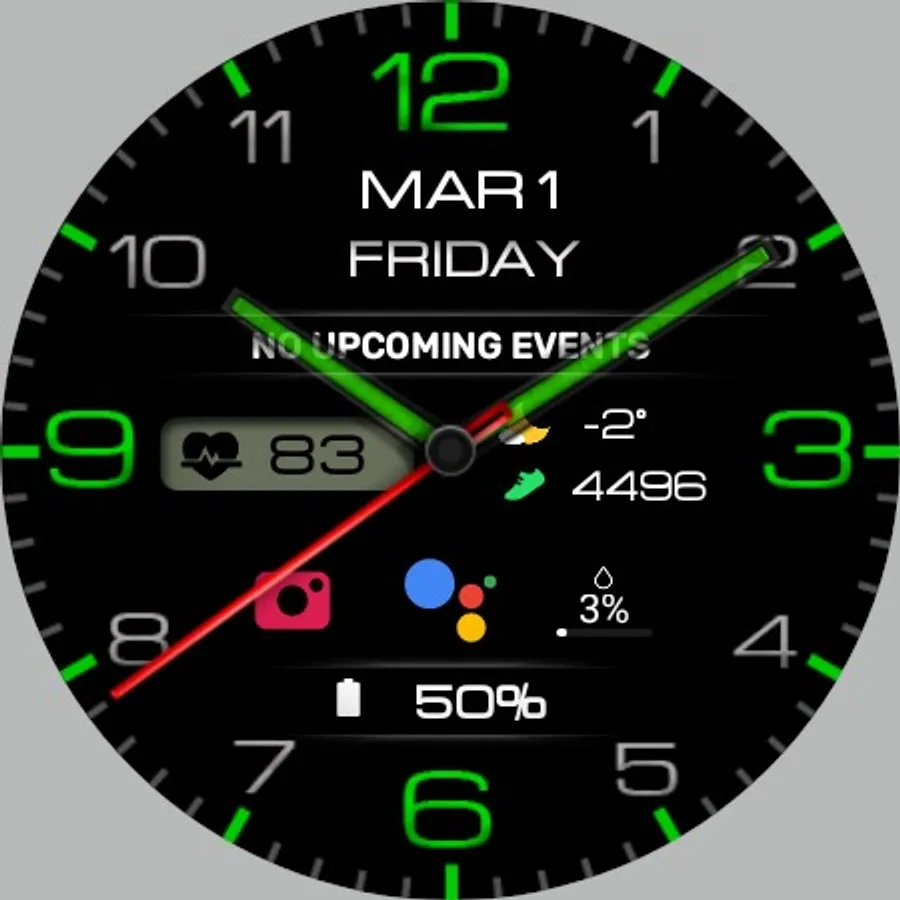
With this watch face, you can customize colors, backgrounds, and complications to suit your style. Includes high resolution display options and full or minimal AOD modes.
AppRecs review analysis
AppRecs rating 4.6. Trustworthiness 71 out of 100. Review manipulation risk 34 out of 100. Based on a review sample analyzed.
★★★★☆
4.6
AppRecs Rating
Ratings breakdown
5 star
89%
4 star
0%
3 star
0%
2 star
5%
1 star
5%
What to know
✓
Credible reviews
71% trustworthiness score from analyzed reviews
✓
High user satisfaction
89% of sampled ratings are 5 stars
✓
Authentic reviews
No red flags detected
About WIN Classic Black Watch Face
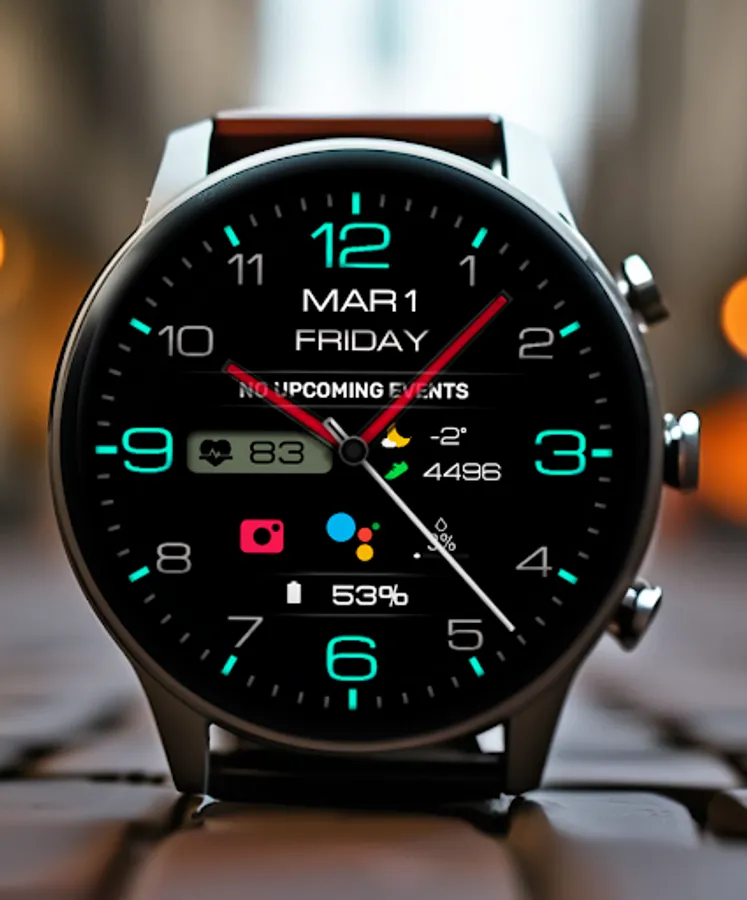
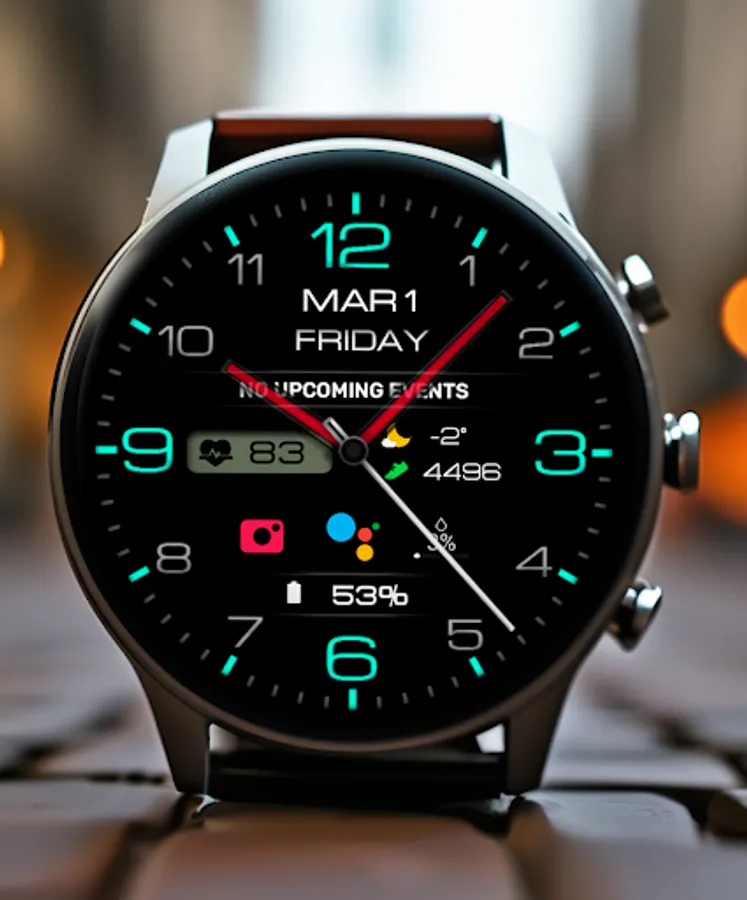
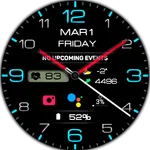
Stylish and Modern Classic Watchface for Everyday Wear OS
This watch face supports all Wear OS devices with API level 30+, such as Samsung Galaxy Watch 4, 5, 6, 7, Pixel Watch, etc.
FEATURES>
- A high resolution;
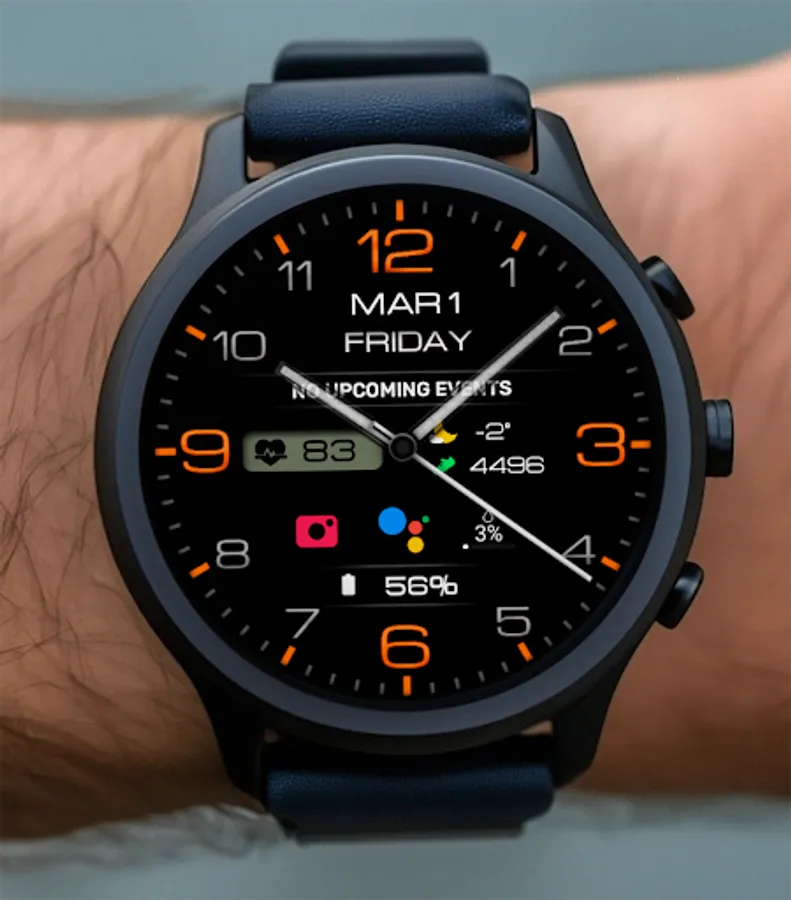
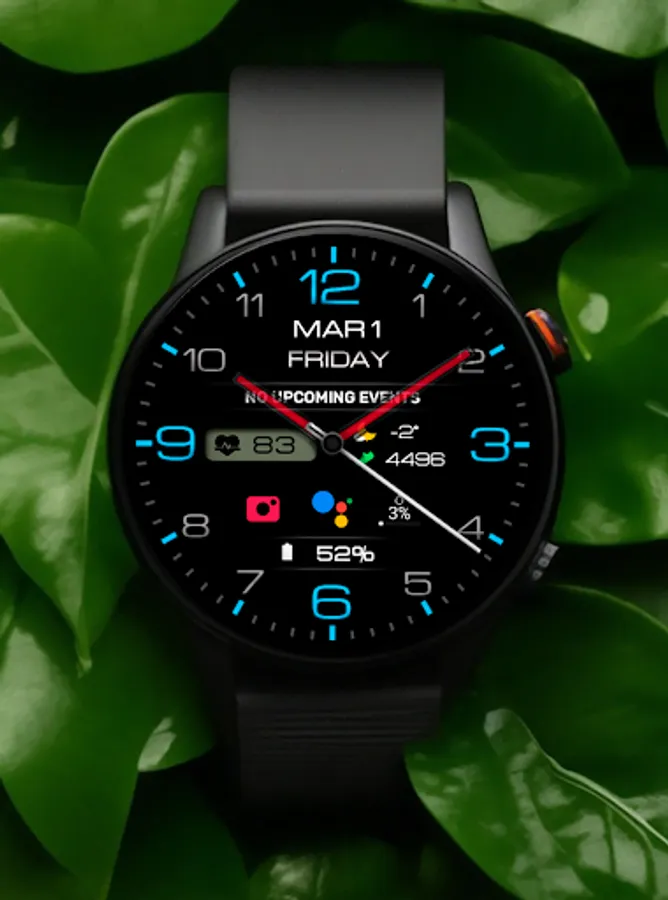
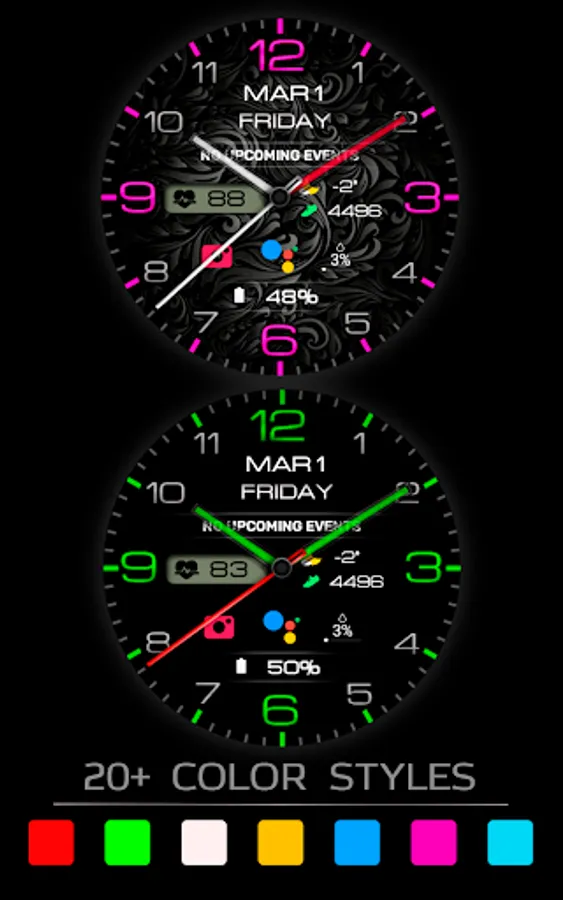
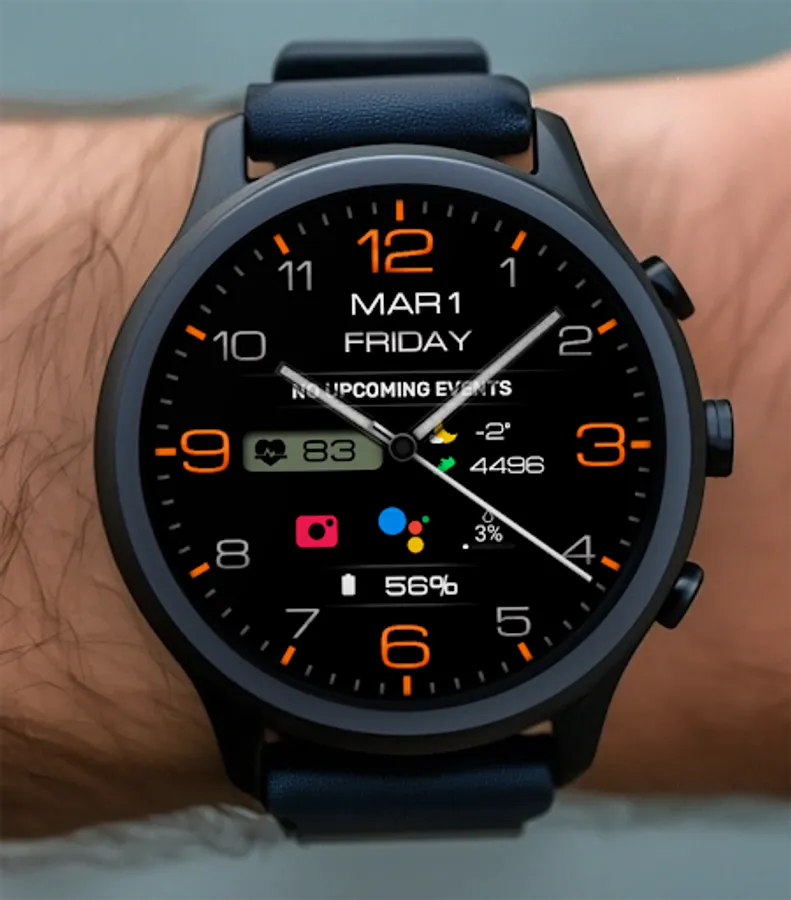
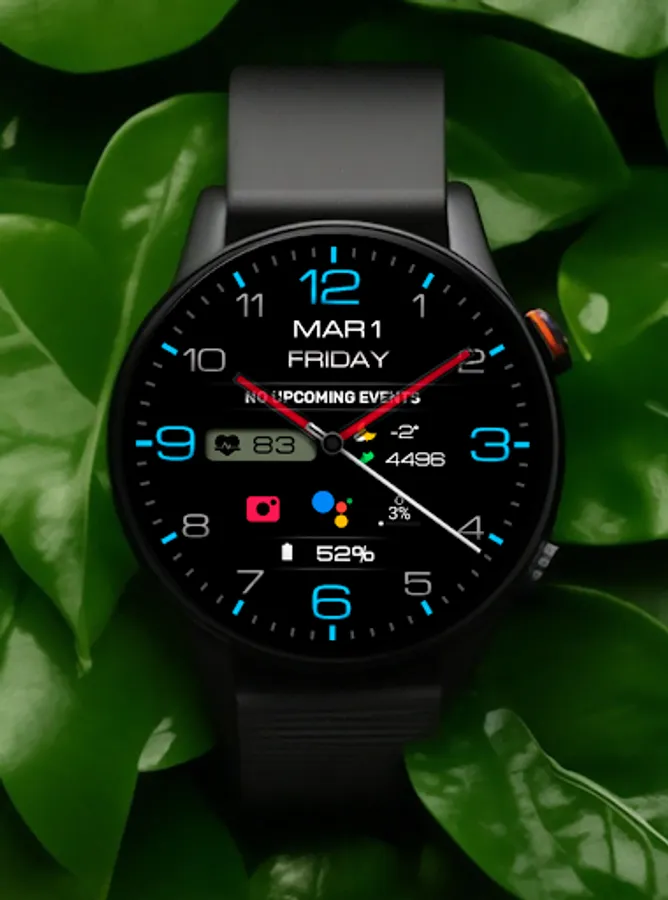
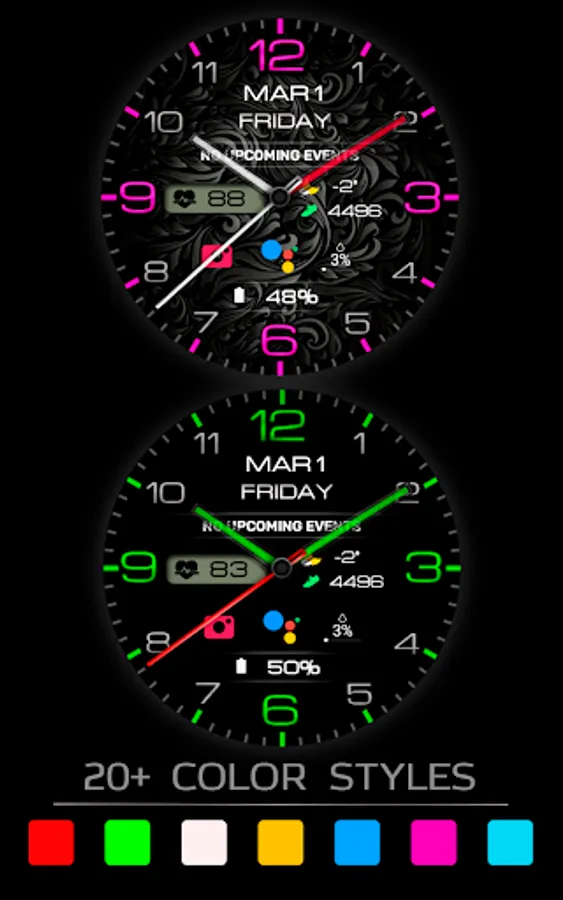
- Changeable colors
- Change the color of the hour and minute hands
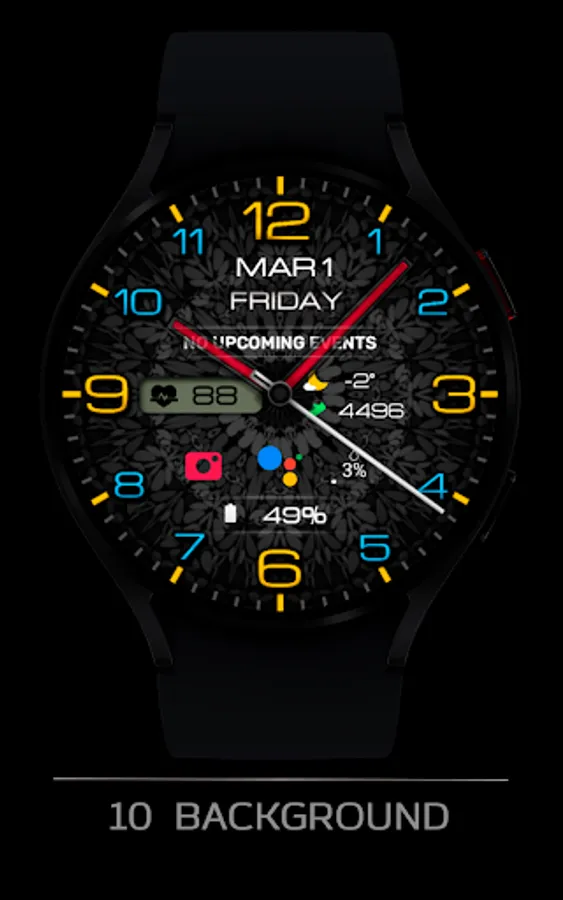
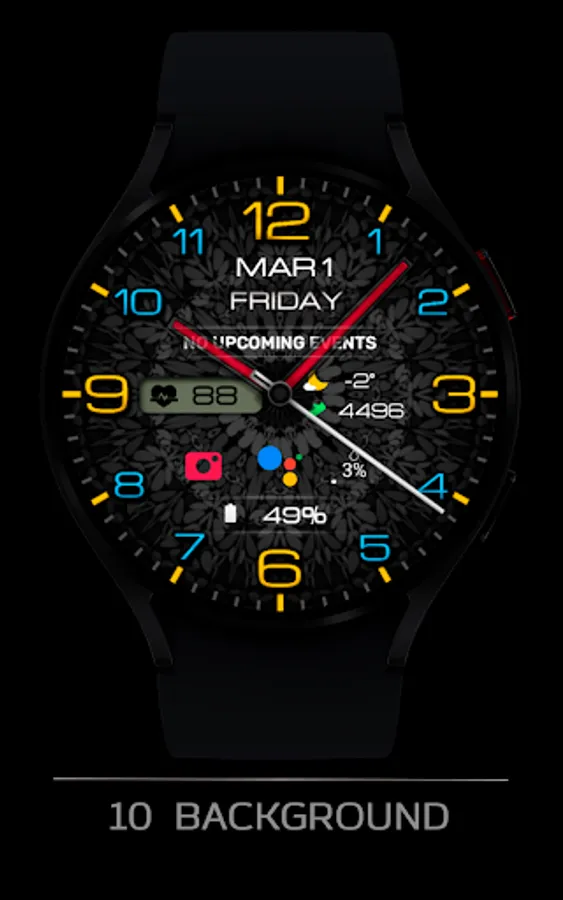
- 8 different backgrounds
- Custom complications
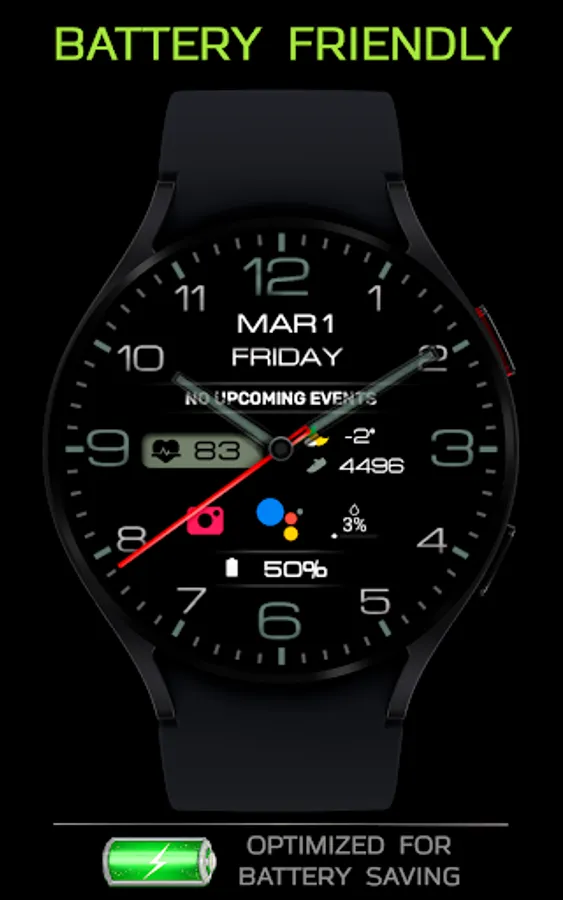
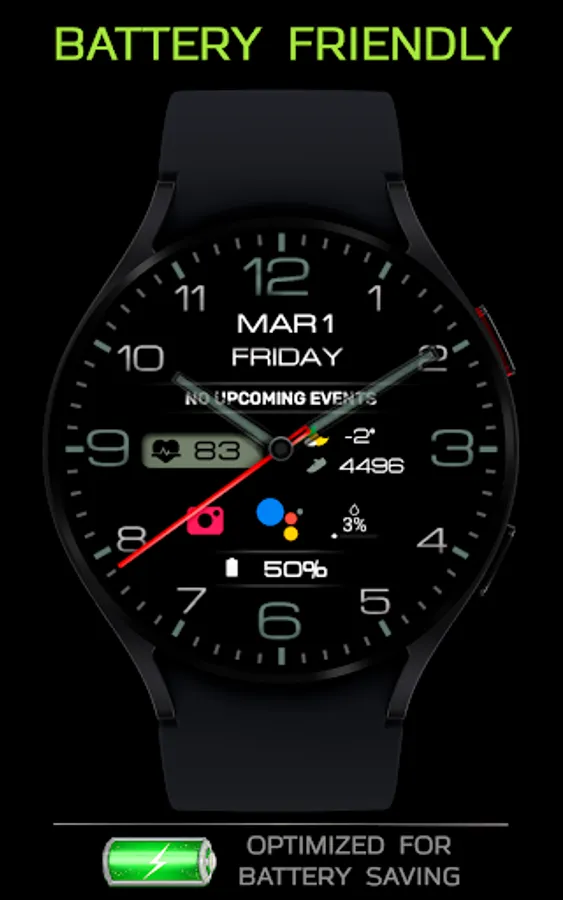
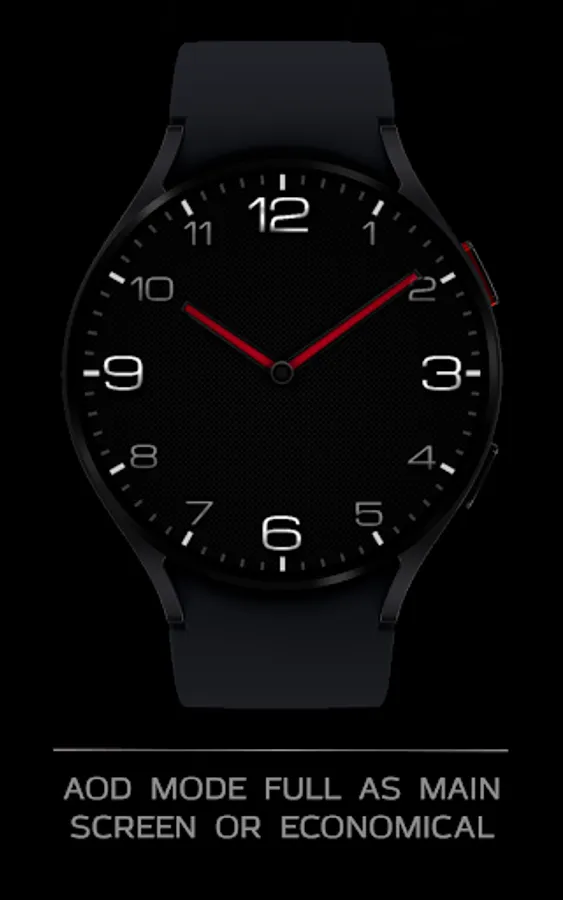
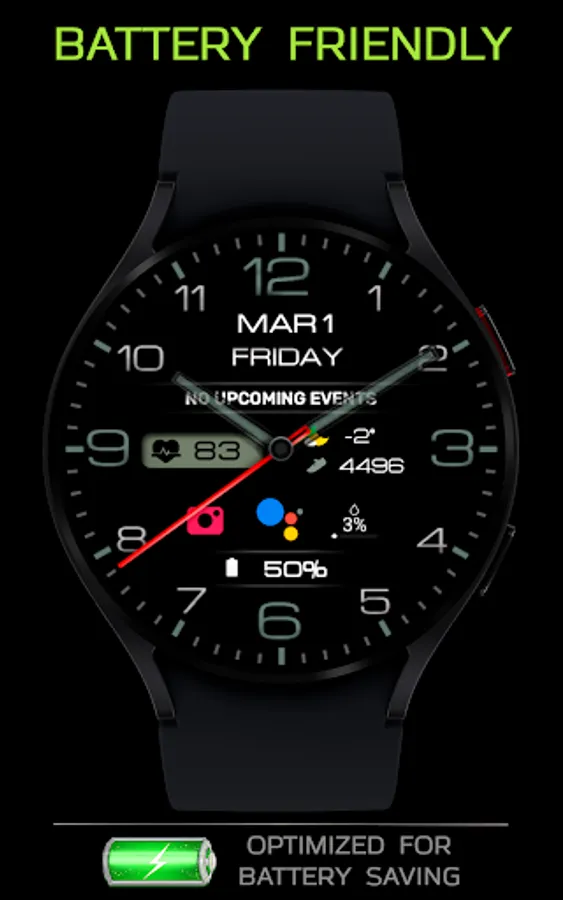
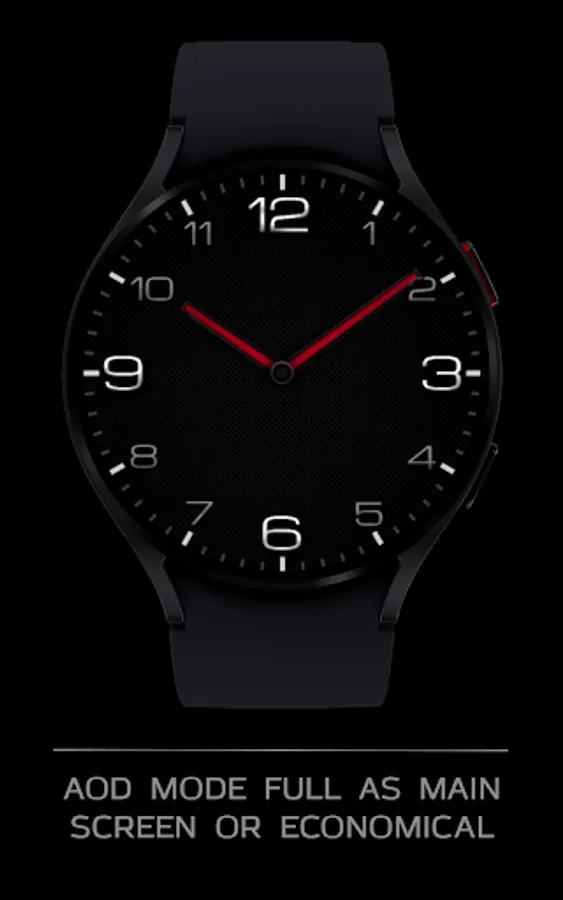
- AOD mode full and minimal
- NOTES FOR INSTALLING WATCH FACE -
If you have problems with installation, please follow the instructions: https://bit.ly/infWF
Settings
- To customize your watch face, simply touch and hold the display, then tap the Customize button.
- IMPORTANT - since there are many settings here, it is better to configure the watchface on the watch itself as shown in the video: https://youtu.be/YPcpvbxABiA
Support
- Contact srt48rus@gmail.com.
Check out my other watch faces in the Google Play store: https://bit.ly/WINwatchface
This watch face supports all Wear OS devices with API level 30+, such as Samsung Galaxy Watch 4, 5, 6, 7, Pixel Watch, etc.
FEATURES>
- A high resolution;
- Changeable colors
- Change the color of the hour and minute hands
- 8 different backgrounds
- Custom complications
- AOD mode full and minimal
- NOTES FOR INSTALLING WATCH FACE -
If you have problems with installation, please follow the instructions: https://bit.ly/infWF
Settings
- To customize your watch face, simply touch and hold the display, then tap the Customize button.
- IMPORTANT - since there are many settings here, it is better to configure the watchface on the watch itself as shown in the video: https://youtu.be/YPcpvbxABiA
Support
- Contact srt48rus@gmail.com.
Check out my other watch faces in the Google Play store: https://bit.ly/WINwatchface