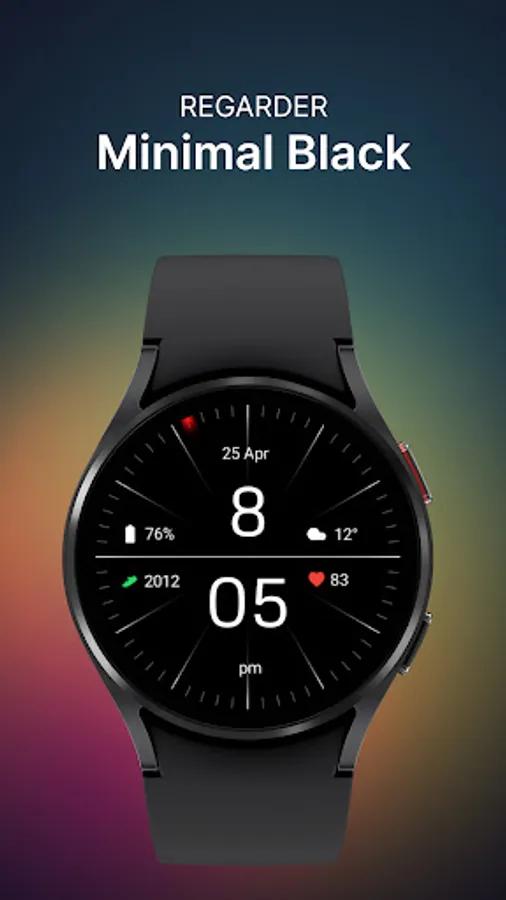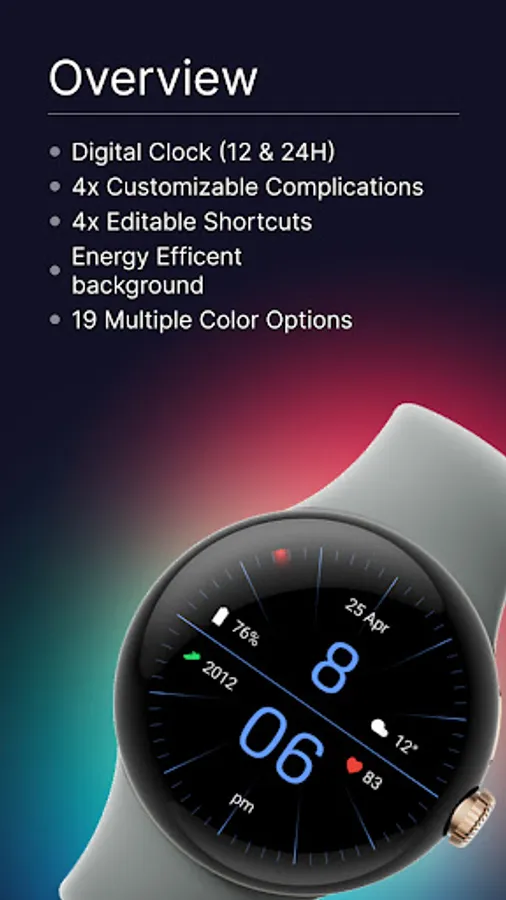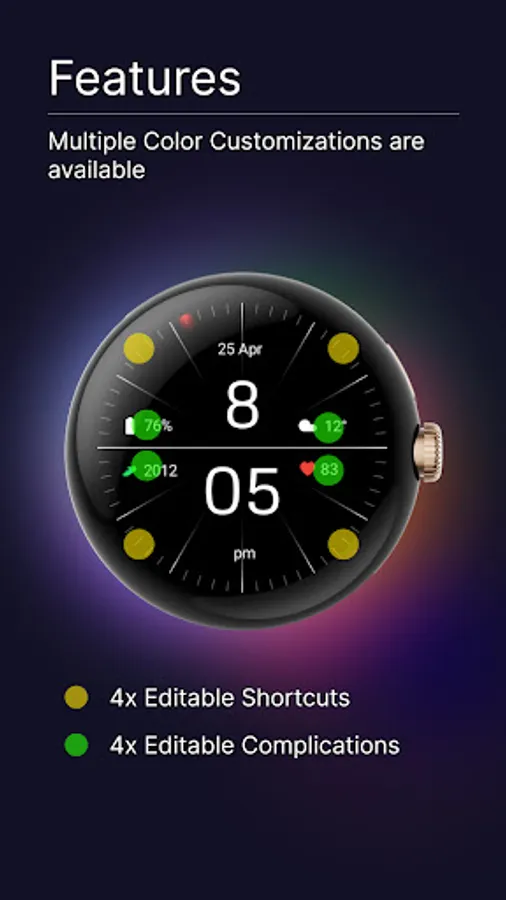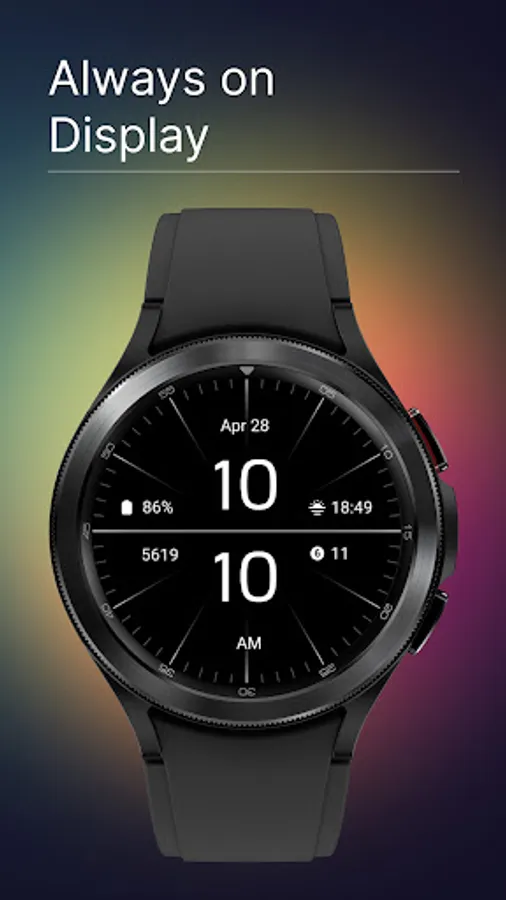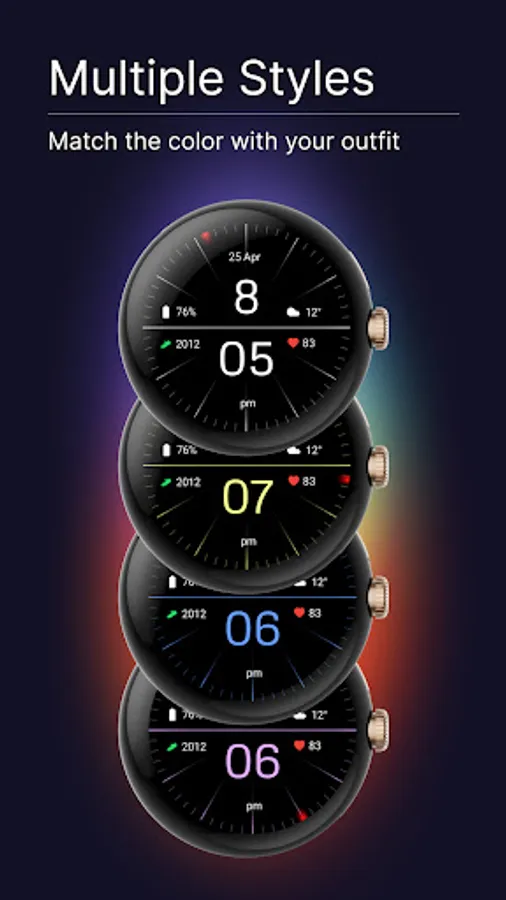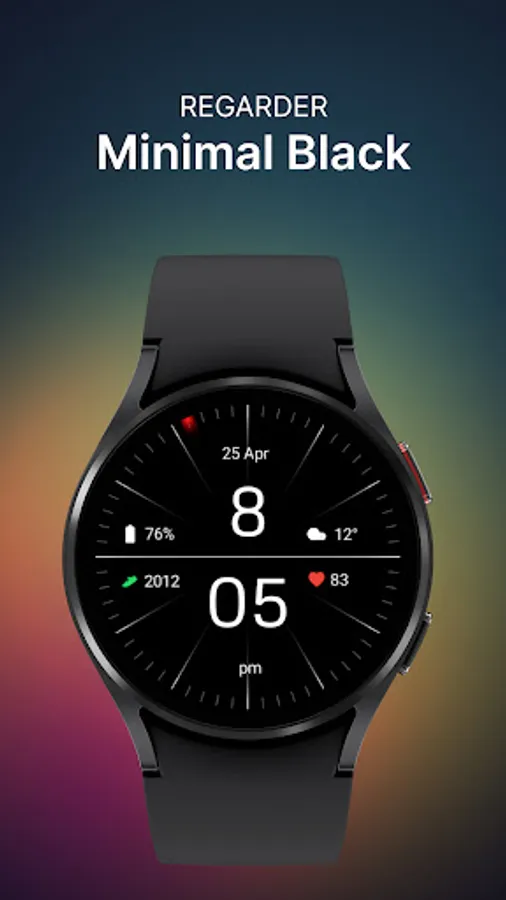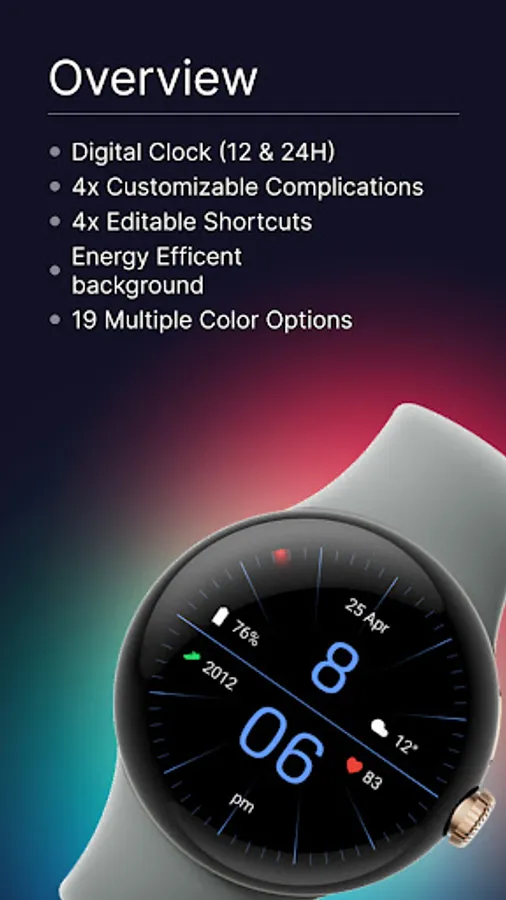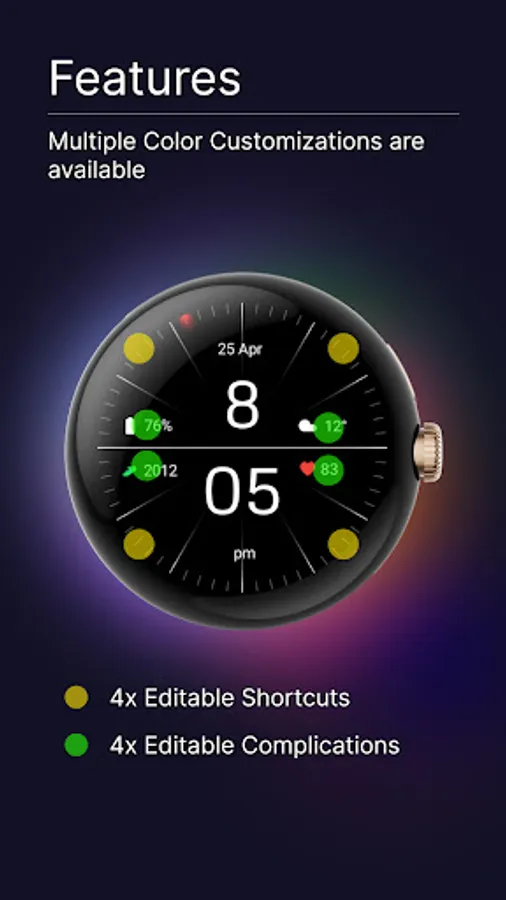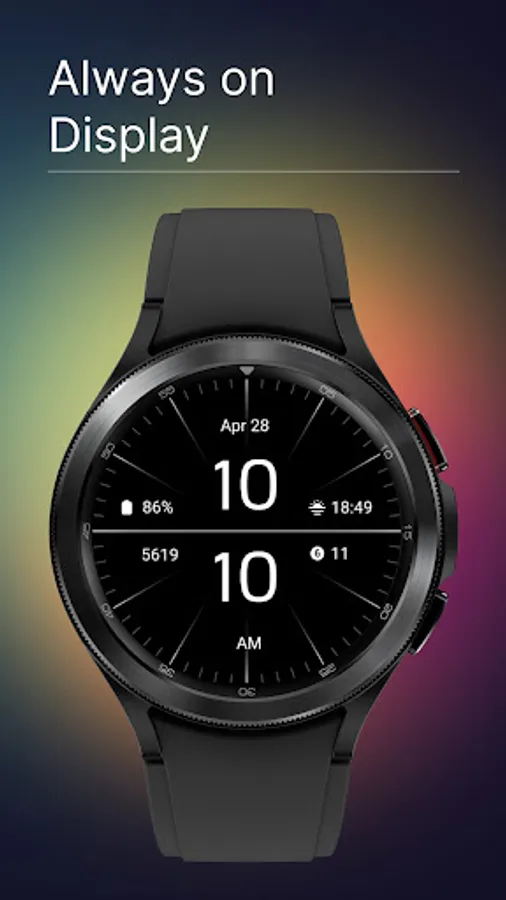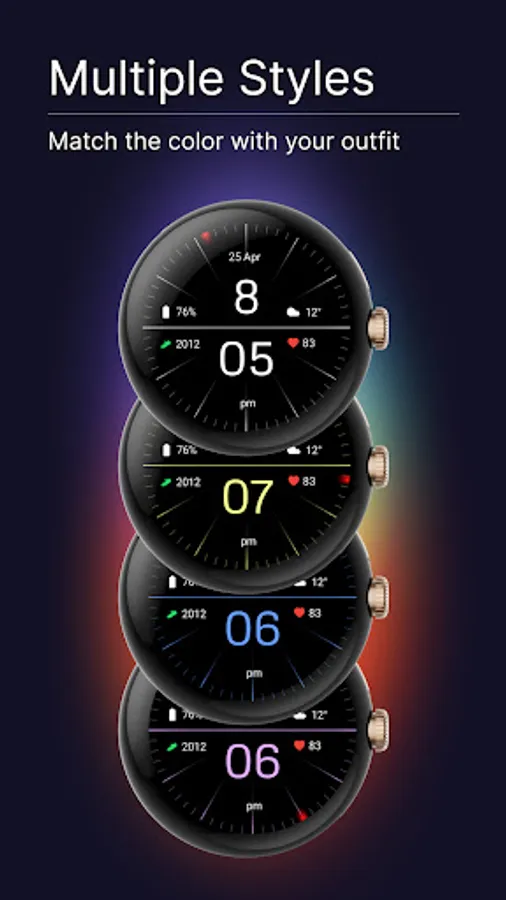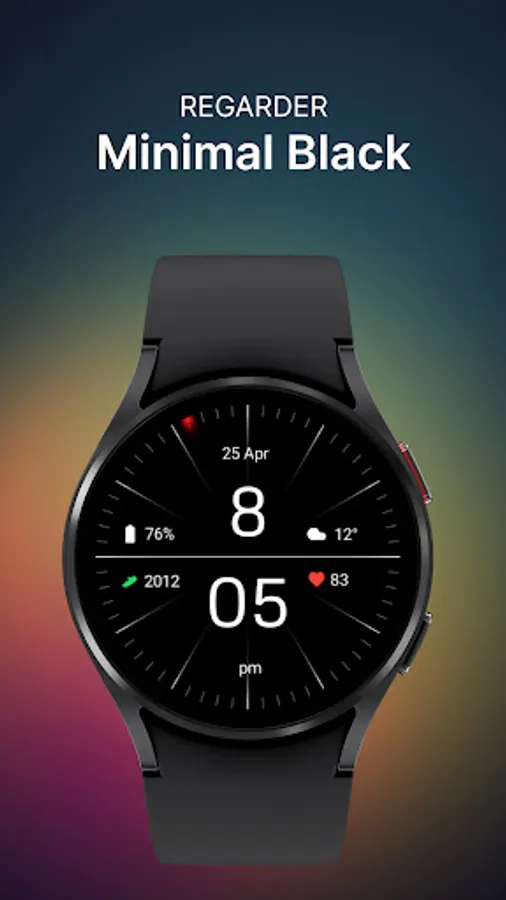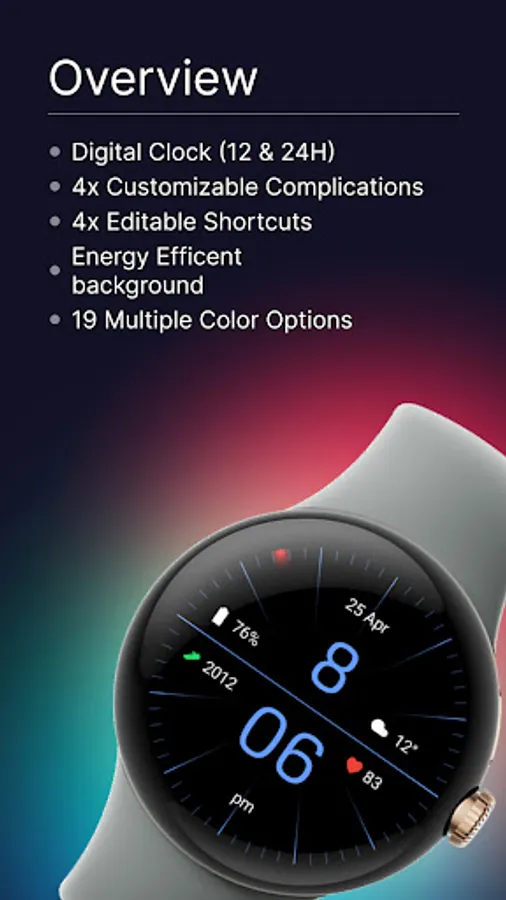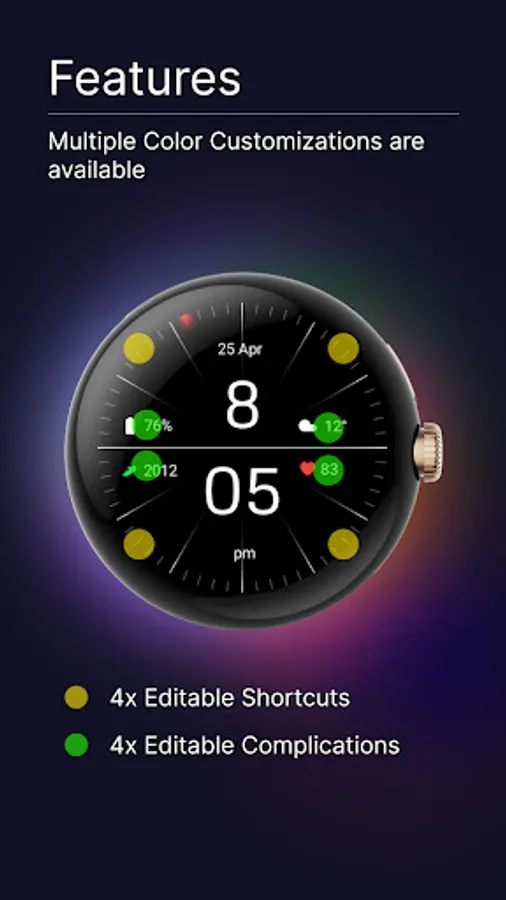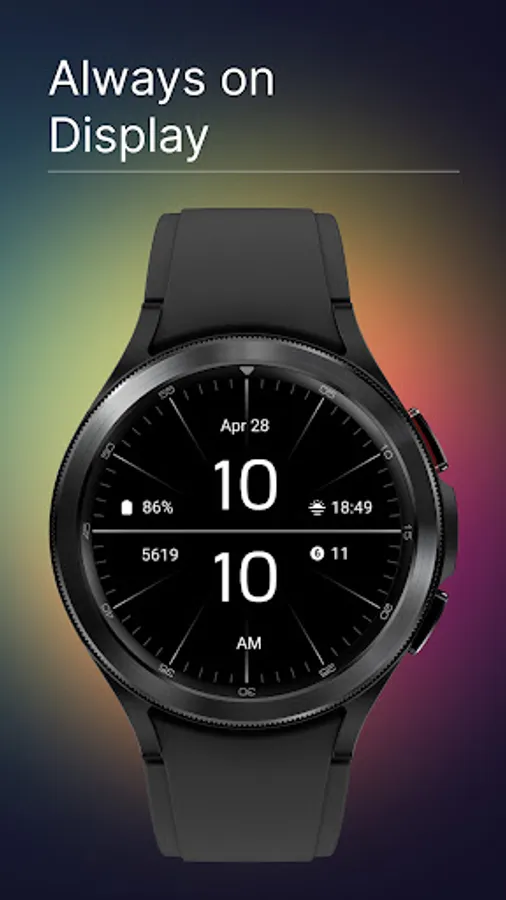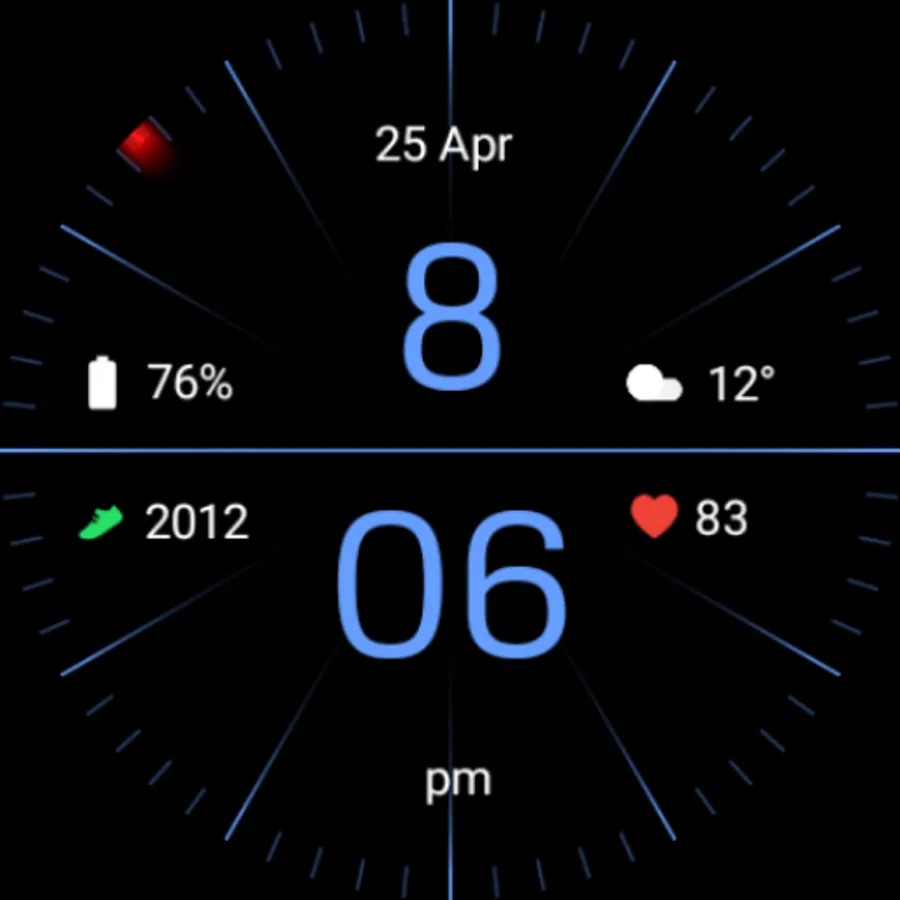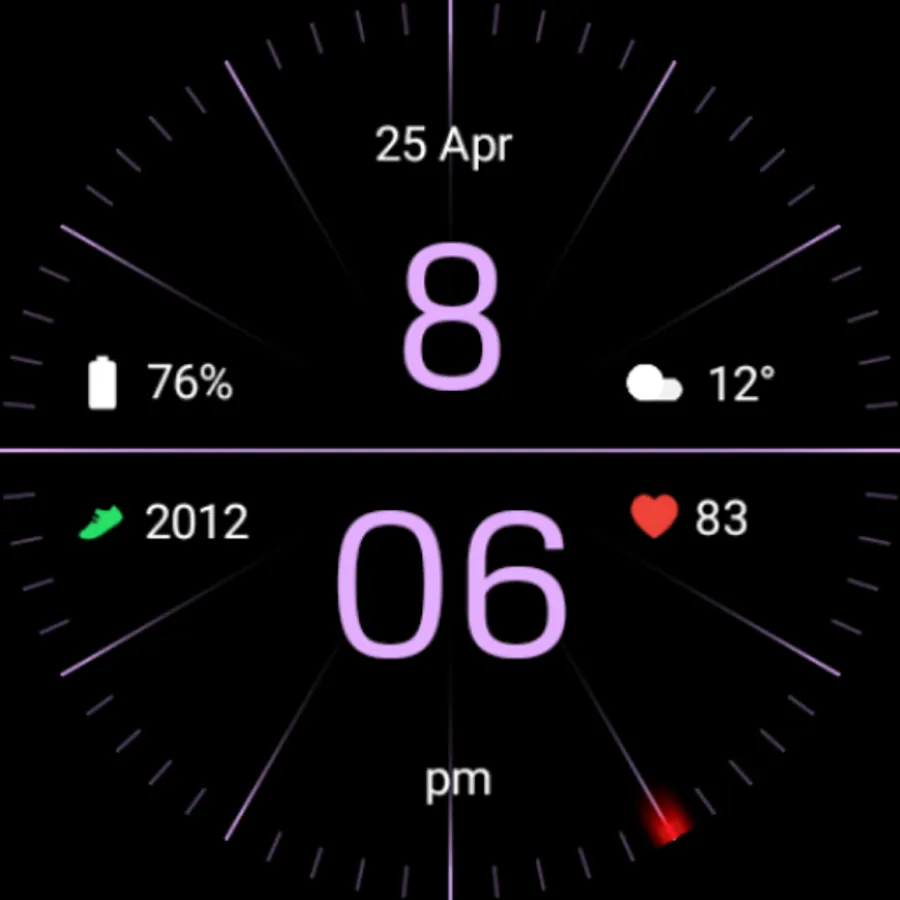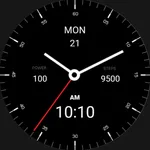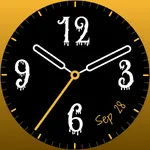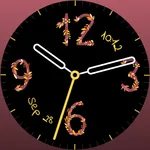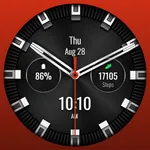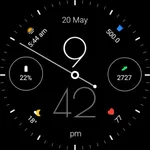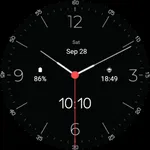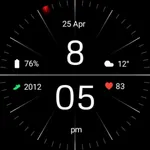
Minimal Black Watch Face
Regarder Watch Faces
4.5 ★
store rating
100,000+
downloads
Free
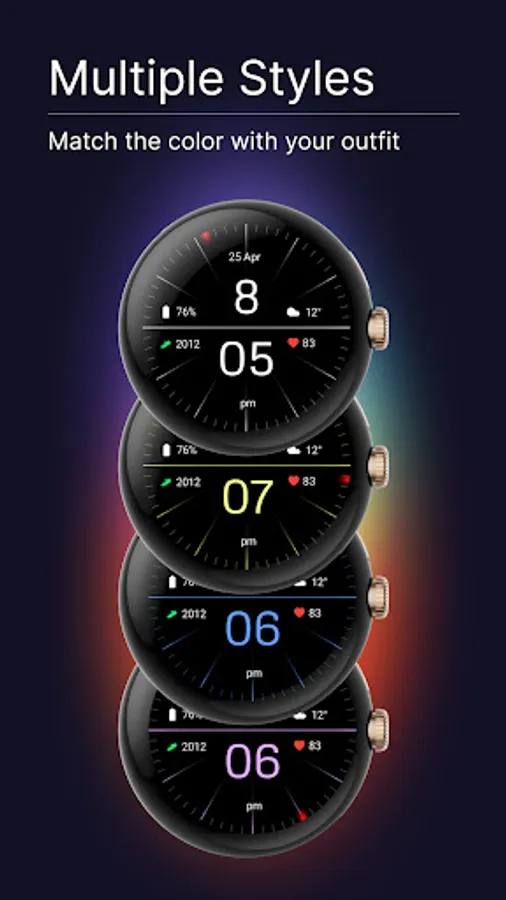
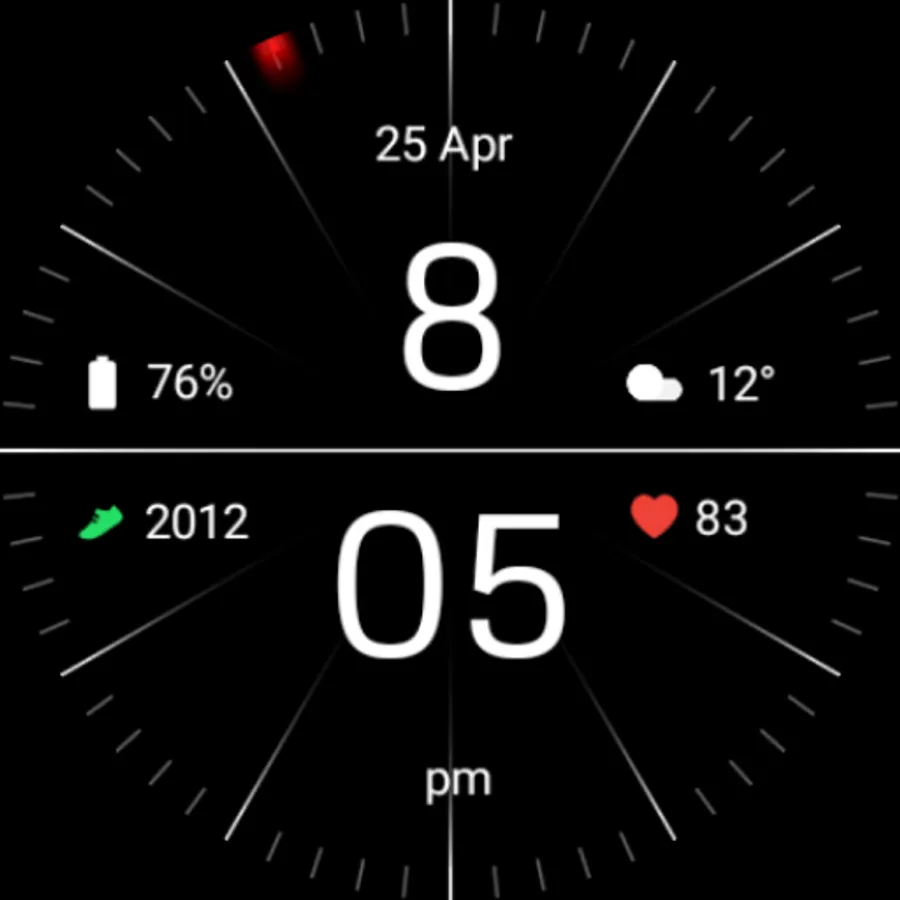
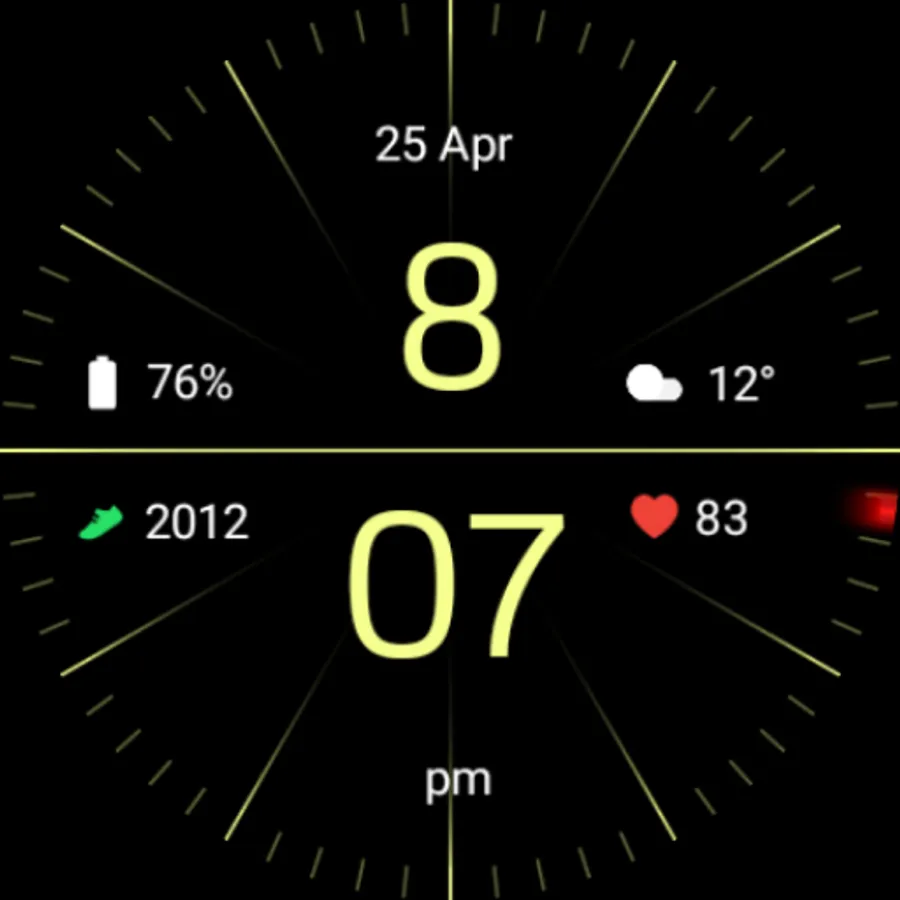
With this watch face app, you can customize your Wear OS device by installing the Minimal Black design through the companion app or directly on your watch. Includes step-by-step installation instructions and options for PC or device-based installation.
AppRecs review analysis
AppRecs rating 4.0. Trustworthiness 68 out of 100. Review manipulation risk 26 out of 100. Based on a review sample analyzed.
★★★☆☆
4.0
AppRecs Rating
Ratings breakdown
5 star
69%
4 star
16%
3 star
12%
2 star
0%
1 star
3%
What to know
✓
Low review manipulation risk
26% review manipulation risk
✓
High user satisfaction
85% of sampled ratings are 4+ stars (4.5★ average)
✓
Authentic reviews
Natural distribution, no red flags
About Minimal Black Watch Face
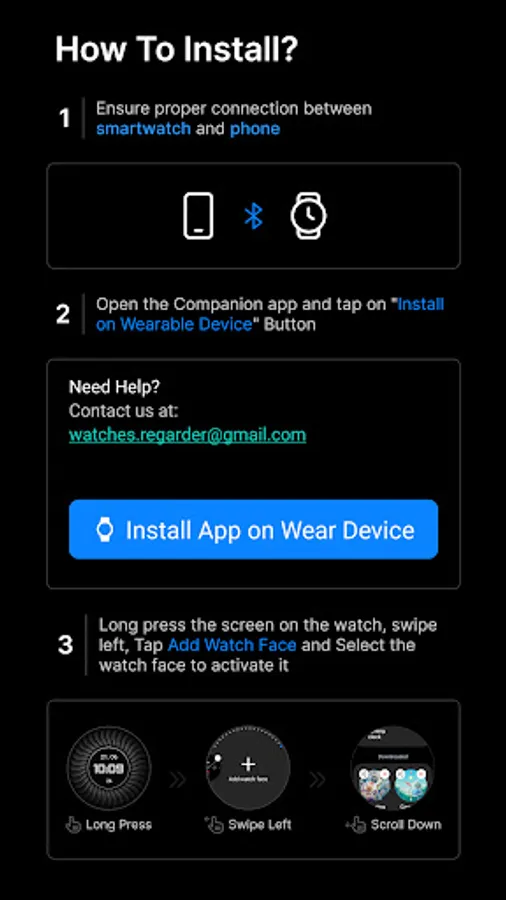
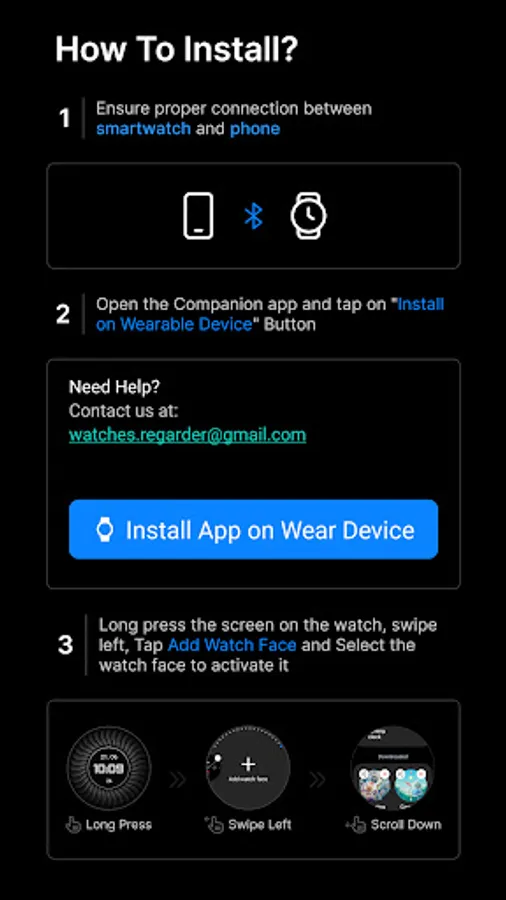
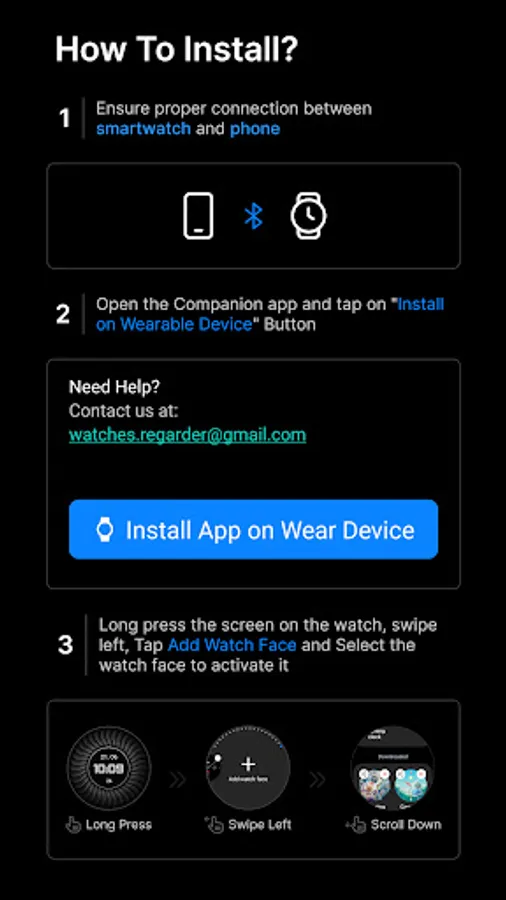
Installing Regarder Minimal Black watch face is easy:
Just open the Mobile Companion app and follow the instructions there.
In case this does not work. You can use a PC and install it from there
If this option still does not work you can install the watch face from your wear OS Device, here are the instructions:
1. On your Wear OS smartwatch, open the Google Play Store.
2. Search for "Regarder Minimal Black" and select the app from the search results.
3. Tap "Install" to begin the installation process.
4. Once the installation is complete, you can find the watch face in the "Watch Faces" section of your smartwatch's settings.
5. Select Regarder Minimal Black as your active watch face.
Just open the Mobile Companion app and follow the instructions there.
In case this does not work. You can use a PC and install it from there
If this option still does not work you can install the watch face from your wear OS Device, here are the instructions:
1. On your Wear OS smartwatch, open the Google Play Store.
2. Search for "Regarder Minimal Black" and select the app from the search results.
3. Tap "Install" to begin the installation process.
4. Once the installation is complete, you can find the watch face in the "Watch Faces" section of your smartwatch's settings.
5. Select Regarder Minimal Black as your active watch face.