Wearable Widgets
Udekowski LLC
3.6 ★
2K ratings
500,000+
downloads
Free
+ in-app
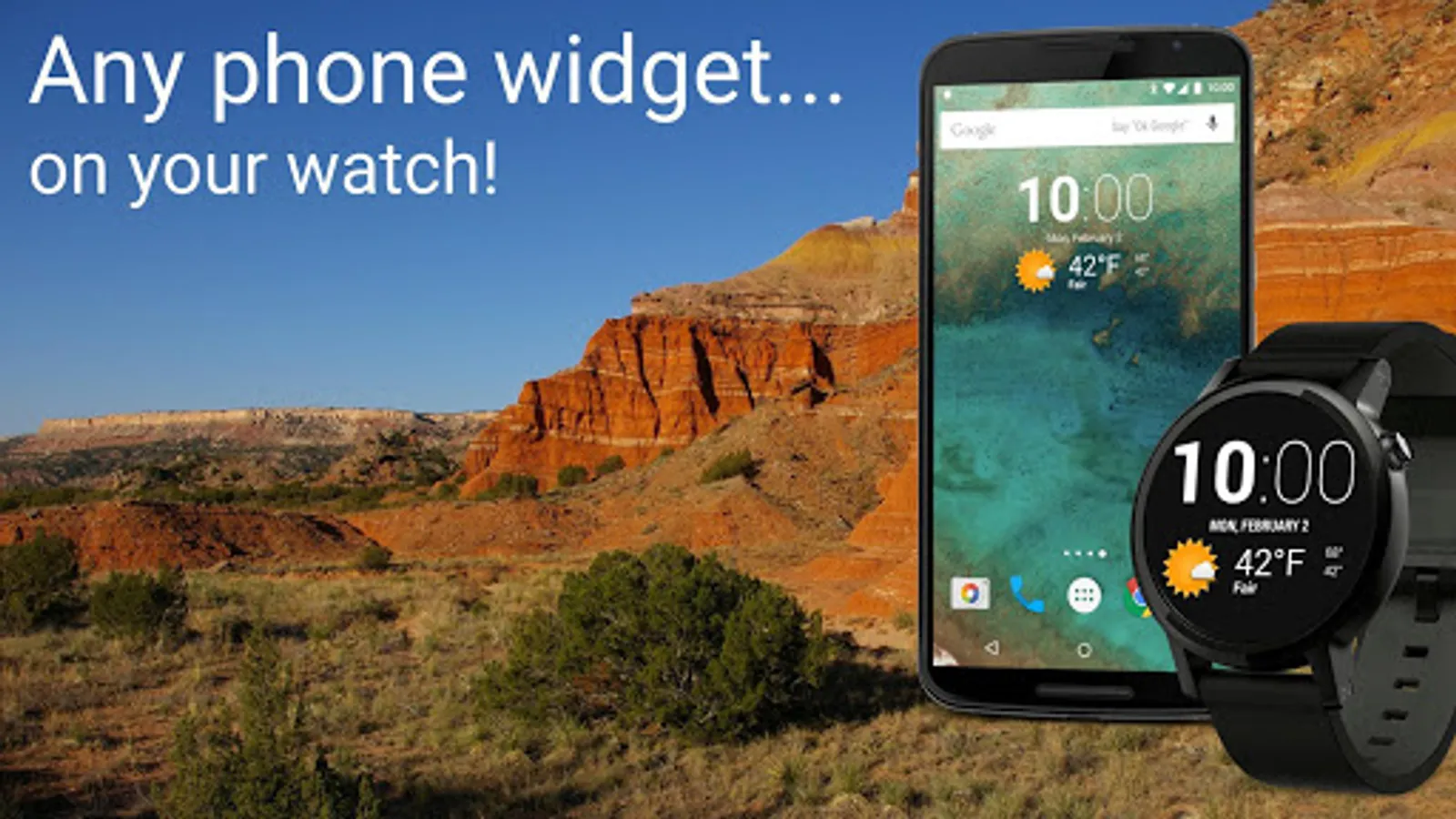
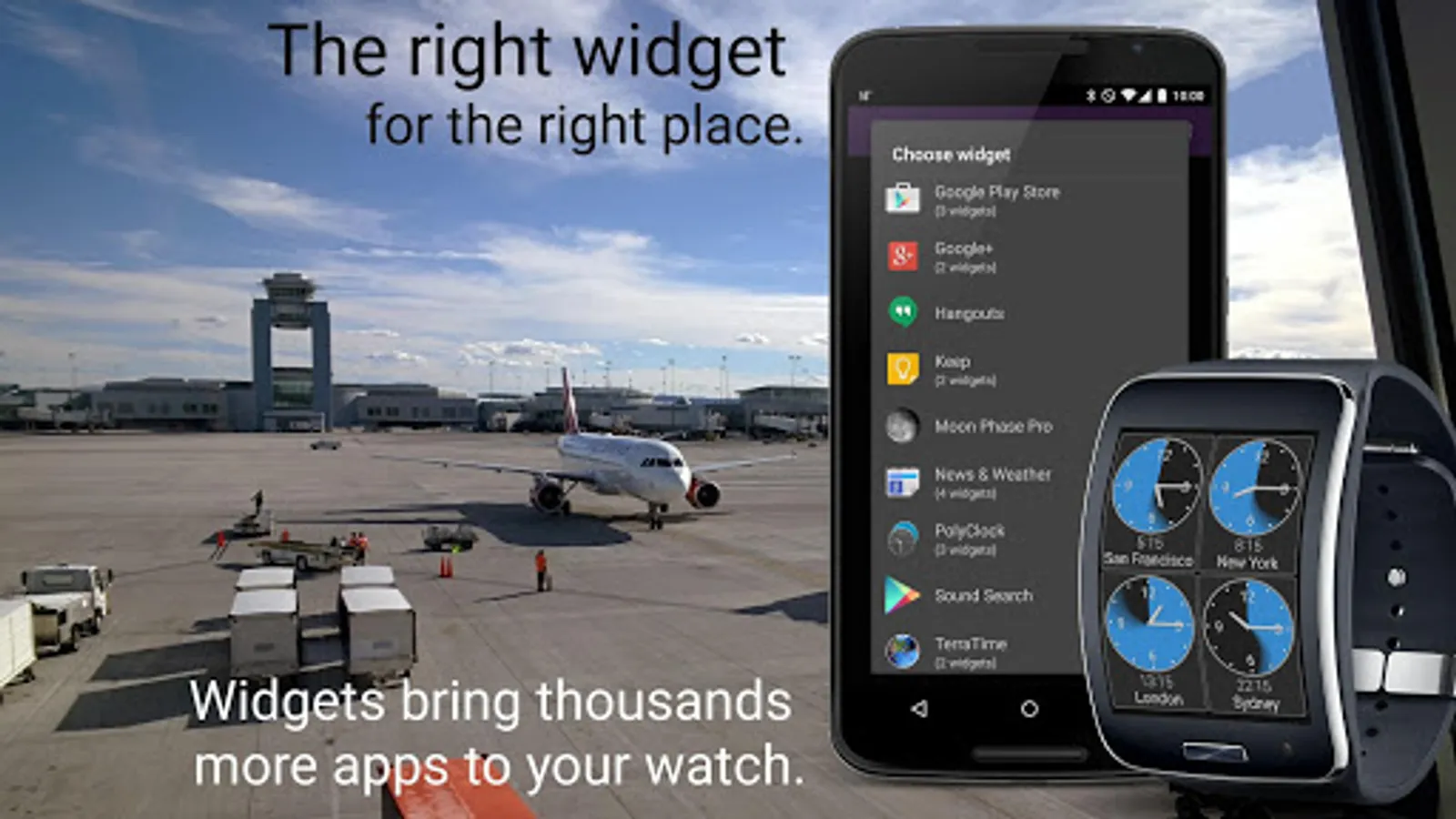
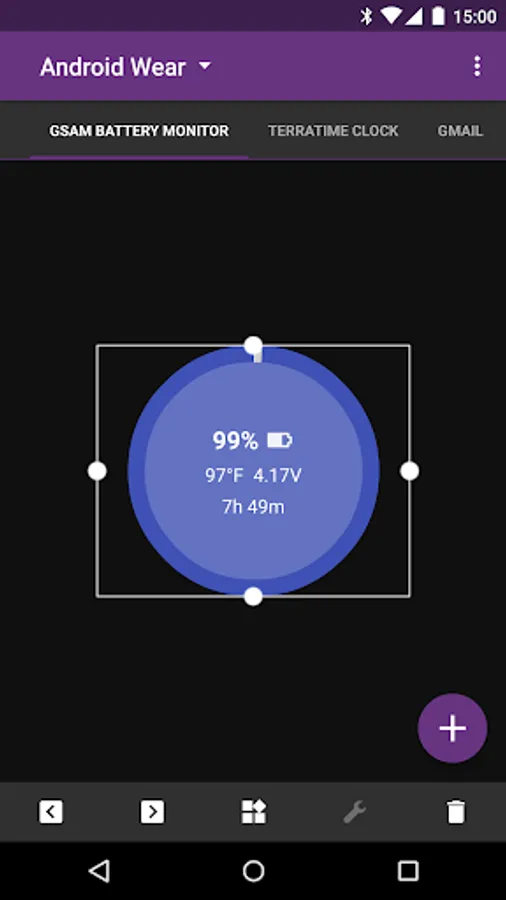
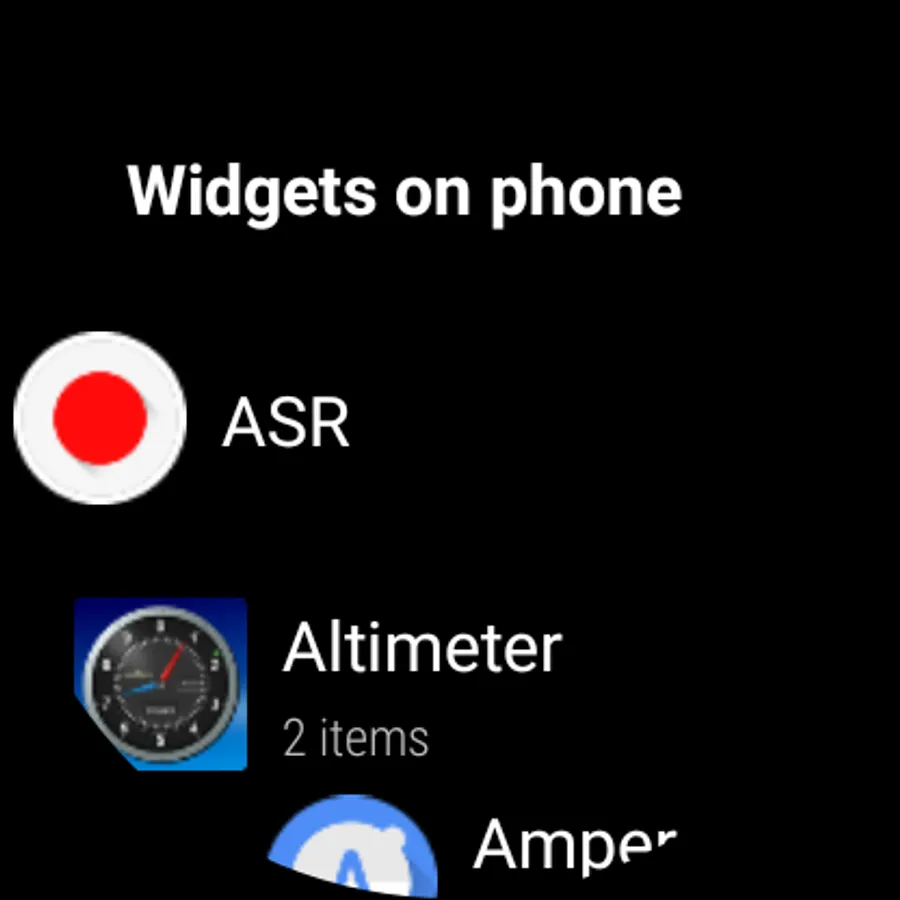
In this app, you can display and interact with various Android widgets on your smartwatch screen. Includes support for multiple widgets, device compatibility information, and in-app purchases for additional widgets.
AppRecs review analysis
AppRecs rating 3.5. Trustworthiness 87 out of 100. Review manipulation risk 21 out of 100. Based on a review sample analyzed.
★★★☆☆
3.5
AppRecs Rating
Ratings breakdown
5 star
45%
4 star
15%
3 star
14%
2 star
5%
1 star
22%
What to know
✓
Low review manipulation risk
21% review manipulation risk
✓
Credible reviews
87% trustworthiness score from analyzed reviews
⚠
Pricing complaints
Many low ratings mention paywalls or pricing
About Wearable Widgets
NOTE: If you have any difficulties, please email us - do NOT just leave a complaint as a comment here. We can probably help with whatever issue you're having, but this is an app store, not a support forum.
And a few caveats, just to adjust your expectations:
• You MUST have a supported wearable device to use this app! In addition to Wear OS, some other devices will work to some extent. See below for device-specific info, or visit http://wearablewidgets.com/devices.html
• This free app supports unlimited usage of one widget at a time. Additional widgets can be unlocked by a small in-app purchase: please confirm that your favorite widgets are compatible with your watch before buying.
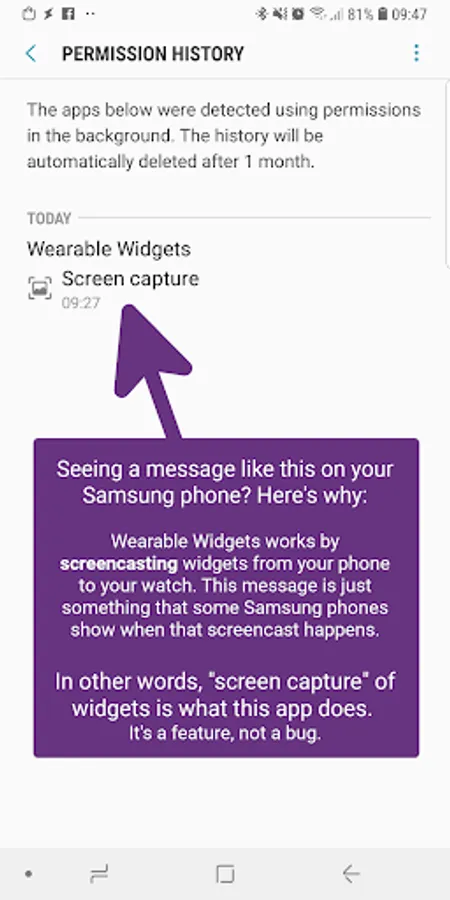
• Although you'll be viewing and interacting with widgets on your watch, this app is essentially just "screencasting" them: the widgets themselves are actually still running on your phone. This means that any actions that result from tapping on a widget will also occur on your phone. This is fundamental and isn't a "bug" that can be "fixed".
• Similarly, you’ll find that taps and swipes on your watch take a bit longer than when you interact directly with your phone – there’s some unavoidable lag in the connection between devices. Widgets will generally still be usable, just not quite as snappy.
• Some widgets lend themselves better than others to the screen of a watch. Please use common sense.
• There are also known compatibility issues with some specific widgets, including a few that don't update when your phone is asleep. This isn't a problem we can fix either - it's down to the developers of the widgets themselves - but you can find mitigation tips for all such issues at http://wearablewidgets.com/widgets.html
Using widgets on Wear OS
Wearable Widgets needs to be installed to both your phone and linked watch separately, as it is a full-fledged app on both devices. Start by tapping the big green Install button above; then, run the app on your phone, and you should be prompted to install it to your watch.
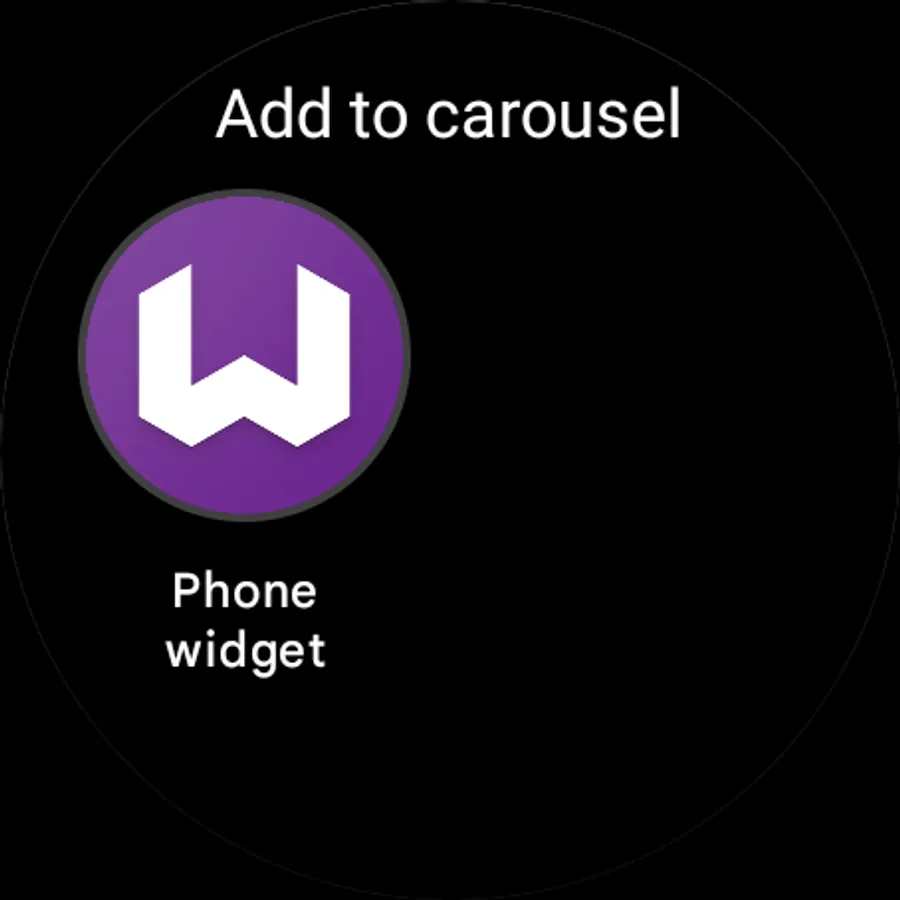
Once installed, there are several ways to use phone widgets on your watch:
➤ As a conventional app, from the launcher (from your watch face, press the watch’s crown or main hardware button).
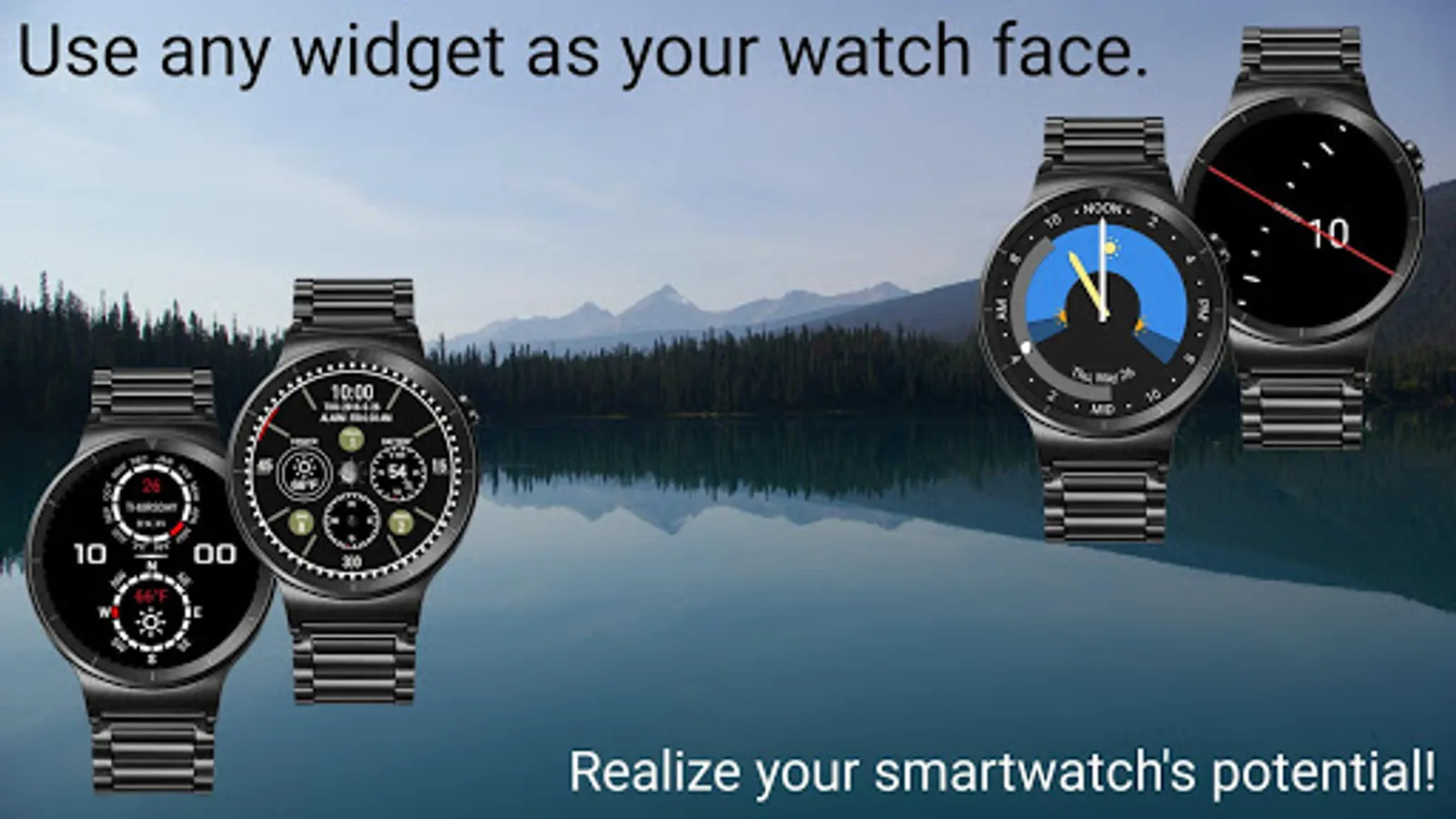
➤ As a watch face - great for widgets that show the time!
➤ As complications in other, non-WW faces (2x2 and smaller widgets only).
➤ As a Tile alongside your watch face. Currently in beta: https://play.google.com/apps/testing/com.wearablewidgets
Lots more details and instructions at http://wearablewidgets.com/wear
DEPRECATED INTERFACES
Devices in this section are those for which we have developed Wearable Widgets support in the past, but are not currently working on, for a variety of reasons.
Tizen Gear
Samsung has stopped accepting updates to our Gear clients, so unfortunately we are unable to make any further improvements to our app on this platform. However, the watch apps still work, and are still available for most of these devices on the Samsung Gear app store; search for “Wearable Widgets” to install.
Sony SmartWatch 1 and 2
These two early smartwatches from Sony were replaced by the SW3, running Android Wear, so we have migrated our Sony support to Wear also. If you're still using an SW1 or SW2, you'll need an older version of our app to make it work; download it from http://bit.ly/WW61sw2
Google Glass™
Our Glass interface is still functional, but we stopped active development when Google discontinued Glass as a consumer product in early 2015. To use it, you'll need to sideload the WW Glassware; find the download at http://wearablewidgets.com/glass
Wearable Widgets Screenshots
Tap to Rate:
Reviews for Wearable Widgets
John Maxberger
9/15/2025
Works perfectly on my zfold5 for turning Call Forwarding ON and OFF, so I have paid to upgrade. Could be good if the widgets could be displayed as Tiles on the watch, but it's a useful app as is. Well done.
John “REkAB” Baker
7/12/2025
no longer works on Wear OS 4+ really disappointed that there are problems running this great app on newer OS versions. We used this to be able to help monitor our Son's BG levels for his diabetes (T1D) but now I've had to find an alternative. I understand this is an OS update issue but hope it can be resolved in the future.