SMS by Voice - Voice to Text
Galaxy Apps Center
4.1 ★
store rating
100,000+
downloads
Free
+ in-app
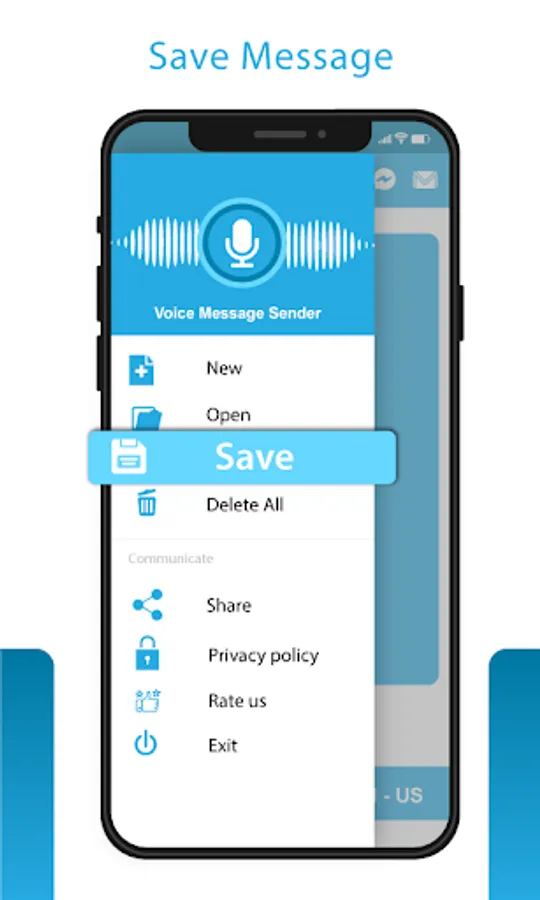
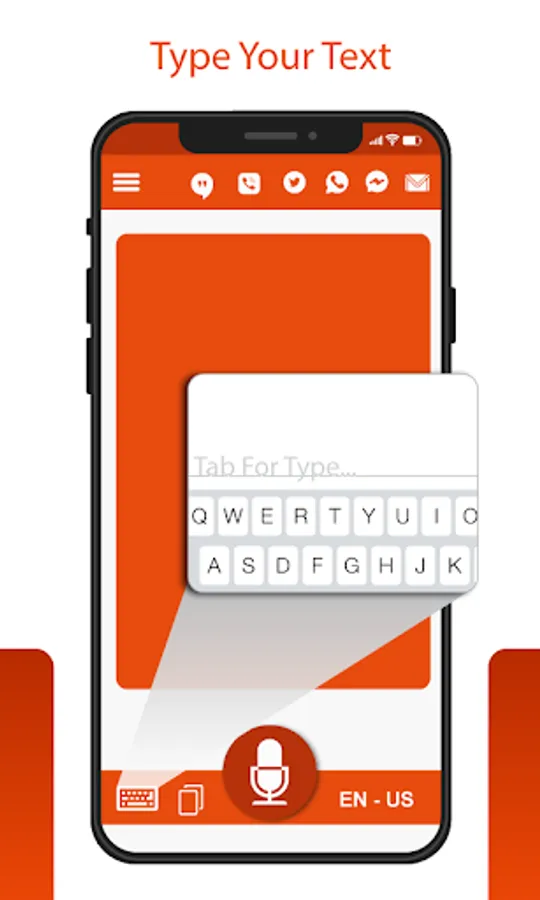
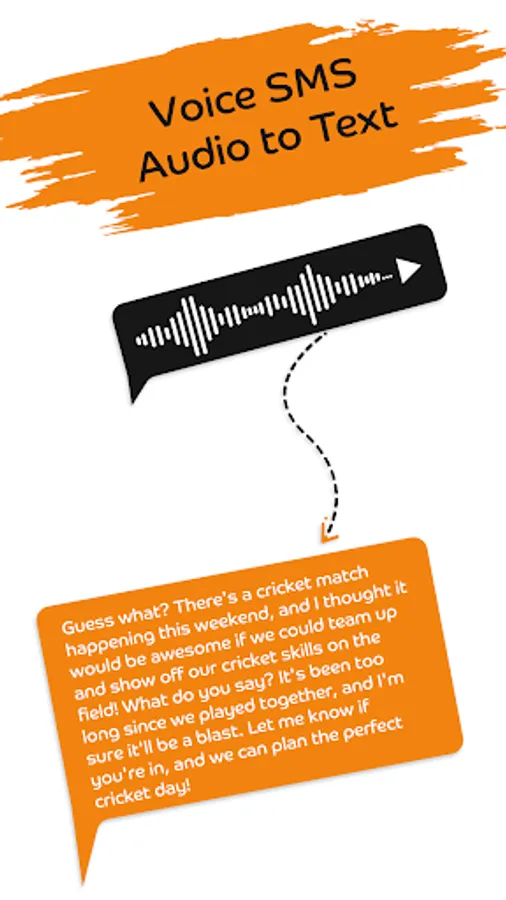
In this voice to text app, users can convert speech into text messages and send audio SMS easily. Includes speech recognition, multiple language support, and message editing features.
AppRecs review analysis
AppRecs rating 3.7. Trustworthiness 73 out of 100. Review manipulation risk 28 out of 100. Based on a review sample analyzed.
★★★☆☆
3.7
AppRecs Rating
Ratings breakdown
5 star
73%
4 star
3%
3 star
6%
2 star
1%
1 star
17%
What to know
✓
Low review manipulation risk
28% review manipulation risk
✓
Credible reviews
73% trustworthiness score from analyzed reviews
⚠
Ad complaints
Many low ratings mention excessive ads
About SMS by Voice - Voice to Text
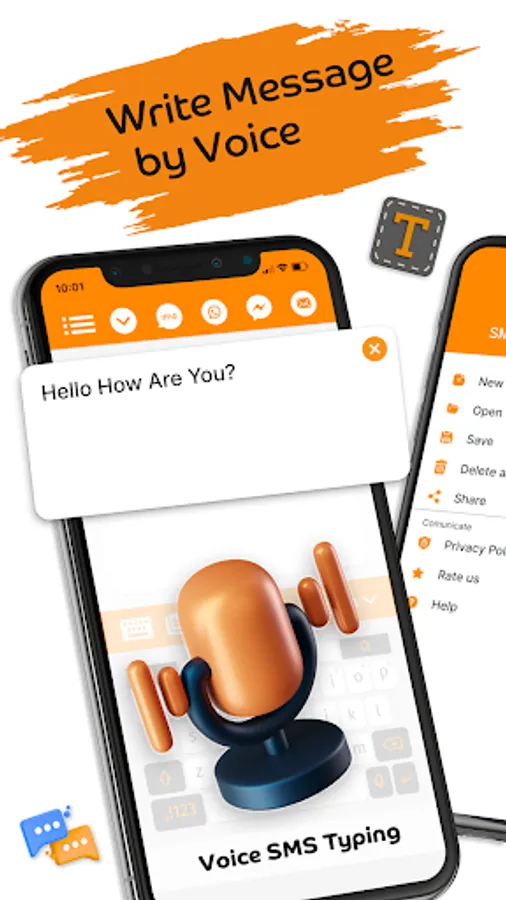
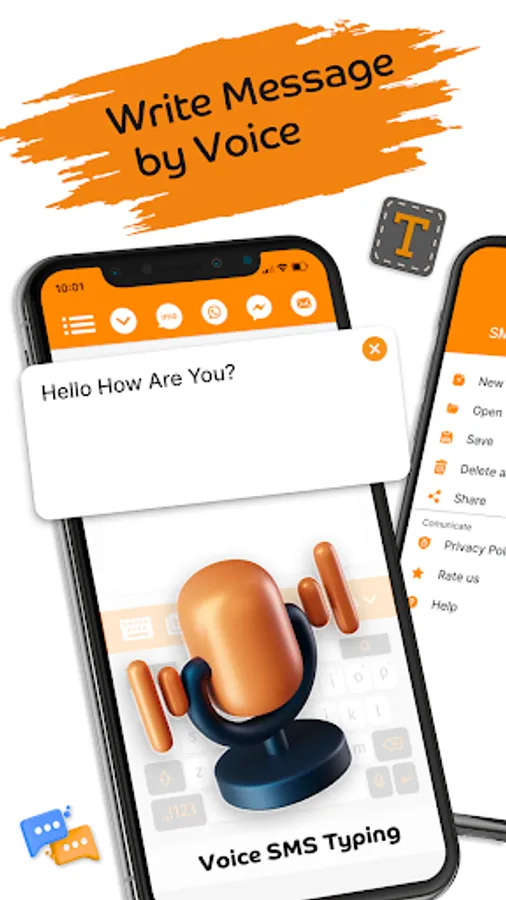
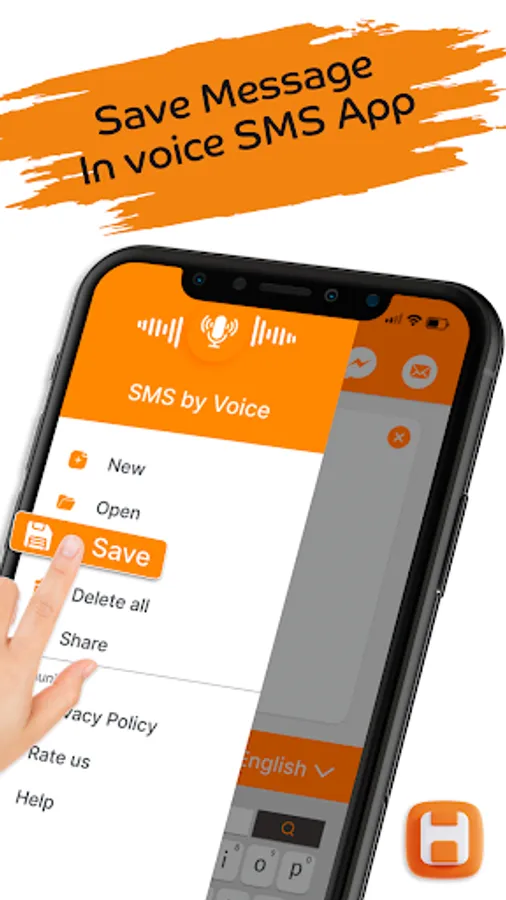
SMS by Voice - Voice to Text aids users to convert voice message and speech into text. Type sms by voice app can easily convert audio and send voice messages to all social apps. Type SMS by voice app can write message without the use of the assist of fingers.
SMS by Voice - Voice to Text app can convert voice into text messages and make voice textual content or audio sms totally yours in your own way. The intention of Write Message by Voice is to create voice to text message. Acquire textual content can send voice messages with the help of audio sms and speech to text. You don’t have to hand type the whole text message. Just record message with write sms by voice app to convert voice to text.
Are you tired of typing sms to loved ones? Use our Sms by Voice app send text message with speech to text, voice to text.
Voice Messages – Voice to Text App
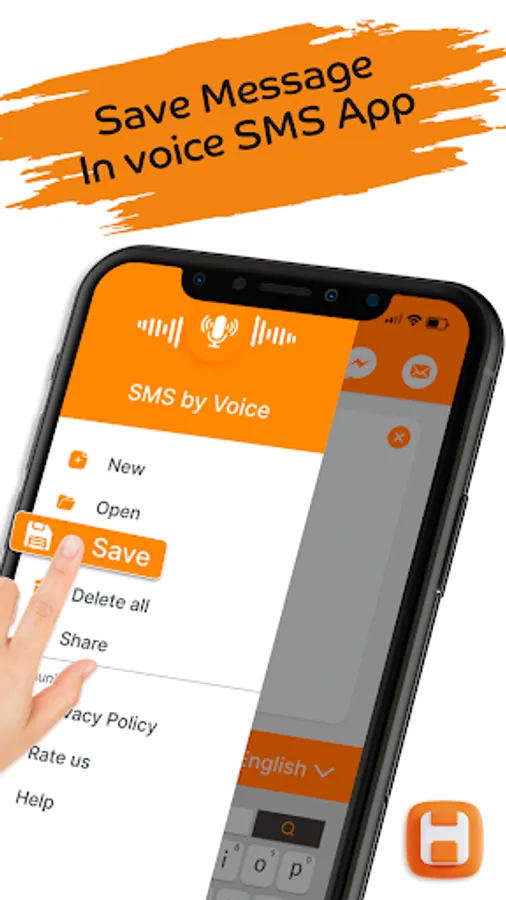
SMS by Voice - Voice to Text app write message by voice. Write sms by voice gives a smooth and simple manner of sending and receiving texts with the benefit of using voice commands or audio sms. There are plenty of uses that make Write sms by Voice one of the most customizable voice to text applications to be using voice recording.
Type SMS by Voice – Voice SMS App
Voice Sms Typing: Write SMS by voice is a voice to text message converter which is easy to use for speech to text voice to text. Voice SMS app dictating audio sms or speech to text and send to many social apps. It converts speech of a person to text while texting or messaging in English language, Spanish language with the intention to be sent as sends voice messages.
Write SMS by Voice – Voice Typing App
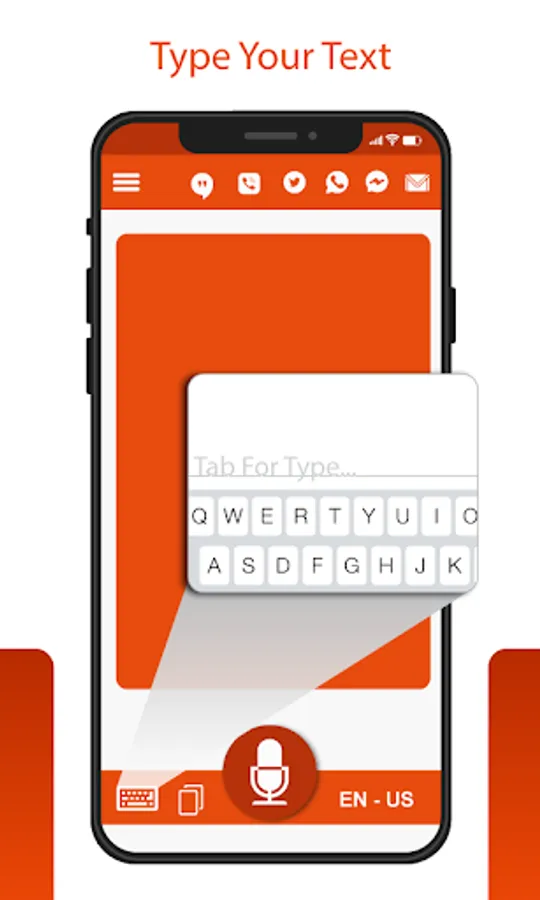
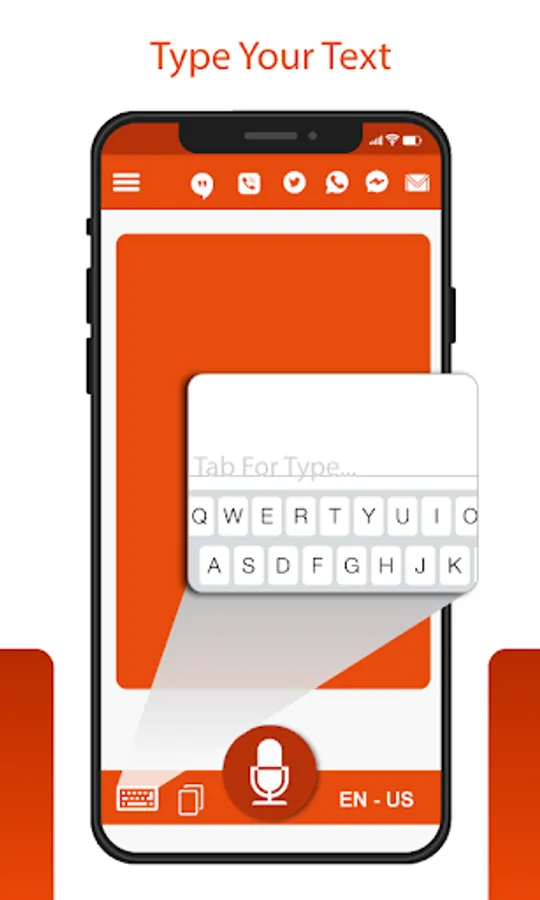
The Type SMS by Voice app makes use of androids integrated speech recognizer/microphone to turn voice commands into textual message content. Write Message by Voice app provides a platform for a user to get their speech converted to text without any outstanding problems, so the user does not have to hand type the whole message.
Voice SMS Typing – Speech to Text:
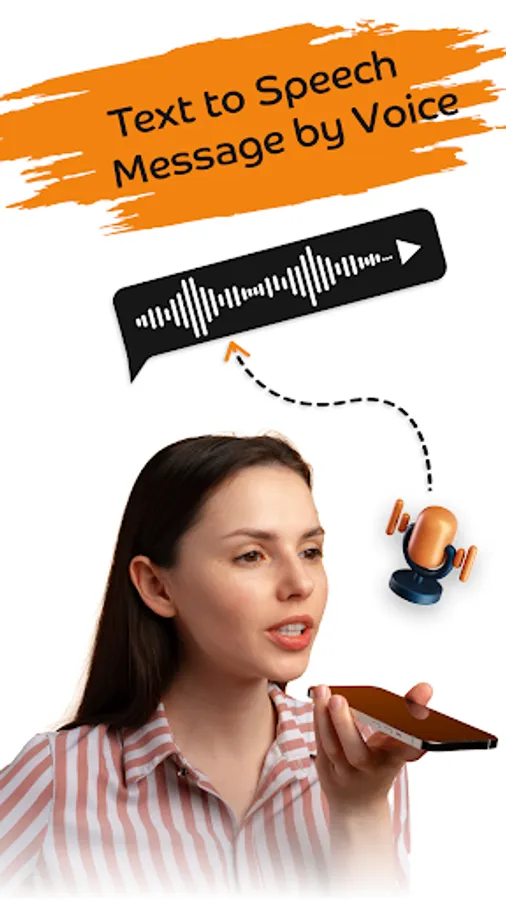
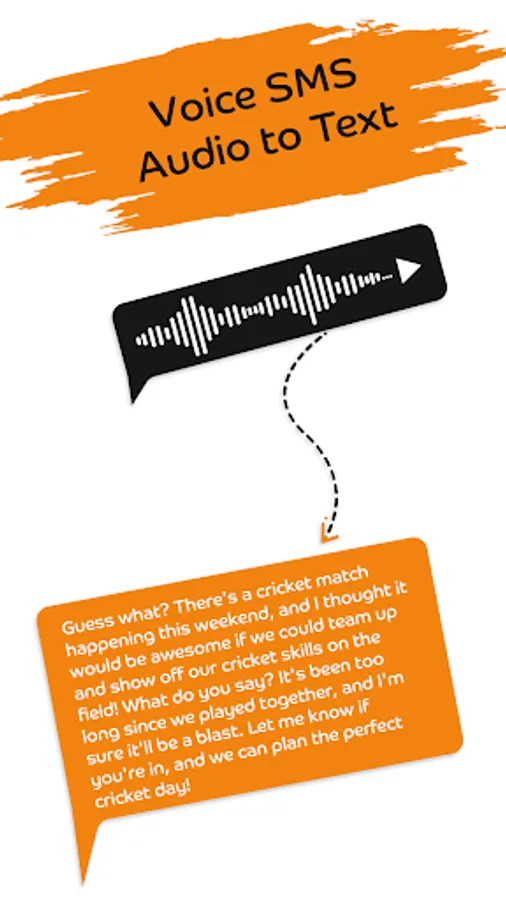
Now, with audio to textual content converter or communicate to textual content you may convert voice be aware to textual content correctly because it could easily convert audio of any languages to English written text. Without problem translate audio to textual content inside no time with all new audio to text converter on this Write Message by Voice app.
Write by Voice in any Language:
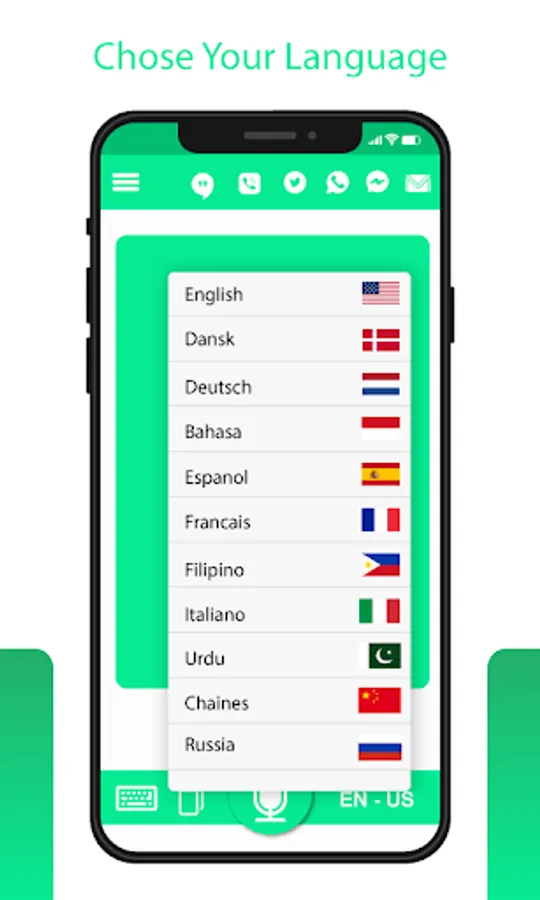
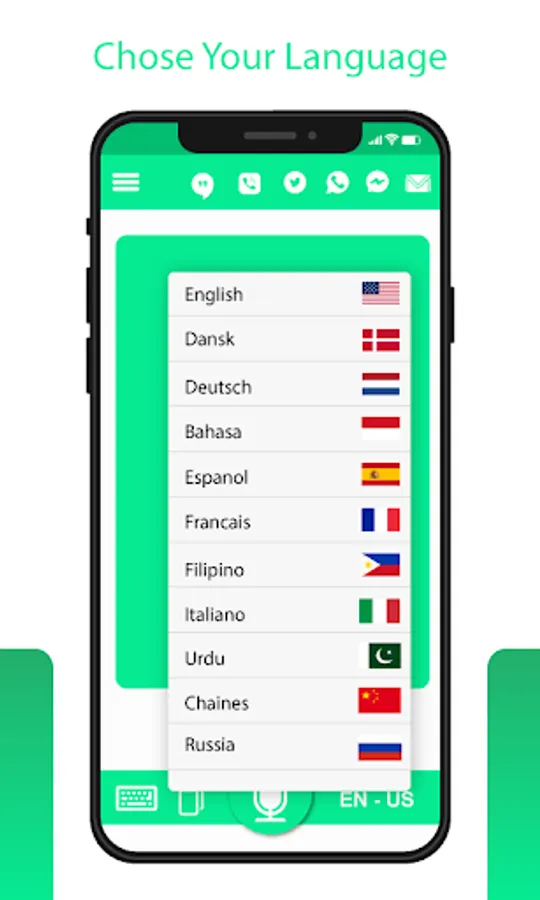
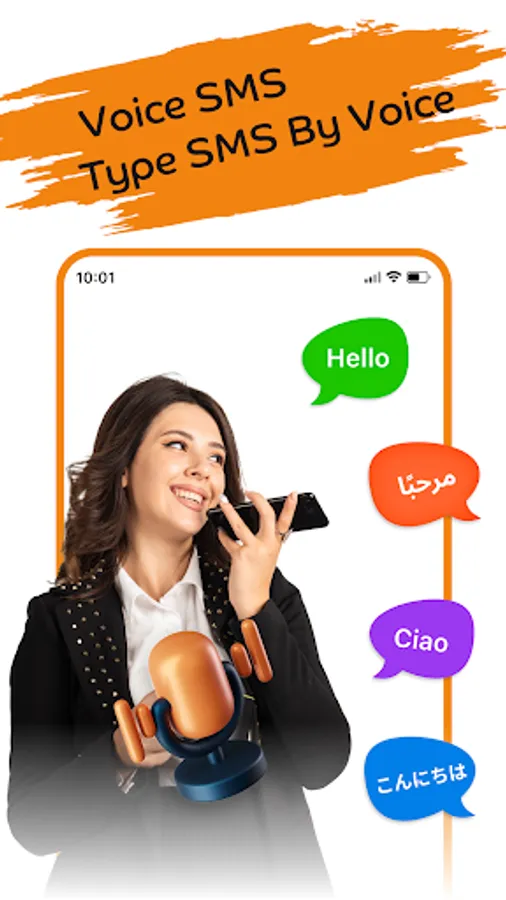
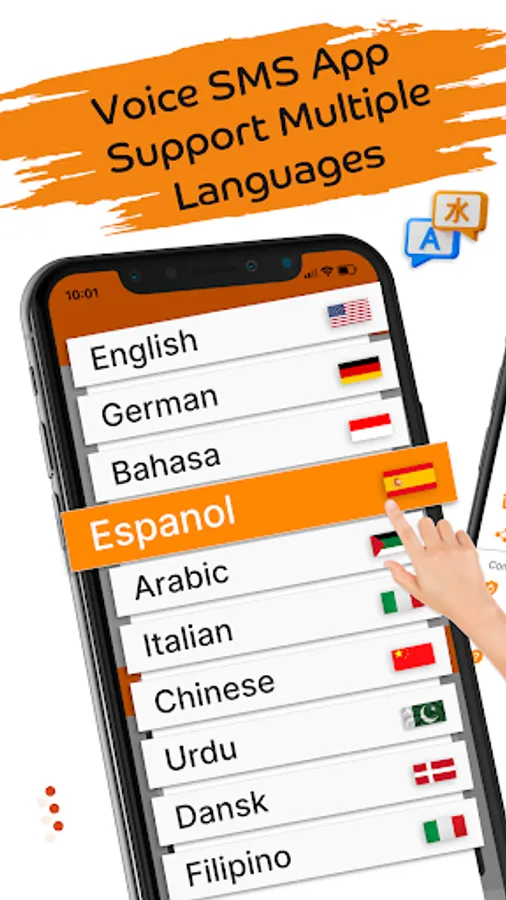
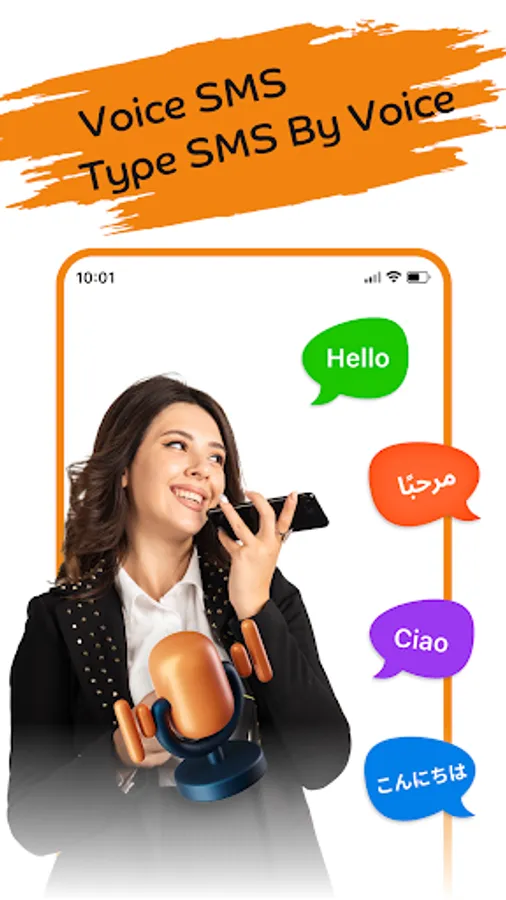
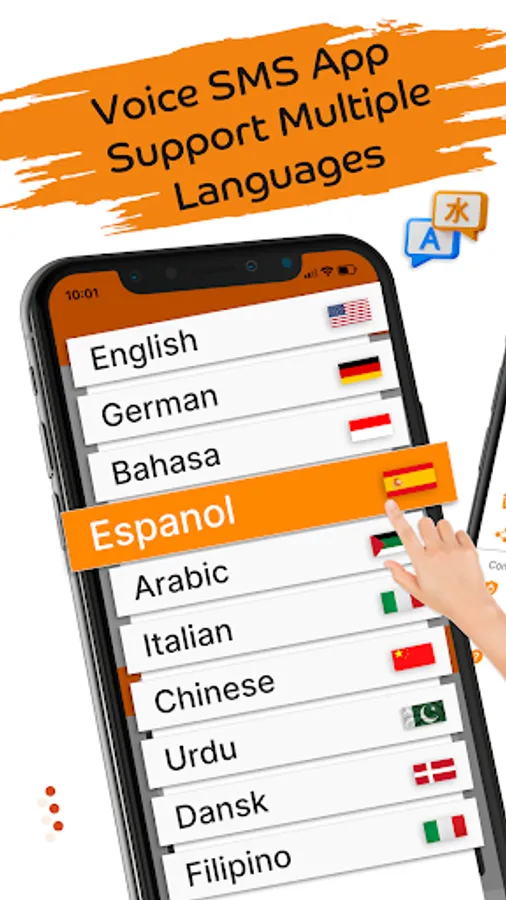
Select your language and start typing in your own voice. The Voice sms app supports 30+ languages. Type with voice in any language with voice typing app. This voice sms app is useful for people who are constantly driving and also for visually impaired persons so they could type message through voice.
Dictation to Text with Voice:
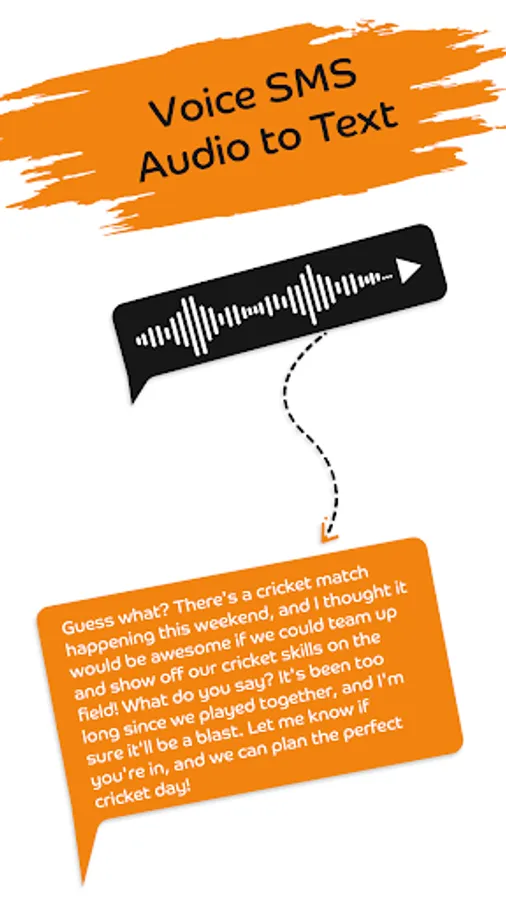
The voice sms typing app is amazing to convert your voice into text. Just speak in voice recorder and it will clearly convert the voice into text.
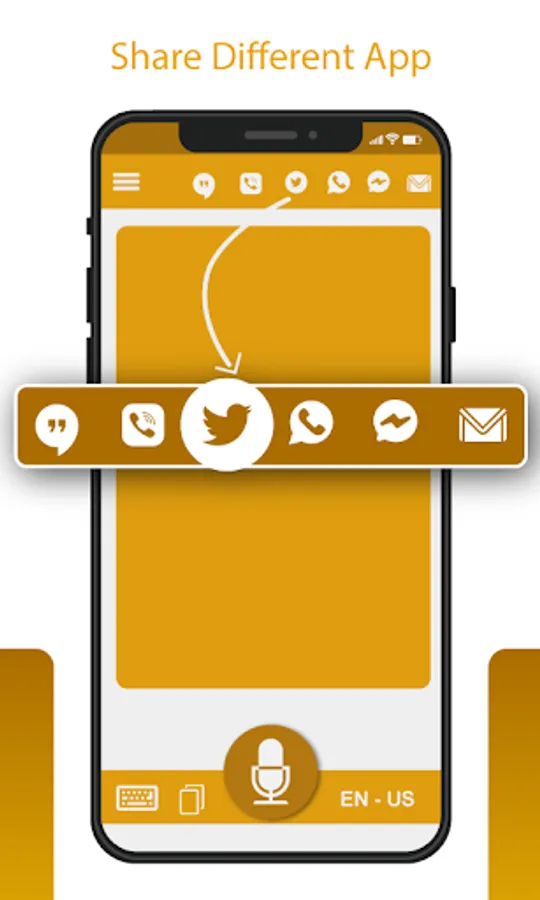
Share Message to Social Media chatting platform:
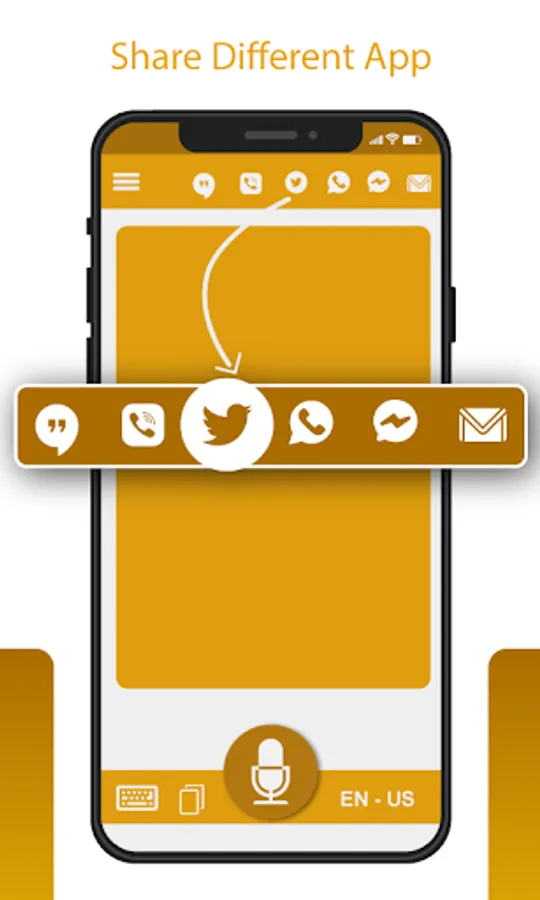
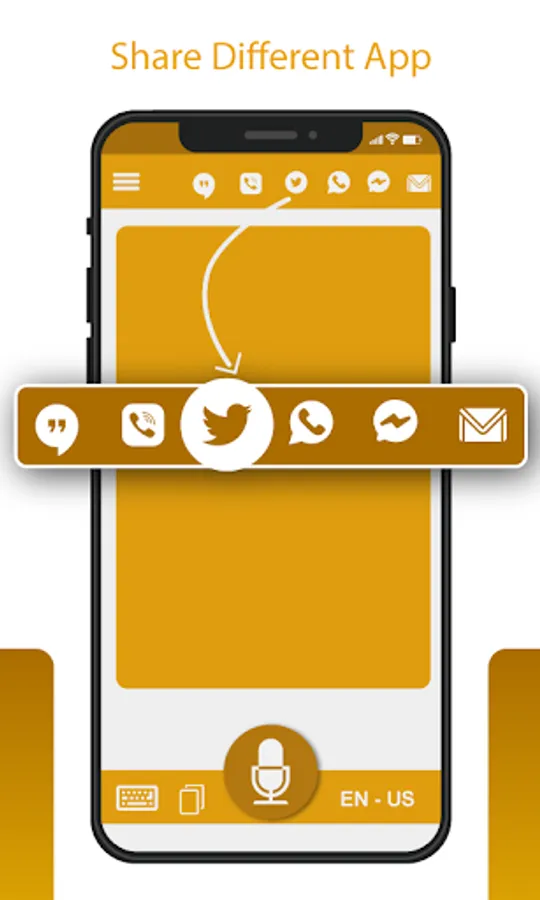
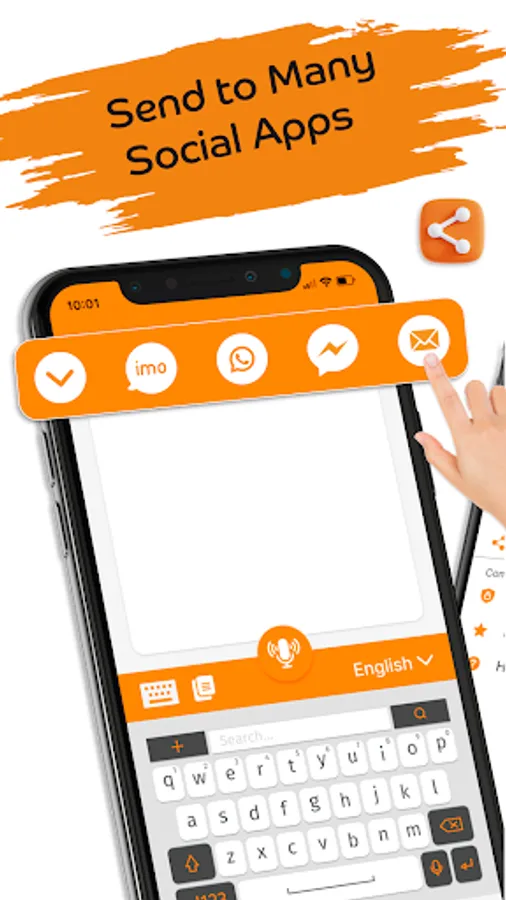
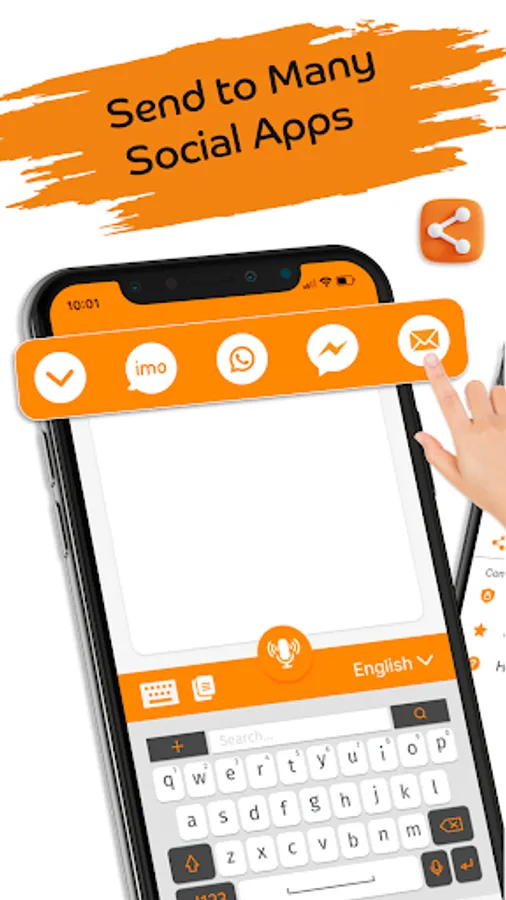
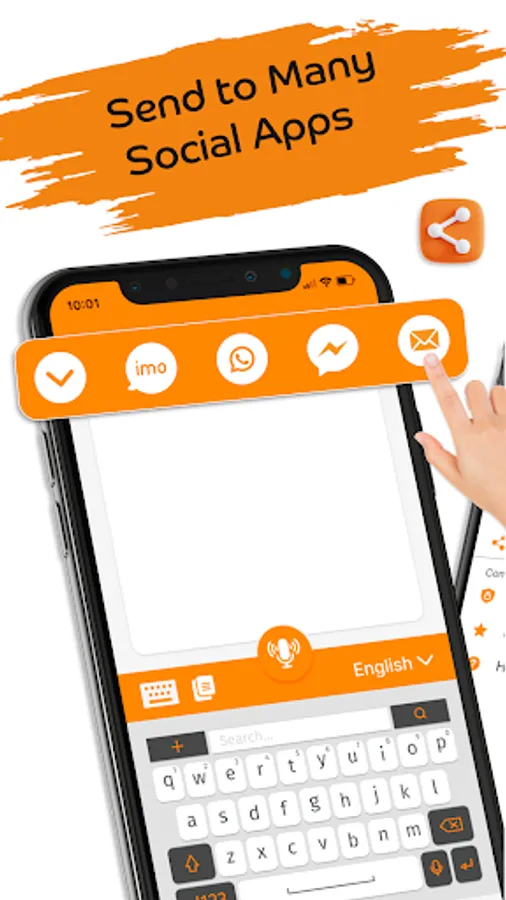
Our voice sms typing app allow you to share your voice message to different social apps platform. You can easily share your voice message to many social apps.
How to Use SMS by Voice - Voice to Text app :
- Install and open Write Message by Voice app
- Select any message recipient from phone contacts
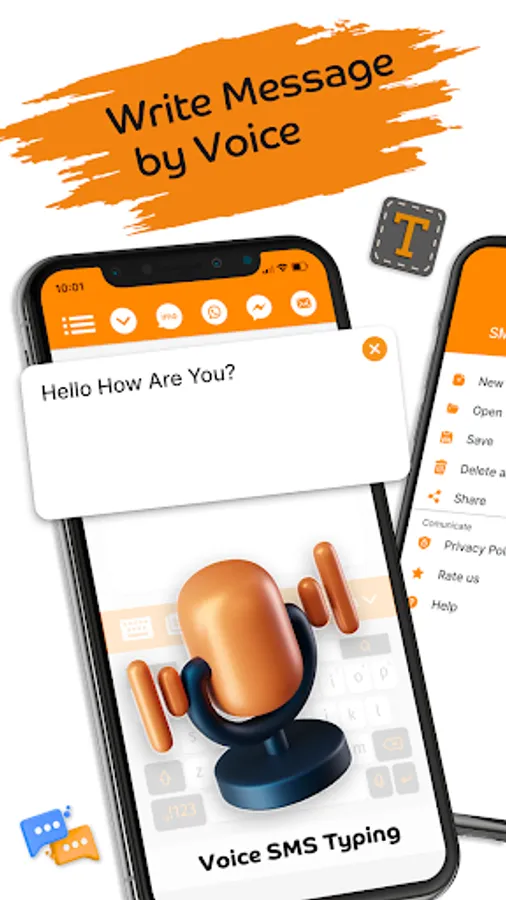
- To type message, press on the microphone icon to give speaking instructions
- Speaking instructions will convert voice to text
- Send the message to the contact or social apps
- Speech to text & voice to text
- Easy convert voice to sms
- Type SMS by voice in many languages
- Enjoy write sms type sms by voice app
Features of SMS by Voice - Voice to Text app :
- Easy convert Voice to Text
- Quickly convert speech to text
- Write sms by voice
- Learn Language with our built in language translation lessons
SMS by Voice - Voice to Text app can convert voice into text messages and make voice textual content or audio sms totally yours in your own way. The intention of Write Message by Voice is to create voice to text message. Acquire textual content can send voice messages with the help of audio sms and speech to text. You don’t have to hand type the whole text message. Just record message with write sms by voice app to convert voice to text.
Are you tired of typing sms to loved ones? Use our Sms by Voice app send text message with speech to text, voice to text.
Voice Messages – Voice to Text App
SMS by Voice - Voice to Text app write message by voice. Write sms by voice gives a smooth and simple manner of sending and receiving texts with the benefit of using voice commands or audio sms. There are plenty of uses that make Write sms by Voice one of the most customizable voice to text applications to be using voice recording.
Type SMS by Voice – Voice SMS App
Voice Sms Typing: Write SMS by voice is a voice to text message converter which is easy to use for speech to text voice to text. Voice SMS app dictating audio sms or speech to text and send to many social apps. It converts speech of a person to text while texting or messaging in English language, Spanish language with the intention to be sent as sends voice messages.
Write SMS by Voice – Voice Typing App
The Type SMS by Voice app makes use of androids integrated speech recognizer/microphone to turn voice commands into textual message content. Write Message by Voice app provides a platform for a user to get their speech converted to text without any outstanding problems, so the user does not have to hand type the whole message.
Voice SMS Typing – Speech to Text:
Now, with audio to textual content converter or communicate to textual content you may convert voice be aware to textual content correctly because it could easily convert audio of any languages to English written text. Without problem translate audio to textual content inside no time with all new audio to text converter on this Write Message by Voice app.
Write by Voice in any Language:
Select your language and start typing in your own voice. The Voice sms app supports 30+ languages. Type with voice in any language with voice typing app. This voice sms app is useful for people who are constantly driving and also for visually impaired persons so they could type message through voice.
Dictation to Text with Voice:
The voice sms typing app is amazing to convert your voice into text. Just speak in voice recorder and it will clearly convert the voice into text.
Share Message to Social Media chatting platform:
Our voice sms typing app allow you to share your voice message to different social apps platform. You can easily share your voice message to many social apps.
How to Use SMS by Voice - Voice to Text app :
- Install and open Write Message by Voice app
- Select any message recipient from phone contacts
- To type message, press on the microphone icon to give speaking instructions
- Speaking instructions will convert voice to text
- Send the message to the contact or social apps
- Speech to text & voice to text
- Easy convert voice to sms
- Type SMS by voice in many languages
- Enjoy write sms type sms by voice app
Features of SMS by Voice - Voice to Text app :
- Easy convert Voice to Text
- Quickly convert speech to text
- Write sms by voice
- Learn Language with our built in language translation lessons