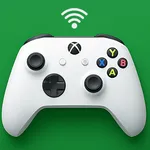
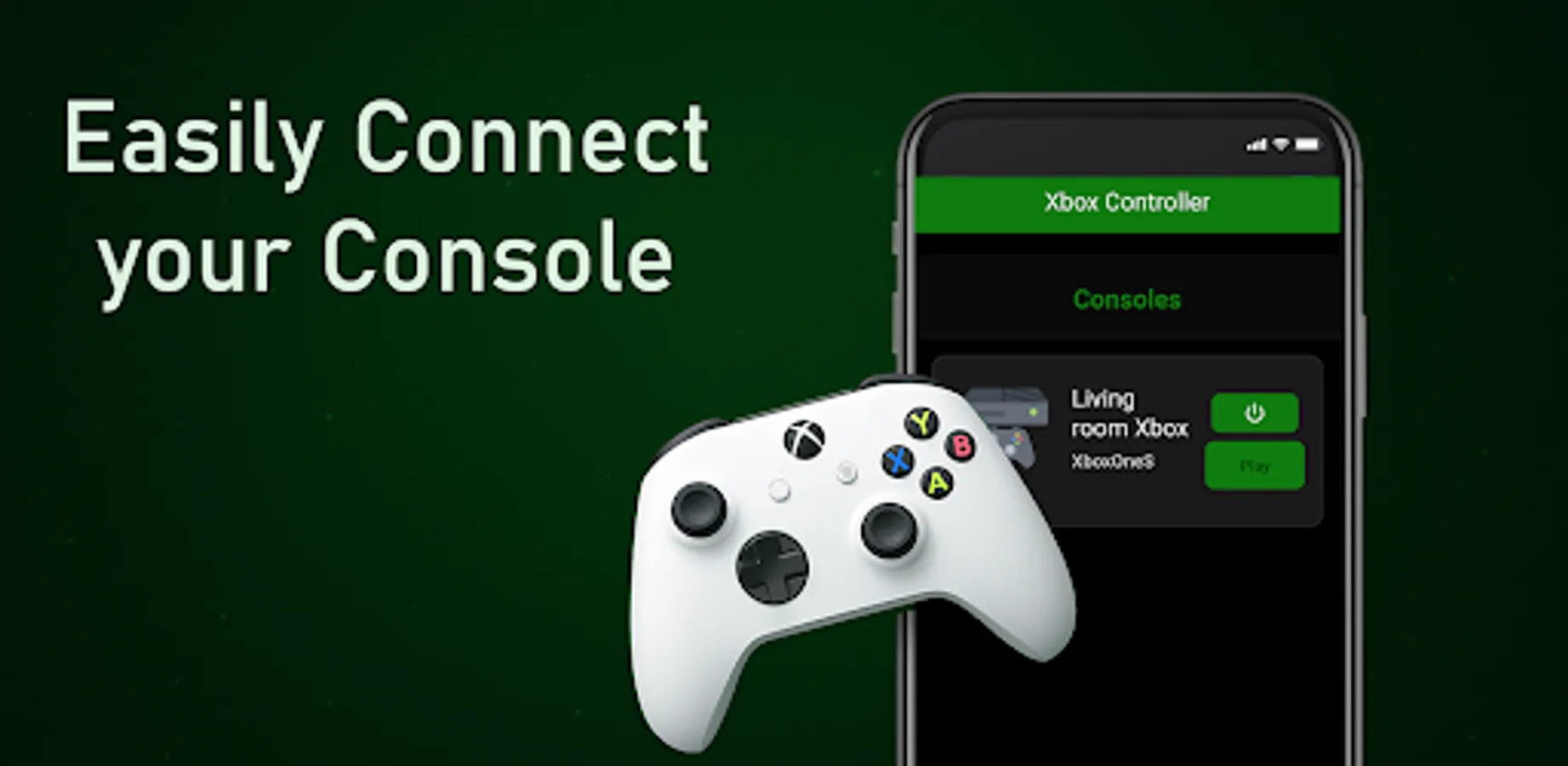
In this gaming app, users can stream Xbox games and control their console remotely. Includes support for Bluetooth, virtual controller, and low-latency input.
AppRecs review analysis
AppRecs rating 3.4. Trustworthiness 82 out of 100. Review manipulation risk 24 out of 100. Based on a review sample analyzed.
★★★☆☆
3.4
AppRecs Rating
Ratings breakdown
5 star
60%
4 star
0%
3 star
0%
2 star
0%
1 star
40%
What to know
✓
Low review manipulation risk
24% review manipulation risk
✓
Credible reviews
82% trustworthiness score from analyzed reviews
About Xbox Controller
🎮 Xbox Controller – Remote Play & Gamepad for Xbox One / Series X|S
Turn your Android phone into a full Xbox controller and enjoy gaming freedom anywhere you go!
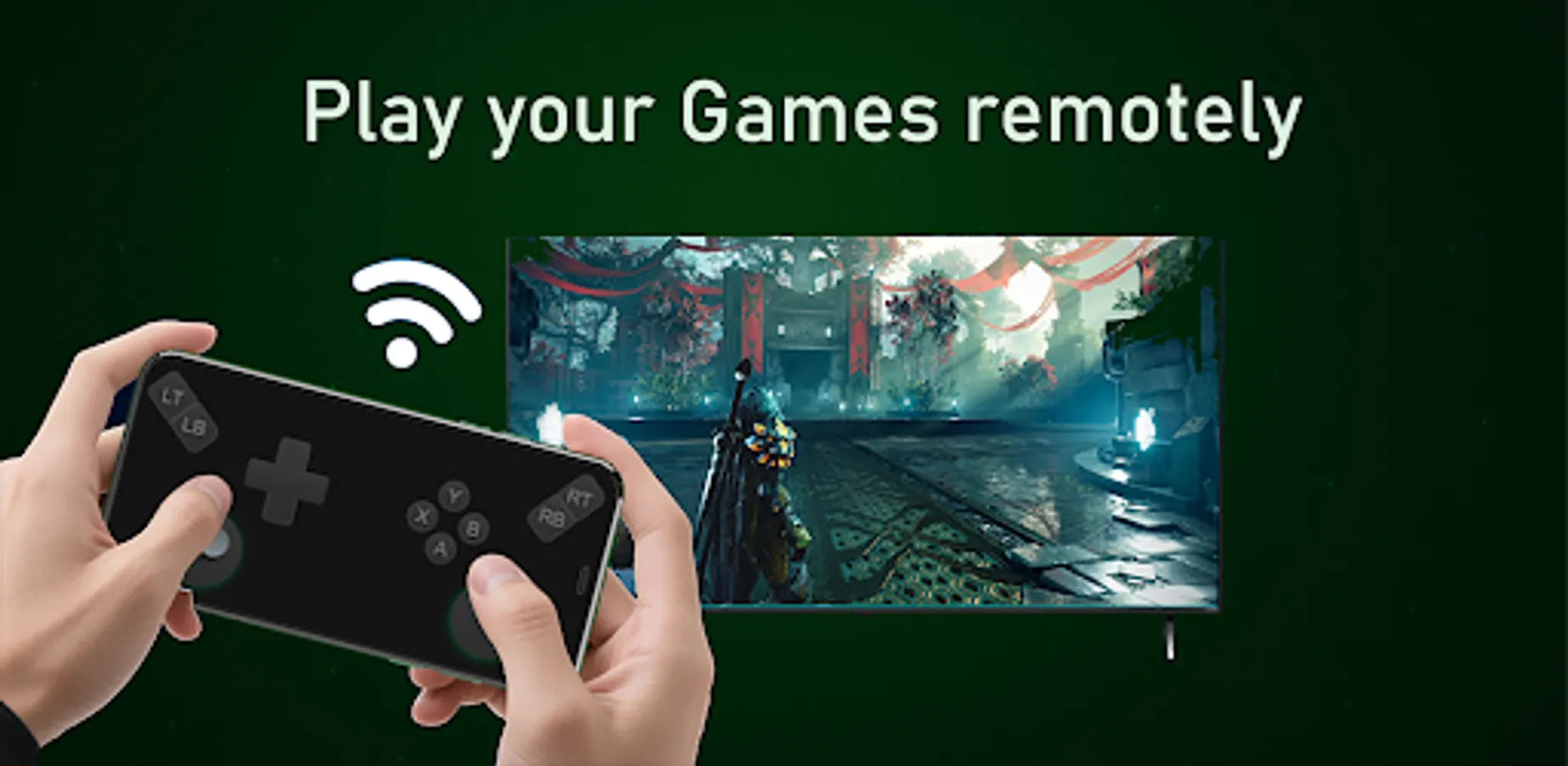
Stream your Xbox games, control your console, chat, navigate apps — all directly from your smartphone or Android TV. 📱🕹️
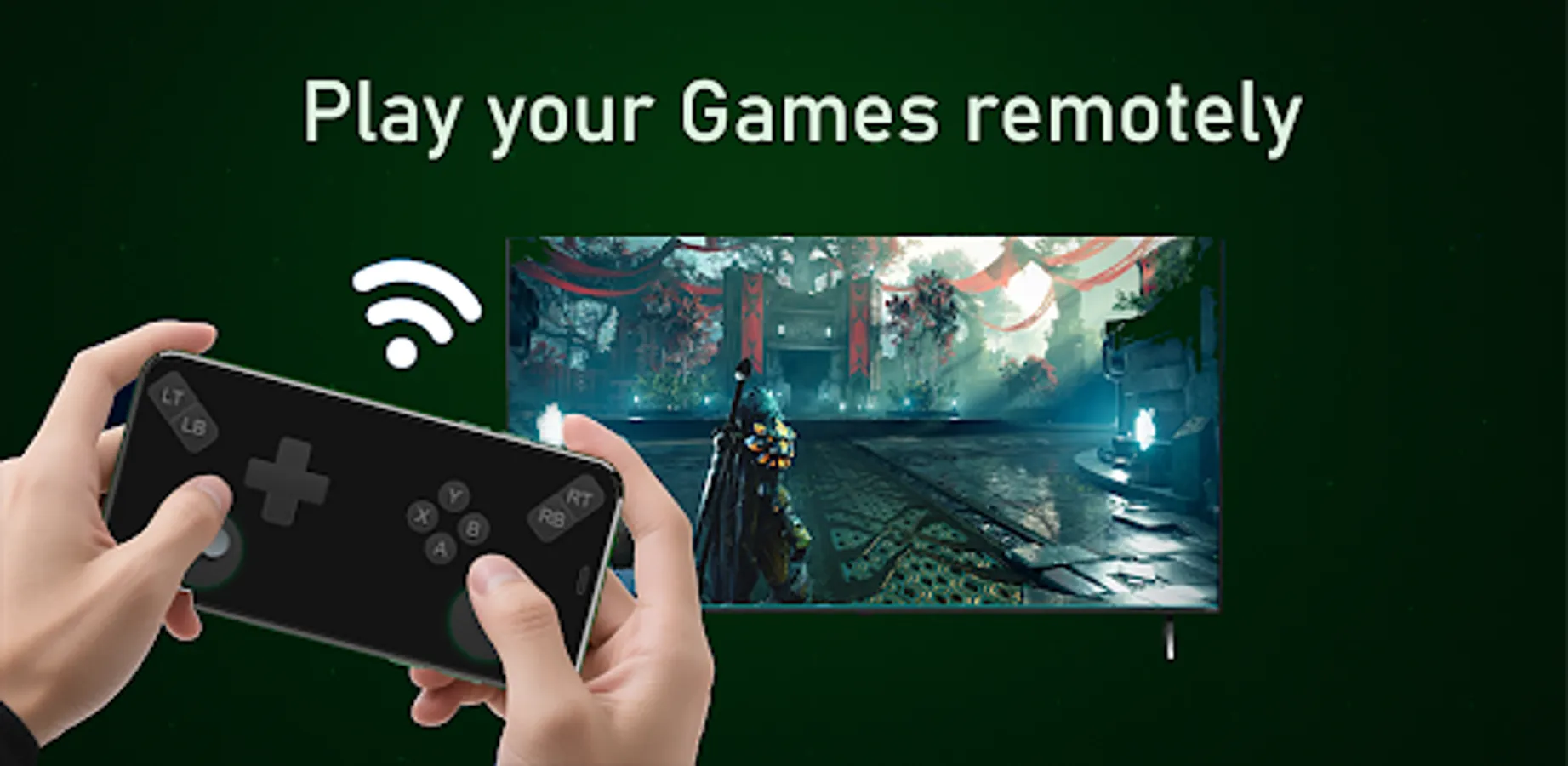
Whether your controller is out of battery, lost, or you simply want to play from another room… Xbox Controller has you covered with powerful remote play features and ultra-responsive controls!
🔥 Why Gamers Choose Xbox Controller
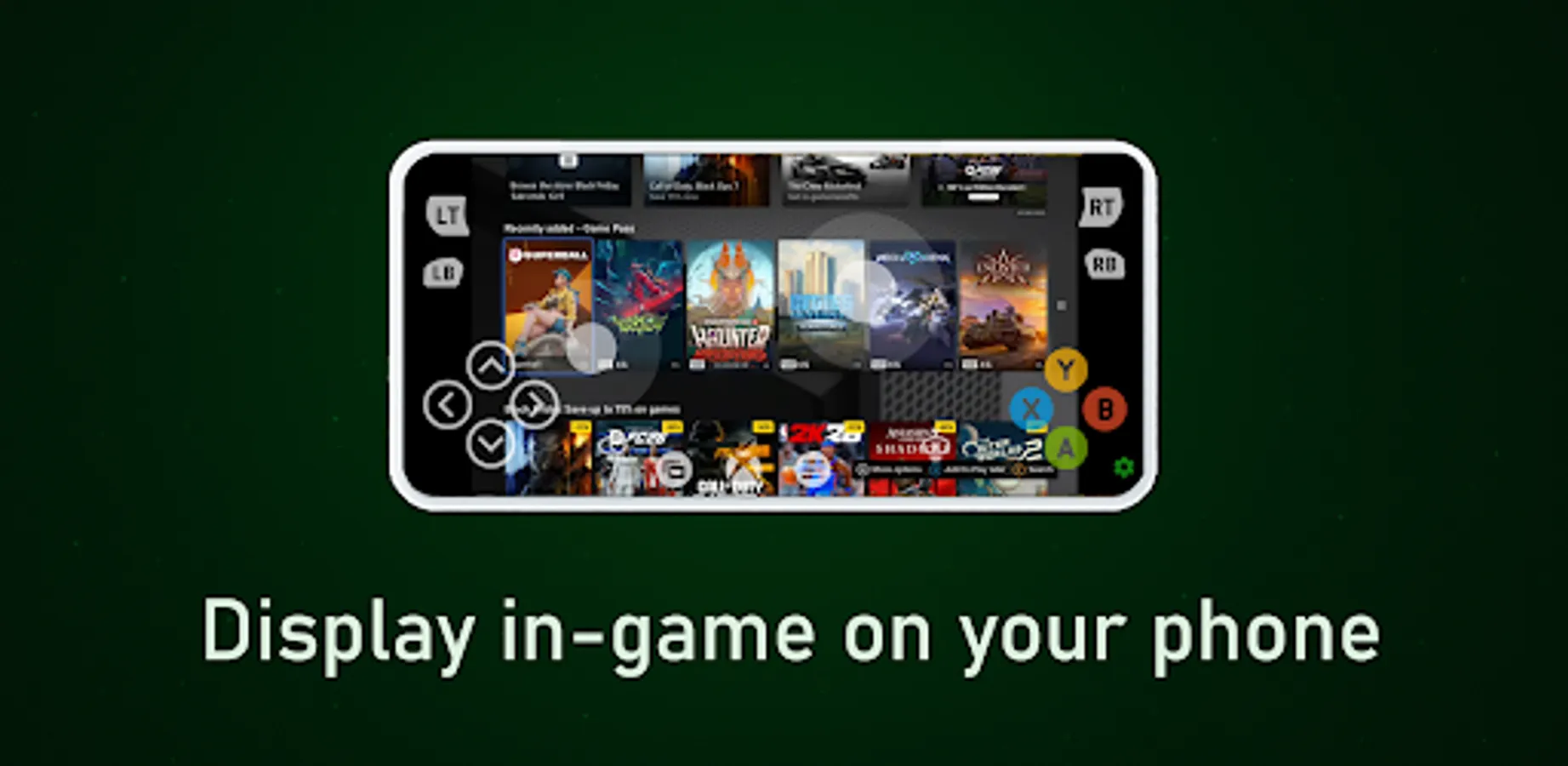
✔ Stream video + audio from Xbox One / Xbox Series X|S
✔ Support up to 1080P / HQ 1080P game streaming
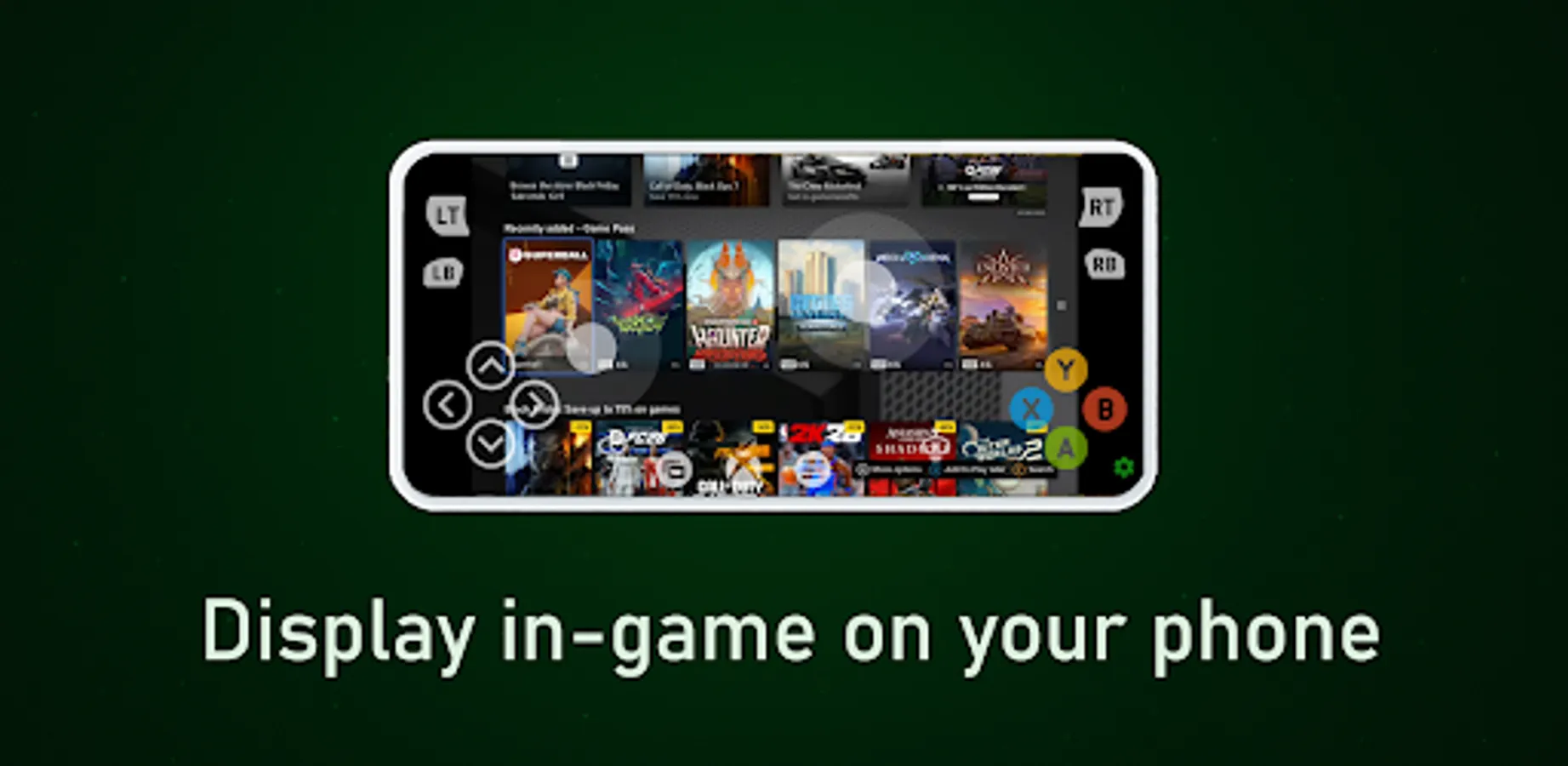
✔ Virtual, Bluetooth & OTG controller support 🎯
✔ Real controller rumble vibration feedback
✔ Works with Android TV 📺
✔ No proxy required for xCloud rumble in supported regions
✔ Dual rendering engines for smoother gameplay
✔ Achievements system 🏆
✔ IPv6 support for faster, stable connections
✔ Low-latency input just like a real Xbox gamepad ⚡
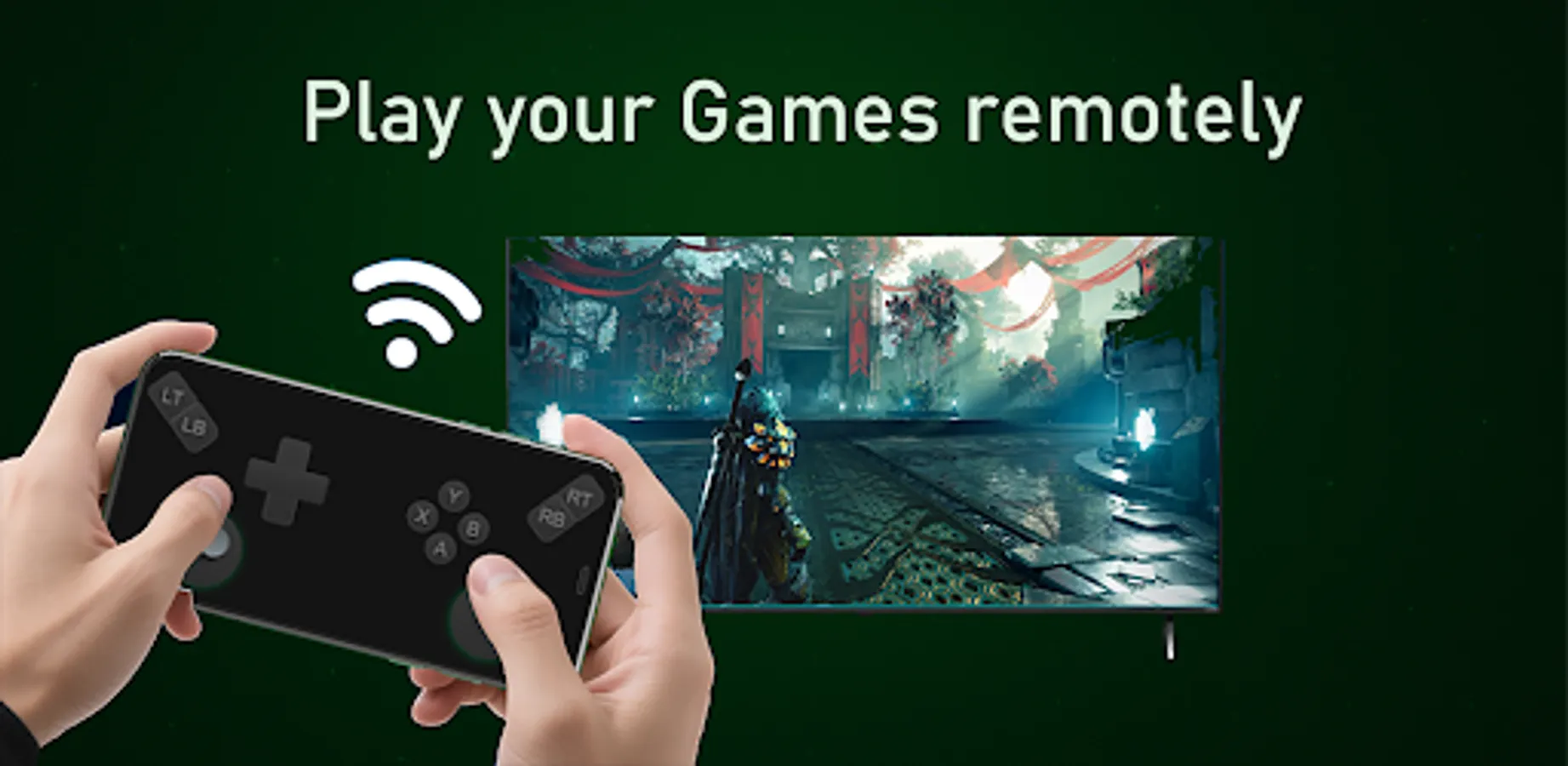
Play anywhere in your home — from the bed, couch, balcony, or another floor! 🏠
🕹️ Play Your Xbox Games Without a Physical Controller
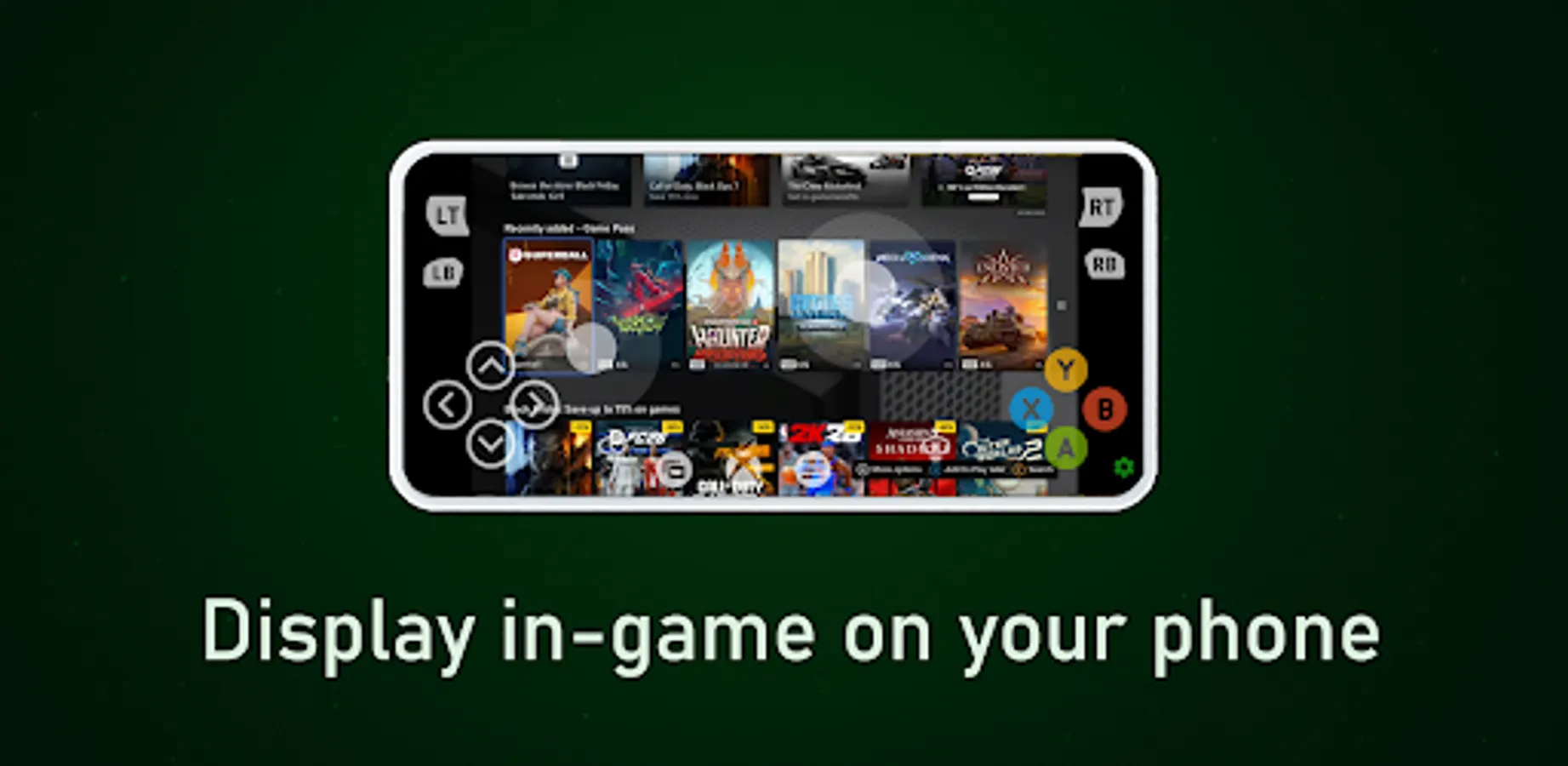
• Full Xbox gamepad layout (A/B/X/Y, triggers, sticks, D-pad)
• Custom button mapping to match your style
• Bluetooth keyboard support for typing + chatting 💬
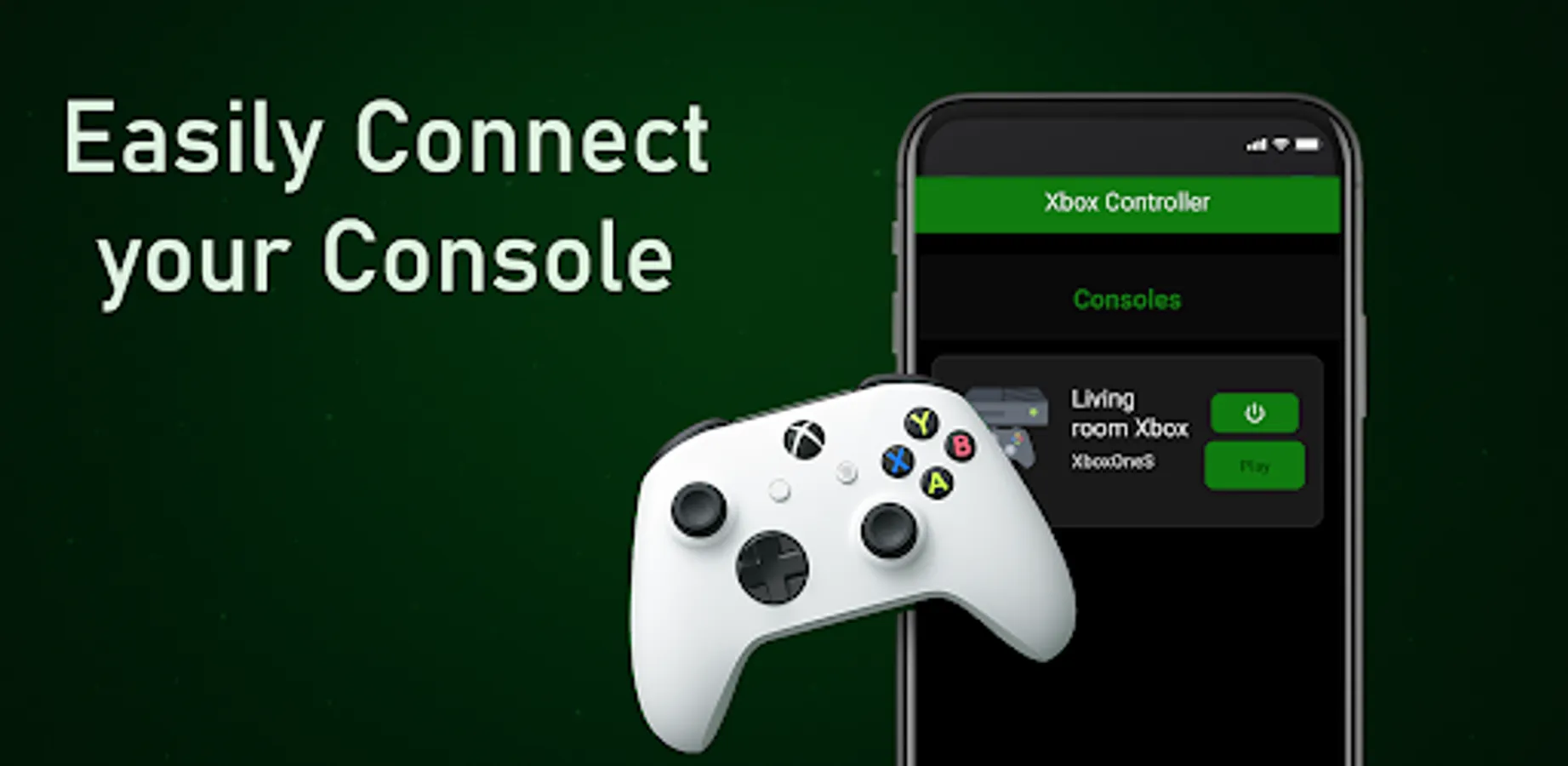
• Switch easily between paired Xbox devices
Invite friends over and let them join your multiplayer session using their phones as controllers — no need to buy more gamepads! 🙌
📌 How to Get Started (So Easy!)
1️⃣ Install Xbox Controller app
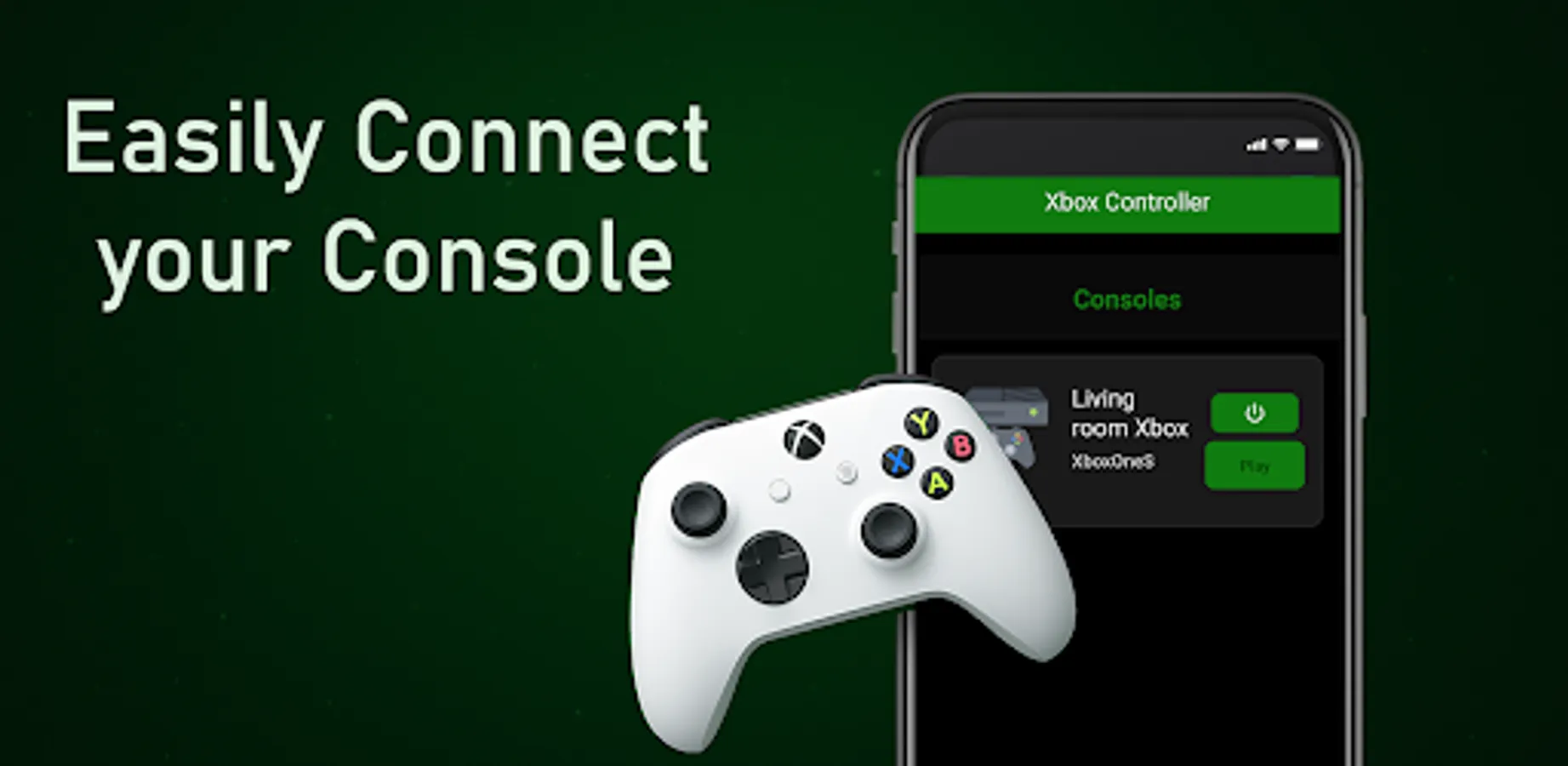
2️⃣ Connect Xbox and phone to the same WiFi network
3️⃣ Sign in with your Xbox account
4️⃣ Start playing your favorite Xbox games remotely 🎮
Works with Xbox One, Xbox Series X, Xbox Series S.
Stream games, browse menus, watch apps, and control your console without touching a controller. Perfect for when your Xbox controller battery dies or you're far from your console.
⚠️ Disclaimer
This app is not an official Xbox product and is not affiliated with Microsoft Corporation.
Features may change if Microsoft updates or removes related functionality.
📩 Support & Contact
For help, suggestions, and bug reports: contact@solu-techs.com
🎮 Download Xbox Controller now and enjoy the ultimate remote play experience — anywhere, anytime! 🚀
Turn your Android phone into a full Xbox controller and enjoy gaming freedom anywhere you go!
Stream your Xbox games, control your console, chat, navigate apps — all directly from your smartphone or Android TV. 📱🕹️
Whether your controller is out of battery, lost, or you simply want to play from another room… Xbox Controller has you covered with powerful remote play features and ultra-responsive controls!
🔥 Why Gamers Choose Xbox Controller
✔ Stream video + audio from Xbox One / Xbox Series X|S
✔ Support up to 1080P / HQ 1080P game streaming
✔ Virtual, Bluetooth & OTG controller support 🎯
✔ Real controller rumble vibration feedback
✔ Works with Android TV 📺
✔ No proxy required for xCloud rumble in supported regions
✔ Dual rendering engines for smoother gameplay
✔ Achievements system 🏆
✔ IPv6 support for faster, stable connections
✔ Low-latency input just like a real Xbox gamepad ⚡
Play anywhere in your home — from the bed, couch, balcony, or another floor! 🏠
🕹️ Play Your Xbox Games Without a Physical Controller
• Full Xbox gamepad layout (A/B/X/Y, triggers, sticks, D-pad)
• Custom button mapping to match your style
• Bluetooth keyboard support for typing + chatting 💬
• Switch easily between paired Xbox devices
Invite friends over and let them join your multiplayer session using their phones as controllers — no need to buy more gamepads! 🙌
📌 How to Get Started (So Easy!)
1️⃣ Install Xbox Controller app
2️⃣ Connect Xbox and phone to the same WiFi network
3️⃣ Sign in with your Xbox account
4️⃣ Start playing your favorite Xbox games remotely 🎮
Works with Xbox One, Xbox Series X, Xbox Series S.
Stream games, browse menus, watch apps, and control your console without touching a controller. Perfect for when your Xbox controller battery dies or you're far from your console.
⚠️ Disclaimer
This app is not an official Xbox product and is not affiliated with Microsoft Corporation.
Features may change if Microsoft updates or removes related functionality.
📩 Support & Contact
For help, suggestions, and bug reports: contact@solu-techs.com
🎮 Download Xbox Controller now and enjoy the ultimate remote play experience — anywhere, anytime! 🚀
Xbox Controller Screenshots
Tap to Rate:
Reviews for Xbox Controller
Arnas Glinskas
12/25/2025
this is the best Xbox controller app out there but the only problem is that it can react late and lag sometimes but overall it's great plz make it that you can customise the buttons:3 also I use a adblocker so idk if there's ads
Jaquirus Crawford
12/22/2025
it gave me a virus 😭😭😭😭😭