Hisense TV Screen Mirroring
Solu-Techs
3.3 ★
79 ratings
10,000+
downloads
Free
+ in-app
In this screen mirroring app, you can connect your mobile device to your Hisense TV and project content effortlessly. Includes wireless connection setup, high-quality streaming, and support for multiple TV brands.
AppRecs review analysis
AppRecs rating 3.3. Trustworthiness 81 out of 100. Review manipulation risk 26 out of 100. Based on a review sample analyzed.
★★★☆☆
3.3
AppRecs Rating
Ratings breakdown
5 star
38%
4 star
25%
3 star
0%
2 star
0%
1 star
38%
What to know
✓
Low review manipulation risk
26% review manipulation risk
✓
Credible reviews
81% trustworthiness score from analyzed reviews
⚠
High negative review ratio
38% of sampled ratings are 1–2 stars
About Hisense TV Screen Mirroring
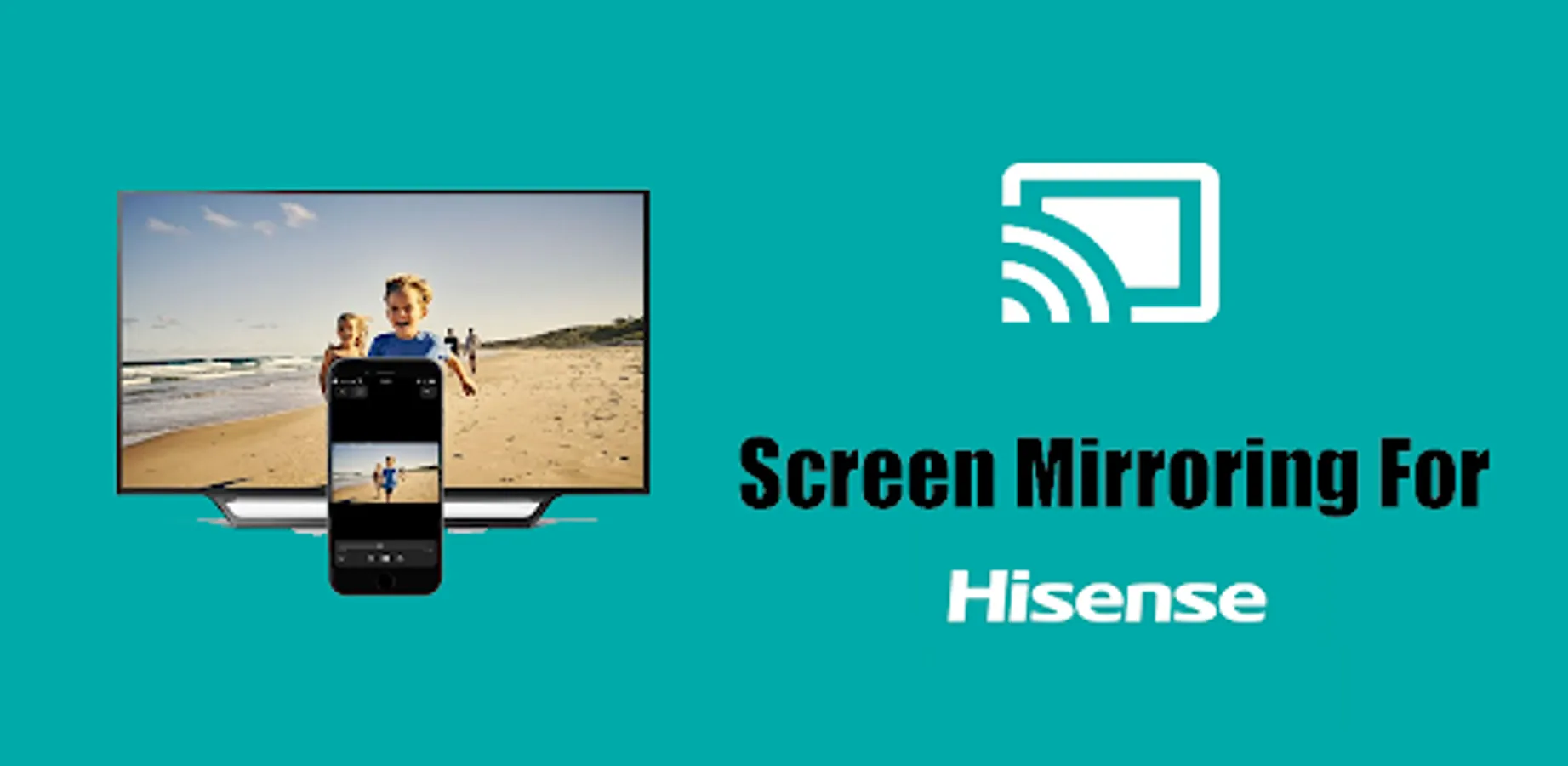
Screen Mirroring Hisense TV is a top-tier app designed to quickly and effortlessly connect any mobile device to your Hisense Smart TV 📺. With this Cast to TV app, mirroring your Android phone screen onto your TV becomes simple and intuitive, making screen sharing accessible to everyone 📱➡️📺.
🌟 Experience seamless casting with Hisense Smart View, the ultimate solution for projecting your mobile screen to a larger display. Easily cast videos, stream images, play audio, share live content 📡, and project any web or local files onto your Hisense TV in just a few steps.
📲 How to use screen mirroring:
1️⃣ Make sure your Hisense TV and mobile device are connected to the same Wi-Fi network.
2️⃣ Enable Miracast Display on your TV.
3️⃣ Turn on Wireless Display on your mobile device 📱.
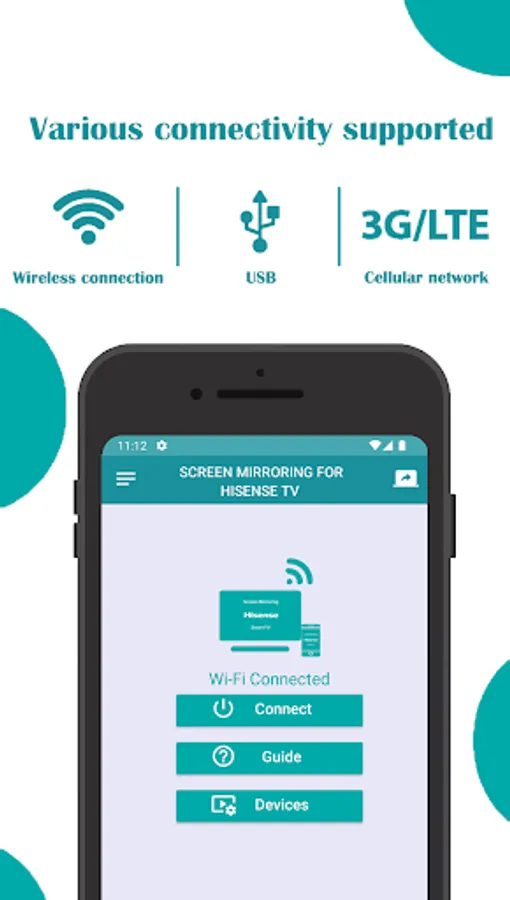
4️⃣ Tap Connect to link your device to the TV 🔗.
5️⃣ Enjoy streaming all types of content on your Hisense Smart TV—perfect for watching live events like the World Cup in 4K Ultra HD 🏆⚽.
This app is compatible with any Hisense TV and other TV brands that support web browsers, including Samsung, LG, Panasonic, Philips, Hitachi, Vizio, and TCL 🔄.
Hisense Smart TV Screen Mirroring makes it incredibly easy to:
Mirror your mobile screen for streaming videos, sharing photos, and watching movies.
Stream local or online videos, display photos, play music, and present documents.
Seamlessly cast your favorite media and files without needing cables or additional hardware.
Key Features:
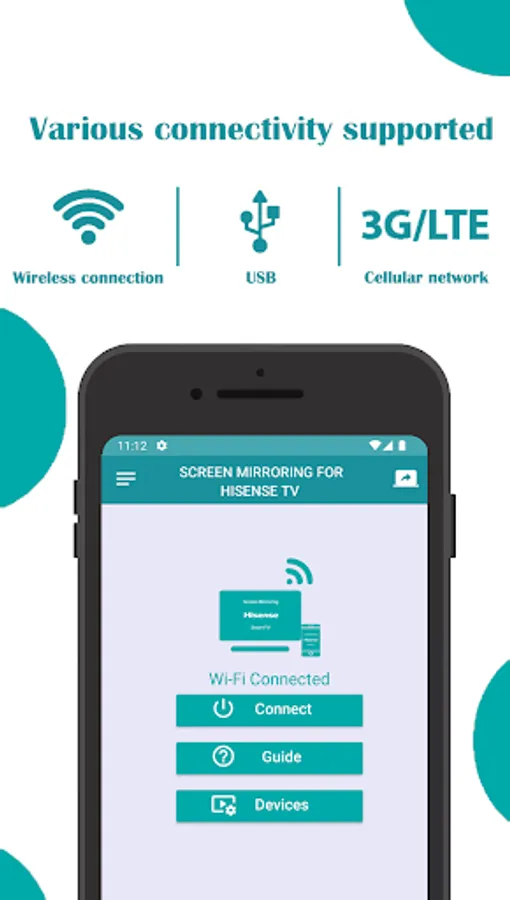
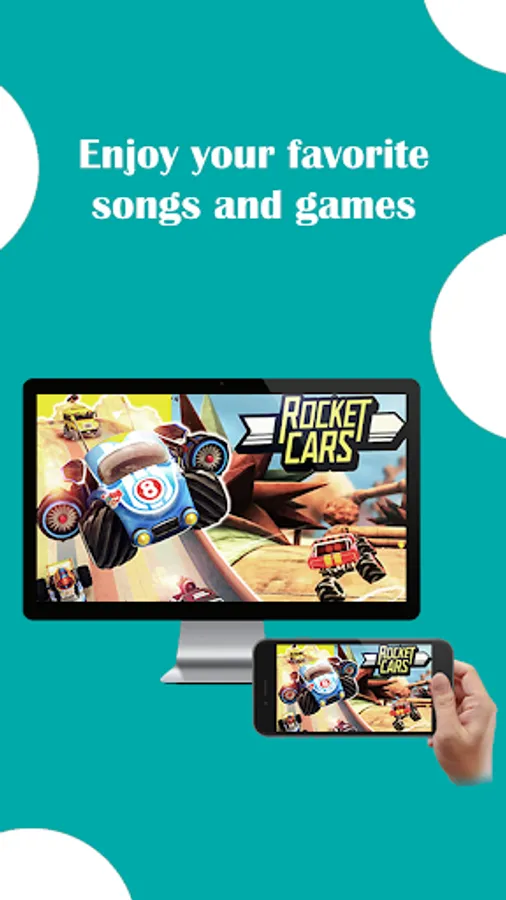
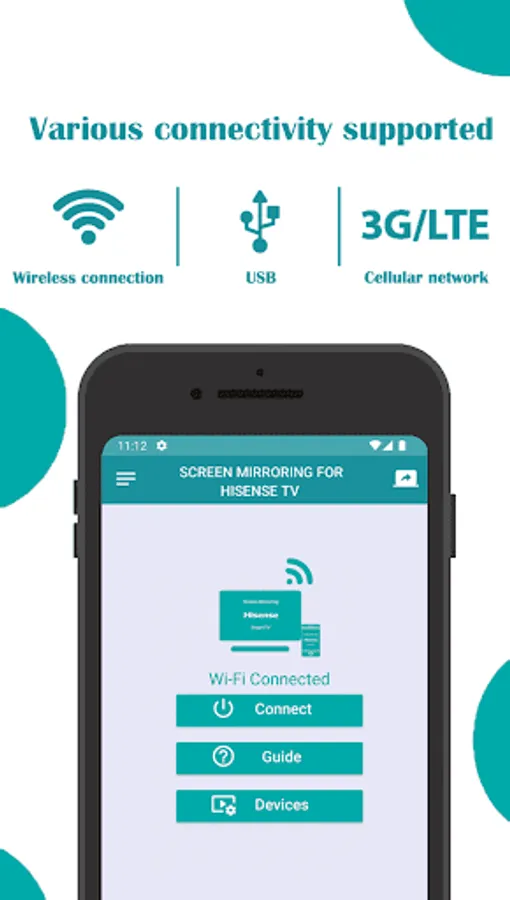
Wireless Screen Mirroring: Quickly connect your phone to your Hisense TV without wires.
High-Quality Streaming: Mirror your screen in Full HD or 4K Ultra HD, perfect for enjoying high-quality videos on the big screen 🎥.
Compatible with a wide range of smart TVs and web browsers.
Free to use: No hidden charges, no in-app purchases 🆓.
User-friendly interface: Easy setup and connection process.
Whether you want to watch online content, share photos with family, or stream live events, Screen Mirroring for Hisense TV offers a smooth, high-quality mirroring experience that enhances your media consumption.
Why choose Screen Mirroring Hisense TV:
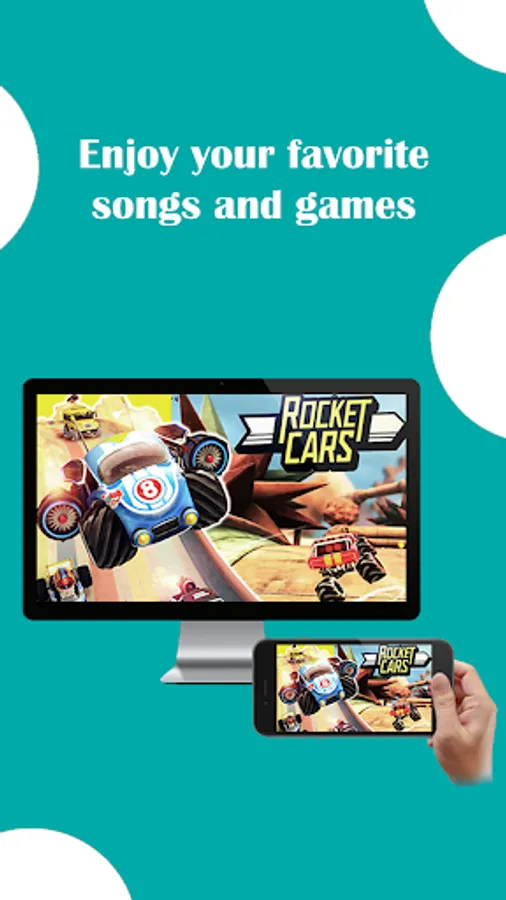
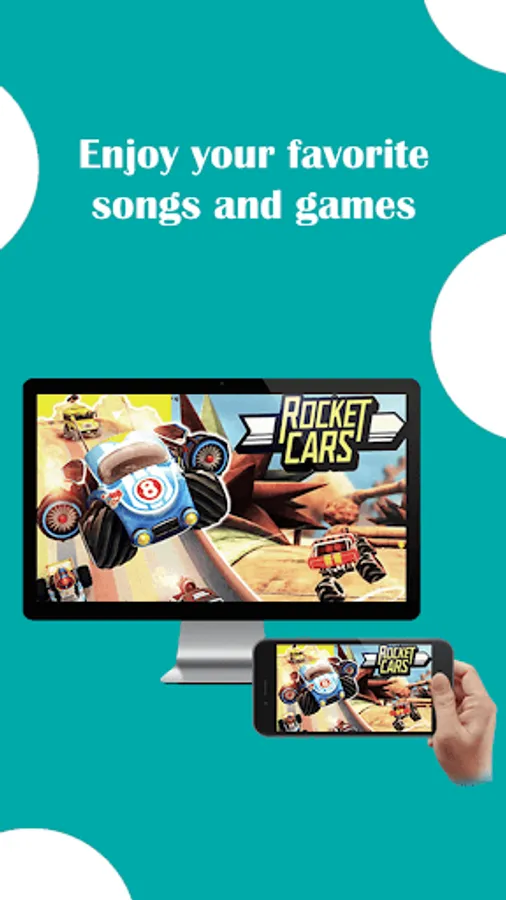
Cast any type of media—videos, photos, music, or documents—directly to your TV 📺.
Stream content in real-time, making it perfect for presentations, video calls, and social sharing 🎞️.
Supports a wide range of Smart TVs beyond Hisense, including Samsung, LG, Panasonic, and more.
Works with Wi-Fi networks, ensuring fast and reliable connectivity.
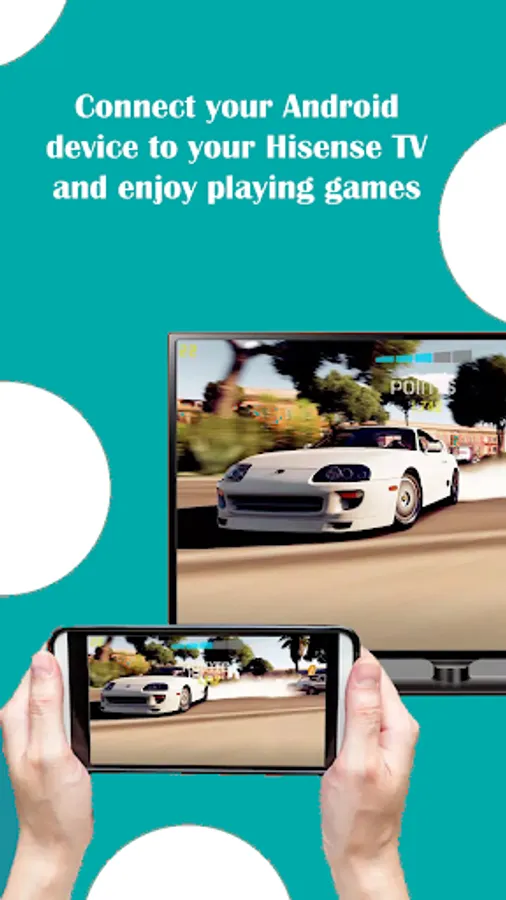
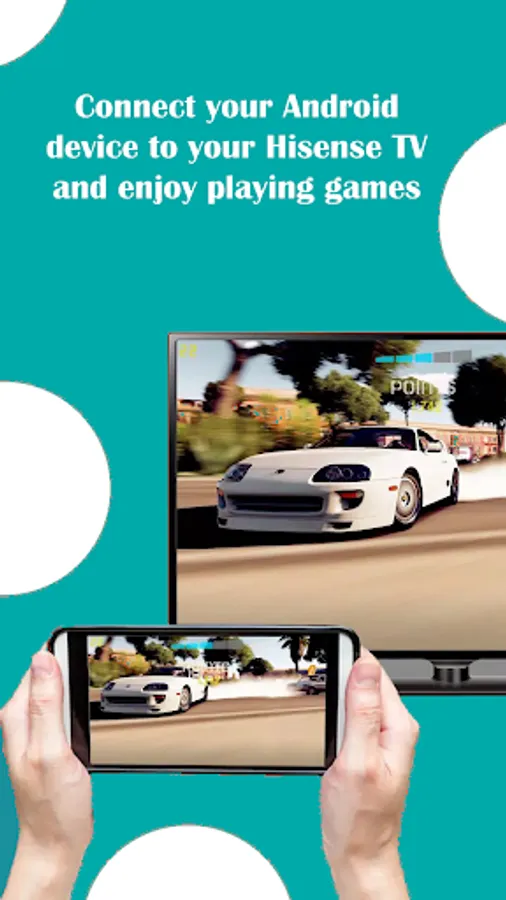
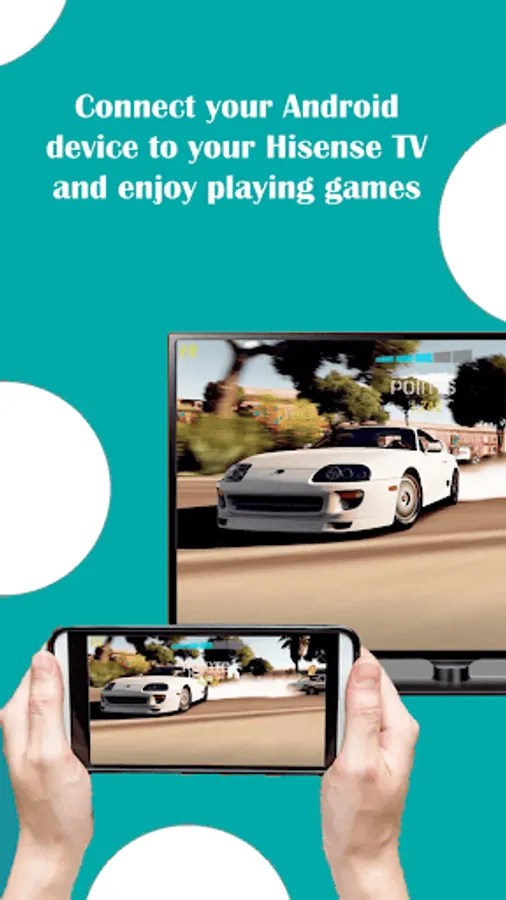
No need for additional equipment—just use your Wi-Fi connection to mirror your mobile screen. Ideal for home entertainment, business presentations, gaming, and much more.
For any support or questions, feel free to contact us at contact@solu-techs.com. Our team is ready to assist you with any concerns or feedback 😊.
Screen Mirroring Hisense TV is your go-to app for a hassle-free screen mirroring experience. Install now and start casting!
🌟 Experience seamless casting with Hisense Smart View, the ultimate solution for projecting your mobile screen to a larger display. Easily cast videos, stream images, play audio, share live content 📡, and project any web or local files onto your Hisense TV in just a few steps.
📲 How to use screen mirroring:
1️⃣ Make sure your Hisense TV and mobile device are connected to the same Wi-Fi network.
2️⃣ Enable Miracast Display on your TV.
3️⃣ Turn on Wireless Display on your mobile device 📱.
4️⃣ Tap Connect to link your device to the TV 🔗.
5️⃣ Enjoy streaming all types of content on your Hisense Smart TV—perfect for watching live events like the World Cup in 4K Ultra HD 🏆⚽.
This app is compatible with any Hisense TV and other TV brands that support web browsers, including Samsung, LG, Panasonic, Philips, Hitachi, Vizio, and TCL 🔄.
Hisense Smart TV Screen Mirroring makes it incredibly easy to:
Mirror your mobile screen for streaming videos, sharing photos, and watching movies.
Stream local or online videos, display photos, play music, and present documents.
Seamlessly cast your favorite media and files without needing cables or additional hardware.
Key Features:
Wireless Screen Mirroring: Quickly connect your phone to your Hisense TV without wires.
High-Quality Streaming: Mirror your screen in Full HD or 4K Ultra HD, perfect for enjoying high-quality videos on the big screen 🎥.
Compatible with a wide range of smart TVs and web browsers.
Free to use: No hidden charges, no in-app purchases 🆓.
User-friendly interface: Easy setup and connection process.
Whether you want to watch online content, share photos with family, or stream live events, Screen Mirroring for Hisense TV offers a smooth, high-quality mirroring experience that enhances your media consumption.
Why choose Screen Mirroring Hisense TV:
Cast any type of media—videos, photos, music, or documents—directly to your TV 📺.
Stream content in real-time, making it perfect for presentations, video calls, and social sharing 🎞️.
Supports a wide range of Smart TVs beyond Hisense, including Samsung, LG, Panasonic, and more.
Works with Wi-Fi networks, ensuring fast and reliable connectivity.
No need for additional equipment—just use your Wi-Fi connection to mirror your mobile screen. Ideal for home entertainment, business presentations, gaming, and much more.
For any support or questions, feel free to contact us at contact@solu-techs.com. Our team is ready to assist you with any concerns or feedback 😊.
Screen Mirroring Hisense TV is your go-to app for a hassle-free screen mirroring experience. Install now and start casting!
Hisense TV Screen Mirroring Screenshots
Tap to Rate:
Reviews for Hisense TV Screen Mirroring
Jacob Hein
12/7/2025
I dislike apps which are not upfront about charging. Like this one.
DarkmagicianDen101
10/19/2025
nice