
Nacho Notch — Notch Hider
Zachary Wander
4.0 ★
3K ratings
500,000+
downloads
Free
In this app, you can hide the notch area by toggling a Quick Tile that changes the status bar color. Includes support for various devices and automatic detection of status bar height.
AppRecs review analysis
AppRecs rating 4.0. Trustworthiness 0 out of 100. Review manipulation risk 0 out of 100. Based on a review sample analyzed.
★★★★☆
4.0
AppRecs Rating
Ratings breakdown
5 star
57%
4 star
17%
3 star
12%
2 star
1%
1 star
13%
What to know
✓
High user satisfaction
74% of sampled ratings are 4+ stars (4.0★ average)
✓
Authentic reviews
Natural distribution, no red flags
About Nacho Notch — Notch Hider
Support me on Patreon! For $1/mo, you get access to all of my paid apps, along with development updates and more! https://www.patreon.com/zacharywander.
IMPORTANT:
The launcher icon does nothing useful! Don't open it if you read this! This app works through the use of a custom Quick Tile. Add the tile by opening the notification shade all the way, tapping the pencil or "EDIT," and dragging "Hide Notch" to the active area. Check the "Promo" video for a visual guide, or follow this link: https://youtu.be/HhH5wK1NokY
ALSO IMPORTANT:
Android prevents screen overlays from showing on the lockscreen, so this app will not and cannot work when the device is locked!
PLEASE READ THESE TERMS.
They describe how Nacho Notch works, and will likely answer most questions.
https://github.com/zacharee/NachoNotch/blob/master/app/src/main/assets/Terms.md.
ZENFONE 5 USERS:
After installing, if the tile doesn't show up in your quick settings menu, reboot. This is a ZenUI bug!
Maybe you have a phone with a notch, maybe you don't. If you do, you might also be annoyed by having this black blob in the middle of a light-colored status bar most of the time.
If this description fits you, you probably want this app. Nacho Notch colors the status bar black while the device is in the portrait orientation, making it better fit with the notch (thereby "hiding" it).
Even if you don't have a notch, but still want a black status bar, you can use the app too. It dynamically finds the height of your statusbar, so you won't be dealing with too little or too much height, or finnicky manual sizing.
Icon color force option by Lee Shawn
Idea by Mishaal Rahman of XDA Developers (article: https://www.xda-developers.com/hide-notch-huawei-p20-essential-phone-oneplus-6-asus-zenfone-5)
GitHub: https://github.com/zacharee/NachoNotch
IMPORTANT:
The launcher icon does nothing useful! Don't open it if you read this! This app works through the use of a custom Quick Tile. Add the tile by opening the notification shade all the way, tapping the pencil or "EDIT," and dragging "Hide Notch" to the active area. Check the "Promo" video for a visual guide, or follow this link: https://youtu.be/HhH5wK1NokY
ALSO IMPORTANT:
Android prevents screen overlays from showing on the lockscreen, so this app will not and cannot work when the device is locked!
PLEASE READ THESE TERMS.
They describe how Nacho Notch works, and will likely answer most questions.
https://github.com/zacharee/NachoNotch/blob/master/app/src/main/assets/Terms.md.
ZENFONE 5 USERS:
After installing, if the tile doesn't show up in your quick settings menu, reboot. This is a ZenUI bug!
Maybe you have a phone with a notch, maybe you don't. If you do, you might also be annoyed by having this black blob in the middle of a light-colored status bar most of the time.
If this description fits you, you probably want this app. Nacho Notch colors the status bar black while the device is in the portrait orientation, making it better fit with the notch (thereby "hiding" it).
Even if you don't have a notch, but still want a black status bar, you can use the app too. It dynamically finds the height of your statusbar, so you won't be dealing with too little or too much height, or finnicky manual sizing.
Icon color force option by Lee Shawn
Idea by Mishaal Rahman of XDA Developers (article: https://www.xda-developers.com/hide-notch-huawei-p20-essential-phone-oneplus-6-asus-zenfone-5)
GitHub: https://github.com/zacharee/NachoNotch
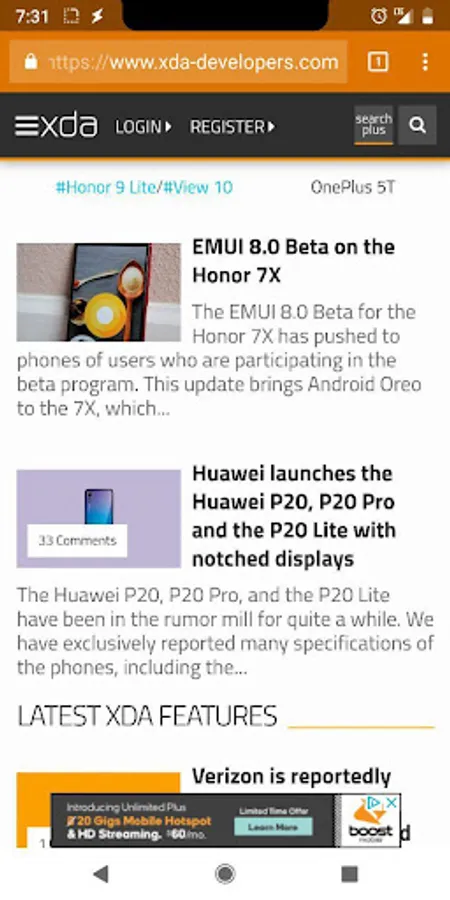
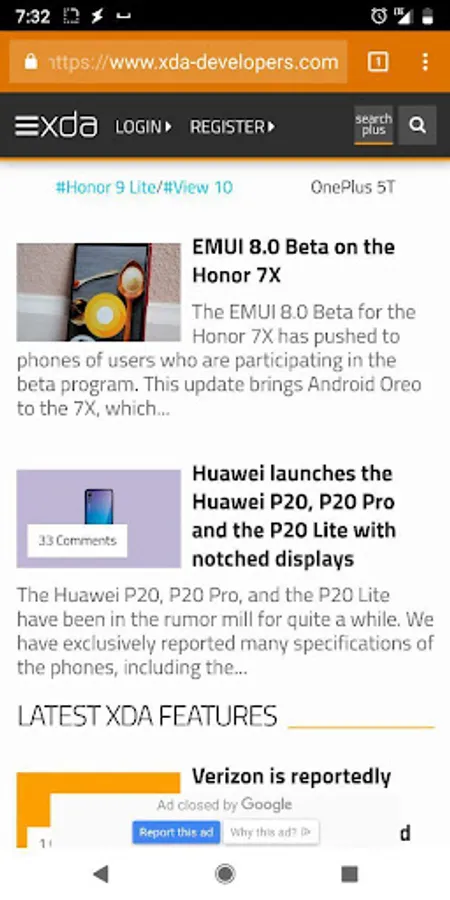
Nacho Notch — Notch Hider Screenshots
Tap to Rate:





![[DISCONTINUED] Widget Drawer icon](https://apprecs.org/gp/img/icons/webp/150/tk.zwander.widgetdrawer/4JetBqo8JiHGpd08EsIqG9jEz0oo5rkFexKZ4G61PLo-icon)
![[ROOT] Rebooter icon](https://apprecs.org/gp/img/icons/webp/150/tk.zwander.rebooter/Slc79AxbWfzZFnNF5KQOMAiyTqaS_jtqJtVXaeJOj54-icon)