Bubble Live Wallpaper
Xllusion
4.0 ★
65K ratings
10,000,000+
downloads
Free
+ in-app
AppRecs review analysis
AppRecs rating 3.4. Trustworthiness 77 out of 100. Review manipulation risk 39 out of 100. Based on a review sample analyzed.
★★★☆☆
3.4
AppRecs Rating
Ratings breakdown
5 star
54%
4 star
16%
3 star
17%
2 star
2%
1 star
11%
What to know
✓
Credible reviews
77% trustworthiness score from analyzed reviews
✓
High user satisfaction
70% of sampled ratings are 4+ stars (4.0★ average)
⚠
Ad complaints
Many low ratings mention excessive ads
About Bubble Live Wallpaper
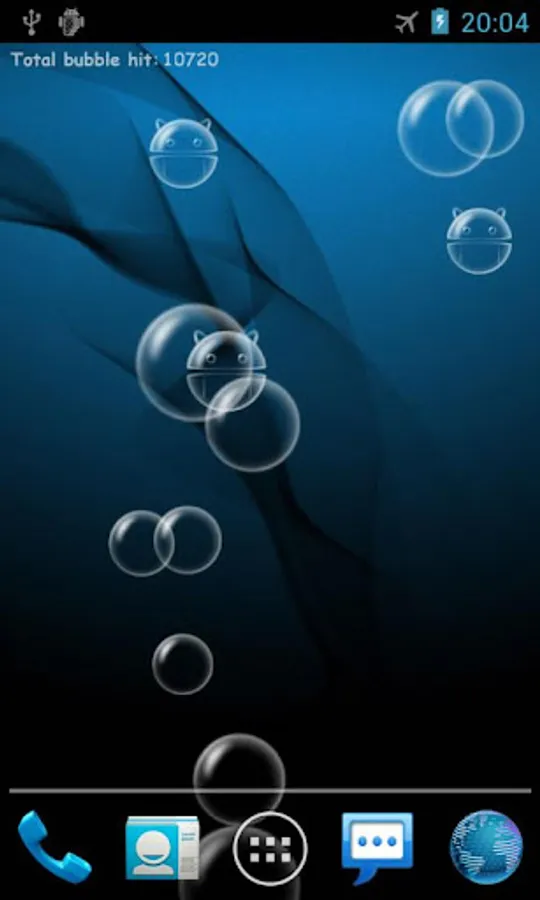
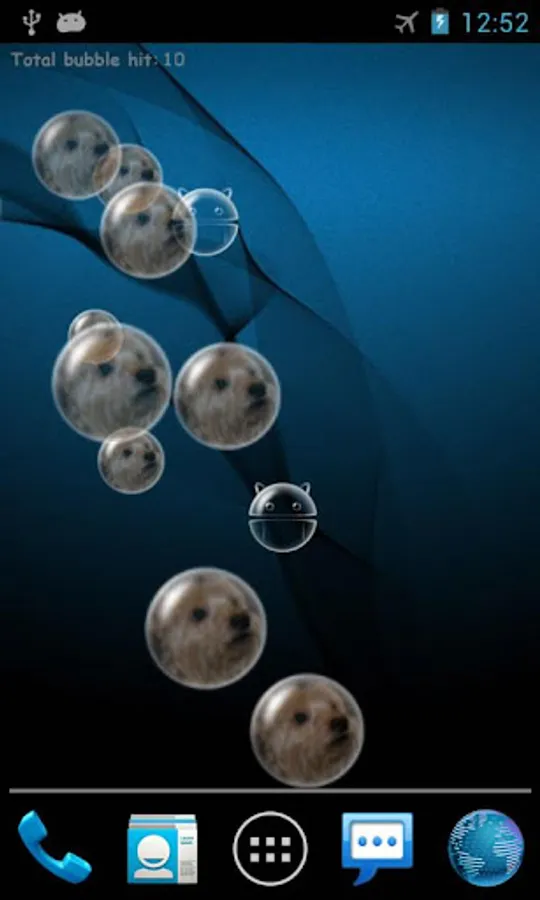
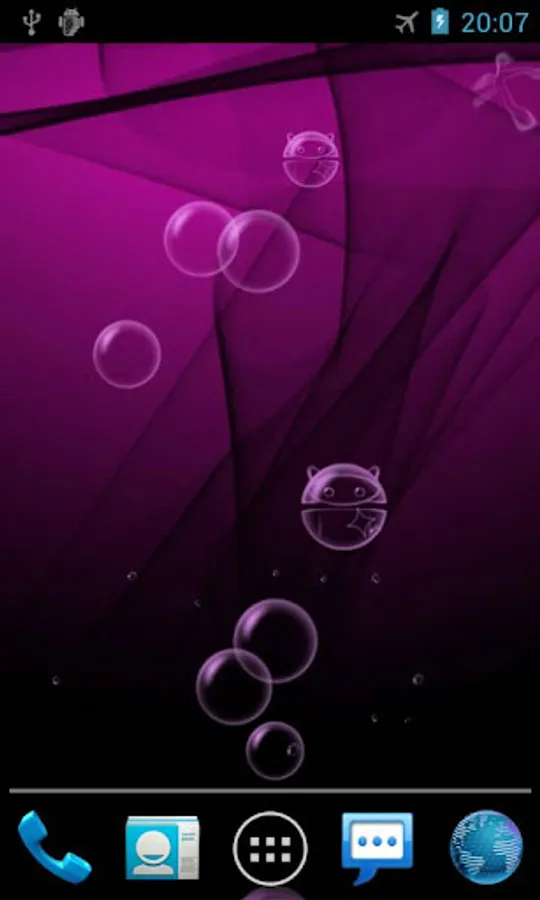
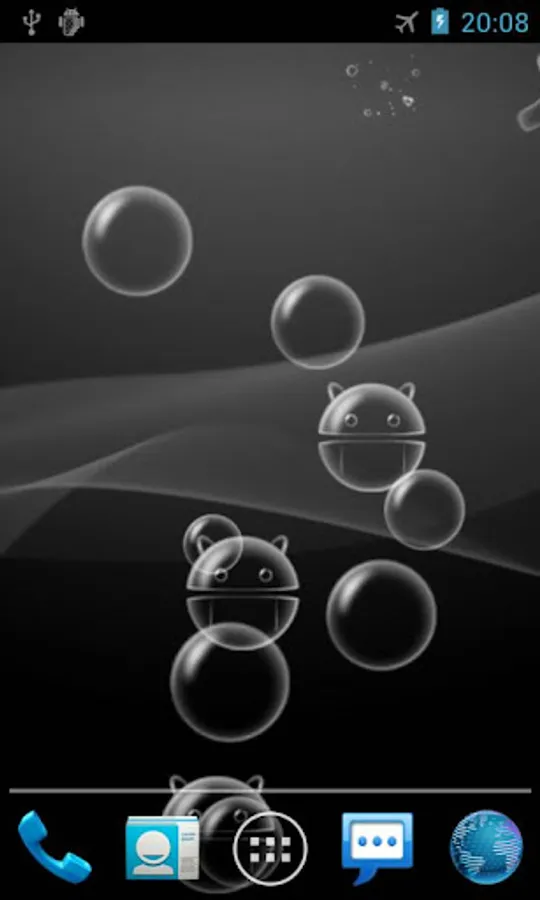
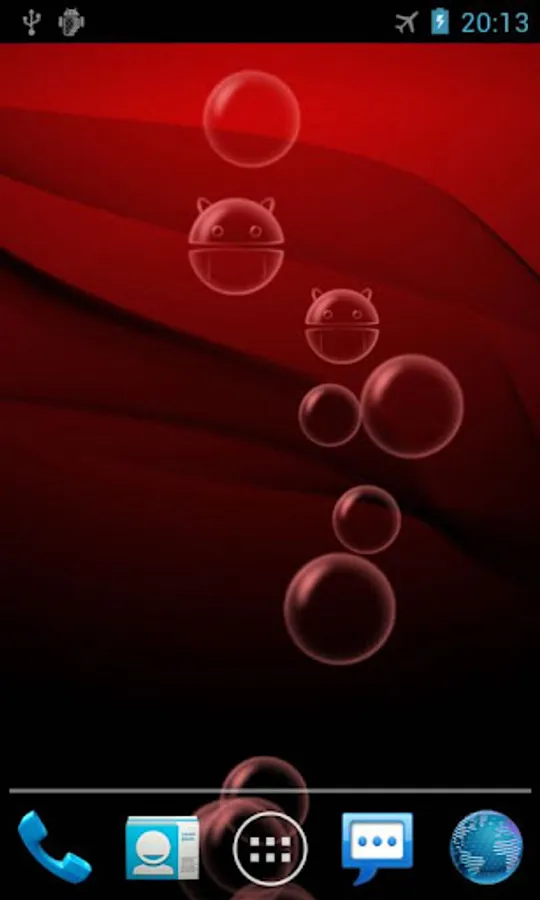
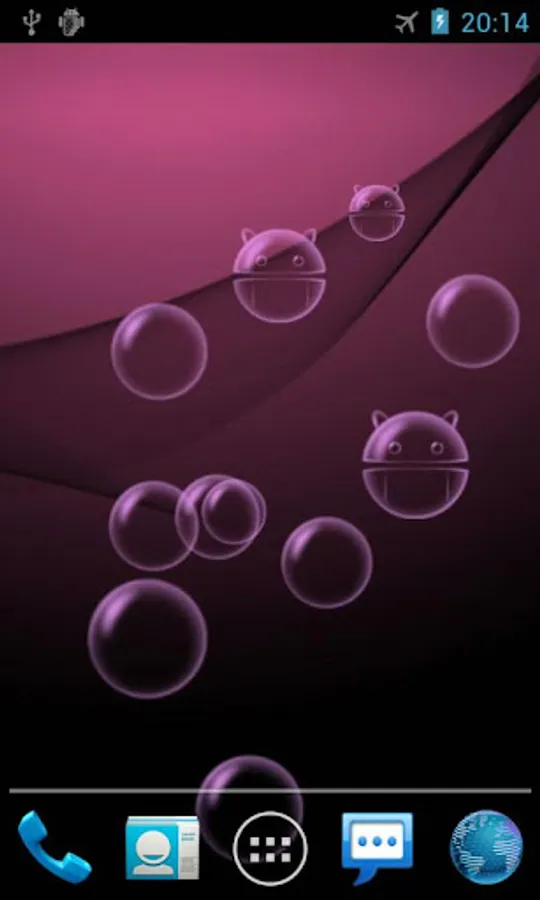
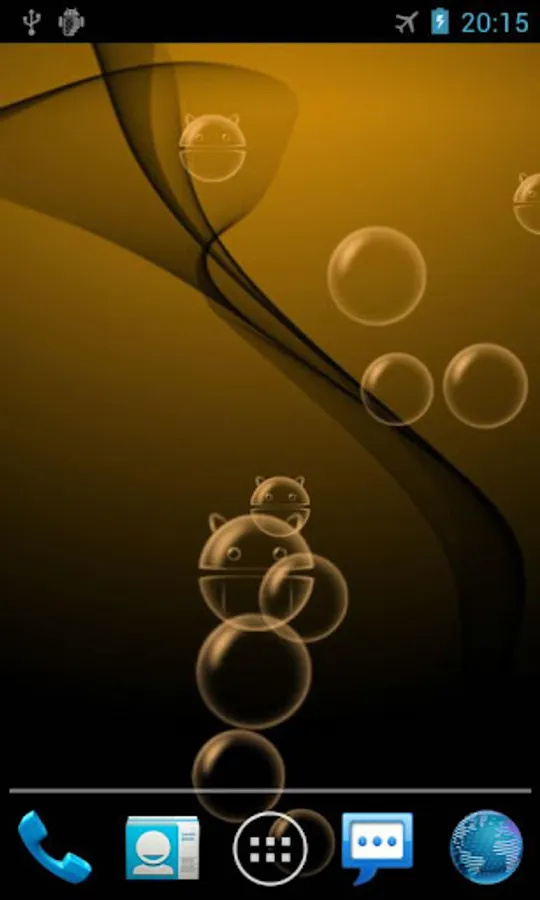
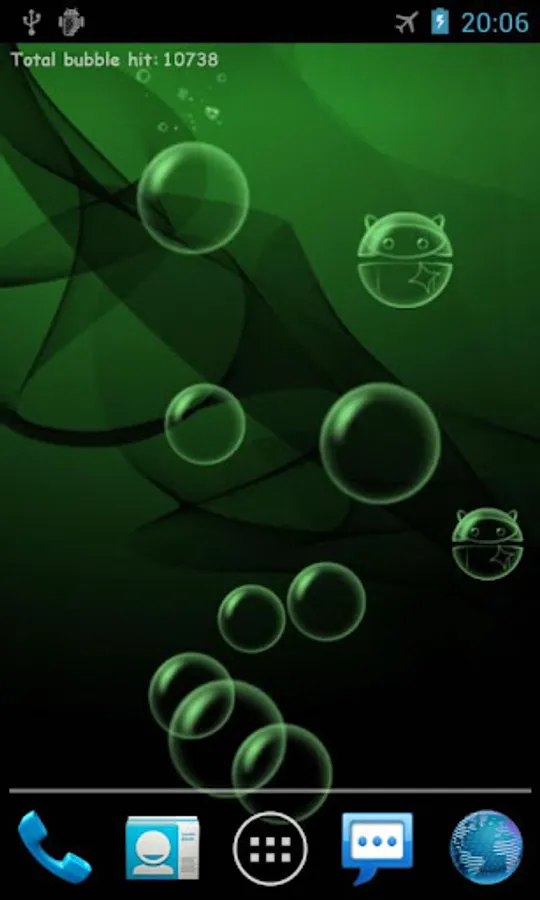
A fun bubble live wallpaper where you can tap bubbles to burst.
Now you can customize background and bubble image from your gallery, choose your lucky color theme and poke your friends to improve affection:)
You can also change different themes, bubble colors and number of bubbles floating.
If you like this wallpaper, please support us by purchasing Pro version with more themes and features.
Instruction
Home -> Menu -> Wallpapers -> Live Wallpapers
Note: It is live wallpaper so you can't open the app, you will need to follow the instruction above in order to set the wallpaper. Also slower/older devices (shipped with Android OS below 2.1) can't run it too.
If you have put the app on SD card and restarted the phone, the wallpaper will reset to default since the system couldn't find the app first.
To avoid turning off the screen when double tap on new Samsung devices, go to Settings -> Advanced features -> Motions and gestures -> Double tap to turn off screen.
Follow us on Twitter: https://twitter.com/xllusion
Like us on Facebook: https://www.facebook.com/xllusion
Now you can customize background and bubble image from your gallery, choose your lucky color theme and poke your friends to improve affection:)
You can also change different themes, bubble colors and number of bubbles floating.
If you like this wallpaper, please support us by purchasing Pro version with more themes and features.
Instruction
Home -> Menu -> Wallpapers -> Live Wallpapers
Note: It is live wallpaper so you can't open the app, you will need to follow the instruction above in order to set the wallpaper. Also slower/older devices (shipped with Android OS below 2.1) can't run it too.
If you have put the app on SD card and restarted the phone, the wallpaper will reset to default since the system couldn't find the app first.
To avoid turning off the screen when double tap on new Samsung devices, go to Settings -> Advanced features -> Motions and gestures -> Double tap to turn off screen.
Follow us on Twitter: https://twitter.com/xllusion
Like us on Facebook: https://www.facebook.com/xllusion
Bubble Live Wallpaper Screenshots
Tap to Rate:
Reviews for Bubble Live Wallpaper
Stephen Bynum
12/1/2025
I love it
Jocelyn Winchester Troiano Melissa
8/26/2025
make it easy plz