Resize Me! Pro - Photo resizer
XnView
4.1 ★
2K ratings
100,000+
downloads
$1.49
In this photo resizer app, you can quickly crop, rotate, and resize images for sharing or emailing. Includes batch resize, format conversion, and watermark features.
AppRecs review analysis
AppRecs rating 4.0. Trustworthiness 83 out of 100. Review manipulation risk 20 out of 100. Based on a review sample analyzed.
★★★★☆
4.0
AppRecs Rating
Ratings breakdown
5 star
59%
4 star
17%
3 star
11%
2 star
3%
1 star
11%
What to know
✓
Low review manipulation risk
20% review manipulation risk
✓
Credible reviews
83% trustworthiness score from analyzed reviews
✓
High user satisfaction
76% of sampled ratings are 4+ stars (4.1★ average)
About Resize Me! Pro - Photo resizer
Resize your photos easily with 'Resize Me!' before sending them by Email or sharing them on Twitter, Facebook, Instagram, ...
You can do that with just one click, or use the interface to rotate, crop and resize.
RESIZE PHOTO - RESIZE IMAGE - CROP IMAGE - PHOTO BATCH CONVERT
--- Features ---
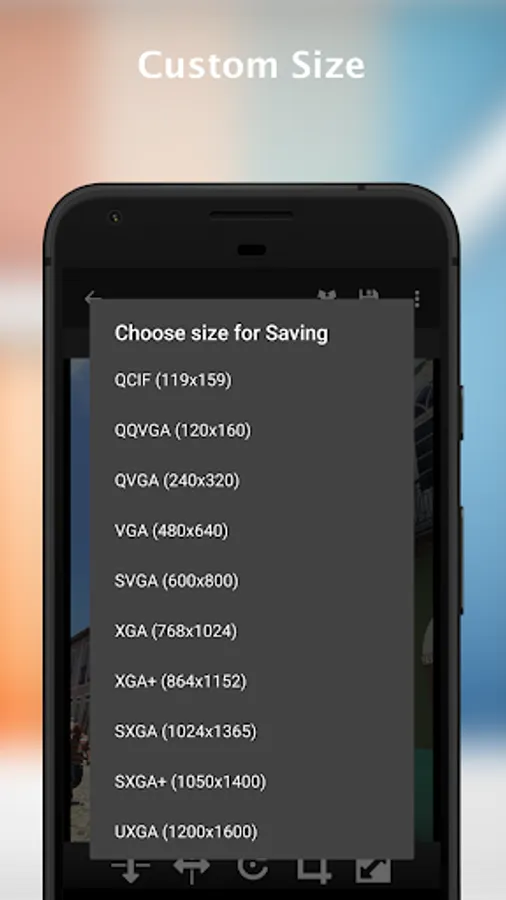
* Custom size
* Easy to use
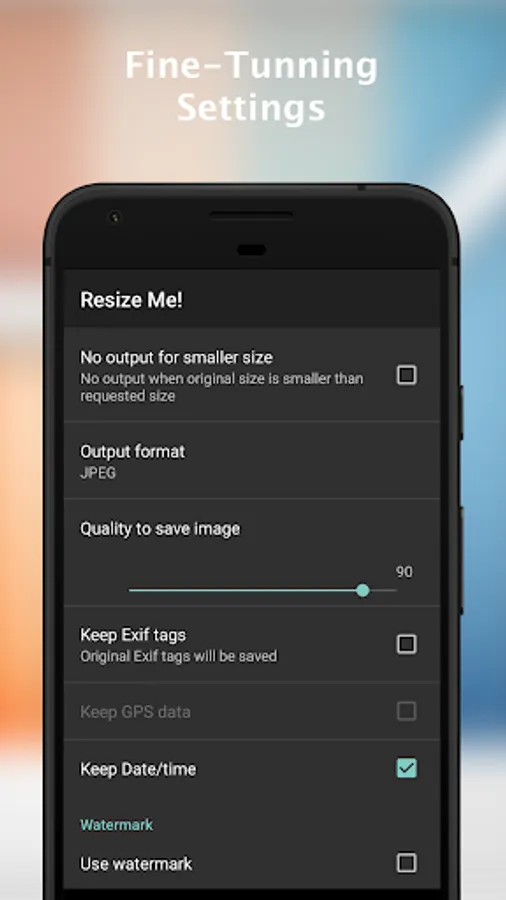
* Keep EXIF tags
* Keep GPS data
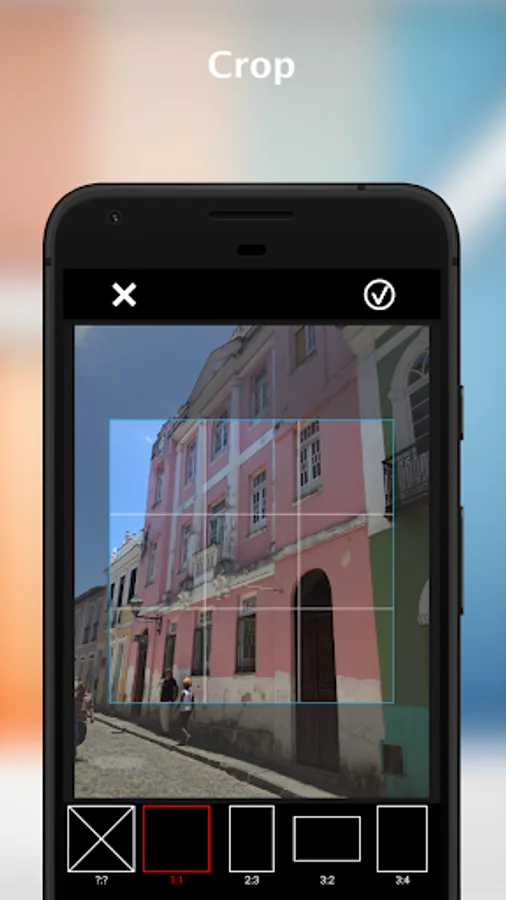
* Rotate and crop
* Save in JPEG or PNG format
* Set as Wallpaper
* Share or save the result
--- Only available in full version
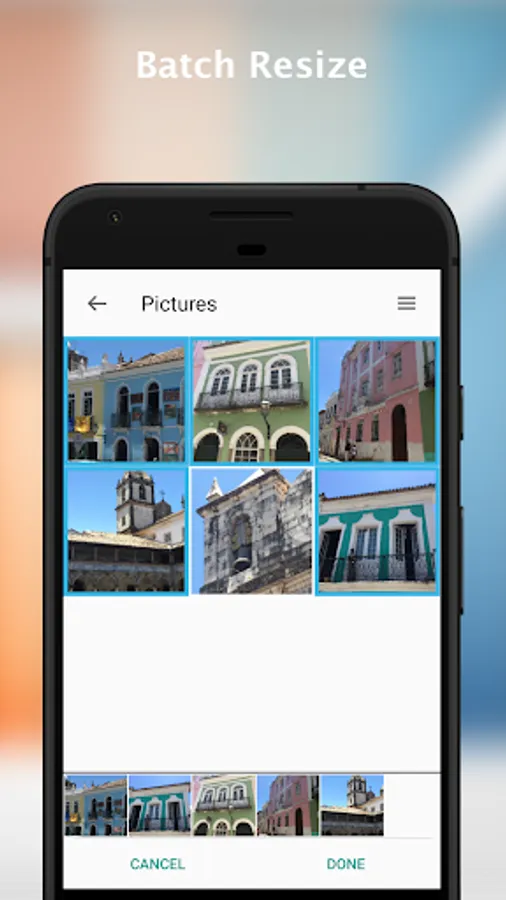
* Batch resize (resize multiple images)
* Text watermark
FOR SUPPORT AND HELP, please contact me at contact@xnview.com.
---- Usage -----
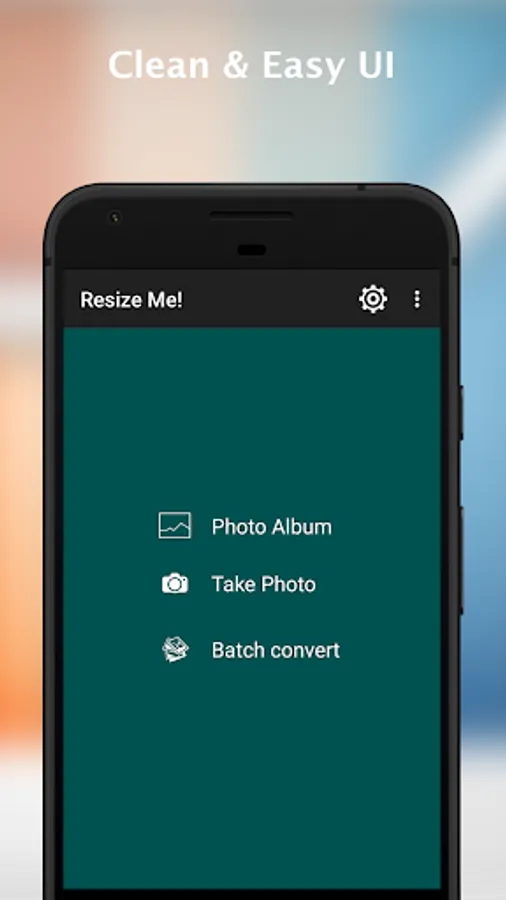
* Launch 'Resize Me!'
Open a photo or take from camera
Rotate, crop, resize
share or save
* Launch from your viewer (e.g. Gallery)
Select or Open an image
Tap on "share" or "send it" and choose 'Resize Me!'
Choose image size
Select the application that you want to use to open the result
* Launch from mail apps
Tap on attach button
Choose 'Resize Me!'
Choose your viewer (e.g. Gallery)
Select an image (or a list of image)
Choose image size
Facebook: http://www.facebook.com/xnview
Twitter: http://www.twitter.com/xnview
G+: http://plus.google.com/+xnview/
You can do that with just one click, or use the interface to rotate, crop and resize.
RESIZE PHOTO - RESIZE IMAGE - CROP IMAGE - PHOTO BATCH CONVERT
--- Features ---
* Custom size
* Easy to use
* Keep EXIF tags
* Keep GPS data
* Rotate and crop
* Save in JPEG or PNG format
* Set as Wallpaper
* Share or save the result
--- Only available in full version
* Batch resize (resize multiple images)
* Text watermark
FOR SUPPORT AND HELP, please contact me at contact@xnview.com.
---- Usage -----
* Launch 'Resize Me!'
Open a photo or take from camera
Rotate, crop, resize
share or save
* Launch from your viewer (e.g. Gallery)
Select or Open an image
Tap on "share" or "send it" and choose 'Resize Me!'
Choose image size
Select the application that you want to use to open the result
* Launch from mail apps
Tap on attach button
Choose 'Resize Me!'
Choose your viewer (e.g. Gallery)
Select an image (or a list of image)
Choose image size
Facebook: http://www.facebook.com/xnview
Twitter: http://www.twitter.com/xnview
G+: http://plus.google.com/+xnview/
Resize Me! Pro - Photo resizer Screenshots
Tap to Rate:
Reviews for Resize Me! Pro - Photo resizer
Truman Dsouza
11/23/2025
Lovo the photo s
Dance Macabre
8/14/2025
Please add support for *. heic images, they are a standard now on modern phones.