XOGO Manager | Digital Signage
XOGO
3.8 ★
store rating
5,000+
downloads
Free
AppRecs review analysis
AppRecs rating 3.3. Trustworthiness 57 out of 100. Review manipulation risk 38 out of 100. Based on a review sample analyzed.
★★★☆☆
3.3
AppRecs Rating
Ratings breakdown
5 star
58%
4 star
8%
3 star
8%
2 star
0%
1 star
25%
What to know
✓
Good user ratings
67% positive sampled reviews
About XOGO Manager | Digital Signage
In the era of smart phones and cloud computing, you shouldn't need to hire an IT team in order to set up a digital sign. XOGO makes the process incredibly easy. Just download this app along with our free XOGO Decision Signage app. In minutes you'll have your images and videos playing on the big screen.
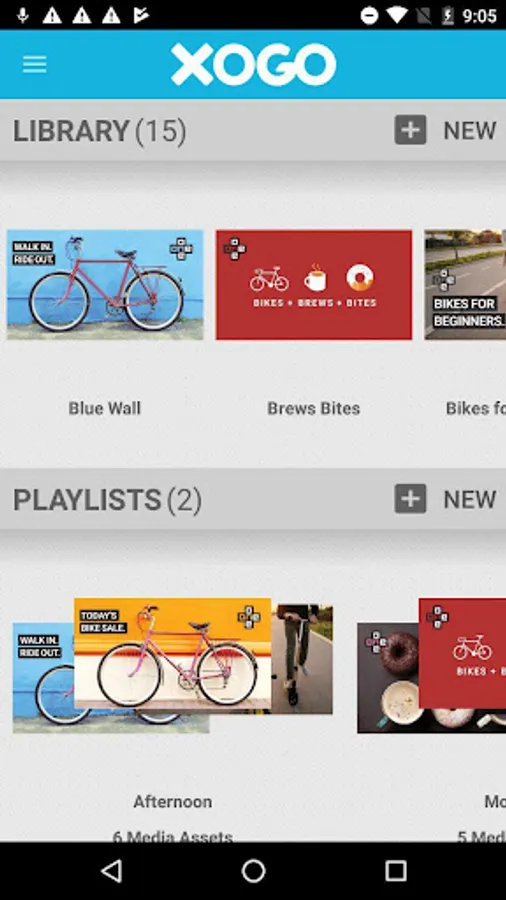
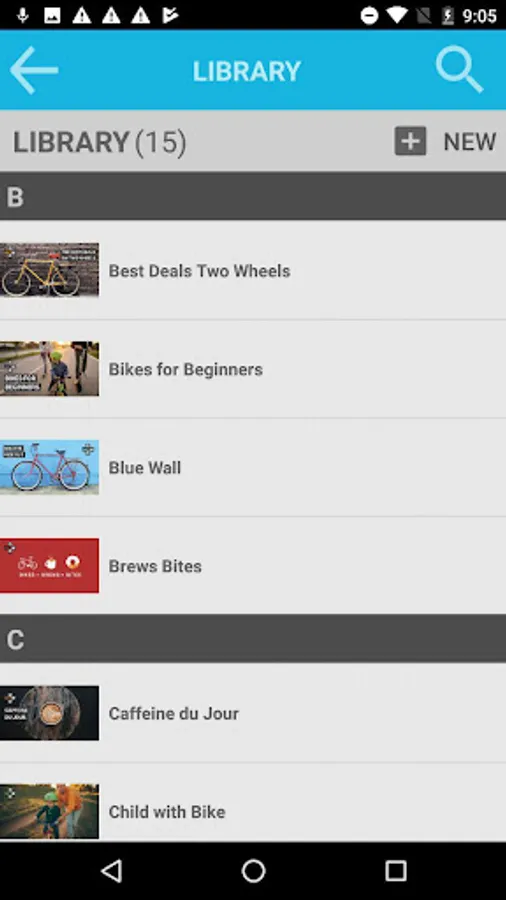
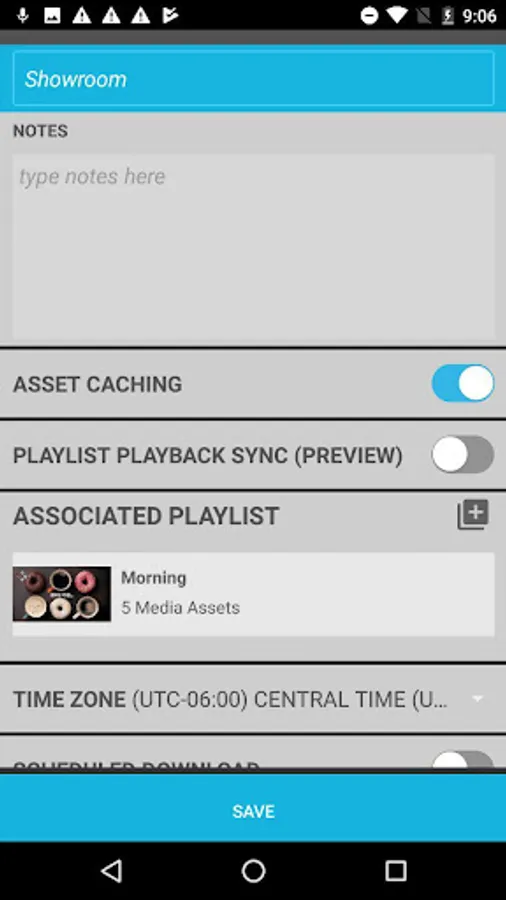
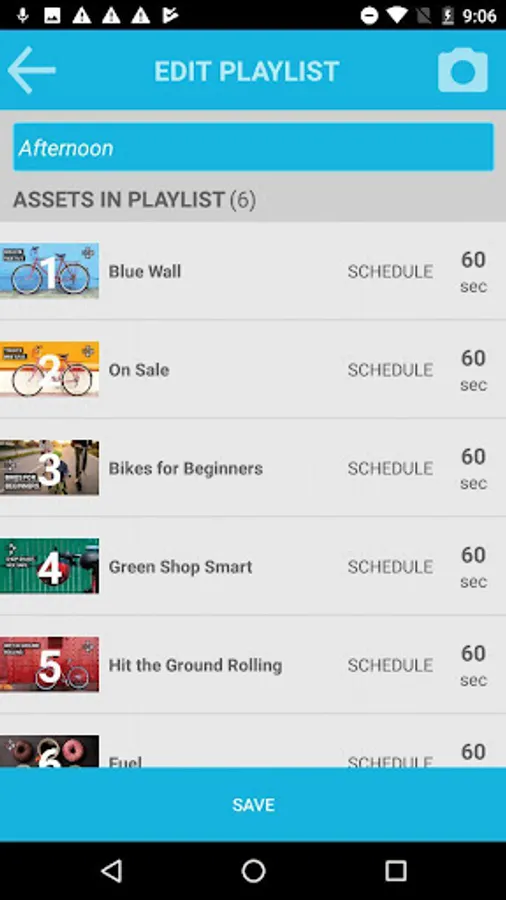
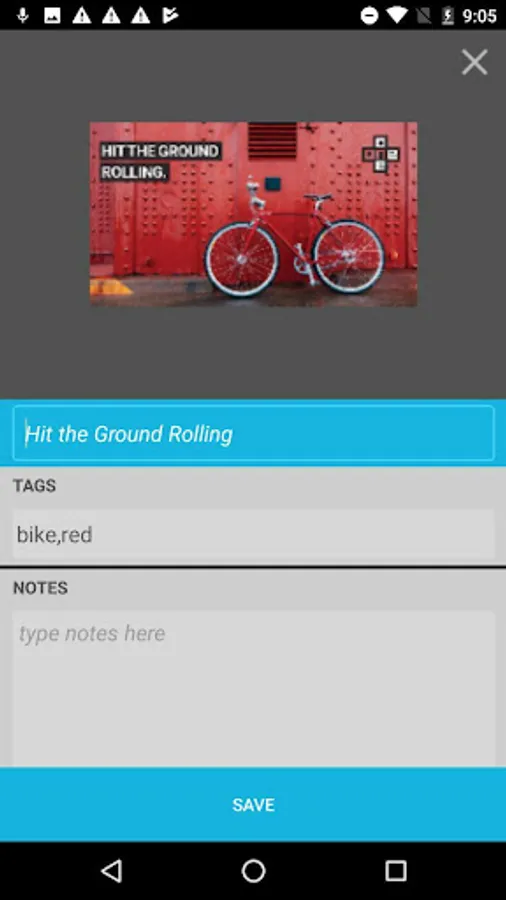
XOGO Content Manager runs on your existing PC, tablet or smart phone and works like a remote control. It allows you to upload images and videos, create playlists, and send those playlists to your digital signs where they will play in a continuous loop. It also allows you take over your screens using Realtime mode, so you can change what’s playing or display hidden content on your signs.
To use XOGO Content Manager you must also download our other free app - XOGO Decision Signage. This one is the media player. It runs on any Windows 10 PC and plays the content and playlists that you send to it from XOGO Content Manager. Connecting the two is as easy as scanning a barcode. Please check out www.xogo.io/gettingstarted for step by step instructions.
XOGO Content Manager runs on your existing PC, tablet or smart phone and works like a remote control. It allows you to upload images and videos, create playlists, and send those playlists to your digital signs where they will play in a continuous loop. It also allows you take over your screens using Realtime mode, so you can change what’s playing or display hidden content on your signs.
To use XOGO Content Manager you must also download our other free app - XOGO Decision Signage. This one is the media player. It runs on any Windows 10 PC and plays the content and playlists that you send to it from XOGO Content Manager. Connecting the two is as easy as scanning a barcode. Please check out www.xogo.io/gettingstarted for step by step instructions.